SVGs
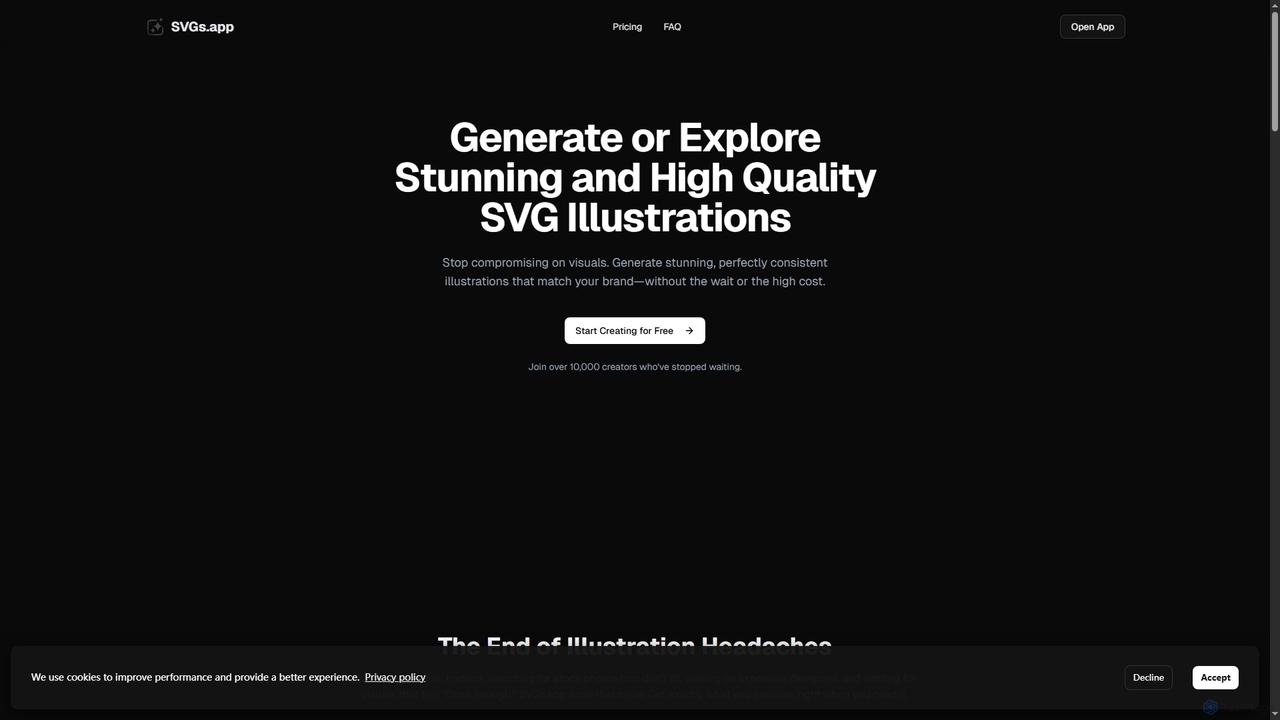
SVGs is an AI-powered platform designed to generate high-quality, consistent SVG illustrations rapidly. It empowers individuals and teams …
SVGs is an AI-powered platform designed to generate high-quality, consistent SVG illustrations rapidly. It empowers individuals and teams to create stunning, on-brand visuals for various applications, from websites and apps to marketing materials, without requiring extensive design expertise or significant time and cost investments.
About Ui Ux Design
AI UI/UX Design tools are a class of software that uses artificial intelligence to automate and accelerate the creation of user interfaces and experiences. These tools leverage machine learning models to interpret text prompts, sketches, or existing designs to generate new mockups, components, and even functional code. They empower designers and developers to move from idea to interactive prototype faster, test multiple variations efficiently, and maintain design consistency at scale. This technology significantly reduces manual effort in tasks like wireframing, component creation, and front-end coding.
Core Features
- Text/Sketch to UI Generation: Automatically creates wireframes or high-fidelity mockups from simple text descriptions or hand-drawn sketches.
- Design-to-Code Conversion: Analyzes a design file (e.g., from Figma) and generates corresponding front-end code in languages like HTML/CSS, React, or Vue.
- AI-Powered Design Systems: Helps create, manage, and scale design systems by automating component generation and ensuring visual consistency.
- Predictive Usability Analysis: Simulates user interaction to generate heatmaps and identify potential usability issues before any user testing.
- Smart Content Population: Fills designs with realistic placeholder data, text, and images that match the design's context.
Use Cases
These tools are widely used by product designers, UX/UI specialists, and front-end developers. Common applications include rapid prototyping for new app ideas, converting legacy website designs into modern component-based code, and A/B testing multiple design variations generated by AI. They are particularly valuable in agile development environments where speed and iteration are critical.
How to Choose
When selecting an AI UI/UX Design tool, consider its primary function: is it for ideation, high-fidelity design, or code generation? Evaluate the quality and cleanliness of the generated output (both design and code). Check for integrations with your existing workflow tools like Figma, Sketch, or VS Code. Also, assess the level of customization and control the tool offers over the final design and code structure.

Ui Ux DesignUse Cases
Rapid Prototyping from a Text Prompt
A product manager needs to quickly visualize a new feature for a stakeholder meeting. Instead of waiting for the design team, they use an AI UI/UX tool. By typing a simple prompt like 'Create a user profile screen for a social media app with a profile picture, username, bio, and a grid of photos,' the tool generates several high-fidelity design variations in minutes. This allows for immediate feedback and faster decision-making, significantly shortening the ideation phase of the development lifecycle.
Converting Wireframes to High-Fidelity Mockups
A UX designer has completed a workshop and has several hand-drawn wireframes on a whiteboard. To digitize them, they take a photo and upload it to an AI UI/UX tool. The AI analyzes the sketches, identifies common UI elements like buttons and input fields, and converts them into a clean, editable, high-fidelity mockup within a design application like Figma. This automates a tedious process, saving hours of manual recreation and allowing the designer to focus on refining the user experience and visual details.
Automating Front-End Code Generation
A front-end developer receives a finalized design from the UI team in a Figma file. They use an AI design-to-code tool or plugin to analyze the design. The tool automatically generates clean, structured code for the layout, components, and styling in their preferred framework (e.g., React with Tailwind CSS). While the code may need minor adjustments for logic and accessibility, it eliminates the time-consuming task of manually translating visual design into code, potentially reducing development time for new UIs by over 50%.
Creating Consistent Design System Components
A design team is tasked with building a comprehensive design system. They use an AI tool to accelerate the process. After defining base styles for colors, typography, and spacing, they instruct the AI to generate a full suite of components (buttons, inputs, cards, modals) based on these rules. The AI produces hundreds of variations and states (e.g., hover, disabled, active) in seconds, ensuring perfect consistency. This allows the team to focus on higher-level system architecture and documentation rather than manually creating every single component variant.
AI-Powered Usability Heatmap Prediction
A UX researcher is preparing a new landing page design for launch but lacks the time for a full usability study. They upload the design to an AI analysis tool. The tool uses a predictive model, trained on thousands of eye-tracking studies, to generate a heatmap showing where users are most likely to look and click. It highlights potential issues, such as important call-to-action buttons being in low-visibility areas. This provides quick, data-driven insights to optimize the layout before it goes live, improving conversion rates without the cost of a traditional study.
Generating Realistic Content for Mockups
A UI designer is creating a dashboard for a financial analytics app. Instead of using 'Lorem Ipsum' text and generic chart images, they use an AI content generation feature. They specify the context ('financial data for Q4') and the AI populates the design with realistic-looking names, transaction amounts, and generates relevant charts and graphs. This makes the mockup much more convincing for stakeholder presentations and usability testing, as users can react to plausible data rather than abstract placeholders, leading to more meaningful feedback.