ToolMage
Sign in

Best 2 Pdf AI tools for Document

Popular Pdf AI tools in Document include Toolsmart and Tami Reader, helping you work more efficiently.

Toolsmart
Free

Toolsmart

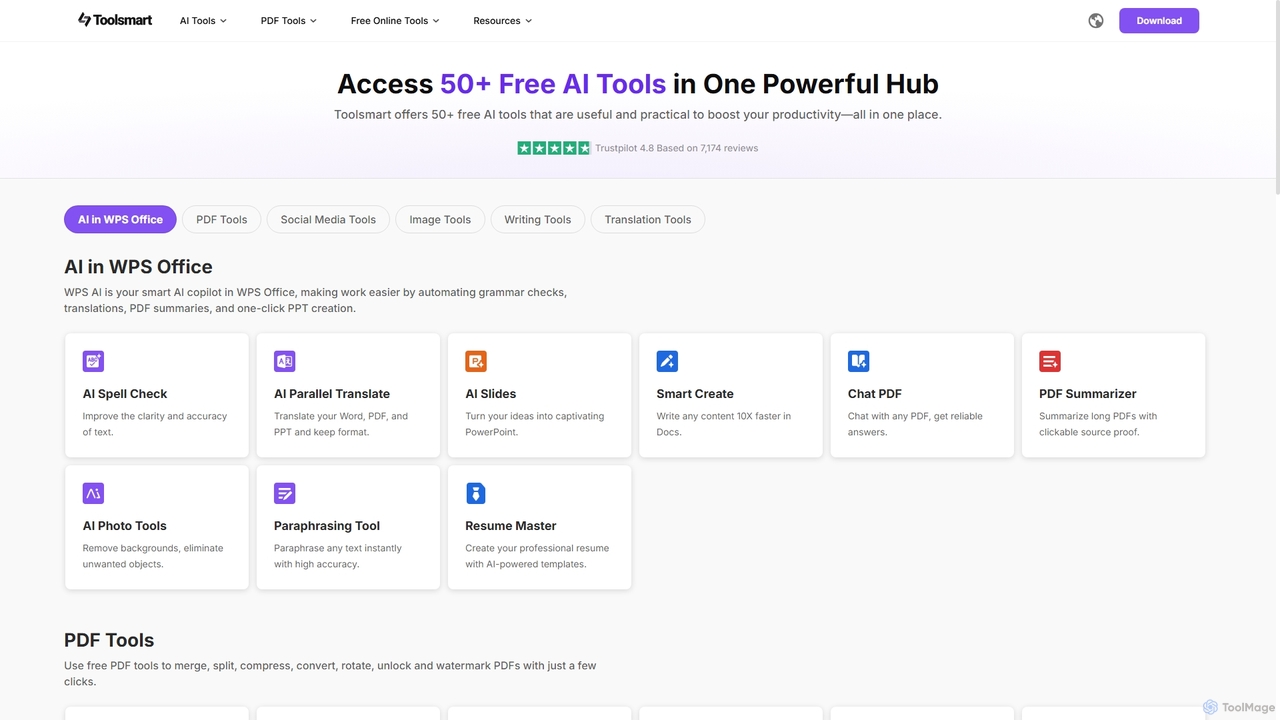
Toolsmart is a comprehensive suite of over 50 free AI-powered tools designed to boost productivity. It offers a wide range of utilities in one convenient hub, including PDF converters and editors, social media video downloaders, advanced image editing tools like background and watermark removers, and a variety of AI writing assistants for paraphrasing, summarizing, and humanizing text. No sign-up is required for most tools, providing a fast, accessible, and ad-free user experience for creators, marketers, and professionals.

Pdf
Visits 1.4MFavorites 123Likes 126
Tami Reader
Freemium

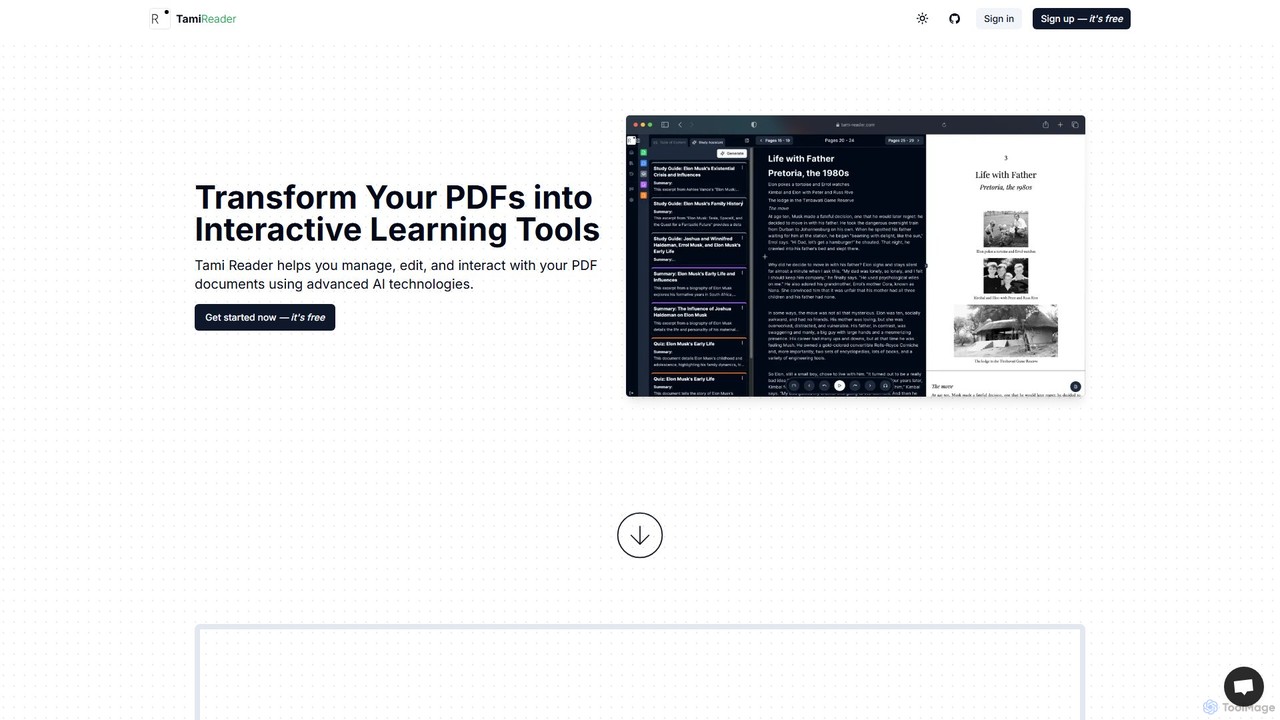
Tami Reader

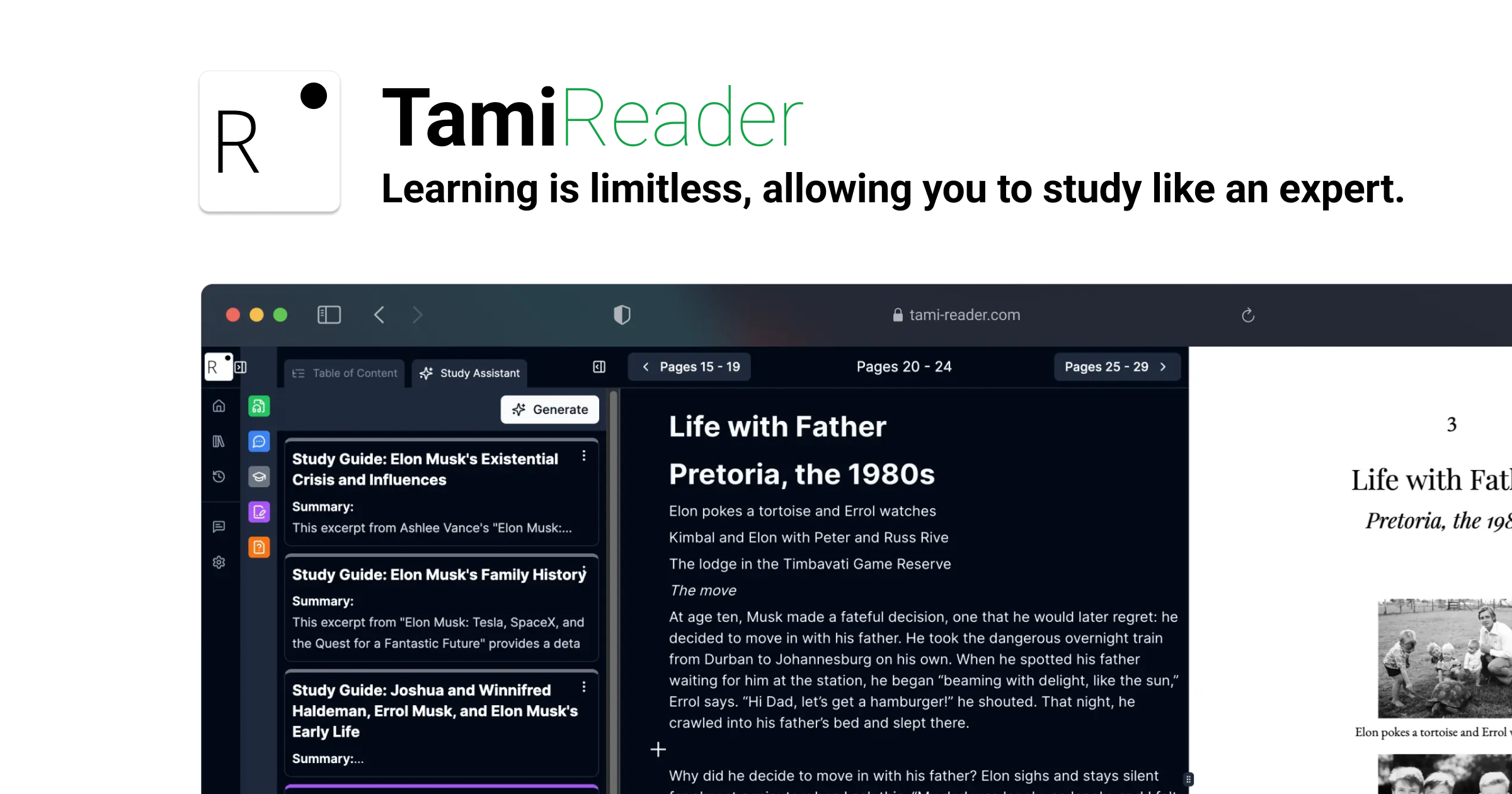
Tami Reader is an AI-powered assistant that transforms your PDFs into interactive learning tools. It allows you to chat with documents, generate summaries, create study guides and quizzes, visualize content with mind maps, and listen with text-to-speech. Ideal for students, researchers, and professionals to enhance productivity and understanding.

Pdf
Visits 4.1KFavorites 119Likes 94

About Pdf

AI PDF tools are applications that use artificial intelligence to intelligently interact with, analyze, and extract information from PDF documents. Leveraging Natural Language Processing (NLP) and computer vision, these tools can understand the content and structure of a file, going far beyond traditional editing. They enable users to ask questions, generate summaries, and automate data extraction directly from PDFs. This transforms static documents into dynamic, interactive knowledge bases, significantly accelerating research and data analysis workflows.

Core Features

  • Chat with Document: Ask questions in natural language and receive precise answers sourced directly from the PDF content.
  • Automated Summarization: Generate concise summaries of long reports, academic papers, or legal contracts in seconds.
  • Intelligent Data Extraction: Automatically identify and pull specific data points like names, dates, or financial figures from tables and text.
  • Content Analysis: Understand the context, sentiment, and key themes within a document without manual reading.
  • Cross-document Search: Ask questions and find information across multiple PDF files simultaneously.

Use Cases

These tools are widely used by researchers, students, legal professionals, and financial analysts. For instance, a lawyer can quickly find all clauses related to liability across hundreds of pages of contracts, while a student can generate a study guide from a dense textbook chapter. In business, they are used for processing invoices, analyzing market research reports, and creating knowledge bases from technical manuals.

How to Choose

When selecting an AI PDF tool, consider the primary task: do you need conversational Q&A, bulk data extraction, or summarization? Evaluate the tool's accuracy and its ability to handle complex layouts like tables and charts. Also, consider security protocols for sensitive documents, integration capabilities with cloud storage or other apps, and the pricing model (e.g., per-document, subscription-based, or API access).

Featured tool rankings

Pdf use cases

1

Accelerate Academic Research and Literature Reviews

For postgraduate students and academic researchers, reviewing dozens of scientific papers is a time-consuming core task. An AI PDF tool allows them to upload multiple papers into a single project. They can then ask complex questions like, 'What are the common limitations cited across these studies on machine learning?' The AI scans all documents to synthesize an answer with citations. This approach transforms a multi-day reading task into a focused, hours-long analytical session, enabling researchers to quickly identify knowledge gaps and formulate new hypotheses.

2

Streamline Legal Contract Analysis and Due Diligence

Legal professionals often face the challenge of reviewing lengthy and complex contracts under tight deadlines. Using an AI PDF tool, a paralegal can upload a 200-page merger agreement and instantly ask, 'Summarize all indemnification clauses' or 'Identify any clauses that mention non-compete restrictions.' The AI provides answers in seconds, highlighting the exact text and page numbers. This not only saves dozens of hours of manual work but also reduces the risk of human error in missing critical details during due diligence processes.

3

Automate Data Extraction from Financial Reports

A financial analyst needs to compare key performance indicators (KPIs) from the quarterly reports of ten different companies, all in PDF format. Instead of manually searching for figures like revenue, net profit, and EBITDA in each document, they use an AI PDF tool's data extraction feature. They define the data points they need once, and the tool automatically scans all ten reports, extracting the required figures and organizing them into a structured format like a CSV file. This automates a tedious process, ensuring data accuracy and freeing up the analyst to focus on interpretation and strategy.

4

Create Interactive Study Guides from Textbooks

A college student preparing for final exams uploads several PDF chapters from their history textbook into an AI tool. They use the chat function to ask clarifying questions like, 'Explain the main causes of World War I in simple terms.' They also use the summarization feature to create concise notes for each chapter. Finally, they prompt the AI to 'Generate five potential exam questions based on this chapter,' turning passive reading material into an active and interactive study session. This helps them better understand complex topics and test their knowledge effectively.

5

Process and Analyze Customer Feedback Reports

A product manager receives a monthly 50-page PDF report compiling customer feedback from surveys and support tickets. To quickly identify trends, they upload the report to an AI PDF tool and ask, 'What are the top 3 most mentioned feature requests?' and 'What is the overall sentiment regarding the latest software update?' The AI analyzes the unstructured text, categorizes the feedback, and provides a summarized list of requests and a sentiment analysis score. This allows the product manager to derive actionable insights in minutes instead of spending hours manually reading and categorizing comments.

6

Translate and Summarize Multilingual Technical Manuals

An engineering team receives technical specifications and compliance documents in PDF from international partners in German and Japanese. A project lead, who only speaks English, uses an AI PDF tool to instantly translate these documents. More importantly, they can then ask questions in English like, 'What are the key safety requirements mentioned in the German document?' The tool provides a summarized, translated answer, breaking down language barriers and ensuring critical information is understood quickly and accurately without relying on expensive, slow translation services.

Pdf FAQ

What are AI PDF tools?

AI PDF tools are advanced applications that use artificial intelligence, primarily Natural Language Processing (NLP), to understand and interact with the content of PDF files. Unlike traditional PDF editors that focus on changing the file's appearance (like editing text or adding signatures), AI PDF tools focus on comprehending the information within. This allows you to perform tasks such as asking direct questions about the content, generating automatic summaries of long documents, and extracting specific data points from text and tables without manual effort.

How is an AI PDF tool different from a standard PDF editor like Adobe Acrobat?

The core difference lies in their purpose. A standard PDF editor like Adobe Acrobat is designed for manual manipulation and presentation. Its strengths are in editing text, merging documents, converting formats, and adding annotations or signatures. An AI PDF tool, on the other hand, is designed for content comprehension and analysis. It doesn't just let you change the document; it helps you understand it. Key differentiators include:

  • Interaction: You can 'talk' to your document with an AI tool, asking questions in natural language.
  • Automation: AI tools automate tasks like summarization and data extraction, which would be manual in a standard editor.
  • Insight Generation: AI tools can identify themes, sentiment, and connections within the text that a standard editor cannot.
In short, you use a standard editor to create or modify a PDF, and an AI tool to analyze and extract knowledge from it.

How do I choose the right AI PDF tool for my needs?

Choosing the right tool depends on your specific use case. Consider the following factors:

  • Primary Function: Do you need a tool primarily for chatting and Q&A with documents, or is your main goal to extract structured data (like from invoices)? Some tools excel at one over the other.
  • Document Complexity: Check if the tool can handle complex layouts, such as multi-column documents, dense tables, and scanned PDFs (requiring OCR).
  • Security and Privacy: If you work with sensitive or confidential documents, verify the tool's data privacy policy and security measures. Look for options that offer on-premise deployment or end-to-end encryption.
  • Integration: Does the tool connect with your existing workflow? Look for integrations with cloud storage (Google Drive, Dropbox) or other business applications.
  • Pricing Model: Compare pricing structures. Some charge per page or per document, while others offer monthly subscriptions with varying usage limits. Choose one that aligns with your expected volume.

Can AI PDF tools handle scanned documents or images?

Yes, many advanced AI PDF tools can handle scanned documents and images. They achieve this by using Optical Character Recognition (OCR) technology as a first step. The OCR engine scans the image-based PDF and converts the visual text into machine-readable text. Once the text is recognized, the AI's Natural Language Processing (NLP) capabilities can then be applied to analyze the content, answer questions, summarize, and extract data just as it would with a text-based PDF. However, the accuracy can depend on the quality of the scan, so it's always a good practice to check a tool's OCR performance, especially for documents with complex layouts or handwritten notes.

Who benefits most from using AI PDF tools?

While anyone dealing with PDFs can benefit, certain professionals gain exceptional value. This includes:

  • Students and Researchers: For quickly reviewing literature, summarizing papers, and creating study guides from textbooks.
  • Legal Professionals: For accelerating contract review, due diligence, and finding specific clauses across thousands of pages.
  • Financial Analysts: For automating the extraction of data from annual reports, financial statements, and market analyses.
  • Business Professionals: For analyzing customer feedback, processing invoices, and creating internal knowledge bases from manuals and reports.
Essentially, anyone whose work involves extracting specific information or understanding the core message of long, dense documents can significantly improve their productivity and accuracy with these tools.