ToolMage
Sign in

Best 3 Product Image AI tools for E Commerce

Popular Product Image AI tools in E Commerce include PicWish, Retoucher.online, and removerized, helping you work more efficiently.

removerized
Free

removerized

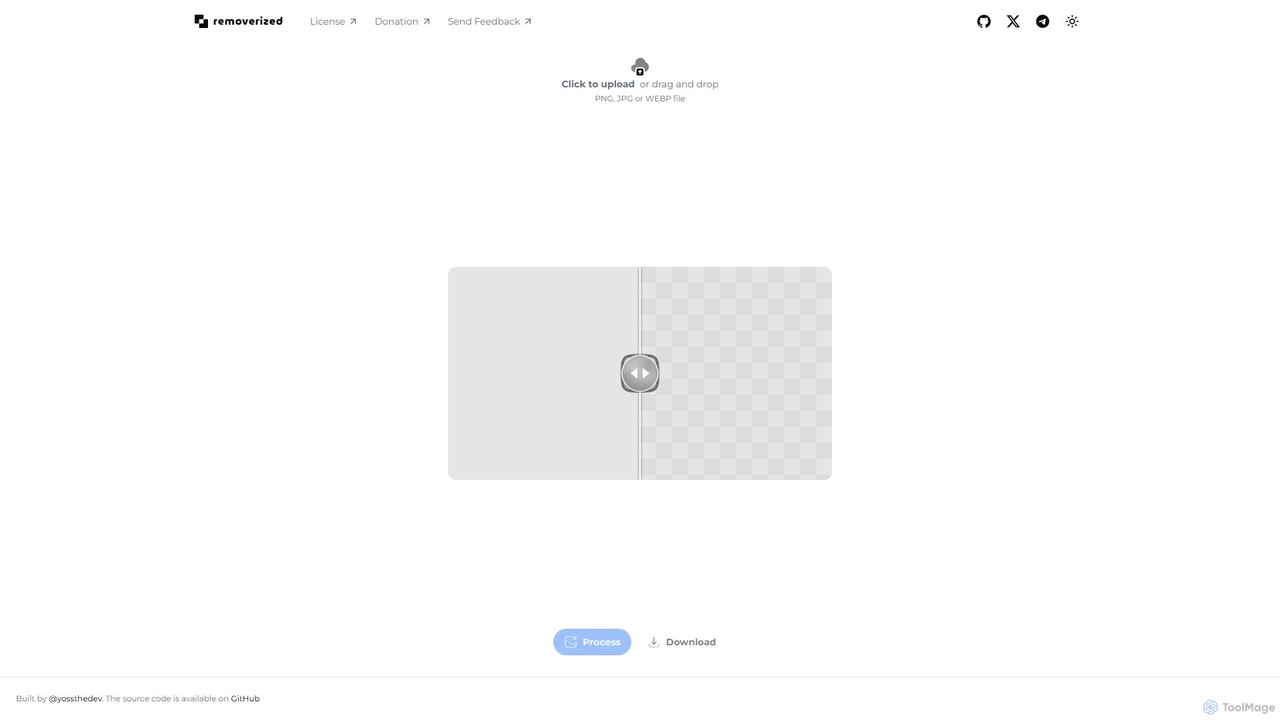
A free, open-source AI tool that instantly removes backgrounds from images. Simply upload your PNG, JPG, or WEBP file, and the AI will automatically detect and erase the background, providing a high-quality transparent image for download.

Image Editing
Visits 5.3KFavorites 105Likes 119
Retoucher.online
Freemium

Retoucher.online

Retoucher.online is an AI-powered tool that automatically removes backgrounds from images in seconds. It's designed for e-commerce, marketing, and personal use, offering features like bulk processing, background replacement, and a built-in editor. No signup is required for free use, making professional photo editing accessible to everyone.

Editing
Visits 535.7KFavorites 171Likes 163
PicWish
Freemium

PicWish

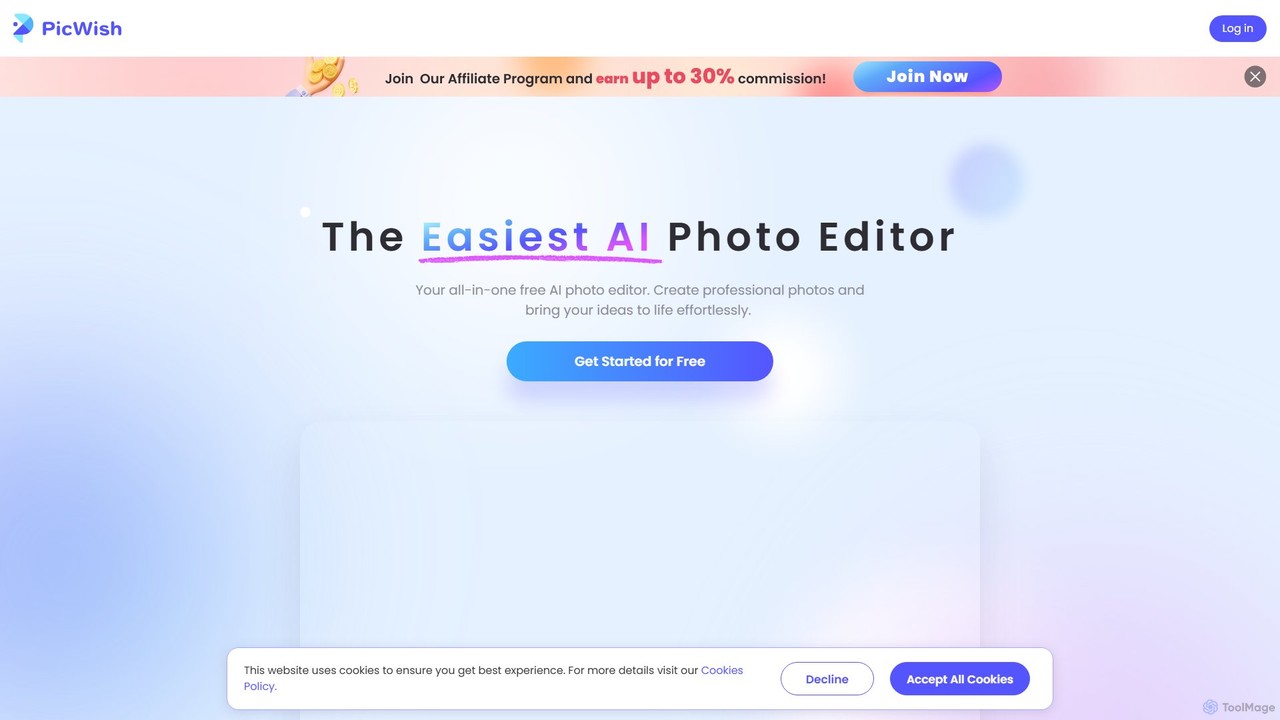
PicWish is an all-in-one AI-powered photo editing suite designed to simplify complex image processing. It offers a wide range of free and pro tools, including background removal, photo enhancement, object removal, and AI background generation. Available online and as a dedicated app, PicWish empowers e-commerce sellers, designers, and content creators to produce professional-quality visuals effortlessly, without needing advanced technical skills.

Image Generation
Visits 3.8MFavorites 109Likes 121

About Product Image

AI Product Image tools are specialized applications that use artificial intelligence to create, edit, and enhance visuals for e-commerce. These tools leverage generative AI and computer vision to automate tasks like background removal, object placement, and scene creation. Their primary value lies in enabling businesses to produce high-quality, consistent, and studio-level product photos quickly and cost-effectively, without the need for physical photoshoots. This significantly accelerates marketing workflows and improves online store aesthetics.

Core Features

  • AI Background Generation: Instantly removes or replaces product backgrounds with custom scenes, solid colors, or realistic environments.
  • Virtual Photoshoots: Creates lifestyle images by placing a product into an AI-generated scene, complete with realistic lighting and shadows.
  • Template-Based Creation: Generates product images based on pre-designed templates for different platforms like social media, ads, or marketplaces.
  • Image Enhancement & Upscaling: Automatically improves image quality, resolution, color balance, and removes imperfections.
  • Ghost Mannequin Effect: Intelligently removes the model or mannequin from apparel photos to create a 3D hollow-person effect.

Use Cases

These tools are essential for e-commerce businesses of all sizes, from individual sellers on platforms like Etsy and Amazon to large online retailers. Digital marketing agencies use them to rapidly create ad creatives for multiple campaigns. Social media managers rely on them to generate a consistent stream of engaging visual content for platforms like Instagram and Pinterest.

How to Choose

When selecting an AI Product Image tool, consider the quality and realism of the AI-generated output. Evaluate the variety and relevance of available templates and scenes for your specific product category. Check for batch processing capabilities to handle large product catalogs efficiently. Finally, assess the pricing model—whether it's subscription-based or pay-per-image—to ensure it aligns with your budget and usage volume.

Product Image use cases

1

Automated Lifestyle Photoshoots for Furniture

A furniture brand manager needs to showcase a new sofa in various home settings without the high cost and logistics of physical photoshoots. Using an AI Product Image tool, they upload a single studio shot of the sofa. The tool's virtual photoshoot feature allows them to place the sofa into dozens of AI-generated scenes like a 'modern minimalist living room' or a 'cozy Scandinavian den'. The AI automatically adjusts lighting, shadows, and perspective, creating a portfolio of realistic lifestyle images in minutes. This reduces photography costs by over 90% and accelerates time-to-market for new product launches.

2

Batch Background Removal for Fashion E-commerce

An online apparel store receives a new collection of 500 items, each photographed on a mannequin. To meet marketplace standards like Amazon or create a clean look for their website, they need to remove the background from every image. Instead of spending days on manual editing, the e-commerce manager uses an AI tool's batch processing feature. They upload all 500 images at once. The AI accurately detects and removes the backgrounds, replacing them with a pure white canvas in under an hour. This ensures brand consistency and saves hundreds of hours of manual labor per collection.

3

Generating Ad Creatives for Social Media Campaigns

A digital marketer for a cosmetics brand is launching a campaign for a new lipstick. They need a variety of eye-catching images for A/B testing on Instagram and Facebook ads. Using an AI Product Image tool, they upload a single high-resolution photo of the lipstick. They then use template-based generation to create multiple ad variations: the lipstick on a marble background, surrounded by rose petals, with water splashes, or against a bold, colorful gradient. The tool generates over 20 unique, on-brand creatives in minutes, allowing the marketer to test different visual concepts and optimize ad performance without hiring a graphic designer.

4

Creating Ghost Mannequin Effects for Apparel

A high-end fashion retailer wants to display their jackets and shirts online with a 3D 'hollow man' effect, which is time-consuming to create manually. The studio photographer takes pictures of the garment on a mannequin, including separate shots of the inner collar area. The images are then uploaded to an AI Product Image tool. The AI automatically detects and removes the mannequin from the primary shot and intelligently stitches in the inner collar shot, creating a seamless and professional ghost mannequin image. This process reduces post-production time from 30 minutes per image to less than one, ensuring a consistent, high-end look across the entire catalog.

5

Standardizing Images for Marketplace Compliance

An Etsy seller specializing in handmade jewelry needs to ensure all their product photos meet the platform's guidelines, which recommend a clean, non-distracting background. Their photos are taken at home with various backgrounds. Using an AI tool, the seller uploads their entire catalog. They apply a template that automatically removes the existing background, centers the jewelry, and applies a subtle, soft grey background to all images. The tool also resizes every photo to Etsy's recommended dimensions. This creates a professional and cohesive storefront in a fraction of the time, improving customer trust and potentially boosting sales.

6

Generating Product Mockups for Print-on-Demand

A graphic designer runs a print-on-demand store selling t-shirts with their custom designs. To list a new design, they need to show how it looks on different colored t-shirts, hoodies, and tote bags. Instead of buying and photographing physical samples, they use an AI Product Image tool. They upload their design file (e.g., a PNG) and select from a library of mockups. The AI realistically applies the design to each product, correctly handling wrinkles, textures, and lighting. Within minutes, they have a complete set of high-quality mockups for their product page, enabling them to launch new designs daily with minimal effort and zero inventory cost.

Product Image FAQ

What are AI Product Image tools?

AI Product Image tools are specialized software designed to create and enhance product photos for e-commerce using artificial intelligence. Unlike general photo editors, they focus on features crucial for online sales, such as generating realistic backgrounds, creating virtual lifestyle scenes, applying designs to mockup products, and automating the ghost mannequin effect. Their main purpose is to help sellers produce professional, high-converting images quickly and affordably, without needing advanced photography skills or expensive equipment.

How do AI Product Image tools differ from general AI Image Editors?

The key difference is specialization. General AI Image Editors (like Midjourney or Photoshop's Generative Fill) are versatile tools for a wide range of creative tasks. AI Product Image tools are purpose-built for e-commerce with specific workflows in mind. Key differences include:

  • Templates & Scenes: They offer pre-built, commercially-focused templates and scenes tailored for product categories.
  • Workflow Automation: They excel at batch processing, such as removing backgrounds from hundreds of images at once.
  • Specific Features: They include unique functions like virtual staging for furniture, ghost mannequin effects for apparel, and mockup generation.
  • Output Consistency: They are designed to maintain brand consistency across an entire product catalog.

In short, while a general editor can perform some of these tasks, a specialized product image tool automates the entire e-commerce visual workflow much more efficiently.

How to choose the right AI tool for product images?

Selecting the best tool depends on your specific needs. Consider these factors:

  • Product Type: If you sell apparel, look for strong ghost mannequin and on-model features. For furniture or home goods, prioritize virtual staging and scene creation capabilities.
  • Image Volume: If you manage a large catalog with frequent updates, choose a tool with robust batch processing and API access for automation.
  • Output Quality: Review sample images from the tool. Look for realism in lighting, shadows, and textures. Some tools are better at photorealism than others.
  • Ease of Use: The interface should be intuitive, allowing you or your team to create images quickly without a steep learning curve.
  • Pricing Model: Compare subscription plans versus pay-per-image credits. A subscription is often more cost-effective for high-volume use, while credits may be better for occasional projects.
Can AI completely replace traditional product photography?

AI is a powerful supplement, not a complete replacement, for traditional product photography. For many standard e-commerce needs like white-background shots, social media posts, and mockups, AI can be faster, cheaper, and more versatile. However, high-end creative campaigns, hero shots requiring intricate detail, or capturing the unique texture of a handmade item may still benefit from the control and artistry of a professional photographer. The best approach is often a hybrid one: use professional photography for core, high-quality base images, and then use AI to scale, adapt, and create variations for different marketing channels.

Who can benefit most from using AI Product Image tools?

A wide range of users can benefit, but these groups often see the most significant impact:

  • Small to Medium E-commerce Businesses: They gain access to studio-quality photography without the high cost, leveling the playing field with larger competitors.
  • Marketplace Sellers (Amazon, Etsy, eBay): These tools help them quickly create compliant and consistent listings that stand out and build trust.
  • Digital Marketing Agencies: Marketers can rapidly generate dozens of ad creative variations for A/B testing, improving campaign ROI.
  • Print-on-Demand Entrepreneurs: They can launch new designs on hundreds of products instantly with realistic mockups, requiring zero physical inventory.
  • Social Media Managers: They can create a consistent and high-volume stream of fresh, engaging visual content for their brand's channels.