
E Commerce Best in category 1 results Product Imagery AI Tool

Popular AI tools in the Product Imagery field of E Commerce include Dressplay, etc., helping you quickly improve efficiency.

Dressplay

Dressplay

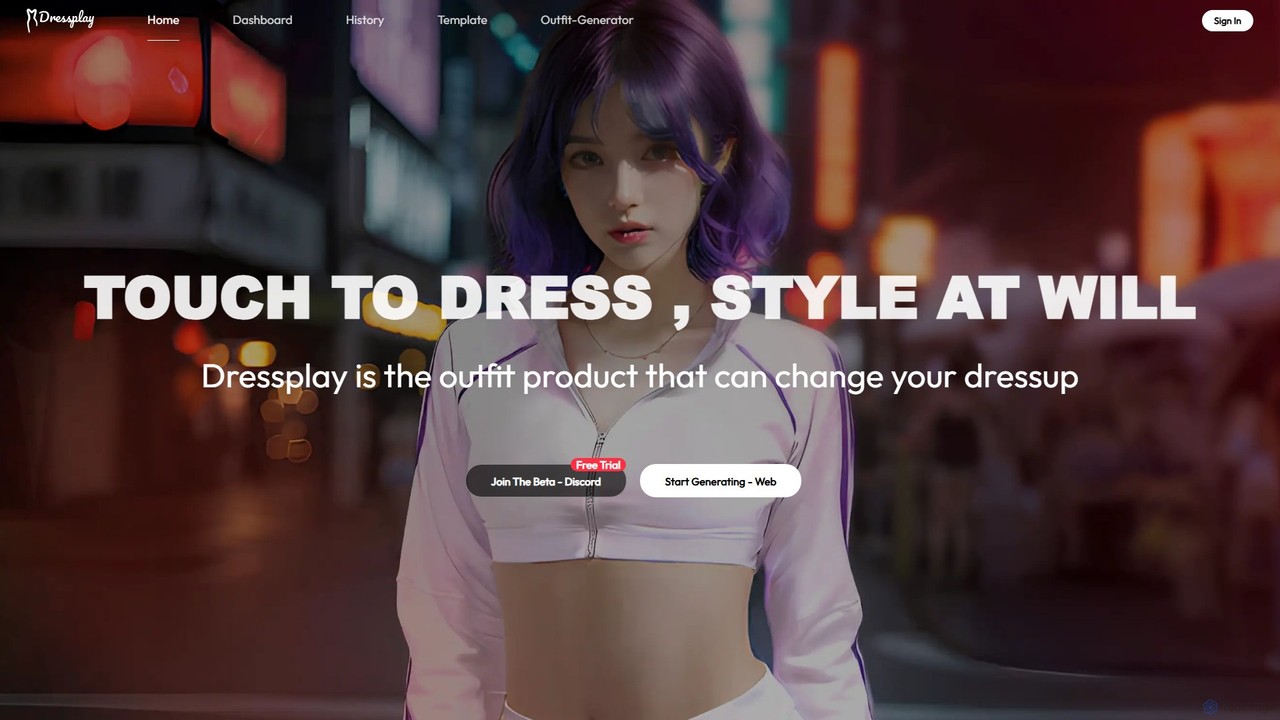
Dressplay is an AI-powered clothes changer that allows users to virtually try on different outfits on any person's …

3.0K

About Product Imagery

AI Product Imagery tools are specialized platforms that use generative AI to create and enhance professional-quality visuals for e-commerce. These tools leverage advanced algorithms to generate realistic scenes, replace backgrounds, and produce lifestyle photos from a single product image. They empower brands to produce a high volume of diverse and compelling marketing visuals at a fraction of the cost and time of traditional photoshoots. This technology allows for rapid iteration and A/B testing of different visual concepts to maximize engagement and sales.

Core Features

  • AI Scene Generation: Instantly place product images into thousands of realistic, AI-generated environments and lifestyle settings.
  • Background Removal & Replacement: Automatically remove complex backgrounds and replace them with a solid color, gradient, or custom image.
  • Virtual Models: Generate diverse human or apparel models to showcase products like clothing and accessories without hiring real models.
  • Image Enhancement & Upscaling: Improve the resolution, lighting, color balance, and sharpness of existing product photos automatically.
  • Creative Asset Generation: Produce ad-ready creatives, social media posts, and campaign-specific imagery by adding text, shadows, and reflections.

Use Cases

These tools are essential for e-commerce businesses of all sizes, from solo entrepreneurs on Shopify to large retail brands. Marketing teams, social media managers, and digital advertisers use them to create a continuous stream of fresh ad creatives. Creative agencies and product photographers also leverage them to streamline their workflow and offer more value to clients.

How to Choose

When selecting a tool, evaluate the realism and quality of the AI-generated images. Consider the specific features you need, such as scene generation versus simple background removal. Assess the user interface's ease of use and the availability of templates. Also, review the pricing model—whether it's based on credits per image or a monthly subscription—and check for integrations with your e-commerce platform.

Product ImageryUse Cases

1

Generate Lifestyle Scenes for Furniture Products

A furniture brand manager needs to showcase a new armchair in various home settings like a modern loft, a cozy cabin, and a minimalist apartment. Instead of organizing multiple expensive photoshoots, they upload a single image of the armchair to an AI Product Imagery tool. Using text prompts or pre-set templates, they generate dozens of high-resolution lifestyle images in minutes. This allows them to populate their website, social media, and catalogs with diverse visuals that appeal to different customer tastes, significantly reducing marketing costs and time-to-market.

2

Create On-Model Imagery for Fashion Brands

An online fashion startup wants to display its new clothing line on a diverse range of models but lacks the budget for a large-scale photoshoot. They use an AI tool with virtual model capabilities. By uploading flat-lay images of their garments, the AI generates realistic on-model photos featuring different ethnicities, body types, and poses. This helps customers visualize the fit and style of the clothes better, leading to increased conversion rates and a more inclusive brand representation without the logistical complexities of a traditional shoot.

3

Batch-Process Images for E-commerce Marketplaces

An electronics seller who lists products on Amazon, eBay, and Google Shopping needs to comply with each platform's strict image requirements, such as a pure white background. They have hundreds of product photos with varied backgrounds. Using an AI tool, they can batch-upload all images and automatically remove the backgrounds in a single operation. The tool ensures clean, precise cutouts even for complex items, saving countless hours of manual editing in Photoshop and ensuring their listings are approved quickly.

4

Scale Ad Creative Production for Marketing Campaigns

A marketing team for a cosmetics brand is running a multi-platform ad campaign for a new lipstick. They need numerous visual variations for A/B testing on Instagram, Facebook, and TikTok. With an AI Product Imagery tool, they can place the lipstick image into various contexts—on a marble vanity, next to a cocktail glass, or surrounded by flowers. They can generate hundreds of unique ad creatives in different aspect ratios, dramatically increasing their testing capacity and helping them identify the highest-performing visuals to optimize ad spend.

5

Generate 360-Degree Views for High-Value Products

A retailer selling premium watches wants to provide customers with an interactive online viewing experience. Traditional 360° photography is costly and time-consuming. They use an AI tool that can generate a smooth, interactive 360-degree spin from just a few static photos of the watch taken from different angles. This immersive feature allows customers to examine the product in detail from all sides, increasing engagement, building trust, and reducing return rates by setting clearer expectations.

6

Create Themed Imagery for Seasonal Promotions

A coffee brand wants to launch a holiday marketing campaign. Instead of arranging a new photoshoot with festive props, the marketing manager uses an AI tool. They upload their standard coffee bag image and use prompts like "on a wooden table with Christmas decorations" or "next to a pumpkin spice latte in an autumn setting." The tool generates a wide array of high-quality, on-theme images for their website banners, email newsletters, and social media posts, enabling them to react quickly to seasonal trends with minimal effort and budget.

Product ImageryFrequently Asked Questions