
packify
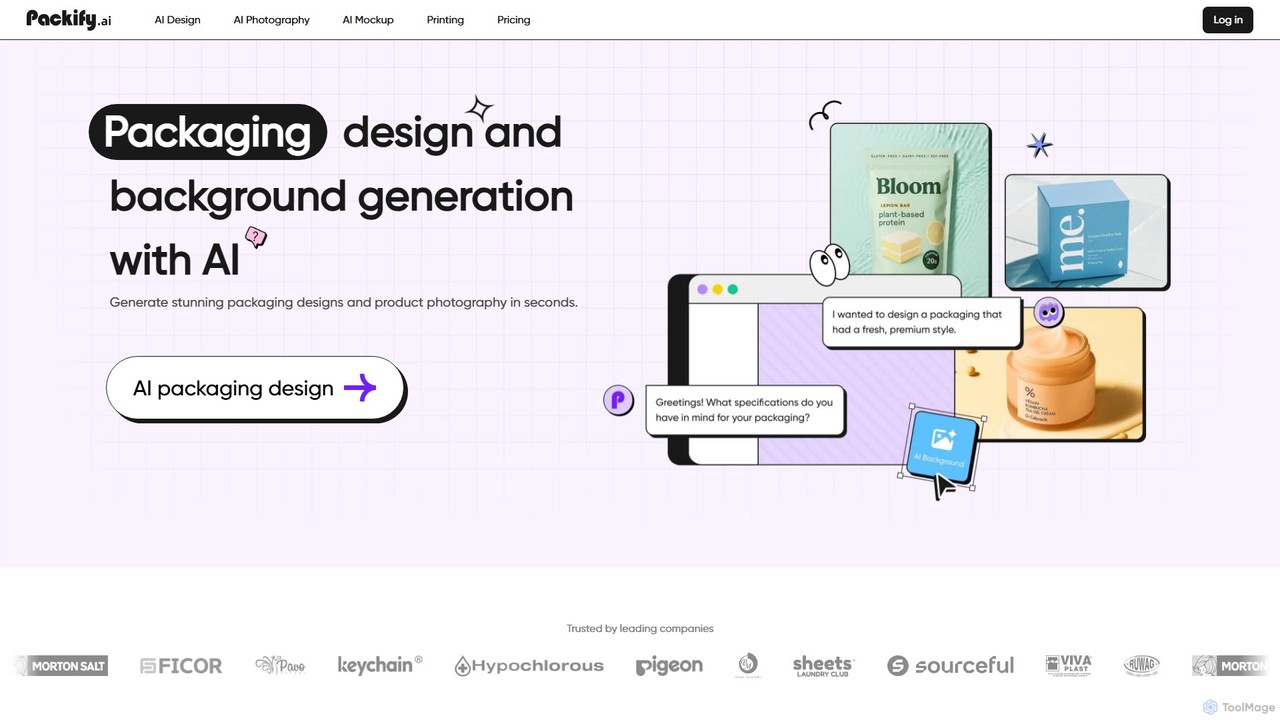
packify is an AI-powered platform for generating stunning packaging designs, product photography, and realistic mockups in seconds. Simply …
packify is an AI-powered platform for generating stunning packaging designs, product photography, and realistic mockups in seconds. Simply describe your vision in a chat, and the AI transforms your text into high-quality, commercially-safe visuals. It's an all-in-one online studio for designers, brands, and e-commerce businesses to create, refine, and visualize products effortlessly.
About Product Mockups
AI Product Mockup tools are specialized applications that automatically generate high-quality, realistic images of products in various scenes and contexts. Using generative AI, these tools can place a simple product photo onto a model, into a lifestyle setting, or within a custom-generated environment based on text prompts. This enables e-commerce businesses, designers, and marketers to create compelling product visuals without the need for expensive photoshoots. The technology intelligently handles lighting, shadows, and perspective to ensure the final mockup is believable and professional.
Core Features
- AI Scene Generation: Instantly create custom backgrounds or place products in diverse lifestyle settings using text descriptions.
- Virtual Model Try-on: Showcase apparel, jewelry, or accessories on a wide range of AI-generated human models.
- Automatic Lighting & Shadows: The AI analyzes the product and scene to apply realistic lighting and cast natural shadows for a seamless blend.
- Template Variety: Access a vast library of pre-made scenes, from simple studio shots to complex environmental compositions.
- Batch Processing: Generate multiple mockup variations for a single product simultaneously, ideal for A/B testing ad creatives.
Use Cases
These tools are primarily used in e-commerce for creating main product listing images and in digital marketing for social media content and advertisements. Print-on-demand (POD) businesses rely on them to display designs on merchandise like t-shirts and mugs. Additionally, UI/UX designers use them to present app interfaces on device screens, and brand designers visualize packaging concepts.
How to Choose
When selecting an AI Product Mockup tool, evaluate the quality and diversity of its template library. Consider the power of its AI customization features—can you generate unique scenes from text? Assess the realism of the output, particularly the lighting and shadows. Also, consider the user interface's simplicity and whether the pricing model aligns with your usage volume.
Product MockupsUse Cases
Create Professional E-commerce Product Listings
An online store owner needs to launch a new line of skincare products but lacks the budget for a professional photoshoot. Using an AI Product Mockup tool, they upload the basic bottle images. They then use text prompts like 'skincare bottle on a wet marble surface with green leaves' to generate dozens of high-resolution lifestyle images. The AI automatically adjusts reflections and adds water droplets for realism. This process reduces content creation costs by over 90% and allows the store to go live in days instead of weeks.
Generate Social Media Marketing Visuals
A social media manager for a fashion brand needs to create daily content for Instagram and Pinterest. Instead of reusing the same product photos, they use an AI tool to place their new handbag on various AI-generated models in different cityscapes like 'Parisian street style' or 'Tokyo nightlife'. This provides a continuous stream of fresh, engaging lifestyle content that resonates with different audience segments, increasing engagement rates without requiring physical photoshoots in multiple locations.
Showcase Print-on-Demand (POD) Designs
A print-on-demand artist creates hundreds of t-shirt designs but cannot afford to print and photograph each one. They upload their design files to an AI mockup generator. The tool automatically places the designs on a diverse range of t-shirt mockups, featuring different models, poses, and backgrounds. This allows them to populate their online store with thousands of realistic product images, giving customers a clear view of how the final product will look and significantly boosting conversion rates.
A/B Test Advertising Creatives
A performance marketer is running a Facebook ad campaign for a new coffee brand. To find the most effective visual, they use an AI mockup tool to create 20 variations of the same coffee bag. They test different backgrounds (kitchen counter, coffee shop, rustic wooden table), props (coffee beans, steam), and lighting (morning light, studio light). The tool generates these variations in minutes, enabling rapid A/B testing to identify the creative with the highest click-through rate and optimize ad spend.
Present UI/UX and App Designs
A UI/UX designer has just finished the interface for a new mobile banking app. To present the design to stakeholders, they need to show it in a realistic context. They use an AI mockup tool to place their app screens onto high-resolution images of the latest smartphones. They can generate mockups of a person holding the phone, the phone resting on a desk, or other professional settings. This helps stakeholders visualize the final product in a real-world scenario, making the presentation more impactful.
Visualize Packaging and Branding Concepts
A branding agency is developing new packaging for a beverage company. Before committing to expensive physical prototypes, they use an AI mockup tool to visualize their 2D label designs on 3D models of bottles and cans. The AI realistically wraps the design around the object, simulating different materials like matte plastic, glossy glass, or brushed aluminum. This allows the client to review and approve the design concept with a high degree of confidence, saving time and prototyping costs.