ToolMage
Sign in

Best 2 Design AI tools for Education

Popular Design AI tools in Education include Dive Club and Algorithm-Driven Design, helping you work more efficiently.

Algorithm-Driven Design
Free

Algorithm-Driven Design

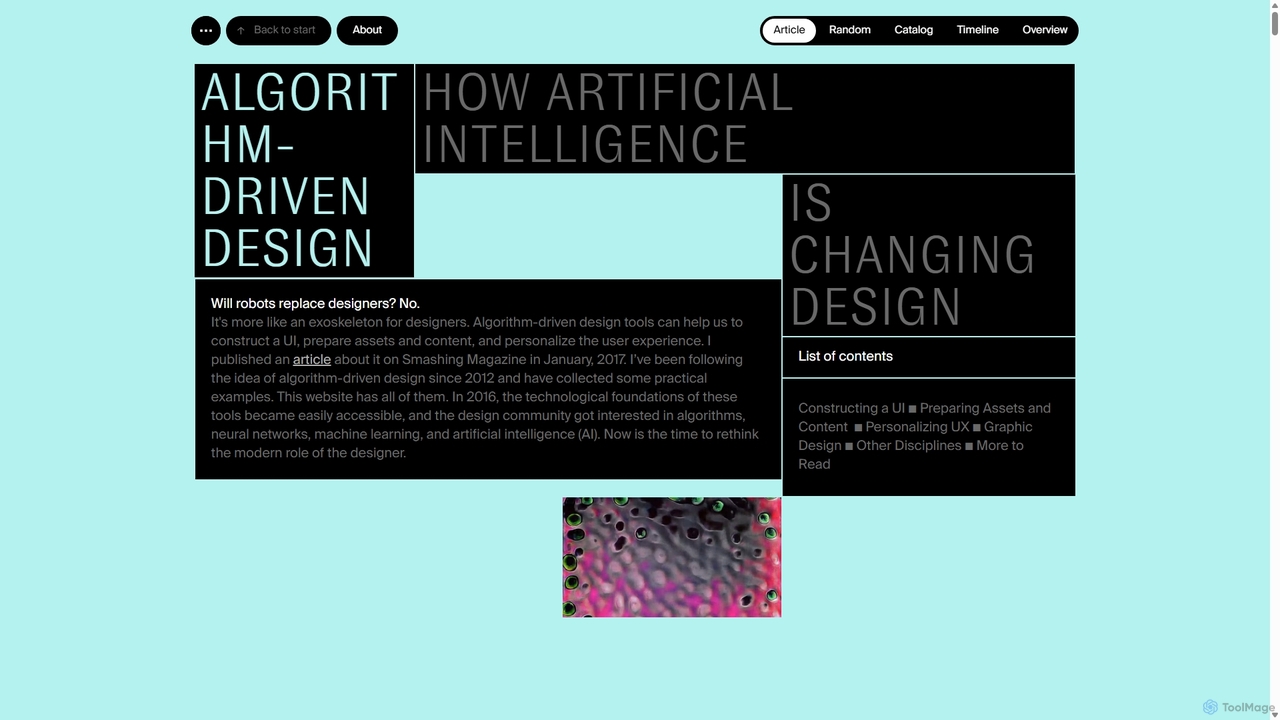
A comprehensive, curated online resource by Yury Vetrov that explores how Artificial Intelligence is transforming the world of design. It serves as a knowledge base, showcasing real-world examples, tools, and articles on the intersection of AI and various design disciplines.

Inspiration
Visits 5.6KFavorites 150Likes 147
Dive Club
Free

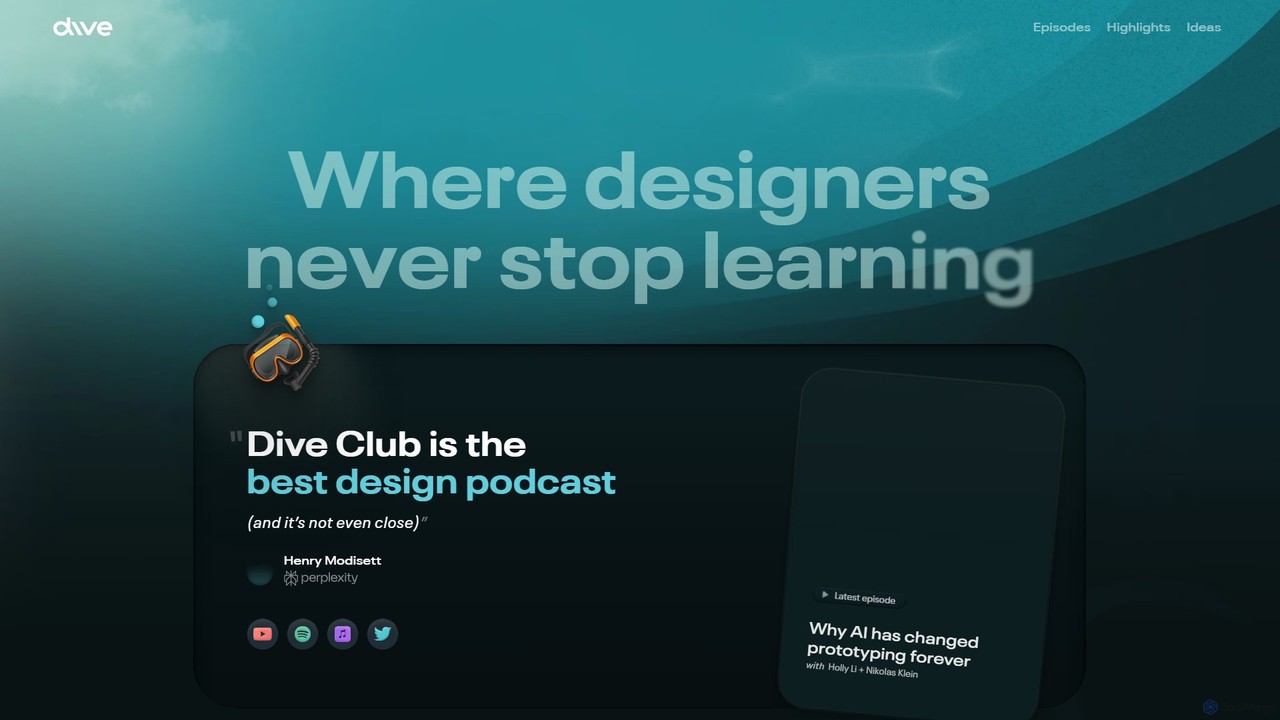
Dive Club

Dive Club is an educational platform and podcast for designers, offering in-depth interviews with leaders from top tech companies. It focuses on continuous learning, exploring topics like product design, user experience, career growth, and the transformative impact of AI on the design industry.

Professional Networking
Visits 43.6KFavorites 134Likes 134

About Design

AI Design tools are applications that leverage artificial intelligence to assist and automate various aspects of the creative design process. They utilize machine learning algorithms to generate visual content, optimize layouts, suggest creative elements, and streamline workflows. These tools empower designers, marketers, and educators to create high-quality visuals more efficiently, fostering creativity and reducing manual effort. Within the education sector, they are invaluable for students learning design principles and for educators developing engaging visual aids.

Core Features

  • Generative Design: Automatically creates images, illustrations, patterns, or 3D models from text prompts or basic inputs.
  • Layout & Composition Assistance: Suggests optimal arrangements of elements, typography, and color schemes for visual harmony.
  • Style Transfer & Enhancement: Applies artistic styles, upscales images, or enhances visual quality with AI-driven algorithms.
  • Design Iteration & Optimization: Rapidly generates multiple design variations and helps optimize them based on user feedback or performance metrics.
  • Content-Aware Editing: Intelligently modifies or removes elements within an image while maintaining context and realism.

Use Cases

AI Design tools are widely adopted across various fields. They are essential for graphic designers seeking to accelerate concept generation, for UI/UX professionals needing to rapidly prototype interfaces, and for marketing teams creating diverse campaign visuals. In educational settings, these tools assist students in visualizing complex concepts and help educators produce engaging course materials and presentations efficiently.

How to Choose

When selecting an AI Design tool, consider its specific generative capabilities (e.g., image, video, 3D), the level of creative control it offers, and its integration with your existing design software. Evaluate the quality of its AI-generated output, the learning curve, and the pricing model. For educational purposes, look for tools with intuitive interfaces and features that support learning and content creation.

Featured tool rankings

Design use cases

1

Student Design Project Assistance

Students learning graphic or product design can use AI tools to quickly generate mood boards, explore diverse color palettes, or create initial design concepts for academic projects, accelerating their ideation phase and allowing more time for refinement.

2

Educational Content Visualization

Educators leverage AI design tools to efficiently create engaging visual aids such as infographics, presentation slides, or interactive learning modules. This helps in simplifying complex topics and making course materials more appealing and understandable for students.

3

Social Media Campaign Visuals

Marketing professionals utilize AI design tools to rapidly generate a wide array of visual assets for social media campaigns, including posts, stories, and advertisements. This ensures brand consistency across platforms and allows for quick adaptation to trending content.

4

Rapid UI/UX Prototyping

UI/UX designers employ AI to generate multiple interface layouts, icon sets, or component variations from basic wireframes or text descriptions. This significantly speeds up the prototyping process, enabling faster iteration and user testing cycles.

5

Product Concept Visualization

Product designers use AI to transform textual descriptions or rough sketches into realistic renderings or conceptual visualizations of new products. This aids in communicating design ideas to stakeholders and gathering early feedback without extensive manual modeling.

6

Brand Identity Exploration

Branding agencies or in-house teams can use AI design tools to explore numerous logo variations, typography pairings, and brand guideline elements. This helps in developing a comprehensive and consistent brand visual identity system across all marketing and communication channels.

Design FAQ

What are AI Design tools?

AI Design tools are software applications that integrate artificial intelligence, primarily machine learning, to automate and enhance various stages of the design process. They can generate visual content, optimize layouts, and assist with creative ideation, making design more accessible and efficient. In an educational context, they serve as powerful aids for both learning design principles and creating engaging educational materials.

How do AI Design tools differ from traditional design software?

The primary difference lies in automation and generative capabilities. Traditional design software relies heavily on manual input and precise control by the designer. AI Design tools, conversely, can generate content from prompts, suggest design improvements, and automate repetitive tasks, often requiring less manual effort and offering new creative possibilities through algorithmic generation rather than direct manipulation.

What are the main benefits of using AI in design?

The key benefits include significantly increased efficiency by automating repetitive tasks, fostering creativity through AI-generated suggestions and variations, and making design more accessible to non-designers. AI tools also enable rapid iteration, allowing designers to explore more concepts in less time, and can help maintain brand consistency across various assets.

How can students and educators leverage AI Design tools?

Students can use AI design tools to quickly visualize concepts, generate initial drafts for projects, and experiment with different styles, accelerating their learning process. Educators can utilize these tools to create visually appealing and interactive course materials, infographics, and presentations, making complex subjects more engaging and easier to understand for their students.

What should I consider when choosing an AI Design tool?

When selecting an AI Design tool, evaluate its core functionalities (e.g., image generation, layout optimization, video editing), the quality and style of its output, and its compatibility with your existing workflow and software. Consider the learning curve, pricing structure, and the level of creative control it provides. For specific needs, ensure it supports the desired output format and integration capabilities.