ToolMage
Sign in

Best 2 E Learning Tools for Education

Popular E Learning Tools in Education include Lipsync AI and Infinite Talk AI, helping you work more efficiently.

Infinite Talk AI
Paid

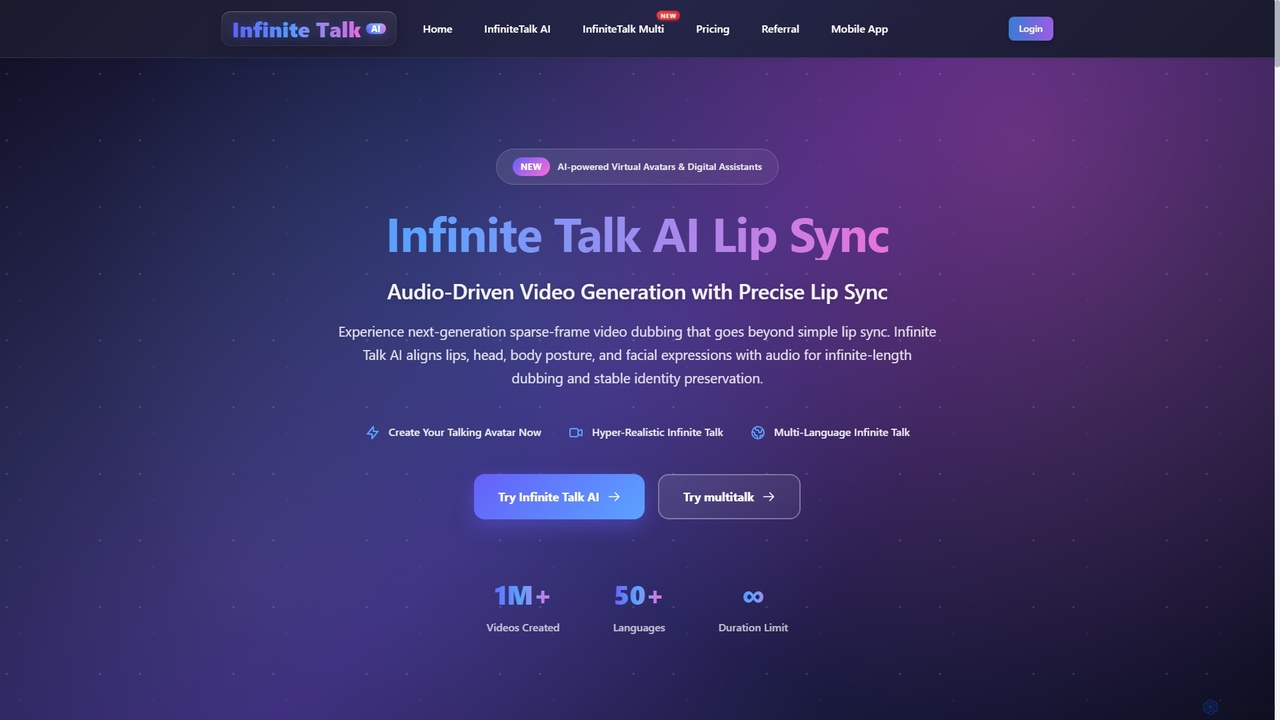
Infinite Talk AI

Infinite Talk AI is an advanced audio-driven lip-sync and motion alignment tool that transforms static images or existing videos into realistic talking avatars. It precisely synchronizes speech with mouth shapes, facial expressions, and body movements, enabling creators to produce high-quality, expressive video content for various applications, from educational materials to marketing and entertainment.

3D
Visits 21.9KFavorites 134Likes 146
Lipsync AI
Freemium

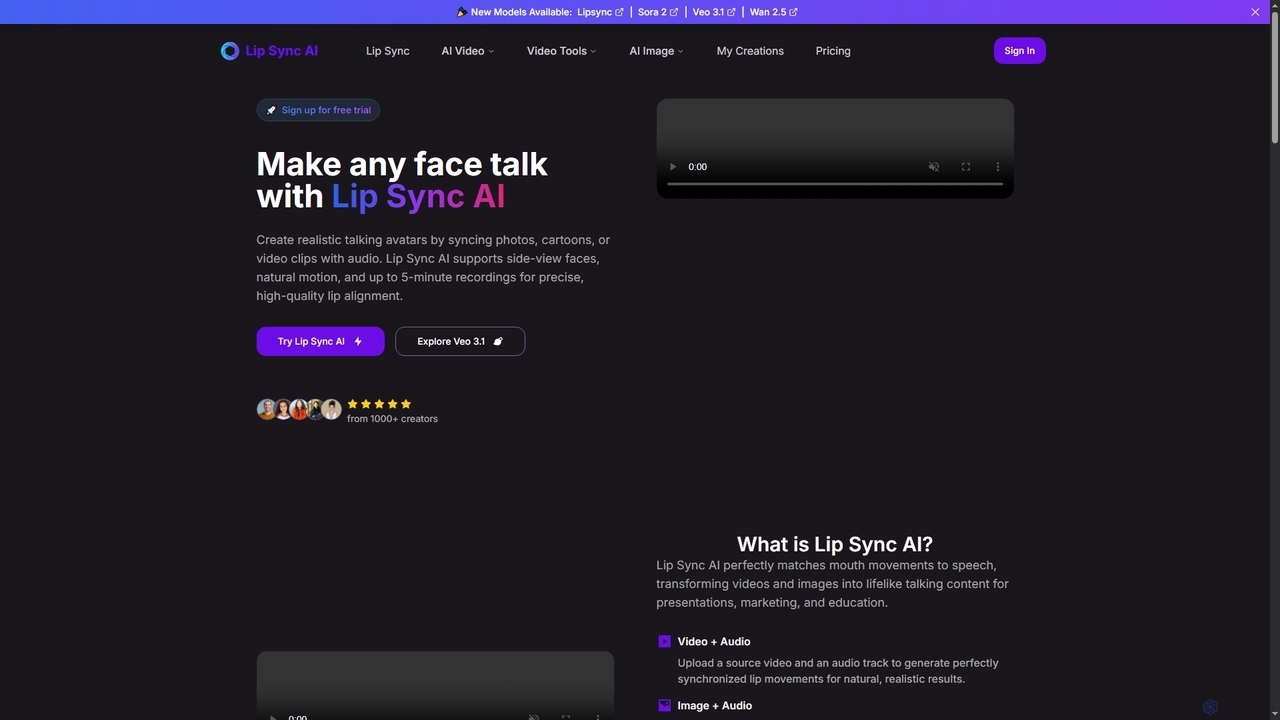
Lipsync AI

Lipsync AI is an advanced online AI tool that transforms images and videos into realistic talking avatars. It precisely synchronizes lip movements with any audio, supporting human and non-human characters for diverse content creation needs.

3D
Visits 42.6KFavorites 125Likes 122

About E Learning Tools

AI E-Learning Tools are platforms that use artificial intelligence to create, manage, and personalize online educational experiences. They leverage machine learning algorithms to analyze learner behavior, automate content generation, and provide adaptive feedback. This results in more engaging, efficient, and effective learning outcomes for students, corporate trainees, and self-learners. Unlike traditional digital learning platforms, these tools actively tailor the curriculum to individual needs in real-time.

Core Features

  • Personalized Learning Paths: The AI adapts the curriculum, difficulty, and content sequence based on a user's real-time performance and learning pace.
  • Automated Content Creation: Instantly generates quizzes, summaries, flashcards, and even entire lesson modules from existing documents, videos, or text.
  • Intelligent Tutoring Systems: Provides instant, targeted feedback, hints, and explanations on exercises, simulating a one-on-one tutoring experience.
  • Performance Analytics: Offers deep insights into learner progress, knowledge gaps, and engagement patterns for educators and managers.
  • Interactive Simulations: Creates realistic, AI-driven scenarios for hands-on practice in a controlled environment, from sales calls to medical procedures.

Use Cases

These tools are widely used in corporate training for employee onboarding and skill development, in higher education to supplement traditional courses with personalized study aids, and by online course creators to scale content production. They are also valuable in K-12 education for differentiated instruction and exam preparation.

How to Choose

When selecting an AI E-Learning Tool, consider the specific subject matter it supports and its content creation capabilities. Evaluate the depth of its analytics and reporting features. Check for integration possibilities with your existing Learning Management System (LMS) or other software. Finally, assess its scalability to support your expected number of users and its pricing model.

E Learning Tools use cases

1

Automate Corporate Onboarding Training

An HR manager for a fast-growing tech company needs to onboard 20+ new hires each month. Instead of repetitive live sessions, they use an AI E-Learning tool. They upload company policy documents, product guides, and sales scripts. The AI automatically generates an interactive onboarding course, complete with video summaries, knowledge-check quizzes, and role-playing simulations for customer interactions. This reduces the trainers' workload by over 70% and allows new hires to learn at their own pace, ensuring consistent and comprehensive training for everyone.

2

Create Personalized Study Plans for Exams

A university student is preparing for a final exam covering a semester's worth of material. They use an AI-powered study platform by uploading their lecture notes and textbook chapters. The tool identifies key concepts and generates a personalized study plan, prioritizing topics where the student showed weakness in initial diagnostic quizzes. It creates flashcards for key terms and provides practice questions that adapt in difficulty based on their answers. This targeted approach helps the student focus their efforts on weaker areas, making study time more efficient and improving their final grade.

3

Generate Course Content at Scale

An instructional designer is tasked with creating a new certification program with 10 modules. To accelerate the process, they use an AI content creation tool. They provide an outline and links to source materials for each module. The AI drafts the initial lesson text, suggests relevant images and videos, and generates a 20-question quiz for each module. The designer then reviews, refines, and finalizes the content. This approach transforms a multi-month project into a matter of weeks, allowing the organization to launch new training programs much faster.

4

Provide Instant Feedback in Language Learning

A user learning Spanish uses an AI-powered language app. When practicing pronunciation, the AI provides immediate, specific feedback on which phonemes were incorrect and how to improve tongue placement. In writing exercises, it doesn't just mark errors; it explains the grammatical rule behind the correction. This instant, granular feedback loop is like having a personal tutor available 24/7, accelerating the learning curve far more effectively than traditional methods that involve waiting for a teacher's review.

5

Analyze Student Engagement and Performance

A high school teacher uses an AI e-learning platform for their blended learning class. The platform's dashboard provides a detailed analytics report. It shows not only quiz scores but also how much time students spent on each video lesson and which concepts they re-watched most. The AI flags three students who are falling behind based on their engagement patterns, allowing the teacher to intervene proactively with personalized support before they fail an exam. This data-driven approach enables targeted teaching that is difficult to achieve in a traditional classroom setting.

6

Develop Interactive Soft Skills Simulations

A corporate trainer needs to improve the negotiation skills of the sales team. They use an AI tool to create a simulation where salespeople interact with an AI-powered avatar acting as a difficult client. The AI client responds dynamically to the salesperson's arguments, tone, and proposals. After each simulation, the tool provides a detailed report on the salesperson's performance, highlighting missed opportunities and suggesting alternative phrasing. This provides a safe, repeatable environment for practicing complex interpersonal skills without risking real client relationships.

E Learning Tools FAQ

What are AI E-Learning Tools?

AI E-Learning Tools are educational software platforms that use artificial intelligence to enhance and personalize the learning process. Unlike standard online course platforms, they actively adapt to a learner's needs. Key features include creating personalized learning paths based on performance, automatically generating quizzes and summaries from source material, and providing instant, intelligent feedback on exercises. They are used to make learning more efficient, engaging, and effective for individuals and organizations.

How do AI E-Learning Tools differ from a traditional LMS?

A traditional Learning Management System (LMS) is primarily a system for hosting, delivering, and tracking educational content. It's like a digital library and record-keeper. AI E-Learning Tools go a step further by actively participating in the learning process. Key differences include:

  • Personalization: AI tools create adaptive learning paths for each user, while an LMS typically delivers the same content to everyone.
  • Content Creation: Many AI tools can automatically generate learning materials (like quizzes and summaries), whereas an LMS is just a repository for content created manually.
  • Feedback: AI provides instant, intelligent feedback on tasks, while an LMS usually just tracks completion and grades.
In short, an LMS manages learning, while an AI E-Learning Tool enhances and personalizes it.

Who should use AI E-Learning Tools?

AI E-Learning Tools are beneficial for a wide range of users. Corporate Trainers and HR departments use them to scale employee onboarding, compliance training, and skill development. Educators and Institutions (from K-12 to university) leverage them to provide personalized instruction and automate grading. Online Course Creators use them to accelerate content production and offer a more dynamic learning experience. Finally, Individual Learners can use these tools for self-study, exam preparation, or acquiring new skills in a highly efficient and personalized manner.

How do I choose the right AI E-Learning Tool?

Choosing the right tool depends on your specific needs. First, define your primary goal: is it for corporate training, academic teaching, or personal study? Then, consider these factors:

  • Content Creation Features: Does the tool help you create content from scratch, or does it primarily work with your existing materials?
  • Subject Matter Support: Is the tool general-purpose, or is it specialized for certain subjects like coding, languages, or math?
  • Analytics and Reporting: What level of detail do you need to track learner progress?
  • Integration: Does it need to connect with other systems you use, like an LMS, HRIS, or video conferencing tool?
  • User Experience: Is the platform intuitive for both administrators and learners?
Evaluating these points will help you find a tool that aligns with your objectives and workflow.

Is it difficult to implement AI E-Learning Tools?

The difficulty of implementation varies greatly between tools. Many modern AI E-Learning platforms are cloud-based (SaaS) and designed for ease of use, requiring minimal technical setup. You can often start by simply uploading your existing content like PDFs or videos. However, more complex implementations, such as integrating a tool deeply with a custom-built corporate LMS or HRIS system, may require technical expertise. It's best to check if a tool offers a free trial or demo to assess its user-friendliness and setup process before committing.