makeacraft
makeacraft is an AI-powered platform that generates personalized craft ideas for children. By selecting your available household materials, …
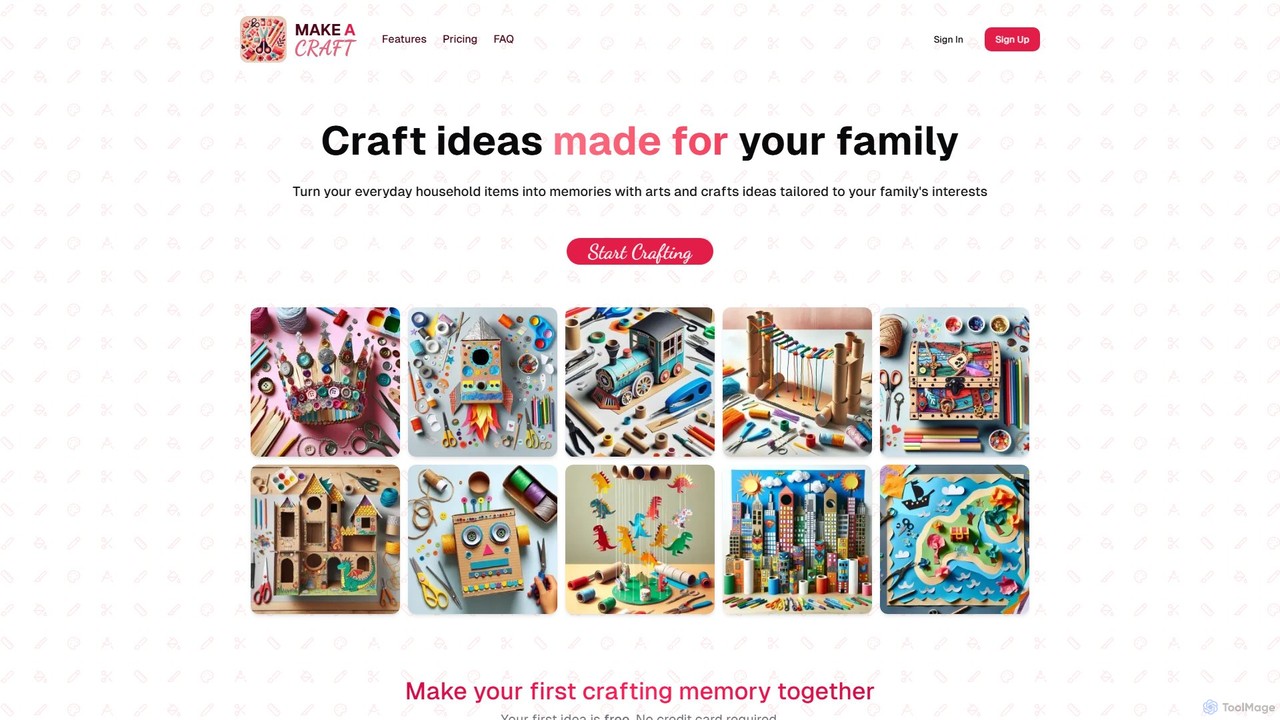
makeacraft is an AI-powered platform that generates personalized craft ideas for children. By selecting your available household materials, your child's age, and their interests, the tool creates unique, age-appropriate, step-by-step craft guides. It's designed to foster creativity, strengthen family bonds, and turn everyday items into memorable art projects, offering a simple, no-subscription way to find your next family activity.
About Kids
AI tools for Kids are applications designed to provide educational and creative experiences for children in a safe, interactive environment. These tools leverage adaptive learning algorithms, natural language processing, and generative AI to personalize content based on a child's age, skill level, and interests. Their primary value lies in making learning engaging through gamification and storytelling, while offering parents peace of mind with built-in safety features. They act as supplementary educational resources that foster curiosity and develop foundational skills in subjects like math, reading, and coding.
Core Features
- Adaptive Learning Paths: The difficulty of lessons and games automatically adjusts to the child's performance, ensuring they are challenged but not overwhelmed.
- Interactive Storytelling: AI generates personalized stories or allows children to influence the narrative, boosting creativity and reading comprehension.
- Gamified Education: Core academic subjects are taught through engaging games, puzzles, and challenges to maintain high levels of interest.
- Parental Controls & Safety Filters: Robust systems for monitoring usage, filtering inappropriate content, and ensuring data privacy for young users.
- Creative Assistance: Tools that help children draw, compose music, or code by providing intelligent suggestions and feedback.
Use Cases
These tools are widely used in homes as homework helpers and personalized tutors. In educational settings, teachers use them for supplemental instruction and to cater to diverse learning paces within a classroom. They are also popular for extracurricular development, helping children explore interests like art, music, or programming in a structured and supportive digital space.
How to Choose
When selecting an AI tool for a child, prioritize age-appropriateness and the quality of the educational content. Evaluate the strength of its safety features, including parental controls and data privacy policies. Consider the user interface—it should be intuitive and easy for a child to navigate independently. Finally, look for tools that offer a good balance between education and entertainment to ensure sustained engagement.

KidsUse Cases
Personalized Homework Assistance
A primary school student struggling with a math concept like fractions can use an AI tutor. Instead of just giving the answer, the AI provides step-by-step visual explanations, interactive exercises, and real-world examples, such as splitting a pizza. The system adapts the difficulty of subsequent problems based on the student's performance, reinforcing their understanding at a comfortable pace without the pressure of a classroom setting. This transforms homework from a chore into an engaging learning experience.
Interactive Story Creation
A child wants to create their own fairy tale. Using an AI storytelling tool, they can choose a hero, a setting, and a magical object. The AI then generates a story, creating paragraphs of text and corresponding illustrations. The child can make choices at key plot points, such as 'go into the dark forest' or 'ask the friendly giant for help', and the AI adapts the narrative accordingly. This process not only enhances reading skills but also fosters creativity and decision-making abilities.
Gamified Language Learning
A child learning French can use an AI app that turns vocabulary and grammar into a game. They might interact with an AI-powered cartoon character who only speaks French. The child has to respond correctly to help the character complete tasks or quests. The AI uses speech recognition to provide real-time feedback on pronunciation and offers hints when the child gets stuck. This makes language practice feel less like studying and more like playing, increasing motivation and retention.
Introduction to Coding Concepts
For a child interested in technology, an AI-powered coding platform can provide a gentle introduction. Using a visual, block-based interface, they can drag and drop commands to create simple animations or games. An AI guide offers real-time hints, suggests corrections for buggy code, and provides progressively harder challenges. This approach demystifies programming by focusing on logic and creativity rather than complex syntax, building a strong foundation for future learning in STEM fields.
AI-Assisted Drawing and Art
An artistically inclined child can use an AI drawing tool to bring their ideas to life. They can start with a simple doodle, and the AI can help refine the lines, suggest color palettes, or even transform the sketch into a different style, like watercolor or cartoon. For example, a child draws a basic cat, and the AI tool can add realistic fur texture or place it in a generated background like a garden. This encourages creative experimentation and helps children learn about artistic concepts without being limited by their technical drawing skills.
Safe and Curated Content Discovery
Parents can set up an AI-powered browser or platform for their child's tablet. The AI acts as a smart filter, blocking inappropriate websites and ads while actively suggesting age-appropriate content. Based on the child's viewing history of educational videos about dinosaurs, the AI might recommend new documentaries, interactive museum tours, or fun paleontology games. This creates a safe 'walled garden' for online exploration, guiding children toward quality, educational content that aligns with their interests.