Audio2Text AI
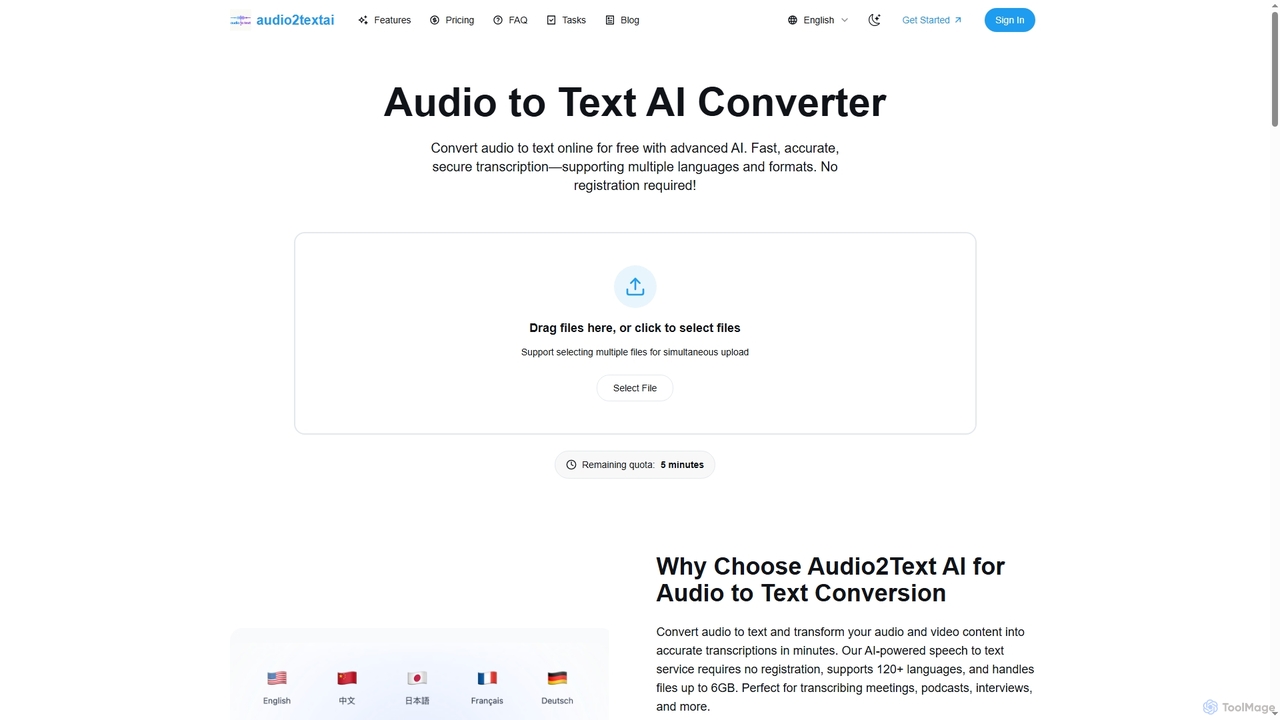
Audio2Text AI is an advanced online AI converter that transforms audio and video files into accurate text transcriptions …
Audio2Text AI is an advanced online AI converter that transforms audio and video files into accurate text transcriptions quickly and securely. Supporting over 120 languages and 21 media formats, it offers enterprise-grade accuracy with speaker identification and timestamps, all without requiring registration for a free 5-minute trial.
About Lecture Transcription
Lecture Transcription tools are a specialized category of AI software that automatically converts spoken academic lectures from audio or video into written text. They utilize advanced Automatic Speech Recognition (ASR) and Natural Language Processing (NLP) to accurately capture complex terminology and identify different speakers. This provides students and researchers with searchable, editable, and accessible study materials, enhancing learning comprehension and review efficiency. Many tools also offer features like summarization and keyword extraction, transforming passive listening into an active learning resource.
Core Features
- High-Accuracy Academic Transcription: Employs models trained on specific academic vocabularies (e.g., medical, legal, engineering) for superior accuracy.
- Speaker Diarization: Automatically identifies and labels different speakers, such as the professor and students asking questions.
- Timestamping & Synchronization: Aligns the transcribed text with the original audio or video, allowing for easy navigation to specific points.
- Automated Summarization: Generates concise summaries, key takeaways, or chapter-like sections from the full transcript.
- Custom Vocabulary: Allows users to add specific terms, acronyms, or names to a custom dictionary to improve recognition accuracy.
Use Cases
These tools are primarily used in higher education and research settings. Students use them to create searchable notes and study guides, while universities leverage them to improve accessibility for students with hearing impairments. Researchers also use them to transcribe interviews and focus groups, speeding up qualitative data analysis.
How to Choose
When selecting a Lecture Transcription tool, evaluate its accuracy for technical subjects and its speaker identification capabilities. Consider the available export formats (e.g., PDF, DOCX, SRT), integration with learning management systems (LMS) or video conferencing tools, and the platform's data privacy and security policies, especially concerning sensitive academic content.
Lecture TranscriptionUse Cases
Creating Searchable Study Guides for Exams
A university student studying a complex subject like organic chemistry records their lectures. After class, they upload the audio file to a lecture transcription tool. The AI generates a full, timestamped transcript in minutes. Before an exam, the student uses the search function to instantly find every mention of specific concepts like 'stereoisomers' or 'nucleophilic substitution'. This allows them to create a focused study guide by compiling all relevant explanations from different lectures, saving hours of manual re-listening and note-taking.
Improving Accessibility for Students with Disabilities
A university's Disability Resource Center is tasked with providing accommodations for students with hearing impairments. Instead of hiring manual transcribers for every class, they integrate an AI lecture transcription service with the university's lecture capture system. The service automatically transcribes all recorded lectures and provides synchronized captions. This ensures that students have immediate access to accurate written versions of their lectures, allowing them to participate fully and review materials effectively, fostering a more inclusive learning environment.
Accelerating Qualitative Research Data Analysis
A sociology researcher conducts dozens of in-depth interviews for their dissertation. Manually transcribing these interviews would take weeks. By using an AI transcription tool with speaker diarization, they can upload all audio recordings and receive accurate, speaker-labeled transcripts within hours. The researcher can then import these text files into qualitative analysis software, immediately begin coding themes, and easily search for specific quotes attributed to the correct participant, significantly speeding up the data analysis phase of their research project.
Building a Searchable Institutional Knowledge Base
A university library wants to digitize its archive of guest lectures and academic symposia from the past 20 years. They use an AI lecture transcription tool to process hundreds of hours of video recordings. The resulting text transcripts are indexed and linked to the original videos in the library's digital portal. Now, faculty and students can perform full-text searches across the entire archive, instantly finding specific topics, speakers, or discussions without having to manually watch hours of footage. This transforms a static archive into a dynamic and valuable research resource.
Assisting Non-Native Speaking Students with Comprehension
An international student whose first language is not English is enrolled in a fast-paced medical school program. They use a lecture transcription tool to get a written record of every lecture. This allows them to review the material at their own pace, look up unfamiliar medical terminology, and re-read complex sentences to ensure they fully grasp the concepts. The ability to see the words spoken by the professor helps bridge any gaps in listening comprehension, ensuring they don't fall behind due to language barriers.
Generating Content for Online Courses and MOOCs
An instructor creating a Massive Open Online Course (MOOC) on data science records dozens of video modules. They use an AI transcription tool to automatically generate accurate transcripts for each video. This transcript serves multiple purposes: it's used to create closed captions for accessibility and SEO, it's repurposed into downloadable PDF notes for students, and key sections are used to generate blog posts and social media content to promote the course. This automates a significant part of the content creation workflow, allowing the instructor to focus on teaching.