ToolMage
Sign in

Best 1 Robotic Process Automation AI tools for Enterprise

Popular Robotic Process Automation AI tools in Enterprise include Airflo, helping you work more efficiently.

Airflo

Airflo

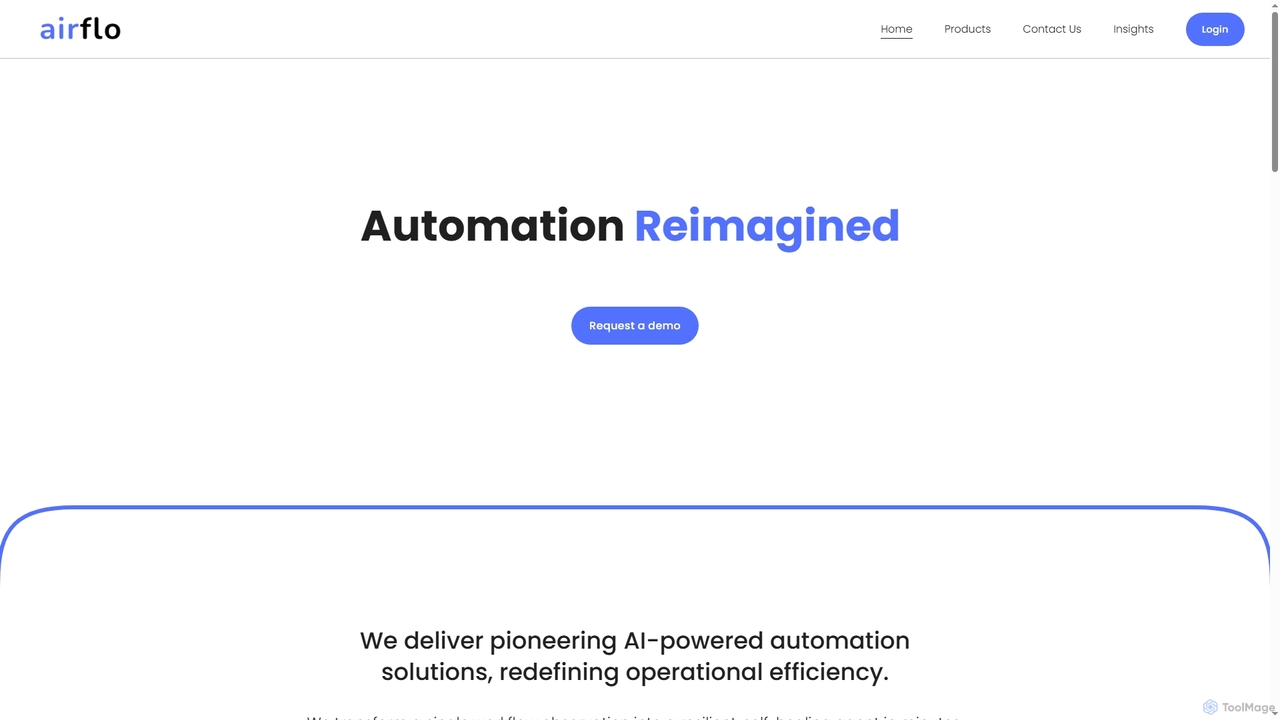
Airflo is a pioneering AI-powered automation platform that transforms single workflow observations into resilient, self-healing agents in minutes. Utilizing proprietary Small Action Models (SAMs), it understands steps, intent, and context to create adaptive automation that works across cloud, ERP, and legacy systems with zero code, APIs, or training data, significantly enhancing operational efficiency.

Machine Learning Applications
Visits 6.9KFavorites 113Likes 107

About Robotic Process Automation

Robotic Process Automation (RPA) is a technology that uses software robots to automate repetitive, rule-based tasks typically performed by humans within business processes. These "bots" interact with applications and systems in the same way a human worker would, mimicking actions like data entry, form filling, and system navigation. RPA tools significantly enhance operational efficiency, accuracy, and compliance by offloading mundane tasks, allowing human employees to focus on more strategic and creative work. It serves as a foundational component for digital transformation within enterprises, driving productivity and reducing operational costs.

Core Features

  • Task Recording & Playback: Captures human actions and converts them into automated workflows.
  • Unattended & Attended Bots: Enables bots to operate independently or assist human users on demand.
  • Integration Capabilities: Connects with various enterprise applications (ERP, CRM, legacy systems) without complex API development.
  • Exception Handling: Provides mechanisms to manage deviations or errors in automated processes, often requiring human intervention.
  • Workflow Orchestration: Manages and schedules multiple bot processes across an organization.

Applicable Scenarios

RPA is widely adopted across various industries to streamline back-office operations and improve service delivery. It is particularly effective in finance for invoice processing and reconciliation, in human resources for employee onboarding and payroll, and in customer service for data retrieval and query resolution. Any department dealing with high volumes of repetitive, structured data tasks can benefit from RPA implementation.

How to Choose

Selecting an RPA solution requires evaluating several factors. Consider the platform's scalability to grow with your business needs, its ease of use for citizen developers, and its integration capabilities with your existing IT infrastructure. Security features, vendor support, and the total cost of ownership, including licensing and implementation services, are also critical for making an informed decision.

Robotic Process Automation use cases

1

Automating Invoice Processing

Finance departments often spend significant time manually processing invoices. An RPA bot can automatically extract data from incoming invoices (PDFs, emails), validate it against purchase orders, enter the information into an ERP system, and initiate payment workflows. This reduces manual errors, accelerates processing times, and ensures timely payments, freeing finance staff for analysis rather than data entry.

2

Streamlining Customer Onboarding

In banking or financial services, customer onboarding involves collecting and verifying extensive data across multiple systems. RPA can automate the collection of customer information from application forms, perform identity verification (KYC checks) by interacting with external databases, and automatically set up new accounts in core banking systems. This significantly speeds up the onboarding process, improving customer experience and compliance.

3

HR Data Management and Payroll

Human Resources departments handle numerous repetitive tasks, from updating employee records to processing payroll. RPA bots can automate the entry of new hire data into HRIS, process leave requests, update employee benefits information, and even generate payroll reports by consolidating data from various sources. This ensures data accuracy, reduces administrative burden, and allows HR professionals to focus on employee engagement.

4

IT Help Desk Ticket Resolution

IT support teams frequently deal with common, repetitive requests like password resets, account unlocks, or system access provisioning. RPA can automate these Level 1 support tasks by interacting with Active Directory or other IT systems. Bots can automatically resolve tickets based on predefined rules, escalate complex issues, and send status updates to users, leading to faster resolution times and reduced workload for IT staff.

5

Supply Chain Order Processing

In logistics and procurement, processing customer orders often involves manual data entry into inventory management systems, checking stock levels, and generating shipping labels. An RPA bot can monitor incoming orders, extract relevant details, update inventory, communicate with suppliers, and trigger shipping processes. This enhances order accuracy, accelerates fulfillment cycles, and optimizes supply chain operations.

6

Compliance Data Aggregation and Reporting

Regulatory compliance requires businesses to periodically collect and report data from various internal and external systems. RPA can automate the aggregation of data from disparate sources, perform data validation checks, and format the information into required compliance reports. This ensures accuracy, reduces the risk of non-compliance, and significantly cuts down the time spent on manual reporting efforts.

Robotic Process Automation FAQ

What is Robotic Process Automation (RPA)?

Robotic Process Automation (RPA) is a software technology that makes it easy to build, deploy, and manage software robots that emulate human actions interacting with digital systems and software. These bots can understand what's on a screen, complete the right keystrokes, navigate systems, identify and extract data, and perform a wide range of defined actions. Its core purpose is to automate repetitive, rule-based business processes to improve efficiency and accuracy.

How to choose the right RPA solution for an enterprise?

Choosing an RPA solution involves assessing several key factors. First, evaluate the platform's scalability and flexibility to handle growing automation needs and integrate with diverse systems. Consider its ease of use for both technical and business users, including features like low-code/no-code development. Security, compliance capabilities, and the vendor's support and training resources are also crucial. Finally, analyze the total cost of ownership, including licensing, implementation, and ongoing maintenance.

What is the difference between RPA and traditional IT automation?

RPA differs from traditional IT automation primarily in its approach. Traditional IT automation often requires deep system integration via APIs and coding, focusing on back-end processes. RPA, however, operates at the user interface level, mimicking human interactions with existing applications without needing direct system integration or complex coding. This makes RPA faster to implement for front-end, rule-based tasks, while traditional automation is better suited for complex, system-level integrations and infrastructure management.

What are the main benefits of implementing RPA in a business?

Implementing RPA offers significant benefits, including enhanced operational efficiency by automating mundane tasks, leading to faster process execution and higher throughput. It drastically improves accuracy by eliminating human error in data entry and processing. Businesses also achieve substantial cost savings through reduced manual labor and increased productivity. Furthermore, RPA boosts compliance by ensuring processes adhere strictly to rules and provides better audit trails, while freeing human employees for more value-added work.

What are the typical steps involved in an RPA implementation?

A typical RPA implementation involves several key steps. It begins with process identification and assessment to pinpoint suitable candidates for automation, focusing on repetitive, rule-based tasks. Next, the chosen process is documented in detail, followed by the design and development of the RPA bot using a chosen platform. After development, rigorous testing is conducted to ensure accuracy and robustness. Finally, the bot is deployed into production, with ongoing monitoring, maintenance, and performance optimization to ensure continuous value delivery.