ToolMage
Sign in

Best 1 Robotic Process Automation AI tools for Finance

Popular Robotic Process Automation AI tools in Finance include Osher, helping you work more efficiently.

Osher
Paid

Osher

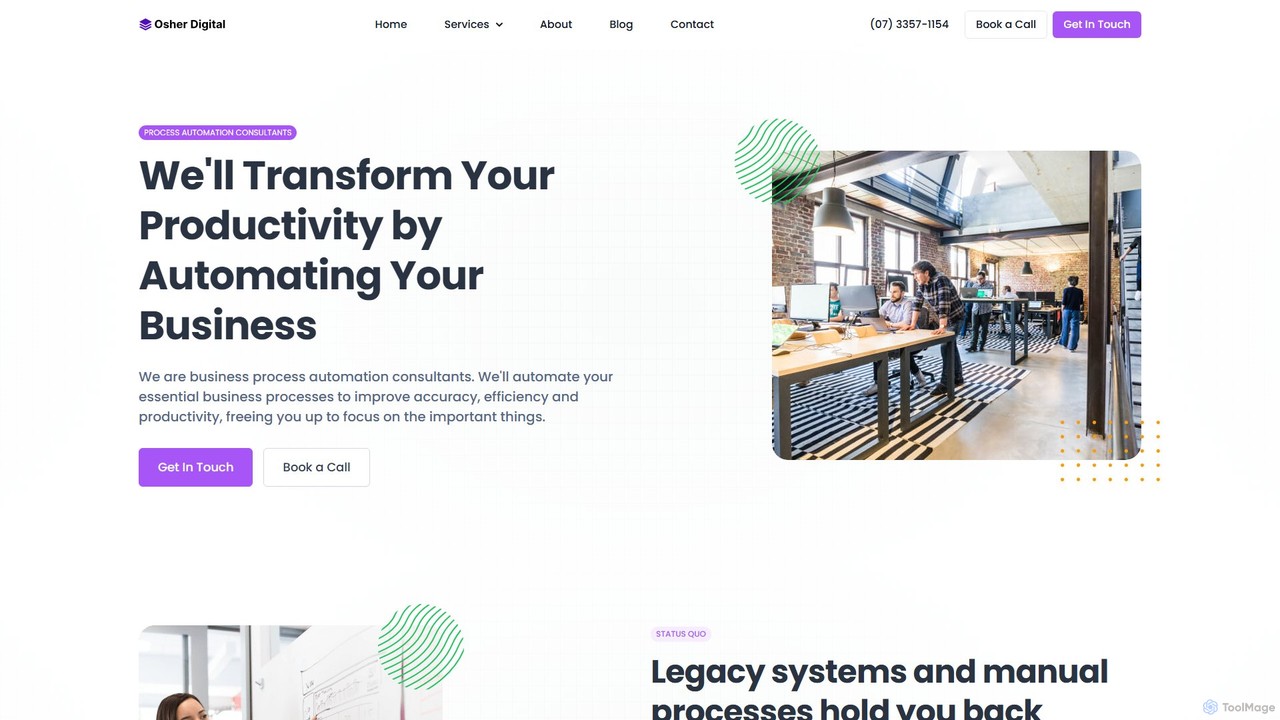
Osher is a business process automation consultancy that leverages AI to transform business productivity. They specialize in developing custom AI agents, implementing Robotic Process Automation (RPA), and integrating systems to streamline workflows. By auditing existing processes and identifying automation opportunities, Osher helps businesses reduce manual work, improve data accuracy, and achieve scalable growth across various industries.

Automation
Visits 10.4KFavorites 122Likes 115

About Robotic Process Automation

Robotic Process Automation (RPA) tools are software 'bots' designed to emulate human actions and automate repetitive, rule-based digital tasks. These bots interact with applications and systems through the user interface, just as a person would, to execute workflows without requiring complex API integrations. Within the finance sector, RPA is particularly effective for automating high-volume processes like data entry, transaction processing, and compliance reporting. This technology enables organizations to increase operational speed, reduce human error, and free up employees for more strategic, value-added work.

Core Features

  • UI Interaction Automation: Bots can mimic clicks, keystrokes, and data entry across various applications like ERPs, CRMs, and spreadsheets.
  • Workflow Designer: Visual, often drag-and-drop, interfaces for building automation sequences without extensive coding knowledge.
  • Orchestration & Management: Centralized dashboards for deploying, scheduling, monitoring, and managing a fleet of software bots.
  • Data Extraction: Capabilities to scrape data from websites, documents (like PDFs and invoices), and legacy systems.

Use Cases

RPA is widely adopted in financial services, banking, and insurance for tasks such as claims processing, account reconciliation, and customer onboarding. It's also valuable in HR for automating payroll and in supply chain for order processing and inventory management. Any department with structured, high-volume digital tasks can benefit from RPA.

How to Choose

When selecting an RPA tool, consider its ease of use and the technical skill required for its workflow designer. Evaluate its integration capabilities with your existing systems, especially legacy applications. Assess the platform's scalability for managing a growing number of bots and processes. Finally, analyze the pricing model—whether it's per-bot, per-process, or platform-based—to align with your budget and expected ROI.

Robotic Process Automation use cases

1

Automating Invoice Processing and Payment

An accounts payable clerk in a finance department uses an RPA bot to automate the entire invoice lifecycle. The bot monitors an email inbox for new invoices, extracts key data like invoice number, amount, and due date using OCR technology, and validates this information against purchase orders in the ERP system. Once validated, the bot schedules the payment, archives the invoice, and generates a status report. This process reduces manual data entry by over 90%, minimizes payment errors, and ensures timely payments to vendors.

2

Streamlining Bank Account Reconciliation

A financial analyst needs to reconcile hundreds of bank statements with internal ledgers monthly. An RPA bot is configured to log into the company's various bank portals, download the statements in a standard format (e.g., CSV), and then log into the internal accounting software to export ledger data. The bot compares transactions line by line based on predefined rules (matching amounts, dates, and reference numbers), flags any discrepancies for human review, and generates a final reconciliation report. This automates a tedious, time-consuming task, improving accuracy and freeing up the analyst for variance analysis.

3

Automating Regulatory Compliance Reporting

A compliance officer in a bank is responsible for generating periodic reports for regulatory bodies. An RPA bot automates this by gathering data from multiple disparate systems—such as transaction logs, customer databases, and risk management platforms. The bot consolidates the required data, formats it according to the specific regulatory template, performs validation checks, and populates the final report. This ensures consistency and accuracy in reporting, reduces the risk of non-compliance penalties, and significantly cuts down the hours spent on manual data aggregation.

4

Managing Employee Onboarding in HR

An HR specialist uses RPA to streamline the new employee onboarding process. When a new hire is confirmed, a bot is triggered. It automatically creates user accounts in various systems (email, HRIS, project management tools), enrolls the new employee in required training courses, and sends out welcome emails with necessary documentation. The bot also schedules orientation meetings by checking the calendars of relevant team members. This ensures a consistent and efficient onboarding experience, reduces administrative burden on the HR team, and helps new hires become productive faster.

5

Generating Daily Sales and Operations Reports

An operations manager relies on daily reports compiled from multiple sources like the CRM, inventory system, and sales platform. An RPA bot is scheduled to run every morning. It logs into each system, applies specific filters to extract the previous day's data, and consolidates it into a master spreadsheet. The bot then performs calculations, creates charts, and emails the formatted report to a predefined list of stakeholders. This eliminates several hours of manual report generation each day, ensures data consistency, and provides timely insights for decision-making.

6

Processing Customer Loan Applications

In a financial institution, a loan officer uses RPA to accelerate the initial stages of loan processing. The bot retrieves new applications from an online portal, extracts applicant data, and enters it into the core banking system. It then automatically runs predefined credit checks by accessing external credit bureau websites and performs initial eligibility verification against internal policy rules. The bot compiles all the information into a single case file and forwards it to the loan officer for final review and decision-making, reducing processing time from days to hours.

Robotic Process Automation FAQ

What is Robotic Process Automation (RPA)?

Robotic Process Automation (RPA) is a technology that uses software robots, or 'bots', to automate digital tasks that are typically performed by humans. These bots interact with applications and systems through the user interface, mimicking actions like logging in, copying and pasting data, filling out forms, and moving files. Unlike traditional automation, RPA is often easier to implement as it doesn't require deep integration or API development, making it ideal for automating processes involving legacy systems.

How do I choose the right RPA tool for my business?

Choosing the right RPA tool involves evaluating several key factors. First, assess the complexity of the processes you want to automate and match it with the tool's capabilities. Consider the following points:

  • Ease of Use: Look for a tool with an intuitive, visual workflow designer if your team has limited coding skills.
  • Scalability: Ensure the platform can manage and orchestrate a large number of bots as your automation initiatives grow.
  • Integration: Check its ability to connect with your critical applications, including web, desktop, and legacy systems.
  • Total Cost of Ownership: Analyze the licensing model, implementation costs, and ongoing maintenance fees to understand the full financial commitment.
What is the difference between RPA and traditional automation (like scripting)?

The main difference lies in the level of interaction. Traditional automation, such as scripting, typically works at a deeper, backend level, often requiring APIs to connect systems. RPA, on the other hand, operates at the user interface (UI) level. It mimics human actions on the screen, making it capable of automating tasks across applications that lack APIs. This makes RPA more flexible for integrating legacy systems and faster to deploy for specific, rule-based tasks without altering the underlying IT infrastructure.

What kind of tasks are best suited for RPA in finance?

RPA excels at automating tasks in finance that are high-volume, repetitive, and rule-based. It is not well-suited for tasks requiring complex decision-making, creativity, or subjective judgment. Ideal candidates include:

  • Data Entry and Migration: Copying data between spreadsheets, legacy systems, and modern applications.
  • Report Generation: Aggregating data from multiple sources to create standardized daily, weekly, or monthly reports.
  • Invoice and PO Processing: Extracting data from invoices and matching it against purchase orders.
  • Account Reconciliation: Comparing transactions between two or more systems to identify discrepancies.
Can RPA bots work with unstructured data like emails or PDFs?

Standard RPA bots are best at handling structured data (like data in spreadsheets or databases). However, modern RPA platforms often integrate with other AI technologies, such as Optical Character Recognition (OCR) and Natural Language Processing (NLP), to handle semi-structured or unstructured data. For example, an RPA bot combined with OCR can extract specific information from a PDF invoice, and when paired with NLP, it can understand the intent of an email to trigger the correct automated workflow. This combination is often referred to as Intelligent Automation or Hyperautomation.