ToolMage
Sign in

Best 3 Profile Picture Maker AI tools for Fun

Popular Profile Picture Maker AI tools in Fun include ai_portraits, toyify, and ghiblimagicmaker, helping you work more efficiently.

ghiblimagicmaker
Freemium

ghiblimagicmaker

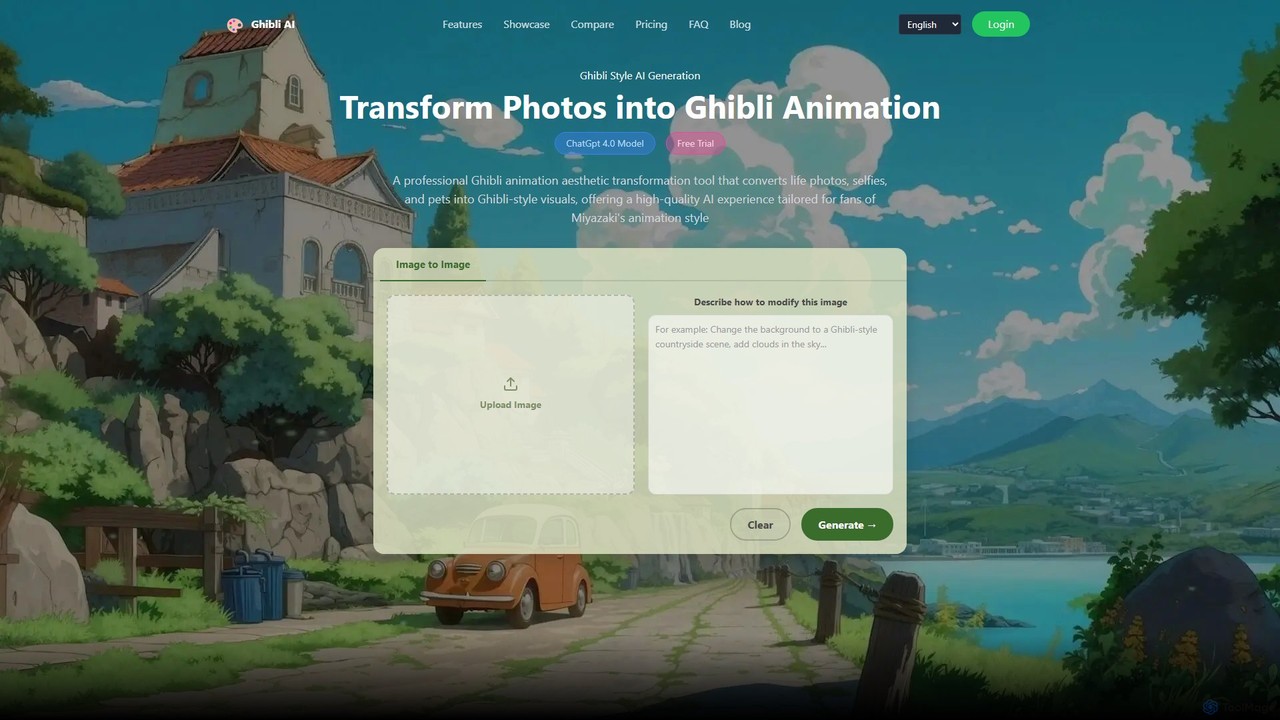
ghiblimagicmaker is an AI-powered art generator that transforms your photos and text prompts into the enchanting and iconic style of Studio Ghibli. Powered by GPT-4o, it allows users to convert selfies, pet photos, and landscapes into beautiful, nostalgic artwork. The tool also supports other anime styles, making it a versatile choice for artists, fans, and content creators seeking to add a touch of magic to their visuals.

Art Generator
Visits 4.6KFavorites 99Likes 112
toyify
Freemium

toyify

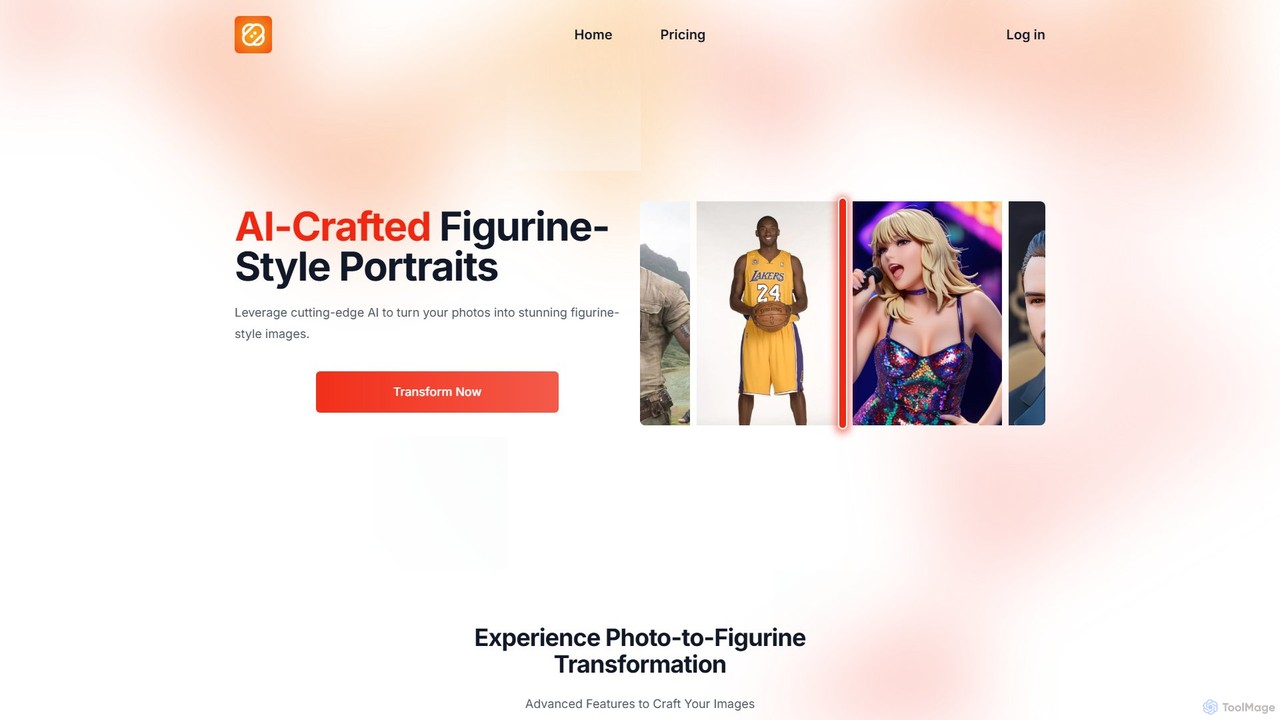
toyify is an AI-powered tool that transforms any photo into a stunning, PVC figurine-style image. With a single click, you can turn portraits, landscapes, or even pictures of your pets into unique, 3D-like digital toys. It features a simple interface, fast processing, and high-fidelity color reproduction, making it perfect for creating unique social media avatars, personalized gifts, or fun digital art. The tool is web-based and offers a free trial to get you started.

Generative Art
Visits 4.7KFavorites 117Likes 130
ai_portraits
Freemium

ai_portraits

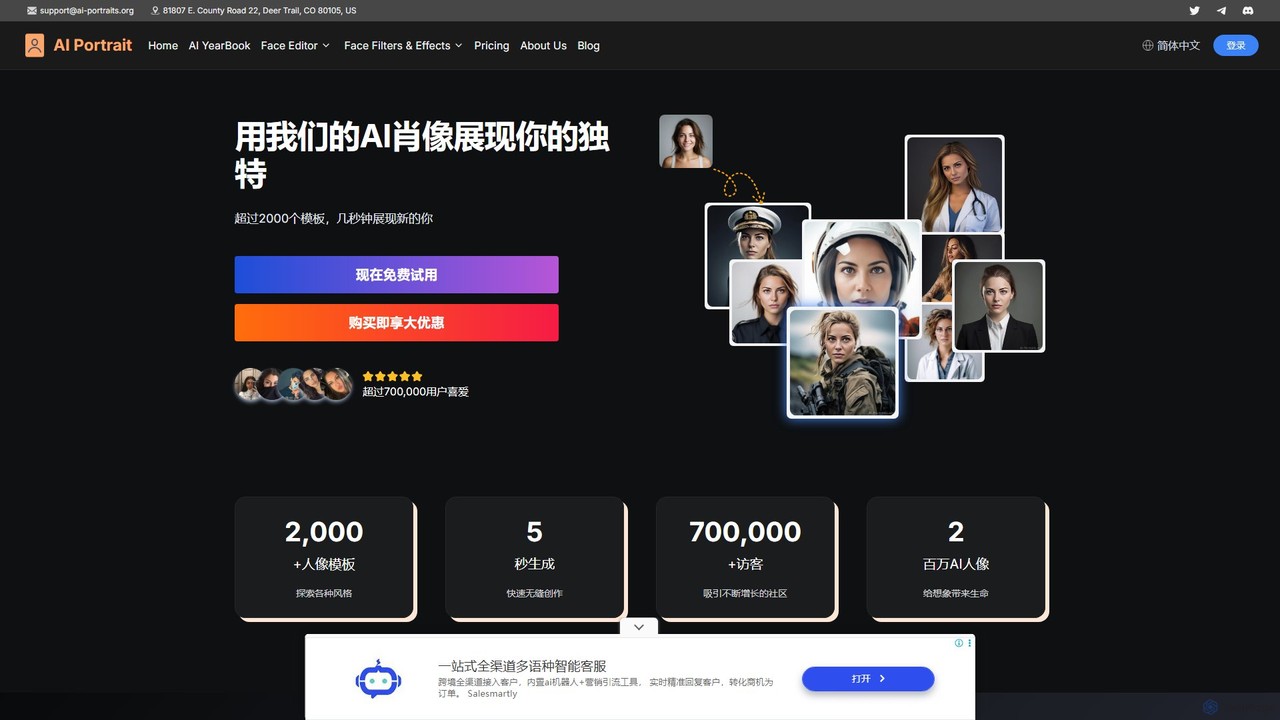
ai_portraits is a powerful AI generator that transforms your photos into stunning, professional-quality portraits and avatars in over 2000 styles. Powered by Midjourney V5, it allows users to create unique profile pictures, RPG characters, and artistic images in seconds. Simply upload one photo, choose a style, and let the AI craft a new version of you for social media, professional branding, or creative projects. It's fast, intuitive, and offers a wide range of creative possibilities.

Image Generation
Visits 35.6KFavorites 139Likes 130

About Profile Picture Maker

AI Profile Picture Makers are specialized tools that use generative AI to create unique, stylized, or professional avatars and headshots from user photos. These tools typically leverage deep learning models to analyze facial features and apply a wide range of artistic styles, from cartoons and anime to photorealistic portraits. They enable users to generate eye-catching profile pictures for social media, professional networks, and online communities without needing design skills. This allows for powerful personal branding, creative expression, or maintaining a consistent team image with minimal effort.

Core Features

  • Style Transfer: Apply diverse artistic styles like anime, cartoon, fantasy art, or oil painting to your photos.
  • AI Headshot Generation: Transform casual selfies into high-quality, professional-looking corporate headshots.
  • Background Manipulation: Automatically remove, replace, or generate creative backgrounds to match a desired aesthetic.
  • Custom Avatar Creation: Generate avatars from text descriptions or by combining various facial attributes and styles.
  • Image Enhancement: Improve lighting, resolution, and facial details to create a polished and clear profile picture.

Use Cases

These tools are widely used by individuals and businesses. Social media influencers and content creators use them to build a consistent and recognizable brand identity across platforms. Professionals leverage AI headshot generators for polished LinkedIn profiles. Remote teams use them to create uniform avatars for internal communication tools like Slack or Microsoft Teams, fostering a sense of unity.

How to Choose

When selecting an AI Profile Picture Maker, consider the variety and quality of available styles. Evaluate the tool's privacy policy regarding how your uploaded photos are used and stored. Check the output resolution to ensure it meets the requirements of your target platforms. Finally, compare pricing models, such as pay-per-image credit systems versus unlimited subscription plans, to find the best fit for your needs.

Profile Picture Maker use cases

1

Create Professional LinkedIn Headshots

A job seeker or professional looking to update their LinkedIn profile can use an AI Profile Picture Maker to generate high-quality headshots. Instead of hiring an expensive photographer, they can upload 10-20 casual photos of themselves from various angles. The AI then trains a model on their likeness and produces dozens of studio-quality portraits in different outfits and backgrounds. This allows them to select a professional, approachable, and high-resolution image that enhances their personal brand and credibility on professional networking sites.

2

Design a Unique Social Media Brand Avatar

A content creator or influencer wants a consistent, stylized visual identity across platforms like Instagram, TikTok, and YouTube. They use an AI Profile Picture Maker to turn a favorite photo into a unique avatar. They can experiment with styles like 'Anime', 'Cartoon', 'Fantasy Art', or 'Cyberpunk'. After generating a batch of images, they select one that best represents their brand's personality. Using this AI-generated avatar everywhere creates a memorable and instantly recognizable presence, helping them stand out in a crowded digital space.

3

Generate Gaming & Community Avatars

A gamer wants a profile picture for Discord, Twitch, or their gaming profile that reflects their in-game persona. Instead of using a generic image, they upload a selfie to an AI Profile Picture Maker and select a 'Fantasy Knight' or 'Sci-Fi Rogue' style pack. The AI generates multiple options of them as that character. This provides a highly personalized and cool-looking avatar that connects their real identity with their gaming world, enhancing their presence and engagement within their favorite gaming communities.

4

Create Uniform Team Avatars for Business

A remote company wants to create a consistent and professional look for all employees on internal tools like Slack and the company directory. The marketing manager asks each team member to submit a few clear photos of themselves. They then use an AI Profile Picture Maker with a specific 'Corporate' style pack to generate a uniform set of headshots. This ensures everyone has a high-quality, on-brand profile picture, fostering a stronger sense of team identity and professionalism, even when a physical team photoshoot isn't possible.

5

Enhance Dating App Profile Photos

A user wants to improve their photos for a dating app like Tinder or Hinge to make a better first impression. They upload their best pictures to an AI Profile Picture Maker. Instead of applying a heavy style, they use the enhancement features to improve lighting, correct colors, and subtly smooth skin texture. The AI can also generate variations with different, more interesting backgrounds. The result is a set of natural-looking but more polished and appealing photos, increasing their chances of attracting meaningful connections.

6

Experiment with Creative Self-Portraits

An artist, hobbyist, or anyone curious about AI art wants to explore different visual representations of themselves. They use an AI Profile Picture Maker as a creative tool. By uploading a single photo, they can generate dozens of self-portraits in styles they could never create manually, such as '3D Render', 'Oil Painting', or 'Pop Art'. This process is not just for creating a profile picture but serves as a fun and accessible way to engage with generative art, discover new aesthetics, and create unique digital artwork for personal enjoyment or sharing.

Profile Picture Maker FAQ

What is an AI Profile Picture Maker?

An AI Profile Picture Maker is a specialized software tool that uses artificial intelligence, particularly generative models, to create or enhance profile pictures. Unlike general photo editors, these tools are specifically designed to produce avatars and headshots. Users typically upload jejich own photos, and the AI generates new images in various styles, such as professional, cartoon, anime, or artistic. They offer a quick and easy way for anyone to get a high-quality, unique profile picture without needing photography or design skills.

How to choose the right AI Profile Picture Maker?

When selecting an AI Profile Picture Maker, consider these factors:

  • Style Variety: Does the tool offer the specific aesthetic you're looking for (e.g., professional headshots, anime, fantasy)? Check their style library.
  • Input Requirements: See how many photos you need to upload and what quality they require. Some need 10-20 clear images for best results.
  • Privacy Policy: Understand how your uploaded photos are used, stored, and if they are used for training other models. Choose a service you trust.
  • Cost and Pricing Model: Compare whether the tool uses a one-time payment, a subscription model, or a credit-based system. Choose one that aligns with your expected usage.
  • Image Quality: Check the resolution and clarity of the output images to ensure they are suitable for your intended platforms.
What's the difference between a Profile Picture Maker and a general AI Image Generator?

The main difference lies in their specialization and workflow. A general AI Image Generator (like Midjourney or DALL-E) is a versatile tool that creates images from text prompts on any subject. Creating a good portrait often requires complex prompting and many iterations. An AI Profile Picture Maker is specifically fine-tuned on portrait data. Its workflow is optimized for this task: you upload your photos, choose a pre-defined style, and the AI handles the rest. This makes it much easier and faster to get high-quality, personalized headshots and avatars, though it offers less creative freedom for non-portrait subjects.

Are the generated profile pictures unique?

Yes, the profile pictures generated are highly unique. The process combines your specific facial features from multiple uploaded photos with the AI's stylistic interpretation and a random element (often called a 'seed'). Even if another person uses the same tool and style, their unique facial data will result in a completely different output. While it's theoretically possible for two very similar outputs to be generated for the same person if they run the process multiple times, the chance of getting an exact duplicate is extremely low, ensuring your avatar is distinct.

Do I need design skills to use an AI Profile Picture Maker?

No, absolutely not. These tools are specifically designed for users without any technical or artistic skills. The user interface is typically very simple and intuitive. The process usually involves three easy steps: uploading a set of your photos, selecting a style from a gallery, and then letting the AI generate the results. The complexity of image generation is handled entirely by the AI, making it accessible for everyone to create high-quality, stylized profile pictures with just a few clicks.