ToolMage
Sign in

Best 1 Internal Support AI tools for Human Resources

Popular Internal Support AI tools in Human Resources include Botsonic, helping you work more efficiently.

Botsonic
Freemium

Botsonic

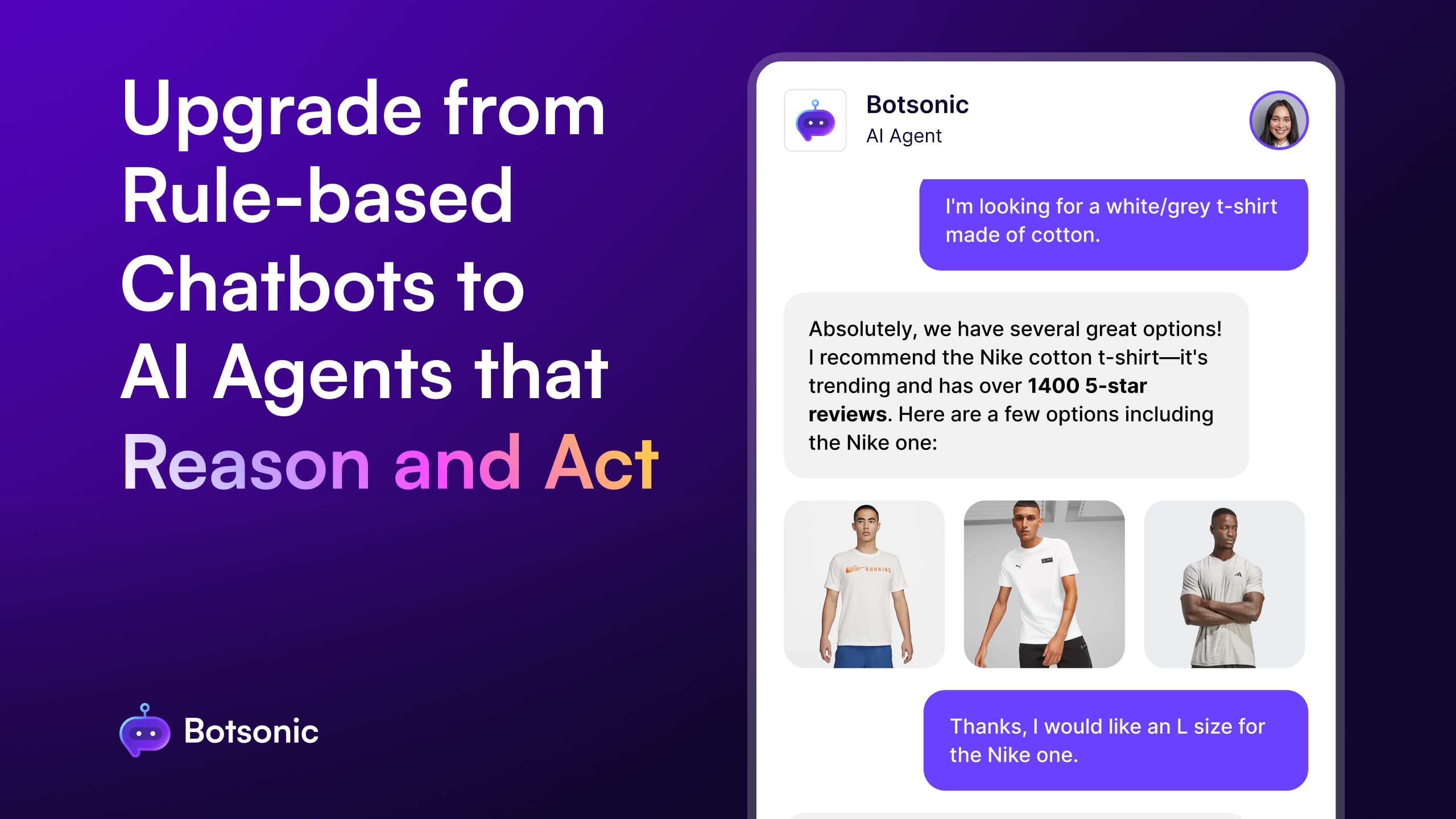
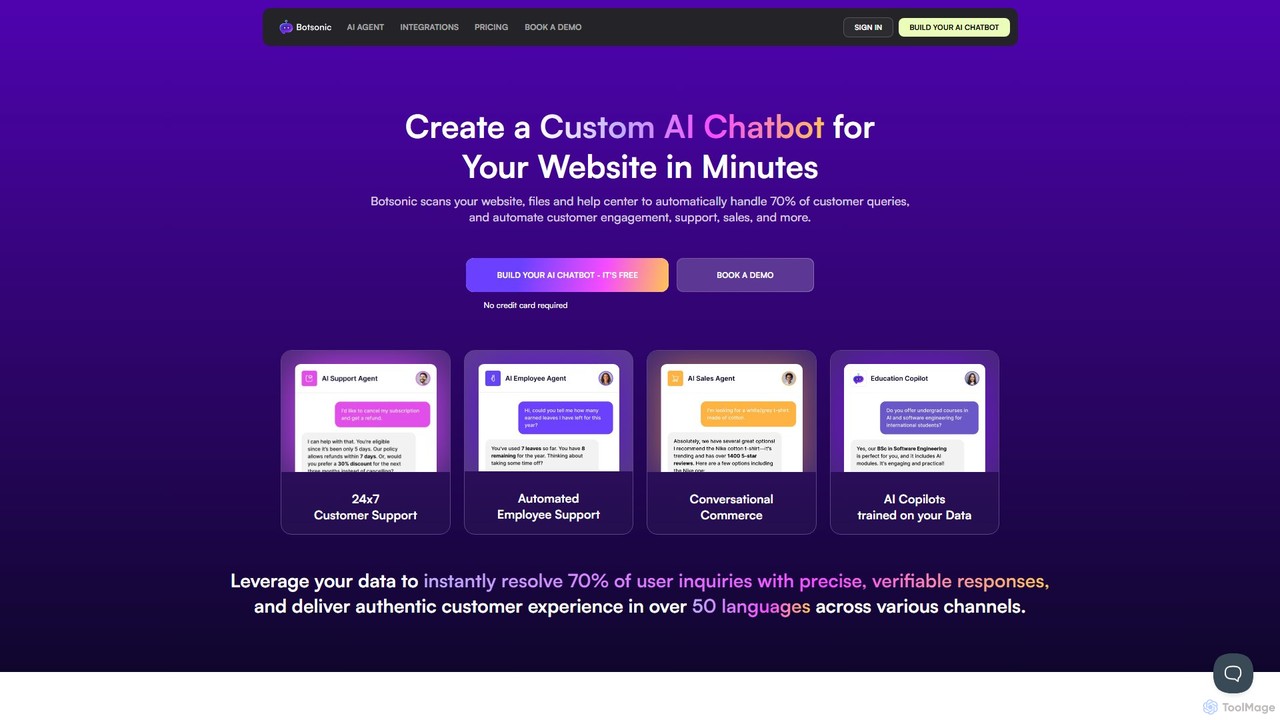
Botsonic is an AI chatbot builder that creates custom ChatGPT-like agents trained on your own data. It scans your website, documents, and help center to automatically resolve over 70% of customer queries, automate sales engagement, and provide internal employee support, all in over 50 languages.

Chatbot
Visits 38.5KFavorites 119Likes 130

About Internal Support

Internal Support AI tools are AI-powered solutions designed to automate and enhance internal operations and employee assistance within an organization. Leveraging natural language processing and machine learning, these tools provide instant answers, manage service requests, and streamline processes across various departments, including HR, IT, and administration. They aim to significantly reduce the workload on human support teams, improve employee satisfaction, and foster a more efficient internal environment.

Core Features

  • Automated Q&A: Instantly answers common employee questions regarding HR policies, IT issues, or company procedures.
  • Request Management: Automates the routing, tracking, and resolution of internal service requests (e.g., IT tickets, HR inquiries).
  • Knowledge Base Integration: Connects with existing knowledge bases to provide accurate and up-to-date information to employees.
  • Personalized Assistance: Offers tailored support based on employee roles, departments, and past interactions.
  • Workflow Automation: Automates routine internal tasks like onboarding checklists, leave requests, or expense approvals.

Applicable Scenarios

Organizations with a large employee base or complex internal processes benefit greatly from Internal Support AI. HR departments use these tools to handle routine inquiries about benefits or payroll, freeing up HR staff for strategic tasks. IT teams deploy them to resolve common tech issues, reducing ticket volume. Administrative departments can automate facility requests or supply orders, ensuring smooth operations.

How to Choose

When selecting an Internal Support AI tool, consider its integration capabilities with existing HRIS, CRM, or IT service management systems. Evaluate the natural language understanding (NLU) accuracy for diverse employee queries and the ease of customizing the knowledge base. Scalability for future growth and robust security features to protect sensitive employee data are also crucial. Finally, assess the user interface for ease of use by both employees and administrators.

Featured tool rankings

Internal Support use cases

1

Automate Employee HR Policy Inquiries

HR departments can deploy an Internal Support AI tool to automatically answer common employee questions about company policies, benefits, leave requests, or payroll. Employees can get instant, accurate information 24/7 without waiting for an HR representative, significantly reducing HR's administrative burden and improving employee self-service experience.

2

Streamline IT Help Desk Support

IT teams utilize Internal Support AI to handle first-level support requests, such as password resets, software installation guides, or troubleshooting common network issues. The AI can resolve many queries instantly or intelligently route complex issues to the appropriate IT specialist, drastically cutting down ticket resolution times and improving IT efficiency.

3

Facilitate Employee Onboarding Process

New hires often have numerous questions about company culture, tools, and initial setup. An Internal Support AI can act as a virtual onboarding assistant, guiding new employees through checklists, providing links to essential resources, and answering FAQs, ensuring a smoother, more efficient, and less overwhelming onboarding experience.

4

Manage Internal Facility & Administrative Requests

Administrative teams can use these tools to automate the processing of facility requests, such as booking meeting rooms, ordering office supplies, or reporting maintenance issues. Employees submit requests via the AI, which then routes them to the correct department, tracks progress, and provides updates, enhancing operational efficiency and employee convenience.

5

Provide Instant Access to Company Knowledge

For large organizations, finding specific company information (e.g., project guidelines, brand assets, sales playbooks) can be time-consuming. An Internal Support AI can serve as a central, intelligent knowledge hub, allowing employees to quickly search and retrieve relevant documents and information, fostering better knowledge sharing and productivity.

6

Automate Expense Report Submission & Approval

Finance departments can leverage Internal Support AI to guide employees through the expense report submission process, answer questions about policy compliance, and even pre-validate certain entries. The AI can then initiate the approval workflow, reducing manual errors, accelerating reimbursement times, and ensuring adherence to company spending policies.

Internal Support FAQ

What are Internal Support AI tools?

Internal Support AI tools are software solutions that use artificial intelligence to automate and improve internal operations and employee support within an organization. They act as virtual assistants for employees, providing instant answers to questions, managing service requests, and streamlining various administrative, HR, and IT processes. Their primary goal is to enhance efficiency and employee satisfaction by reducing the burden on human support teams.

How do Internal Support AI tools differ from general AI chatbots?

While both use AI, Internal Support AI tools are specifically designed for an organization's internal ecosystem. They are trained on internal data (HR policies, IT knowledge bases, company procedures) and integrate with internal systems (HRIS, ITSM). General AI chatbots are broader, often customer-facing, and trained on public or general domain data. Internal support tools prioritize security and privacy of employee data and focus on internal operational efficiency.

What are the key benefits of implementing Internal Support AI?

Implementing Internal Support AI offers several key benefits:

  • Increased Efficiency: Automates routine tasks and inquiries, freeing up HR, IT, and admin staff.
  • Improved Employee Experience: Provides instant, 24/7 access to information and support, reducing wait times.
  • Cost Reduction: Lowers operational costs associated with manual support processes.
  • Data-Driven Insights: Gathers data on common queries and issues, helping identify areas for process improvement.
  • Consistency: Ensures consistent and accurate information delivery across the organization.
What features should I look for in an Internal Support AI tool?

When evaluating Internal Support AI tools, prioritize features such as:

  • Robust NLU/NLP: Accurate understanding of diverse employee queries.
  • Integration Capabilities: Seamless connection with existing HRIS, ITSM, and knowledge base systems.
  • Customizable Knowledge Base: Easy to update and manage internal company information.
  • Workflow Automation: Ability to automate tasks like ticket routing, approvals, and notifications.
  • Analytics & Reporting: Insights into common queries, resolution times, and employee satisfaction.
  • Security & Compliance: Strong data protection measures for sensitive employee information.
Can Internal Support AI tools integrate with existing HR and IT systems?

Yes, integration with existing HR and IT systems is a crucial capability for most Internal Support AI tools. They often offer APIs or pre-built connectors to popular platforms like Workday, SAP SuccessFactors, ServiceNow, Jira, and Microsoft Teams. This allows the AI to pull relevant employee data, update records, create tickets, and trigger workflows directly within the existing infrastructure, ensuring a cohesive and efficient internal support ecosystem.