ToolMage
Sign in

Best 4 Image And Video AI tools

Popular Image And Video AI tools include glitchyimage, poolplannerai, Polyverse Studio, and Hotcheck, helping you work more efficiently.

glitchyimage
Free

glitchyimage

glitchyimage is a free, web-based tool that allows users to create unique glitch art by applying various effects and blend modes to their own images. With an intuitive interface, you can upload a photo, adjust parameters like opacity and effect amount, and generate stunning, high-quality glitch visuals instantly. It's perfect for artists, designers, and social media creators looking to add a modern, edgy aesthetic to their work.

Generative Art
Visits 16.9KFavorites 137Likes 104
Polyverse Studio
Freemium

Polyverse Studio

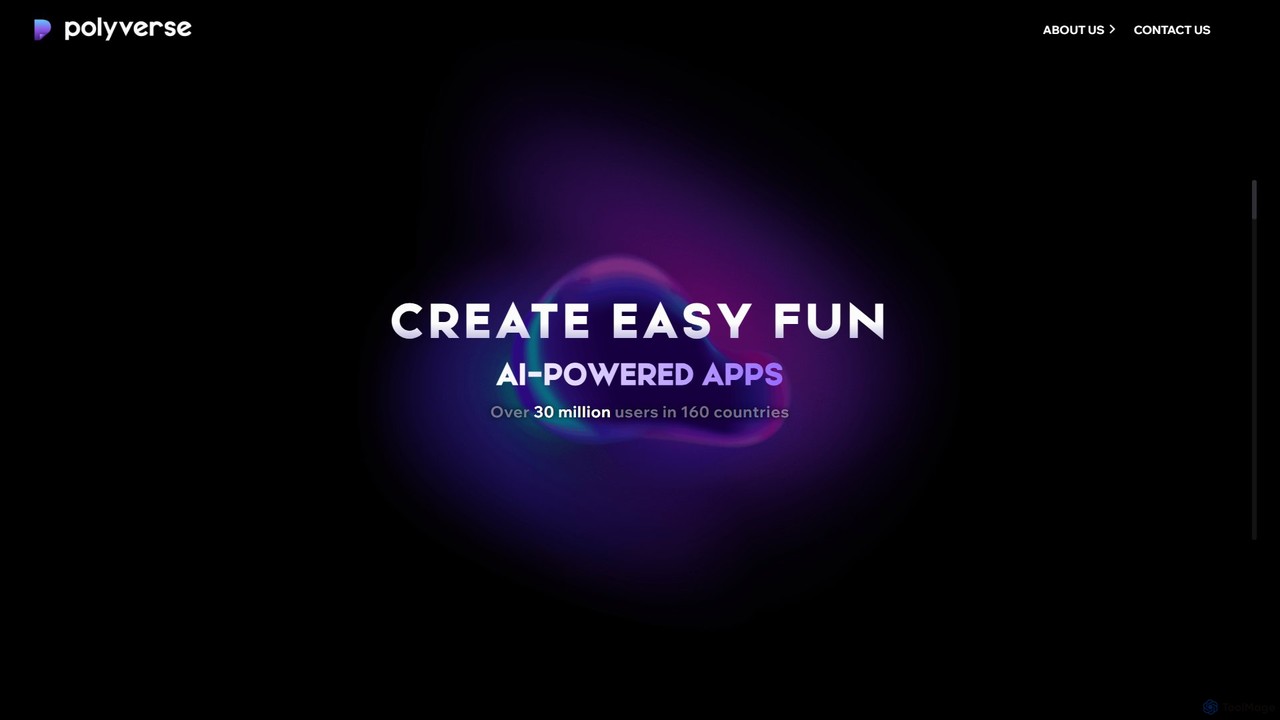
Polyverse Studio is a mobile app developer specializing in fun and easy-to-use AI-powered content creation platforms. Their flagship products, AI Mirror and Spellai, empower over 30 million users to transform photos and videos into various art styles and generate stunning images from text, making creative expression accessible to everyone.

Art Generation
Visits 6.7KFavorites 141Likes 159
poolplannerai
Paid

poolplannerai

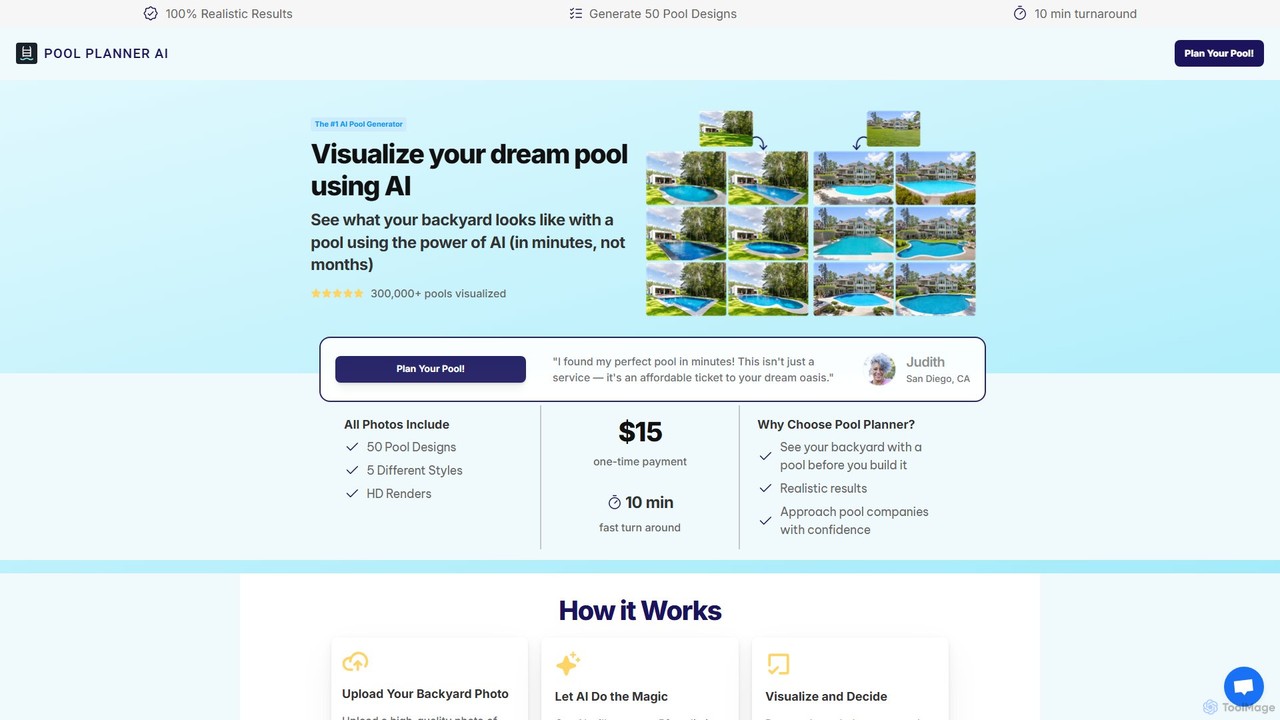
Pool Planner AI is an AI-powered design tool that helps homeowners visualize their dream pool. By uploading a photo of your backyard, the tool generates 50 realistic HD images with various pool designs in just 10 minutes. This allows you to explore different styles, shapes, and sizes before committing to construction, saving time and money while making confident decisions.

Landscape Design
Visits 6.8KFavorites 142Likes 118
Hotcheck
Freemium

Hotcheck

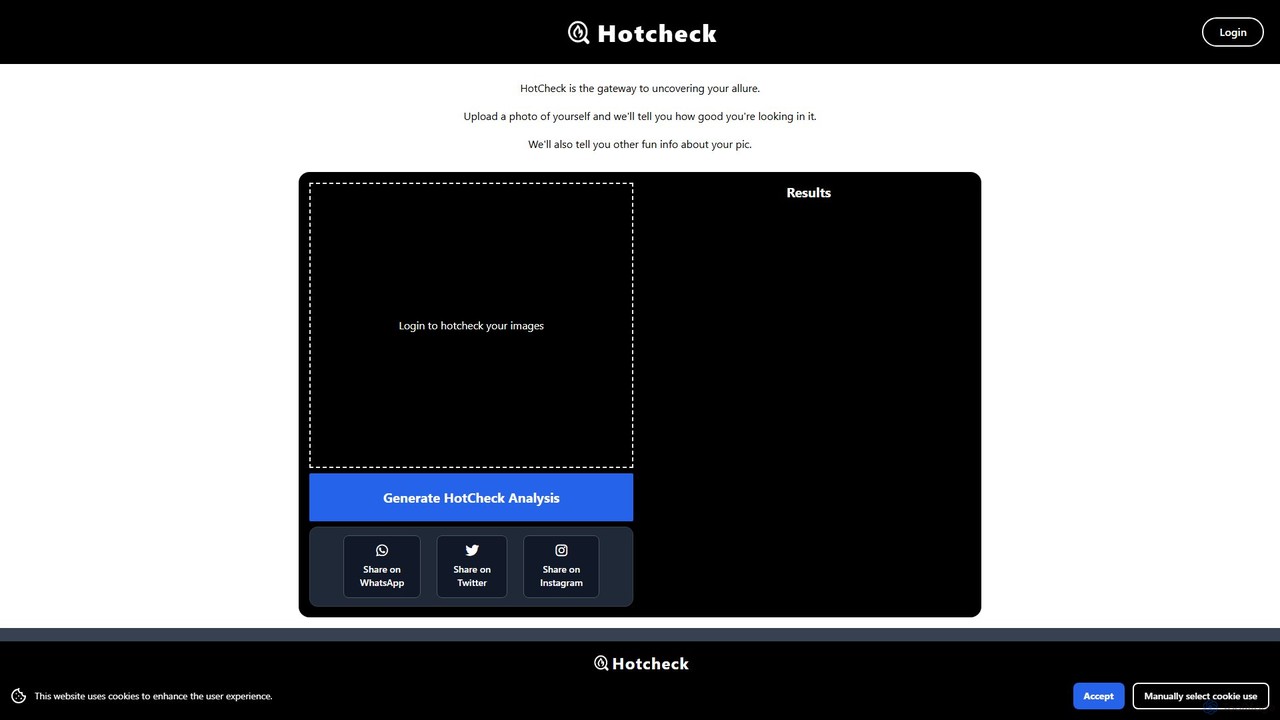
Hotcheck is an AI-powered photo analysis tool that rates the attractiveness of your photos. Simply upload a picture, and the AI provides an objective 'hotness' score. It also offers detailed insights into facial features, photo quality, and other fun metrics to help you choose the best pictures for your dating profiles, social media, or just for fun.

Photo Analysis
Visits 4.8KFavorites 146Likes 146

About Image And Video

AI Image and Video tools are a class of applications that leverage artificial intelligence to create, edit, analyze, and enhance visual content. These tools utilize advanced models like Generative Adversarial Networks (GANs) and computer vision to automate complex tasks, from generating photorealistic images from text to intelligently editing video clips. They empower creators, marketers, and businesses to produce high-quality visual assets at scale, significantly reducing production time and costs. This category encompasses a wide range of functionalities, including image generation, video enhancement, object recognition, and style transfer.

Core Features

  • AI Generation: Create original images, videos, and 3D models from text prompts or existing images.
  • Intelligent Editing: Automate tasks like background removal, object replacement, scene detection, and subtitle generation.
  • Visual Enhancement & Restoration: Improve image and video quality, upscale resolution, reduce noise, and repair old or damaged photos.
  • Content Analysis: Recognize and tag objects, faces, text, and scenes within images and videos for data extraction or moderation.
  • Style Transfer & Effects: Apply artistic styles from one image to another or add complex visual effects with minimal user input.

Use Cases

These tools are widely used in marketing for creating ad creatives and social media content. Film and video production teams use them for post-production tasks like color grading and special effects. In e-commerce, they are essential for background removal and product photo enhancement. Researchers and developers also utilize them for data annotation and training computer vision models.

How to Choose

When selecting an AI Image and Video tool, first consider the specific task you need to perform (e.g., generation vs. editing). Evaluate the quality, style, and resolution of the output to ensure it aligns with your brand standards. Check for integration capabilities with your existing workflow, such as plugins for design software. Finally, compare pricing models—whether subscription-based, pay-per-use, or a one-time purchase—to find a solution that fits your budget and usage frequency.

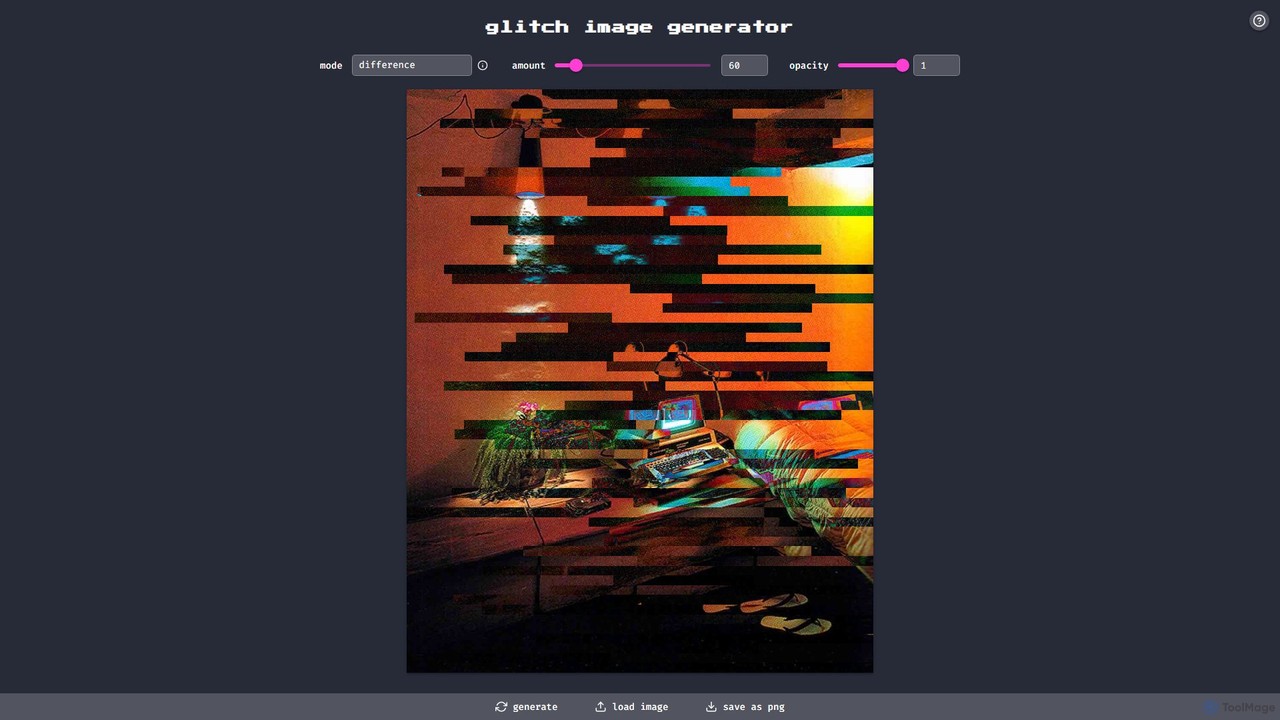
Image And Video use cases

1

Generate Marketing Visuals from Text Prompts

A marketing manager needs to create a series of unique visuals for a new social media campaign under a tight deadline. Instead of searching through stock photo libraries, they use an AI image generator. By inputting descriptive text prompts like 'futuristic cityscape with flying cars at sunset, photorealistic style,' the tool generates dozens of high-resolution, royalty-free image variations in minutes. This process bypasses the need for a graphic designer for initial concepts, saving significant time and budget while providing a wealth of creative options for A/B testing campaign visuals.

2

Automate Video Subtitling and Transcription

A content creator produces long-form video podcasts and needs accurate subtitles to improve accessibility and engagement. Manually transcribing and timing subtitles for a one-hour video can take several hours. By uploading the final video file to an AI video tool, its speech-to-text engine automatically transcribes the audio and generates time-synced subtitles. The creator can then quickly review and edit the text for accuracy. This reduces the subtitling workload by over 90%, improves the video's SEO, and makes the content accessible to a wider audience, including non-native speakers and the hearing-impaired.

3

Batch Enhance E-commerce Product Photos

An e-commerce store owner has hundreds of new product photos with inconsistent lighting and distracting backgrounds. To create a professional and uniform look for their online store, they use an AI image enhancement tool. They upload the entire folder of images for batch processing. The tool automatically removes the background from each photo, adjusts brightness and contrast for optimal clarity, and upscales the resolution. This process ensures all product listings have a clean, consistent aesthetic, which can improve customer trust and increase conversion rates, all without the high cost of hiring a professional retoucher.

4

Restore and Colorize Old Family Photographs

A hobbyist genealogist wants to preserve and bring new life to their collection of faded, scratched, black-and-white family photos. They scan the old photographs and upload them to an AI photo restoration tool. The AI automatically detects and removes scratches, tears, and creases. It then sharpens faces and details that have become blurry over time. Finally, its colorization model applies realistic, context-aware colors to the monochrome image. The result is a vibrant, clear, and colorful version of a precious memory, achieved in minutes, a task that would require specialized skills and hours of manual work in traditional software.

5

Create Animated Avatars for Training Videos

A corporate trainer needs to create engaging training videos for a global team but is uncomfortable on camera and faces budget constraints for a professional video shoot. Using an AI video creation tool, they can type or paste a script, choose a pre-designed AI avatar, and select a voice from a library of options. The tool generates a video of the avatar speaking the script with realistic lip-syncing and gestures. This allows for the rapid production of professional-looking training modules that can be easily updated by simply editing the text, making content creation scalable and cost-effective.

6

Analyze Video Footage for Security Monitoring

A security operations manager is responsible for monitoring hours of surveillance footage from multiple locations to identify potential threats. Manually reviewing this volume of video is impractical and prone to human error. By feeding the video streams into an AI video analysis platform, the system can be configured to automatically detect and flag specific events. This includes identifying unauthorized individuals through facial recognition, detecting objects left unattended, or flagging unusual activity patterns. This automation provides real-time alerts for security threats, drastically reducing the need for manual review and improving incident response times.

Image And Video FAQ

What are AI Image and Video tools?

AI Image and Video tools are software applications that use artificial intelligence to create, modify, and analyze visual media. They automate complex processes that would typically require significant manual effort or specialized skills. Key functions include generating entirely new images from text descriptions, automatically editing video clips, enhancing the quality of photos and footage, and identifying objects or people within a scene. These tools are used by creators, marketers, and developers to streamline workflows and produce high-quality content more efficiently.

How do I choose the right AI Image and Video tool?

To choose the right tool, consider these key factors:

  • Primary Use Case: Define your main goal. Do you need to generate images, edit videos, restore old photos, or analyze footage? Different tools specialize in different areas.
  • Output Quality and Style: Review examples of the tool's output. Does the quality meet your standards? If it's a generator, does its artistic style align with your brand or project?
  • Ease of Use: Evaluate the user interface and learning curve. Some tools are beginner-friendly with simple prompts, while others offer advanced controls for professionals.
  • Pricing Model: Compare costs. Models vary from free tiers and one-time payments to monthly subscriptions or credit-based systems. Choose one that matches your budget and expected usage.
What's the difference between AI image generators and traditional photo editors?

The core difference is creation versus manipulation. Traditional photo editors, like Adobe Photoshop, are designed to manipulate existing pixels in an image—adjusting colors, removing blemishes, or combining layers. They work with what's already there. In contrast, AI image generators create entirely new images and pixels from scratch based on a user's text prompt. They don't edit an existing photo; they synthesize a new one. While many modern editors now incorporate AI features for tasks like object selection, their fundamental purpose remains editing, whereas generators are focused on novel creation.

Can AI tools edit videos automatically?

Yes, many AI video tools offer significant automation for editing. They can perform tasks that are typically time-consuming for human editors. Common automated features include:

  • Silence & Filler Word Removal: Automatically detecting and cutting out pauses, 'ums', and 'ahs' from dialogue.
  • Automatic Subtitling: Transcribing audio and generating time-synced captions.
  • Scene Detection: Identifying cuts and different scenes within a longer video to make navigation and trimming easier.
  • Highlight Reel Creation: Analyzing footage to find the most engaging moments and compiling them into a short summary video.

While they may not replace a professional editor for complex storytelling or creative decisions, they drastically speed up the repetitive and technical aspects of video editing.

Who can benefit from using AI Image and Video tools?

A wide range of users can benefit from these tools. For example:

  • Marketers and Social Media Managers: To quickly create unique ad creatives, blog images, and social media posts without relying on stock photos.
  • Content Creators and YouTubers: To automate video editing tasks like subtitling and cutting, and to generate eye-catching thumbnails.
  • E-commerce Businesses: To batch-process product photos for background removal, enhancement, and creating a consistent look.
  • Designers and Artists: To rapidly brainstorm concepts, explore different visual styles, and generate assets for their projects.
  • Individuals and Hobbyists: To restore old family photos, create personalized art, or simply explore creative possibilities.