Model Xpert
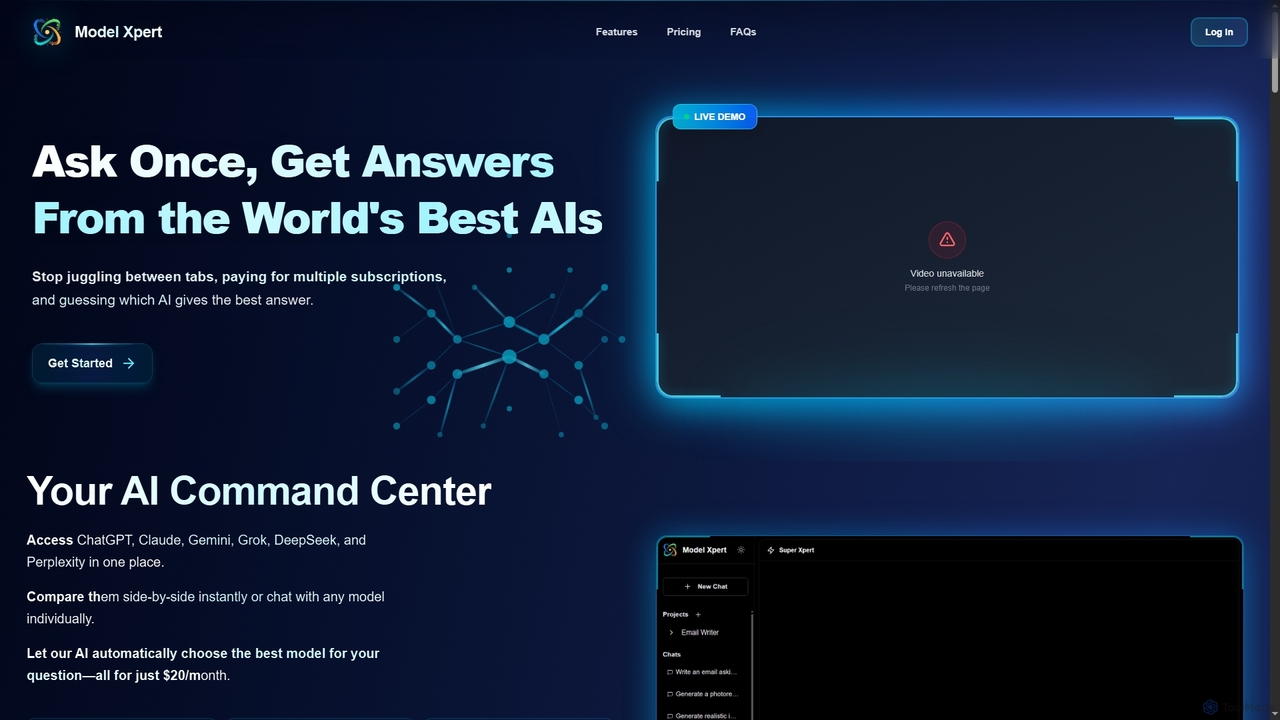
Model Xpert provides unified access to the world's top AI models like ChatGPT, Claude, Gemini, Grok, DeepSeek, and …
Model Xpert provides unified access to the world's top AI models like ChatGPT, Claude, Gemini, Grok, DeepSeek, and Perplexity in one chat interface. It eliminates the need for multiple subscriptions and offers features like side-by-side comparison, intelligent auto-selection, prompt enhancement, and an AI image suite for maximum efficiency and cost savings.
NanoBanana API
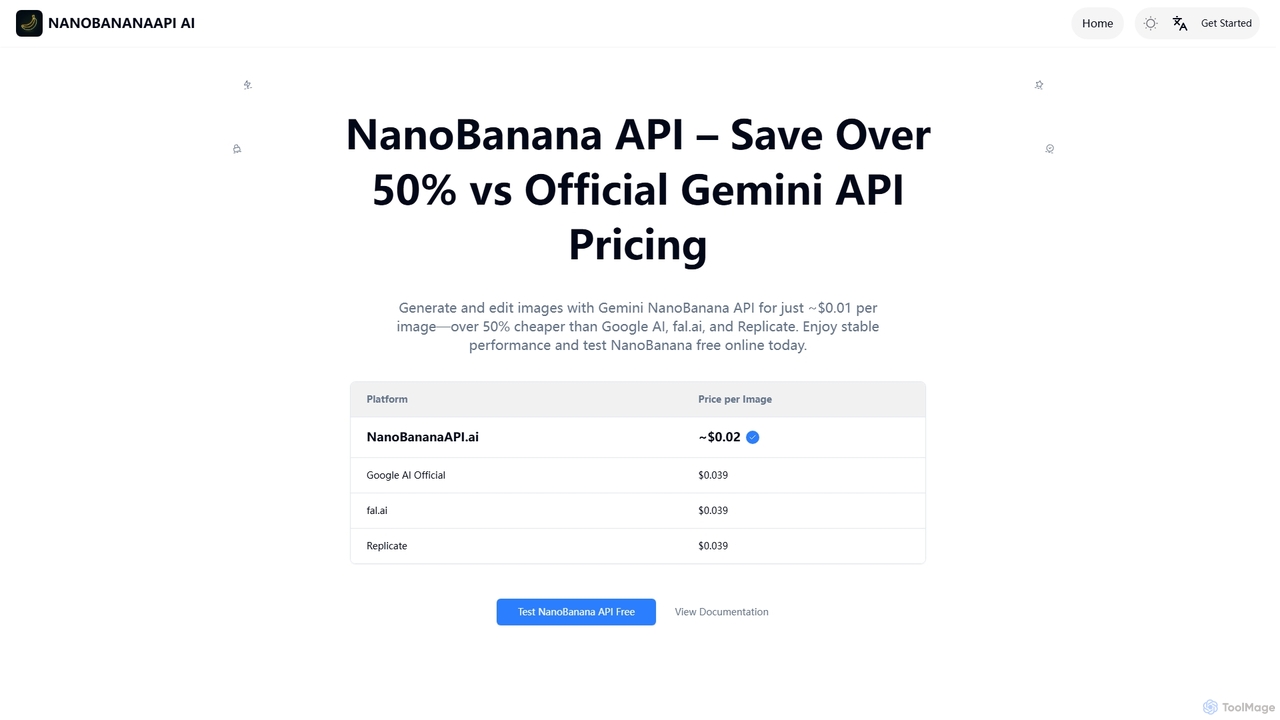
NanoBanana API offers a cost-effective solution for AI image generation and editing, enabling photorealistic outputs, consistent character generation, …
NanoBanana API offers a cost-effective solution for AI image generation and editing, enabling photorealistic outputs, consistent character generation, and complex edits via natural language. It provides over 50% savings compared to official Gemini API pricing, making advanced image manipulation accessible for developers and creators.
About Editing
AI Editing tools are a category of AI-powered applications designed to modify, enhance, and refine existing images, including those generated by AI. These tools leverage advanced computer vision and machine learning algorithms to perform complex adjustments, from subtle retouches to significant transformations. They empower users to correct imperfections, adapt visual content for various purposes, and elevate image quality, serving as a crucial post-generation step in the broader image creation workflow. This category focuses on precision and control, allowing for detailed manipulation beyond initial generation.
Core Features
- Object Removal & Addition: Intelligently remove unwanted elements or seamlessly integrate new objects into an image.
- Background Manipulation: Effortlessly change, blur, or remove image backgrounds with high precision.
- Image Upscaling & Enhancement: Improve resolution, sharpen details, and enhance overall image quality without pixelation.
- Style Transfer: Apply artistic styles from one image to another, transforming aesthetics.
- Color Correction & Grading: Automatically adjust colors, contrast, and lighting for professional-grade visual appeal.
Use Cases
Graphic designers utilize AI editing tools to quickly iterate on design concepts, such as removing watermarks or changing product colors in mockups. Photographers employ them for automated retouching, background replacement in portraits, and enhancing landscape details. Marketers leverage these tools to adapt campaign visuals, resizing images for different platforms or localizing content by adding specific elements.
How to Choose
When selecting an AI editing tool, consider its core functionality—does it offer the specific editing capabilities you need, such as object removal or advanced color grading? Evaluate the output quality, ensuring it meets professional standards for resolution and detail. Assess its ease of use and integration with your existing creative workflow, as well as the pricing model and available support for different file formats.

EditingUse Cases
Batch Background Removal for E-commerce Products
E-commerce managers often need clean product images for online listings. AI editing tools allow them to automatically remove backgrounds from hundreds of product photos simultaneously, ensuring consistency and saving hours of manual work. This streamlines the process of preparing images for online stores and marketing materials, significantly reducing post-production time and effort.
Refining AI-Generated Artworks
Digital artists using AI image generators frequently find minor imperfections or stylistic inconsistencies in the initial output. AI editing tools enable them to precisely correct these flaws, add specific details, or blend different generated elements, transforming raw AI creations into polished, ready-to-publish artworks that meet their artistic vision and quality standards.
Object Removal in Marketing Materials
Marketing professionals often encounter situations where unwanted objects appear in promotional photos, or they need to adapt an image for a new campaign. AI editing tools can seamlessly remove distractions or add new elements, like a brand logo or product, ensuring the visual message is clear and aligned with campaign goals without the need for expensive reshoots or extensive manual editing.
Upscaling Low-Resolution Images for Print
Print designers frequently receive low-resolution images that are unsuitable for high-quality printing, leading to pixelation. AI upscaling tools can intelligently increase image resolution and enhance details, making them viable for large-format prints, posters, or brochures. This capability ensures visual integrity and sharpness, transforming previously unusable assets into professional-grade print materials.
Automated Photo Retouching for Portraits
Professional photographers and enthusiasts can use AI editing for automated portrait retouching. These tools can subtly smooth skin, whiten teeth, remove blemishes, and enhance facial features, providing a natural yet polished look in a fraction of the time it would take for manual adjustments. This is ideal for high-volume shoots or for quickly preparing images for social media and portfolios.
Style Transfer for Creative Visuals
Content creators looking to add a unique artistic flair to their visuals can leverage AI style transfer. This allows them to apply the aesthetic characteristics of famous paintings or specific art styles to their own photos or generated images, creating distinctive and engaging content for social media, blogs, or digital campaigns, enhancing visual storytelling.