Dropbox Sign
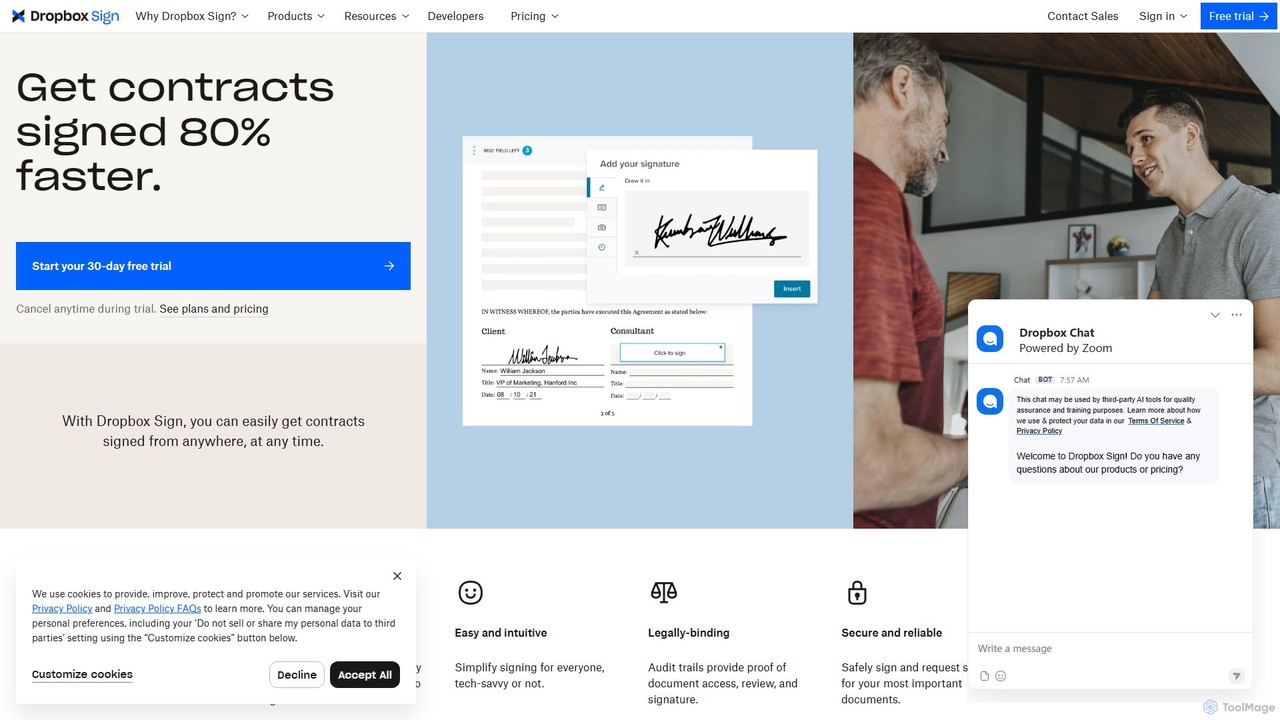
Dropbox Sign (formerly HelloSign) is a secure, legally-binding eSignature solution that streamlines document workflows. It allows users to …
Dropbox Sign (formerly HelloSign) is a secure, legally-binding eSignature solution that streamlines document workflows. It allows users to send, sign, and track agreements from any device, integrating seamlessly with tools like Salesforce, Dropbox, and more. Ideal for sales, HR, and legal teams to accelerate processes.
About Esignature
Esignature tools provide a secure and legally recognized method for signing electronic documents, replacing traditional paper-based processes. These platforms utilize cryptographic technology to create unique, verifiable signatures and maintain a detailed audit trail for every transaction. This ensures the integrity, authenticity, and non-repudiation of signed agreements, making them a crucial component of digital workflows within the legal and business sectors. By automating the signing process, they significantly accelerate contract cycles and reduce administrative overhead.
Core Features
- Legally Binding Signatures: Generates signatures that comply with major international regulations like the U.S. ESIGN Act and EU eIDAS.
- Comprehensive Audit Trails: Records every action taken on a document, including viewing, signing, and date/time stamps, for legal evidence.
- Workflow Automation: Allows users to create templates, define signing orders, and send automated reminders to all parties.
- Advanced Security: Employs encryption and tamper-evident technology to protect documents from unauthorized access or alteration.
- Cross-Platform Accessibility: Enables signers to review and sign documents on any device, including desktops, tablets, and smartphones.
Use Cases
Esignature tools are widely adopted across various departments. Sales teams use them to close deals faster by sending contracts for immediate signature. Human Resources departments streamline onboarding by digitizing offer letters and policy documents. Legal and procurement teams manage NDAs, vendor contracts, and service agreements with enhanced security and compliance tracking.
How to Choose
When selecting an Esignature tool, first verify its compliance with the legal standards in your jurisdiction. Evaluate the platform's security features, such as encryption levels and the detail of its audit trails. Consider its integration capabilities with your existing software, like CRM or document management systems. Finally, assess the user experience for both senders and signers to ensure a smooth, intuitive process.
EsignatureUse Cases
Accelerate Sales Contract Closures
A sales manager needs to finalize a critical deal before the end of the quarter. Instead of printing, couriering, and waiting for a physical signature, they use an e-signature platform. They upload the final contract, specify the signing fields for the client, and send it securely via email. The client receives the document on their smartphone, reviews it, and signs with a few taps. The platform instantly notifies the sales manager, and a legally binding, tamper-proof copy is automatically archived for both parties, reducing the closing time from days to minutes.
Streamline HR Onboarding for New Hires
An HR department is onboarding multiple new employees remotely. To manage the paperwork efficiently, they create an onboarding packet template in their e-signature tool. This packet includes the offer letter, tax forms, non-disclosure agreement, and company policy acknowledgments. Each new hire receives a single, consolidated link. The platform guides them through each document, ensuring all required fields and signatures are completed. The comprehensive audit trail provides proof of receipt and acknowledgment, ensuring compliance and creating a complete digital employee file from day one.
Execute Vendor and Procurement Contracts
A procurement manager needs to finalize agreements with multiple new vendors. Using an e-signature platform, they can create standardized contract templates that are easily customizable for each vendor. The workflow feature allows them to set a specific signing order, ensuring the document is first reviewed by their internal legal team before being sent to the vendor for their signature. This structured process minimizes errors, maintains a clear record of approvals, and significantly shortens the procurement cycle, allowing projects to start sooner.
Secure Client Engagement Letters in Legal Services
A law firm needs a secure and efficient way to have new clients sign engagement letters and fee agreements. By using an e-signature service, a paralegal can quickly send these critical documents to a client's email. The platform provides a secure environment for the client to review and sign, and the firm receives an immediate notification upon completion. The detailed audit trail associated with the signed document serves as robust evidence of the client's agreement, which is crucial for compliance and in case of any future disputes.
Digitize Real Estate Lease and Purchase Agreements
A real estate agent is working with clients who are located in a different state. To execute a lease agreement, the agent prepares the document and sends it for signature using an e-signature platform. The platform allows both the landlord and the tenant to sign remotely from their respective locations. All signed documents are stored centrally in the cloud, accessible to authorized parties at any time. This digital process eliminates the need for overnight shipping of documents, reduces the risk of paperwork getting lost, and accelerates the entire rental or sales transaction.
Manage Patient Consent and Intake Forms
A healthcare clinic aims to reduce patient wait times and administrative workload. They integrate an e-signature tool into their patient portal. Before an appointment, patients receive an email to complete and sign intake forms, consent forms, and medical history questionnaires online. This pre-visit process allows clinic staff to review information in advance. The signed digital forms are automatically attached to the patient's electronic health record (EHR), ensuring data accuracy, maintaining HIPAA compliance, and creating a more efficient, paperless check-in experience.