

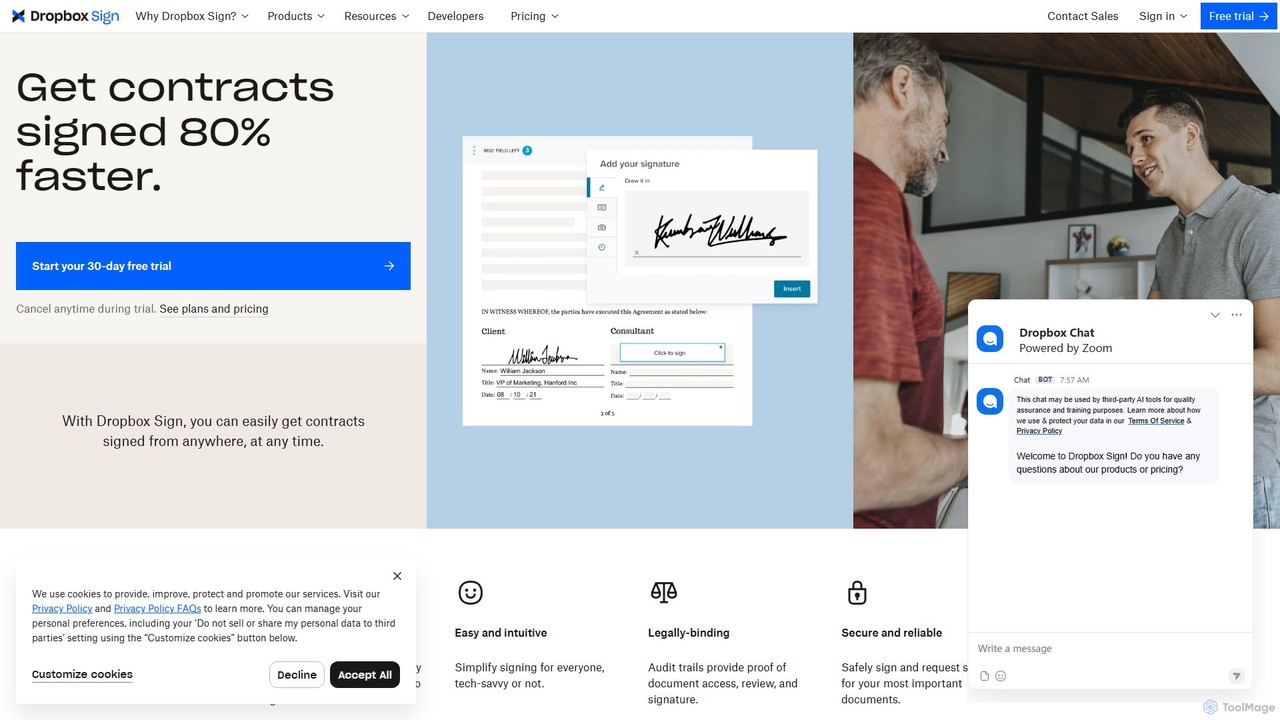
Dropbox Sign Overview
Dropbox Sign, formerly known as HelloSign, is a powerful and intuitive electronic signature solution designed to accelerate business workflows. It enables individuals and teams to send, receive, and manage legally binding eSignature documents online. By digitizing the agreement process, Dropbox Sign eliminates the need for printing, faxing, and scanning, significantly reducing turnaround times from weeks to mere minutes. It's built with security, simplicity, and scalability in mind, making it a trusted choice for businesses of all sizes.
The platform is recognized for its user-friendly interface, allowing even non-tech-savvy users to navigate the signing process with ease. With robust integrations and a powerful API, Dropbox Sign meets you where you work, embedding seamlessly into your existing applications and systems to create a frictionless experience for both senders and signers.
How to use Dropbox Sign
Getting started with Dropbox Sign is a straightforward process designed for maximum efficiency:
- Create an Account: Sign up for a Dropbox Sign account. You can start with a 30-day free trial to explore its features.
- Upload Your Document: Upload the document you need signed. Dropbox Sign supports various file formats, including PDF, Microsoft Word, Excel, and PowerPoint.
- Format the Document: Drag and drop fields onto your document where you need information, such as signatures, initials, text boxes, dates, and checkboxes. You can save frequently used documents as reusable templates to save time.
- Add Signers and Send: Enter the email addresses of the signers and customize the message. Click 'Send for signature' to dispatch the document.
- Sign the Document: Signers receive an email notification. They can create their electronic signature by drawing with a mouse or finger, typing their name, or uploading an image of their signature.
- Track and Manage: Monitor the document's progress in real-time from your dashboard. You'll receive notifications as each person views and signs the document. A complete, time-stamped audit trail is automatically appended to every signed document for legal proof.
Core Features of Dropbox Sign
- Legally Binding eSignatures: Compliant with the U.S. ESIGN Act, UETA, and Europe's eIDAS regulation, ensuring your signed documents are legally enforceable.
- Reusable Templates: Turn your most used documents into templates to streamline the sending process and ensure consistency.
- Powerful API: Embed eSignature functionality directly into your website or application with an API that G2 has ranked as the fastest to implement.
- Seamless Integrations: Works with popular tools like Dropbox, Salesforce, HubSpot, Oracle, and Microsoft, eliminating the need to switch between applications.
- Advanced Security: Features include tamper-proof documents, a complete audit trail, 256-bit AES encryption, two-factor authentication (2FA), and compliance with standards like SOC 2 Type II, HIPAA, and GDPR.
- Bulk Send: Send a single document to a large list of recipients for signature with just one click, perfect for new hire paperwork or policy updates.
- Custom Branding: Customize the signing experience with your company's logo and colors to maintain brand consistency.
- Mobile-Friendly: Sign and send documents from any device, anywhere, at any time, ensuring business continuity on the go.
- Advanced Signer Options: Utilize features like conditional logic, attachment collection, and signer access codes for more complex workflows.
Use Cases for Dropbox Sign
Dropbox Sign is versatile and benefits various departments:
- Sales Teams: Accelerate the sales cycle by getting contracts and proposals signed faster. Salesforce integration can boost sales team performance by up to 45%.
- Human Resources: Streamline the recruitment and onboarding process. Send offer letters, NDAs, and onboarding packets for quick, digital signing, reducing time-to-hire.
- Legal Departments: Securely execute contracts, agreements, and waivers with legally binding signatures and comprehensive audit trails for compliance.
- Finance and Operations: Digitize invoicing, purchase orders, and expense reports for faster approvals and processing.
- Real Estate: Manage leases, purchase agreements, and disclosure forms efficiently without the need for in-person meetings.
Advantages of Dropbox Sign
Dropbox Sign offers a competitive edge through its focus on speed, security, and user experience. It dramatically reduces document turnaround time, improves completion rates by up to 26%, and enhances operational efficiency. Its intuitive design ensures high adoption rates among users, while its robust security features provide peace of mind. The powerful API and extensive integrations make it a highly scalable and adaptable solution that grows with your business needs.
Pricing and Plans
Dropbox Sign offers a flexible pricing structure to suit different needs, including a free trial and a limited free plan.
- Free Plan: Includes up to 3 signature requests per month.
- Essentials Plan: Starts at $15 per user per month (billed annually), offering unlimited signature requests, 5 templates, and more.
- Standard Plan: Team-focused plan with more advanced features like custom branding, bulk send, and team reporting.
- Premium Plan: For advanced teams needing features like SSO, advanced integrations, and performance dashboards.
- API Plans: Start at $100 per month for 50 API requests, designed for developers embedding eSignatures into their products.
A 30-day free trial is available for paid plans, allowing users to test the full capabilities before committing.
Traffic
Latest traffic
Status
Monthly traffic trend
- 2025-9: 405.5K
- 2026-1: 341.4K
- 2026-2: 321.8K
- 2026-3: 306.5K
- 2026-4: 316.2K
- 2026-5: 311.6K
Geography
Top 5 countries / regions
- 🇺🇸United States79.0%
- 🇨🇦Canada9.9%
- 🇬🇧United Kingdom6.6%
- 🇰🇷South Korea2.3%
- 🇻🇳Vietnam2.2%
Traffic sources
| Source type | Percentage |
|---|---|
Direct | 82.7% |
Referral | 15.1% |
Email | 2.2% |
Top keywords
| Keyword | Cost per click |
|---|---|
| assinatura digital | $0.40 |
| dropbox sign | $5.91 |
| dropboxsign | $6.93 |
| hello sign | $9.34 |
| hellosign | $7.89 |
Dropbox Sign Videos on YouTube

Dropbox Sign Alternatives
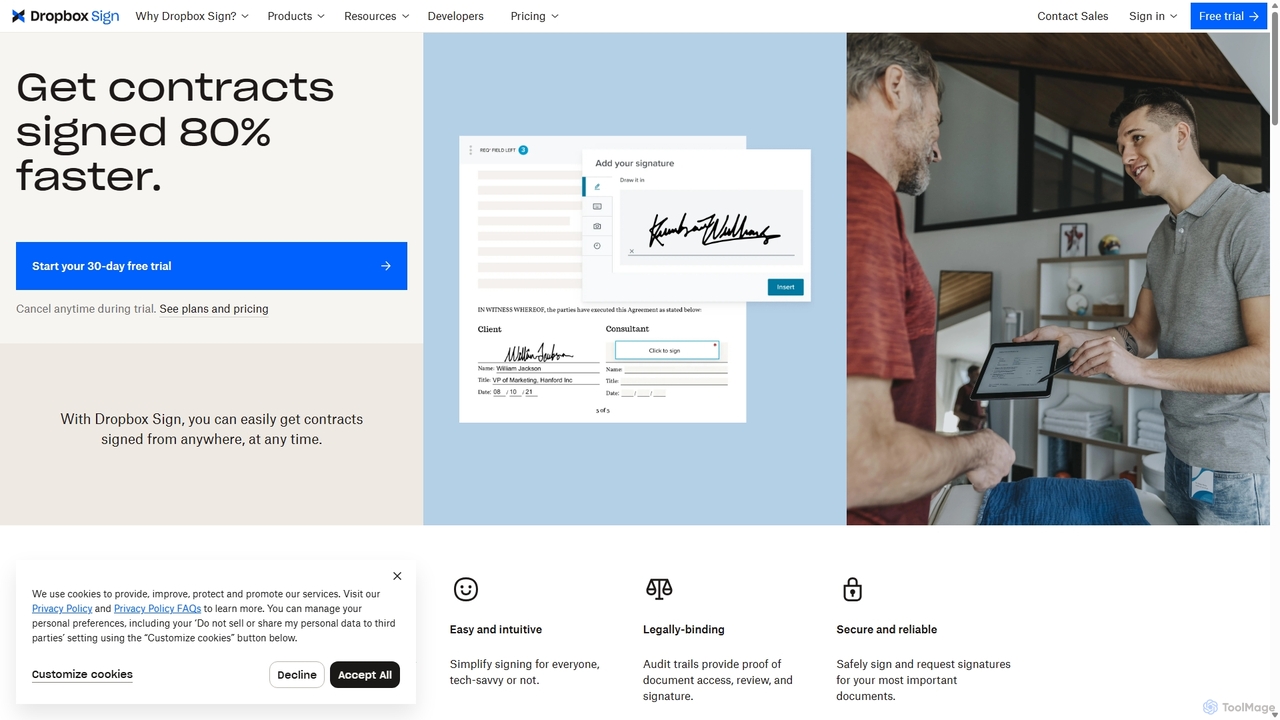
HelloSign
HelloSign (now Dropbox Sign) is a leading e-signature solution that simplifies workflows for individuals and businesses. It allows users to securely send, sign, and manage legally binding documents online from any device. With robust integrations, reusable templates, and a strong focus on security and compliance, it streamlines processes like sales contracts, HR onboarding, and legal agreements.
Legal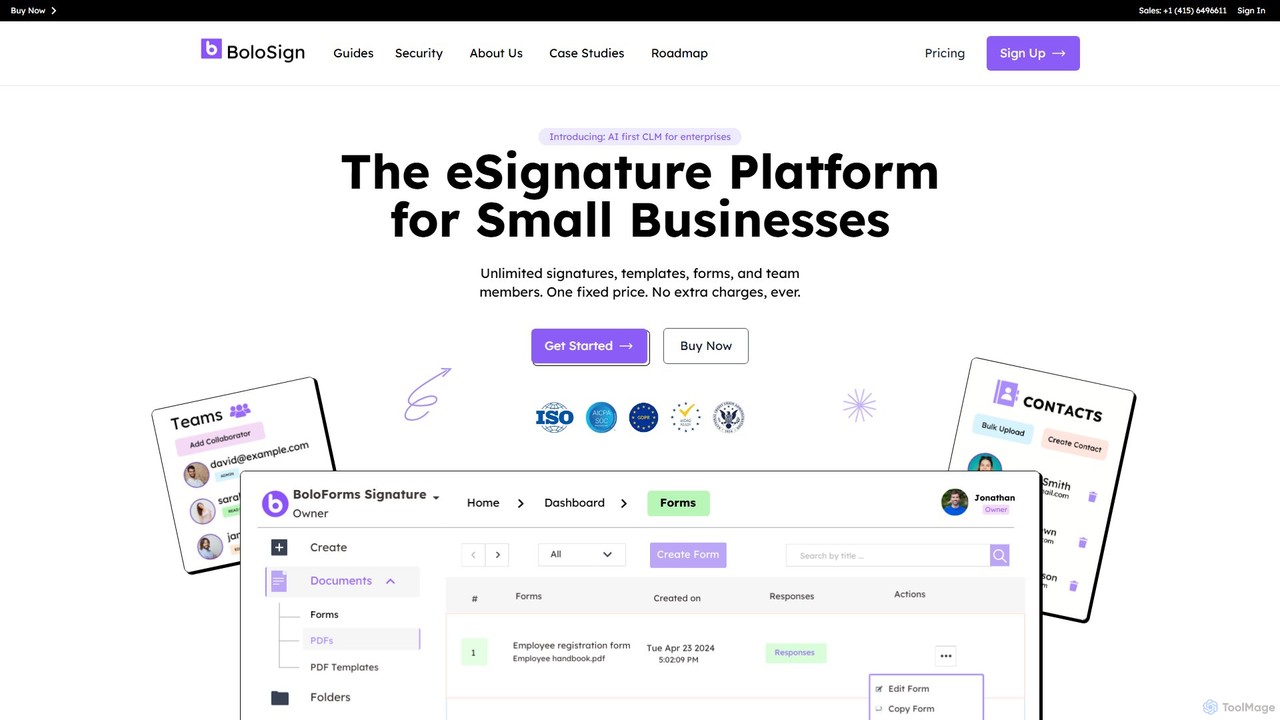
boloforms
BoloForms offers BoloSign, an affordable and user-friendly e-signature platform designed for small businesses. It provides unlimited signatures, templates, and team members for one fixed price. The platform streamlines document workflows, ensures legal compliance with global standards like ESIGN and eIDAS, and features AI-powered Contract Lifecycle Management (CLM) to enhance productivity and collaboration.
Legal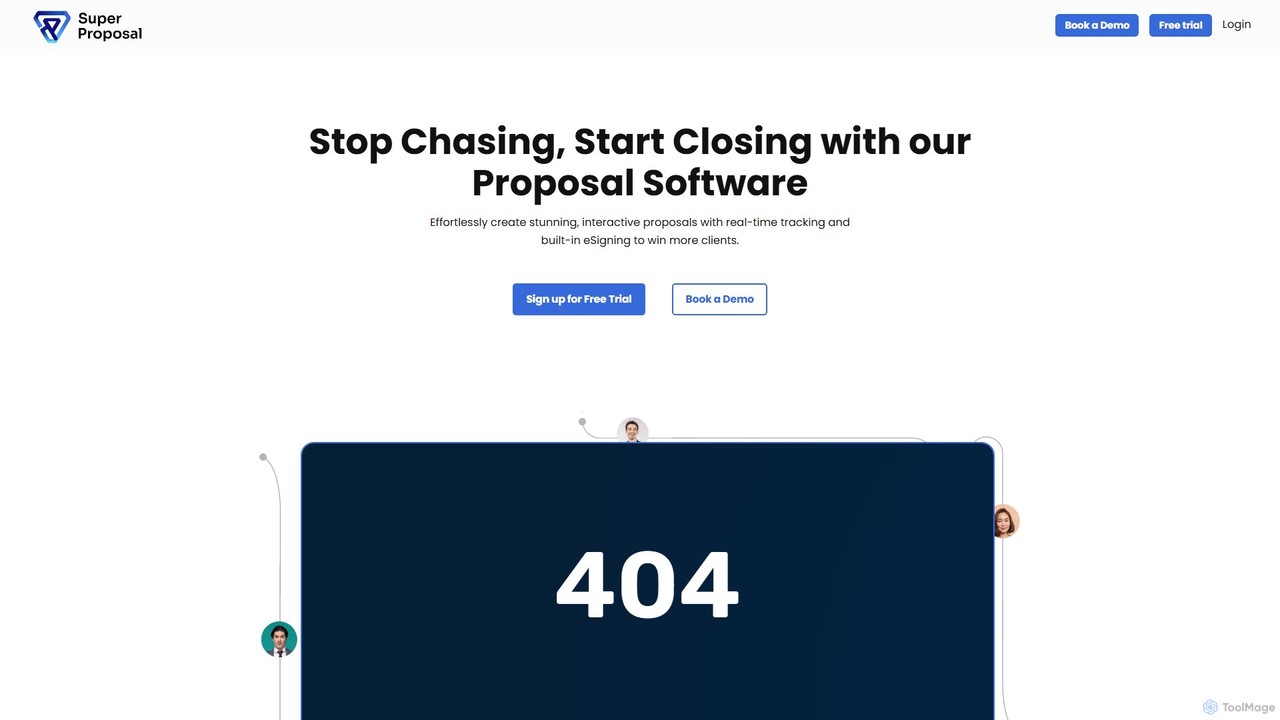
superproposal
An all-in-one business proposal software designed to help you create, send, track, and e-sign stunning, interactive proposals in minutes. Streamline your sales process, increase conversion rates by up to 40% with real-time tracking, and consolidate multiple tools into a single, efficient cloud-based platform.
Contract Management
My Pocket Lawyer
My Pocket Lawyer is an AI-powered legal assistant designed to make legal information accessible and affordable. It offers instant answers to legal questions, in-depth contract analysis, and automated document generation. Ideal for individuals, freelancers, and small businesses seeking to navigate legal complexities with confidence.
Contract Management
Loio
Loio is an intelligent legal document companion designed to streamline contract management. It offers a vast library of over 2,500 lawyer-approved templates, a powerful document editor, and a secure e-signature solution. Ideal for business owners, legal professionals, and freelancers, Loio simplifies creating, editing, signing, and managing legal documents on any device, ensuring security and compliance.
TemplatesDropbox Sign Categories
Dropbox Sign Embed Widget
Copy this embed code to place the badge on your blog, article, or product site and send readers directly to this ToolMage detail page.

Related AI tools
HelloSign
HelloSign (now Dropbox Sign) is a leading e-signature solution that simplifies workflows for individuals and businesses. It allows users to securely send, sign, and manage legally binding documents online from any device. With robust integrations, reusable templates, and a strong focus on security and compliance, it streamlines processes like sales contracts, HR onboarding, and legal agreements.
Legalboloforms
BoloForms offers BoloSign, an affordable and user-friendly e-signature platform designed for small businesses. It provides unlimited signatures, templates, and team members for one fixed price. The platform streamlines document workflows, ensures legal compliance with global standards like ESIGN and eIDAS, and features AI-powered Contract Lifecycle Management (CLM) to enhance productivity and collaboration.
LegalLoio
Loio is an intelligent legal document companion designed to streamline contract management. It offers a vast library of over 2,500 lawyer-approved templates, a powerful document editor, and a secure e-signature solution. Ideal for business owners, legal professionals, and freelancers, Loio simplifies creating, editing, signing, and managing legal documents on any device, ensuring security and compliance.
Templates
Jyek
Jyek is an AI agent platform that understands objectives, creates execution plans, uses tools, and delivers verifiable results for complex, multi-step tasks.
Automation
Zuva
Zuva is an AI-powered platform for contract analysis that extracts information, classifies documents, and automates legal workflows. Built on over a decade of machine learning expertise from Kira Systems, it offers both a user-friendly interface and a powerful API for developers to streamline contract review, making it faster, more accurate, and cost-effective.
Api
TrustDoc
TrustDoc is an AI-powered document management and evaluation platform designed to automate document validation, analysis, and verification. It helps organizations streamline workflows, ensure accuracy and compliance, and enhance collaboration by using AI to score, summarize, and justify document content against predefined templates and standards.
Compliance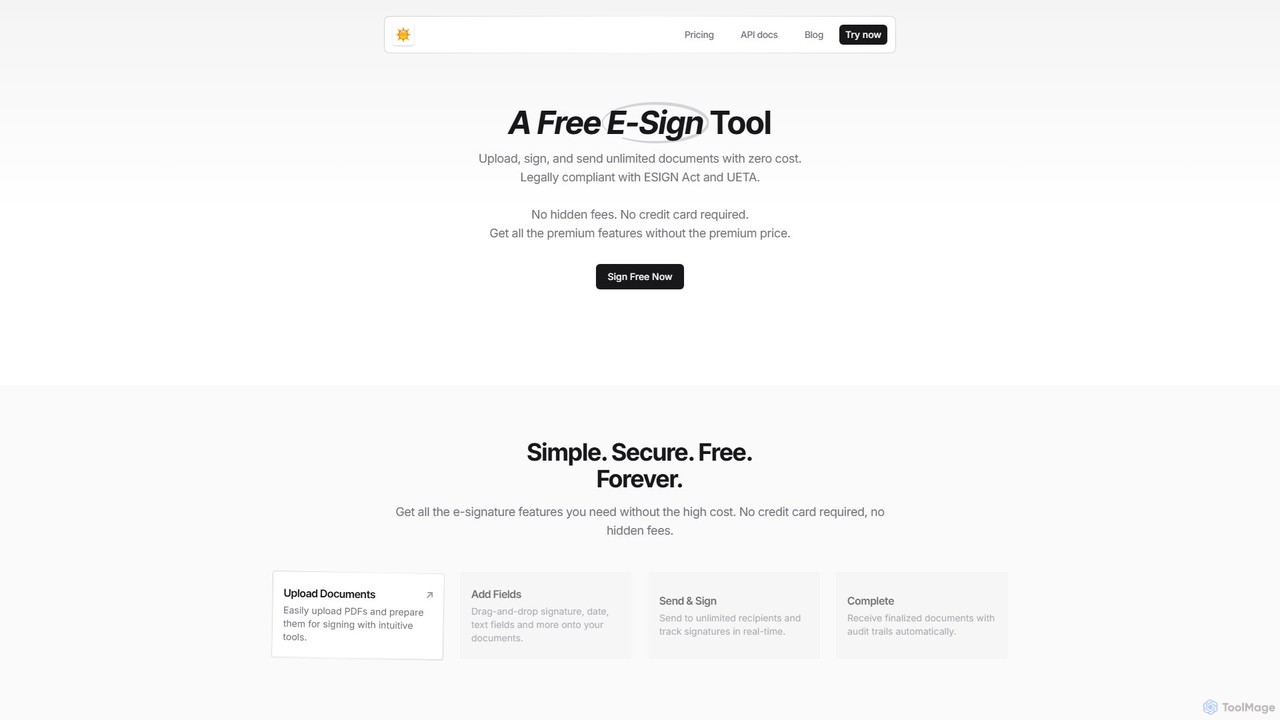
spryngtime
spryngtime is a completely free electronic signature tool that allows you to upload, sign, and send unlimited documents. It is legally compliant with the ESIGN Act and UETA, ensuring all signatures are legally binding. The platform requires no credit card and has no hidden fees, making it an ideal, cost-effective solution for individuals and businesses.
Legal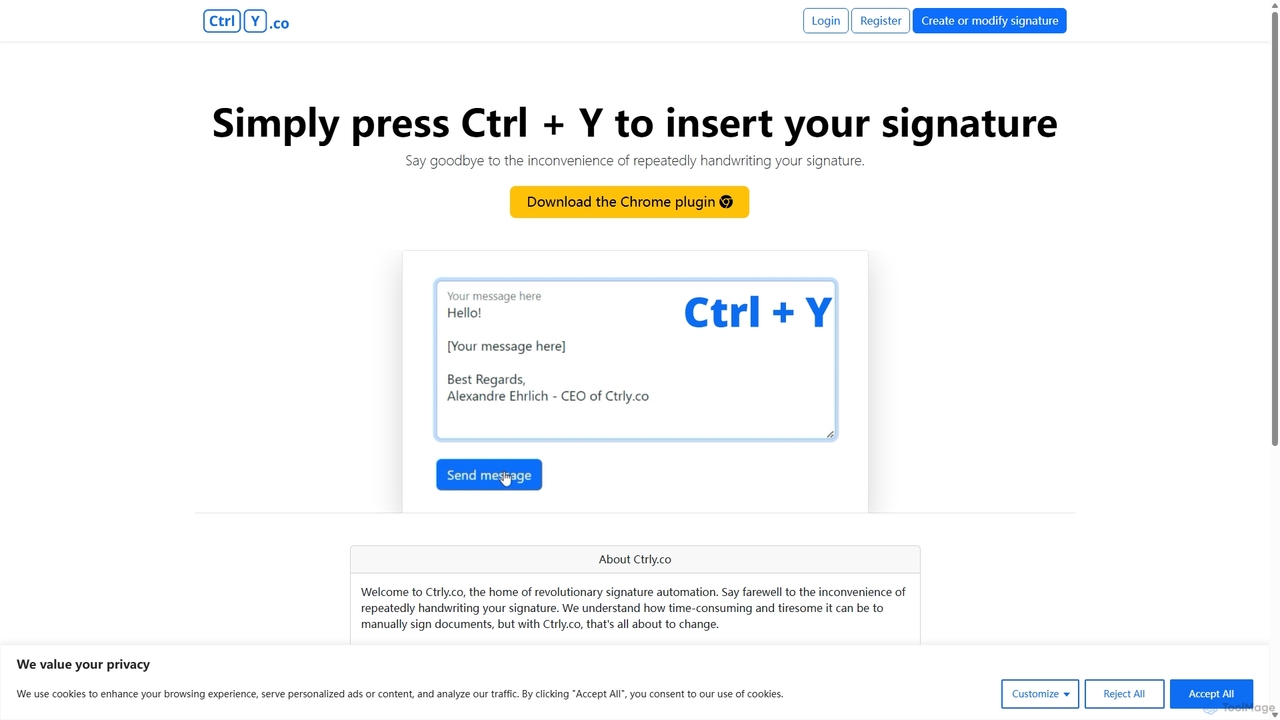
Ctrly
Ctrly is a revolutionary Chrome extension that automates your signature process. Simply press Ctrl + Y to instantly insert your pre-saved digital signature into any web-based document, email, or form. It eliminates the need for printing, signing, and scanning, saving you valuable time and boosting productivity. Ideal for professionals, entrepreneurs, and anyone who frequently signs digital documents, Ctrly streamlines your workflow with unparalleled ease and efficiency.
E Signature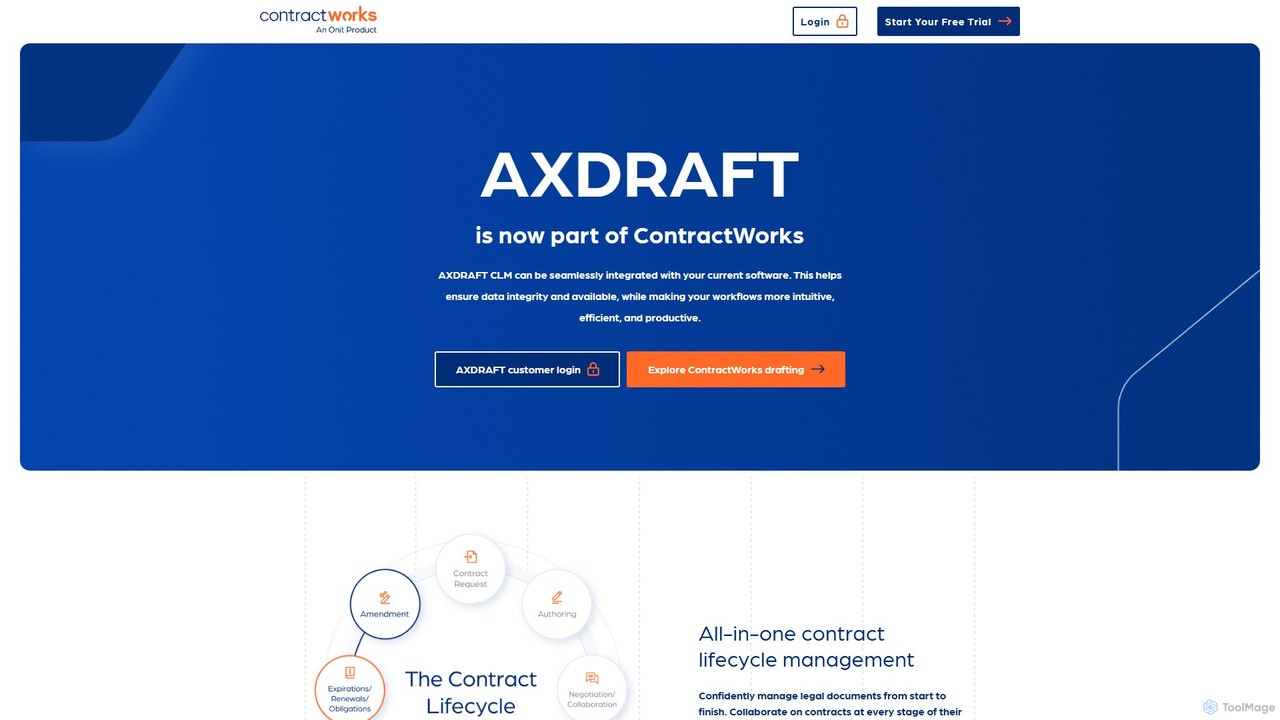
axdraft
axdraft is an all-in-one, AI-powered Contract Lifecycle Management (CLM) platform designed to automate and streamline the entire contract process. It enables teams to draft, collaborate on, negotiate, sign, and manage legal documents on a single, secure platform, offering a modular approach to fit any organization's needs.
Sales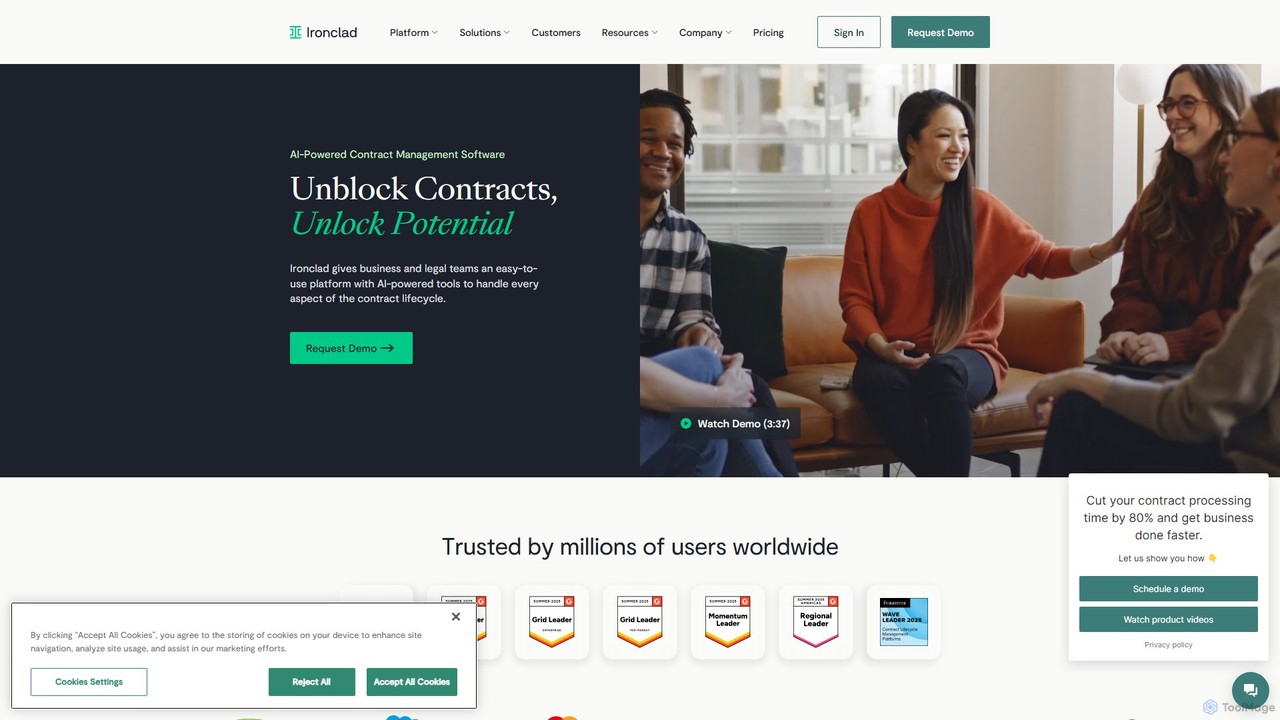
Ironclad
Ironclad is an AI-powered Contract Lifecycle Management (CLM) platform designed to streamline the entire contracting process for legal and business teams. It automates workflows, enables seamless collaboration, and uses AI to extract critical data from contracts, providing a centralized, searchable repository for all agreements.
Sales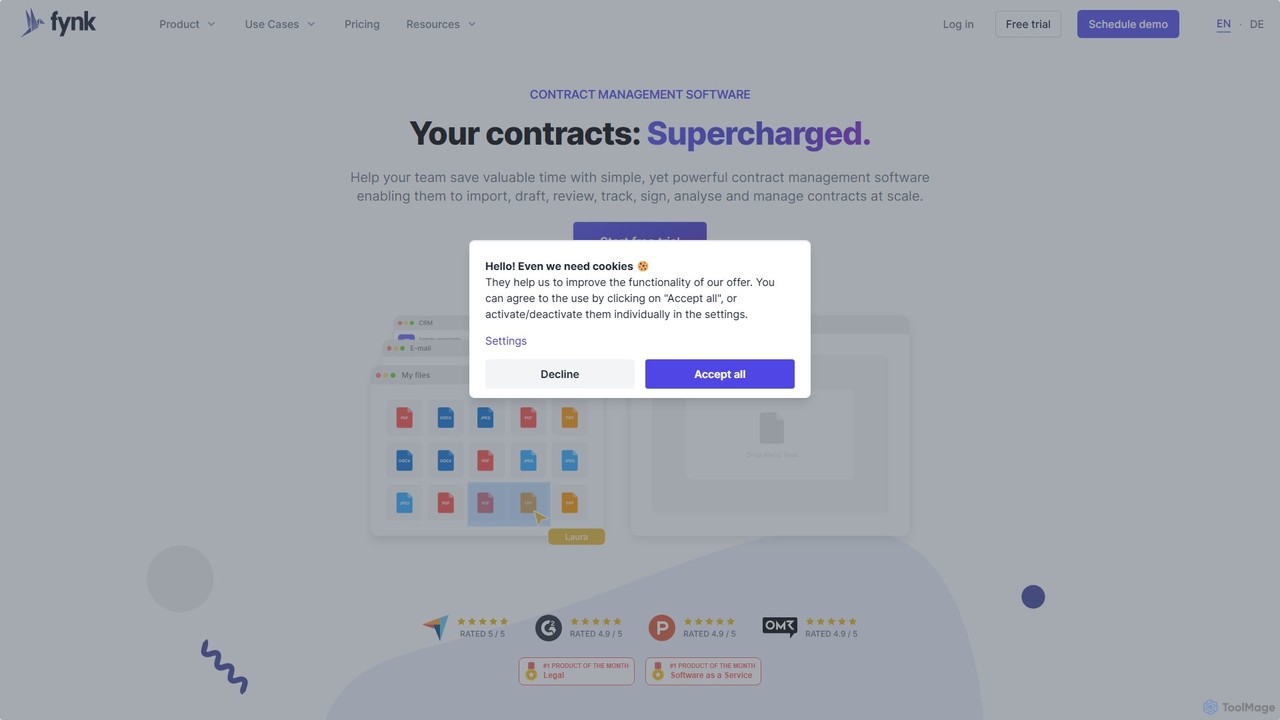
fynk
fynk is an AI-powered, all-in-one contract management software designed to streamline the entire contract lifecycle. It helps teams create, review, sign, analyze, and manage contracts efficiently, using AI to automatically extract key data and ensure compliance.
Document Management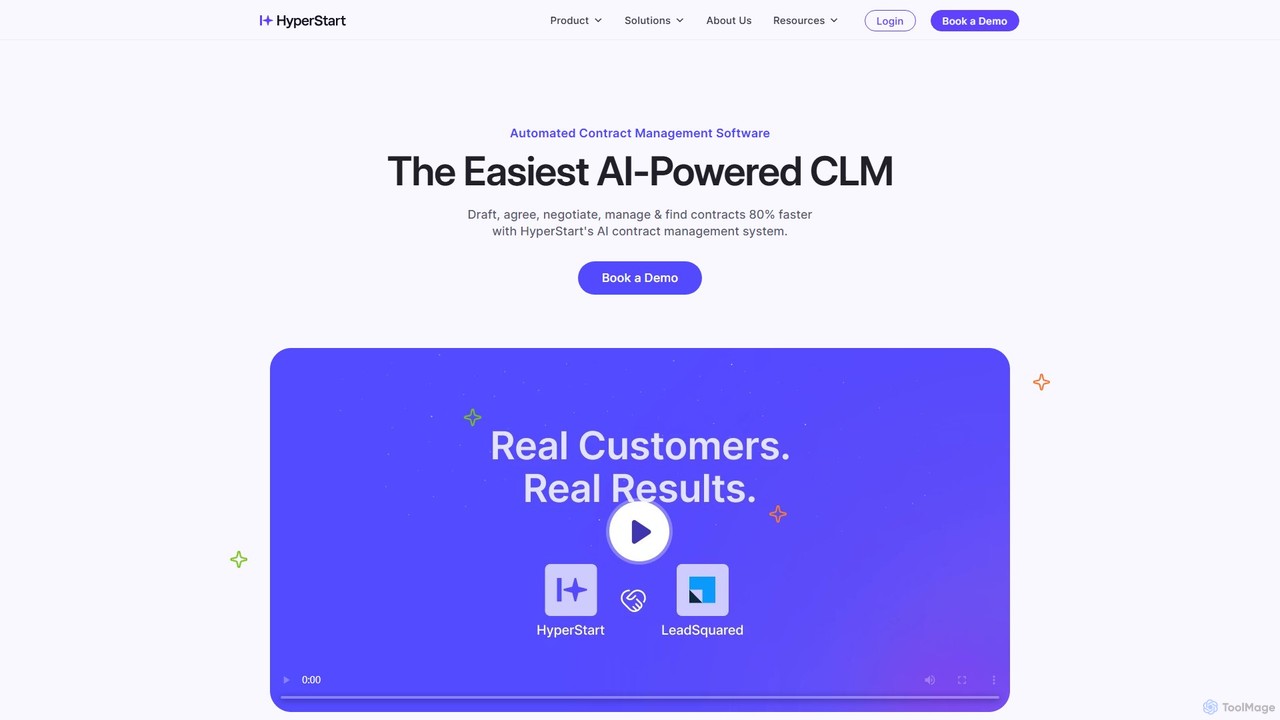
HyperStart
HyperStart is an AI-powered Contract Lifecycle Management (CLM) platform designed to automate and accelerate the entire contract process. It enables teams to draft, negotiate, sign, store, and track contracts 80% faster. By centralizing all contract activities, HyperStart reduces administrative overhead, minimizes business risks, and improves collaboration across legal, sales, HR, and procurement departments.
Document Management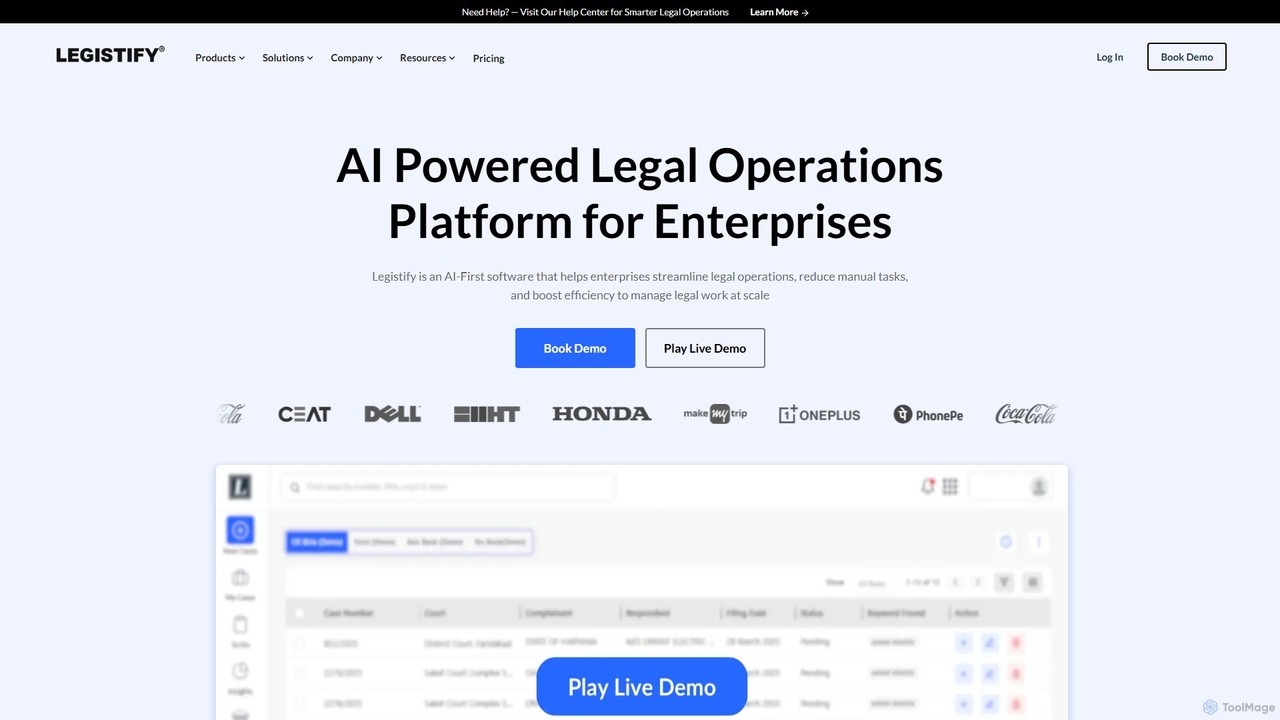
Legistify
Legistify is an AI-powered, end-to-end legal operations software for modern teams. It streamlines contract lifecycle management, litigation, intellectual property protection, and legal notices through a unified platform called LegisTrak, enhancing efficiency and reducing risk.
Enterprise Software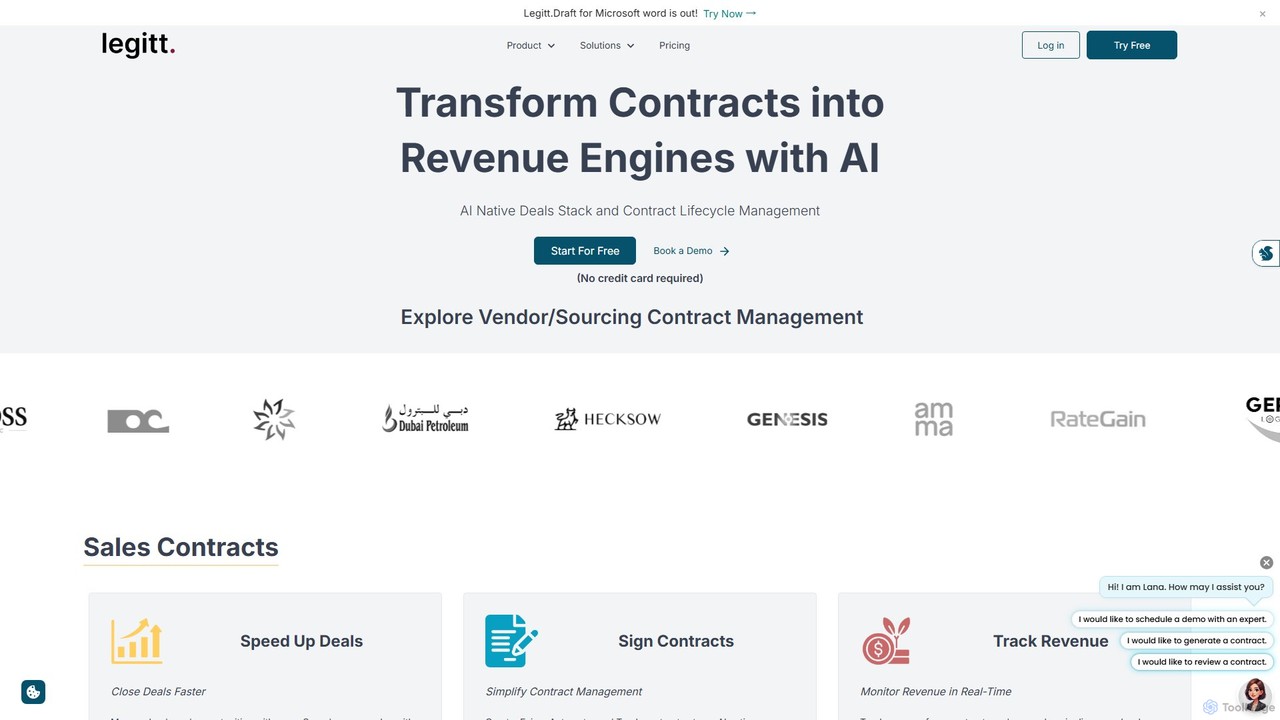
Legittai
Legittai is an AI-native Contract Lifecycle Management (CLM) and sales enablement platform. It streamlines the entire contract process from creation and negotiation to e-signing and tracking, using AI to accelerate deals, ensure compliance, and turn contracts into revenue engines for businesses of all sizes.
Document Management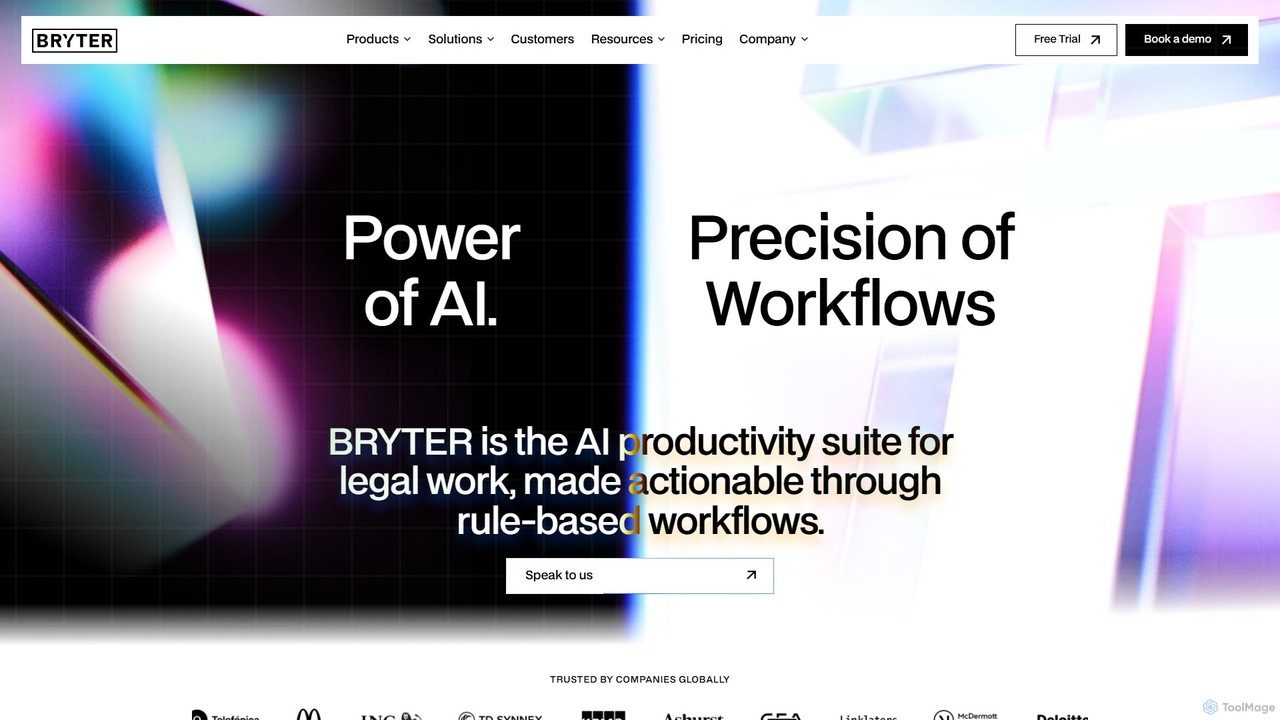
BRYTER
BRYTER is a leading no-code AI platform that enables legal, compliance, and other business professionals to build and deploy their own enterprise-grade applications. It allows users to automate complex decision-making processes, workflows, and document generation without any programming knowledge, integrating powerful generative AI capabilities.
Compliance
Dropbox Sign Comments (0)
Sign in to comment.
Sign inNo comments yet.