
ToolMage
Sign in

Best 1 Sound Effects AI tools for Media

Popular Sound Effects AI tools in Media include AIVA, helping you work more efficiently.

AIVA
Freemium

AIVA

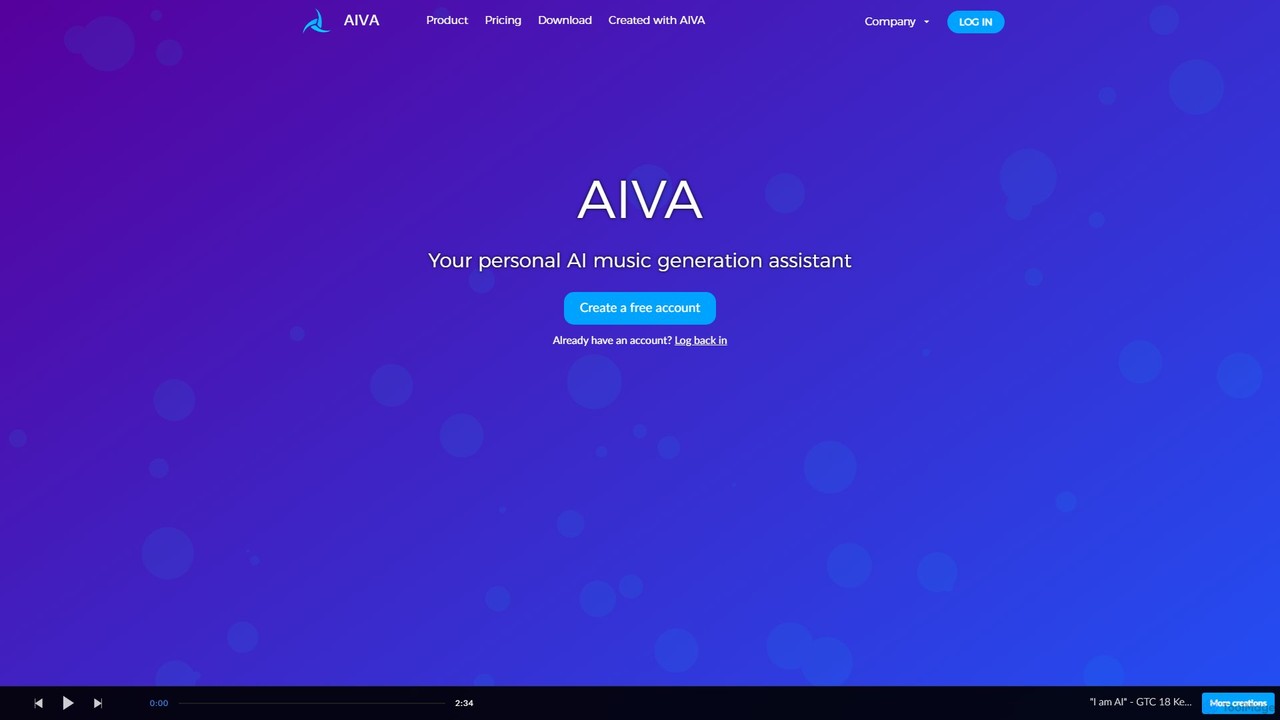
AIVA is an AI music generation assistant that composes original music in over 250 styles. It empowers beginners and professionals to create unique soundtracks, songs, and musical themes in seconds, with options for deep customization and full copyright ownership.

Music Generation
Visits 300.2KFavorites 149Likes 146

About Sound Effects

AI Sound Effects tools are a class of software that generate unique, royalty-free sound effects from text descriptions. These tools utilize generative AI models trained on vast audio datasets to create everything from realistic environmental sounds to abstract sci-fi effects. They empower creators to produce custom audio for videos, games, and podcasts, eliminating the need for traditional recording or stock audio libraries. Their primary advantage is the ability to rapidly iterate and customize sounds to perfectly match a specific creative vision.

Core Features

  • Text-to-Sound Generation: Create audio effects by typing descriptive prompts, such as "a heavy wooden door creaking open in a windy castle."
  • Audio Style Customization: Fine-tune generated sounds by adjusting parameters like duration, intensity, reverb, and acoustic environment.
  • Sound Variation: Generate multiple unique variations of a sound from a single prompt to find the perfect fit.
  • Royalty-Free Licensing: Provide commercially usable sound effects, removing copyright complexities and costs.

Use Cases

These tools are primarily used by video producers, game developers, podcasters, and user interface designers. They are ideal for rapid prototyping, creating unique soundscapes for immersive media, and adding bespoke audio branding to digital products without the overhead of a Foley artist.

How to Choose

When selecting an AI Sound Effects tool, evaluate the quality and realism of the generated audio. Consider the level of customization and control offered over sound parameters. Also, review the pricing model (e.g., subscription vs. per-generation credits) and verify that the licensing terms align with your commercial needs.

Sound Effects use cases

1

Rapid Prototyping for Game Development

An indie game developer needs a wide range of sounds for character actions like footsteps, item pickups, and magical spells. Instead of spending hours searching through stock audio libraries, they use an AI sound effect generator. By inputting prompts like "light footsteps on a stone floor," "a shimmering magic shield appearing," and "collecting a gold coin," they can generate dozens of unique, fitting sound effects in minutes. This accelerates the prototyping phase and allows for a more cohesive audio experience from the start.

2

Enhancing Video Post-Production

A video editor is working on a short sci-fi film and needs a specific sound for a futuristic vehicle that doesn't exist in reality. Searching for a pre-made sound effect proves fruitless. Using an AI tool, they can input a detailed description: "a low hum of an anti-gravity engine mixed with a soft, high-pitched electrical whine." The tool generates several options, allowing the editor to choose one that perfectly matches the on-screen visuals and mood of the scene, adding a layer of professional polish and believability.

3

Creating Immersive Podcast Soundscapes

A producer of a narrative fiction podcast wants to create a rich, atmospheric background for a scene set in a bustling fantasy marketplace. They need more than just generic crowd noise. Using an AI generator, they can create layered sounds with prompts like "a large, open-air market with distant chatter, a blacksmith hammering, and a merchant shouting about magical wares." This allows them to build a unique and dynamic soundscape that immerses the listener in the story's world without relying on repetitive stock audio loops.

4

Designing Unique UI/UX Interaction Sounds

A UX designer for a new mobile application wants to create a unique set of sounds for user interactions, such as notifications, button clicks, and successful actions. To avoid generic, overused system sounds, they turn to an AI sound generator. They can define a consistent style with prompts like "a short, soft, glassy tap for a button press" and "a gentle, ascending chime for a successful task." This results in a cohesive audio identity for the app that enhances the user experience and reinforces the brand's personality.

5

Generating Foley for Animated Shorts

An animator working on a short cartoon needs Foley sounds for character movements and comedic gags, like a character slipping on a banana peel or a comical bonk on the head. Manually recording these sounds can be time-consuming. With an AI tool, the animator can generate these specific, often exaggerated sounds quickly. Prompts like "cartoon slip on a banana peel sound effect" or "funny hollow bonk sound" provide instant, royalty-free options that fit the animated style, saving significant production time and resources.

6

Custom Sound Effects for Marketing Videos

A marketing team is creating a promotional video for a new tech product. They need a unique sound to represent the product's key feature, such as a satisfying 'swoosh' when data is transferred. Using a generic sound would make the brand feel less premium. By using an AI generator, they can create a bespoke sound effect that aligns with their brand identity. They can iterate on prompts like "a clean, futuristic data transfer swoosh with a subtle chime" until they find the perfect sound, enhancing the video's impact and brand recall.

Sound Effects FAQ

What are AI Sound Effects tools?

AI Sound Effects tools are applications that use generative artificial intelligence to create original sound effects from text prompts. Unlike traditional stock audio libraries that offer pre-recorded sounds, these tools synthesize new, unique audio on demand. They are trained on vast datasets of sounds, enabling them to generate a wide variety of effects, from realistic Foley (like footsteps or door creaks) to imaginative sci-fi sounds (like laser blasts or spaceship engines), giving creators unparalleled flexibility.

How to choose the right AI Sound Effects tool?

When selecting an AI Sound Effects tool, consider these key factors:

  • Audio Quality: Listen to samples. Does the tool produce high-fidelity, clean, and believable sounds, or do they sound artificial and distorted?
  • Control and Customization: Check if you can specify parameters like duration, intensity, environment (e.g., 'in a cave'), and style. More control leads to better results.
  • Prompt Understanding: Test how well the AI interprets complex and nuanced text prompts. A good tool can understand descriptive language effectively.
  • Licensing and Commercial Use: Ensure the tool provides clear, royalty-free commercial licenses for the sounds you generate, so you can use them in monetized projects without legal issues.
What's the difference between AI Sound Effects and AI Music generators?

The primary difference lies in their output and purpose. AI Sound Effects generators create short, specific, non-melodic audio clips intended to represent an action or environment (e.g., a door slam, wind howling). Their goal is to add realism or emphasis to visual media. In contrast, AI Music generators create longer, structured compositions with melody, harmony, and rhythm. Their purpose is to serve as background scores, theme songs, or standalone musical pieces. While both use generative AI, their training data and models are optimized for these distinct audio types.

Can I use AI-generated sound effects commercially?

Generally, yes. Most AI sound effect platforms are designed for creators and explicitly grant a commercial, royalty-free license for the audio you generate. This means you can use the sounds in projects you intend to monetize, such as YouTube videos, games, or advertisements. However, it is crucial to read the terms of service for each specific tool. Some may have restrictions, require attribution, or reserve commercial use for higher-priced subscription tiers. Always verify the licensing agreement before incorporating the sounds into a commercial project.

Who are the primary users of AI Sound Effects tools?

These tools are most beneficial for digital creators and developers who require custom audio on a tight schedule or budget. Key user groups include:

  • Game Developers: Especially indie developers and those in rapid prototyping phases who need a large volume of unique sounds.
  • Video Creators & Filmmakers: For adding custom Foley, atmospheric sounds, and unique effects to their productions.
  • Podcasters & Audiobook Producers: To create immersive soundscapes and narrative-enhancing effects.
  • UI/UX Designers: For crafting unique and branded interaction sounds for applications and websites.