ToolMage
Sign in

Best 3 Task Management AI tools for Personal

Popular Task Management AI tools in Personal include Sliiidea, studyplannr, and Inbox Narrator, helping you work more efficiently.

Sliiidea
Freemium

Sliiidea

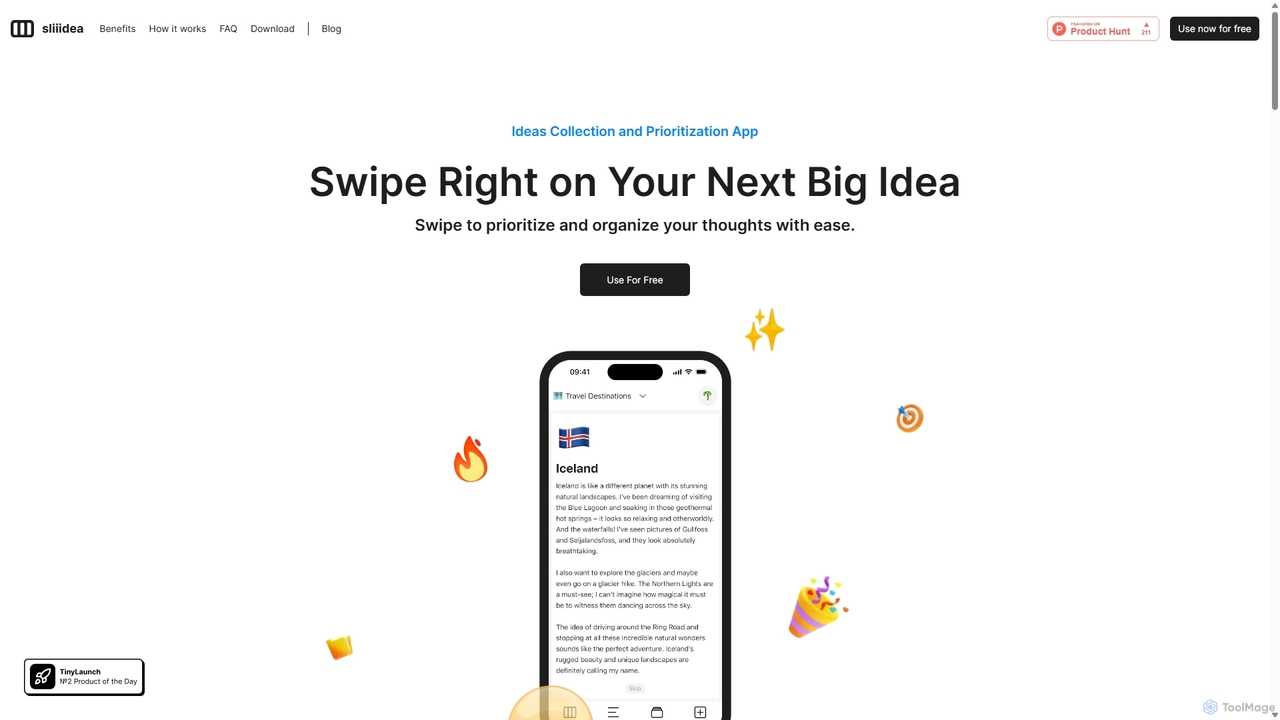
Sliiidea is an innovative idea management and prioritization app designed to help you capture, evaluate, and cultivate your thoughts. Using an intuitive swipe-right/left interface, similar to dating apps, you can regularly review and rank your ideas, ensuring the best ones rise to the top. It focuses on simplicity and continuous reflection, making it easy to organize concepts, track their progress, and make better decisions. With upcoming AI features and collaboration tools, Sliiidea aims to be the ultimate hub for personal and team brainstorming.

Brainstorming
Visits 4.2KFavorites 114Likes 137
studyplannr
Freemium

studyplannr

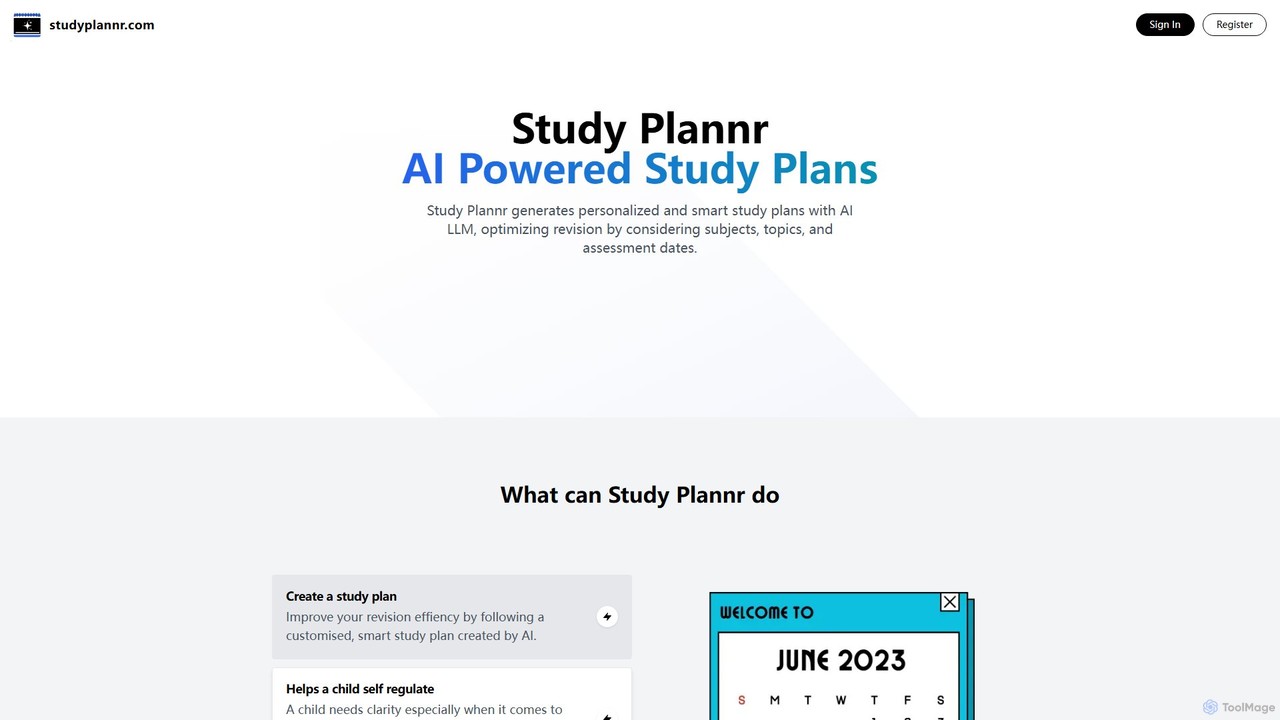
studyplannr is an AI-powered tool that generates personalized and intelligent study plans. It helps students, parents, and educators optimize revision schedules by considering subjects, topics, and assessment dates, making learning more efficient and organized.

Study Tools
Visits 3.6KFavorites 106Likes 103
Inbox Narrator
Paid

Inbox Narrator

Inbox Narrator is an AI-powered tool that transforms your unread emails into a daily audio summary. Listen to your important emails as a personalized podcast or through voice assistants like Siri and Google Assistant, helping you stay updated hands-free and reduce screen time.

Text To Speech
Visits 3.4KFavorites 115Likes 104

About Task Management

AI Task Management tools are intelligent applications designed to organize, prioritize, and automate personal and team tasks. They leverage artificial intelligence, particularly natural language processing (NLP) and machine learning, to understand commands, predict deadlines, and suggest optimal workflows. Unlike traditional to-do lists, these tools actively assist in managing workloads by breaking down large projects into manageable steps and scheduling them intelligently. This transforms task management from a passive logging activity into a dynamic, optimized process for enhanced productivity.

Core Features

  • Intelligent Prioritization: AI algorithms analyze deadlines, dependencies, and user-defined importance to suggest the most critical tasks to focus on.
  • Natural Language Processing (NLP): Create tasks by typing or speaking in conversational language, which the tool automatically parses into structured items with dates and details.
  • Automated Scheduling: Automatically finds and suggests open slots in your calendar to complete tasks, balancing your workload.
  • Project Decomposition: Breaks down large, complex goals (e.g., 'launch a new website') into a series of smaller, actionable sub-tasks.
  • Predictive Analytics: Monitors progress and predicts potential delays or resource conflicts, allowing for proactive adjustments.

Use Cases

These tools are ideal for individual professionals managing multiple projects, students organizing academic assignments, and small teams coordinating complex workflows. For instance, a freelancer can use it to balance work from different clients, while a marketing team can automate the assignment of campaign-related tasks based on each member's current workload and skills.

How to Choose

When selecting an AI Task Management tool, consider the sophistication of its AI features—from basic NLP to advanced predictive scheduling. Evaluate its integration capabilities with essential apps like calendars, email, and team communication platforms. Also, assess the collaboration features if for team use and ensure the user interface is intuitive enough for your needs.

Featured tool rankings

Task Management use cases

1

Managing Multiple Freelance Projects

A freelance designer juggles projects for three different clients simultaneously. They use an AI task management tool to centralize all tasks. By simply forwarding client emails, the tool's NLP capabilities automatically create tasks with deadlines. The AI then analyzes the urgency and estimated effort for each task, suggesting a daily priority list. This helps the designer stay organized, meet all deadlines without feeling overwhelmed, and ensures no client request is missed.

2

Automating a Small Team's Marketing Campaign

A small marketing team is launching a new product. The manager inputs the main goal: 'Launch Q3 Campaign'. The AI task management tool breaks this down into key phases like 'Content Creation', 'Social Media Push', and 'Email Marketing'. It then generates sub-tasks for each phase and, based on team members' roles and current workloads, suggests assignments. The tool automatically schedules tasks in their shared calendar, preventing overlaps and ensuring a smooth, coordinated execution of the campaign.

3

Creating a Dynamic Study Plan for a Student

A university student is preparing for final exams in four subjects. They input their exam dates and topics for each subject into an AI task manager. The AI generates a comprehensive study schedule, breaking down each subject into daily study sessions and revision tasks. It intelligently spaces out revision for topics to maximize retention (spaced repetition). If the student falls behind, the AI can dynamically readjust the schedule to help them catch up without sacrificing key topics.

4

Achieving Personal Fitness Goals

An individual sets a personal goal: 'Run a 10k in 3 months'. They input this into their AI task manager. The tool breaks the goal down into a progressive training plan, creating weekly tasks like 'Monday: 3k run', 'Wednesday: Interval training', and 'Friday: 5k run'. It also adds related tasks such as 'Research proper running shoes' and 'Plan healthy meals for the week'. The tool sends daily reminders and tracks completed runs, providing a clear path and motivation to reach the final goal.

5

Streamlining an Executive's Daily Schedule

An executive's assistant uses an AI task manager to handle a packed schedule. The executive forwards emails containing action items, like 'Please review the attached Q3 report by Thursday'. The AI tool uses NLP to automatically create a task: 'Review Q3 report', sets the due date to Thursday, and attaches the relevant document. It then finds a 1-hour slot in the executive's calendar for this review task, ensuring that important responsibilities are never missed and are allocated dedicated time.

6

Planning a Content Creator's Editorial Calendar

A YouTuber plans their monthly video content. They create a high-level task: 'Produce 4 videos this month'. The AI task manager helps break this down into four separate video projects. For each project, it generates a template of sub-tasks: 'Scripting', 'Filming', 'Editing', and 'Publish & Promote'. The creator can then drag and drop these tasks onto a calendar view, and the AI will alert them to potential scheduling conflicts or if they are falling behind on their production timeline, helping them stay consistent.

Task Management FAQ

What are AI Task Management tools?

AI Task Management tools are advanced applications that use artificial intelligence to help you organize, prioritize, and complete tasks more effectively. Unlike simple to-do lists, they actively analyze your tasks, deadlines, and habits to suggest priorities, schedule work in your calendar, and even break down large projects into smaller, manageable steps. They function as an intelligent assistant for your productivity.

How do AI task managers differ from traditional to-do list apps?

The key difference is intelligence and proactivity. Traditional to-do list apps are passive; you manually add, organize, and check off tasks. AI task managers are active assistants. They can:

  • Automatically capture tasks from emails or chats using NLP.
  • Prioritize for you based on urgency and importance.
  • Schedule tasks by finding free time in your calendar.
  • Break down goals into actionable steps.
In essence, a traditional app is a digital notebook, while an AI tool is a project manager.

How to choose the right AI Task Management tool?

To choose the right tool, evaluate these factors based on your needs:

  • AI Feature Depth: Do you need simple NLP for task creation, or advanced features like predictive scheduling and project decomposition?
  • Integrations: Does it connect seamlessly with your essential tools like Google Calendar, Outlook, Slack, or Gmail?
  • User Interface (UI): Is the interface intuitive and easy to navigate? A complex tool can defeat the purpose of saving time.
  • Collaboration: If you work in a team, check for features like task assignment, shared projects, and progress tracking.
  • Platform Availability: Ensure it's available on all the devices you use, such as web, desktop, and mobile.

What are the key benefits of using AI for task management?

Using AI for task management offers several key benefits over manual methods. It reduces the mental load of constantly deciding what to do next by providing intelligent suggestions. It improves focus by automatically organizing and prioritizing tasks, allowing you to concentrate on high-impact work. Automation of scheduling and task creation saves significant time. Finally, predictive features can help you foresee potential bottlenecks in projects, enabling you to address issues before they become critical.

Who can benefit from using AI Task Management tools?

A wide range of individuals and teams can benefit from these tools. This includes:

  • Freelancers and Consultants: To manage projects for multiple clients and balance competing deadlines.
  • Students: To organize coursework, track assignment due dates, and create effective study plans.
  • Project Managers and Team Leads: To automate task delegation, monitor team progress, and predict project risks.
  • Busy Professionals: To manage a high volume of tasks, emails, and meetings without letting things fall through the cracks.
  • Anyone seeking to improve personal productivity: To structure personal goals, build habits, and manage daily life more efficiently.