ToolMage
Sign in

Best 8 Photo Editing AI tools

Popular Photo Editing AI tools include Luminar Neo, Fast Image, AIFaceSwapVideo, Magiq, Postplus, Ziina, MuseCraft, and Neurona, helping you work more efficiently.

Magiq
Freemium

Magiq

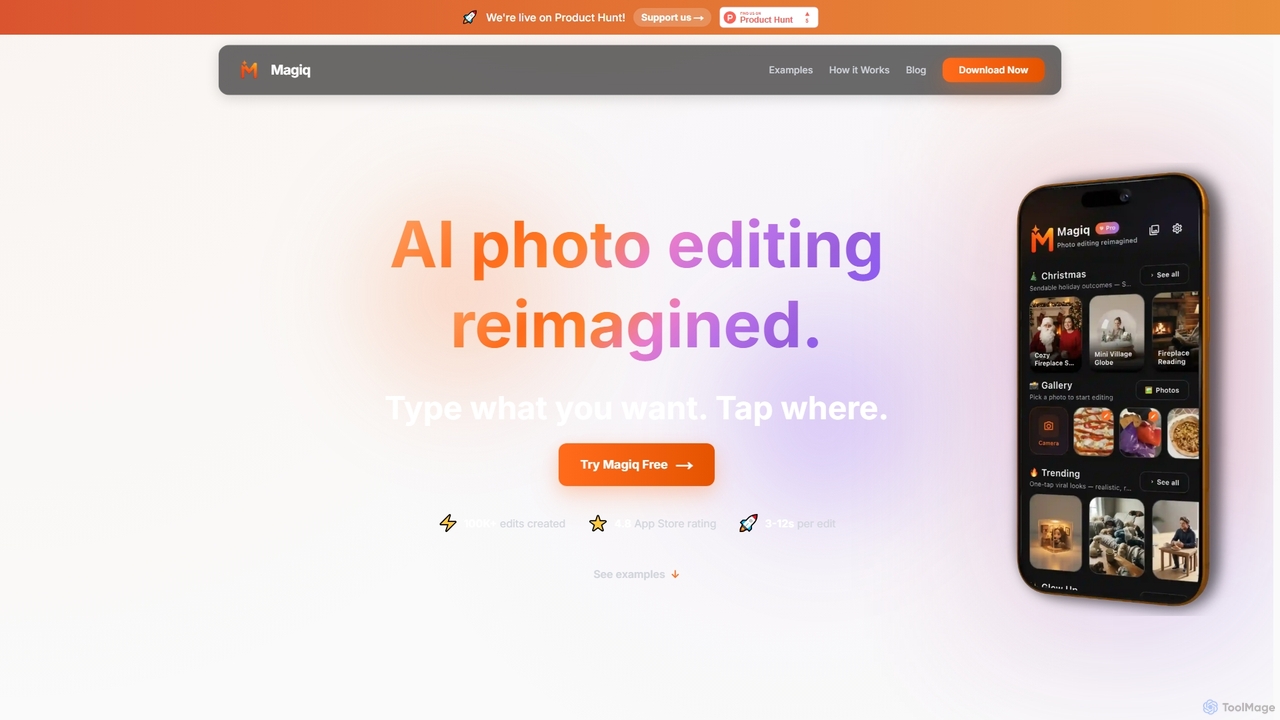
Magiq is an AI-powered photo editor for iOS and Android that redefines image transformation. With simple text instructions, users can perform complex edits like background removal, outfit changes, smart lighting adjustments, and professional portrait creation. It delivers realistic, high-quality results in seconds, making advanced photo editing accessible to everyone.

Generative Art
Visits 9.6KFavorites 56Likes 51
Luminar Neo
Paid

Luminar Neo

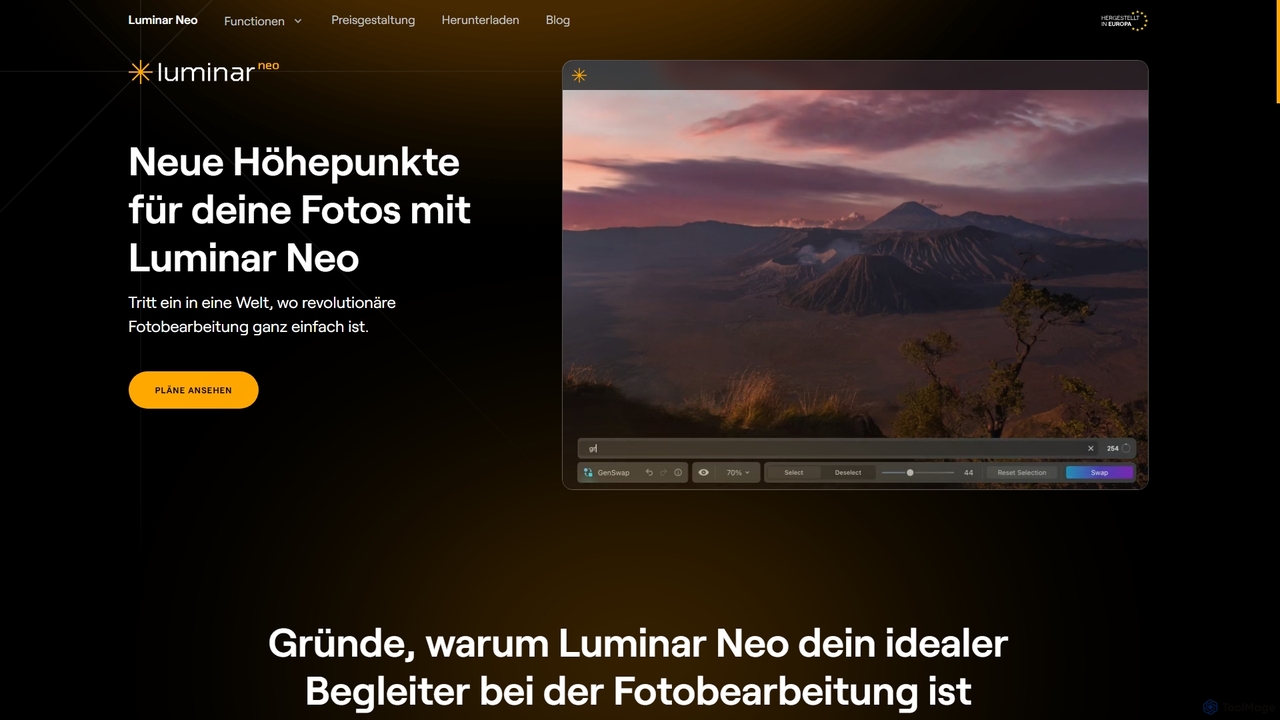
Luminar Neo is a revolutionary AI-powered photo editing software designed to simplify complex tasks and unleash creativity. It offers a comprehensive suite of advanced tools for image enhancement, RAW processing, and creative composition, making professional-grade results accessible to both beginners and experienced photographers on macOS and Windows.

Digital Art
Visits 33.8KFavorites 125Likes 134

About Photo Editing

AI Photo Editing tools are applications that use artificial intelligence to automate and enhance the process of modifying digital images. They leverage deep learning models for tasks like object recognition, semantic segmentation, and generative fills, enabling complex edits with simple commands. This allows users of all skill levels to perform professional-grade adjustments, such as background removal, blemish correction, and content-aware expansion, often in a single click. Unlike traditional software, these tools intelligently understand image context, making it possible to achieve realistic results and creative effects that were previously highly time-consuming.

Core Features

  • Object Removal & Inpainting: Intelligently erase unwanted objects, people, or text, and seamlessly reconstruct the background.
  • Background Management: Automatically detect and isolate subjects to replace, blur, or remove the background with high precision.
  • AI-Powered Enhancement: One-click adjustments for lighting, color balance, sharpness, and noise reduction based on image content analysis.
  • Generative Fill & Expand: Add new elements or extend the canvas of an image using text prompts, creating content that matches the original style.
  • Automated Portrait Retouching: Streamline the process of smoothing skin, whitening teeth, and adjusting facial features while maintaining a natural look.

Use Cases

These tools are widely used across various fields. In e-commerce, they are used for creating clean product images with uniform backgrounds. Social media managers and content creators use them to quickly produce eye-catching visuals. Professional photographers integrate them into their workflow to speed up portrait retouching and complex compositing tasks.

How to Choose

When selecting an AI Photo Editing tool, consider the specific features you need—some specialize in background removal while others offer a full suite. Evaluate the quality and realism of the AI's output, as results can vary. Also, consider its integration capabilities, such as whether it functions as a standalone app, a plugin for software like Photoshop, or offers an API for batch processing.

Photo Editing use cases

1

E-commerce Product Image Optimization

An e-commerce manager needs to prepare hundreds of product photos for a new collection launch. The goal is to ensure all images have a clean, white background and consistent lighting to maintain a professional brand aesthetic. Using an AI photo editing tool, they can batch-process the entire photo set. The tool automatically detects the product in each image, removes the original background with high precision, and replaces it with a pure white one. It also applies an auto-enhancement filter to correct colors and brightness. This process reduces manual editing time by over 90%, ensuring a uniform and appealing look across the entire product catalog, which can directly contribute to higher conversion rates.

2

Accelerating Social Media Content Creation

A content creator for a travel blog needs to post engaging photos daily. Often, their best shots are compromised by unwanted tourists or distracting elements in the background. Instead of spending hours manually cloning and healing, they use an AI photo editor's object removal feature. They simply brush over the unwanted person or object, and the AI intelligently fills in the space, matching the surrounding textures and lighting. They can also use the generative expand feature to change a vertical photo into a horizontal one for a blog banner, with the AI creating new, contextually appropriate scenery to fill the sides. This allows them to produce polished, professional-looking content in minutes, not hours.

3

Professional Portrait Retouching Workflow

A professional photographer has a batch of 50 portraits from a recent photoshoot. The editing process involves skin smoothing, blemish removal, and teeth whitening for each photo. Traditionally, this is a meticulous and time-consuming task. By integrating an AI photo editor, the photographer can automate the initial, most repetitive steps. The software's AI detects faces and applies subtle, natural-looking skin smoothing that preserves texture, removes minor blemishes, and brightens eyes and teeth automatically. This handles about 80% of the work. The photographer then only needs to perform minor, specific adjustments to match their artistic style, drastically reducing post-production time and allowing for a faster turnaround for clients.

4

Enhancing Real Estate Photography

A real estate agent needs to make property listings stand out online. Photos taken on an overcast day can make a property look dull and uninviting. Using an AI photo editor, the agent can instantly improve these images. The 'Sky Replacement' feature allows them to swap the grey, cloudy sky with a bright, sunny one in a single click. The AI automatically masks the sky and adjusts the lighting and color of the entire scene to match the new sky, creating a realistic result. They can also use AI enhancement to brighten dark interior shots and increase sharpness, making rooms appear more spacious and appealing. This helps create stunning listings that attract more potential buyers and can increase the perceived value of the property.

5

Restoring Old and Damaged Family Photos

An individual wants to digitize and restore their collection of old family photographs, many of which are faded, scratched, or torn. Using an AI-powered photo restoration tool, they can upload scans of these photos and let the AI work its magic. The tool automatically detects and repairs scratches, creases, and spots. Its colorization feature can intelligently add realistic colors to black-and-white photos by analyzing the objects and context within the image. Furthermore, an AI face enhancer can sharpen blurry faces, bringing out details that were previously lost. This process transforms damaged, monochrome memories into vibrant, clear images, preserving precious family history for future generations without requiring any professional restoration skills.

6

Creative Art and Digital Compositing

A digital artist is creating a surreal landscape that combines elements from different environments. They start with a base photo of a desert. Using the generative fill feature, they select an area of the sky and type the prompt "aurora borealis with swirling galaxies." The AI generates a stunning new sky that seamlessly blends with the desert horizon. Next, they use the object selection tool to isolate a mountain from another photo and place it in the desert scene. The AI editor automatically adjusts the mountain's lighting and color to match the new environment. This approach allows the artist to rapidly prototype and iterate on complex creative ideas, blending reality and imagination in ways that would require extensive manual masking and color grading in traditional software.

Photo Editing FAQ

What are AI Photo Editing tools?

AI Photo Editing tools are software applications that use artificial intelligence and machine learning algorithms to simplify, automate, and enhance image editing tasks. Instead of requiring users to perform manual steps with complex tools, these applications can understand the content and context of a photo. Key features often include one-click background removal, intelligent object erasing, automatic color and light correction, and generative AI capabilities like adding elements from text prompts. They make professional-level editing accessible to beginners and significantly speed up the workflow for experienced professionals.

How to choose the right AI Photo Editing tool?

Choosing the right tool depends on your specific needs. Consider the following factors:

  • Primary Use Case: Identify your main task. Do you need a specialized tool for background removal, a powerful portrait retoucher, or an all-in-one editor with generative features?
  • Output Quality: Look for reviews, comparisons, and sample images. Pay attention to the accuracy of selections, the realism of generated content, and whether the output looks natural or artificial.
  • Ease of Use: Evaluate the user interface. Is it intuitive for your skill level? Some tools are designed for quick, simple edits, while others offer more advanced controls.
  • Integration: Determine if you need a standalone application, a plugin for existing software like Adobe Photoshop or Lightroom, or an API for automated workflows.
  • Pricing Model: Compare costs. Options often include monthly/annual subscriptions, pay-per-use credit systems, or one-time purchases. Choose one that aligns with your budget and usage frequency.
What's the difference between AI Photo Editors and traditional software like Photoshop?

The primary difference lies in automation and content awareness. Traditional software like Adobe Photoshop provides a powerful toolkit that requires manual operation and technical skill. For example, removing an object might involve meticulous use of the Clone Stamp or Pen tool. AI Photo Editors, in contrast, are designed to understand the image's content. You can simply select an object and command the tool to 'remove it,' and the AI handles the complex process of selection, removal, and background reconstruction automatically. AI tools excel at speed and simplicity for complex tasks, while traditional software offers more granular, manual control for users who need ultimate precision.

Can AI Photo Editing tools completely replace professional photographers or editors?

AI Photo Editing tools are best viewed as powerful assistants rather than replacements for professionals. They excel at automating repetitive, time-consuming tasks like masking, basic retouching, and background removal, which frees up creative professionals to focus on higher-level aspects like composition, lighting, storytelling, and artistic direction. While AI can produce technically proficient results, it lacks the creative intent, emotional understanding, and unique style that a human artist brings to the work. Therefore, these tools augment and accelerate the professional workflow, but the creative vision and final polish still rely heavily on human expertise.

What are the main functions of AI Photo Editing tools?

AI Photo Editing tools offer a wide range of functions, but most excel in these core areas:

  • Selection and Masking: Automatically identifying and isolating subjects, people, skies, or backgrounds with high precision, saving hours of manual work.
  • Content-Aware Removal: Intelligently erasing unwanted objects or people from a photo and seamlessly filling the empty space by analyzing the surrounding area.
  • Automated Enhancement: One-click adjustments for improving brightness, contrast, color balance, and sharpness based on an AI's analysis of the image content.
  • Generative AI Features: Using text prompts to add new elements to an image (Generative Fill) or extend its borders with new, contextually relevant content (Generative Expand).
  • Smart Retouching and Restoration: Automating portrait retouching (e.g., skin smoothing) and repairing old photos by fixing scratches, reducing noise, and colorizing them.