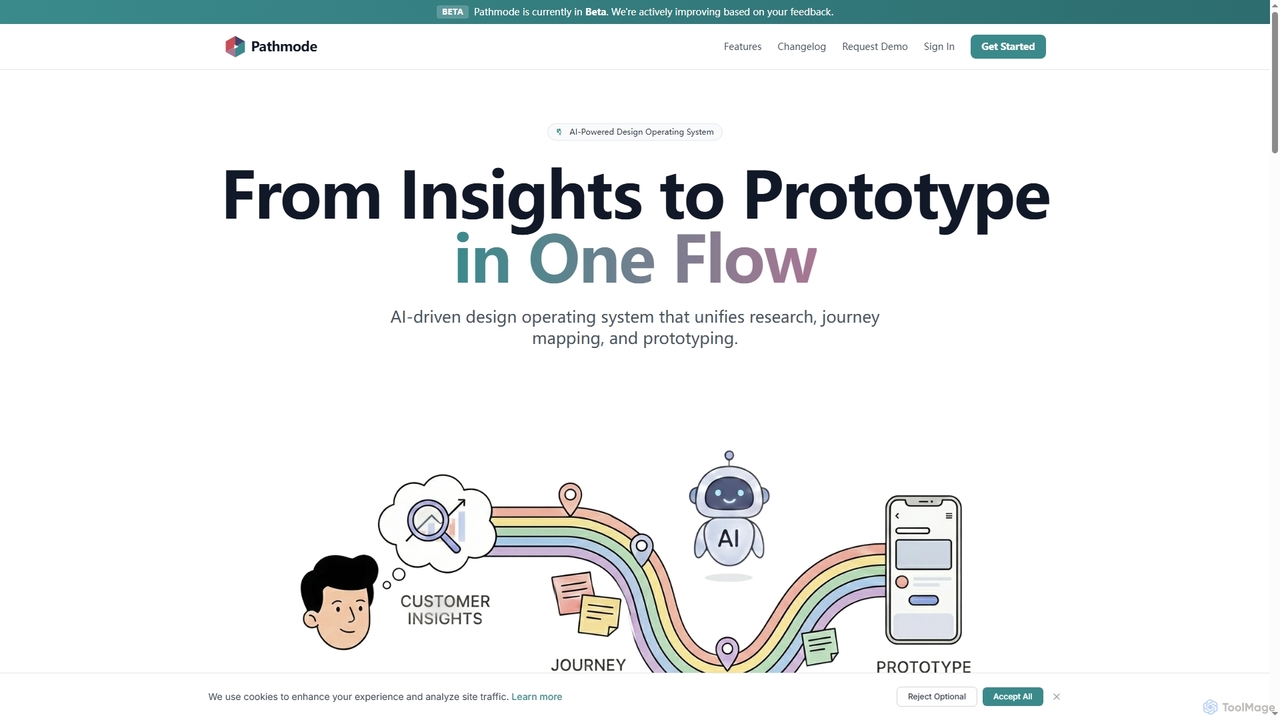
Pathmode
Pathmode is an AI-powered design operating system that unifies user research, automated journey mapping, and prototype specification into …
Pathmode is an AI-powered design operating system that unifies user research, automated journey mapping, and prototype specification into a single, seamless workflow. It transforms raw insights into actionable UI design specifications, eliminating manual handoffs and driving efficient product execution.

AI Game Generator
AI Game Generator is an innovative platform that transforms your ideas and marketing concepts into playable HTML5 games …
AI Game Generator is an innovative platform that transforms your ideas and marketing concepts into playable HTML5 games in minutes. Leverage AI to create engaging 2D and 3D games for campaigns, education, or rapid prototyping without extensive coding.
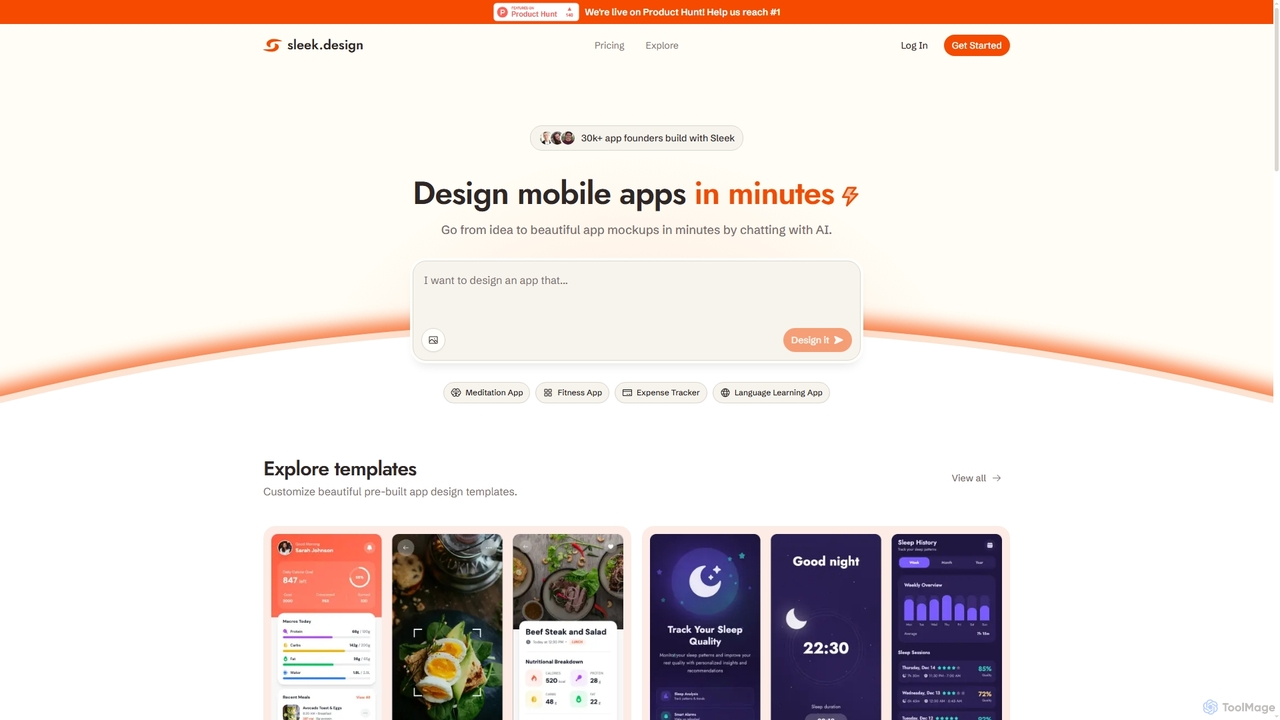
Sleek
Sleek is an AI-powered mobile app designer that enables founders and entrepreneurs to create professional app mockups in …
Sleek is an AI-powered mobile app designer that enables founders and entrepreneurs to create professional app mockups in minutes. It transforms ideas into beautiful designs through conversational AI, offering customizable templates and export options to Figma or code, making app design accessible to everyone.
Simplall
Simplall is an AI-powered code generator that transforms natural language descriptions into functional web applications. It enables users, …
Simplall is an AI-powered code generator that transforms natural language descriptions into functional web applications. It enables users, regardless of coding experience, to instantly create professional React apps, HTML websites, and interactive dashboards with live previews, clean code, and easy modification capabilities.
MasterGo
MasterGo is an AI-powered, all-in-one collaborative UI/UX design platform. It streamlines the entire workflow from prototyping and interface …
MasterGo is an AI-powered, all-in-one collaborative UI/UX design platform. It streamlines the entire workflow from prototyping and interface design to developer handoff. Built for real-time collaboration, it helps teams create, iterate, and manage digital products efficiently with features like design systems, AI-assisted generation, and enterprise-level security.
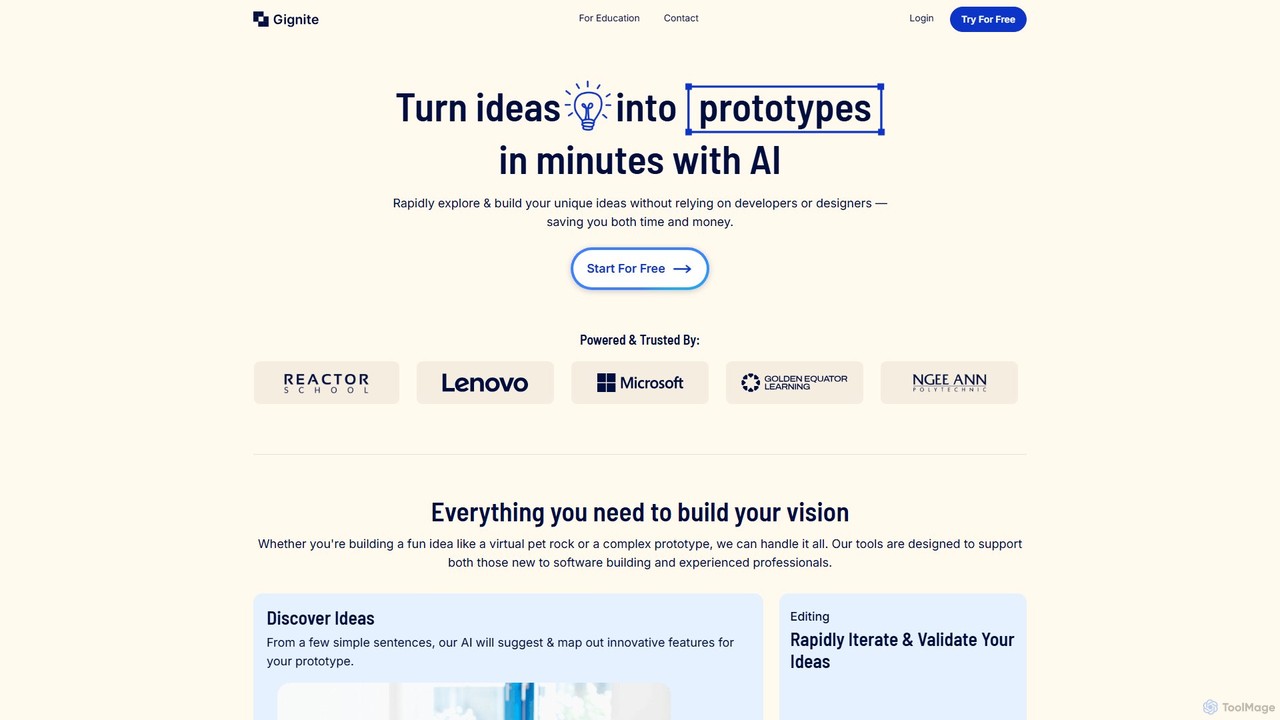
Gignite
Gignite is an AI-powered platform that transforms your ideas into functional web prototypes in minutes. Designed for non-technical …
Gignite is an AI-powered platform that transforms your ideas into functional web prototypes in minutes. Designed for non-technical users, it allows anyone to build, share, and validate concepts without writing a single line of code, saving significant time and resources.
About Prototyping
Prototyping tools are AI-powered solutions designed to accelerate and enhance the creation of design prototypes, from initial wireframes to interactive mockups. These tools leverage artificial intelligence to automate repetitive tasks, generate design elements, and translate ideas into visual representations with unprecedented speed. They empower designers, product managers, and developers to rapidly iterate on concepts, gather feedback efficiently, and bring digital products to life faster.
Core Features
- AI-driven UI Generation: Automatically generates user interface components, layouts, and entire screens from text descriptions, sketches, or low-fidelity inputs.
- Interactive Prototype Creation: Enables the quick assembly of clickable and navigable prototypes to simulate user experiences without manual coding.
- User Flow Automation: Assists in mapping out complex user journeys and interactions, suggesting optimal paths and transitions based on common design patterns.
- Design System Integration: Connects with existing design systems to ensure consistency and adherence to brand guidelines across all generated prototypes.
- Feedback Analysis & Iteration: Utilizes AI to analyze user feedback on prototypes, suggesting improvements and facilitating rapid design adjustments.
Use Cases
AI prototyping tools are invaluable for product teams seeking to streamline their design workflows, validate ideas quickly, and reduce time-to-market. They are widely adopted by UX/UI designers for rapid concept visualization, by product managers for communicating product vision, and by developers for generating front-end code snippets from designs.
How to Choose
When selecting an AI prototyping tool, consider its integration capabilities with your existing design stack, the quality and flexibility of its AI-generated outputs, and its support for interactive features. Evaluate the learning curve, collaboration functionalities, and pricing model to ensure it aligns with your team's needs and budget. Prioritize tools that offer robust iteration features and clear export options.
PrototypingUse Cases
Rapid Web Application Mockup Generation
A product designer needs to quickly visualize a new feature for a web application. Using an AI prototyping tool, they input a text description of the feature and desired layout, and the AI generates several high-fidelity mockups within minutes. This allows for immediate stakeholder review and faster iteration cycles.
Converting Hand-Drawn Sketches to Digital Prototypes
A startup founder has several hand-drawn wireframes for their mobile app idea. They use an AI prototyping tool to scan or photograph these sketches, and the AI automatically converts them into interactive digital prototypes. This significantly reduces the time and effort required to move from concept to a testable design.
Automating User Flow Creation for E-commerce
A UX researcher is designing a new checkout process for an e-commerce website. They use an AI prototyping tool to define the key steps, and the AI automatically generates a complete, navigable user flow with appropriate screens and transitions. This ensures a comprehensive and intuitive user experience for testing.
Generating Design Variations for A/B Testing
A marketing team wants to test different landing page layouts to optimize conversion rates. An AI prototyping tool allows them to generate multiple distinct design variations based on core content and branding guidelines. This enables efficient A/B testing without extensive manual design work.
Streamlining Design System Component Prototyping
A large enterprise design team needs to prototype new components that adhere to their extensive design system. An AI prototyping tool integrates with their design system, allowing designers to generate new component prototypes that automatically follow established styles, spacing, and interaction patterns, ensuring consistency at scale.
Visualizing Data Dashboard Concepts
A business intelligence analyst needs to quickly mock up several dashboard layouts to present complex data insights. Using an AI prototyping tool, they can input data types and desired visualizations, and the AI generates interactive dashboard prototypes. This helps stakeholders understand potential data representations before development.