

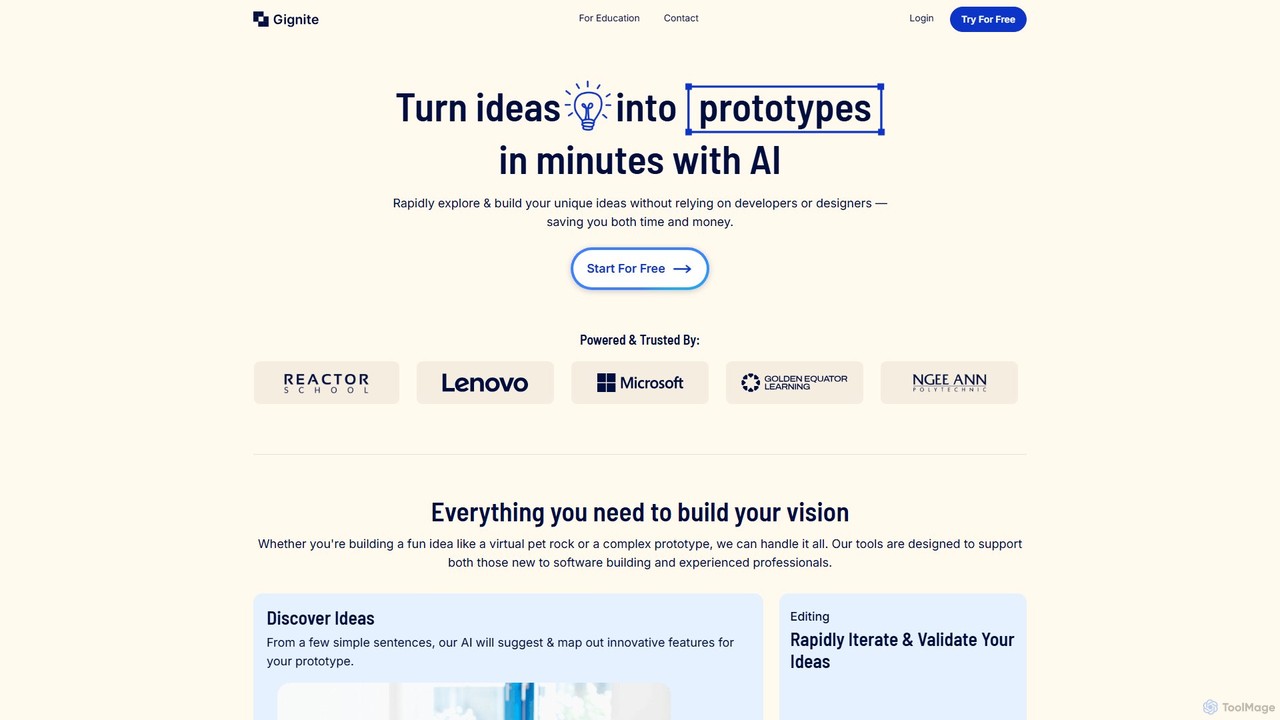
Gignite Overview
Gignite is a revolutionary AI-powered tool designed to democratize software development by enabling anyone to turn a simple idea into a functional, interactive prototype in just minutes. It serves as a bridge between concept and reality, eliminating the traditional barriers of technical expertise and design skills. By simply describing an idea in a few sentences, users can leverage Gignite's AI to generate innovative features, map out application flows, and produce a visual, shareable prototype. This process, which once required teams of developers and designers, is now accessible to entrepreneurs, students, educators, and product managers, empowering them to rapidly iterate and validate their vision without significant investment in time or money.
The platform is built on the principle of simplicity and speed. It's not just about creating static mockups; Gignite builds functional prototypes that can be tested and presented. This accelerates the product development lifecycle, facilitates clearer communication within teams, and allows for early feedback from stakeholders or potential users. The ability to export the generated prototype to code provides a seamless handover to development teams, ensuring that the initial vision is accurately translated into the final product.
How to use Gignite
Using Gignite is an intuitive, step-by-step process designed for maximum efficiency:
- Describe Your Idea: Start by writing a few simple sentences that describe the core concept of your web application or platform. The more details you provide about the purpose and key functionalities, the better the AI can understand your vision.
- AI-Powered Feature Generation: Gignite's AI analyzes your description and suggests a comprehensive list of innovative features for your prototype. It also maps out the structure of your application.
- Map Out Flows: Use the interactive sitemap tool to visualize and organize the user journey. You can easily add, remove, or rearrange pages and features to define how the prototype will work.
- Generate and Refine: With a single click, Gignite generates the visual and functional prototype. You can review the output and, if needed, adjust the feature list and regenerate to refine the prototype until it aligns with your vision.
- Share for Feedback: Easily share a link to your interactive prototype with colleagues, investors, or potential customers. This allows you to present your ideas visually and gather valuable feedback and fresh perspectives.
- Export to Code: Once you are ready to move from prototype to full-scale development, you can export the project's code. This provides your development team with a solid foundation to build upon, saving countless hours of work.
Core Features of Gignite
- AI Idea Discovery: Translates simple text descriptions into structured, innovative feature suggestions and application maps.
- Interactive Sitemap: A visual tool to map out the application's architecture and user flows, making it easy to understand the prototype's structure.
- Rapid Prototyping Engine: Generates functional web prototypes in minutes, allowing for quick iteration and validation of ideas.
- Visual Sharing and Presentation: Enables easy sharing of interactive prototypes via a link, perfect for presentations and feedback sessions.
- Export to Code: Allows users to export the generated prototype's codebase, bridging the gap between prototyping and development.
- No-Code Interface: Designed for users of all skill levels, requiring no prior coding or design experience to build complex prototypes.
Use Cases for Gignite
Gignite is a versatile tool applicable across various industries and roles:
- Entrepreneurship: Entrepreneurs can quickly build a minimum viable product (MVP) prototype to validate their business idea and present it to potential investors.
- Product Development: Product managers and teams can use Gignite to accelerate their workflow, test new features, and align stakeholders on a visual, functional model.
- Education: Educators can integrate Gignite into their curriculum to provide students with hands-on experience in product design and problem-solving, transforming theoretical knowledge into practical projects.
- Hackathons: Participants can build and present polished, functional prototypes in a very short time, significantly improving the quality and efficiency of their projects.
- Internal Tooling: Companies can quickly prototype internal tools or platforms to improve workflows and processes without dedicating extensive development resources.
- Consulting: Consultants can visually demonstrate software solutions and concepts to clients, making complex ideas more tangible and understandable.
Advantages of Gignite
Gignite offers a significant competitive edge by focusing on accessibility and speed. Its primary advantage is empowering non-technical individuals to bring their ideas to life, fostering a more inclusive and innovative environment. It dramatically reduces the time and cost associated with early-stage product development. By enabling rapid iteration, it helps users refine their ideas based on real feedback, leading to better final products. Furthermore, users retain full ownership of all generated designs, content, and code, giving them complete control over their intellectual property.
Pricing and Plans
Gignite operates on a freemium model, offering a free plan to get started. Users can build their first prototype for free to experience the platform's core capabilities. For more advanced features, larger projects, or team collaboration, Gignite will likely offer premium paid plans. For the most current and detailed information on pricing tiers and features, it is recommended to visit the official Gignite website.
Gignite Alternatives
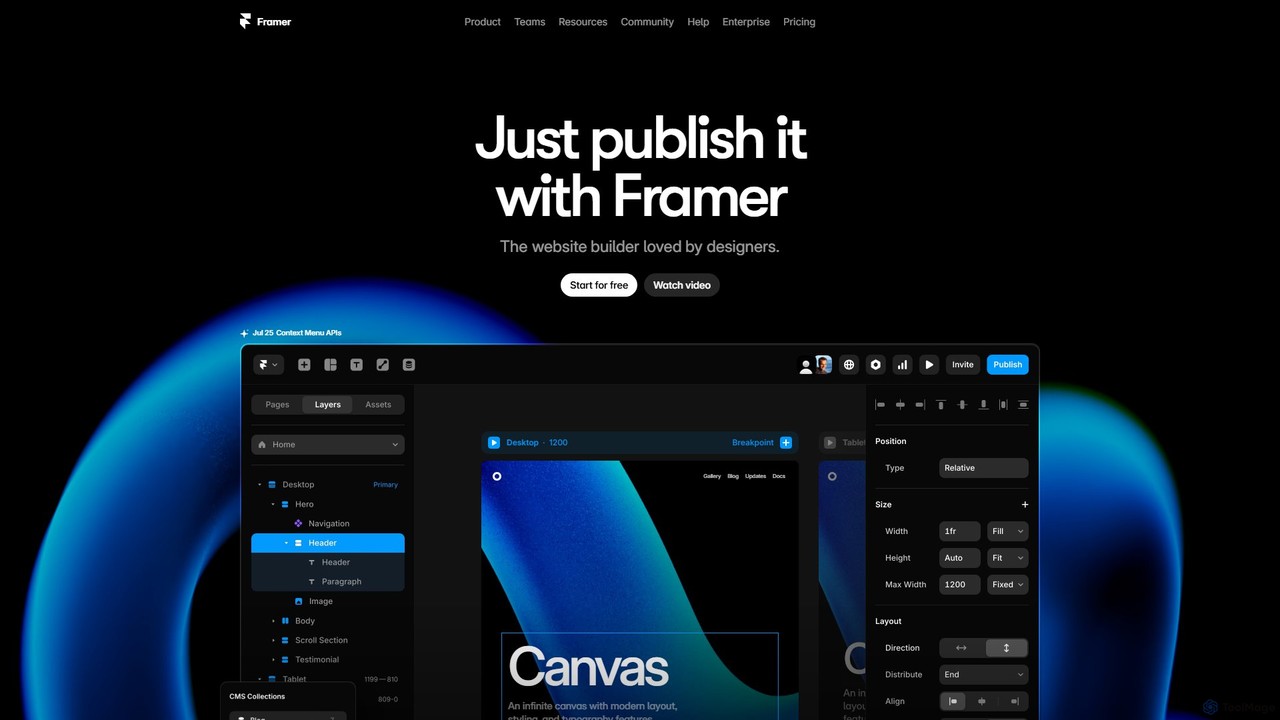
Framer
Framer is a professional no-code website builder that empowers designers and teams to create high-performance, production-ready websites. Leveraging AI, Framer can generate entire websites from a simple text prompt, complete with copy and visuals. It combines a powerful design canvas, advanced animations, a built-in CMS, and seamless collaboration features into a single, intuitive platform.
Prototyping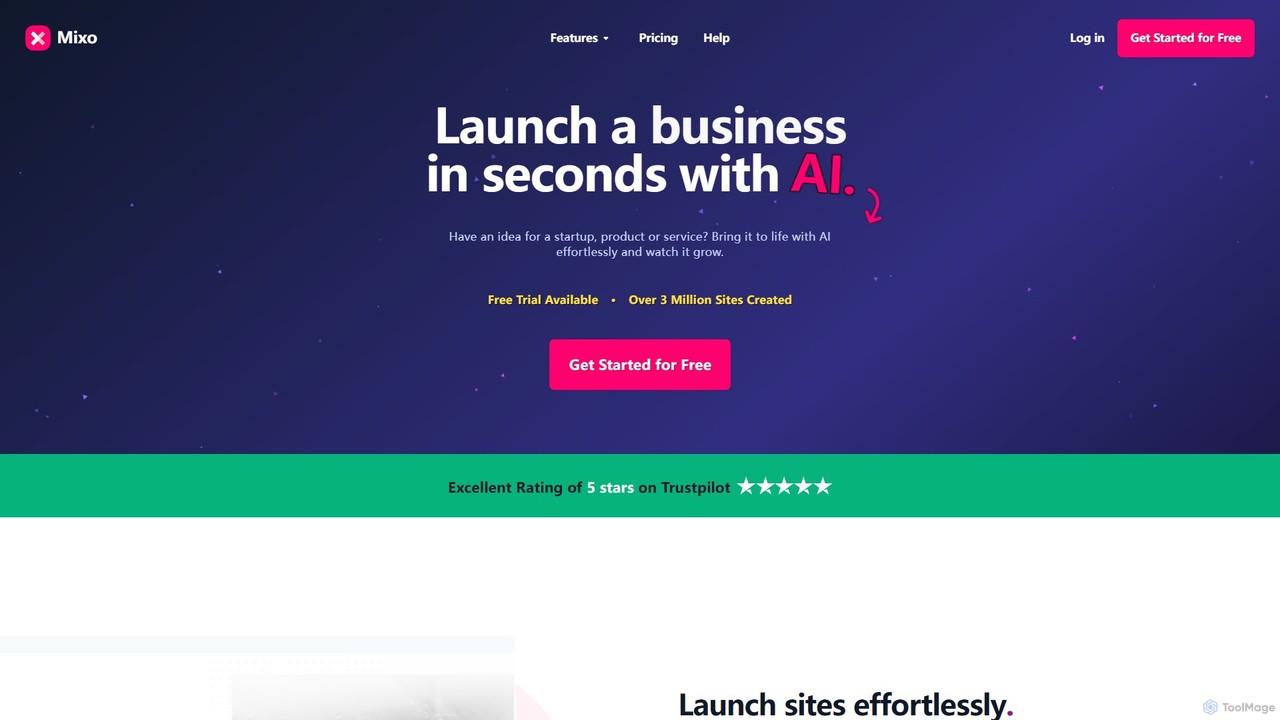
Mixo
Mixo is an AI-powered website builder that enables users to launch a professional website in seconds. Simply describe your business idea, and Mixo's AI generates a stunning, responsive site complete with content and images. It's ideal for startups, entrepreneurs, and creators looking to quickly validate ideas, build a waiting list, and grow an audience without any coding or design skills.
Lead Generation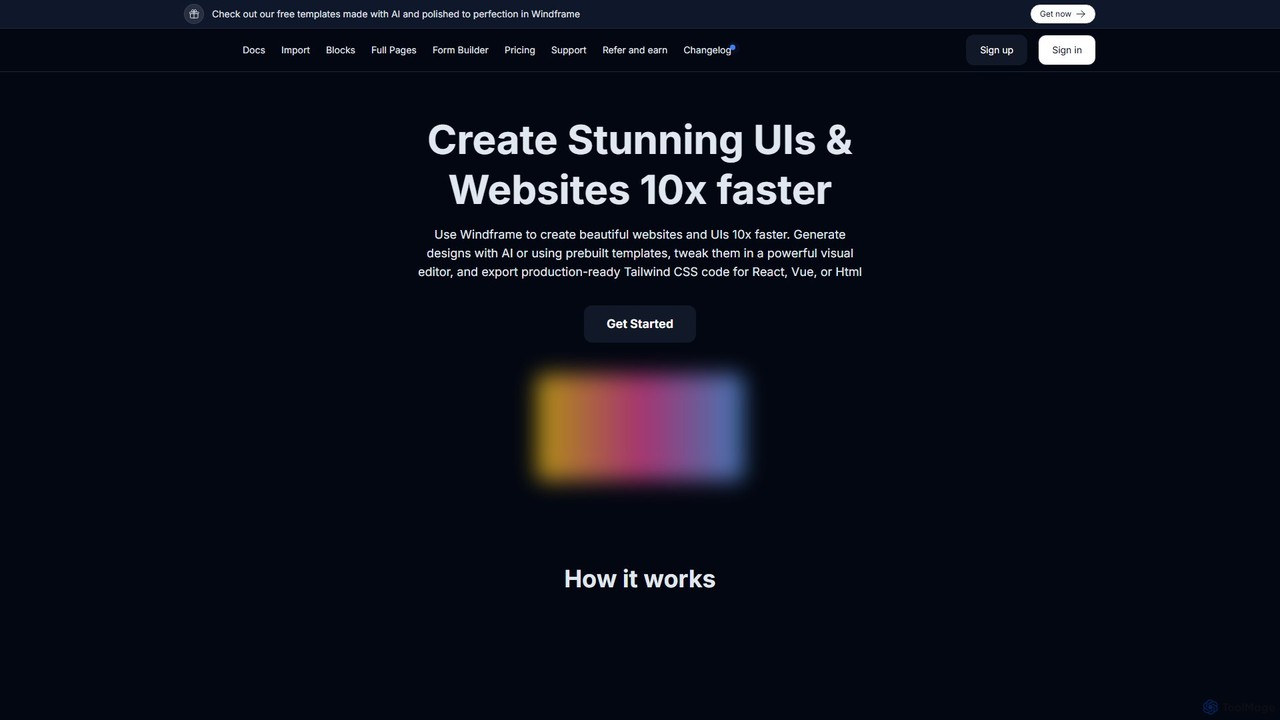
Windframe
Windframe is an AI-powered visual editor and builder for Tailwind CSS, designed to accelerate UI and website development. It allows users to generate designs with AI prompts, utilize over 1000 pre-built templates, and visually edit projects in real-time. Export production-ready code for React, Vue, HTML, and more, streamlining the workflow for developers, designers, and teams.
Ui Ux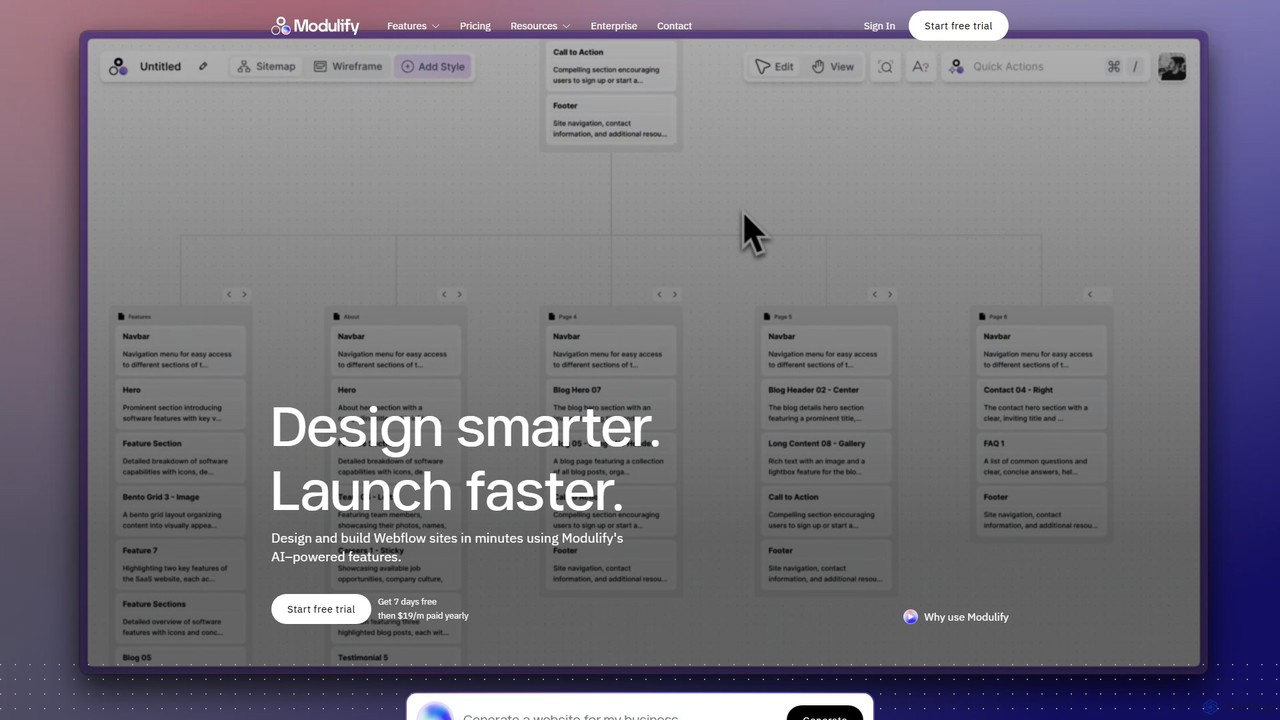
Modulify
Modulify is an AI-powered website builder designed to accelerate the Webflow design process. It enables users to generate sitemaps, wireframes, and fully styled, responsive websites from simple text prompts. Ideal for freelancers, creative agencies, and businesses, it streamlines development from idea to launch in minutes.
Website Builder
Bookmark
Bookmark is an AI-powered website builder that uses its design assistant, AiDA, to create professional, fully-functional websites in minutes. Users answer a few questions, and AiDA generates a unique website with relevant content and images, which can then be customized with a drag-and-drop editor.
Store BuilderGignite Categories
Gignite Embed Widget
Copy this embed code to place the badge on your blog, article, or product site and send readers directly to this ToolMage detail page.

Related AI tools
Rewebly
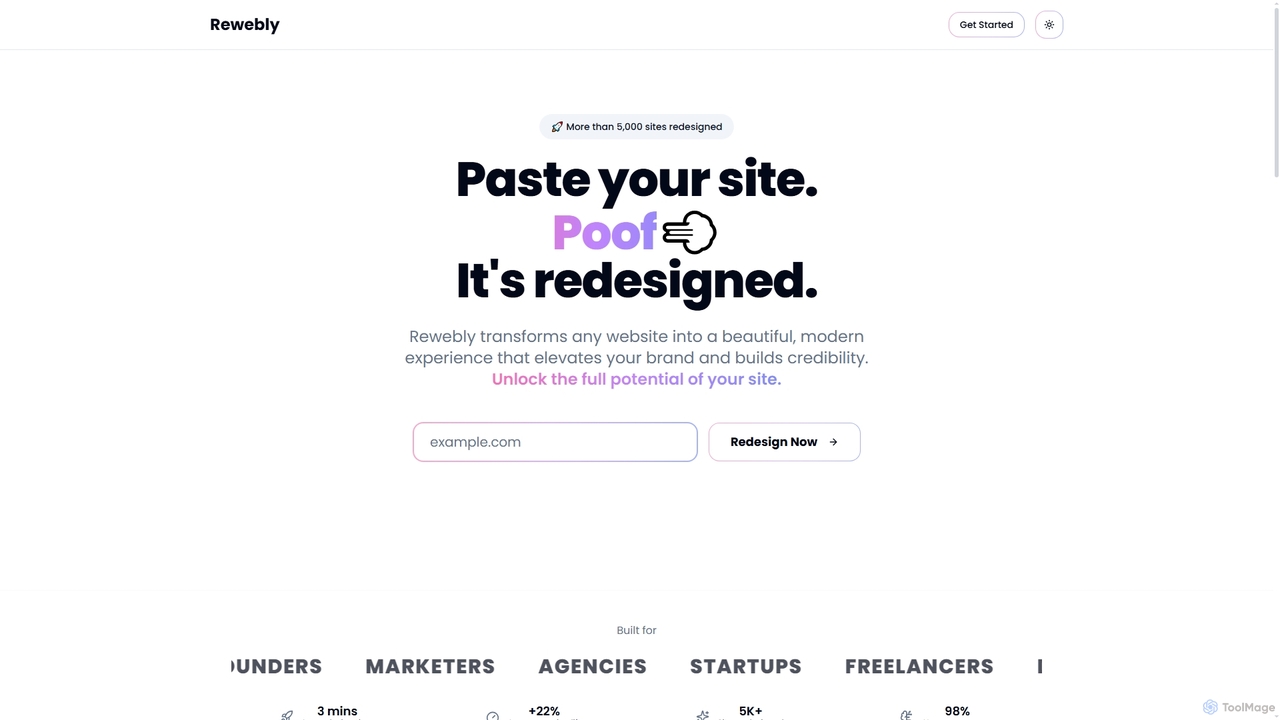
Rewebly is an AI-powered website redesign tool that transforms any existing website into a modern, visually appealing, and high-converting experience in minutes. It focuses on design quality, brand consistency, and user accessibility, making professional web makeovers accessible to various professionals.
Conversion Optimization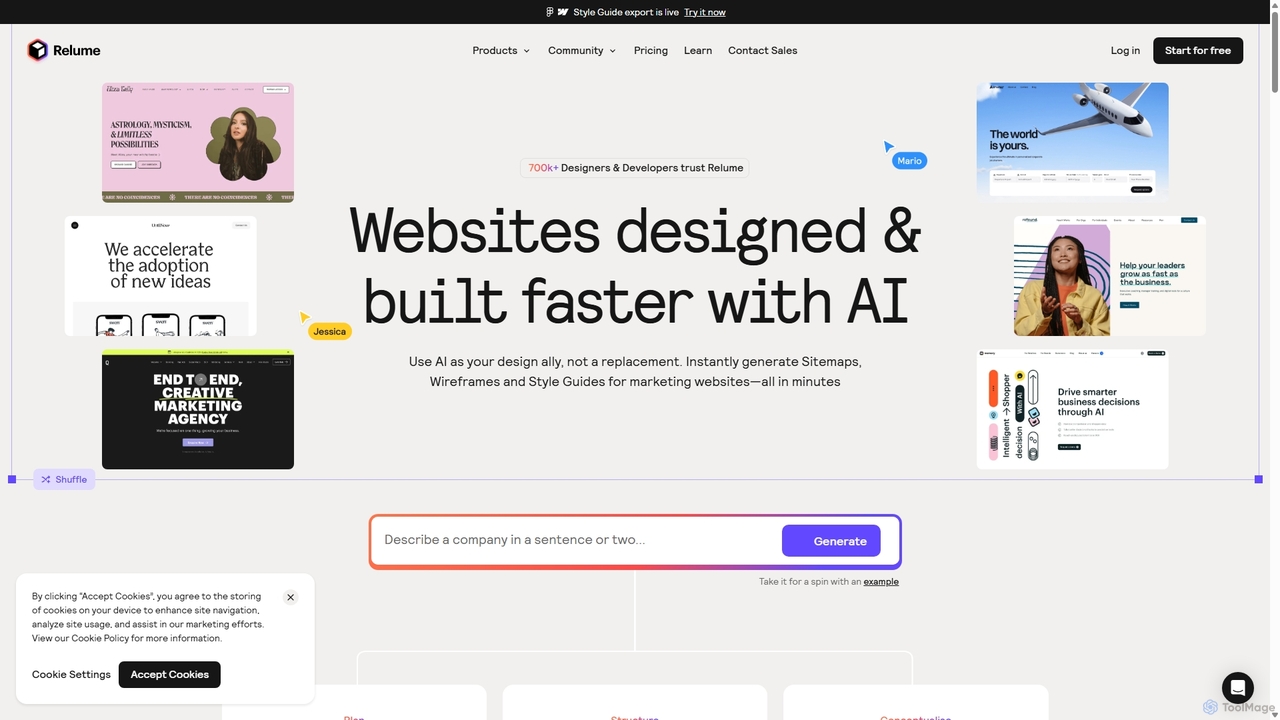
Relume
Relume is an AI-powered website builder that accelerates the design and development process. It enables users to generate sitemaps and wireframes from simple text prompts, create comprehensive style guides, and utilize a vast library of over 1000 components for Figma, Webflow, and React. It's designed to streamline workflows for designers, developers, and agencies, turning ideas into production-ready websites in a fraction of the time.
Website Builder
365mvps
365mvps is an AI-powered platform designed for rapid Minimum Viable Product (MVP) development. It enables entrepreneurs and developers to transform ideas into functional applications using natural language prompts and a low-code interface, drastically reducing development time and costs.
No CodeFramer
Framer is a professional no-code website builder that empowers designers and teams to create high-performance, production-ready websites. Leveraging AI, Framer can generate entire websites from a simple text prompt, complete with copy and visuals. It combines a powerful design canvas, advanced animations, a built-in CMS, and seamless collaboration features into a single, intuitive platform.
PrototypingMixo
Mixo is an AI-powered website builder that enables users to launch a professional website in seconds. Simply describe your business idea, and Mixo's AI generates a stunning, responsive site complete with content and images. It's ideal for startups, entrepreneurs, and creators looking to quickly validate ideas, build a waiting list, and grow an audience without any coding or design skills.
Lead GenerationWindframe
Windframe is an AI-powered visual editor and builder for Tailwind CSS, designed to accelerate UI and website development. It allows users to generate designs with AI prompts, utilize over 1000 pre-built templates, and visually edit projects in real-time. Export production-ready code for React, Vue, HTML, and more, streamlining the workflow for developers, designers, and teams.
Ui UxModulify
Modulify is an AI-powered website builder designed to accelerate the Webflow design process. It enables users to generate sitemaps, wireframes, and fully styled, responsive websites from simple text prompts. Ideal for freelancers, creative agencies, and businesses, it streamlines development from idea to launch in minutes.
Website Builder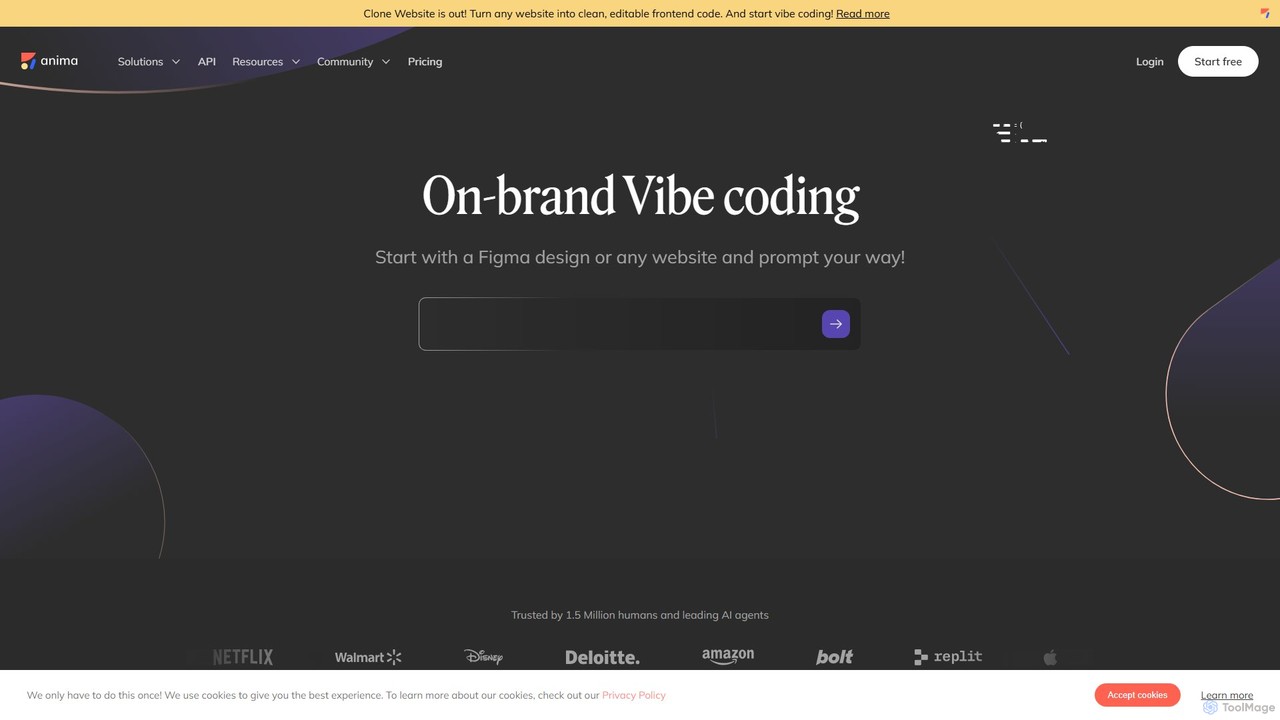
Anima
Anima is an AI-powered design-to-code platform that automates frontend development. It transforms designs from Figma, Adobe XD, and Sketch into clean, production-ready React, Vue, and HTML code. Featuring AI-driven iteration and website cloning, it empowers designers, developers, and founders to build and launch web applications and prototypes up to 10x faster.
Design To Code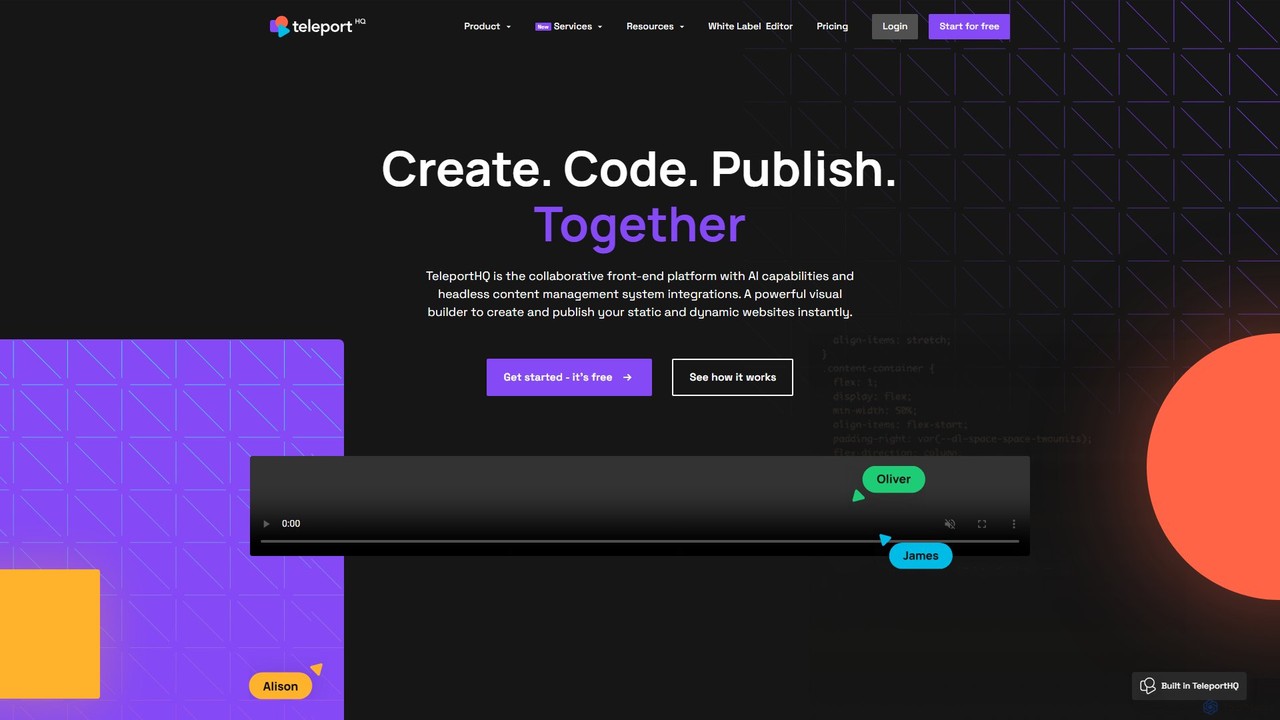
TeleportHQ
TeleportHQ is a collaborative low-code platform that streamlines front-end development. It features an AI website builder, Figma to code conversion, and real-time collaboration tools. Users can visually build responsive websites and UIs, generate clean code for multiple frameworks (React, Vue, etc.), and deploy seamlessly.
Ui Ux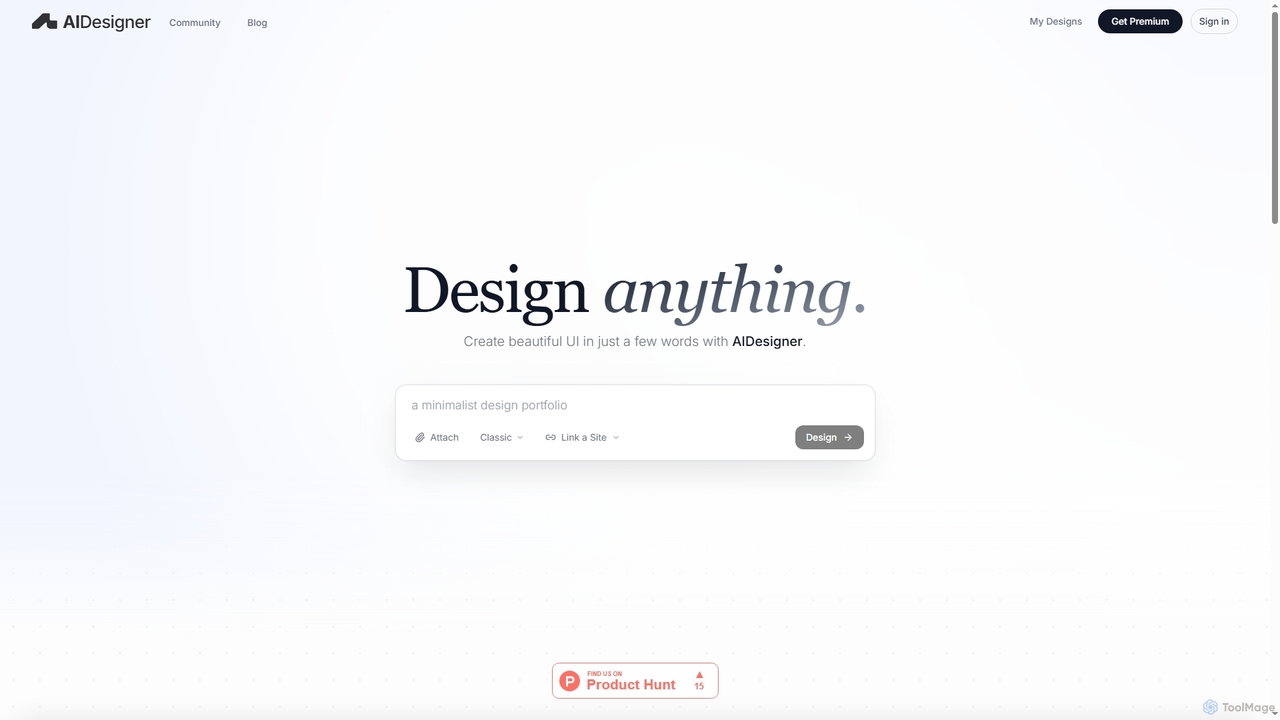
AIDesigner
AIDesigner is an advanced AI-powered platform that transforms textual descriptions into stunning UX/UI designs. It offers a unique approach to design generation, enabling users to create beautiful websites, mobile apps, and portfolios without the generic 'AI look.' With a rich library of production-ready templates and powerful customization options, AIDesigner empowers creators to rapidly prototype and launch visually distinctive digital experiences.
User Experience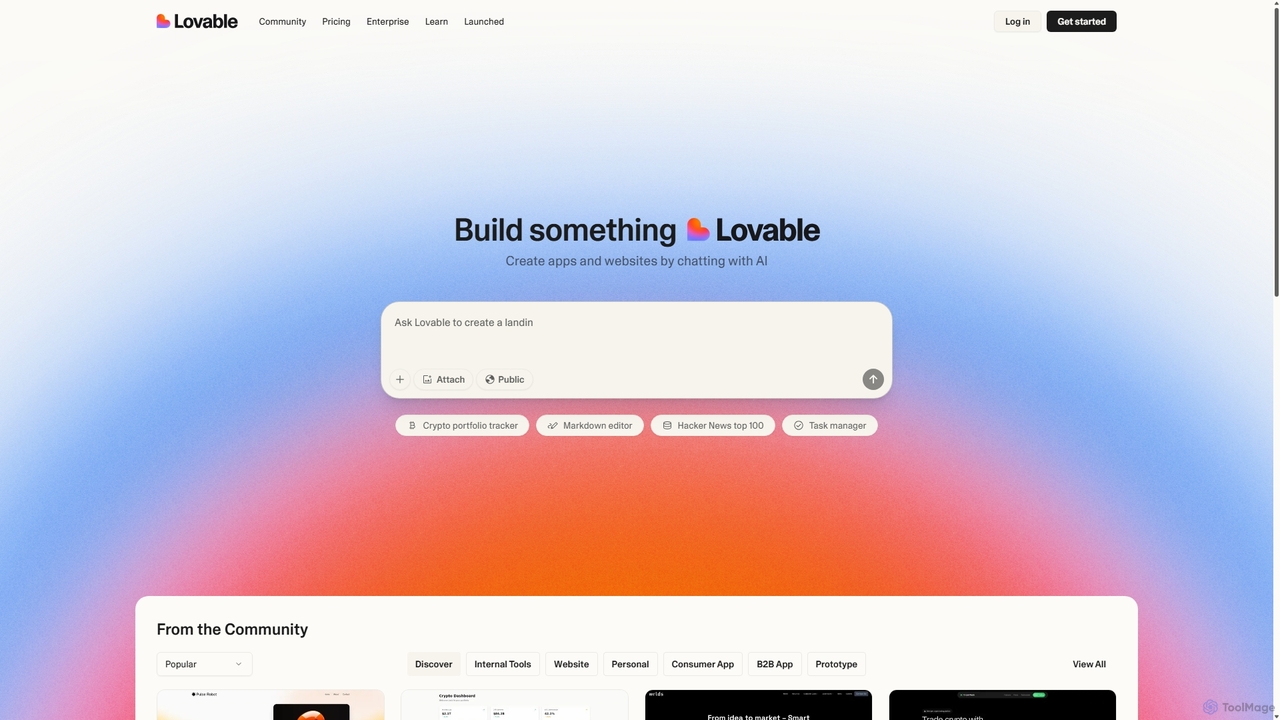
Gptengineer
gptengineer is an AI-powered development platform that enables users to build websites, web apps, and internal tools through conversational prompts. Simply describe your idea in plain English, and the AI will generate the code and a functional application, drastically accelerating the prototyping and development process for both developers and non-developers.
Code Generation
musho
Musho is an AI-powered design and development assistant that transforms text prompts into fully-realized, editable websites and landing pages. It focuses on speed, creativity, and seamless integration with design tools like Figma, empowering users to go from idea to high-fidelity prototype in seconds.
Web Design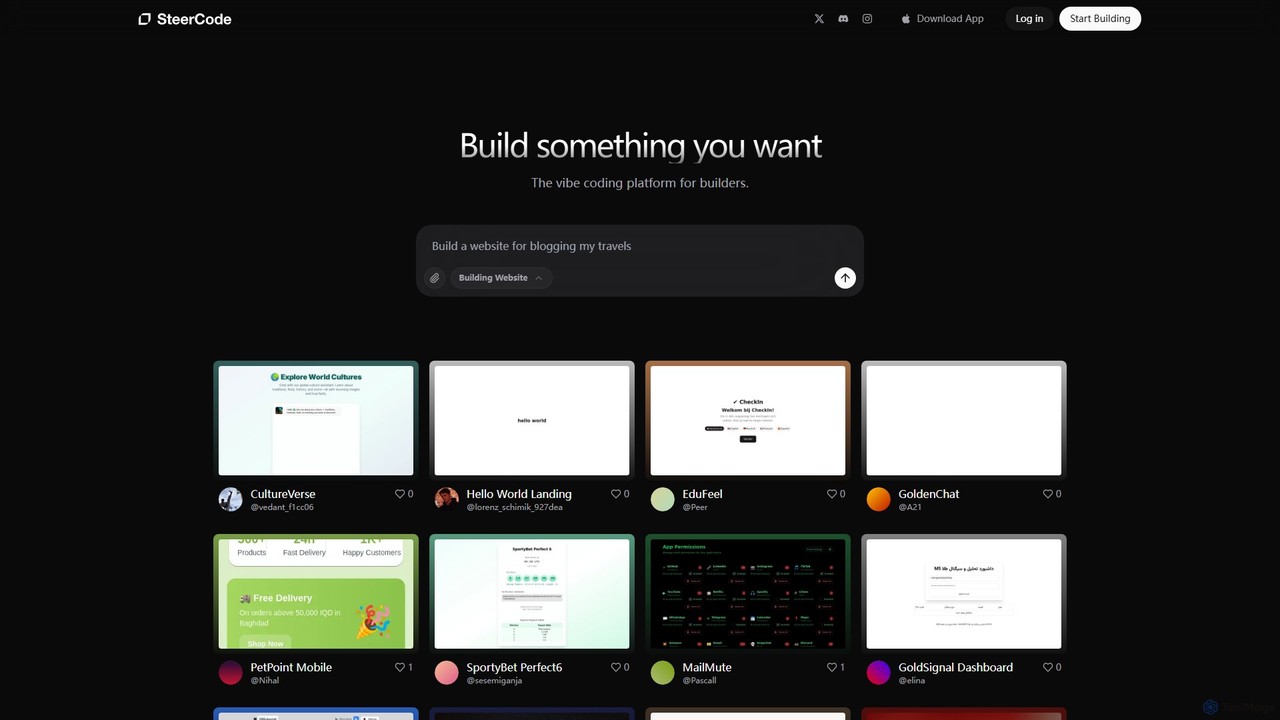
SteerCode
SteerCode is an AI-powered development platform that transforms your ideas into functional websites, apps, and games using simple text prompts. Designed for builders of all skill levels, it eliminates the need for traditional coding. Just describe what you want to create, and watch the AI build it in real-time, right from your browser, even on your phone.
App Builder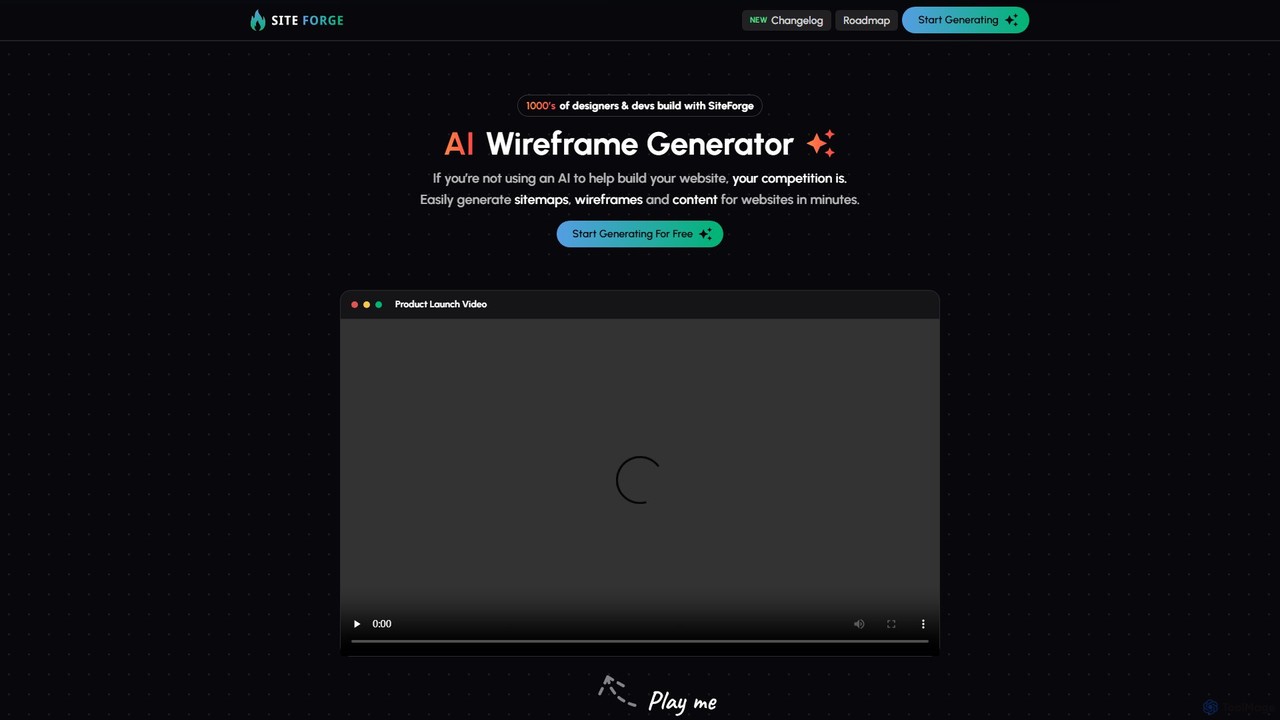
SiteForge
SiteForge is an AI-powered platform designed to accelerate the web development process. It enables users to generate sitemaps, interactive wireframes, and SEO-optimized content in minutes. Ideal for designers, developers, and marketing agencies, it streamlines workflow, ensures brand consistency, and transforms ideas into structured website plans with ease.
Prototyping
dreamsands
dreamsands is a collaborative OS for building digital experiences. It empowers coders and non-coders to work together seamlessly, translating ideas into functional products with a consistent "vibe." Perfect for teams aiming to build websites, apps, and prototypes faster.
Web Design
Gignite Comments (0)
Sign in to comment.
Sign inNo comments yet.