kickstartDS
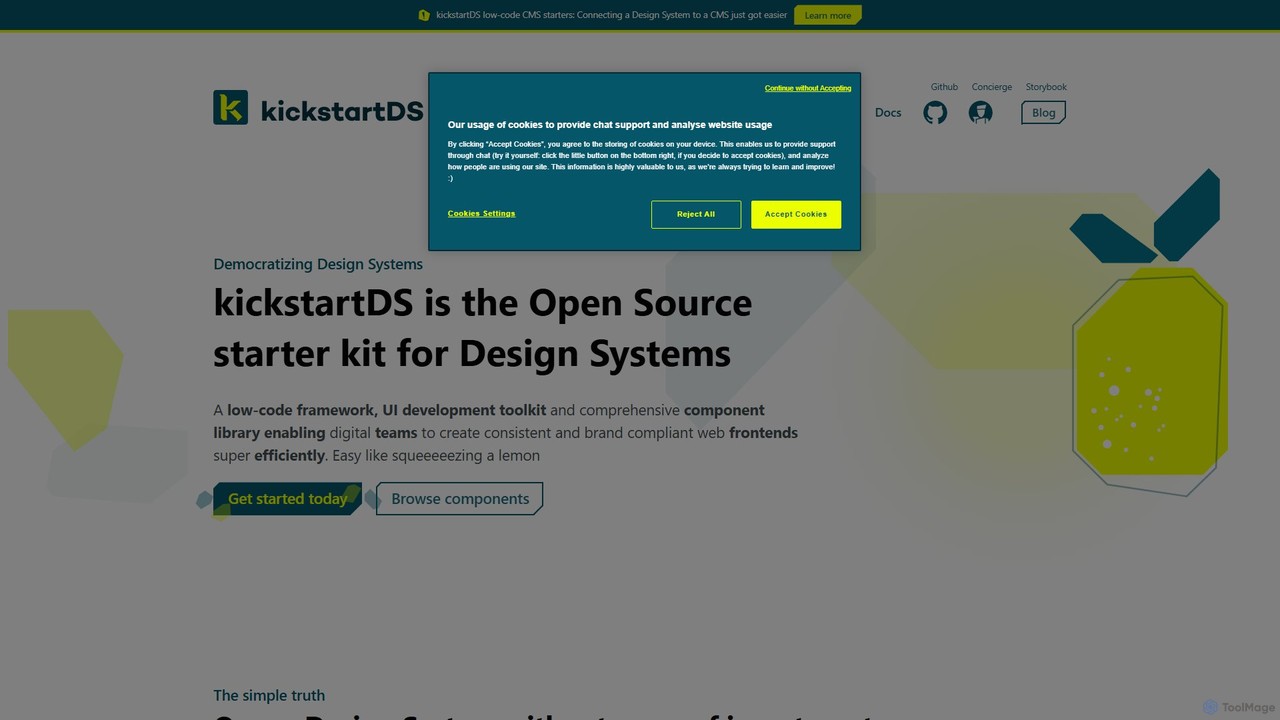
kickstartDS is an open-source starter kit and next-gen UI toolkit for building and maintaining Design Systems. It offers …
kickstartDS is an open-source starter kit and next-gen UI toolkit for building and maintaining Design Systems. It offers a low-code framework, a comprehensive component library, and an AI-powered assistant to help digital teams create consistent, high-performance, and brand-compliant web frontends with maximum efficiency.
Gignite
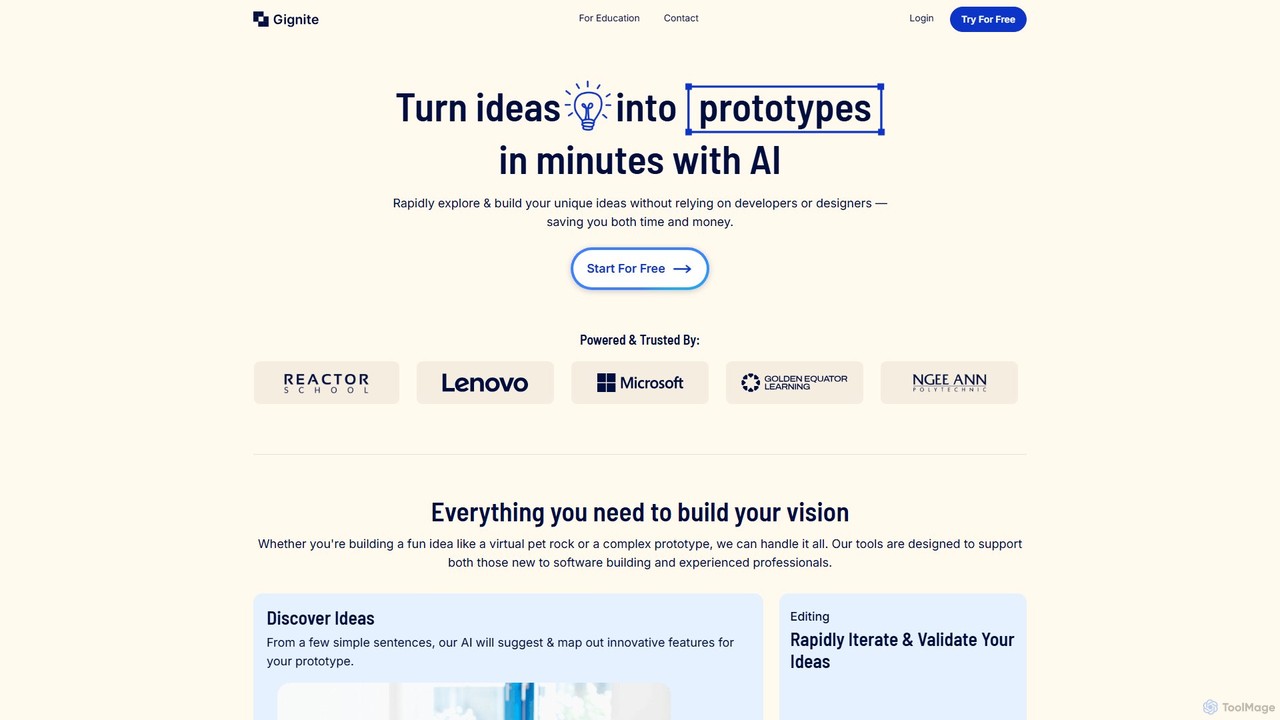
Gignite is an AI-powered platform that transforms your ideas into functional web prototypes in minutes. Designed for non-technical …
Gignite is an AI-powered platform that transforms your ideas into functional web prototypes in minutes. Designed for non-technical users, it allows anyone to build, share, and validate concepts without writing a single line of code, saving significant time and resources.
About Low Code
Low-code platforms are a class of tools that enable the creation of applications through graphical user interfaces and configuration instead of traditional hand-coding. These platforms utilize visual modeling, drag-and-drop components, and automated processes to abstract away complex programming tasks. This approach significantly accelerates application delivery, empowers non-technical users (often called citizen developers), and reduces the burden on professional IT teams. By bridging the gap between business needs and technical implementation, low-code tools facilitate rapid prototyping and agile development for a wide range of business applications.
Core Features
- Visual Development Interface: Build application UIs, data models, and workflows using drag-and-drop editors.
- Pre-built Components & Templates: Utilize a library of reusable modules for common functions like forms, charts, and user authentication.
- One-Click Deployment: Automate the process of testing, deploying, and managing applications across different environments.
- Data Integration Connectors: Easily connect to popular databases, APIs, and third-party services with pre-configured connectors.
- Workflow Automation: Visually design and automate complex business processes and logic without writing extensive code.
Use Cases
Low-code platforms are widely used in enterprises to build internal tools, automate departmental workflows, and create customer-facing portals. For example, an HR department can build an employee onboarding application, a marketing team can create a campaign management dashboard, or an operations team can digitize a paper-based approval process, all with minimal reliance on dedicated development resources.
How to Choose
When selecting a low-code tool, consider the platform's scalability to handle complex applications and growing user loads. Evaluate the breadth of its integration library to ensure it connects with your existing systems. Also, examine the pricing model (per user vs. per application) and the level of customization allowed for professional developers to extend functionality with custom code when needed.
Low CodeUse Cases
Automate Internal Approval Workflows
An operations manager needs to streamline a multi-step expense approval process that currently relies on emails and spreadsheets. Using a low-code platform's visual workflow builder, they design the entire flow, create digital forms for submission, and set up automated notifications for each stage. The resulting application ensures that requests are routed to the correct approver automatically, provides a real-time dashboard to track status, and reduces the average approval time from several days to just a few hours, significantly improving operational efficiency.
Create a Custom Customer Data Management App
A sales team needs a simple, tailored application to track leads and customer interactions, as off-the-shelf CRMs are too complex and expensive. A sales analyst, with no coding background, uses a low-code tool to build a custom app. They design data entry forms, set up a central database to store customer information, and create dashboards to visualize the sales pipeline. This custom-built solution perfectly matches their workflow, increases data accuracy, and provides actionable insights without the high cost and steep learning curve of a traditional CRM system.
Develop a Rapid Prototype for a New Mobile App
A startup founder wants to validate a new business idea with a functional mobile app prototype before investing in full-scale development. Using a low-code platform, they quickly assemble the app's core features, including user registration, a product catalog, and a basic checkout process. This allows them to create a tangible product to share with potential investors and early users for feedback within weeks instead of months. The rapid feedback loop helps them refine the concept and prove market demand with minimal upfront investment.
Modernize a Legacy System's User Interface
A company's critical internal system runs on outdated technology with a clunky, difficult-to-use interface. The IT team uses a low-code platform to rapidly build a modern, web-based front-end that connects to the legacy system's database and APIs. This approach avoids a costly and risky full system replacement. The new interface is responsive, user-friendly, and accessible from any device, which boosts employee productivity and satisfaction without disrupting the core business logic of the existing system.
Build a Secure Portal for Partners or Vendors
A B2B company needs a secure online portal for its partners to access resources, submit orders, and track performance. Instead of a lengthy custom development project, a business analyst uses a low-code platform. They configure user roles and permissions, create a document library for shared resources, and build an order submission form that integrates directly with their internal ERP system. The portal is launched in a fraction of the time, providing partners with a self-service tool that improves communication and streamlines the entire ordering process.
Automate Departmental Data Collection and Reporting
A marketing department manually collects campaign data from multiple sources like social media, email platforms, and ad networks into spreadsheets, a time-consuming and error-prone task. A marketing specialist uses a low-code tool to build an automation workflow. The application uses pre-built connectors to automatically pull data from these sources daily, consolidates it into a central database, and generates a visual performance dashboard. This frees up the team from manual data entry, provides real-time insights, and ensures report accuracy.