Backup Space
Backup Space is a dedicated cloud backup and recovery solution for Google Workspace. It provides automated, secure backups …
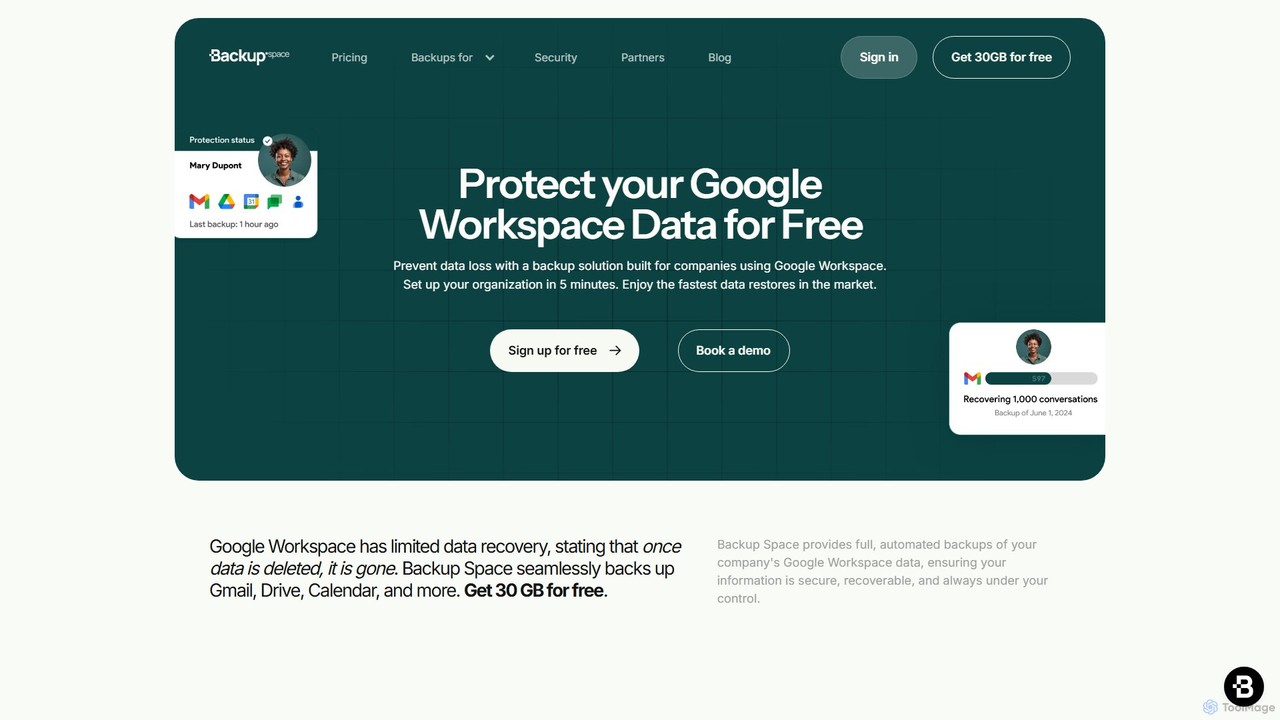
Backup Space is a dedicated cloud backup and recovery solution for Google Workspace. It provides automated, secure backups for Gmail, Drive, Calendar, and more, protecting your business data from ransomware, human error, and system failures. With point-in-time recovery and Swiss-grade privacy, it offers a robust alternative to Google Vault for true data protection and business continuity.
About Backup & Recovery
AI Backup & Recovery tools are a specialized category of security software that uses artificial intelligence to automate, optimize, and secure the process of data protection and restoration. These tools leverage machine learning algorithms to analyze data patterns, predict potential system failures, and detect threats like ransomware within backup files. Their primary value lies in minimizing data loss and reducing downtime by enabling faster, more reliable, and intelligent recovery from unforeseen events. This proactive approach moves beyond simple scheduled backups to offer a dynamic and resilient data protection strategy.
Core Features
- Intelligent Scheduling: Automatically adjusts backup frequency and timing based on data change rates and system load to ensure optimal performance.
- Ransomware Detection: Scans backup data for signs of malicious encryption, ensuring that recovery points are clean and uncompromised.
- Automated Integrity Verification: Periodically tests the viability of backups to confirm that files are not corrupt and can be successfully restored when needed.
- Predictive Analytics: Monitors system health and hardware performance to anticipate potential failures and trigger proactive backups before data is lost.
- Optimized Recovery Paths: Identifies the most recent, stable, and complete version of data for restoration, significantly speeding up the recovery process.
Use Cases
These tools are critical for businesses that rely on digital data, including protecting SaaS application data (e.g., Microsoft 365, Google Workspace), securing production databases for development teams, and safeguarding virtualized environments. They are also essential for organizations in regulated industries like healthcare and finance that require verifiable data integrity and robust disaster recovery plans.
How to Choose
When selecting an AI Backup & Recovery tool, consider its compatibility with your existing infrastructure (cloud, on-premise, hybrid). Evaluate its recovery time objective (RTO) and recovery point objective (RPO) capabilities to ensure they meet your business continuity needs. Also, assess the strength of its security features, particularly ransomware detection and data encryption, and its ability to scale as your data volume grows.

Backup & RecoveryUse Cases
Automated SaaS Data Protection for Businesses
An IT administrator for a mid-sized company uses an AI Backup & Recovery tool to protect their Microsoft 365 environment. The tool automatically backs up all Exchange Online mailboxes, SharePoint sites, and OneDrive accounts without manual intervention. The AI component continuously monitors for anomalies. When an employee's account is compromised and a script begins deleting files en masse, the AI detects this unusual activity, flags the backup point just before the incident as a safe recovery state, and alerts the administrator. This allows for a rapid, targeted restore of only the affected user's data, preventing significant data loss and business disruption.
Rapid Recovery from Ransomware Attacks
A healthcare organization's critical patient record system is encrypted by a ransomware attack. Their AI Backup & Recovery tool had been scanning all backups for malicious code. Upon detecting the attack on the live system, the IT team initiates the recovery process. The AI system immediately recommends the latest clean recovery point, which was verified just hours before the attack. It automates the process of provisioning a clean virtual machine and restoring the database and application files. This intelligent identification and automated workflow reduce the recovery time from days to a few hours, ensuring patient care continuity and minimizing the attack's impact.
Proactive Database Backup for Developers
A DevOps team manages a high-transaction e-commerce database. They use an AI-powered backup tool that integrates with their monitoring systems. The AI model has been trained on the database's normal performance metrics. It detects a subtle but persistent increase in disk I/O latency, a potential early indicator of hardware failure. Instead of waiting for the next scheduled backup, the system automatically triggers an immediate, high-priority incremental backup to capture the most recent transactions. This proactive measure ensures that even if the disk fails completely minutes later, the company can recover the database with near-zero data loss, protecting recent customer orders.
Intelligent Versioning for Creative Projects
A video editor works on large 4K video projects where file sizes are enormous. A traditional backup system would consume massive storage by saving full versions. They use an AI Recovery tool that understands file structures. It performs intelligent versioning, only backing up the changed data blocks within the project files rather than the entire file. When the editor needs to revert to a version from three days ago to recover a specific deleted clip, the AI helps visualize the project's timeline and pinpoints the exact version needed. This saves significant storage space and makes finding and restoring previous states of a project fast and intuitive.
Cloud Infrastructure Disaster Recovery
A cloud engineer for an e-commerce platform uses an AI-powered recovery tool for their AWS infrastructure. The tool continuously creates backups of EC2 instances, RDS databases, and S3 buckets. When a major AWS regional outage occurs, the engineer initiates a disaster recovery plan. The AI tool automates the entire failover process. It intelligently selects the most recent, consistent backups across all services, provisions new resources in a different, unaffected region, reconfigures networking and security groups, and restores the data. This level of automation, guided by AI to ensure data consistency, reduces the recovery time from a manual 12-hour process to an automated one that takes under an hour.
Compliance and Data Archiving for Legal Firms
A law firm must adhere to strict data retention policies, requiring case files to be stored securely for many years. They use an AI Backup tool for both active backup and long-term archiving. The AI helps classify documents based on content (e.g., case type, client name) and automatically applies the correct retention policy. For instance, it identifies files related to a closed case and moves them from expensive, high-speed backup storage to more cost-effective archival storage. This automates a complex compliance task, reduces storage costs, and ensures that data can be easily retrieved for audits or future legal needs, even years later.