
Backup Space Overview
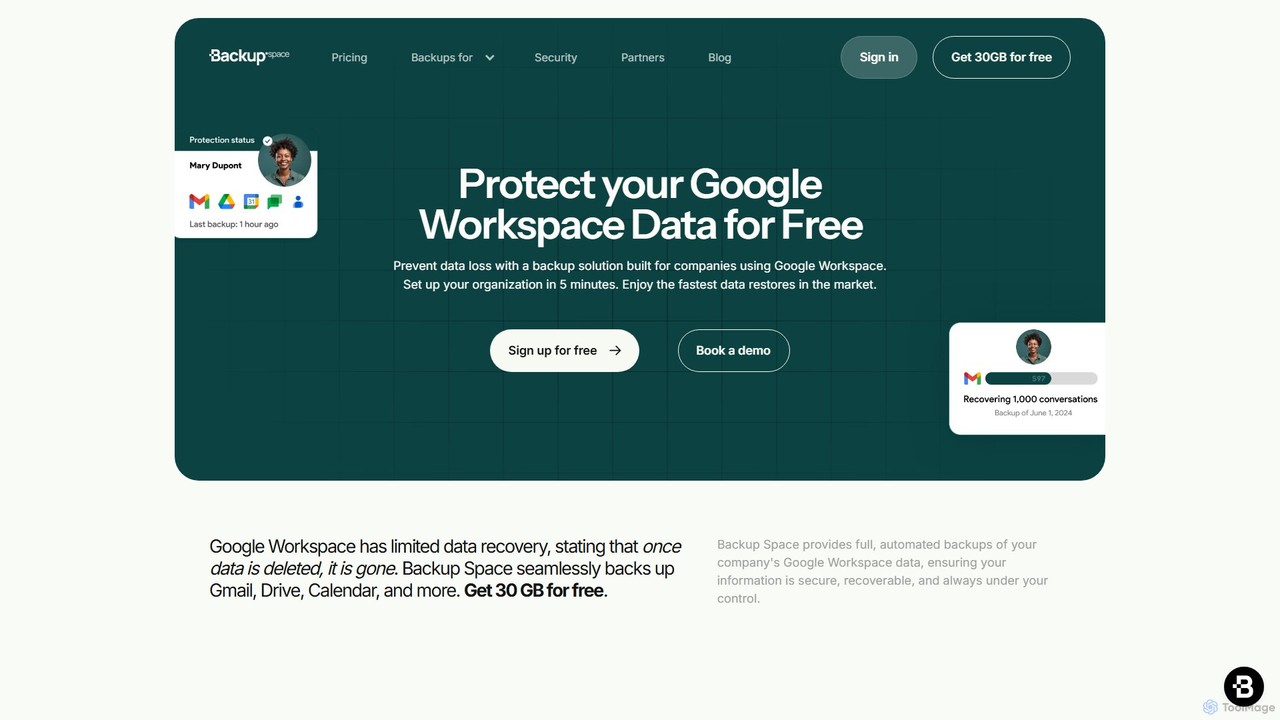
Backup Space is a comprehensive and secure cloud backup solution designed from the ground up specifically for organizations using Google Workspace. Recognizing that Google's native tools like Google Vault are primarily for eDiscovery and not true backup, Backup Space fills a critical gap by protecting business data against permanent loss due to ransomware attacks, accidental deletions, or system-level threats. It ensures that your company's vital information across Gmail, Google Drive, Calendar, Contacts, Chat, and Sites is always secure, recoverable, and under your control.
The platform is built on the principles of simplicity, security, and reliability. It offers automated, high-frequency backups, ensuring that your data is captured regularly without any manual intervention. With a focus on data sovereignty and privacy, Backup Space allows you to choose where your data is stored, with options in the US, Canada, EU, UK, and even Switzerland, which is renowned for its stringent data protection laws. All data is fully encrypted, both in transit and at rest, ensuring it remains inaccessible to anyone but you.
How to use Backup Space
Getting started with Backup Space is designed to be refreshingly simple and can be completed in just a few minutes:
- Sign Up with Google: Create your account in seconds using a Google Workspace account that has administrative privileges for your organization. The process uses secure Google OAuth for authentication.
- Install the Google Workspace App: After signing up, you will be directed to the Google Workspace Marketplace to install the Backup Space application for your domain. This step seamlessly integrates the service with your existing Google environment.
- Configure and Protect: Once installed, you can access the intuitive dashboard. From here, you can assign backup policies, set data retention rules for different users and resources, and monitor the status of your backups. The platform is pre-configured for ease of use, allowing you to start protecting your data immediately.
Core Features of Backup Space
- Automated, High-Frequency Backups: Schedule backups to run automatically from 1 to 24 times per day, ensuring minimal data loss between syncs.
- Comprehensive Google Workspace Coverage: Protects all critical data, including Gmail messages, Google Drive files (with permissions and folder structure), Calendar events, Contacts, Google Chat history, and Google Sites.
- Point-in-Time Recovery: Quickly restore individual files, emails, or entire user accounts to any specific point in time, minimizing downtime after a data loss event.
- Advanced Security and Privacy: Features end-to-end encryption, Swiss-grade privacy standards, and the ability to bring your own encryption key (BYOK) via Google Cloud KMS for an extra layer of security.
- Data Sovereignty: Choose your data storage region from multiple locations, including the US, EU, and Switzerland, to comply with local data residency regulations like GDPR.
- Ransomware and Human Error Protection: Provides an immutable, off-site copy of your data, rendering ransomware attacks ineffective and making recovery from accidental deletions simple.
- Granular Control and Reporting: An intuitive dashboard allows for easy management of users, backup policies, and retention periods, along with detailed audit reports.
Use Cases for Backup Space
Backup Space is essential for any organization that relies on Google Workspace for its daily operations:
- Business Continuity & Disaster Recovery: In the event of a ransomware attack, you can ignore the ransom demand and restore all affected files and data from a clean, uninfected backup taken just hours before the attack.
- Accidental Deletion Recovery: An employee accidentally deletes a critical project folder or an important email thread. With Backup Space, an administrator can locate and restore the lost data in minutes.
- Employee Offboarding: When an employee leaves the company, their Google Workspace license can be de-provisioned, but their data can be securely archived in Backup Space for compliance and future reference, saving on license costs.
- Regulatory Compliance: For industries like finance, healthcare (HIPAA), and legal services, Backup Space helps meet stringent data retention and protection requirements by providing secure, long-term, and verifiable backups.
Advantages of Backup Space
Backup Space stands out from other solutions, including Google Vault, by offering a true backup service. Its advantages include unparalleled simplicity, robust security, and transparent pricing. Unlike Google Vault, which lacks a direct restore feature and is designed for legal holds, Backup Space provides fast, point-in-time restores. The setup takes only five minutes, and its focus on a single service—Google Workspace—ensures deep, reliable, and accurate backups that capture everything, including metadata like Drive permissions and nested Gmail labels. The free-forever plan for small teams makes enterprise-grade data protection accessible to everyone.
Pricing and Plans
Backup Space offers simple, transparent pricing tailored to different business sizes.
- Matterhorn (Free Plan): $0 forever for up to 2 users. Includes 15 GB of storage per user, automated daily backups for Gmail and Drive, and anti-ransomware protection. Ideal for small businesses or startups.
- Geneva Plan: $2 per user per month. Designed for growing businesses, this plan includes 50 GB of storage per user, automated 3x daily backups for Gmail and Drive, and additional region options.
- Zurich Plan: $4 per user per month. Perfect for larger companies, offering 100 GB of storage per user, automated 24x daily backups, coverage for additional services, and priority support.
- Chocolate (Storage Add-on): $4 per additional 100GB per month for any plan.
All prices are in USD, with no hidden fees.
Backup Space Alternatives
PharmaTrace
PharmaTrace is an advanced ecosystem for the healthcare and pharmaceutical industry, leveraging AI and Blockchain-as-a-Service (BaaS) to ensure supply chain security, data integrity, and regulatory compliance. It offers solutions for traceability, anti-counterfeiting, and competitive intelligence.
Competitive Intelligence
MongoDB
MongoDB is a developer data platform built on a leading NoSQL document database. Its cloud offering, MongoDB Atlas, provides an integrated suite of services, including powerful Vector Search for generative AI, full-text search, and real-time analytics. It's designed for modern applications, offering flexibility, scalability, and a unified experience for developers to build faster and more efficiently across multiple clouds.
Vector Database
Benchling
Benchling is a cloud-based R&D platform for life sciences, using AI to accelerate scientific discovery. It unifies Electronic Lab Notebook (ELN), LIMS, and molecular biology tools to centralize data, streamline workflows, and enable collaboration for biotech and pharmaceutical research.
Analytics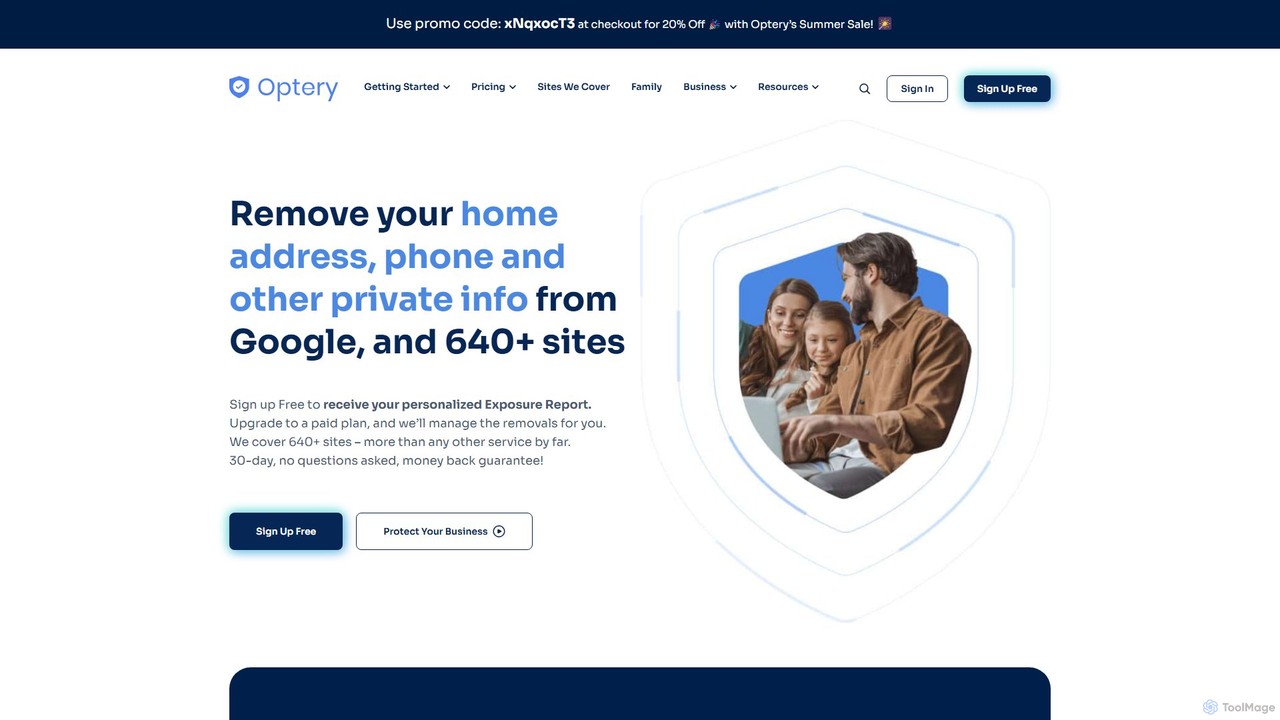
Optery
Optery is an automated data removal service that helps you reclaim your privacy. It scans over 640 data broker and people search sites to find your exposed personal information—like your home address, phone number, and email—and automatically submits opt-out requests on your behalf. With both free self-service tools and comprehensive paid plans, Optery reduces your digital footprint, preventing identity theft, spam, and stalking.
Compliance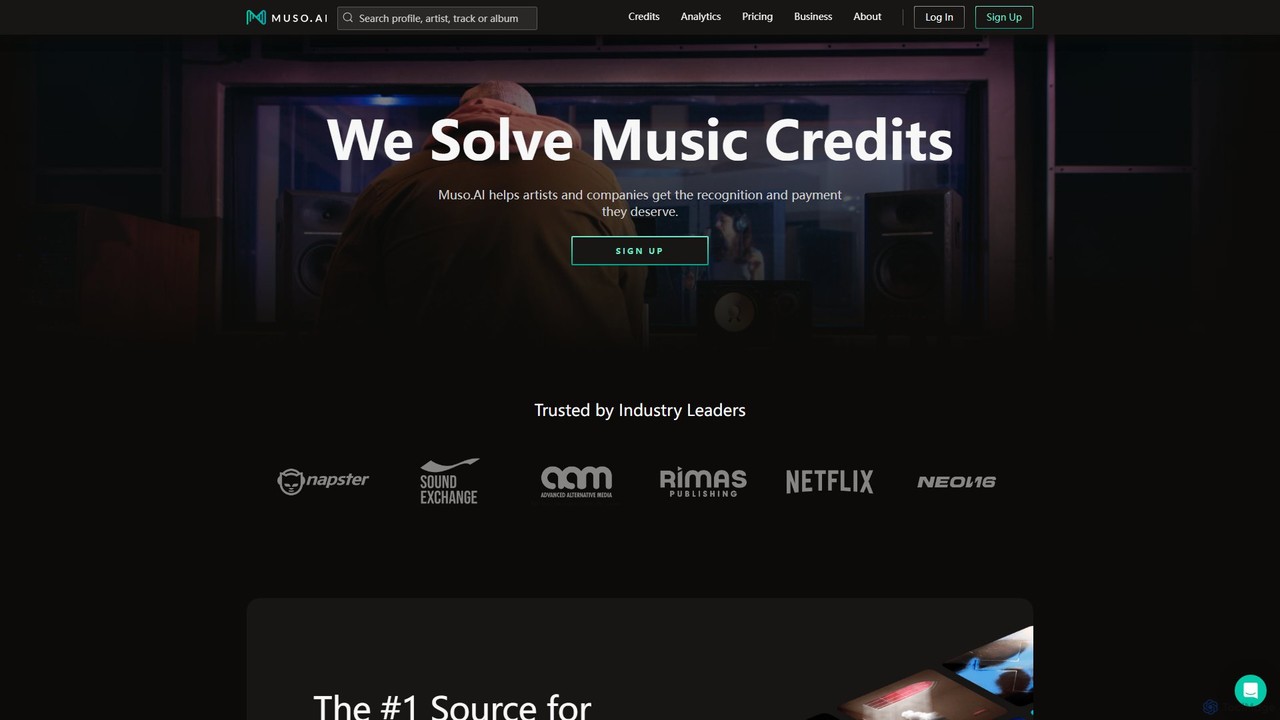
Muso.AI
Muso.AI is the definitive platform for music professionals to manage, verify, and analyze their credits. It tackles the industry's messy metadata problem by providing a centralized hub to correct errors, claim missing credits, and view comprehensive analytics. For artists, producers, songwriters, and labels, Muso.AI ensures proper recognition and helps track performance across streaming platforms.
Audio ProductionBackup Space Categories
Backup Space Embed Widget
Copy this embed code to place the badge on your blog, article, or product site and send readers directly to this ToolMage detail page.

Related AI tools
PharmaTrace
PharmaTrace is an advanced ecosystem for the healthcare and pharmaceutical industry, leveraging AI and Blockchain-as-a-Service (BaaS) to ensure supply chain security, data integrity, and regulatory compliance. It offers solutions for traceability, anti-counterfeiting, and competitive intelligence.
Competitive Intelligence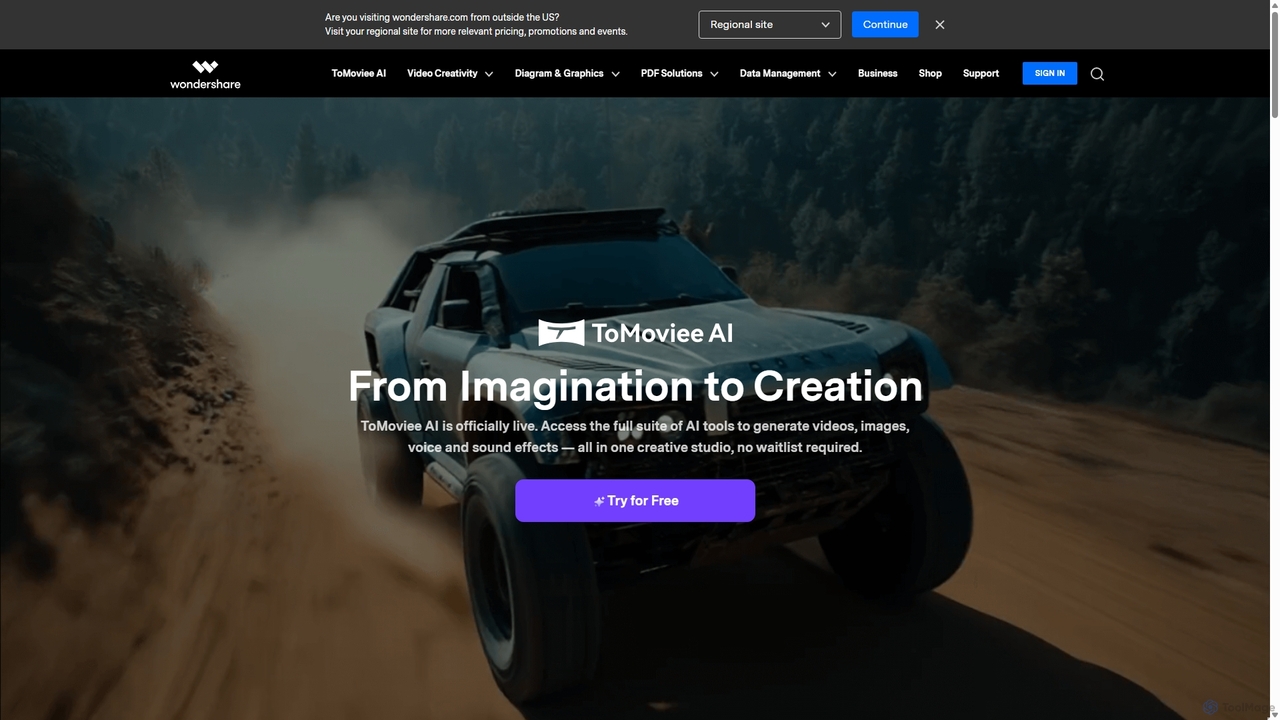
Wondershare
Wondershare offers a comprehensive suite of AI-powered software for creativity, productivity, and utility. From the advanced video editor Filmora and AI content generator ToMoviee to the powerful PDFelement and data recovery tools, Wondershare simplifies digital experiences for millions of users worldwide. It provides intuitive, powerful solutions for content creators, businesses, and individuals to create, manage, and secure their digital assets with ease.
Diagramming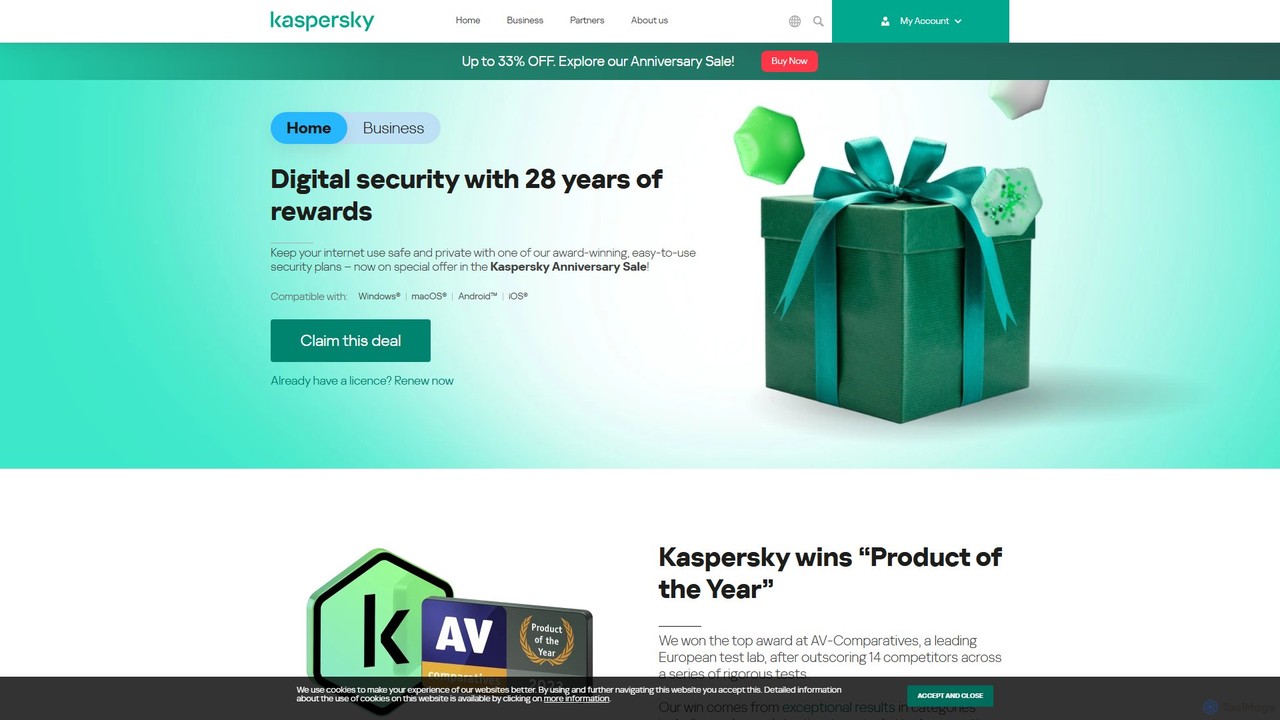
Kaspersky
Kaspersky offers comprehensive, AI-powered cybersecurity solutions for individuals and businesses. It provides multi-layered protection against viruses, malware, ransomware, and phishing attacks. Key features include real-time antivirus, a secure VPN, payment protection, performance optimization, and identity theft prevention. Compatible with Windows, macOS, Android, and iOS, Kaspersky ensures a safe, private, and fast digital experience across all your devices, backed by over 25 years of award-winning expertise in threat intelligence and cybersecurity.
System Utilities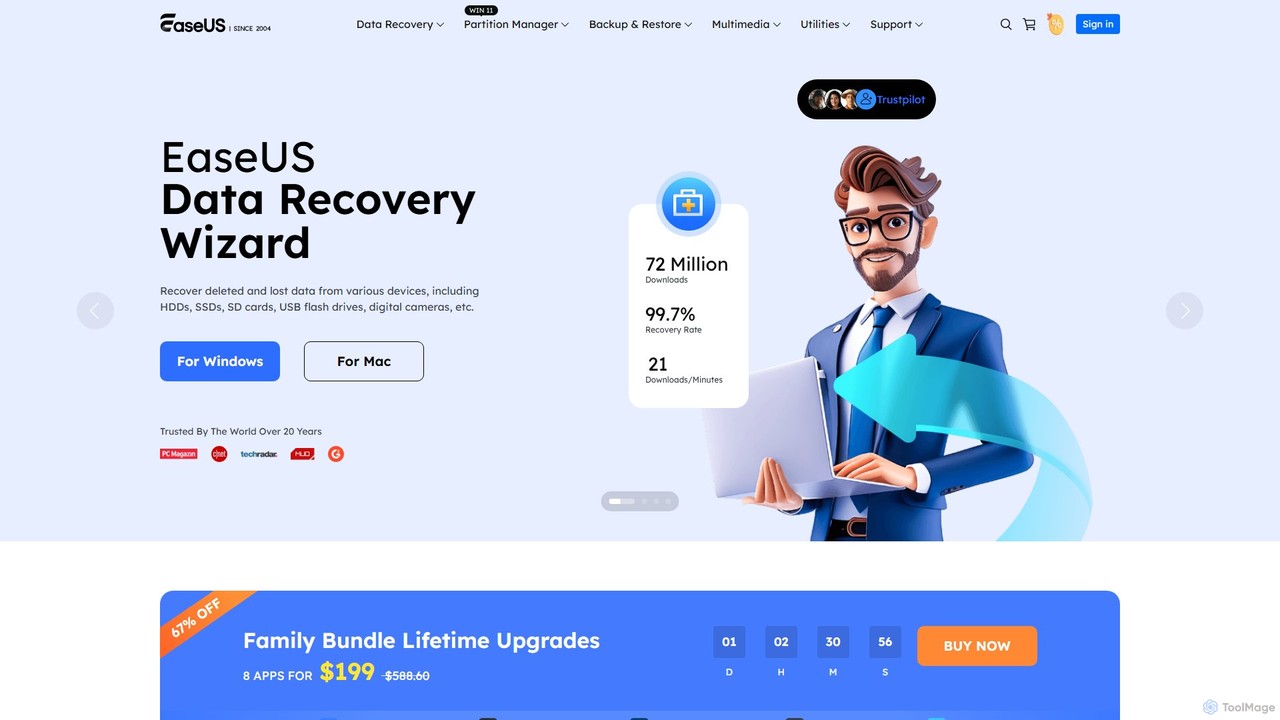
EaseUS
EaseUS offers a comprehensive suite of software for data management, recovery, and multimedia creation, enhanced with powerful AI. From AI-powered file repair and data recovery to creative tools like AI image generation and vocal removal, EaseUS provides reliable, user-friendly applications for both individual and enterprise users. It simplifies complex tasks like disk partitioning, system backup, and data transfer, making digital life easier and more secure.
Generative Art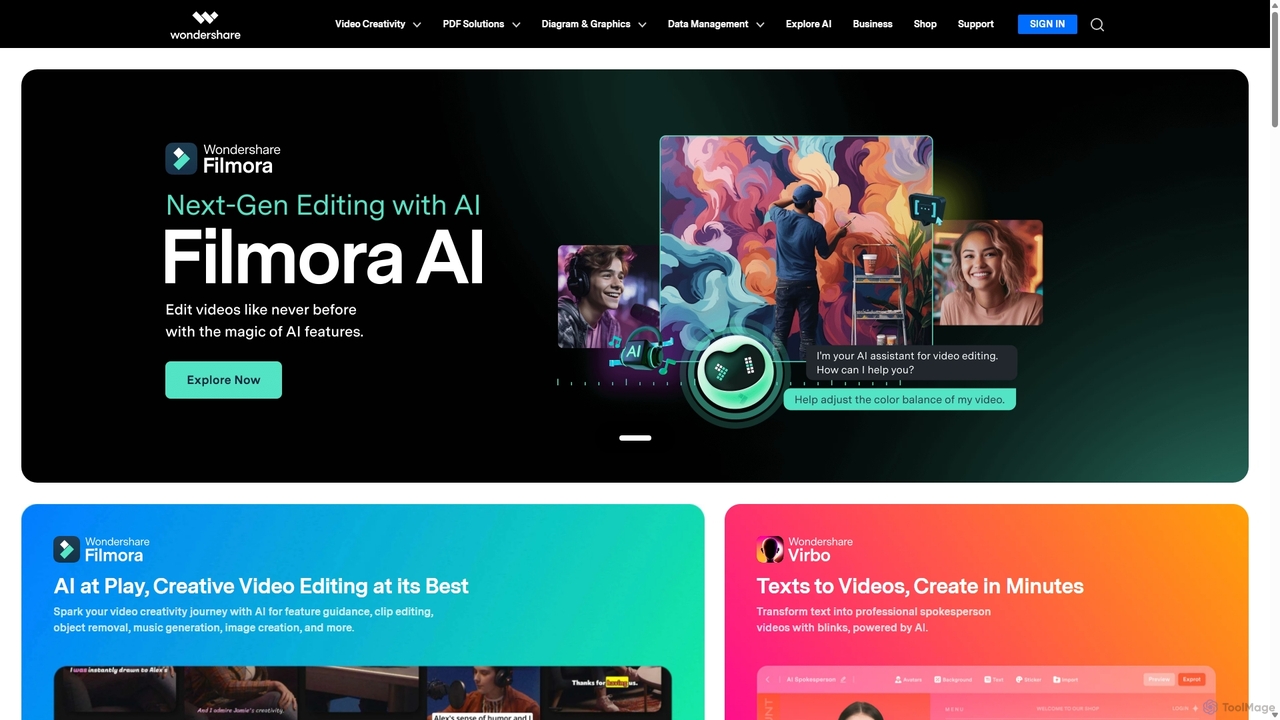
Wondershare
Wondershare offers a comprehensive suite of AI-powered software designed to enhance creativity, productivity, and utility. From advanced video editing and PDF management to data recovery and diagramming, Wondershare provides intuitive, powerful tools for individuals, businesses, and educators to simplify their digital life and creative workflows.
Graphic Design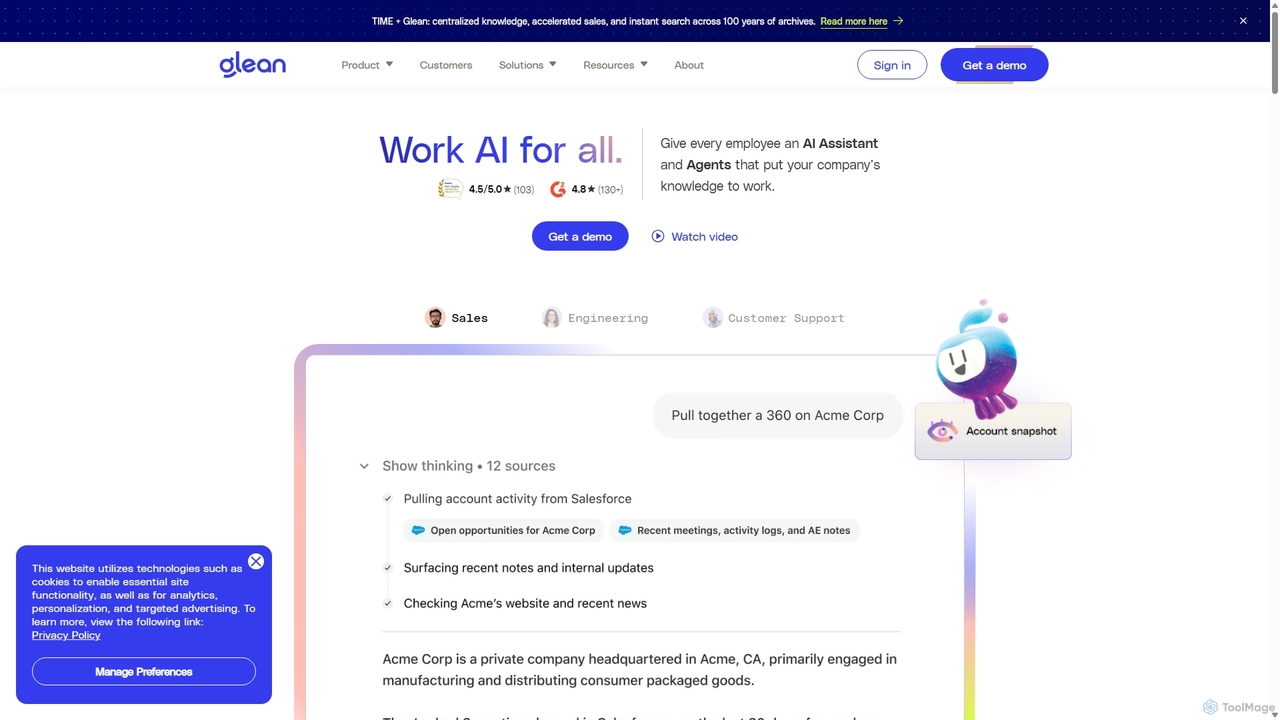
Glean
Glean is an enterprise-grade AI work platform designed to enhance productivity. It combines a powerful, permissions-aware search engine with a generative AI assistant and customizable AI agents. Glean connects to all your company's applications, allowing employees to find information, generate content, and automate workflows securely and efficiently, all grounded in your organization's unique knowledge base.
Enterprise Search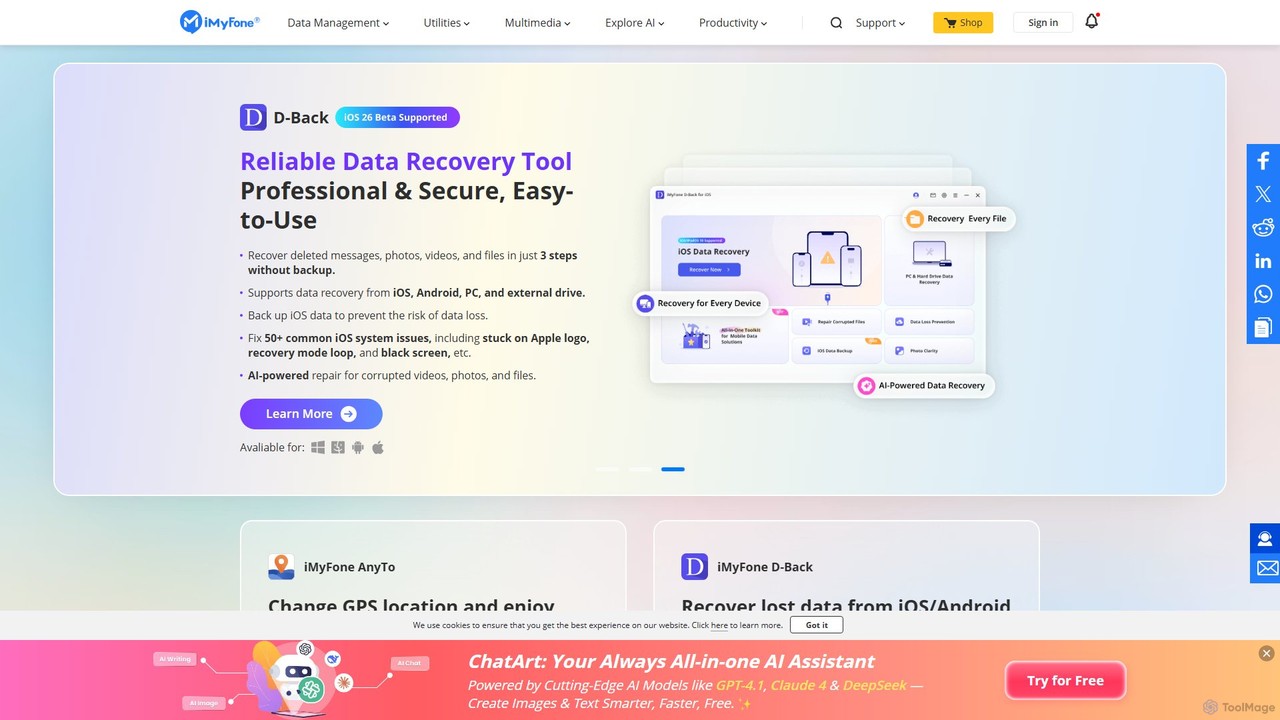
iMyFone
iMyFone offers a comprehensive suite of AI-powered software solutions for iOS, Android, Windows, and Mac. It specializes in data recovery, system repair, password unlocking, and creative content generation. With tools like the offline AI assistant Nut Studio and the versatile ChatArt, iMyFone empowers users to solve complex digital problems and enhance productivity with cutting-edge artificial intelligence.
Personal Assistant
Tenorshare
Tenorshare offers a comprehensive suite of software solutions for data recovery, system repair, password unlocking, and device management for iOS, Android, Windows, and Mac. It integrates AI to enhance productivity with tools for PDF editing, content humanizing, and more.
System Repair
iMobie
iMobie offers a comprehensive suite of tools for iOS, Android, Windows, and Mac. It specializes in data recovery, device unlocking, system repair, and data management. Its latest AI-powered tool, FocuSee, automates video creation by intelligently tracking cursor movements and applying dynamic effects.
Utilities
Lingvanex
Lingvanex provides advanced AI-powered language solutions, including machine translation and speech recognition. It specializes in secure, on-premise software for businesses, ensuring data privacy. Supporting over 100 languages, it offers customizable, high-speed translation for text, documents, and websites, catering to enterprise-level needs.
Enterprise Solutions
4DDiG
4DDiG is a comprehensive AI-powered software suite for Windows and Mac, specializing in data recovery, file repair, and system utilities. It recovers over 2000 data types from various storage devices, repairs corrupted photos and videos with AI enhancement, and offers tools for system maintenance like partition management and DLL fixing.
Video Editing
Apowersoft
Apowersoft offers a comprehensive suite of multimedia and utility software for business and daily use. It provides user-friendly solutions for video editing, screen recording, file conversion, PDF management, mobile device management, and data recovery. Integrating AI technology, Apowersoft delivers simple, high-quality, and efficient creative and data solutions across multiple platforms.
Video Editing
Jyek
Jyek is an AI agent platform that understands objectives, creates execution plans, uses tools, and delivers verifiable results for complex, multi-step tasks.
Automation
EaseUS Repair
EaseUS Repair is an AI-powered online tool designed to fix corrupted videos, photos, and documents. It supports a wide range of formats and can repair files from various devices, including cameras, drones, and PCs. The tool offers a simple three-step process: upload, automatic repair, and preview before saving, ensuring a high success rate while maintaining original quality.
Photo Editing
Writer
Writer is an end-to-end, full-stack generative AI platform for enterprises. It enables businesses to build, deploy, and govern custom AI agents grounded in their own data. The platform unites IT and business teams to automate workflows, enhance productivity, and ensure brand and compliance consistency across all content and communications.
Business Intelligence
Backup Space Comments (0)
Sign in to comment.
Sign inNo comments yet.