ToolMage
Sign in

Best 2 Community Building AI tools for Social & Communication

Popular Community Building AI tools in Social & Communication include GYMCIRCLE and gokyg, helping you work more efficiently.

GYMCIRCLE
Free

GYMCIRCLE

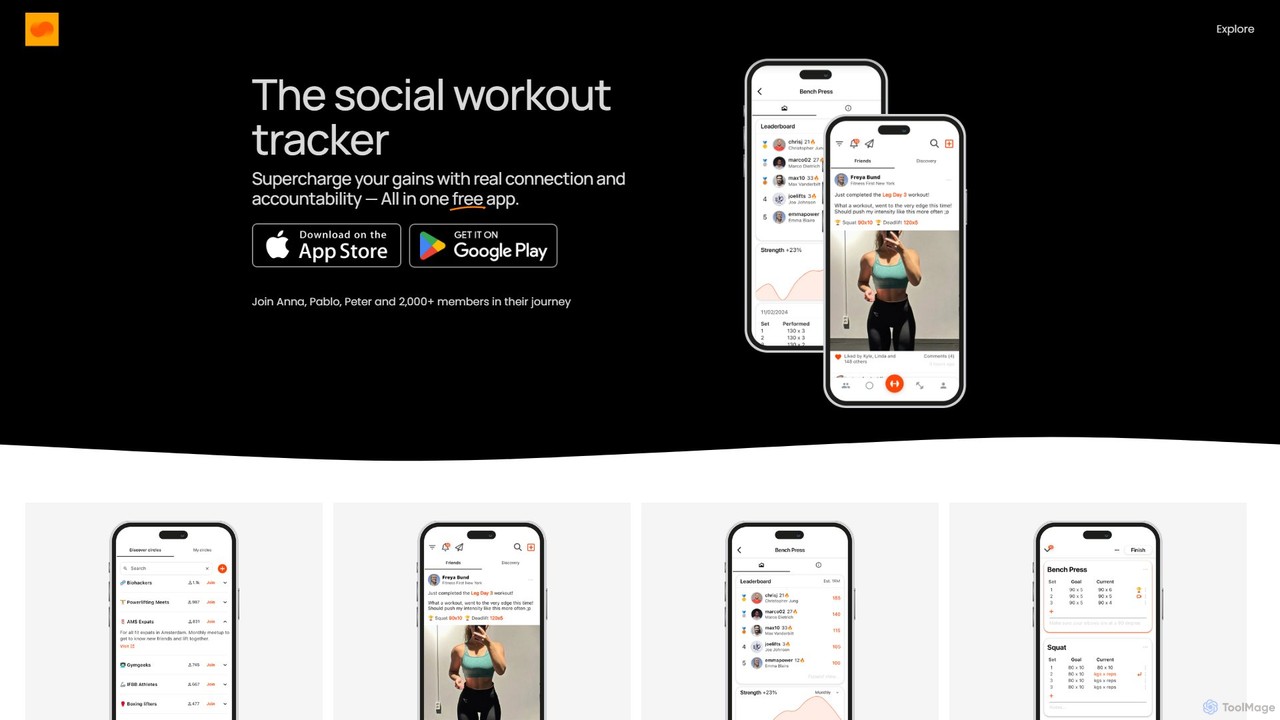
GYMCIRCLE is a free social workout tracker designed to connect you with a supportive fitness community. It combines detailed workout logging with social features like finding gym partners, creating circles, sharing progress, and challenging friends. The app aims to make fitness a shared, motivating experience, helping you stay consistent and achieve your goals together with like-minded individuals.

Workout Tracking
Visits 9.4KFavorites 162Likes 156
gokyg
Freemium

gokyg

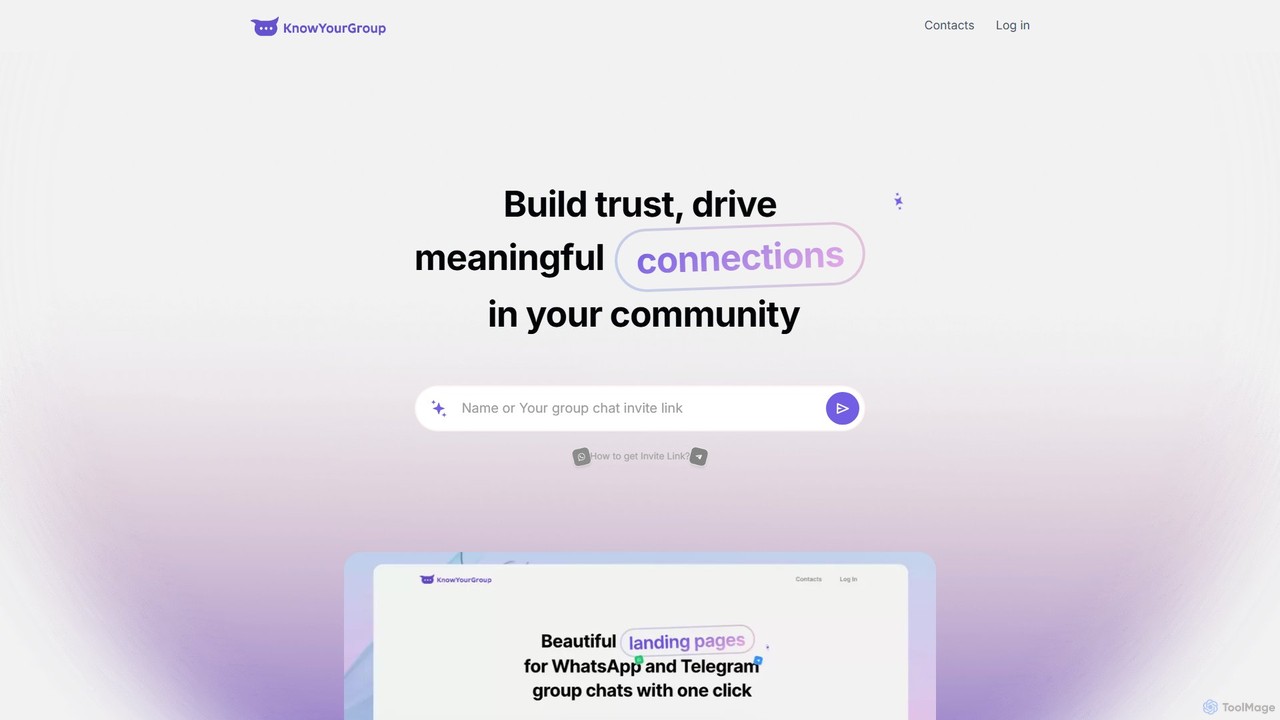
gokyg (Know Your Group) is an AI-powered tool designed to enhance online communities by facilitating member discovery and fostering meaningful connections. It creates a searchable directory of member profiles, allowing users to find others based on skills, interests, and location through a 'magic search' feature, transforming passive groups into active, collaborative networks.

Member Engagement
Visits 8.1KFavorites 133Likes 152

About Community Building

AI Community Building tools are specialized platforms designed to automate, analyze, and scale the management of online communities. They leverage natural language processing (NLP) and machine learning to monitor conversations, track member engagement, and streamline moderation tasks. These tools help community managers foster healthier, more active, and safer digital spaces, from brand forums to creator fan groups. By providing data-driven insights, they enable proactive community strategy and growth.

Core Features

  • Automated Moderation: Automatically detects and removes spam, toxic comments, and inappropriate content 24/7.
  • Engagement Analytics: Provides dashboards to track active members, popular topics, sentiment trends, and overall community health.
  • Member Management Automation: Automates welcome messages, role assignments, and onboarding processes for new members.
  • Content Summarization: Generates concise summaries of long conversations or channels to keep members updated.
  • Insight Generation: Identifies key influencers, emerging trends, and member feedback within community conversations.

Use Cases

These tools are essential for brand community managers on platforms like Discord and Slack, content creators nurturing fan bases, and online course instructors managing student forums. They are also widely used in gaming guilds for member coordination and by enterprises to manage internal employee communities.

How to Choose

When selecting a tool, consider the platforms it integrates with (e.g., Discord, Slack, Telegram). Evaluate the sophistication of its moderation AI and the depth of its analytics. Also, assess its automation capabilities for workflows like onboarding and the pricing model based on your community size and activity level.

Community Building use cases

1

Automating Moderation for Brand Discord Servers

A community manager for a software company uses an AI tool to monitor their 50,000+ member Discord server. The AI instantly flags and deletes spam links, profanity, and hate speech, reducing the manual moderation workload by over 90%. It also automatically assigns roles to new members based on their introductory messages, ensuring they get access to the right channels. This allows the manager to focus on creating engaging events and content rather than policing conversations.

2

Analyzing Engagement in a Creator's Fan Community

A YouTuber with a large fan community on a private forum uses an AI tool to understand member engagement. The dashboard highlights the most active contributors, identifies trending discussion topics, and analyzes overall community sentiment. The creator discovers that tutorials are the most positively discussed content, guiding their future video strategy. The tool also identifies potential community leaders who can be promoted to moderators.

3

Streamlining Onboarding for Online Course Students

An online education platform integrates an AI community tool into its student forum. When a new student joins, the AI sends a personalized welcome message, provides a link to the course guidelines, and suggests relevant introductory threads. It also answers common questions by pulling information from a knowledge base, freeing up instructors' time to focus on more complex academic queries and fostering a supportive learning environment from day one.

4

Tracking Sentiment for Product Feedback

A product manager monitors a dedicated user feedback community to gauge reactions to a new feature launch. The AI tool analyzes thousands of comments, categorizing them by sentiment (positive, negative, neutral) and topic (UI, performance, pricing). This provides a real-time, quantitative overview of user reception, allowing the product team to quickly identify critical bugs and popular enhancement requests without manually reading every single post.

5

Identifying Key Influencers in a Gaming Guild

The leader of a large online gaming guild uses an AI community tool to manage their members. The tool's analytics identify the most helpful and active players who consistently answer questions and organize events. Based on this data, the guild leader can confidently promote these members to officer roles. The tool also automates event announcements across multiple channels, ensuring maximum participation.

6

Fostering Culture in an Enterprise Slack Workspace

An HR manager at a remote-first company deploys an AI tool to enhance their internal Slack community. The tool identifies and celebrates positive interactions, such as employees publicly thanking each other. It also analyzes channel activity to spot teams that may be siloed or disengaged. By providing insights into communication patterns, it helps the HR team design targeted initiatives to improve cross-departmental collaboration and overall company culture.

Community Building FAQ

What are AI Community Building tools?

AI Community Building tools are software applications that use artificial intelligence to help manage, grow, and analyze online communities. Their core function is to automate repetitive tasks like moderation and member onboarding while providing deep insights into community health, member engagement, and conversation trends. They are distinct from simple social media schedulers as they focus on interaction within a defined group.

How do I choose the right AI Community Building tool?

To choose the right tool, evaluate these four key areas:

  • Platform Integration: Ensure it supports the platforms where your community lives (e.g., Discord, Slack, Telegram, forums).
  • Moderation Capabilities: Check the accuracy and customizability of its AI for detecting spam, toxicity, and specific keywords.
  • Analytics & Reporting: Assess the depth of insights it provides on member activity, sentiment, and engagement trends.
  • Automation Features: Consider its ability to automate workflows like welcoming new members, assigning roles, and answering FAQs.

What is the difference between Community Building and Social Media Management tools?

The primary difference lies in their focus. Social Media Management tools (like Hootsuite or Buffer) are designed for broadcasting content outwards to a broad audience across multiple platforms. AI Community Building tools, however, focus inwards on nurturing interaction and health *within* a specific, established community (like a Discord server or a private forum). The former is about marketing reach, while the latter is about member engagement and retention.

What are the key features of AI Community Building tools?

Most AI Community Building tools offer a combination of core features. These typically include automated content moderation to remove spam and toxic messages, detailed analytics dashboards to track community health metrics, sentiment analysis to gauge member mood, and automation for tasks like welcoming new users and assigning roles. Many also provide tools for identifying key influencers and summarizing long discussions.

Who should use AI Community Building tools?

These tools are ideal for anyone managing a medium to large-scale online community. This includes brand community managers, social media managers, content creators and influencers, online course instructors, gaming guild leaders, and enterprise HR or internal communications teams. Essentially, if manual moderation and engagement tracking are becoming unmanageable, these tools provide the necessary scale and insight.