ToolMage
Sign in

Best 2 Community Management AI tools for Social

Popular Community Management AI tools in Social include createnplay and MovieMatey, helping you work more efficiently.

MovieMatey
Free

MovieMatey

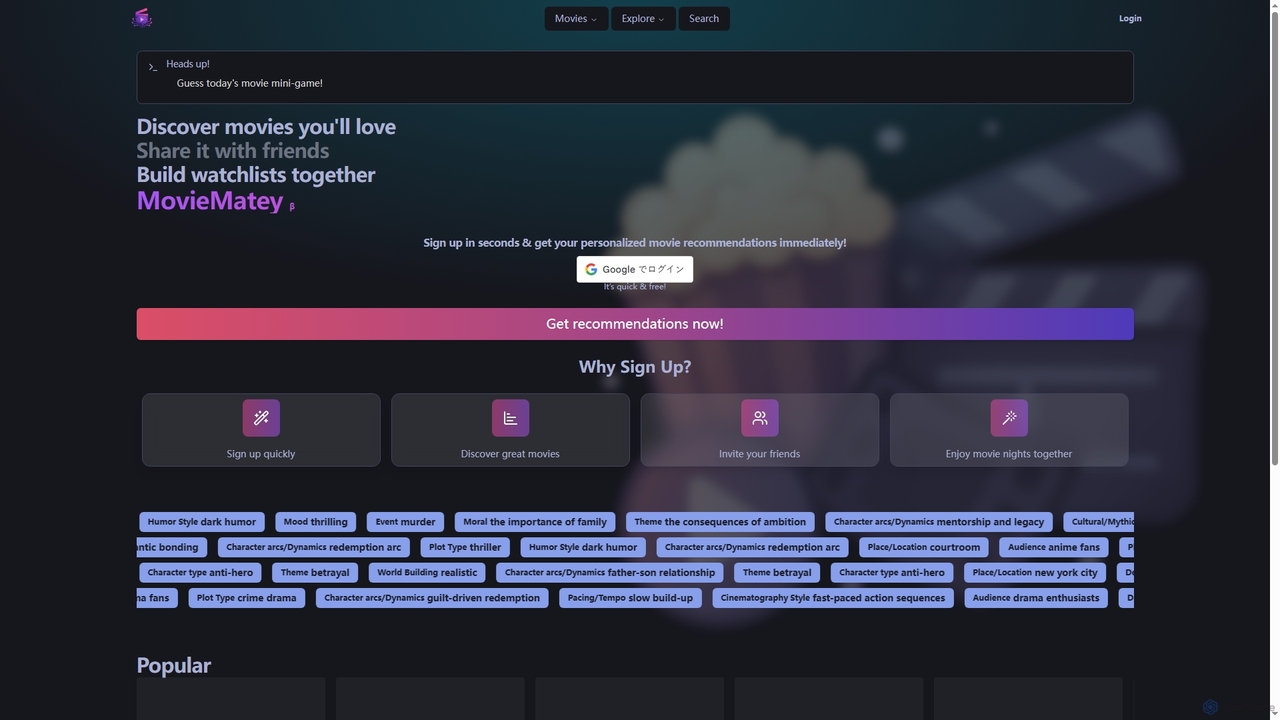
MovieMatey is a free movie discovery platform offering personalized recommendations. Users can find films using detailed tags, build collaborative watchlists with friends, and test their cinema knowledge with a daily guessing game.

Movies
Visits 5.6KFavorites 132Likes 127
createnplay
Freemium

createnplay

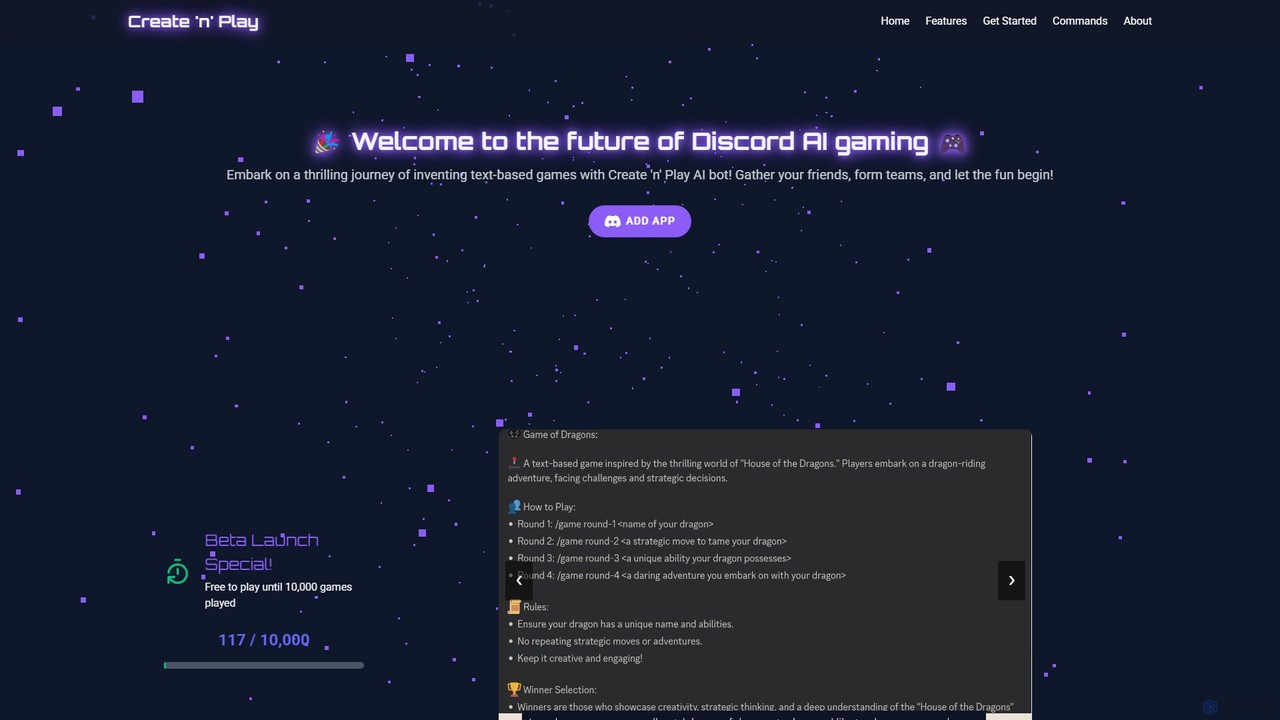
createnplay is an innovative AI-powered Discord bot that allows users to create and play unique multiplayer text-based games. It transforms your Discord server into an interactive gaming hub, where you can invent games with a simple sentence, team up with friends, and embark on endless adventures guided by an intelligent AI Game Master.

Storytelling
Visits 5.7KFavorites 136Likes 142

About Community Management

AI Community Management tools are specialized platforms that use artificial intelligence to automate and optimize the moderation, engagement, and analysis of online communities. These tools leverage Natural Language Processing (NLP) and machine learning to understand conversations, detect harmful content, and identify trends in real-time. Their primary value lies in creating safer, more engaging online spaces while significantly reducing the manual workload for human moderators. They provide deep, data-driven insights into community health and user behavior that are difficult to obtain manually.

Core Features

  • Automated Moderation: Automatically detects and acts on spam, hate speech, toxicity, and other policy violations in real-time.
  • Sentiment Analysis: Gauges the overall mood and specific emotional tones within community conversations to track user satisfaction.
  • User Analytics & Insights: Identifies key contributors, tracks engagement metrics, and analyzes user behavior patterns to understand community dynamics.
  • Trend Identification: Discovers emerging topics, common questions, and viral content within the community to inform content strategy.
  • Automated Reporting: Generates customizable reports on moderation activities, community health, and engagement trends.

Use Cases

These tools are essential for brand managers, online game developers, and SaaS companies managing user forums, Discord servers, or social media groups. For example, a gaming company can use them to maintain a non-toxic environment in its player community, while a software company can analyze user feedback from its forum to prioritize feature development.

How to Choose

When selecting an AI Community Management tool, consider its integration capabilities with your platforms (e.g., Discord, Slack, forums). Evaluate the accuracy and customizability of its moderation engine. Assess the depth of its analytics and reporting features. Finally, consider the pricing model and whether it scales with your community size and activity level.

Community Management use cases

1

Automating Content Moderation in Gaming Communities

A community manager for a popular online game is responsible for maintaining a positive and safe environment across multiple platforms like Discord and Reddit. They use an AI Community Management tool to automatically scan all incoming messages and posts in real-time. The AI is trained to detect and flag various violations, including hate speech, spam links, personal attacks, and cheating discussions. When a violation is detected, the tool can automatically delete the message and issue a warning to the user, significantly reducing the response time and the visibility of harmful content. This allows the human moderation team to focus on complex cases and community engagement initiatives rather than repetitive filtering tasks.

2

Analyzing User Sentiment for Product Feedback

A product manager at a SaaS company wants to understand user reception to a newly launched feature. Instead of manually reading thousands of comments in their user forum and social media groups, they use an AI Community Management tool. The tool's sentiment analysis feature processes all relevant conversations and categorizes feedback as positive, negative, or neutral. It can even identify specific emotional tones like 'frustration' or 'excitement' associated with keywords about the new feature. This provides a clear, quantitative overview of user sentiment, helping the product team quickly identify major issues or successful aspects without bias, and prioritize improvements for the next development cycle.

3

Identifying Key Contributors and Brand Advocates

A brand manager wants to launch an ambassador program by identifying the most influential and helpful members within their online community. They use an AI tool to analyze user activity over several months. The AI ranks members based on multiple factors, such as the frequency of their posts, the number of positive reactions they receive, how often their answers are marked as solutions, and the positive sentiment of their interactions. The tool generates a leaderboard of top contributors, allowing the manager to easily identify potential brand advocates. They can then reach out to these individuals with exclusive offers or invitations to the ambassador program, fostering a stronger relationship with their most valuable community members.

4

Proactively Identifying Community Churn Risks

A community manager for an educational platform notices a slight dip in overall engagement. To understand the cause, they use an AI tool's user analytics feature. The AI analyzes patterns of behavior and identifies members whose activity has significantly decreased over the past month—a key indicator of potential churn. It might highlight previously active users who have stopped posting or reacting to content. The manager receives a daily or weekly report of these 'at-risk' members. Armed with this data, they can proactively reach out with a personalized message, ask for feedback, or invite them to an exclusive event, effectively re-engaging them before they leave the community for good.

5

Discovering Emerging Topics for Content Strategy

A content strategist for a financial tech company manages a large community forum where users discuss market trends and product features. To stay ahead of the curve, they use an AI tool to monitor conversations and identify emerging topics. The AI clusters conversations by theme and highlights keywords and phrases that are rapidly gaining popularity but are not yet part of the official documentation or content plan. For instance, it might detect a surge in discussions about a specific cryptocurrency or a new investment strategy. This insight allows the strategist to quickly create relevant blog posts, webinars, or FAQ articles that address the community's immediate interests, establishing the brand as a timely and authoritative resource.

6

Automating Welcome Messages and Onboarding

For a rapidly growing online course community, the administrator wants to ensure every new member feels welcomed and knows where to find key resources. They set up an AI-powered automation workflow. When a new user joins their platform (e.g., a Circle or Discord community), the AI tool automatically sends a personalized welcome direct message. This message can include the user's name, a link to the community guidelines, and a prompt to introduce themselves in a specific channel. This not only improves the new member experience but also ensures consistent onboarding without any manual intervention, freeing up the administrator's time to focus on creating valuable content and fostering deeper connections within the community.

Community Management FAQ

What are AI Community Management tools?

AI Community Management tools are software platforms that use artificial intelligence, particularly machine learning and Natural Language Processing (NLP), to help manage online communities. Their primary functions are to automate repetitive tasks like content moderation, analyze community data for insights, and enhance user engagement. Unlike simple bots, they can understand context, sentiment, and nuanced human interaction, allowing for more effective and scalable community oversight on platforms like Discord, forums, and social media groups.

How to choose the right AI Community Management tool?

Choosing the right tool depends on your specific needs. Consider the following factors:

  • Platform Integration: Does the tool seamlessly connect with the platforms where your community lives (e.g., Discord, Slack, Reddit, forums)?
  • Moderation Accuracy & Customization: How effective is the AI at detecting violations? Can you customize the rules and sensitivity to match your community guidelines?
  • Analytics Depth: What kind of insights does it provide? Look for sentiment analysis, trend identification, and user activity tracking.
  • Scalability and Pricing: Does the pricing model align with your community's size and growth? Ensure it can handle increased activity without a prohibitive cost increase.
What's the difference between Community Management and Social Media Management tools?

The primary difference lies in their focus. Social Media Management tools are designed for broadcasting content outwards (e.g., scheduling posts, running ad campaigns, tracking brand mentions across the web). They are about managing a brand's public presence. In contrast, AI Community Management tools focus inwards, on the health and interactions *within* a specific community you own or operate (like a Discord server or a private forum). Their goal is to foster engagement, ensure safety through moderation, and understand the dynamics of the member base, rather than broad-scale marketing.

What key features should I look for in an AI Community Management tool?

While features vary, several are crucial for effective community management. Look for:

  • Real-time Automated Moderation: The ability to instantly detect and act on policy violations like spam, toxicity, and hate speech.
  • Sentiment and Trend Analysis: Tools to understand the overall mood of your community and identify popular or emerging topics of conversation.
  • User Segmentation and Analytics: The ability to identify different user groups, such as top contributors, new members, or at-risk users.
  • Customizable Workflows: The flexibility to create automated actions, such as sending welcome messages to new members or flagging specific keywords for manual review.
Who can benefit from using AI Community Management tools?

A wide range of professionals can benefit from these tools. Key users include:

  • Community Managers: To automate moderation and gain deep insights, freeing them up for strategic engagement.
  • Brand and Marketing Managers: To monitor brand sentiment, gather product feedback, and identify brand advocates within their communities.
  • Game Developers and Publishers: To maintain healthy, non-toxic gaming environments and understand player feedback at scale.
  • Customer Support Teams: To identify common issues and proactively address user concerns expressed within the community.