Social & Fun Best in category 1 results Photo & Video AI Tool

Popular AI tools in the Photo & Video field of Social & Fun include Lover Snap, etc., helping you quickly improve efficiency.

Lover Snap

Lover Snap

Lover Snap is an innovative iOS app that uses advanced AI to create stunning, photorealistic virtual photographs. Easily …

137

About Photo & Video

AI Photo & Video tools are a class of software that leverage artificial intelligence to automate and enhance the creation, editing, and transformation of visual media. These tools utilize deep learning models to perform complex tasks like generating images from text, upscaling low-resolution videos, or intelligently removing unwanted objects. They empower creators of all skill levels to produce professional-quality visual content for social media, marketing, and personal projects with greater speed and creativity. Unlike traditional software, these AI tools can understand context, enabling creative possibilities that previously required extensive manual effort.

Core Features

  • AI Generation: Create unique images, artworks, and short video clips from simple text descriptions.
  • Intelligent Editing: Automatically remove backgrounds, erase unwanted objects, or enhance facial features with a single click.
  • Quality Enhancement: Upscale low-resolution images and videos to 4K or higher, reduce noise, and stabilize shaky footage.
  • Style Transfer: Apply the artistic style of one image or video to another, creating unique visual effects.
  • Automated Video Creation: Generate videos from scripts, articles, or a series of images, complete with voiceovers and music.

Use Cases

These tools are widely used by social media managers, content creators, and digital marketers to produce a high volume of engaging visuals. Small business owners use them to create professional product photos and promotional videos without a large budget. Artists and designers leverage them for brainstorming and concept art, while hobbyists use them for personal projects like restoring old family photos.

How to Choose

When selecting an AI Photo & Video tool, first identify your primary need: generation, editing, or enhancement. Evaluate the tool's ease of use and learning curve. Examine the quality and resolution of the output, and check for watermarks on free plans. Finally, consider the pricing model—whether it's a subscription, a pay-per-use credit system, or a one-time purchase—to find one that aligns with your usage frequency and budget.

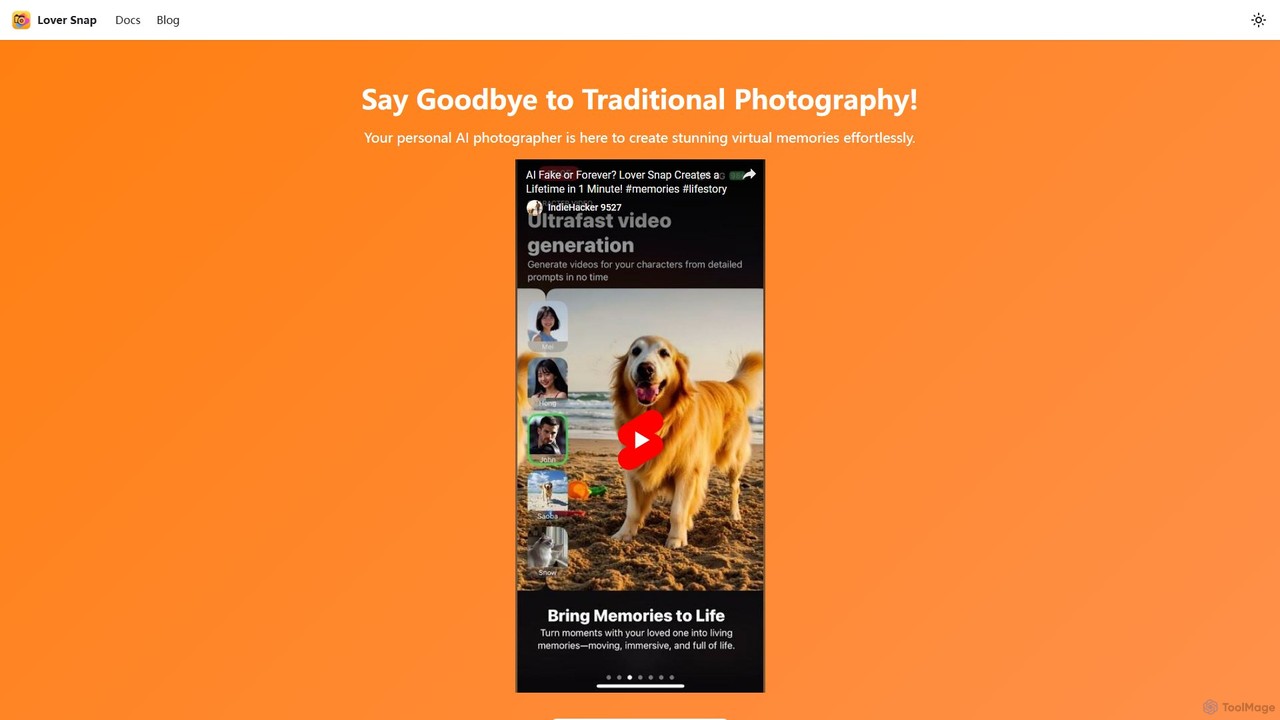
Photo & VideoUse Cases

1

Create Engaging Social Media Visuals

A social media manager needs to produce a high volume of unique images and short videos for platforms like Instagram and TikTok daily. Instead of spending hours searching for stock photos or learning complex video software, they use AI tools. They can generate custom graphics from text prompts like 'a futuristic cityscape in synthwave style' and use AI video tools to animate static images or create short, dynamic clips. This approach significantly reduces content creation time and increases audience engagement with novel, eye-catching visuals that stand out in crowded feeds.

2

Enhance E-commerce Product Photos

An e-commerce store owner has product photos with inconsistent backgrounds and minor imperfections. Hiring a professional retoucher for hundreds of photos is costly and time-consuming. By using an AI photo editor, they can upload all images in a batch. The tool automatically removes the background, enhances colors for vibrancy, and erases small dust specks or reflections. This process achieves a professional, uniform look across their entire online store in minutes, improving customer trust and potentially boosting conversion rates without significant investment.

3

Restore and Colorize Old Family Photos

An individual wants to preserve their family history by restoring old, faded, or black-and-white photos. These photos often have scratches, creases, and color degradation. Using an AI photo restoration tool, they can upload scanned copies of these photos. The AI automatically repairs damage like scratches and tears, sharpens blurry faces, and applies realistic, context-aware color to black-and-white images. The result is a collection of vibrant, high-quality digital memories that can be easily shared with family and preserved for future generations, a task that would otherwise require a specialized and expensive service.

4

Generate Concept Art for Creative Projects

An indie game developer or artist needs to quickly visualize characters, environments, and assets without spending days on manual sketching. They use an AI image generator with specific style prompts, such as 'female warrior, fantasy, detailed armor, cinematic lighting, style of Greg Rutkowski'. The AI produces multiple high-quality variations in seconds. This allows for rapid brainstorming and iteration, helping to establish a project's visual direction much faster. The generated images serve as a strong foundation for further refinement by a human artist, accelerating the entire creative workflow from idea to final asset.

5

Create Short Promotional Videos

A small business marketer lacks the budget and skills for professional video production but needs video ads for social media. Using an AI video generator, they can simply input a script or a link to a blog post. The AI analyzes the text, selects relevant stock footage and images, generates a synthetic voiceover, and adds background music. The marketer can then make minor adjustments. This process turns a text-based idea into a complete, shareable marketing video in minutes, enabling cost-effective video marketing campaigns that increase brand visibility and drive traffic.

6

Upscale Low-Resolution Video Footage

A videographer has old footage shot on a lower-quality camera or needs to crop a 1080p video for a vertical format without losing quality. Traditional upscaling methods would result in a blurry, pixelated image. By processing the video through an AI upscaler, the software intelligently analyzes the footage and adds new detail to increase the resolution, often from 1080p to 4K. The AI can sharpen edges, reduce compression artifacts, and create a much cleaner final product. This allows creators to repurpose old content or have more flexibility in post-production, ensuring their videos look crisp on modern high-resolution displays.

Photo & VideoFrequently Asked Questions