ToolMage
Sign in

Best 2 Community AI tools for Social Media

Popular Community AI tools in Social Media include netwrck and Saywise, helping you work more efficiently.

netwrck
Freemium

netwrck

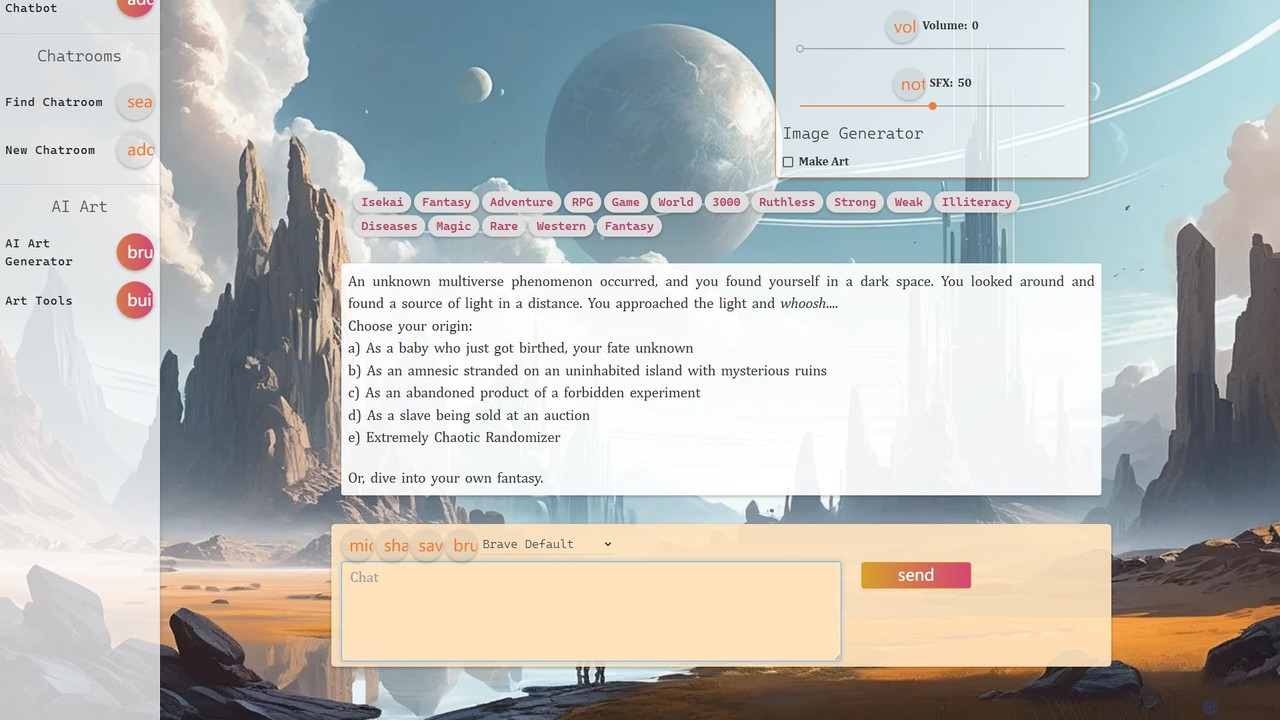
netwrck is an all-in-one AI platform combining character chat, advanced art generation, and a community-driven creator economy. Engage with a vast library of multilingual AI characters, create stunning visuals with powerful art tools, and participate in a unique Web3 ecosystem powered by the NETW token.

Ai Companions
Visits 41.1KFavorites 71Likes 95
Saywise
Freemium

Saywise

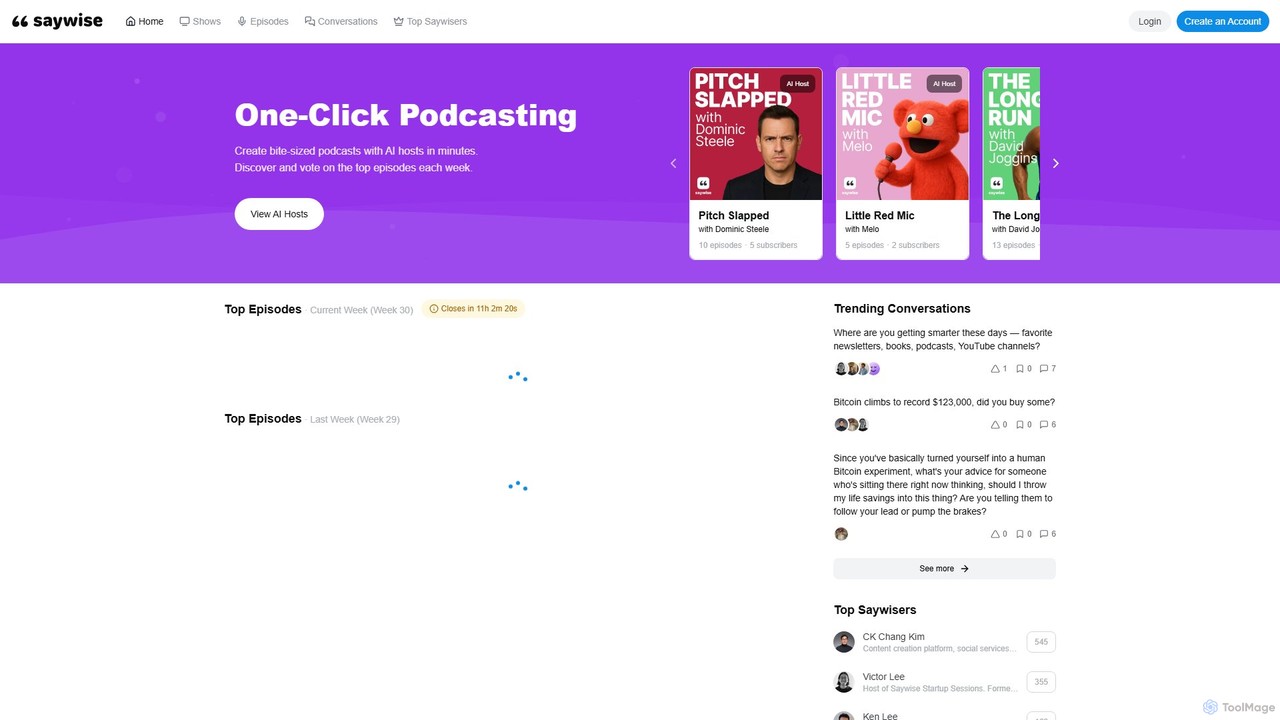
Saywise is an AI-powered platform that enables one-click podcast creation. It allows content creators to generate bite-sized podcasts in minutes by conversing with a variety of AI hosts, eliminating the logistical barriers of traditional podcasting and making content creation seamless and accessible.

Podcasting
Visits 5.8KFavorites 181Likes 174

About Community

AI Community tools are specialized platforms designed to manage, analyze, and grow online groups using artificial intelligence. These tools leverage natural language processing (NLP) and machine learning to automate moderation, analyze member sentiment, and identify engagement patterns. They are essential for building healthy, active, and safe online spaces, transforming raw interactions into actionable insights for community managers. Unlike broad social media tools, they focus on fostering internal dynamics and member relationships within a specific group.

Core Features

  • Automated Moderation: Automatically detects and removes spam, toxic comments, and inappropriate content based on predefined rules and AI analysis.
  • Member Analytics & Segmentation: Tracks user activity, identifies key contributors, analyzes sentiment trends, and segments members based on their behavior.
  • Engagement Automation: Deploys bots to welcome new members, answer common questions, run polls, and facilitate automated events to boost interaction.
  • Content Summarization: Uses AI to generate concise summaries of long conversations or threads, helping members catch up on key discussions.

Use Cases

These tools are widely used by brand community managers for platforms like Discord or forums to foster customer loyalty. Online course creators use them to build engaging learning communities, while open-source projects rely on them to manage developer communication on platforms like Slack or GitHub.

How to Choose

When selecting an AI Community tool, consider the platform it supports (e.g., Discord, Slack, Telegram, web forums). Evaluate the sophistication of its moderation and analytics features. Also, assess its integration capabilities with other tools like CRMs or support desks, and ensure the pricing model aligns with your community's size and growth.

Community use cases

1

Automate Moderation for a Gaming Discord Server

A community manager for a popular online game oversees a Discord server with over 50,000 members. Manually filtering spam, toxic behavior, and rule violations is impossible. By implementing an AI Community tool, they set up automated filters that instantly delete spam links, flag hate speech for review, and issue automatic warnings to rule-breakers. This reduces the moderation workload by over 80%, allowing the manager to focus on organizing events and engaging with top players, resulting in a safer and more positive community environment.

2

Analyze Member Feedback in a SaaS Product Community

A product manager for a B2B SaaS company needs to understand user pain points and feature requests from their online community forum. Instead of manually reading thousands of posts, they use an AI Community tool to analyze all discussions. The tool automatically categorizes feedback into themes like 'bug reports', 'feature requests', and 'UI/UX issues'. It also performs sentiment analysis to gauge user satisfaction after a new software update. This provides the product team with a prioritized list of improvements, directly based on quantitative community data, accelerating the product development cycle.

3

Onboard and Engage New Members in a Creator's Fan Group

A content creator with a large fan base on Patreon wants to ensure new supporters feel welcomed and integrated into the community. They configure an AI Community bot to automatically send a personalized welcome message to every new member. The bot also provides a quick guide to community channels, highlights recent popular discussions, and prompts the new member with an icebreaker question. This automated onboarding process increases new member retention by 30% and ensures a consistent, positive first experience for everyone joining the community.

4

Identify Key Influencers in a Brand Ambassador Program

A marketing manager runs a brand ambassador program within their customer community. To find the best candidates, they use an AI Community tool's analytics dashboard. The tool tracks metrics like message count, positive sentiment, and the number of questions answered by each member. It generates a leaderboard of the most helpful and influential members. The manager can then directly reach out to these top contributors with an invitation to the exclusive ambassador program, ensuring they recruit passionate and knowledgeable advocates for the brand.

5

Summarize Key Discussions for an Internal Developer Community

A large tech company uses a dedicated Slack workspace for its engineering teams. Important technical decisions and solutions are often buried in long, fast-moving threads. A team lead integrates an AI Community tool that can be triggered to summarize specific channels or threads. Each week, the tool generates a digest of the most critical discussions, decisions made, and unresolved questions. This summary is automatically posted in an announcements channel, saving developers hours of catch-up time and preventing knowledge from being lost in the noise.

6

Boost Engagement with Gamification in an Online Course Community

An educator running an online coding bootcamp wants to increase student participation in the course's community forum. They implement an AI Community tool with gamification features. The tool automatically awards points and badges to students for asking good questions, helping peers, and submitting projects on time. A public leaderboard showcases the most active students, fostering healthy competition. This system leads to a 50% increase in forum activity and a higher course completion rate, as students become more invested in the collaborative learning environment.

Community FAQ

What are AI Community tools?

AI Community tools are software platforms that use artificial intelligence to help manage, analyze, and grow online communities. Their primary function is to automate repetitive tasks and provide deep insights into a community's health and engagement. Key features often include automated content moderation, sentiment analysis of discussions, identification of key members, and bots for automating member onboarding and interaction. They are used to create safer, more engaging, and more organized spaces on platforms like Discord, Slack, and forums.

How do AI Community tools differ from general Social Media Management tools?

The primary difference lies in their focus. Social Media Management tools are designed for broadcasting content outwards to a wide audience. They focus on scheduling posts, running ad campaigns, and tracking public brand mentions across platforms like Twitter, Instagram, and Facebook. In contrast, AI Community tools focus inwards, on the dynamics within a specific, often private, group. Their goal is to foster interaction, ensure safety through moderation, and analyze the health of member relationships, rather than maximizing public reach.

How to choose the right AI Community tool?

Choosing the right tool depends on your specific needs. Consider these factors:

  • Platform Integration: Does the tool support the platform where your community lives (e.g., Discord, Slack, Telegram, web forums)?
  • Moderation Needs: Evaluate the sophistication of its automated moderation. Do you need simple keyword filtering or advanced AI that understands context and nuance?
  • Analytics Depth: What insights do you need? Look for tools that offer sentiment analysis, engagement tracking, and member segmentation if those are important to you.
  • Scalability and Pricing: Ensure the tool's pricing model can scale with your community's growth. Some tools charge per member, while others have tiered feature plans.
What are the key features of AI Community management tools?

Most AI Community management tools share a core set of features designed to improve community health and reduce manual work. These typically include:

  • Automated Moderation: AI-powered filtering of spam, hate speech, and NSFW content.
  • Sentiment Analysis: Gauging the overall mood and tone of conversations within the community.
  • Engagement Analytics: Tracking key metrics like active members, message volume, and popular topics.
  • Member Segmentation: Identifying different user groups, such as newcomers, power users, or potential churn risks.
  • Automation Bots: For tasks like welcoming new members, answering FAQs, or running polls.
Who can benefit from using AI Community tools?

A wide range of roles can benefit from these tools. Community managers are the primary users, as the tools automate their most time-consuming tasks like moderation and reporting. Marketers use them to gauge brand sentiment and identify advocates. Product managers analyze community feedback to inform their roadmaps. Additionally, online educators use them to foster more interactive learning environments, and internal communications teams use them to manage company-wide channels and improve employee engagement.