
Social Media Best in category 2 results Creator Tools AI Tool

Popular AI tools in the Creator Tools field of Social Media include Roster、Rodeo, etc., helping you quickly improve efficiency.

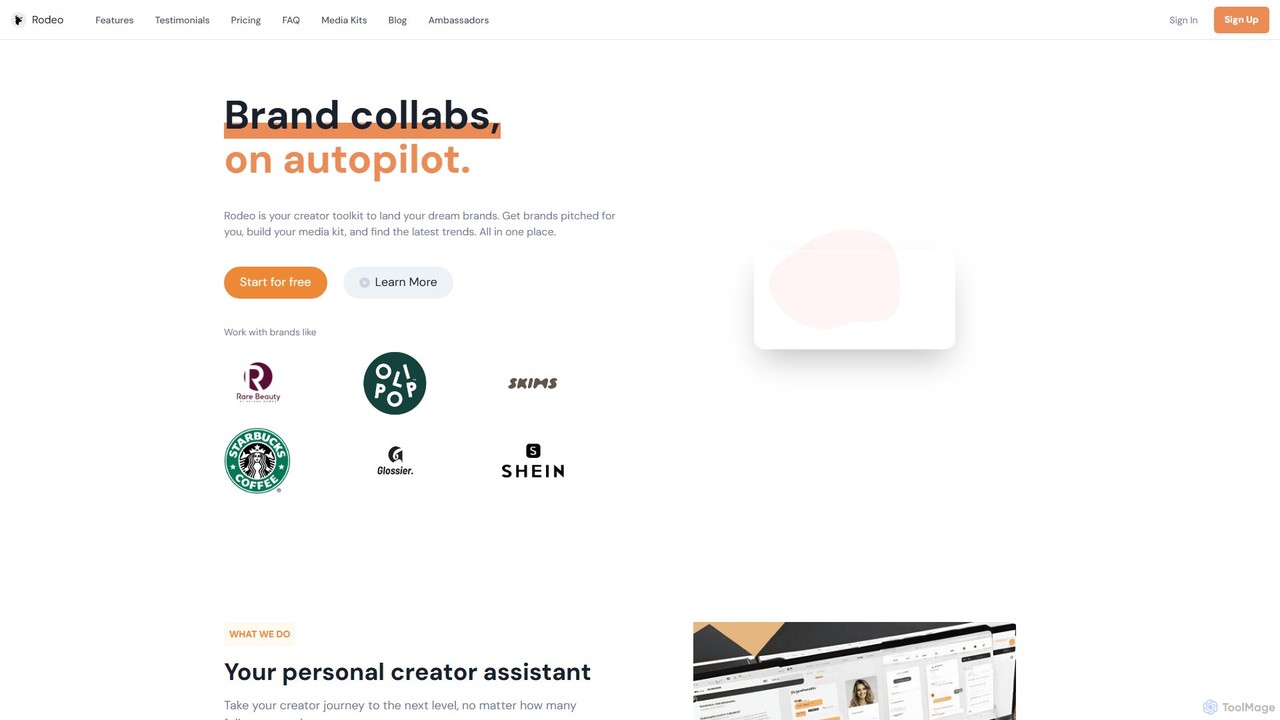
Rodeo

Rodeo

Rodeo is an AI-powered creator toolkit designed to help content creators and influencers automate brand collaborations. It streamlines …

3.9K
Roster

Roster

Roster is an AI-powered hiring platform specifically designed for creators. It helps you find and hire verified, top-tier …

100.4K

About Creator Tools

AI Creator Tools are a specialized suite of applications designed to automate and enhance the content production workflow for digital creators. Leveraging generative AI for text, image, video, and audio, these tools assist in every stage from brainstorming ideas to final editing and repurposing. They empower individual creators and teams to produce high-quality, engaging content for social media platforms more efficiently. Unlike general social media management tools that focus on scheduling and analytics, creator tools are centered on the actual craft of content creation.

Core Features

  • Content Ideation & Scripting: Generates topic ideas, video outlines, and complete scripts based on simple prompts.
  • AI-Powered Video & Audio Editing: Automates tasks like removing silences, adding dynamic subtitles, generating voiceovers, and finding relevant B-roll.
  • Visual Asset Generation: Creates compelling thumbnails, social media graphics, and short-form video clips from text or long-form content.
  • Content Repurposing: Automatically transforms long-form videos or podcasts into multiple short clips, blog posts, or social media updates.

Use Cases

These tools are primarily used by individual content creators such as YouTubers, TikTokers, and podcasters. They are also valuable for social media managers and marketing teams who need to produce a high volume of original content consistently. Their application spans from initial concept development to post-production and multi-platform distribution.

How to Choose

When selecting an AI Creator Tool, consider your primary content format (video, audio, text). Evaluate the quality of the AI output and the depth of its editing capabilities. Also, assess its content repurposing features to maximize your content's reach, and check for integrations with your existing software workflow.

Creator ToolsUse Cases

1

Automating YouTube Scriptwriting

A tech YouTuber needs to create a detailed review video for a new smartphone. Instead of spending hours on research and structuring the script, they use an AI creator tool. They input the topic 'Review of the new XYZ Phone' and key features to cover. The AI generates a complete video script in minutes, including an engaging intro, detailed feature breakdowns, pros and cons, and a concluding call-to-action. This process reduces scriptwriting time by over 80%, allowing the creator to focus on filming and production quality.

2

Repurposing Podcasts into Social Media Clips

A podcaster wants to promote their latest one-hour episode on social media. They upload the audio file to an AI creator tool. The tool automatically transcribes the entire episode, identifies the most engaging or 'viral' moments based on topic changes and speaker emphasis, and generates a dozen short video clips. Each clip features dynamic captions, a headline, and a progress bar, perfectly formatted for platforms like TikTok, Instagram Reels, and YouTube Shorts. This saves the podcaster a full day of manual editing work each week.

3

Generating High-Click-Through-Rate Thumbnails

A content creator has finished editing a video but struggles with creating an effective thumbnail. Using an AI creator tool, they upload a few frames from the video and input the video's title. The AI analyzes the content and title, then generates five different thumbnail variations. It experiments with different layouts, text styles, color contrasts, and even adds visual elements like arrows or circles to draw attention. The creator can then choose the most compelling option, significantly increasing the video's potential click-through rate (CTR) without needing advanced graphic design skills.

4

Creating AI Voiceovers for Faceless Channels

An educational content creator runs a 'faceless' YouTube channel using stock footage and animations. To save time and equipment costs, they use an AI voiceover tool. They paste their script into the tool, choose a voice style (e.g., 'calm and informative'), and adjust the pacing and tone. The AI generates a high-quality, human-like audio track in minutes. This allows them to produce videos faster and maintain a consistent narration style across all their content without ever needing a microphone or recording studio.

5

Brainstorming Viral Video Ideas

A social media manager for a fashion brand is experiencing a creative block. They need fresh ideas for their weekly TikTok videos. Using an AI creator tool, they input their brand's niche ('sustainable streetwear'), target audience ('Gen Z'), and some trending audio clips. The AI analyzes these inputs and generates a list of 20 video concepts, complete with suggested hooks, visual sequences, and calls-to-action. The list includes ideas like '3 Ways to Style Our Recycled Hoodie' and a 'Day in the Life of a Sustainable Designer' concept, instantly providing a wealth of actionable content ideas.

6

Batch-Creating Social Media Graphics

A small business owner needs to create a week's worth of promotional graphics for Instagram. Using an AI creator tool, they upload their logo, define their brand colors, and provide a list of daily promotions (e.g., 'Monday: 20% off', 'Tuesday: New Arrival'). The tool generates seven distinct yet on-brand graphic posts. It automatically applies the brand's visual identity to various templates, ensuring consistency while saving the owner from hours of manual design work in tools like Canva or Photoshop. They can then schedule the entire week's content in under an hour.

Creator ToolsFrequently Asked Questions