
DigiCord
DigiCord is a powerful, all-in-one AI bot for Discord, integrating over 80 AI models like GPT-4o, Claude 3, …
DigiCord is a powerful, all-in-one AI bot for Discord, integrating over 80 AI models like GPT-4o, Claude 3, and Leonardo AI. It brings advanced capabilities such as text and image generation, content summarization, translation, and team collaboration directly into your server. With a pay-as-you-go model, it makes AI accessible and cost-effective for everyone.
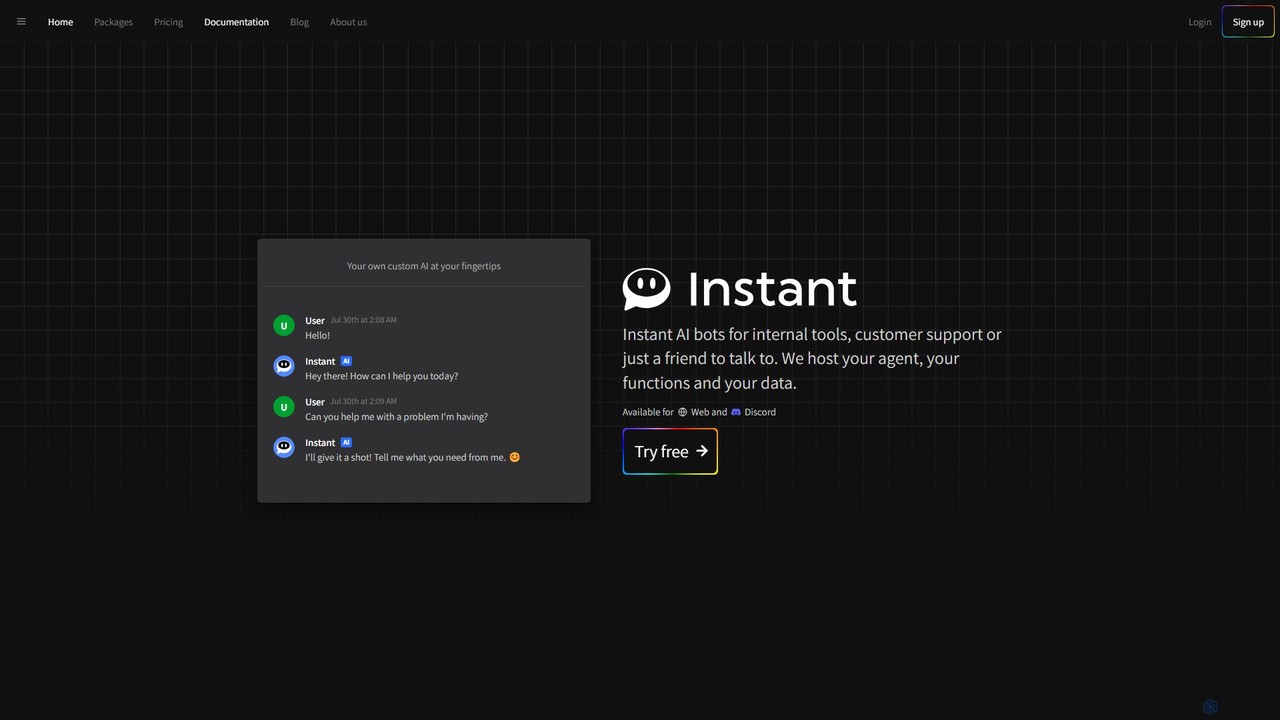
Instant.bot
Instant.bot is a powerful platform for creating and deploying custom AI chatbots for internal tools, customer support, and …
Instant.bot is a powerful platform for creating and deploying custom AI chatbots for internal tools, customer support, and community engagement. It offers seamless integration with Web and Discord, including features like image generation and custom functions, all hosted on their platform.
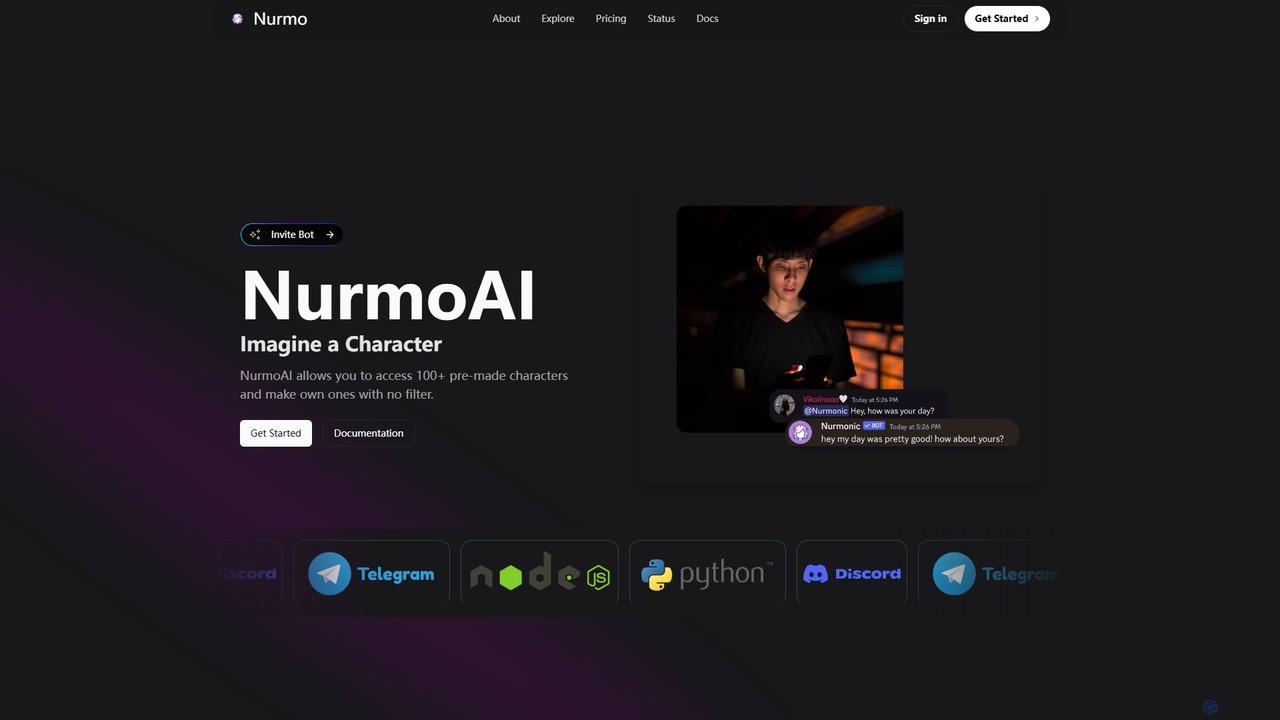
NurmoAI
NurmoAI is a character AI platform offering over 100 pre-made characters and the ability to create custom ones …
NurmoAI is a character AI platform offering over 100 pre-made characters and the ability to create custom ones with no filter. It provides a developer-friendly API and a Discord bot for easy integration into applications and servers, catering to developers, gamers, and creators seeking unfiltered AI interactions.
About Discord
Discord is a versatile communication platform that, when integrated with AI tools, transforms into a powerful hub for community management, content creation, and enhanced user interaction. These AI-powered solutions leverage advanced algorithms to automate moderation, generate engaging content, provide intelligent assistance, and analyze community dynamics. They enable server administrators and members to streamline operations, foster more vibrant communities, and personalize experiences within their Discord servers. This integration elevates Discord beyond a mere chat application, making it a sophisticated ecosystem for diverse online communities.
Core Features
- AI-Powered Moderation: Automatically detects and filters spam, hate speech, and inappropriate content, ensuring a safe and positive environment.
- Custom AI Chatbots: Develop and deploy intelligent bots for automated Q&A, interactive games, information retrieval, and personalized user support.
- Content Generation & Curation: Utilize AI to generate text, images, polls, and summaries for channel updates, event announcements, and engaging discussions.
- Community Analytics & Insights: AI tools analyze sentiment, activity patterns, and member behavior to provide actionable insights for community growth and engagement strategies.
- Automated Event Management: AI can assist in scheduling, announcing, and managing server events, including reminders and participant tracking.
Use Cases
AI tools for Discord are invaluable for various communities, from gaming guilds and educational groups to professional networks and creative collectives. They are particularly useful for large servers requiring efficient moderation, content creators seeking to automate engagement, and businesses looking to build interactive brand communities. These tools help maintain order, boost member participation, and provide instant support, making Discord a more dynamic and manageable platform.
How to Choose
When selecting AI tools for your Discord server, consider the specific needs of your community, such as the scale of moderation required, the type of content you wish to automate, and the level of interactive assistance desired. Evaluate the tool's ease of integration, customization options for bots, data privacy policies, and scalability to accommodate future growth. Also, assess the developer's support and the tool's compatibility with other server management utilities.
DiscordUse Cases
Automated Server Moderation and Safety
Server administrators can deploy AI-powered moderation bots to automatically detect and remove spam, hate speech, explicit content, and other rule-breaking messages in real-time. This frees up human moderators, ensures a safer environment for all members, and maintains server decorum, especially in large and active communities where manual moderation is challenging.
Engaging Content Generation for Channels
Content creators and community managers can leverage AI tools to generate diverse content for Discord channels. This includes creating engaging text for announcements, crafting unique image prompts for AI art bots, summarizing long discussions, or even generating ideas for polls and interactive quizzes, significantly boosting member engagement and reducing content creation workload.
Interactive AI Chatbots for Support and Engagement
Businesses and large communities can deploy custom AI chatbots on Discord to provide instant support, answer frequently asked questions, guide new members, or even host interactive games and trivia. These bots can be trained on specific knowledge bases, offering 24/7 assistance and enhancing the overall user experience without requiring constant human intervention.
Community Analytics and Sentiment Analysis
Community managers can utilize AI tools to gain deeper insights into their Discord server's health and member sentiment. These tools analyze chat data to identify trending topics, detect shifts in mood, track member activity, and pinpoint influential users. This data helps in making informed decisions for community growth, content strategy, and conflict resolution, fostering a more engaged and positive environment.
Automated Role Assignment and Onboarding
AI tools can automate the process of assigning roles to new members based on their responses to onboarding questions or their activity within the server. This streamlines the onboarding experience, ensures members receive relevant permissions and access, and helps segment the community effectively, making it easier for new users to find their place and engage with relevant content.
Personalized User Engagement and Recommendations
AI can analyze individual member preferences and past interactions to offer personalized content recommendations, suggest relevant channels or events, or even tailor bot responses. This level of personalization enhances the user experience, makes members feel more valued, and encourages deeper engagement within the Discord community, leading to higher retention rates.