ToolMage
Sign in

Best 1 Linkedin Automation AI tools for Social Media

Popular Linkedin Automation AI tools in Social Media include Reblet, helping you work more efficiently.

Reblet
Freemium

Reblet

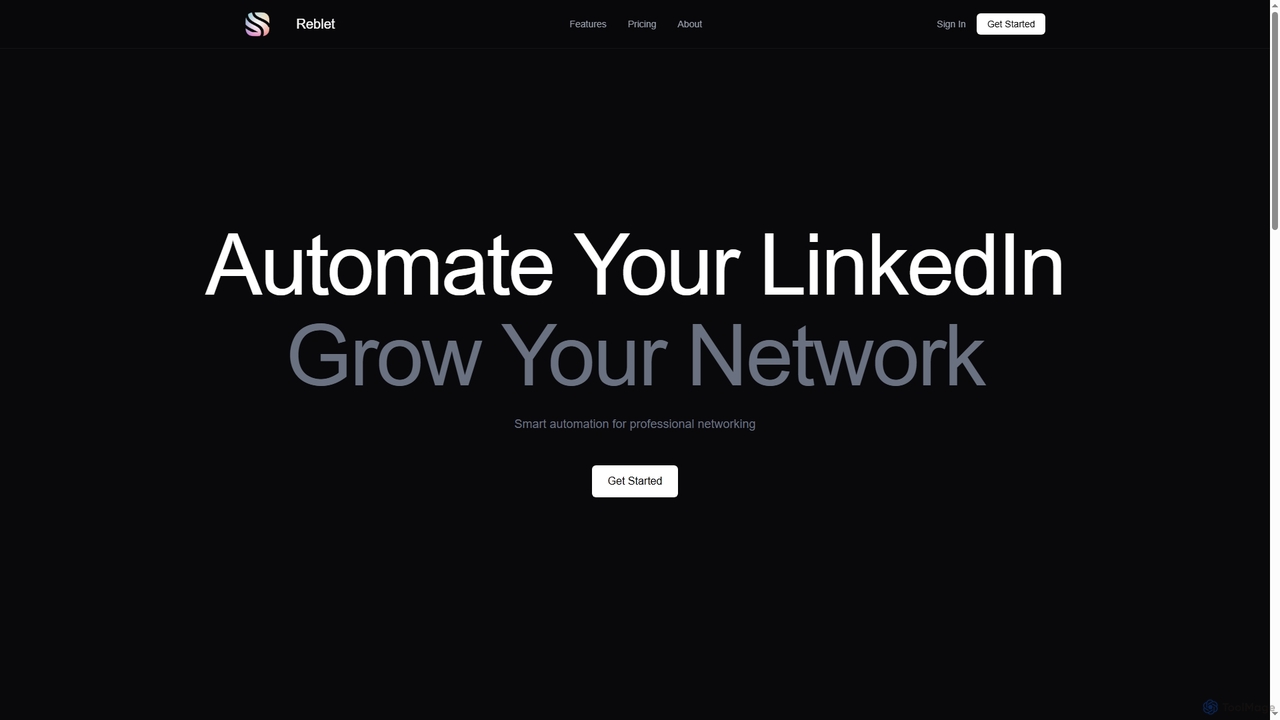
Reblet is an AI-powered LinkedIn automation tool designed to help professionals grow their network, generate engaging content, and manage their presence efficiently. It automates posting, engagement, and connection requests, all while providing analytics to track performance and ensure LinkedIn compliance.

Content Generation
Visits 6.6KFavorites 135Likes 125

About Linkedin Automation

Linkedin Automation tools are AI-powered platforms designed to streamline and scale professional networking, lead generation, and outreach activities on LinkedIn. These tools leverage advanced algorithms to automate repetitive tasks, enabling users to expand their professional network and engage with prospects more efficiently. They are crucial for sales professionals, recruiters, and marketers aiming to maximize their presence and impact on the world's largest professional network.

Core Features

  • Automated Connection Requests: Send personalized connection requests with custom messages to targeted profiles.
  • Message Sequencing: Create multi-step message campaigns to nurture leads and build relationships over time.
  • Profile Viewing & Scraping: Automatically view profiles of target audiences and extract public data for lead generation.
  • Skill Endorsements: Endorse connections for relevant skills to increase engagement and visibility.
  • Content Scheduling: Schedule and publish posts directly to LinkedIn profiles or company pages for consistent presence.

Use Cases

Sales teams use these tools to identify and connect with potential clients, automating initial outreach and follow-ups. Recruiters leverage them to source candidates, send personalized job invitations, and manage talent pipelines. Marketing professionals utilize them for brand building, content distribution, and engaging with industry influencers.

How to Choose

When selecting a Linkedin Automation tool, consider its compliance with LinkedIn's terms of service to avoid account restrictions. Evaluate the range of automation features, such as connection requests, message sequences, and profile scraping. Look for robust analytics and reporting capabilities to track campaign performance. Finally, assess integration options with CRM systems and other sales tools for a seamless workflow.

Linkedin Automation use cases

1

Automating B2B Lead Generation

Sales professionals use LinkedIn automation to identify decision-makers in target companies, send personalized connection requests, and initiate introductory message sequences. This streamlines the prospecting process, allowing sales teams to build a qualified lead pipeline without manual repetitive tasks, significantly reducing the time spent on initial outreach.

2

Streamlining Recruitment Outreach

Recruiters leverage these tools to automatically view profiles of potential candidates, send customized messages about job opportunities, and follow up with interested individuals. This helps in efficiently sourcing passive candidates, managing a large volume of outreach, and accelerating the hiring process for specialized roles.

3

Enhancing Personal Brand & Networking

Professionals utilize automation to expand their network by sending connection requests to attendees of industry events or members of relevant groups. They can also schedule content posts to maintain a consistent online presence, positioning themselves as thought leaders and increasing their visibility within their field.

4

Executing Targeted Marketing Campaigns

Marketers employ LinkedIn automation to engage with specific industry segments or company sizes. They can automate sending event invitations, sharing valuable content, or promoting webinars to a highly targeted audience, driving engagement and generating MQLs (Marketing Qualified Leads).

5

Conducting Market Research & Data Scraping

Businesses use automation tools to systematically view profiles and extract publicly available data from LinkedIn, such as job titles, company names, and industry affiliations. This data can then be analyzed to understand market trends, identify key players, and inform strategic business decisions.

6

Managing Large-Scale Outreach for Agencies

Digital marketing or recruitment agencies use LinkedIn automation to manage multiple client campaigns simultaneously. They can set up distinct outreach strategies for each client, automate message delivery, and track performance across various accounts, ensuring consistent lead generation and candidate sourcing services.

Linkedin Automation FAQ

What are Linkedin Automation tools?

Linkedin Automation tools are software applications designed to automate repetitive tasks on the LinkedIn platform. They help users streamline activities like sending connection requests, messaging prospects, viewing profiles, and endorsing skills. Their primary goal is to enhance lead generation, networking, and personal branding efficiency for professionals, sales teams, and recruiters.

How do I choose a safe and effective Linkedin Automation tool?

To choose a safe and effective tool, prioritize those that simulate human behavior to minimize the risk of violating LinkedIn's terms of service. Look for features like daily activity limits, randomized delays, and IP rotation. Evaluate the tool's specific functionalities (e.g., message sequences, CRM integration), user reviews, and customer support. Always start with conservative automation settings.

What are the risks of using Linkedin Automation?

The primary risk of using Linkedin Automation is the potential for account restrictions or bans if LinkedIn detects automated behavior that violates its terms of service. Overly aggressive or non-human-like automation can trigger these penalties. Additionally, poorly executed automation can lead to a negative brand image or spamming perception if messages are not personalized or relevant.

Can Linkedin Automation integrate with CRM systems?

Many advanced Linkedin Automation tools offer integration capabilities with popular CRM (Customer Relationship Management) systems like Salesforce, HubSpot, or Zoho CRM. This integration allows for seamless data transfer, ensuring that leads generated on LinkedIn are automatically updated in your CRM, enabling better lead management, tracking, and follow-up processes.

How does Linkedin Automation differ from general Social Media Management tools?

Linkedin Automation specifically targets tasks and interactions on the LinkedIn platform, focusing on professional networking, lead generation, and B2B outreach. In contrast, general Social Media Management tools are broader, designed to manage content scheduling, engagement, and analytics across multiple social media platforms like Facebook, Twitter, and Instagram, often with less emphasis on deep, platform-specific automation for lead generation.