ToolMage
Sign in

Best 1 Short Form Video AI tools for Social Media

Popular Short Form Video AI tools in Social Media include Imagineapp, helping you work more efficiently.

Imagineapp
Freemium

Imagineapp

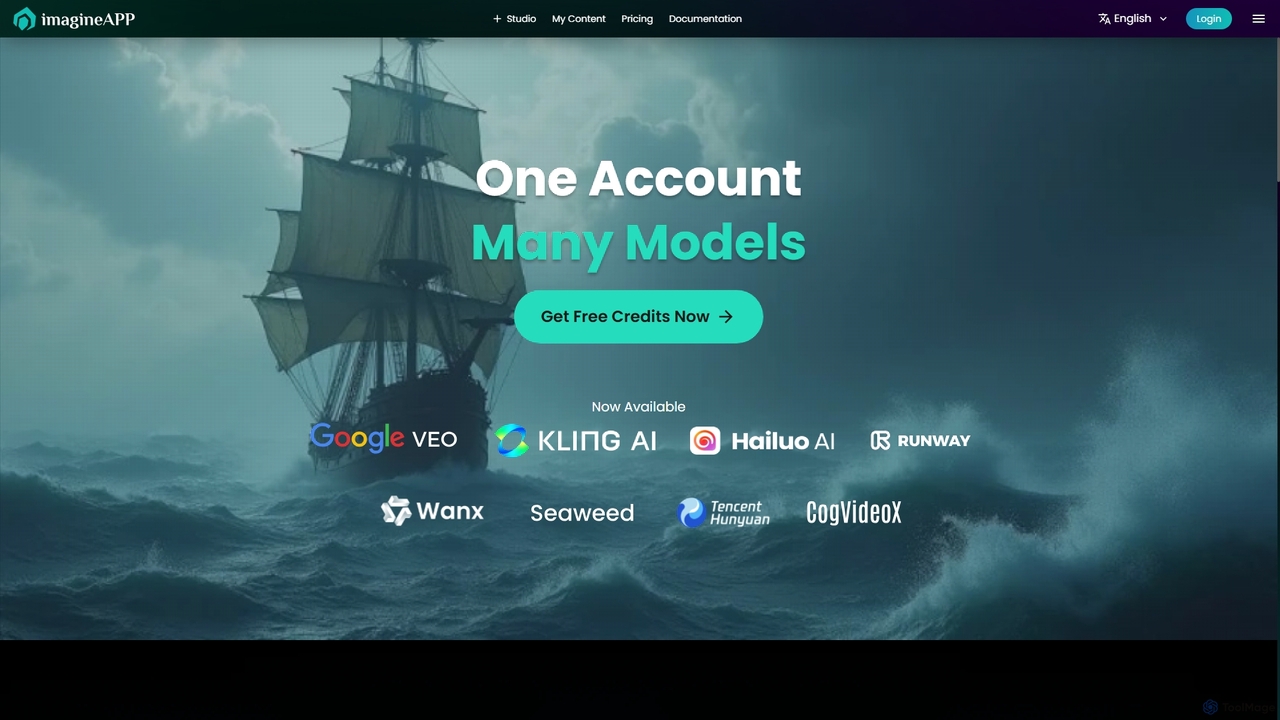
Imagineapp is a powerful AI video generation platform that transforms text and images into stunning videos. It specializes in creating high-quality music videos, social media content, and marketing materials in minutes. With over 30 artistic styles and multiple AI models, it empowers creators, musicians, and marketers to produce visually compelling content without complex software or large budgets.

Image Animation
Visits 11.5KFavorites 129Likes 137

About Short Form Video

AI Short Form Video tools are applications that automate the creation and editing of brief, engaging videos for platforms like TikTok, Instagram Reels, and YouTube Shorts. They leverage AI to transform text, long-form videos, or simple ideas into polished video clips, often incorporating features like automated captioning, scene selection, and template-based editing. These tools are designed to help creators and marketers rapidly produce high volumes of content, capitalize on trends, and boost audience engagement on social media. Unlike traditional video editors, they prioritize speed and simplicity, enabling users with minimal editing skills to generate professional-looking videos in minutes.

Core Features

  • Content Repurposing: Automatically extracts key moments from long videos or podcasts to create multiple short clips.
  • Text-to-Video Generation: Converts scripts, articles, or simple text prompts into complete video sequences with relevant visuals.
  • AI-Powered Editing: Automates tasks like scene transitions, background music selection, and applying visual effects.
  • Automated Captioning: Generates and styles accurate, dynamic subtitles to improve accessibility and viewer retention.
  • Template-Based Creation: Offers pre-designed, platform-optimized templates that can be quickly customized with branding and content.

Use Cases

These tools are ideal for social media managers, content creators, and digital marketing agencies who need to maintain a consistent posting schedule. They are also valuable for businesses looking to repurpose existing content like webinars or blog posts into shareable video assets for platforms like TikTok, Instagram, and YouTube Shorts.

How to Choose

When selecting a tool, consider its content input capabilities (text, URL, existing video), the quality and variety of its templates, the accuracy of its AI captioning, and its integration with social media platforms for direct publishing. Also, evaluate the level of customization available to ensure the final output aligns with your brand identity.

Short Form Video use cases

1

Repurpose Long Videos into Viral Clips

A marketing team has a one-hour webinar recording. They use an AI Short Form Video tool to automatically identify the most impactful segments and quotes. The AI then generates 10-15 distinct, 60-second clips, complete with dynamic captions and branded overlays. This allows them to extend the webinar's reach across TikTok and Instagram for weeks, saving hours of manual editing and maximizing the value of their original content.

2

Create Engaging Social Media Ads from Text

An e-commerce brand manager needs to create a series of video ads for a new product. Instead of a complex video shoot, they input ad copy and product descriptions into an AI tool. The tool generates multiple video variations by matching the text with relevant stock footage, adding background music, and overlaying a clear call-to-action. This enables rapid A/B testing of different ad creatives to find the most effective message and visual combination.

3

Automate Video Creation for Blog Posts

A content creator wants to drive more traffic to their blog. They paste the URL of a new article into an AI Short Form Video tool. The AI summarizes the key points, pulls images from the post, finds relevant stock video, and generates a concise video summary with a voiceover. This video can be shared on YouTube Shorts and Instagram Reels, with a link back to the full article, increasing visibility and attracting a new audience segment that prefers video content.

4

Generate Daily Content for TikTok & Reels

A social media influencer needs to post multiple times a day to stay relevant. They use an AI tool by providing simple text prompts or trending topics. The AI generates short, visually appealing videos with trending audio suggestions and animated text effects. This drastically reduces content creation time from hours to minutes, allowing the influencer to focus on strategy and community engagement rather than tedious editing tasks.

5

Produce Internal Training & Announcement Videos

An HR department needs to communicate a new company policy. Instead of a long email, they write a short script and use an AI Short Form Video tool. The tool uses an AI avatar or stock footage combined with text overlays and a professional voiceover to create a clear, concise video. The resulting video is more engaging than plain text and can be easily distributed through internal channels like Slack, ensuring higher comprehension and retention of the information.

6

Create Product Teasers and Feature Demos

A software company is launching a new feature. The product marketing manager inputs a list of key benefits and a few screen recordings. The AI tool edits the recordings into a fast-paced, 30-second demo video, highlighting the most important actions with zooms, text callouts, and energetic music. This creates a perfect teaser video for social media and email newsletters, generating excitement and driving early adoption without the cost of a full production crew.

Short Form Video FAQ

What are AI Short Form Video tools?

AI Short Form Video tools are applications that use artificial intelligence to automate the creation of short, vertical videos for social media. They can transform text, long-form audio/video, or simple ideas into ready-to-publish clips, often handling tasks like editing, captioning, and adding effects automatically. Their primary goal is to enable rapid, scalable video production for platforms like TikTok, Instagram Reels, and YouTube Shorts.

How do I choose the right AI Short Form Video tool?

To choose the right tool, consider these key factors:

  • Input Source: Does it support your primary content type (text, URL, long video, audio)?
  • AI Features: Evaluate the quality of its AI editing, scene detection, and captioning accuracy.
  • Customization: How much control do you have over templates, branding (logos, colors), and final edits?
  • Platform Integration: Does it offer direct export or publishing to platforms like TikTok and Instagram?
  • Pricing: Compare plans based on the number of videos, video length, and access to premium features like stock media.
What's the difference between an AI Short Form Video tool and a traditional video editor?

The main difference is speed versus control. AI Short Form Video tools are built for speed and automation, making creative decisions for the user to produce content quickly with minimal effort. They excel at repurposing and template-based creation. Traditional editors like Adobe Premiere Pro offer granular, professional-level control over every aspect of the video but require significant skill and time. AI tools are for rapid social media content creation, while traditional editors are for detailed, high-production-value projects.

Can these tools create videos from just a text prompt?

Yes, many leading AI Short Form Video tools have a "text-to-video" feature. You can provide a script, a blog post URL, or even a simple idea, and the AI will analyze the text to generate a video. It typically finds relevant stock footage or AI-generated imagery, compiles it into scenes, adds a voiceover, and generates captions. This is one of their most powerful capabilities for creating video content from scratch with minimal assets.

Who should use AI Short Form Video tools?

These tools are ideal for users who need to produce video content consistently and quickly. This includes:

  • Social Media Managers: To maintain a high-frequency posting schedule.
  • Digital Marketers: For creating ads, promos, and content marketing videos at scale.
  • Content Creators & Influencers: To streamline production and focus on creativity.
  • Small Business Owners: To create professional marketing materials without a large budget.
  • Corporate Communication Teams: For internal announcements and training videos.