ToolMage
Sign in

Best 1 Streaming AI tools for Social

Popular Streaming AI tools in Social include Dabing AI Voice Changer, helping you work more efficiently.

Dabing AI Voice Changer
Freemium

Dabing AI Voice Changer

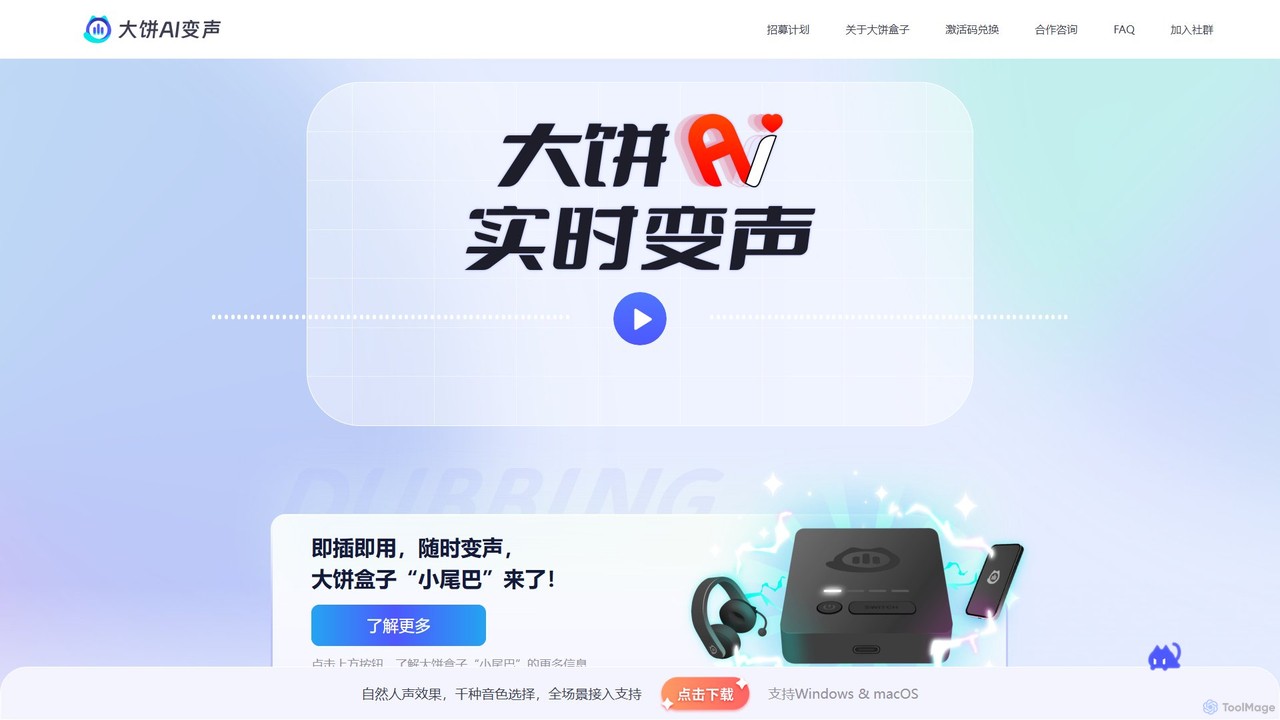
Dabing AI Voice Changer is a real-time AI voice modulation tool for gamers, streamers, and content creators. It offers a wide range of high-quality, low-latency voices, supports multiple platforms (Windows, macOS, iOS, Android), and integrates seamlessly with popular games and applications. It also provides text-to-speech and voice timbre conversion features.

Voice Changer
Visits 26.9KFavorites 142Likes 145

About Streaming

AI Streaming tools are a class of applications designed to enhance, automate, and analyze live video broadcasts on social platforms. These tools leverage technologies like computer vision, natural language processing (NLP), and generative AI to introduce intelligent features into the streaming workflow. They help creators increase audience engagement, simplify complex production tasks, and unlock new forms of interactive content. By automating tasks like highlight clipping and chat moderation, these tools allow streamers to focus more on performance and community interaction.

Core Features

  • Automated Highlight Generation: AI analyzes stream footage to automatically identify and clip exciting moments for social media sharing.
  • AI-Powered Chat Moderation: Utilizes NLP to filter spam, hate speech, and irrelevant messages in real-time, maintaining a positive community environment.
  • Virtual Avatars (VTubing): Employs facial and motion tracking to animate 2D or 3D characters that mirror the streamer's movements and expressions.
  • Real-time Analytics: Provides data-driven insights on audience sentiment, engagement peaks, and viewer behavior during a live broadcast.
  • Interactive Overlays & Effects: Dynamically generates on-screen graphics, polls, or effects triggered by audience actions like follows or donations.

Use Cases

These tools are widely used by video game streamers, content creators, brand marketers, and online educators. For instance, a gamer can use an AI clipper to effortlessly create a highlight reel for TikTok, while a brand can deploy an AI moderator to manage chat during a live product launch, ensuring a smooth and professional presentation.

How to Choose

When selecting an AI Streaming tool, consider its compatibility with your streaming platform (e.g., Twitch, YouTube). Evaluate the specific features you need most, such as moderation, content creation, or analytics. Also, assess the tool's ease of use, integration with existing software like OBS, and its impact on your computer's performance during a live stream.

Streaming use cases

1

Automated Highlight Creation for Gamers

A video game streamer often broadcasts for several hours at a time, making it difficult to manually review footage to find the best moments. By using an AI Streaming tool, the entire stream is analyzed in real-time for spikes in action, audience reactions, and in-game achievements. The tool automatically clips these high-impact moments into short, shareable videos formatted for platforms like TikTok, YouTube Shorts, and Instagram Reels. This allows the creator to consistently post engaging content across multiple platforms with minimal effort, significantly boosting their visibility and audience growth.

2

Engaging VTuber (Virtual YouTuber) Performances

A content creator wants to build a unique online persona without revealing their real identity. They use an AI-powered VTubing tool that captures their facial expressions, head movements, and even hand gestures via a standard webcam. This data is then mapped in real-time onto a custom 2D or 3D avatar. The AI ensures fluid, low-latency animation, making the virtual character feel alive and responsive. This technology allows creators to produce highly engaging and imaginative content, fostering a strong community around a fictional character while maintaining personal privacy.

3

Real-time Chat Moderation for Brand Live Events

A marketing team is hosting a live Q&A session for a new product launch on YouTube. To maintain a professional and positive atmosphere, they use an AI moderation tool. The tool is configured with custom rules to filter out spam, profanity, and competitor mentions. It operates in real-time, instantly deleting harmful messages before they disrupt the conversation. This frees up the human community manager to focus on identifying and highlighting relevant questions for the hosts to answer, leading to a more productive and engaging event for the audience.

4

Interactive Overlays for Educational Workshops

An online educator conducts live workshops on complex topics. To keep students engaged, they use an AI streaming tool to create interactive overlays. During the stream, they can trigger real-time polls, quizzes, and word clouds that appear directly on the video feed. The AI tool processes audience responses instantly and displays the results graphically. This transforms a passive viewing experience into an active learning environment, helping the educator gauge student understanding and maintain high levels of participation throughout the session.

5

AI-Powered Real-time Translation for Global Audiences

A streamer wants to expand their reach to a non-native speaking audience. They integrate an AI translation tool into their streaming setup. As they speak, the AI captures the audio, transcribes it, translates it into multiple target languages, and displays it as real-time subtitles on the screen. Some advanced tools can even generate a synthesized voice-over in the target language. This breaks down language barriers, making the content accessible to a global audience and fostering a more diverse and inclusive community around the channel.

6

Data-Driven Content Strategy for Streamers

A content creator wants to understand what resonates most with their audience to improve future streams. After each broadcast, they use an AI analytics tool to process the recording and chat logs. The tool generates a report highlighting key moments, such as when viewer count peaked, which topics sparked the most chat activity, and where audience sentiment was most positive. By analyzing these patterns over time, the streamer can make data-informed decisions about game choices, content formats, and stream schedules, leading to higher engagement and sustained channel growth.

Streaming FAQ

What are AI Streaming tools?

AI Streaming tools are software applications that use artificial intelligence to enhance, automate, and analyze live video streams. They integrate with streaming platforms and software to provide features that go beyond standard broadcasting capabilities. Key functions include automated content creation (like highlight clips), real-time chat moderation, virtual avatar animation (VTubing), and audience engagement analytics. Essentially, they act as intelligent assistants for streamers to improve production quality and manage their community more efficiently.

How do AI Streaming tools differ from software like OBS or Streamlabs?

Software like OBS Studio and Streamlabs are foundational broadcasting applications; they handle the core tasks of capturing video, encoding, and sending it to a platform like Twitch or YouTube. AI Streaming tools are typically not standalone broadcasters. Instead, they act as powerful plugins or companion apps that work with OBS or Streamlabs. While OBS manages the 'how' of streaming, AI tools enhance the 'what' by adding intelligent layers for content creation, moderation, and interaction on top of the basic broadcast.

What are the main benefits of using AI in streaming?

Using AI in streaming offers several key advantages for creators. The primary benefits include:

  • Efficiency: Automating repetitive tasks like creating highlight clips, moderating chat, and generating social media posts saves creators significant time.
  • Enhanced Engagement: Interactive features like AI-powered overlays, real-time polls, and responsive virtual avatars make streams more engaging for viewers.
  • Improved Quality: AI can help produce more professional-looking content, from dynamic camera switching to real-time video enhancements.
  • Audience Growth: By easily repurposing stream content into short-form videos, creators can reach new audiences on other platforms, driving growth back to their main channel.
How do I choose the right AI Streaming tool?

Choosing the right tool depends on your specific goals as a streamer. Consider the following factors:

  • Primary Need: Identify your biggest pain point. Is it content creation (clipping highlights), community management (chat moderation), or on-screen presence (VTubing)? Choose a tool that specializes in that area.
  • Platform Compatibility: Ensure the tool integrates smoothly with your streaming platform (Twitch, YouTube, etc.) and your broadcasting software (OBS, Streamlabs).
  • Ease of Use: Look for a tool with an intuitive interface. Some tools are simple plugins, while others are more complex standalone applications. Choose one that matches your technical comfort level.
  • Performance Impact: Streaming is resource-intensive. Check reviews or trial versions to see how much CPU or GPU the tool uses to ensure it won't cause your stream to lag.
Are AI Streaming tools difficult to set up?

The setup difficulty varies greatly between tools. Many modern AI streaming tools are designed for ease of use. Some are simple browser-based platforms or plugins for OBS/Streamlabs that can be installed with a few clicks. Others, particularly advanced VTubing or analytics software, might require more configuration, such as setting up camera tracking or connecting data sources. Most reputable tools provide clear documentation and tutorials to guide users through the setup process. It's a good practice to start with a tool that offers a free trial to test its setup process and compatibility with your system.