ToolMage
Sign in

Best 2 Classroom Management AI tools for Teacher Tools

Popular Classroom Management AI tools in Teacher Tools include NoRedInk and Secant, helping you work more efficiently.

Secant

Secant

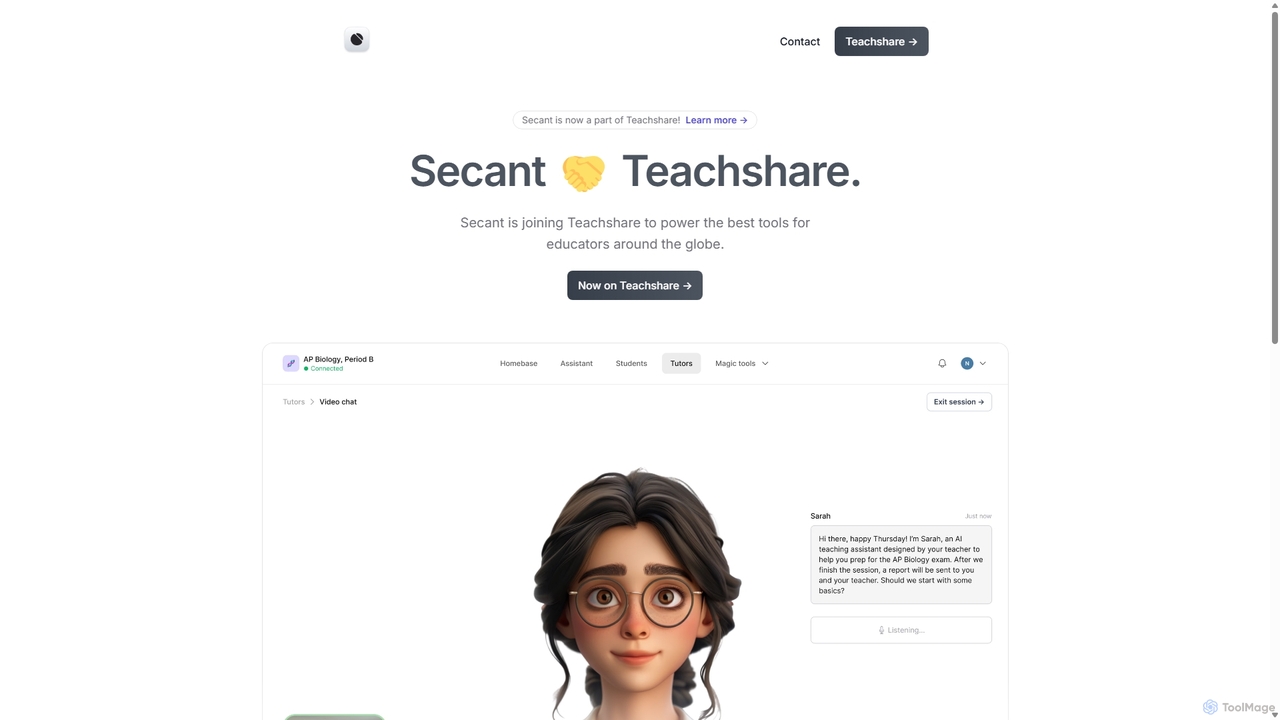
Secant is an AI-powered educational platform, now part of Teachshare, designed to enhance learning for students and automate tasks for teachers. It provides integrated AI study tools, collaborative features, and robust classroom management capabilities, all while prioritizing data privacy and compliance with educational standards.

Learning
Visits 6.5KFavorites 136Likes 153
NoRedInk
Freemium

NoRedInk

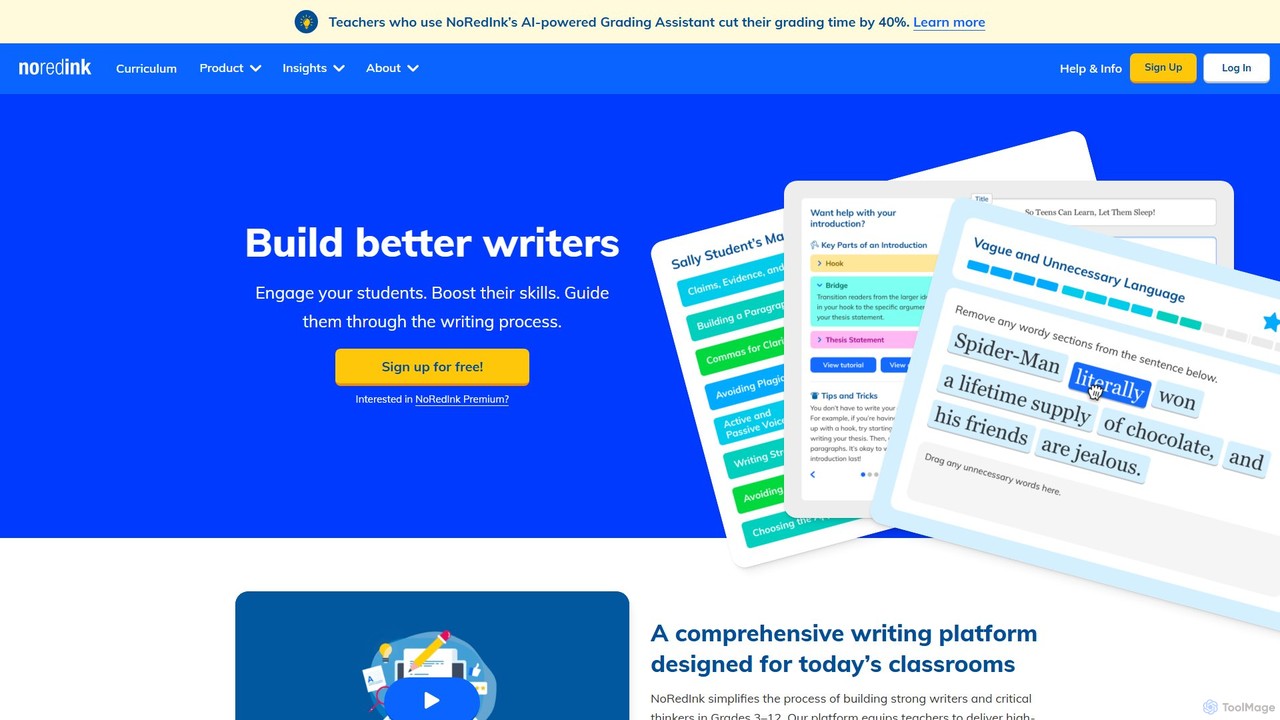
NoRedInk is an AI-powered online writing curriculum for students in grades 3-12. It improves grammar and writing skills through adaptive learning, high-interest personalized content, and guided composition tools. It helps teachers deliver effective instruction, track progress, and save time with features like AI grading and originality insights.

Language Learning
Visits 1.3MFavorites 168Likes 165

About Classroom Management

AI Classroom Management tools are specialized applications designed to help educators maintain an orderly, engaging, and productive learning environment. They leverage AI to automate administrative tasks, monitor student engagement, and provide real-time insights into classroom dynamics. These tools empower teachers to focus more on instruction and less on manual record-keeping, ultimately fostering a more effective educational experience. They differ from broader teacher tools by specifically targeting the operational and behavioral aspects of managing a group of students.

Core Features

  • Automated Attendance Tracking: Uses AI analysis of network connections or camera feeds to log student presence automatically.
  • Behavior Monitoring & Reporting: Analyzes classroom activity to identify patterns in student behavior and generate objective reports.
  • Real-time Engagement Analysis: Assesses student participation levels through digital interactions to gauge comprehension and focus.
  • Personalized Feedback Automation: Delivers instant, customized feedback on assignments or in-class responses based on predefined criteria.
  • Communication Streamlining: Automates routine communications with students and parents regarding progress or behavior.

Use Cases

Primarily used in K-12 and higher education settings. Teachers use them for daily class operations, while school administrators use aggregated data for school-wide behavioral analysis. They are particularly valuable in online and hybrid learning environments to maintain student focus and manage digital interactions effectively.

How to Choose

Consider integration with your existing Learning Management System (LMS). Evaluate the tool's data privacy and security policies (e.g., FERPA, GDPR compliance). Assess the level of automation and customization available for your specific classroom rules. Finally, check the user-friendliness for both teachers and students to ensure smooth adoption.

Classroom Management use cases

1

Automating Daily Attendance and Tardiness Reports

A high school teacher managing a class of over 30 students uses an AI classroom management tool to automate attendance. The system can use the classroom camera to recognize students as they enter or analyze logins to the school network, marking them present automatically. It flags late arrivals and generates a daily report, saving the teacher 5-10 minutes at the start of each period. This data is also synced with the school's information system for official records, reducing manual data entry.

2

Monitoring Student Focus in a Digital Classroom

In a university computer lab or a remote learning session, an instructor uses a tool to monitor student engagement. The AI analyzes on-screen activity, such as active windows and application usage, to gauge whether students are on-task. It provides the instructor with a real-time dashboard showing class-wide engagement levels without recording sensitive information, allowing them to discreetly offer help to students who appear distracted or stuck.

3

Providing Instant Feedback on In-Class Quizzes

A middle school science teacher uses an AI tool to conduct quick comprehension checks. After a short lesson, students answer a quiz on their tablets. The AI instantly grades the responses, provides personalized feedback explaining common mistakes, and presents the teacher with an anonymized summary of class-wide understanding. This allows the teacher to immediately address misconceptions before moving on to the next topic, improving overall learning outcomes.

4

Managing Classroom Behavior with a Digital Points System

An elementary school teacher implements a digital behavior management system. The AI tool allows the teacher to award points for positive behaviors (e.g., participation, helping others) and log incidents of disruptive behavior with a single click. The system tracks points for each student, automates communication with parents about weekly performance, and visualizes progress, gamifying positive conduct and providing a clear, objective record of classroom behavior.

5

Facilitating Equitable Student Participation in Discussions

A literature professor wants to ensure all students contribute to discussions. An AI classroom management tool analyzes speaking time and frequency for each student during a seminar, using voice recognition. It provides the professor with subtle, private cues when certain students are dominating the conversation or when others have not spoken. This data helps the professor gently guide the discussion to be more inclusive and balanced, without singling out students publicly.

6

Streamlining Parent-Teacher Communication

A teacher uses an AI-powered platform to manage communication with parents. The tool automatically sends out notifications for upcoming assignments, alerts for missed homework, and weekly summaries of a student's academic and behavioral progress. It can also translate messages into the parents' preferred language. This proactive communication keeps parents informed, reduces the teacher's administrative workload, and creates a consistent, accessible information channel for all families.

Classroom Management FAQ

What are AI Classroom Management tools?

AI Classroom Management tools are software applications that use artificial intelligence to help educators streamline classroom operations and monitor student engagement. Their primary functions include automating attendance, analyzing student behavior, providing real-time feedback, and facilitating communication. Unlike general teacher tools that might focus on lesson planning, these tools specifically target the dynamic, real-time management of the learning environment.

How do I choose the right AI Classroom Management tool?

When selecting a tool, consider these four key factors:

  • LMS Integration: Ensure it seamlessly connects with your school's existing Learning Management System (e.g., Canvas, Moodle, Google Classroom).
  • Data Privacy & Compliance: Verify that the tool complies with educational privacy laws like FERPA (in the US) or GDPR (in Europe).
  • Customization: Check if you can tailor its rules, feedback, and reports to your specific teaching style and classroom needs.
  • Ease of Use: The interface should be intuitive for both teachers and students to avoid a steep learning curve.
What's the difference between Classroom Management tools and a Learning Management System (LMS)?

The primary difference lies in their focus. A Learning Management System (LMS) is a comprehensive platform for delivering course content, managing assignments, and tracking grades; it's the digital hub for the curriculum. In contrast, AI Classroom Management tools are more specialized, focusing on the in-class experience: managing behavior, monitoring real-time engagement, and automating operational tasks like attendance. They act as a supplement to the LMS, not a replacement.

Can these tools monitor students without invading their privacy?

Reputable AI classroom management tools are designed with privacy as a priority. They often use anonymized or aggregated data to show trends rather than focusing on individuals. For instance, engagement monitoring might track on-task application usage without recording screen content or keystrokes. It is crucial to choose tools that are transparent about their data collection methods and comply with school policies and legal regulations like FERPA or GDPR.

Who are the primary users of AI Classroom Management tools?

The primary users are K-12 teachers and university instructors who need to manage groups of students effectively. School administrators also use the data from these tools to analyze school-wide trends in behavior and attendance. They are particularly useful for new teachers seeking support in establishing classroom routines and for educators managing large classes or online learning environments where direct observation is challenging.