ToolMage
Sign in

Best 3 Grading AI tools for Teacher Tools

Popular Grading AI tools in Teacher Tools include Gradelab, Ai Essay Grader, and Examplary, helping you work more efficiently.

Examplary
Freemium

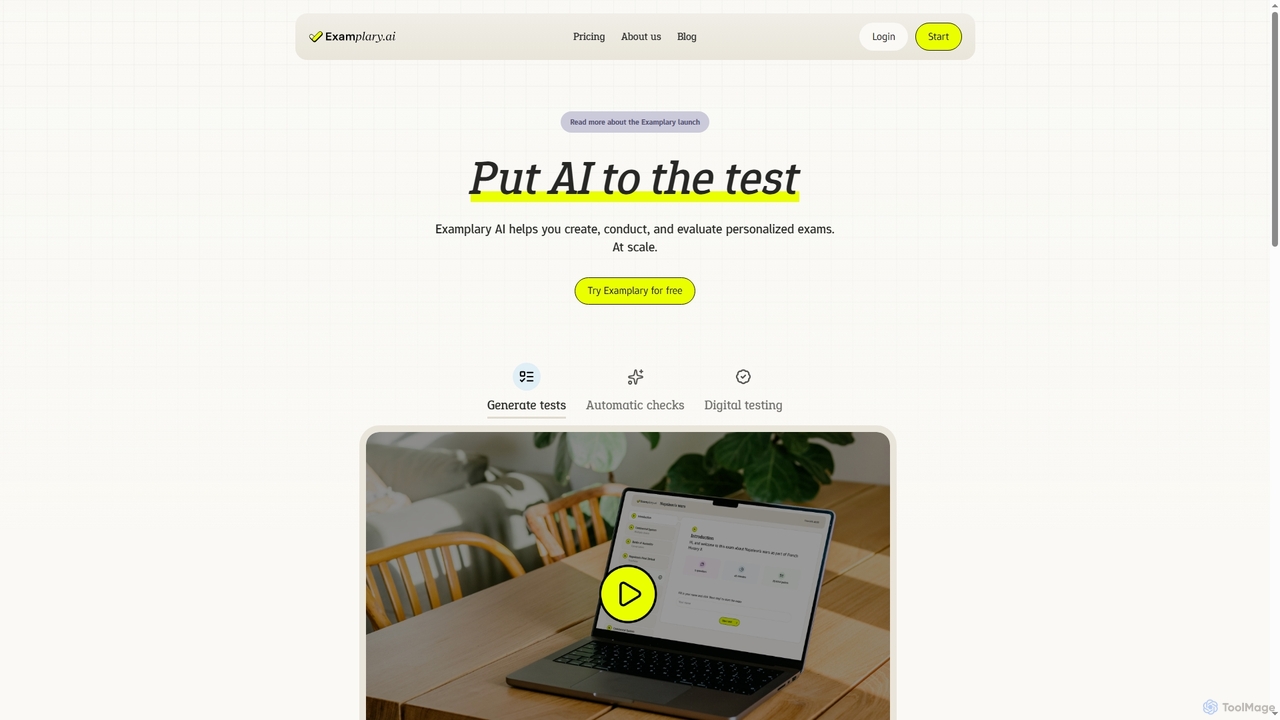
Examplary

Examplary is an AI-powered platform designed for educators to create, conduct, and grade personalized exams at scale. It saves significant time by automating test generation from various sources, providing intelligent grading suggestions, and offering instant feedback, enabling teachers to focus on creating didactically stronger assessments.

Assessment
Visits 7.3KFavorites 130Likes 112
Ai Essay Grader
Freemium

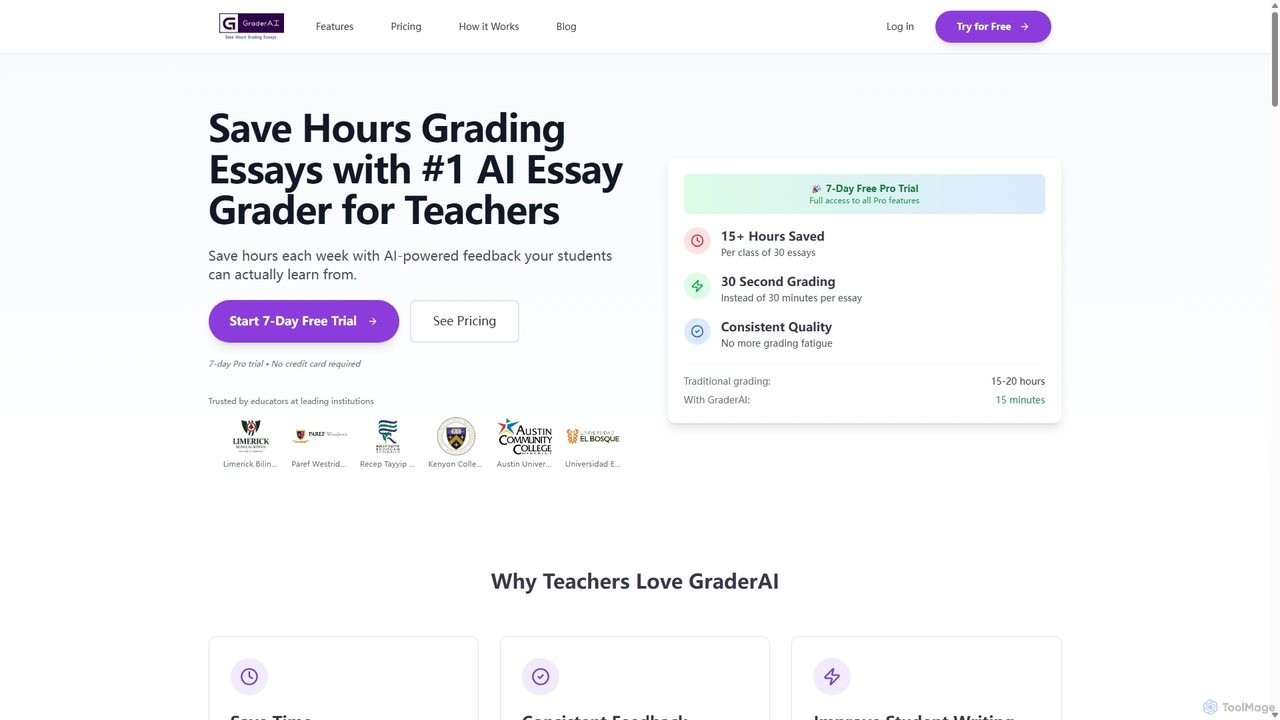
Ai Essay Grader

An AI-powered tool designed for educators to grade essays in seconds, not hours. It provides consistent, high-quality, rubric-based feedback, detects AI-generated content, and integrates with LMS platforms like Google Classroom, helping teachers save time and improve student writing.

Teaching
Visits 9.4KFavorites 167Likes 152
Gradelab
Freemium

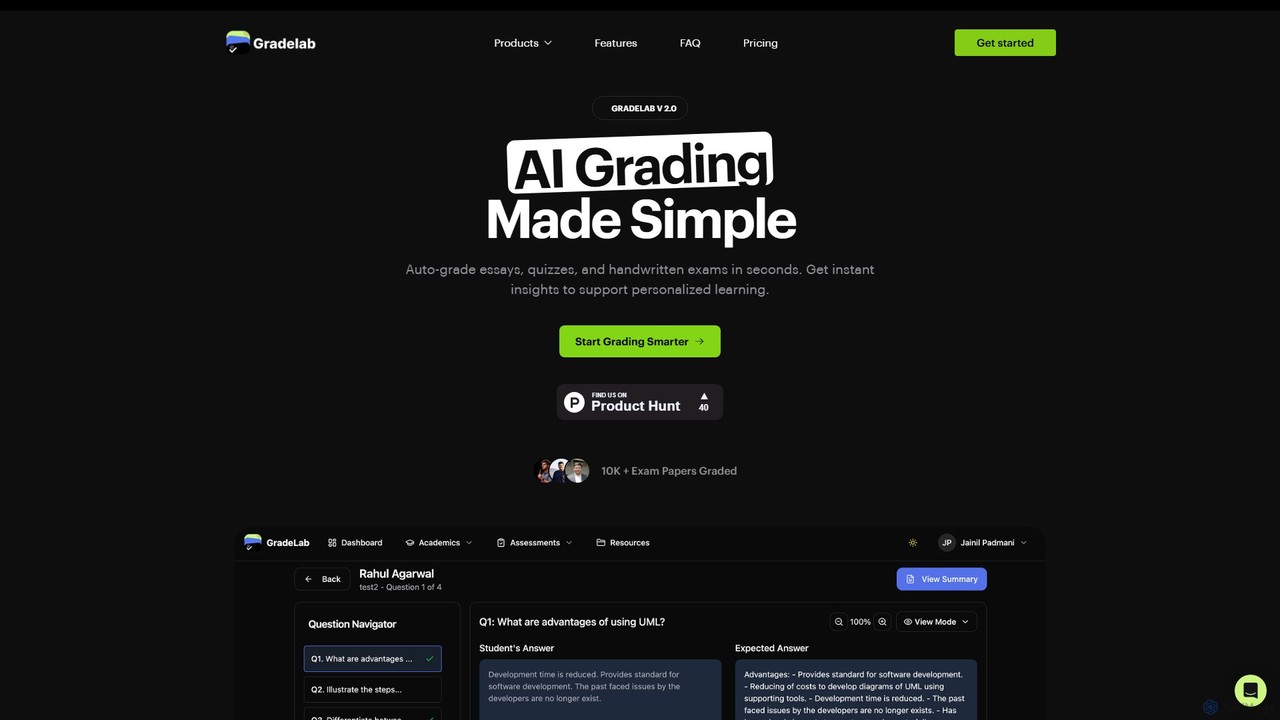
Gradelab

Gradelab is an AI-powered assessment platform designed for educators. It automates the grading of digital and handwritten exams, essays, and quizzes in seconds. The tool provides detailed performance analytics, generates curriculum-aligned questions, and offers robust class management features to save teachers time and enhance personalized learning.

Assessment
Visits 12.3KFavorites 161Likes 162

About Grading

AI Grading tools are a specialized category of educational software that uses artificial intelligence to automate or assist in the evaluation of student work. These tools leverage technologies like Natural Language Processing (NLP) and machine learning to analyze text, and computer vision to interpret handwritten responses. Their primary value lies in significantly reducing the time educators spend on grading, providing consistent and unbiased feedback, and offering data-driven insights into student performance. This allows teachers to focus more on instruction and personalized student support.

Core Features

  • Automated Scoring: Instantly grades multiple-choice, fill-in-the-blank, and even short-answer questions based on predefined answers.
  • Rubric-Based Essay Evaluation: Applies custom or standard rubrics to assess written assignments for structure, grammar, and content adherence.
  • Plagiarism Detection: Scans submissions against a vast database of online and academic sources to ensure originality.
  • Personalized Feedback Generation: Automatically provides targeted comments and suggestions to help students understand their mistakes and improve.
  • Performance Analytics: Compiles data from assignments to create detailed reports on individual and class-wide learning gaps.

Use Cases

AI Grading tools are widely used by K-12 teachers, university professors, and corporate trainers. They are particularly effective for large classes where grading volume is high, such as introductory university courses or standardized testing. Online course creators also use them to provide scalable, instant feedback to a global student base, ensuring a consistent learning experience.

How to Choose

When selecting an AI Grading tool, consider its subject compatibility—whether it supports complex notations for STEM or nuanced language for humanities. Evaluate its integration capabilities with your existing Learning Management System (LMS) like Canvas or Moodle. Also, assess the level of rubric customization and the quality of the generated feedback. Finally, prioritize tools with strong data privacy and security policies to protect student information.

Grading use cases

1

Automate Grading for Large-Scale University Exams

A university professor teaching an introductory course with over 300 students uses an AI Grading tool to manage final exams. The exam consists of multiple-choice and short-answer questions. The professor uploads the answer key and defines acceptable variations for the short answers. The AI tool automatically grades all submissions within hours, a task that would manually take several days. The system flags ambiguous answers for the professor's review, ensuring accuracy while saving over 90% of grading time. This allows for faster feedback to students and more time for the professor to prepare for the next semester.

2

Provide Consistent Feedback on Student Essays

A high school English teacher assigns a monthly essay to her 120 students. To ensure fairness and consistency, she builds a detailed rubric within an AI Grading tool. The rubric covers criteria like thesis strength, argumentation, evidence use, and grammar. As students submit their essays, the AI applies the rubric to each paper, providing a baseline score and specific, pre-approved comments for each criterion. The teacher then reviews the AI's suggestions, adjusts scores for nuance and creativity, and adds her own personalized final thoughts. This co-grading approach ensures every student receives feedback based on the exact same standards.

3

Automated Evaluation of Programming Assignments

A computer science instructor uses an AI Grading tool specialized for coding. For a Python assignment, they set up a series of unit tests that student code must pass, along with style guidelines (e.g., PEP 8). Students submit their code to the platform. The AI tool automatically compiles and runs each submission against the test cases, checking for correctness, efficiency, and code quality. It provides instant, detailed feedback to students, highlighting errors and suggesting improvements. This allows students to iterate and resubmit, fostering a better learning process, while freeing the instructor to focus on teaching complex concepts rather than debugging basic syntax errors.

4

Standardize Assessment Across Multiple Graders

A large university course is taught by one professor but has ten different Teaching Assistants (TAs) grading assignments. To prevent grading discrepancies, the professor sets up a master rubric in an AI Grading tool. The TAs use the tool as a 'co-grader'. The AI provides an initial score and feedback based on the rubric, and the TAs then review and finalize the grade. The platform provides analytics to the professor, showing if any TA is consistently grading higher or lower than the average, allowing for timely calibration and training. This ensures that a student's grade doesn't depend on which TA happened to grade their paper.

5

Analyze Class-Wide Learning Gaps from Homework

A middle school math teacher uses an AI tool to grade daily homework assignments. Beyond just scoring, the tool's analytics dashboard provides valuable insights. It aggregates data from all students and highlights specific problems or concepts where the class struggled the most. For example, it might show that 75% of students answered questions about fractions incorrectly. Armed with this data, the teacher can immediately adjust their lesson plan for the next day to review fractions, addressing the learning gap before moving on to new material. This data-driven approach makes teaching more targeted and effective.

6

Ensure Academic Integrity with Plagiarism Checks

A graduate school advisor requires students to submit their dissertation chapters for review. They use an AI Grading tool that includes an advanced plagiarism checker. Before reading for content, the advisor runs each chapter through the system. The tool compares the text against a comprehensive database of academic journals, publications, and web content, generating a similarity report. This report highlights any passages that match existing sources and provides direct links to them. This process helps uphold academic integrity, teaches students about proper citation, and saves the advisor from manually checking for unoriginal content.

Grading FAQ

What are AI Grading tools?

AI Grading tools are software applications that use artificial intelligence, particularly machine learning and natural language processing, to evaluate student work. They can automatically score objective questions, analyze written essays against a rubric, detect plagiarism, and provide instant feedback. The primary goal of these tools is to increase efficiency and consistency in the grading process, freeing up educators to focus on more complex teaching tasks.

How do I choose the right AI Grading tool?

To choose the right tool, consider these factors:

  • Subject Matter: Ensure the tool is designed for your subject, whether it's text-based humanities, formula-based STEM, or code.
  • LMS Integration: Check for compatibility with your school's Learning Management System (e.g., Canvas, Blackboard, Moodle) for seamless workflow.
  • Customization: Look for the ability to create and modify your own rubrics and feedback comments to match your teaching style.
  • Data Privacy: Verify that the tool complies with student data privacy regulations like FERPA or GDPR.
What's the difference between AI Grading tools and plagiarism checkers?

A plagiarism checker is a tool with a single function: to identify text that matches existing sources. An AI Grading tool is a much more comprehensive platform. While it often includes plagiarism detection as a feature, its primary purpose is to evaluate the quality and correctness of student work based on a set of rules or a rubric. It assesses content, provides scores, and generates constructive feedback, going far beyond a simple originality check.

Can AI accurately grade complex assignments like essays?

Modern AI can be highly effective at grading essays for specific, measurable criteria like grammar, spelling, structure, and adherence to a rubric. They are trained on vast datasets of text to understand language patterns. However, they may struggle with subjective qualities like creativity, nuance, or the originality of an argument. For this reason, many educators use AI grading tools as an assistant or a 'first-pass' grader, with the human teacher providing the final, nuanced evaluation and score.

Who can benefit from using AI Grading tools?

A wide range of educators can benefit from these tools. University professors and TAs managing large lecture courses can save hundreds of hours per semester. High school teachers can provide more consistent and timely feedback on writing assignments. Online course creators can offer scalable, automated assessment to thousands of students. Corporate trainers can also use them to efficiently evaluate employee knowledge and skills after training modules.