ToolMage
Sign in

Best 2 Analytics AI tools for Video

Popular Analytics AI tools in Video include viact and vaultai, helping you work more efficiently.

Paid

vaultai

VaultAI is a predictive analytics platform for the entertainment industry. It uses AI to analyze content like scripts and trailers, forecasting audience appeal and commercial success to help studios and creators make data-driven decisions and mitigate risks.

Predictive Analytics
Visits 3.4KFavorites 80Likes 114
Paid

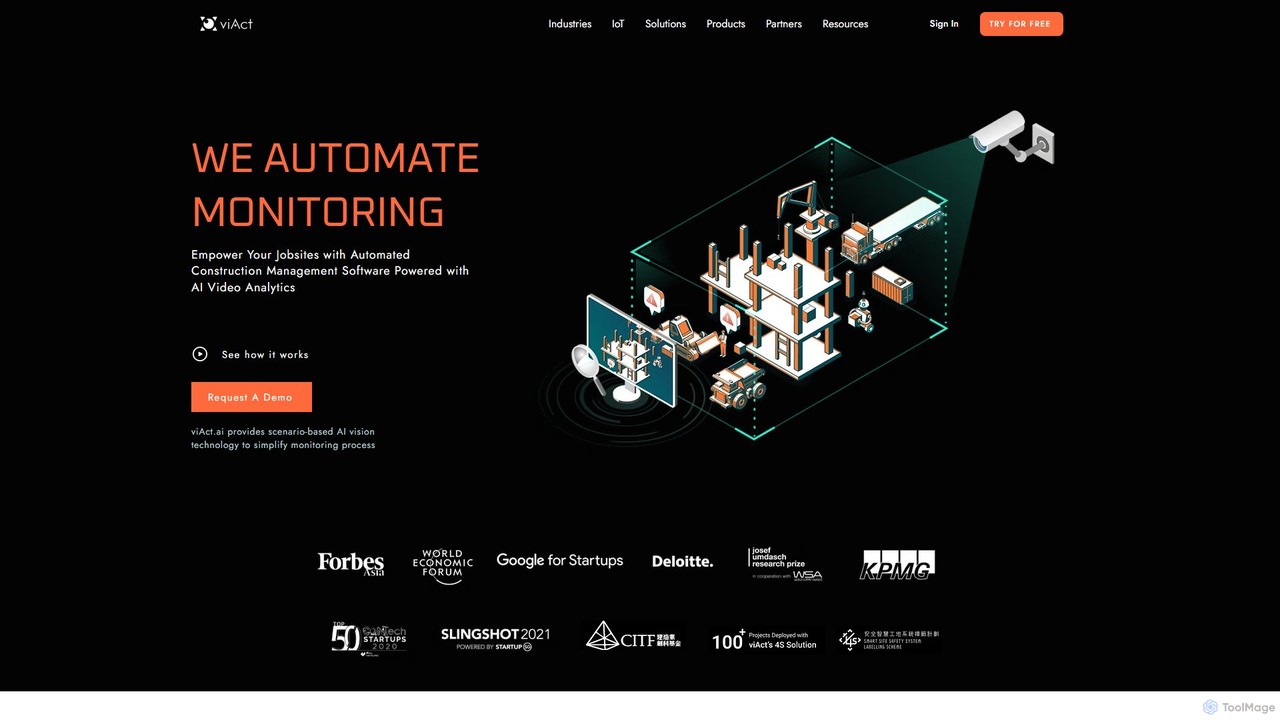
viact

viAct is an AI-powered video analytics platform designed for the construction industry. It automates worksite monitoring to enhance safety, productivity, and compliance. By leveraging existing CCTV cameras, viAct's computer vision technology detects safety hazards like PPE non-compliance and danger zone intrusions, providing real-time alerts and data-driven insights through a smart dashboard.

Site Management
Visits 53.3KFavorites 107Likes 97

About Analytics

Video Analytics tools are a class of AI-powered software that extracts, measures, and interprets actionable data from video content. Leveraging computer vision and machine learning algorithms, these tools analyze visual and audio elements to identify objects, people, actions, and patterns. They transform raw video footage into structured insights, enabling data-driven decisions for content optimization, audience understanding, and operational efficiency. This goes beyond simple view counts by analyzing what is happening within the video itself.

Core Features

  • Object & Scene Recognition: Automatically identifies and tags objects, scenes, and activities within a video, enabling searchable video archives.
  • Audience Engagement Analysis: Measures viewer attention, emotional reactions (via facial expression analysis), and points of drop-off to gauge content effectiveness.
  • Behavioral Analysis: Tracks movement patterns, interactions, and behaviors of people or vehicles, commonly used in retail and security.
  • Speech-to-Text & Transcription: Converts spoken dialogue into searchable text, often including speaker identification and sentiment analysis.

Use Cases

These tools are widely used by marketers to measure ad campaign effectiveness and optimize video content. In retail, they analyze in-store customer behavior to improve layout and product placement. Media companies use them to understand audience preferences and automate content moderation, while security sectors apply them for real-time threat detection and forensic analysis.

How to Choose

When selecting a Video Analytics tool, consider the specific analysis required (e.g., real-time vs. post-processing). Evaluate the accuracy and reliability of its AI models for your specific use case. Assess its integration capabilities with your existing video platforms (like YouTube, Vimeo, or security camera systems) and ensure it complies with data privacy regulations like GDPR or CCPA.

Featured tool rankings

Analytics use cases

1

Optimize Marketing Video Performance

A digital marketing team launches a new video ad campaign. By using a video analytics tool, they can go beyond view counts and analyze second-by-second viewer engagement. The tool identifies the exact moments where a significant number of viewers drop off. It also uses emotion analysis to detect which scenes generate the most positive reactions. Based on these insights, the team re-edits the video, shortening the less engaging introduction and highlighting the emotionally resonant parts, leading to a 30% increase in completion rate and higher conversion.

2

Analyze In-Store Customer Behavior

A large retail store uses its existing security cameras with a video analytics platform to understand customer behavior. The AI analyzes foot traffic to generate heatmaps, showing which aisles are most popular and which are ignored. It also measures average dwell time in front of specific product displays. The store manager uses this data to optimize store layout, place high-margin products in high-traffic areas, and A/B test promotional displays, resulting in a 15% uplift in sales for targeted product categories.

3

Automate Security & Safety Monitoring

A large manufacturing plant deploys a real-time video analytics system to enhance workplace safety. The AI monitors camera feeds 24/7, automatically detecting safety protocol violations, such as employees entering restricted zones or not wearing personal protective equipment (PPE). When a violation is detected, the system instantly sends an alert to the shift supervisor's mobile device with a video clip of the incident. This proactive approach reduces workplace accidents by 40% and replaces hours of manual monitoring.

4

Enhance Media Content Strategy

A streaming service provider uses video analytics to understand content popularity. The AI scans thousands of hours of video content, automatically tagging scenes with keywords like 'action', 'comedy', or 'dramatic tension'. It correlates this data with viewer engagement metrics, revealing that videos with a high density of 'comedic dialogue' in the first five minutes have higher retention rates. The content acquisition team uses this insight to prioritize licensing new comedies and guide producers on structuring future original content.

5

Improve Online Learning Effectiveness

An e-learning platform integrates video analytics to improve course content. The system analyzes how students interact with video lectures, tracking metrics like re-watching specific segments, pausing, and skipping. It identifies that a particular segment in a calculus lecture is re-watched by 80% of students, indicating it's a point of confusion. The platform automatically flags this for the instructor, who then creates a supplementary micro-learning video to explain the concept more clearly, improving student comprehension and course ratings.

6

Automate Content Moderation for UGC Platforms

A social media platform that hosts user-generated video content (UGC) uses an AI video analytics tool to enforce community guidelines. The tool automatically scans every uploaded video in real-time. It uses object detection and activity recognition to flag content containing violence, weapons, or other prohibited items. It also transcribes audio to detect hate speech. Videos flagged by the AI are sent to a human moderation queue for final review, reducing moderators' exposure to harmful content by 90% and speeding up the review process tenfold.

Analytics FAQ

What are AI Video Analytics tools?

AI Video Analytics tools are software applications that use artificial intelligence, particularly computer vision and machine learning, to automatically analyze video footage. Instead of just recording or playing video, these tools extract meaningful data and insights from the visual and audio content. Key functions include identifying objects, tracking movement, recognizing faces, analyzing emotions, and transcribing speech. They are used across various industries to enhance security, understand customer behavior, and optimize content performance.

How to choose the right Video Analytics tool?

Choosing the right tool depends on your specific needs. Consider the following factors:

  • Use Case: What do you need to analyze? (e.g., customer foot traffic, online viewer engagement, workplace safety).
  • Analysis Type: Do you need real-time analysis for immediate alerts or post-processing (batch) analysis for reports?
  • Accuracy & Reliability: Check reviews or request demos to evaluate the accuracy of the AI models for your specific environment (e.g., lighting conditions, camera angles).
  • Integration: Can the tool integrate with your existing systems, such as security cameras, video hosting platforms, or marketing automation software?
  • Scalability & Cost: Assess the pricing model and ensure it can scale with your volume of video data.
What's the difference between Video Analytics and standard web analytics?

The primary difference lies in the type of data they analyze. Standard web analytics (like Google Analytics) track user interactions with a website or app, such as clicks, page views, and session duration. This is structured, event-based data. In contrast, Video Analytics tools analyze the unstructured content *within* the video itself—the pixels and audio. They identify objects, actions, and spoken words to understand what is happening in the video, not just how many times it was played.

What key features should I look for in a Video Analytics tool?

While features vary by use case, several are fundamental to most powerful tools:

  • Object Detection and Tracking: The ability to identify and follow specific objects, people, or vehicles.
  • Scene and Activity Recognition: Understanding the context of the video, such as identifying a 'meeting' or 'traffic congestion'.
  • Facial Recognition and Analysis: Identifying individuals or analyzing demographic attributes and emotions.
  • Speech-to-Text Transcription: Converting all spoken words into a searchable text format.
  • Customizable Alerts and Reporting: The ability to set up automated alerts for specific events and generate detailed performance reports.
Can these tools analyze video in real-time?

Yes, many advanced Video Analytics tools are capable of real-time analysis. This is crucial for applications like security surveillance (detecting intruders instantly), workplace safety monitoring (identifying hazards as they happen), and live broadcast analysis. These systems process video streams frame-by-frame as they are captured, allowing for immediate alerts and actions. Other tools focus on post-processing (or batch analysis), which is more suitable for analyzing recorded content to generate reports and identify long-term trends, such as in marketing campaign analysis.