ToolMage
Sign in

Best 9 Music Video AI tools for Video

Popular Music Video AI tools in Video include ilovesong, neuralframes, Banger.Show, Tunesona, Rotor Videos, Aimusic, Plazmapunk, myBeat, and WZRD, helping you work more efficiently.

Tunesona
Freemium

Tunesona

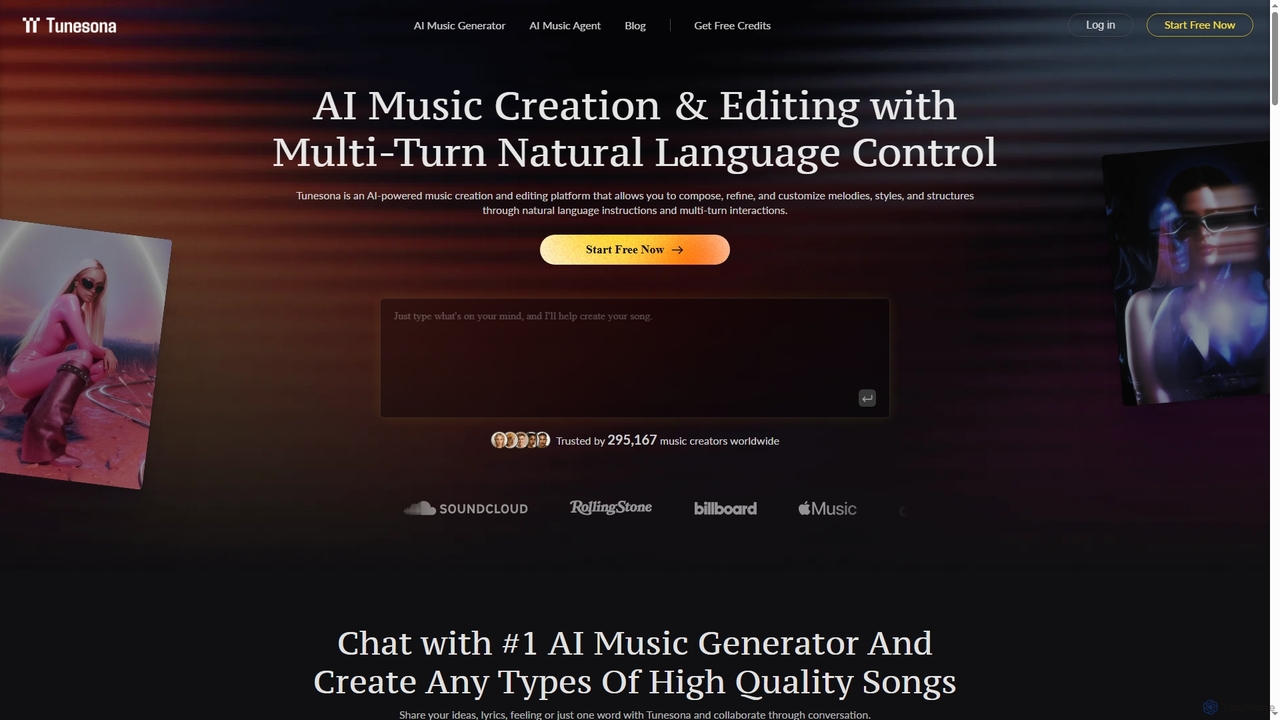
Tunesona is a conversational AI Music Agent that allows users to create, edit, and refine original, royalty-free songs through natural language chat. It supports over 400 genres and styles, requiring no technical music skills to produce high-quality tracks for commercial use.

Music Generation
Visits 127.8KFavorites 140Likes 138
Aimusic
Freemium

Aimusic

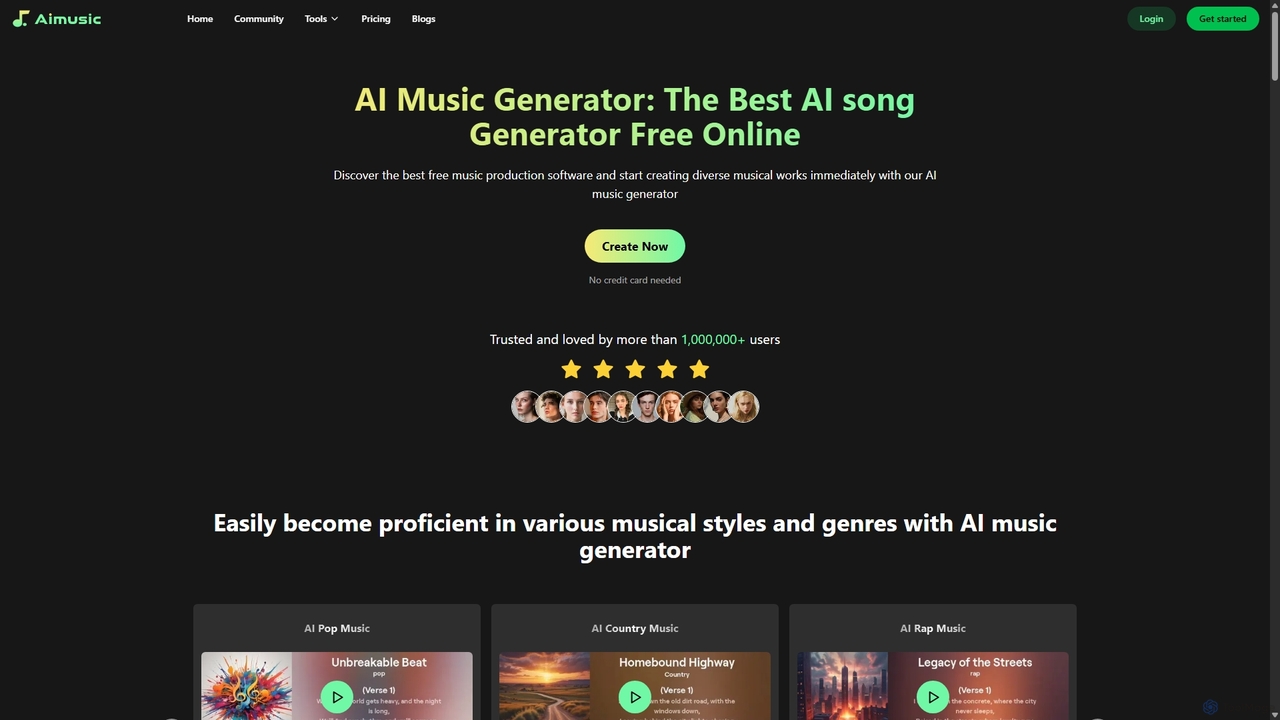
Aimusic is a powerful AI music generator that creates unique, high-quality songs, lyrics, and music videos from text, images, or samples. It supports a wide range of genres like Pop, Rock, and Rap, offering copyright-free music for content creators, musicians, developers, and marketers. The platform features an intuitive interface, advanced customization options, and a freemium model to get started instantly.

Music Generation
Visits 58.6KFavorites 130Likes 126
Plazmapunk
Freemium

Plazmapunk

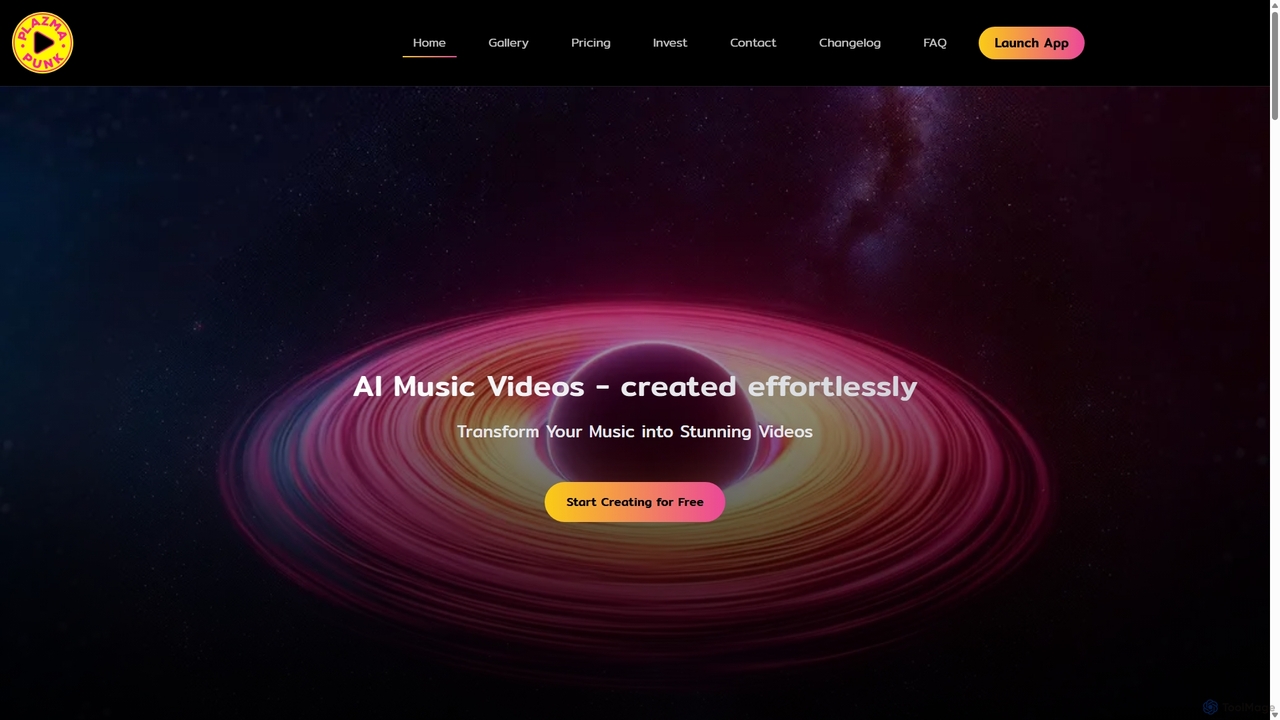
Plazmapunk is an AI-powered music video generator that transforms your audio tracks into stunning, professional-grade visual experiences. Effortlessly create unique, music-synchronized videos using advanced AI models, multiple visual styles, and an intuitive scene editor. Ideal for musicians, artists, and content creators.

Generative Art
Visits 57.5KFavorites 117Likes 115
myBeat
Freemium

myBeat

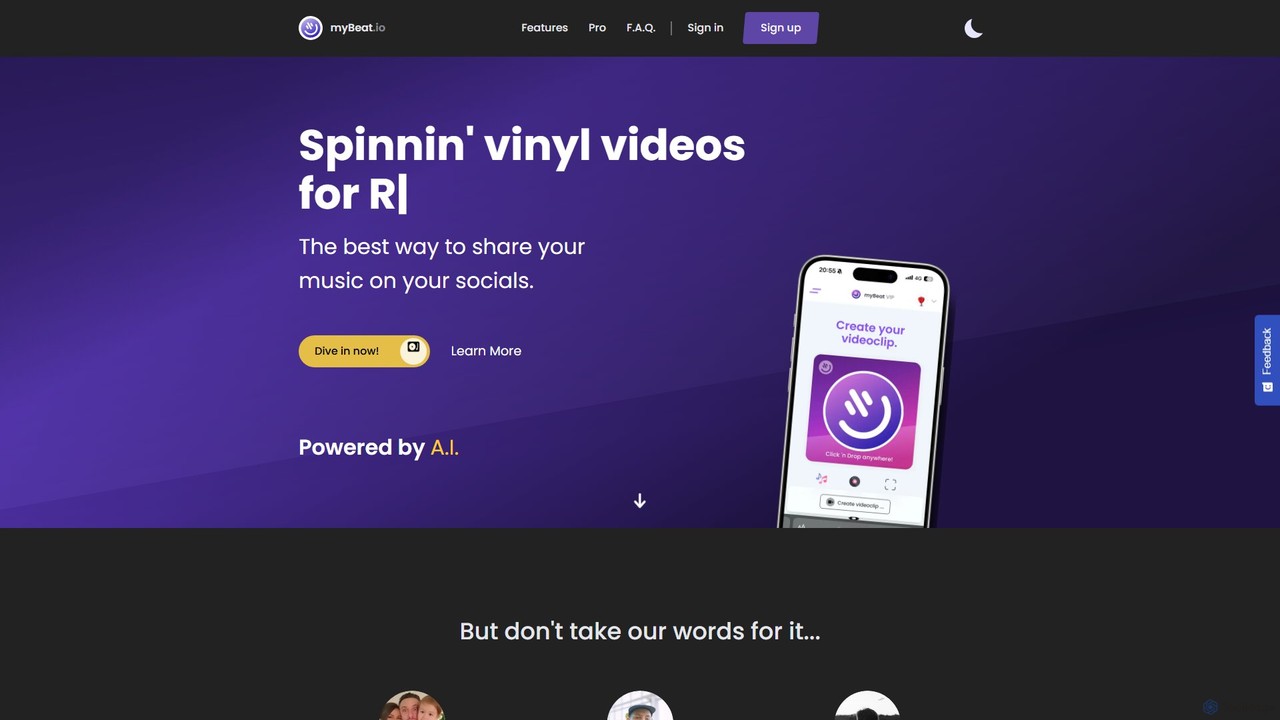
myBeat is an AI-powered web application for musicians and creators to produce captivating animated vinyl music videos. It simplifies music promotion by generating unique AI cover art, creating engaging visuals for Spotify Canvas, and exporting videos in various formats for platforms like Instagram, TikTok, and YouTube.

Promotion
Visits 27.9KFavorites 180Likes 160
ilovesong
Freemium

ilovesong

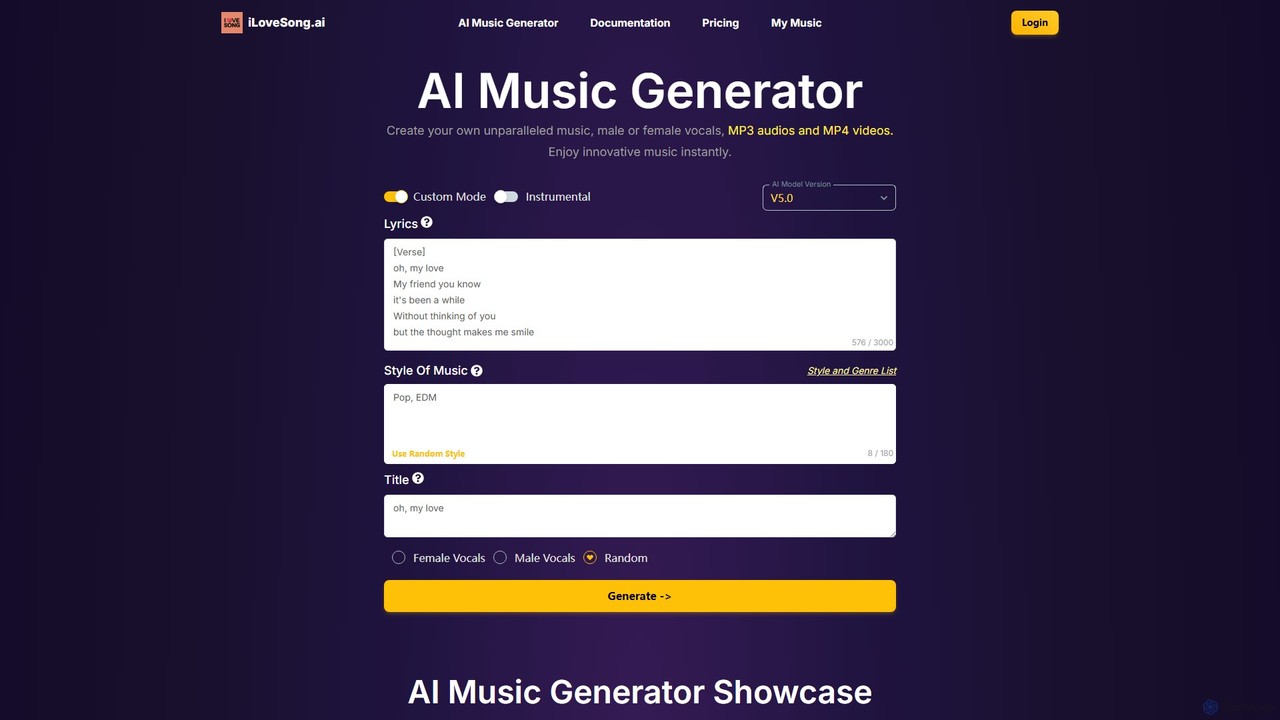
ilovesong is a powerful AI music generator that allows users to create unique songs, complete with male or female vocals, from simple text prompts. It also features an AI beat maker for instrumental tracks. Ideal for content creators, musicians, and developers, it can generate MP3 audio and MP4 video files, offering a seamless solution for producing royalty-free music for any project.

Music Generation
Visits 466KFavorites 88Likes 110
Banger.Show
Paid

Banger.Show

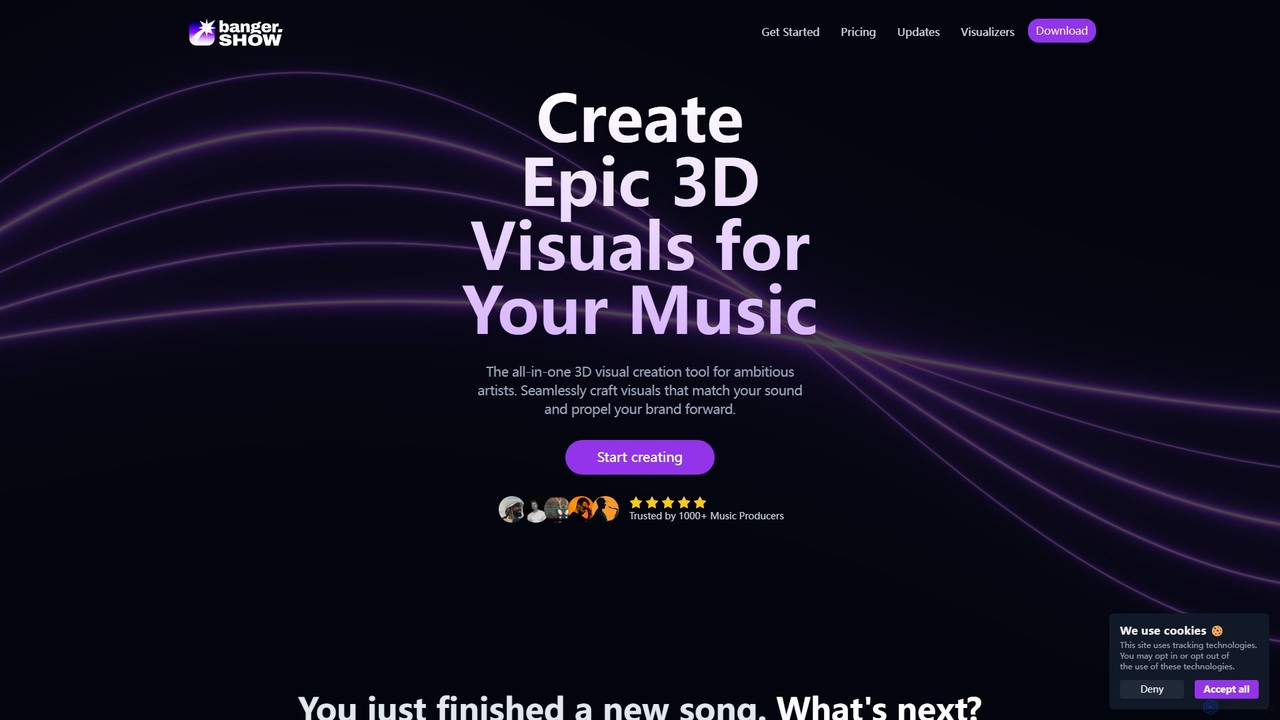
Banger.Show is an all-in-one online 3D video editor designed for artists and music producers. It enables the creation of epic, music-synced 3D visuals, music videos, and audio visualizers without requiring advanced design skills. The platform features a timeline-based editor, 3D model integration, audio-reactive elements, and a rich library of effects and templates to elevate your music's visual presence on platforms like YouTube, Spotify, and TikTok.

3D
Visits 237.2KFavorites 131Likes 106
neuralframes
Freemium

neuralframes

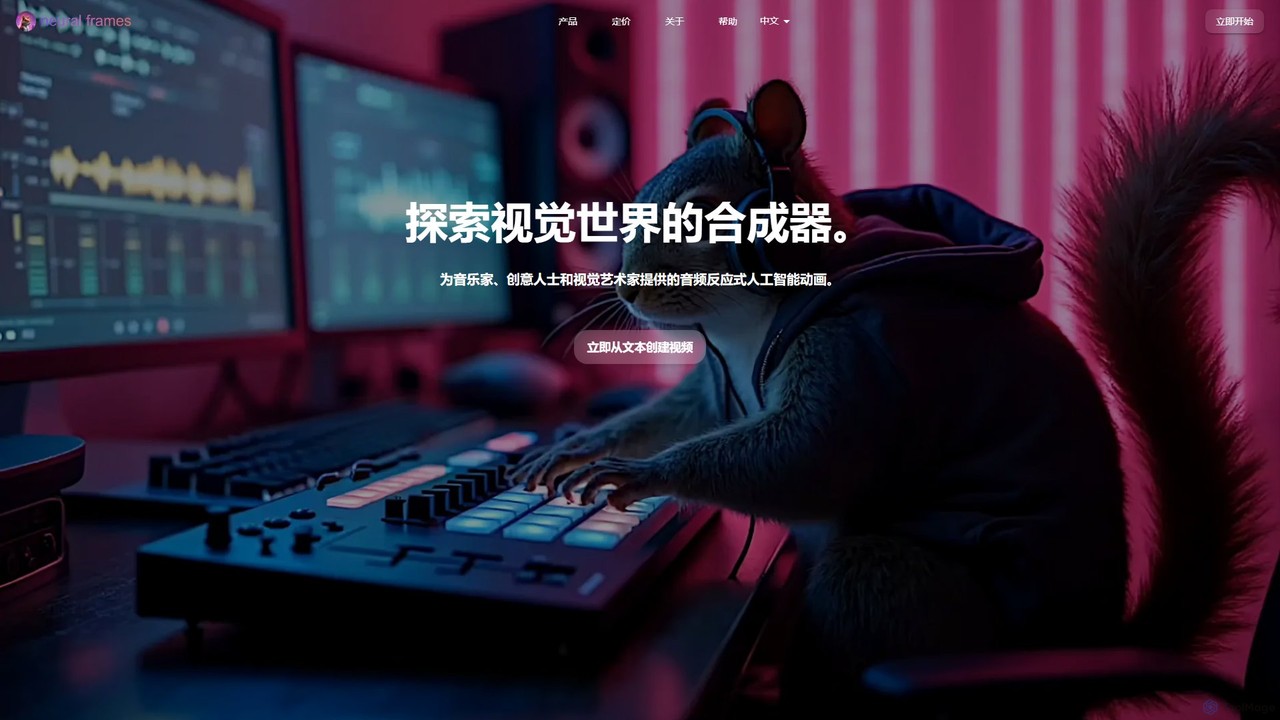
A powerful AI animation generator for musicians and creators. It transforms audio into stunning, reactive music videos using text prompts and an automated "Autopilot" feature. Create unique visuals, from lyric videos to psychedelic animations, in minutes, with up to 4K resolution and full creative control.

Animation
Visits 450KFavorites 133Likes 130
Rotor Videos
Freemium

Rotor Videos

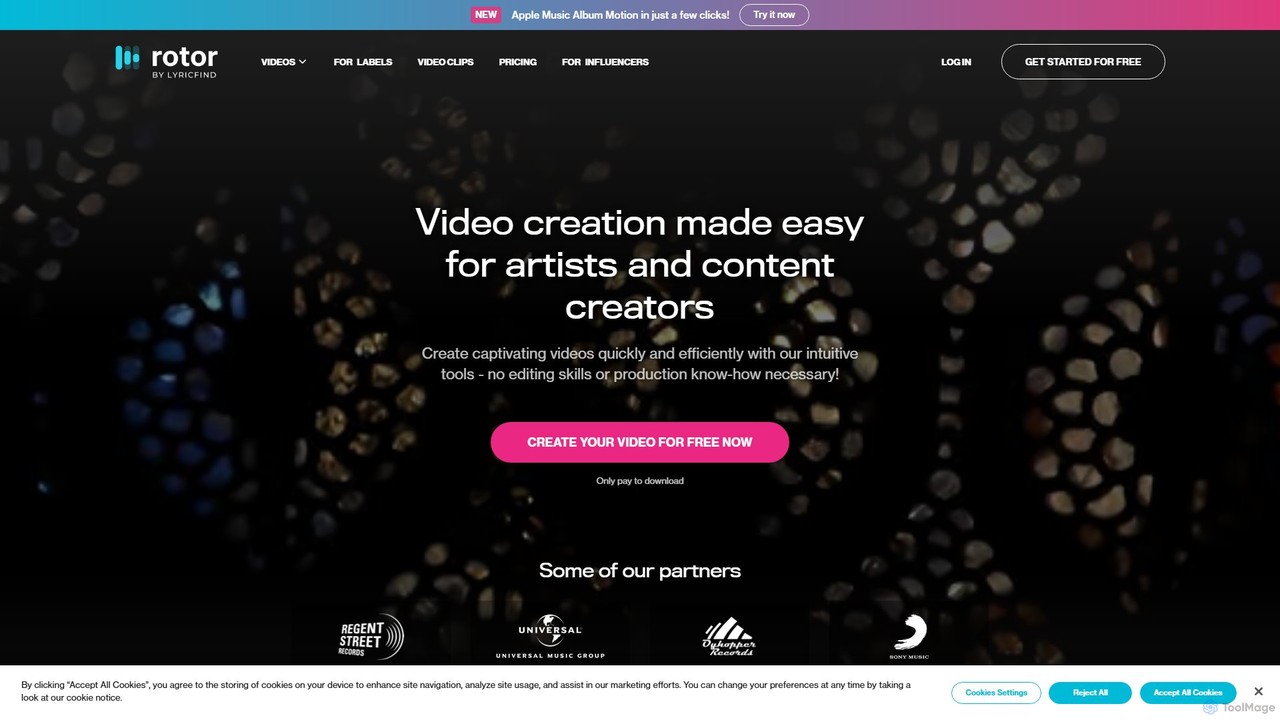
Rotor Videos is an AI-powered music video creator for musicians and artists. It simplifies video production by automatically analyzing your music and editing stock or personal footage to create professional music videos, lyric videos, and Spotify Canvases in minutes. No editing skills are required, making it a fast, affordable alternative to traditional video production.

Music Production
Visits 93.8KFavorites 153Likes 143
WZRD
Freemium

WZRD

WZRD is an AI-powered music visualizer that transforms any audio track into a stunning, immersive video. Using advanced neural networks, it analyzes your music's rhythm, harmony, and mood to generate unique, captivating visuals in minutes. Ideal for musicians, advertisers, and event organizers looking to create professional-grade music videos without the complexity or cost of traditional production.

Generative Art
Visits 15.4KFavorites 148Likes 155

About Music Video

AI Music Video generators are specialized tools that automatically create visual content synchronized with audio tracks. Leveraging deep learning algorithms, they analyze musical elements like rhythm, tempo, and melody to produce dynamic visuals, animations, or narrative scenes. This enables artists and creators to produce compelling music videos without requiring extensive filmmaking or animation expertise. These tools are distinct from general video generators due to their focus on audio-reactivity and lyrical interpretation.

Core Features

  • Audio-Reactive Visualization: Generates visuals, patterns, and effects that change in real-time with the music's beat, frequency, and volume.
  • Lyric-to-Scene Generation: Interprets song lyrics to create corresponding visual scenes, characters, and narrative elements.
  • Beat-Synchronized Editing: Automatically cuts and transitions between video clips in perfect sync with the song's rhythm and key moments.
  • Character & Avatar Animation: Creates animated characters or avatars that can lip-sync to vocals and perform actions according to the music.
  • Style Transfer: Applies a consistent artistic style (e.g., anime, cinematic, abstract) across the entire video for a cohesive look.

Use Cases

These tools are primarily used by independent musicians, record labels, and social media managers. For example, an indie artist can create a professional-looking video for their YouTube channel on a small budget. A marketing team can quickly produce dozens of short, engaging video clips for promoting a new single on TikTok and Instagram. Electronic music producers also use them to create full-length album visualizers with complex, evolving graphics.

How to Choose

When selecting an AI Music Video generator, consider the quality of its audio analysis and synchronization capabilities. Evaluate the range of available visual styles and the level of customization offered. Check what input formats are supported (e.g., audio only, lyrics, MIDI). Finally, review the output resolution, aspect ratios, and export options to ensure they meet your platform requirements.

Music Video use cases

1

Creating a Debut Music Video for an Indie Artist

An independent musician with a limited budget wants to release their first single with a professional video. They upload their audio track and lyrics to an AI music video generator, select a 'dreamy, sci-fi' visual theme, and define key narrative points. The tool generates a complete animated video where characters lip-sync to the vocals and scenes transition in sync with the song's structure, providing a high-quality asset for YouTube and Spotify Canvas without the cost of a traditional production crew.

2

Producing Engaging Lyric Videos at Scale

A record label's marketing team needs to create lyric videos for an entire album quickly. Instead of tedious manual animation in software like After Effects, they use an AI tool. They upload the audio files and corresponding timed lyric sheets. The AI automatically generates dynamic typography that animates in sync with the vocals and beat. It also creates abstract, audio-reactive backgrounds, allowing the team to produce a full set of professional lyric videos in a fraction of the time.

3

Generating Short-Form Social Media Content

A social media manager for a band needs to promote a new song across TikTok, Instagram Reels, and YouTube Shorts. They use an AI music video tool to generate dozens of 15-30 second vertical video clips. By inputting the song's chorus and a few keywords like 'energetic' and 'colorful', the tool produces a variety of eye-catching, beat-synced visuals. This allows the manager to A/B test different visual styles and post fresh content consistently without needing a video editor.

4

Creating Full-Length Album Visualizers

An electronic music producer wants to upload their new hour-long album to YouTube with continuous, engaging visuals. They use an AI tool with strong audio-reactive capabilities. The tool analyzes the frequency spectrum, BPM, and dynamics of each track to generate complex, evolving geometric patterns and abstract particle systems. It ensures smooth transitions between tracks, creating a cohesive and mesmerizing visual journey that complements the music and keeps the audience engaged for the entire duration.

5

Visual Storyboarding for a Concept Album

A songwriter is developing a concept album with a detailed narrative. Before committing to a full production, they use a lyric-to-scene AI generator to create a visual storyboard. By inputting the lyrics and character descriptions for each song, the tool generates key visual frames and short animated sequences. This process helps the artist refine the album's story, establish a consistent visual language, and create a compelling pitch deck for potential collaborators or record labels.

6

Generating Background Visuals for Live Performances

A VJ (Video Jockey) for a live band needs dynamic visuals that sync with the music during a concert. They pre-generate a library of video loops using an AI music video tool. For each song in the setlist, they create multiple clips based on different sections (verse, chorus, bridge) and tempos. During the show, the VJ can trigger these pre-rendered, beat-matched loops in real-time, ensuring the stage visuals are always perfectly synchronized with the band's live performance, enhancing the overall audience experience.

Music Video FAQ

What are AI Music Video generators?

AI Music Video generators are specialized software tools that use artificial intelligence to create videos from an audio source. Unlike standard video editors, they automatically analyze a song's beat, rhythm, melody, and sometimes lyrics to generate synchronized visuals, animations, and scene cuts. They are designed to streamline the music video creation process, making it accessible even for users without technical video production skills.

How do AI Music Video tools differ from general AI Video generators?

The primary difference lies in their core function and input focus. General AI video generators typically create video from text or image prompts (text-to-video). AI Music Video generators are specifically optimized for audio input. Their key feature is the ability to deeply analyze musical structure—like beat detection and tempo mapping—to ensure the visual output is tightly synchronized with the music. This audio-centric approach is what sets them apart.

How do I choose the right AI Music Video tool?

To choose the right tool, consider these factors:

  • Synchronization Quality: Look for tools with precise beat detection and audio analysis for tight visual-audio sync.
  • Visual Style & Customization: Does the tool offer a wide range of styles (e.g., abstract, narrative, anime) and allow you to customize colors, effects, and characters?
  • Input Flexibility: Can it handle just audio, or does it also support lyrics, MIDI files, or text prompts for more creative control?
  • Export Options: Check for support of high resolutions (1080p, 4K) and various aspect ratios (16:9 for YouTube, 9:16 for TikTok).
What inputs are needed to create an AI music video?

The minimum requirement for most tools is an audio file (e.g., MP3, WAV, FLAC). However, more advanced tools can utilize additional inputs for richer results, including:

  • Lyrics: A text file of the song's lyrics, sometimes with timestamps, for generating narrative scenes or animated text.
  • Text Prompts: Descriptions of the desired visual style, mood, or subject matter (e.g., 'a futuristic city at night, synthwave style').
  • MIDI Files: Provides detailed note and instrument data for more precise visual reactions to specific melodies or harmonies.
Can I use AI-generated music videos for commercial purposes?

This depends entirely on the terms of service of the specific AI tool you use. Most platforms with paid or subscription plans grant commercial licenses, allowing you to use the videos on platforms like YouTube (including for monetization), social media, and in advertising. However, free or trial versions often have restrictions. Always verify two things: 1) The tool's licensing terms, and 2) That you have the legal rights to use the input music commercially.