Tpflow
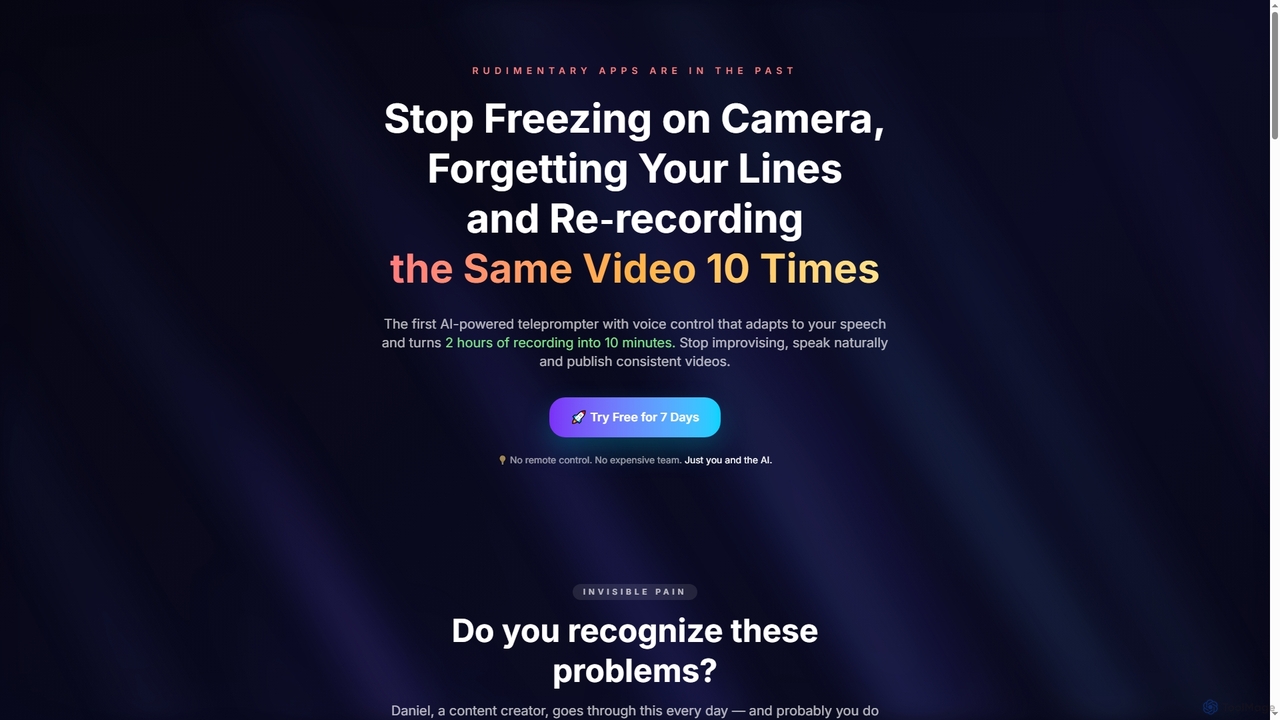
Tpflow is an AI-powered teleprompter that automatically adapts to your speaking pace. It features voice control and multi-device …
Tpflow is an AI-powered teleprompter that automatically adapts to your speaking pace. It features voice control and multi-device sync, designed to help content creators record videos naturally and efficiently, drastically reducing recording and editing time.
Lusun Teleprompter
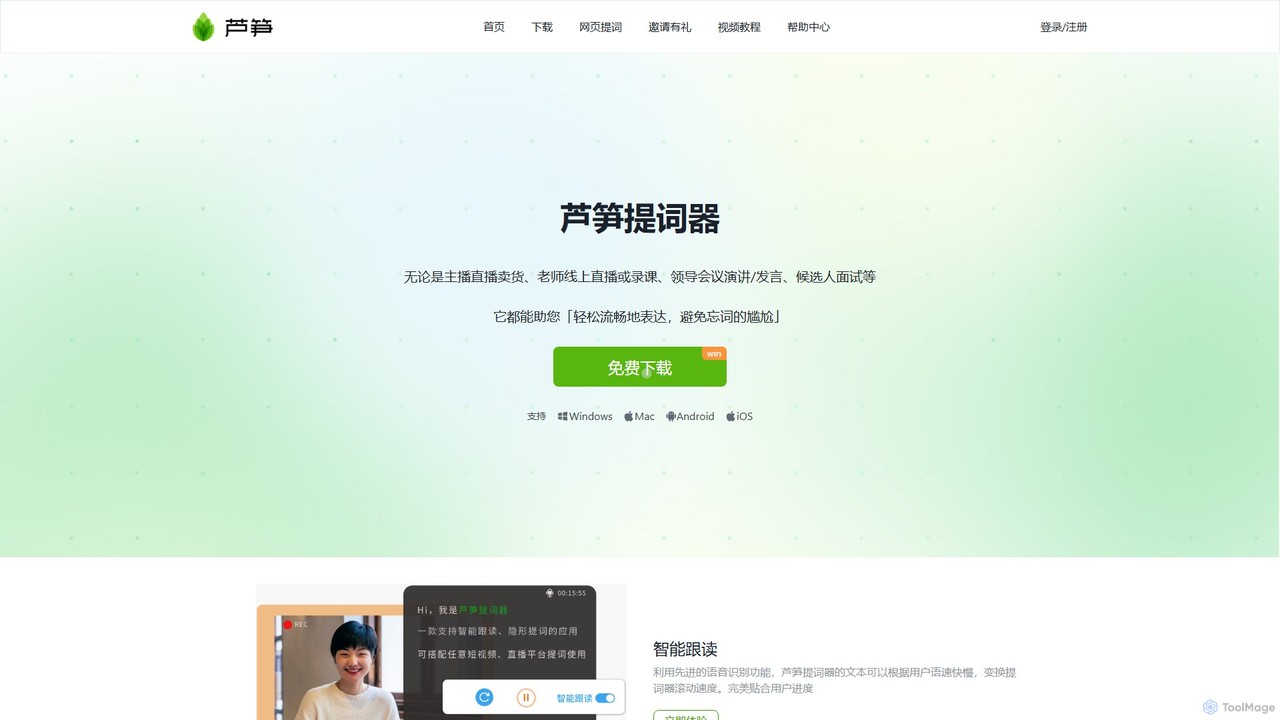
Lusun Teleprompter is an AI-powered teleprompter app designed for content creators, educators, and speakers. It features smart voice-controlled …
Lusun Teleprompter is an AI-powered teleprompter app designed for content creators, educators, and speakers. It features smart voice-controlled scrolling, an invisible overlay for streaming, and an AI script assistant to help you deliver flawless presentations. Available on Windows, macOS, Android, and iOS with cloud sync.
EasySpeak
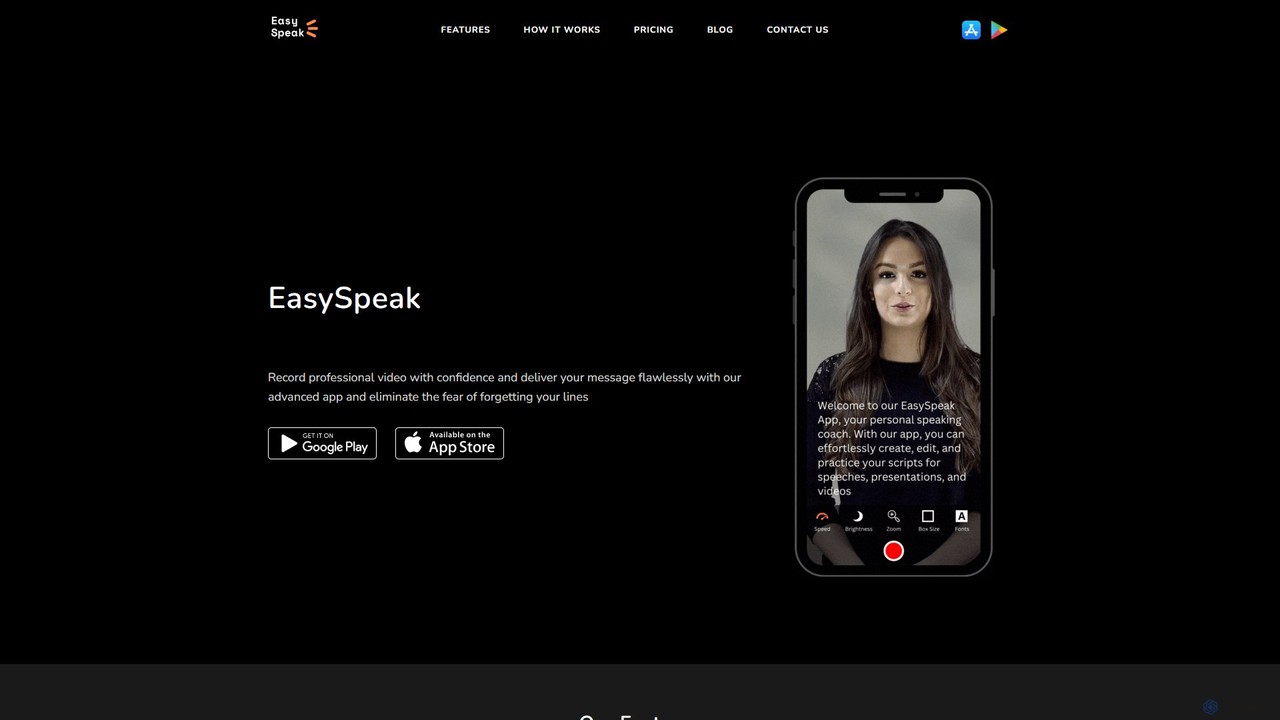
EasySpeak is an AI-powered teleprompter app designed for content creators, educators, and speakers. It helps users deliver smooth, …
EasySpeak is an AI-powered teleprompter app designed for content creators, educators, and speakers. It helps users deliver smooth, confident speeches by offering features like voice-controlled scrolling, AI script enhancement, and HD video recording. Available on iOS, Android, and the web, it syncs scripts across devices, making it a versatile tool for creating professional-quality videos and presentations.
About Teleprompter
Teleprompter tools are applications that display scrolling text on a screen, enabling speakers to read a script while maintaining direct eye contact with the camera. These tools utilize adjustable speed controls, and some leverage AI for voice-activated scrolling that matches the speaker's pace. This functionality is crucial for producing professional-quality videos, as it eliminates the need for memorization, reduces errors, and ensures a smooth, confident delivery. Modern teleprompter apps often integrate video recording capabilities, making them a comprehensive solution for content creators.
Core Features
- Voice-Activated Scrolling: AI-powered technology that automatically scrolls the text as you speak, matching your natural pace.
- Customizable Display: Adjust font size, color, and background for optimal readability from a distance.
- Remote Control Functionality: Control the script's scrolling speed and position using a separate mobile device or keyboard.
- Integrated Video Recording: Record your video directly within the app while reading the script, streamlining the production process.
- Script Import & Editing: Easily import text files (.txt, .docx) and make quick edits to the script without leaving the application.
Applicable Scenarios
Teleprompter tools are widely used by video content creators, including YouTubers and social media influencers, to deliver polished monologues. They are also essential for business professionals recording corporate announcements, training videos, or webinars. Additionally, educators use them to create clear and concise online course materials, while journalists and actors rely on them for on-camera reporting and self-taped auditions.
How to Choose
When selecting a teleprompter tool, first consider its platform compatibility (iOS, Android, Windows, macOS). Evaluate the control methods offered—from simple automatic scrolling to advanced voice-pacing. Assess whether it includes integrated video recording and supports the video quality you need. Finally, check for features like remote control options and script collaboration if you work in a team.

TeleprompterUse Cases
Creating Professional YouTube Videos
A content creator planning a detailed product review video uses a teleprompter app on their tablet, which is mounted just below their camera lens. They import their full script into the app and set a comfortable, consistent scrolling speed. This allows them to deliver a 10-minute, information-dense monologue with precision and confidence, maintaining engaging eye contact with the audience throughout the entire take. The result is a highly professional video that requires minimal editing for stumbles or pauses, significantly speeding up their production workflow.
Recording Corporate Training Modules
An HR manager is tasked with creating a series of mandatory compliance training videos for all employees. To ensure accuracy and consistency across all modules, they use a desktop teleprompter application. The script, pre-approved by the legal department, is displayed on the screen. This allows the manager, who is not a professional presenter, to speak clearly and cover all critical points without missing any details. Using a teleprompter ensures the company delivers a standardized and legally sound message, reducing risks and saving time on re-shoots.
Delivering Live Webinars with Confidence
A marketing executive is hosting a live webinar for potential clients. To ensure a smooth flow and cover all key selling points, they use a teleprompter app that can be overlaid as a transparent window on their screen. While sharing their presentation slides, they can discreetly read their talking points from the teleprompter. This setup allows them to maintain a conversational tone and natural eye contact with the webcam, appearing more engaging and authoritative to the audience, rather than constantly looking down at notes.
Filming Social Media Content (Reels/Shorts)
A social media influencer needs to produce several short-form videos (Reels, TikToks, Shorts) in one session. They use a mobile teleprompter app with a feature that starts recording after a countdown. For each 30-second video, they load a short, punchy script. This allows them to nail the delivery in one or two takes, perfectly timing their lines with trending audio or video cuts. This efficiency is critical for maintaining a consistent posting schedule, enabling them to batch-create a week's worth of content in just a few hours.
Producing Online Educational Courses
An expert in data science is creating an online course. To ensure the complex technical explanations are clear, accurate, and easy to follow, they script every lesson. Using a teleprompter, they can present the material smoothly, as if speaking extemporaneously, while ensuring every definition and step-by-step process is communicated precisely as planned. This improves the learning experience for students and elevates the overall production value of the course, making it more competitive in the e-learning marketplace.
Self-Taping Auditions for Actors
An actor receives a last-minute audition request with several pages of dialogue. To focus on their performance rather than line memorization under pressure, they use a teleprompter app on a laptop placed next to the camera. They adjust the scroll speed to match the scene's pacing. This allows them to deliver a connected and emotionally resonant performance, fully embodying the character while ensuring every line is delivered accurately. The resulting self-tape is more polished and professional, increasing their chances of booking the role.