ToolMage
Sign in

Best 7 Video Creation AI tools for Video

Popular Video Creation AI tools in Video include Musci, MicMonster, BIGVU, Speechelo, Audyo, Wondershare Presentory, and veeroll, helping you work more efficiently.

Musci
Freemium

Musci

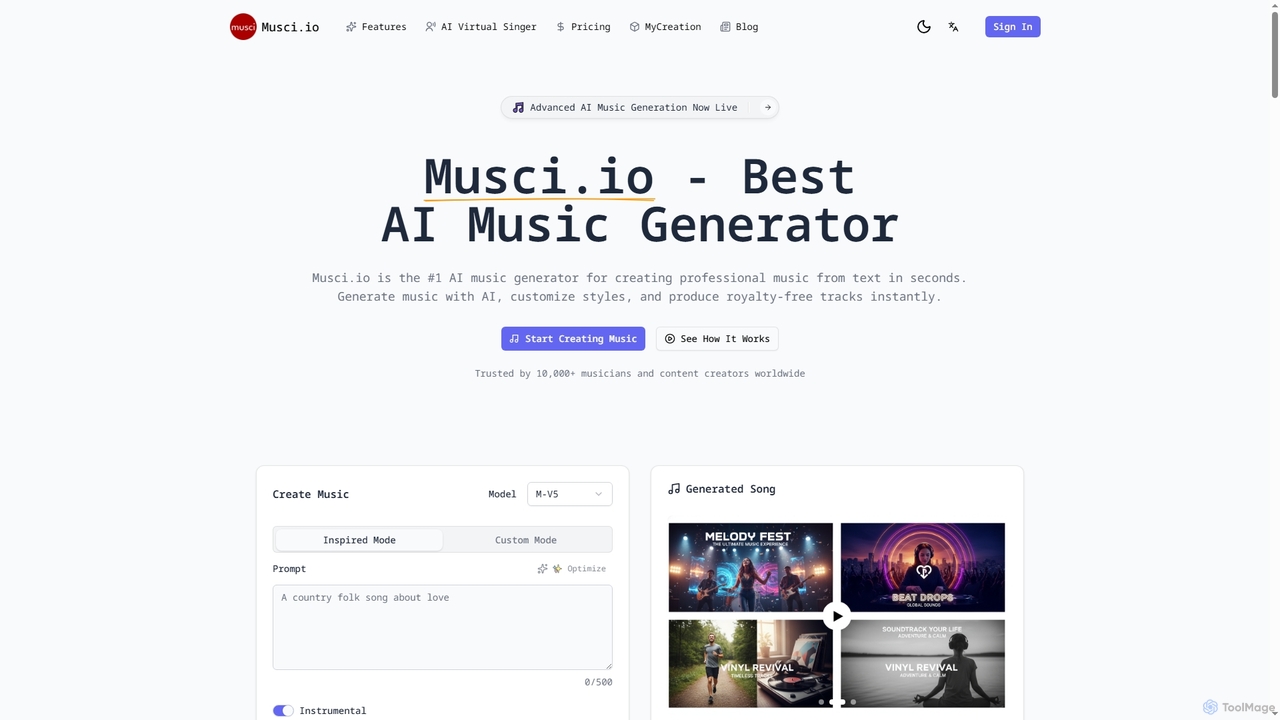
Musci is an advanced AI music generator that allows users to create professional, royalty-free music from text prompts in seconds. It offers over 100 genres, customizable moods, and high-quality audio exports, alongside an AI Virtual Singer for creating lip-synced singing videos from audio and photos.

Sound Design
Visits 242.6KFavorites 147Likes 146
Audyo
Freemium

Audyo

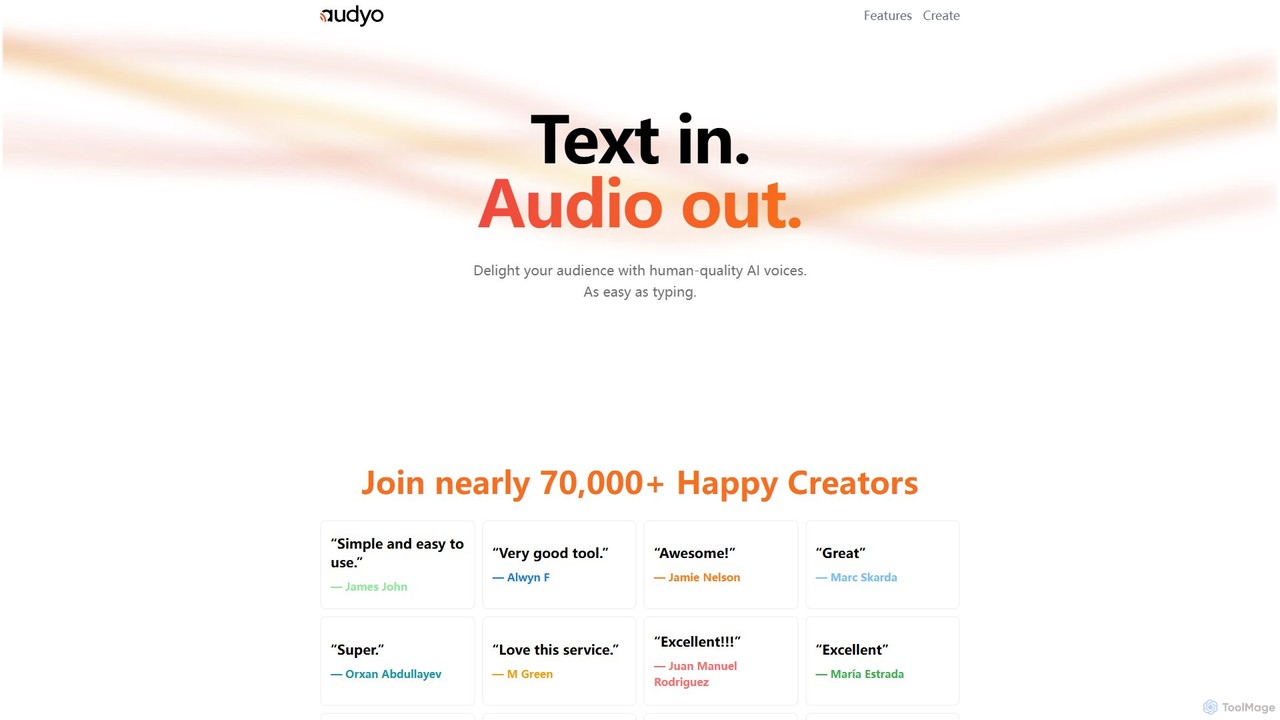
Audyo is a powerful AI text-to-speech generator that transforms text into human-quality audio with ease. It offers over 100 voices, including celebrity impressions and various languages/accents. Ideal for creators, it simplifies audio production for videos, podcasts, and presentations, making it as easy as typing in a document.

Text To Speech
Visits 7KFavorites 117Likes 107
veeroll
Paid

veeroll

Veeroll is an AI-powered platform designed to simplify YouTube video advertising. It helps users find precise target audiences, generate high-converting video ad scripts using AI, and easily launch and manage YouTube ad campaigns. Ideal for entrepreneurs, marketers, and small businesses, Veeroll streamlines the entire process, from targeting to campaign launch, making professional video advertising accessible to everyone without the complexity of Google Ads.

Social Media Marketing
Visits 5.1KFavorites 111Likes 128
BIGVU
Freemium

BIGVU

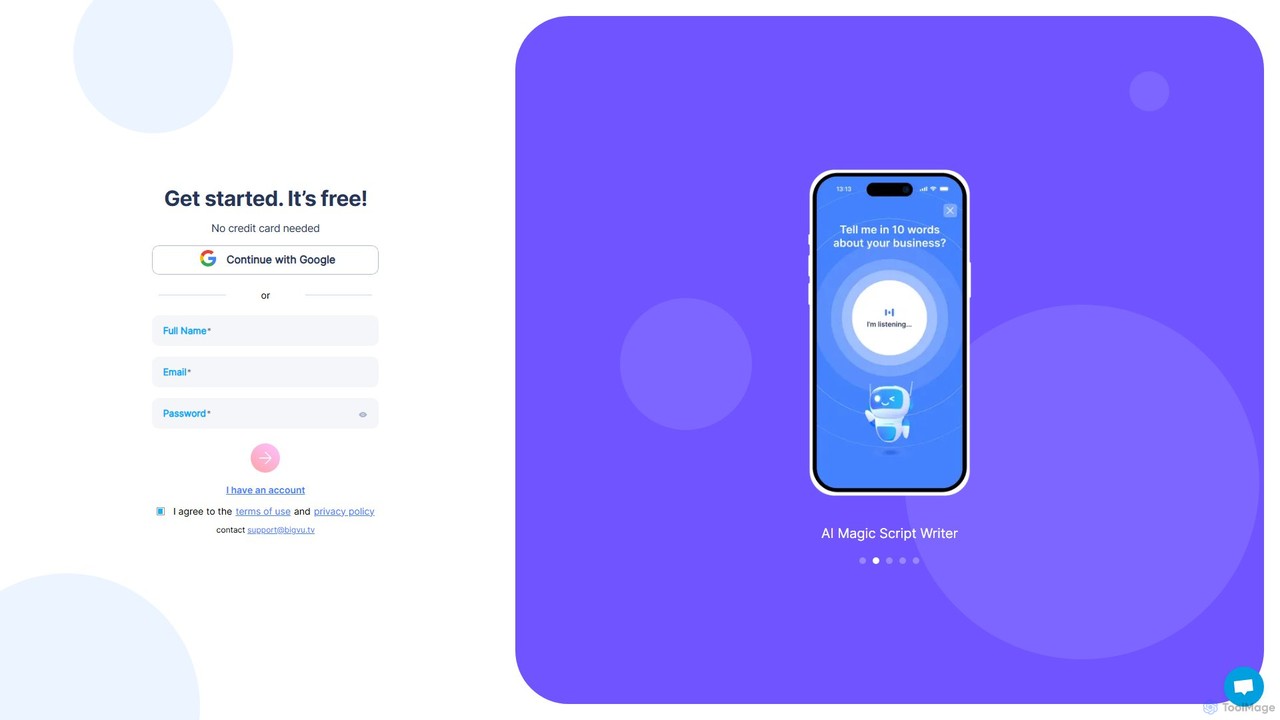
BIGVU is an all-in-one AI video studio designed for professionals and content creators. It combines a smart teleprompter with an AI scriptwriter, automatic captions, and a powerful video editor. Easily create polished, branded videos for social media, marketing, and corporate communications, all from your desktop or mobile device. Go from script to share in minutes.

Social Media
Visits 90.1KFavorites 115Likes 107
Wondershare Presentory
Freemium

Wondershare Presentory

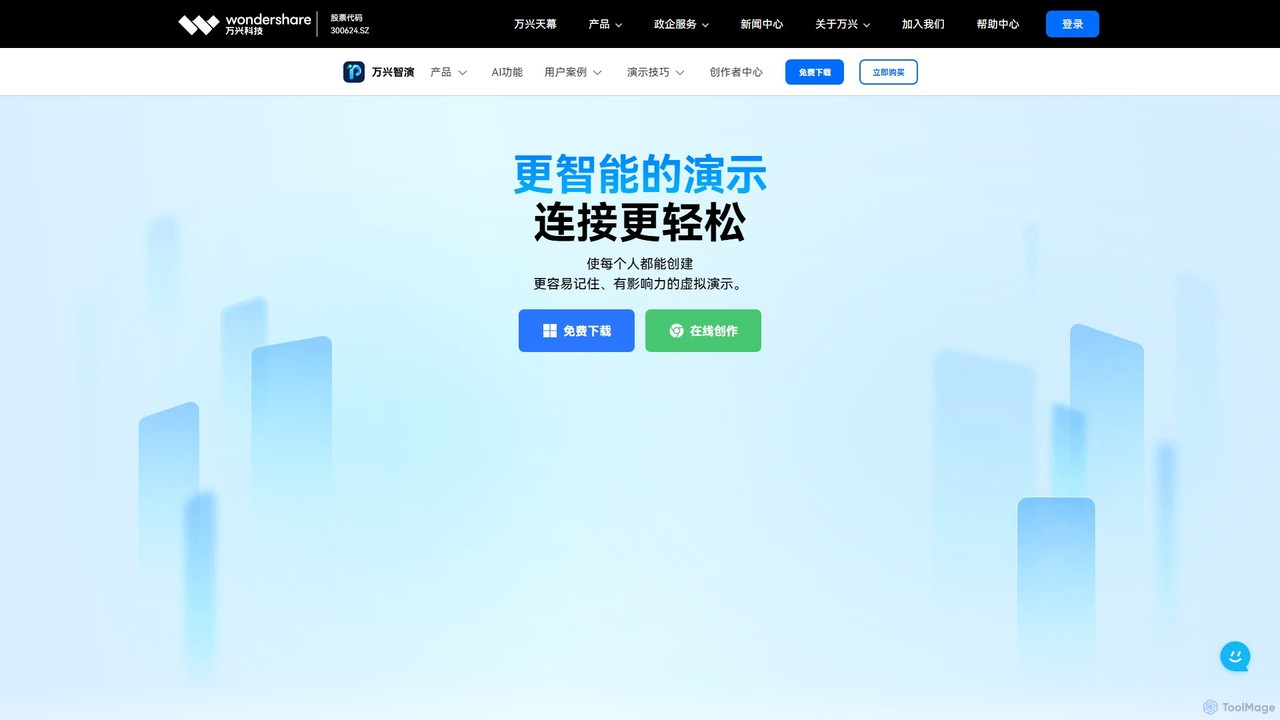
Wondershare Presentory is an AI-powered video presentation maker designed for educators, marketers, and professionals. It integrates AI to generate presentations from text, allows for dynamic on-screen arrangement of the presenter and content, and offers one-click recording and streaming. With rich templates, a built-in teleprompter, and cloud sharing, it simplifies creating impactful and memorable virtual presentations.

E Learning
Visits 5.5KFavorites 146Likes 147
MicMonster
Freemium

MicMonster

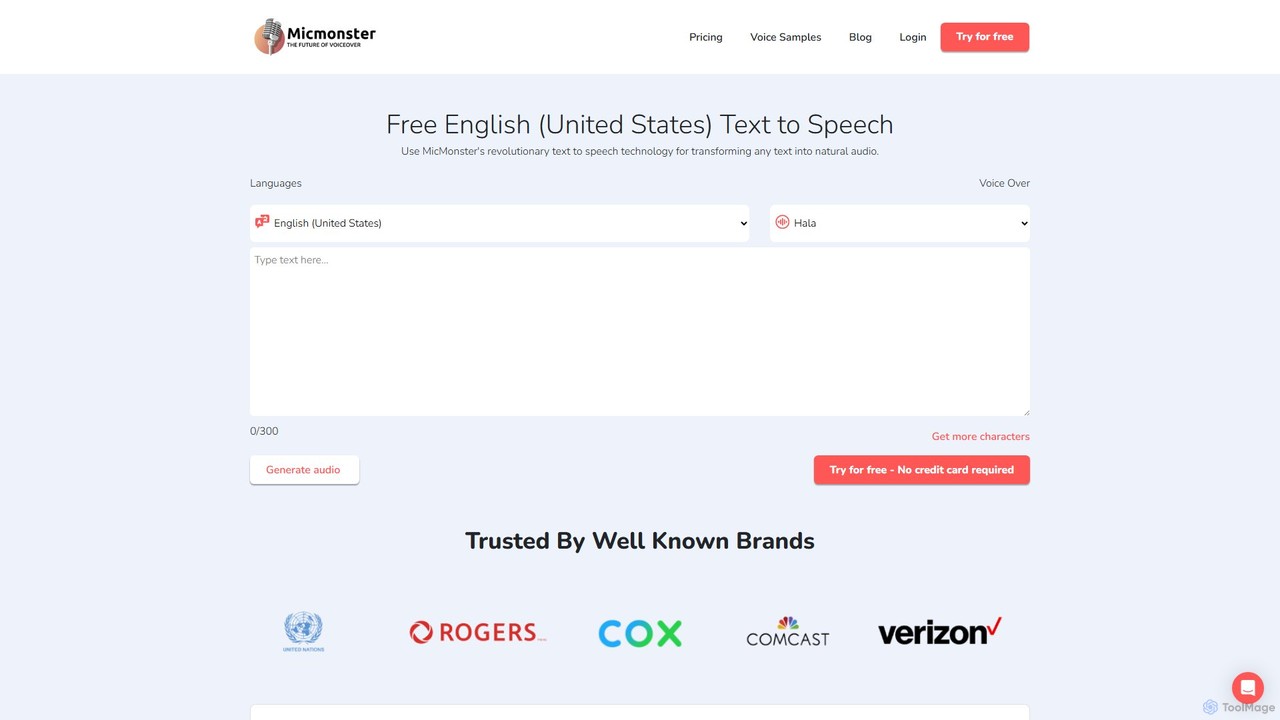
MicMonster is a powerful AI text-to-speech generator that transforms any text into natural-sounding voiceovers. It offers over 800 voices across 140+ languages, an advanced editor for fine-tuning, and a multi-voice feature. Ideal for content creators, marketers, and educators, it simplifies the creation of high-quality audio for YouTube, podcasts, e-learning, and more.

Text To Speech
Visits 105.2KFavorites 103Likes 114
Speechelo
Paid

Speechelo

Speechelo is an AI-powered text-to-speech tool that instantly converts any text into a 100% human-sounding voiceover. With over 30 voices in 24 languages, it allows users to create professional audio for videos, podcasts, and training materials in just 3 clicks. It features customizable tones, inflections, and pacing to ensure a natural and engaging listening experience.

Text To Speech
Visits 30.6KFavorites 113Likes 123

About Video Creation

AI Video Creation tools are a class of software that automatically generate new video content from inputs like text, images, or scripts. These tools leverage advanced generative models, such as text-to-video and diffusion models, to synthesize visuals, animations, and even realistic human avatars without requiring traditional filming or animation skills. Their primary value lies in drastically reducing the time, cost, and technical barriers associated with video production, enabling users to create engaging content at scale. This technology is particularly effective for producing marketing materials, educational content, and social media shorts with remarkable speed and efficiency.

Core Features

  • Text-to-Video Generation: Creates video clips directly from descriptive text prompts, translating ideas into moving images.
  • AI Avatars and Voiceovers: Generates lifelike digital presenters that can speak scripted text in various languages and voices.
  • Script-to-Video Automation: Transforms a complete written script into a structured video with corresponding scenes, background music, and subtitles.
  • Image-to-Video Animation: Animates static images, adding motion and dynamic effects to bring them to life.
  • Template-Based Creation: Offers pre-designed templates for specific use cases like social media ads or explainer videos, simplifying the creation process.

Use Cases

These tools are widely adopted by marketing teams for creating ad campaigns and social media content rapidly. E-learning professionals and corporate trainers use them to produce instructional videos with AI presenters, while content creators convert blog posts into engaging video summaries to reach a wider audience on platforms like YouTube and TikTok.

How to Choose

When selecting an AI Video Creation tool, evaluate the quality and realism of the video output. Consider the range of input types it supports (text, image, audio) and the level of customization available for avatars, voices, and branding. Also, assess the platform's language support, rendering speed, and whether its pricing model aligns with your expected usage volume.

Video Creation use cases

1

Rapidly Create Social Media Ad Campaigns

A digital marketer for an e-commerce brand needs to produce a dozen short video ads for a new product launch on Instagram and TikTok. Instead of a costly and time-consuming video shoot, they use an AI Video Creation tool. They input key product features as text prompts, select a high-energy template, and generate multiple ad variations in minutes. The tool automatically adds stock footage, background music, and an AI-generated voiceover, allowing the marketer to test different creative approaches and optimize for engagement, reducing production time from weeks to hours.

2

Produce Corporate Training and Onboarding Videos

An HR manager is tasked with creating a series of standardized training modules for new employees across global offices. Using an AI Video Creation tool with avatar functionality, they can turn training scripts into professional videos. They choose a corporate-branded template and a realistic AI avatar that can speak the content in multiple languages, such as English, Spanish, and Japanese. This eliminates the need for hiring actors or a film crew, ensures consistency in training delivery, and makes it easy to update content simply by editing the script.

3

Convert Blog Posts into Engaging YouTube Videos

A content creator wants to repurpose their popular blog articles into videos to grow their YouTube channel. Manually creating these videos would be tedious. With an AI Video Creation tool, they can paste the article's URL or text directly into the platform. The AI analyzes the content, summarizes key points, finds relevant stock footage or generates scenes, and creates a synchronized voiceover. This automates 90% of the production process, enabling the creator to publish multiple videos per week and significantly expand their audience reach.

4

Develop Animated Product Explainer Videos

A startup founder needs a concise explainer video for their new software application to feature on their website's landing page. Lacking a budget for an animation studio, they use an AI Video Creation tool. They write a simple script outlining the problem, solution, and features. The tool then generates animated scenes, character actions, and screen mockups based on the script. This allows the founder to produce a professional-looking animated explainer video in a single afternoon, clearly communicating their product's value to potential customers.

5

Generate Personalized Sales Outreach Videos

A sales team aims to increase its response rates from cold email outreach. They use an AI Video Creation tool with API integration to generate personalized video messages at scale. By connecting their CRM, the tool automatically inserts the prospect's name, company, and a relevant pain point into a video template spoken by an AI avatar. Each prospect receives a unique video that feels personal, dramatically increasing open rates and meeting bookings compared to standard text-based emails.

6

Visualize Concepts for Film and Advertising

A creative director at an advertising agency needs to quickly storyboard and present a concept for a new TV commercial to a client. Instead of relying on static drawings, they use a text-to-video tool to generate short, conceptual clips for key scenes. They input descriptive prompts like "A futuristic car driving through a neon-lit city at night" to create a dynamic video mood board. This provides the client with a much clearer and more compelling vision of the final product, facilitating faster feedback and approval.

Video Creation FAQ

What is AI Video Creation?

AI Video Creation refers to tools that use artificial intelligence to automatically generate new video content from inputs like text, scripts, or images. Unlike traditional editors, these tools create visuals, animations, and voiceovers from scratch using generative models. Key features include text-to-video synthesis, realistic AI avatars, and automated script-to-video workflows. They are primarily used to streamline the production of marketing, educational, and social media content without needing complex technical skills.

How do I choose the right AI Video Creation tool?

To choose the right tool, first assess the output quality and realism—does it meet your brand's standards? Second, consider the input flexibility; do you need text-to-video, AI avatars, or script automation? Third, evaluate customization options for branding, styles, and voices. Finally, consider practical factors like supported languages, rendering speed, available integrations, and a pricing model that fits your budget and production volume.

What's the difference between AI Video Creation and AI Video Editing?

The key difference is their core function. AI Video Creation tools generate new video content from non-video sources like text or images. They create visuals that didn't exist before. In contrast, AI Video Editing tools enhance or modify existing video footage. They automate tasks like cutting scenes, adding subtitles, removing silences, or color correcting pre-recorded clips. Creation is about making something from nothing, while editing is about refining what you already have.

What types of videos can be made with AI Video Creation tools?

You can create a wide variety of short-to-medium-length videos. Common examples include social media ads and promotional clips, corporate training and onboarding modules, animated explainer videos for products or services, and video summaries of articles for content marketing. While they excel at template-based and informational content, they are becoming increasingly capable of producing more creative and narrative-driven scenes for conceptual work.

Is the quality of AI-generated video good enough for professional use?

Yes, for many professional applications, the quality is sufficient and rapidly improving. AI-generated videos are highly effective for social media marketing, internal corporate communications, e-learning, and content prototyping where speed and cost-efficiency are critical. While they may not yet replace high-end cinematic productions, the realism of AI avatars and the quality of generated scenes are consistently reaching a level suitable for public-facing brand content and professional presentations.