ToolMage
Sign in

Best 8 Website Development AI tools

Popular Website Development AI tools include MaviBot, Weinc, TheBar, WP AI Forms, WC Contour, Solara, Digital Smiles, and HeyKora, helping you work more efficiently.

Paid

WP AI Forms

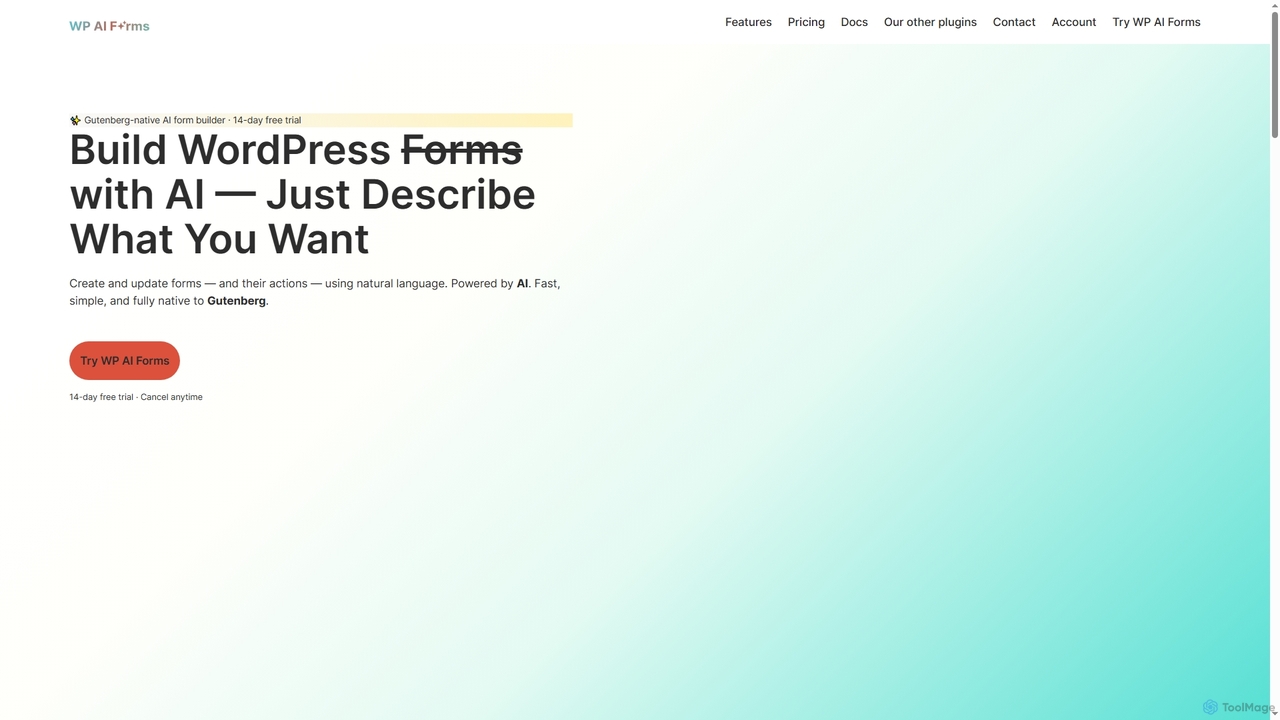
WP AI Forms is a Gutenberg-native WordPress plugin that leverages AI to instantly create and update forms using natural language. It simplifies form building, allowing users to describe their desired form and watch it appear, complete with fields, layouts, validation, and actions.

Content Generation
Visits 3.5KFavorites 27Likes 24
Freemium

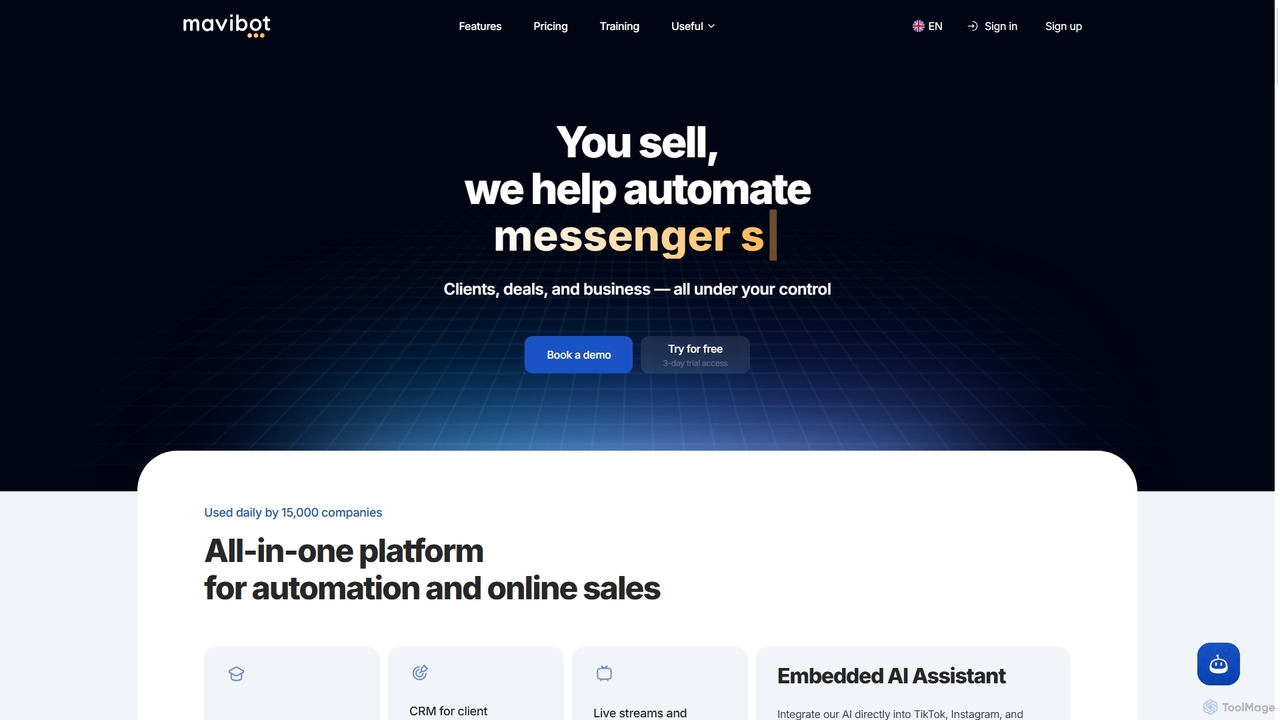
MaviBot

MaviBot is an all-in-one multifunctional platform designed to automate sales and online business operations. It integrates AI-powered chatbots, CRM, website and online store builders, online course creation, email and messenger campaigns, and analytics to streamline client management and boost efficiency.

Online Course Platform
Visits 12.4KFavorites 77Likes 81
Free

TheBar

TheBar is a revolutionary desktop AI assistant by linesNcircles that transforms how users interact with the internet and create websites. It enables live website building and editing using natural language prompts, browses the web, summarizes content, and extracts data, all while prioritizing user privacy by operating locally without requiring sign-ups or personal details.

Web Content Generation
Visits 4.6KFavorites 143Likes 135
Freemium

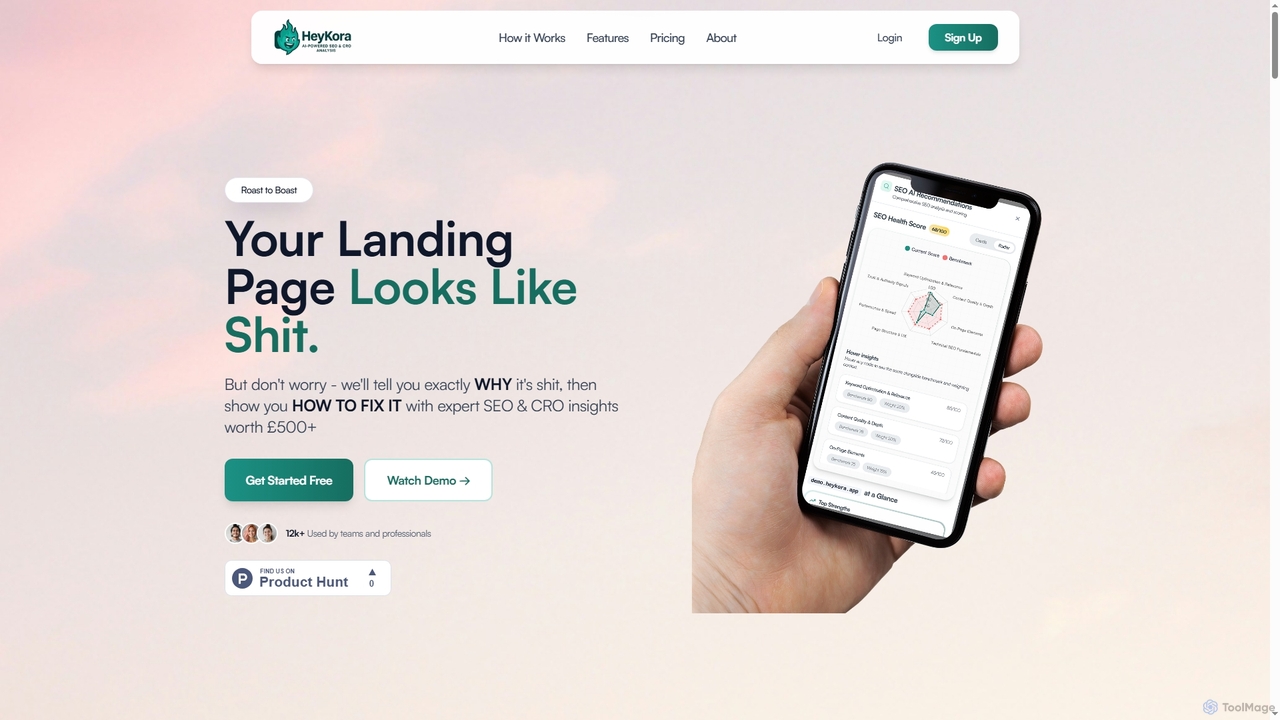
HeyKora

HeyKora is an AI-powered landing page optimization tool that provides brutal, honest audits and actionable SEO and CRO insights. It quickly analyzes your landing page's looks, copy, UX, and trust signals, offering prioritized fixes to boost conversions and improve performance. Get expert-level recommendations in minutes, not weeks.

Ux Analysis
Visits 3.4KFavorites 115Likes 117
Paid

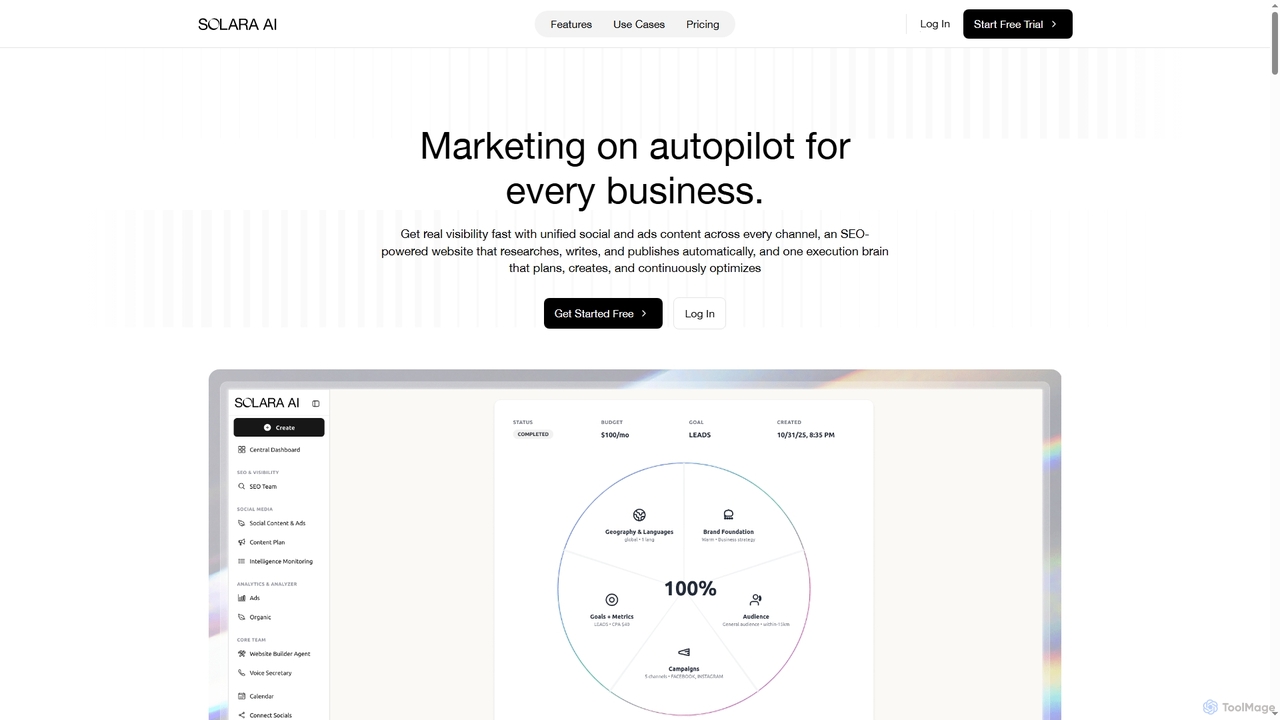
Solara

Solara is the first AI Marketing Agency, offering an all-in-one platform to automate website creation, SEO, content generation, video production, and customer engagement. It helps businesses, agencies, and e-commerce brands accelerate growth, generate leads, and optimize marketing efforts with intelligent automation and personalized outreach.

Video Generation
Visits 3.4KFavorites 113Likes 110
Freemium

WC Contour

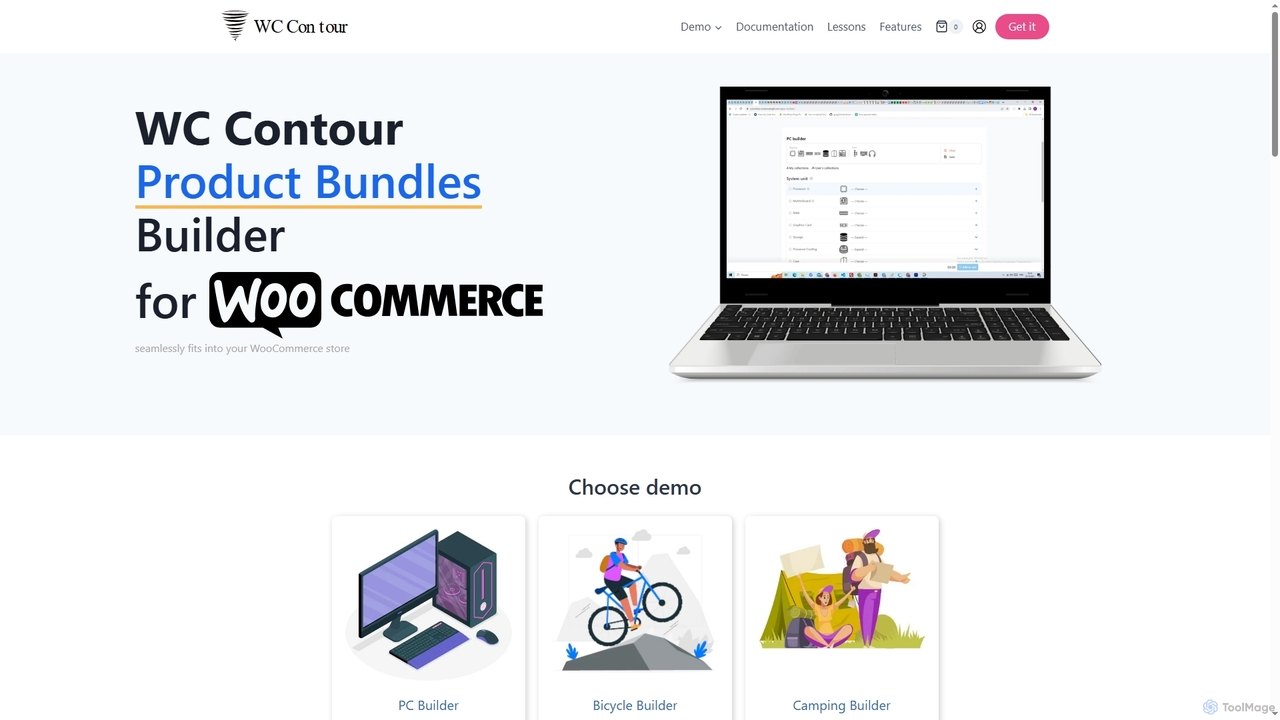
WC Contour is a powerful WooCommerce plugin designed to help shop owners create dynamic and interactive product bundles and configurators. It enables customers to build personalized product collections, enhancing cross-selling and improving the shopping experience directly on a single page.

Product Bundling
Visits 3.5KFavorites 124Likes 126

Digital Smiles

Digital Smiles is a specialized dental marketing agency for Australia and New Zealand, leveraging advanced AI, including the DentaBot chatbot, to enhance online visibility, attract new patients, and increase bookings. They offer comprehensive solutions like Meta Ads, Google Ads, website design, and SEO, all optimized with AI-powered conversion tracking for sustained growth.

Paid Search
Visits 3.4KFavorites 124Likes 130
Paid

Weinc

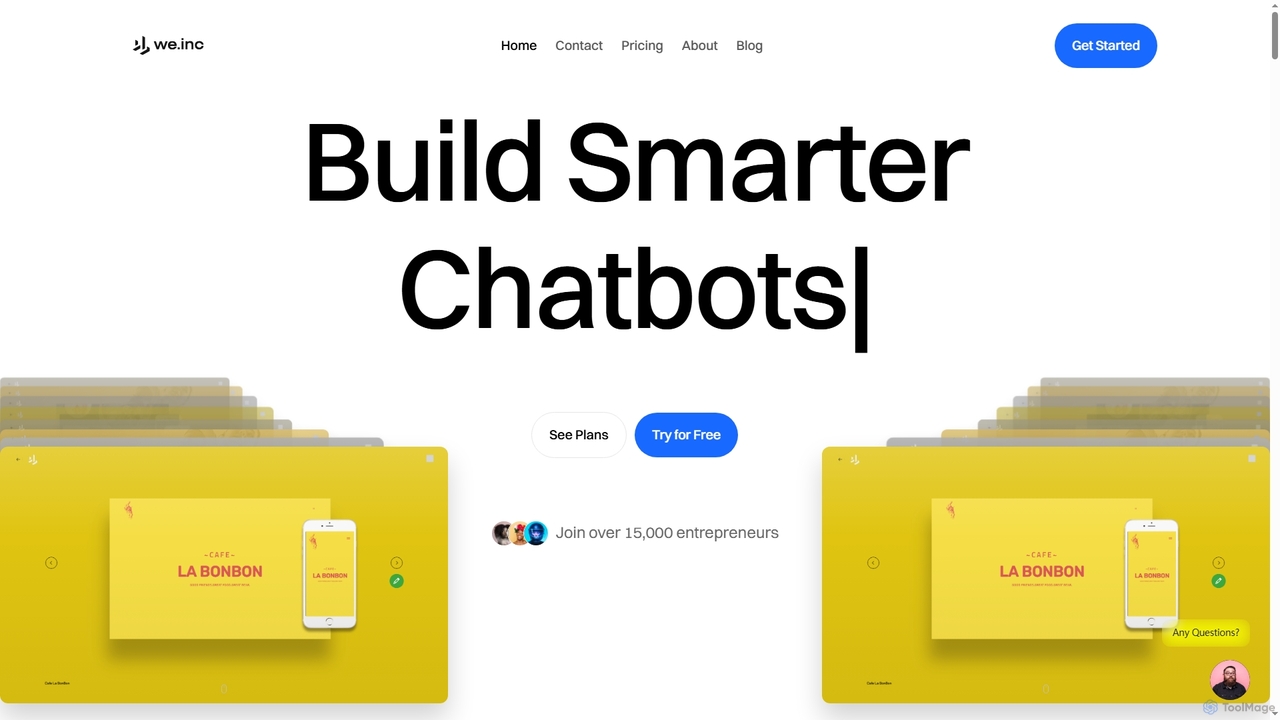
Weinc is an all-in-one 5-in-1 software suite designed to supercharge businesses by integrating no-code website building, AI chatbots, social media management, creative tools, and automation. It helps entrepreneurs and agencies streamline operations, generate leads, and manage multiple brands efficiently from a single platform.

3D
Visits 11KFavorites 114Likes 114

About Website Development

AI Website Development tools are a class of platforms that leverage artificial intelligence to automate and simplify the process of creating, designing, and managing websites. These tools utilize technologies like natural language processing (NLP) to interpret user prompts and generative AI to produce code, layouts, and content. They empower users without coding knowledge to build professional websites quickly, while also accelerating workflows for experienced developers. Key advantages include rapid prototyping, automated A/B testing, and AI-driven SEO optimization.

Core Features

  • AI-Powered Site Generation: Creates a complete website structure, including pages and navigation, from a simple text description.
  • Intelligent Content Creation: Automatically writes SEO-friendly copy, headlines, and product descriptions tailored to the site's purpose.
  • Generative Design & Layout: Produces unique visual layouts, color palettes, and font pairings based on user preferences or brand guidelines.
  • Code Generation & Assistance: Generates HTML, CSS, and JavaScript snippets or entire components from natural language prompts to assist developers.
  • Automated SEO Optimization: Analyzes content and structure to suggest improvements for search engine ranking, such as meta tags and keyword placement.

Use Cases

This category is ideal for small business owners, entrepreneurs, and freelancers who need to establish an online presence without hiring a developer. It is also valuable for marketing teams creating landing pages for campaigns and for developers seeking to accelerate their coding process by automating repetitive tasks.

How to Choose

When selecting a tool, consider the level of customization offered, its integration capabilities with other platforms (like e-commerce or analytics), the quality of the generated code for maintainability, and whether the pricing model aligns with your project's scale, from simple landing pages to complex web applications.

Featured tool rankings

Website Development use cases

1

Rapid Landing Page Creation for Marketing Campaigns

A marketing manager needs to launch a new product campaign within a week. Instead of a lengthy development cycle, they use an AI website builder. By inputting the product details, target audience, and campaign goals, the tool instantly generates several on-brand design options with compelling copy. The manager selects the best layout, makes minor tweaks, and integrates a contact form. The result is a fully functional, mobile-responsive landing page deployed in hours, not days, allowing the team to focus on promotion and lead generation immediately.

2

Building a Professional Portfolio Website for Freelancers

A freelance photographer with no coding skills needs a visually appealing portfolio to showcase their work. Using an AI website builder, they describe their style as 'minimalist and modern'. The AI generates a clean gallery layout, suggests a complementary color scheme, and even drafts an 'About Me' section based on their professional summary. The photographer simply uploads their images, which the AI automatically resizes and optimizes for web performance. This process allows them to create a professional, mobile-friendly portfolio in an afternoon, enhancing their brand and attracting new clients.

3

Prototyping Web Applications for Startups

A startup founder needs a functional prototype to demonstrate a new web app concept to potential investors. Using an AI development tool, they describe the app's core features, such as user registration, a dashboard, and a data visualization component. The AI generates the front-end code (HTML, CSS, JavaScript) and a basic UI structure. This allows the founder to create a clickable, interactive prototype in a fraction of the time it would take with traditional methods, enabling faster feedback cycles and more compelling investor pitches without needing a large development team upfront.

4

E-commerce Store Setup for Small Businesses

A small business owner wants to start selling handmade goods online but has a limited budget and no technical expertise. They use an AI-powered e-commerce platform. The tool guides them through the setup process by asking simple questions about their business and products. It then generates a complete online store, including product pages with AI-written descriptions, a shopping cart, and an integrated secure checkout system. The owner can easily manage inventory and orders through a simple dashboard, launching a professional online store without writing any code or hiring expensive agencies.

5

Automating Website Content Updates for Blogs

A content creator runs a blog and struggles to maintain a consistent publishing schedule. They use an AI tool integrated into their website's content management system. The AI helps generate blog post ideas based on trending topics in their niche, drafts articles from simple outlines, and suggests SEO keywords to improve visibility. It can also find and suggest relevant royalty-free images to accompany the posts. This automation streamlines the content creation process, allowing the blogger to produce high-quality articles more frequently, keeping their audience engaged and improving search engine rankings.

6

Assisting Developers with Repetitive Code Generation

A web developer is working on a complex project and needs to build several standard UI components like forms, navigation bars, and data tables. Instead of writing the boilerplate code from scratch each time, they use an AI code assistant integrated into their editor. By writing a comment or a prompt like, 'create a responsive login form with email, password fields, and a submit button,' the AI generates the corresponding HTML, CSS, and JavaScript. This significantly reduces development time, minimizes errors, and allows the developer to focus on more complex business logic and application architecture.

Website Development FAQ

What is AI Website Development?

AI Website Development refers to the use of artificial intelligence technologies to automate and streamline the creation, design, and maintenance of websites. Unlike traditional template-based builders, these tools can generate unique designs, write custom content, and even produce underlying code based on simple text prompts. Key features often include AI-powered layout generation, content writing, SEO optimization, and code assistance, making web development more accessible to non-technical users and more efficient for professional developers.

How to choose the right AI website development tool?

To choose the right tool, consider these factors:

  • Your Technical Skill: Select a no-code platform if you're a beginner, or a code-assistant tool if you're a developer looking to speed up your workflow.
  • Customization Needs: Determine how much control you need over the design and functionality. Some tools offer more flexibility than others.
  • Project Type: Ensure the tool is suited for your goal, whether it's a simple landing page, a blog, an e-commerce store, or a complex web application.
  • Integrations: Check if it connects with other essential tools you use, such as CRMs, analytics platforms, or payment gateways.
  • Pricing and Scalability: Evaluate the cost and ensure the platform can grow with your needs.
Can AI completely replace web developers?

No, AI is unlikely to completely replace web developers. Instead, it acts as a powerful assistant that automates repetitive tasks and accelerates workflows. AI excels at generating initial code, creating design mockups, and writing standard content. However, human developers remain essential for strategic planning, complex problem-solving, custom functionality, security implementation, and ensuring a high-quality user experience. AI tools empower developers to be more productive, allowing them to focus on higher-level, creative aspects of web development.

What are the main features of AI website builders?

AI website builders typically offer a suite of intelligent features to simplify web creation. Key features include:

  • Generative Design: Automatically creates unique website layouts, color schemes, and font pairings from text prompts.
  • AI Content Writing: Generates SEO-friendly text for headlines, paragraphs, and product descriptions.
  • No-Code/Low-Code Interface: Provides intuitive drag-and-drop editors that allow users to build and customize pages without writing code.
  • Code Generation: For more advanced users, some tools can generate clean, editable HTML, CSS, and JavaScript.
  • Automated Optimization: Includes features for automatic image compression, mobile responsiveness, and basic SEO setup.
Are websites built with AI SEO-friendly?

Yes, many AI website development tools are designed with SEO best practices in mind. They often generate clean, structured code and mobile-responsive layouts, which are crucial for search engine rankings. Additionally, many tools include AI-powered features to help write SEO-optimized content, suggest relevant keywords, and generate meta descriptions. However, while these tools provide a strong SEO foundation, a comprehensive SEO strategy still requires human oversight for in-depth keyword research, link building, and content strategy to achieve the best results.