Trustguide
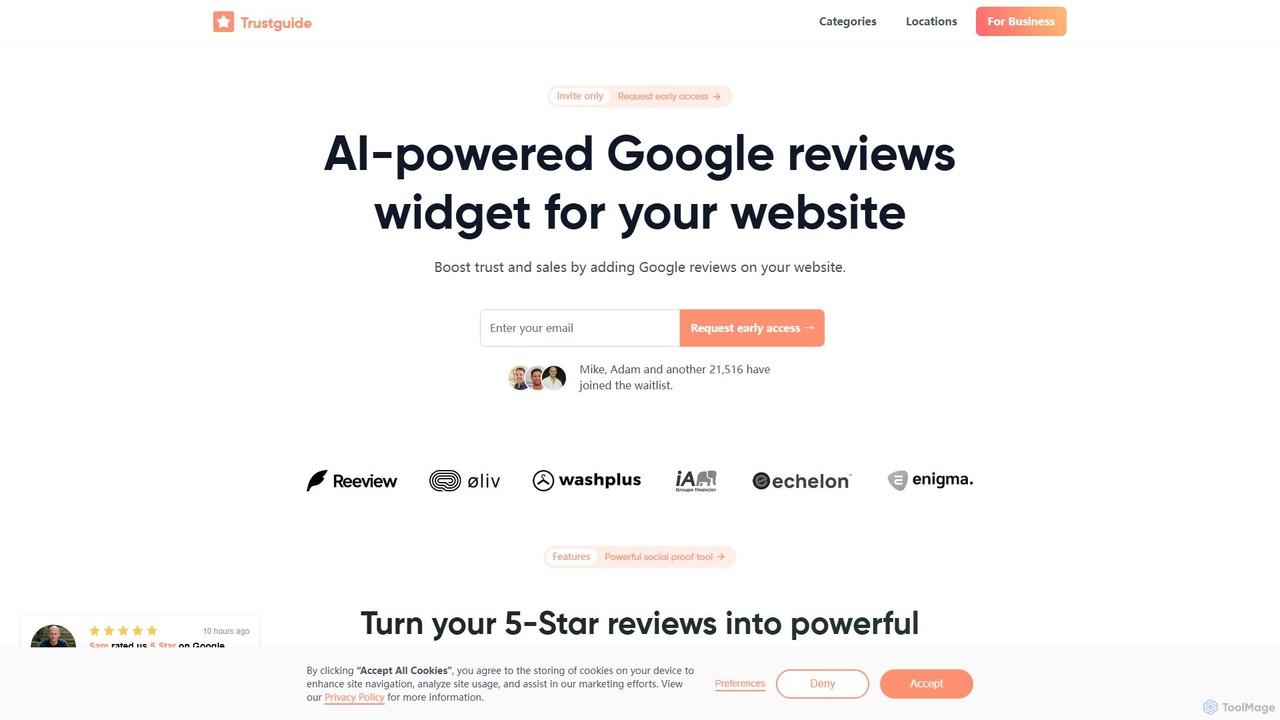
Trustguide is an AI-powered tool that allows businesses to easily embed a customizable Google Reviews widget on their …
Trustguide is an AI-powered tool that allows businesses to easily embed a customizable Google Reviews widget on their website. It helps build social proof, increase visitor trust, and improve conversion rates by showcasing authentic customer feedback. The platform offers various widget styles, real-time updates, and is simple to install with a copy-paste code snippet.
Poper
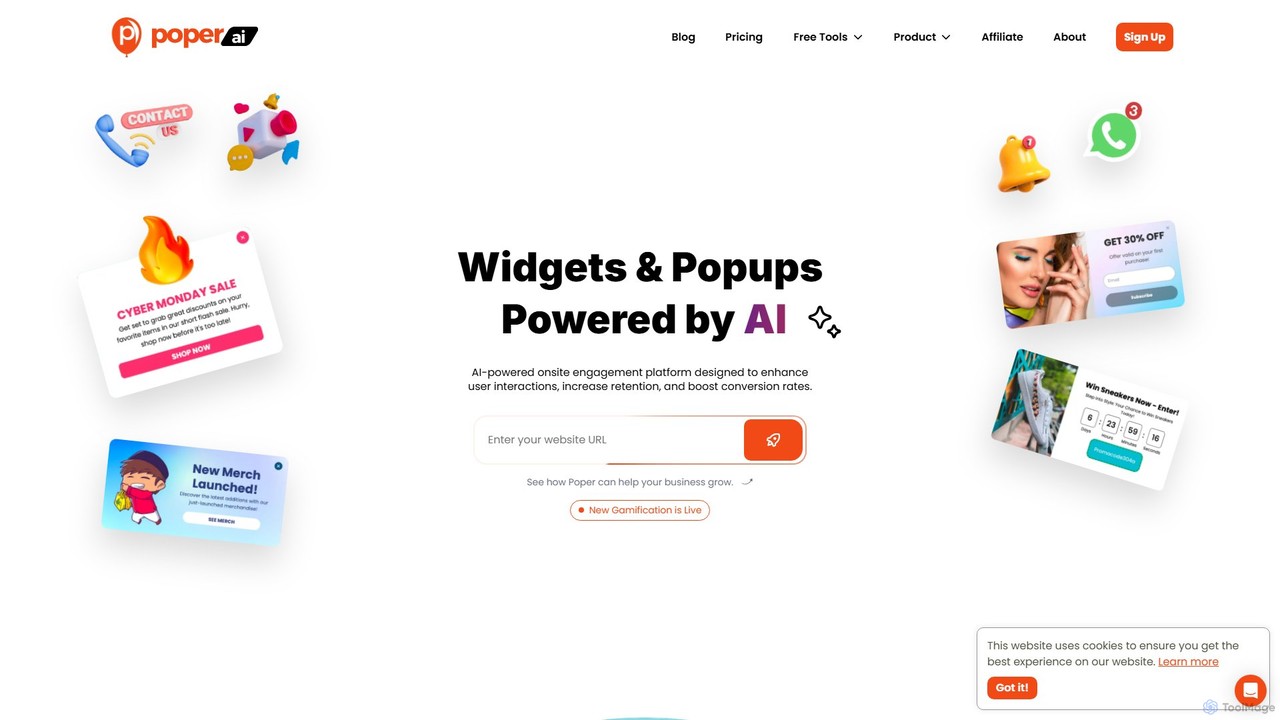
Poper is an AI-powered onsite engagement platform designed to enhance user interactions and boost conversion rates. It creates …
Poper is an AI-powered onsite engagement platform designed to enhance user interactions and boost conversion rates. It creates smart, context-aware popups and widgets that are automatically tailored to your website's page content, helping you grow your email list, promote offers, and reduce visitor abandonment. It's a user-friendly tool for marketers, e-commerce stores, and agencies.
AiWidgetPro
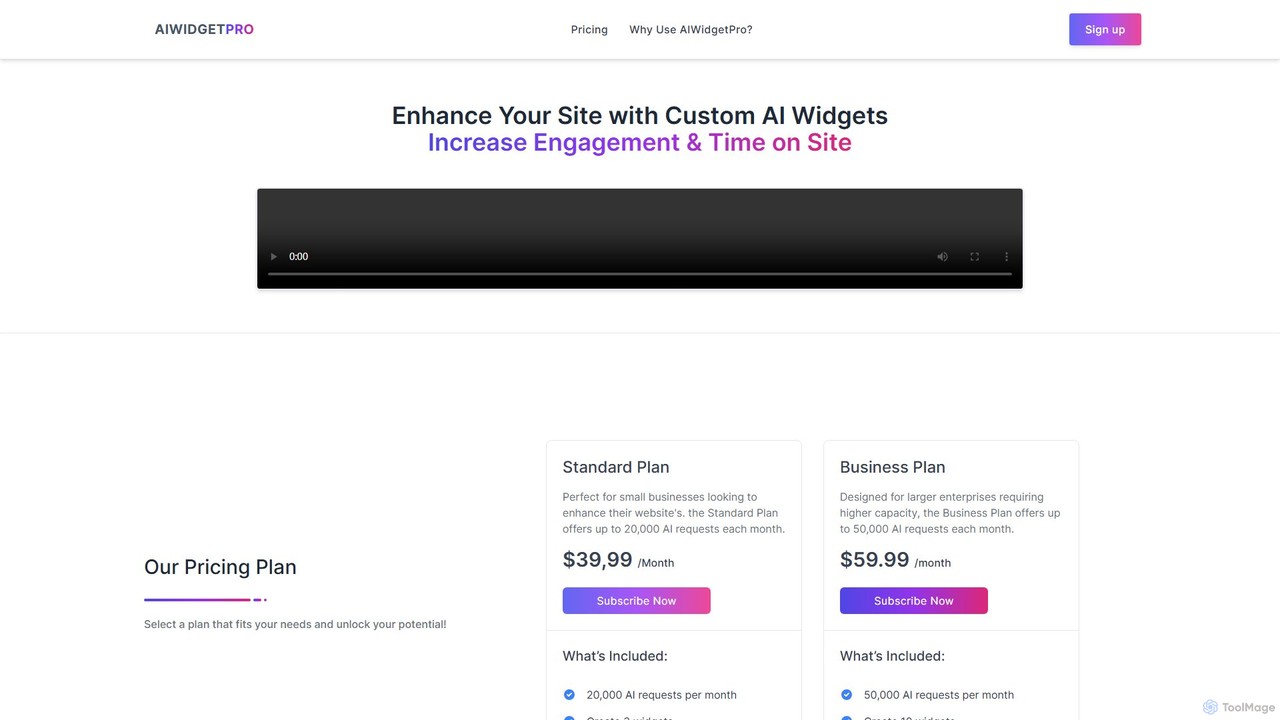
AiWidgetPro is a no-code platform that allows you to easily embed a variety of AI-powered widgets into your …
AiWidgetPro is a no-code platform that allows you to easily embed a variety of AI-powered widgets into your website. Boost user engagement, enhance SEO, and generate leads by adding interactive tools like AI chatbots, content generators, and more, without writing a single line of code.
Famewall
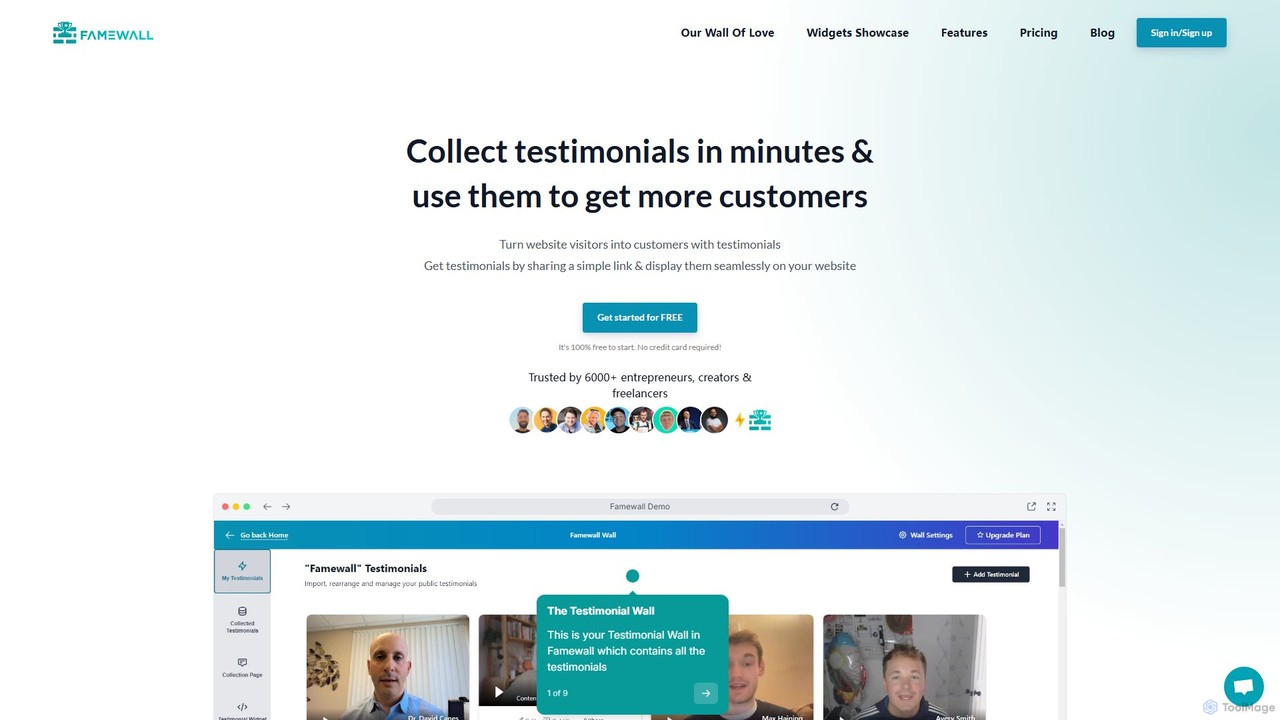
Famewall is a powerful tool for collecting, managing, and displaying customer testimonials to build social proof. It helps …
Famewall is a powerful tool for collecting, managing, and displaying customer testimonials to build social proof. It helps businesses turn website visitors into customers by showcasing authentic text, video, and audio reviews. Easily import testimonials from over 30 platforms and embed them on your site with customizable, no-code widgets.
About Widgets
AI Widgets are embeddable software components that add specific intelligent functionalities to websites and applications. They operate by connecting to powerful AI models via APIs, allowing site owners to integrate features like chatbots or recommendation engines with just a few lines of code. This approach enables the rapid deployment of advanced capabilities without extensive development, enhancing user engagement and automating tasks. These tools are particularly valued for their modularity and ease of implementation within the broader context of website enhancement.
Core Features
- Plug-and-Play Integration: Easily added to any website using a simple code snippet, requiring minimal technical expertise.
- Focused Functionality: Each widget provides a single, specialized AI capability like a chatbot, search bar, or recommendation feed.
- Real-time Personalization: Dynamically adapts content, responses, or suggestions based on individual user behavior and data.
- Visual Customization: Offers options to change colors, fonts, and layouts to seamlessly match the host site's branding.
Use Cases
These tools are widely used across various digital platforms. For instance, e-commerce stores embed AI recommendation widgets to show personalized product suggestions. SaaS companies integrate AI chatbot widgets for instant customer support. Content publishers use them to display related articles, increasing reader engagement and time on site.
How to Choose
When selecting an AI widget, first evaluate its specific function to ensure it meets your needs. Assess the ease of integration and the level of customization available. Consider the potential impact on your website's performance and loading speed. Finally, review the pricing model—whether it's subscription-based, pay-per-use, or freemium—to align with your budget and expected usage.
WidgetsUse Cases
Add an AI Customer Support Chatbot
A support manager for a SaaS company or e-commerce site can embed a chatbot widget to handle common customer queries 24/7. The AI answers frequently asked questions about pricing, features, or order status, freeing up human agents to focus on more complex issues. This implementation significantly reduces customer response times, improves satisfaction, and allows the support team to operate more efficiently without increasing headcount.
Implement a Product Recommendation Engine
An e-commerce marketing manager can add a recommendation widget to product and cart pages. It analyzes a user's browsing history, past purchases, and items in their cart to display relevant sections like 'You might also like' or 'Frequently bought together'. This strategy effectively increases cross-sells and up-sells, leading to a higher average order value and a more personalized shopping experience for customers.
Integrate an AI-Powered Site Search Bar
A developer for a large content site or knowledge base can replace the standard search bar with an AI search widget. This advanced widget understands natural language queries, corrects typos, and provides semantic search results that are more relevant than simple keyword matching. This improves the user's ability to find information quickly, enhancing the overall user experience and reducing user frustration when navigating large volumes of content.
Automate Lead Generation with an Interactive Widget
A marketing team for a B2B company can embed a lead qualification widget on their landing pages. This widget engages visitors with a series of questions to understand their needs, company size, and budget. Based on the responses, it can qualify the lead in real-time and either schedule a demo or capture their contact information for the sales team. This automates the top of the sales funnel, ensuring that sales representatives spend their time on pre-qualified, high-intent prospects.
Display Dynamic Social Proof and Testimonials
A website owner for any business can embed a social proof widget to build trust with new visitors. The widget automatically pulls and displays recent positive reviews from third-party sites, testimonials, or real-time purchase notifications (e.g., 'Someone from New York just bought...'). This creates a sense of urgency and credibility by showing that other people trust and use the product or service, which can significantly boost conversion rates.
Create a Dynamic Content Feed for a Blog
A content creator or media site editor can embed a content discovery widget at the end of articles. The widget uses Natural Language Processing (NLP) to understand the topic of the current article and automatically suggests other highly relevant posts from the site's archive. This keeps visitors engaged by providing a seamless path to more content they might be interested in, which helps to reduce bounce rates and increase overall session duration.