ToolMage
Sign in

Best 4 General Writing AI tools for Writing

Popular General Writing AI tools in Writing include Seapik, Sup AI, JimmyGPT, and ChatGPT Demo Free, helping you work more efficiently.

Seapik
Free

Seapik

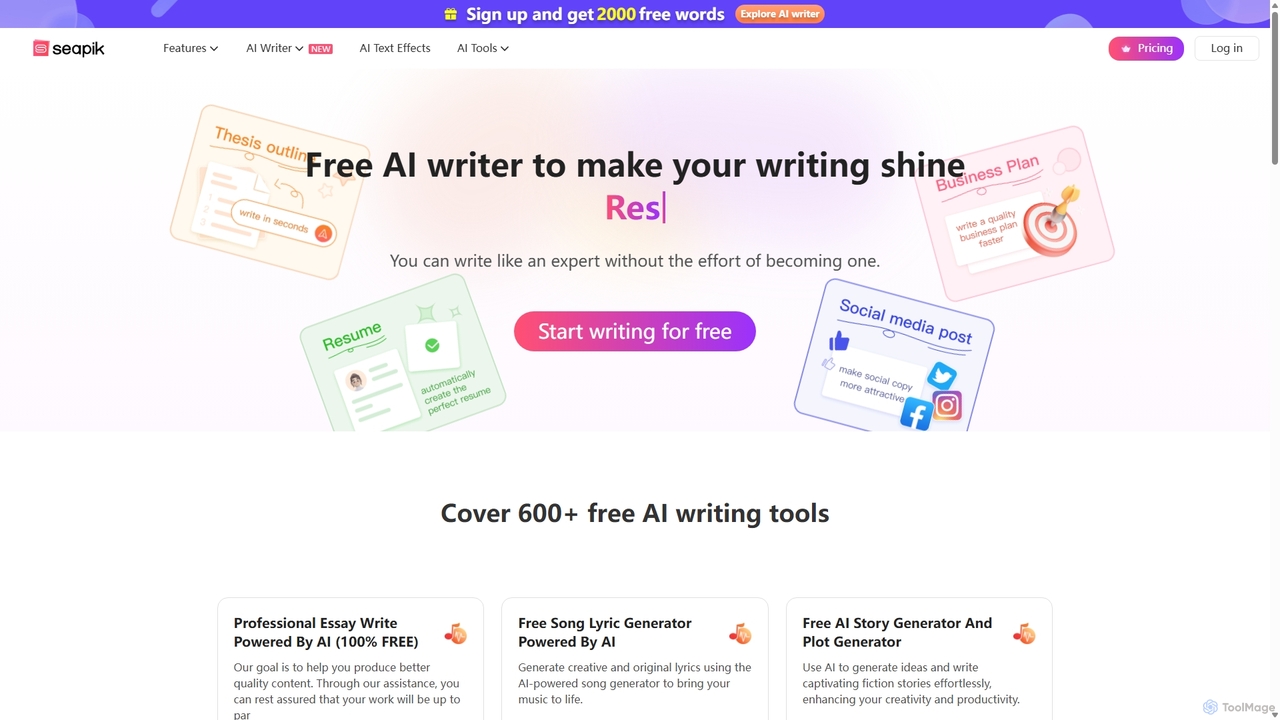
Seapik is a comprehensive and free AI writing suite offering over 600 specialized tools. It empowers users, from marketers to students and creative writers, to effortlessly generate high-quality content. From essays and ad copy to song lyrics and business proposals, Seapik enhances productivity and creativity, making expert-level writing accessible to everyone without any cost.

Student Tools
Visits 94.1KFavorites 154Likes 139
ChatGPT Demo Free
Freemium

ChatGPT Demo Free

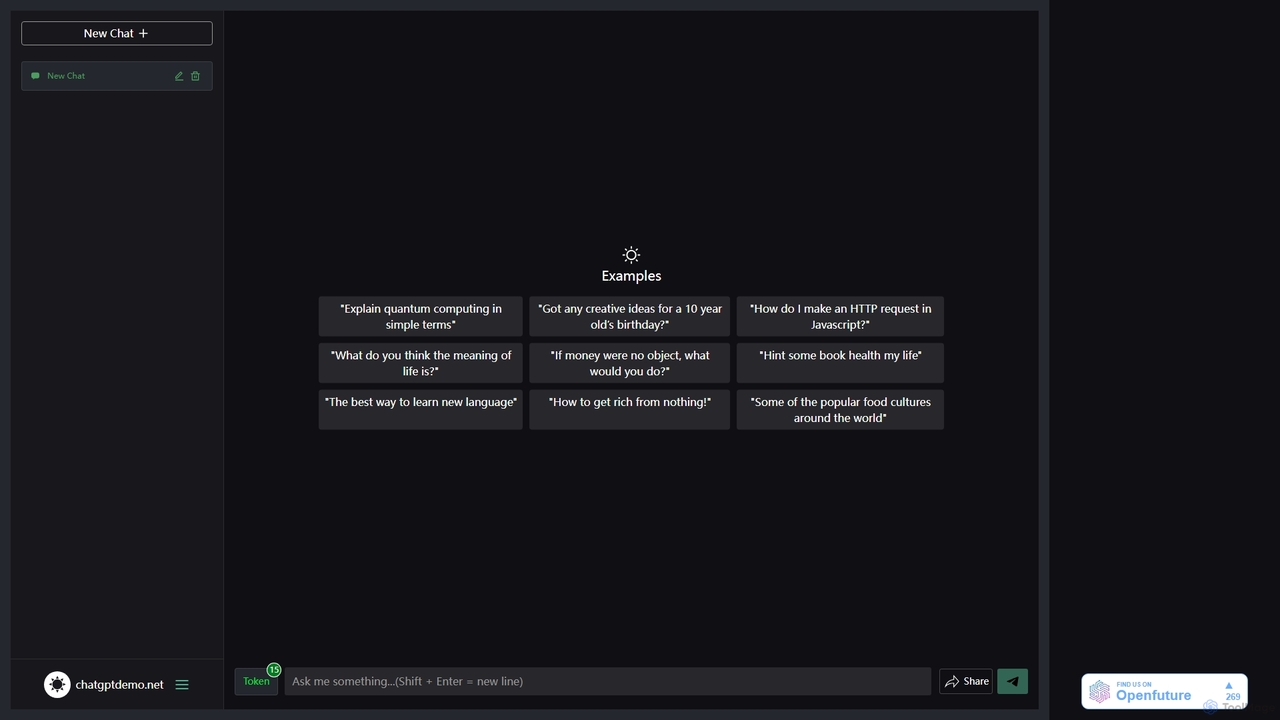
ChatGPT Demo Free is a web-based platform providing free, no-login access to a powerful conversational AI. Users can ask questions, generate text, write code, and brainstorm ideas within a simple chat interface. It operates on a daily limit model, offering a convenient way to experience advanced AI capabilities for quick tasks and exploration without any commitment or registration.

Code Assistant
Visits 5.7KFavorites 164Likes 168
Sup AI
Free

Sup AI

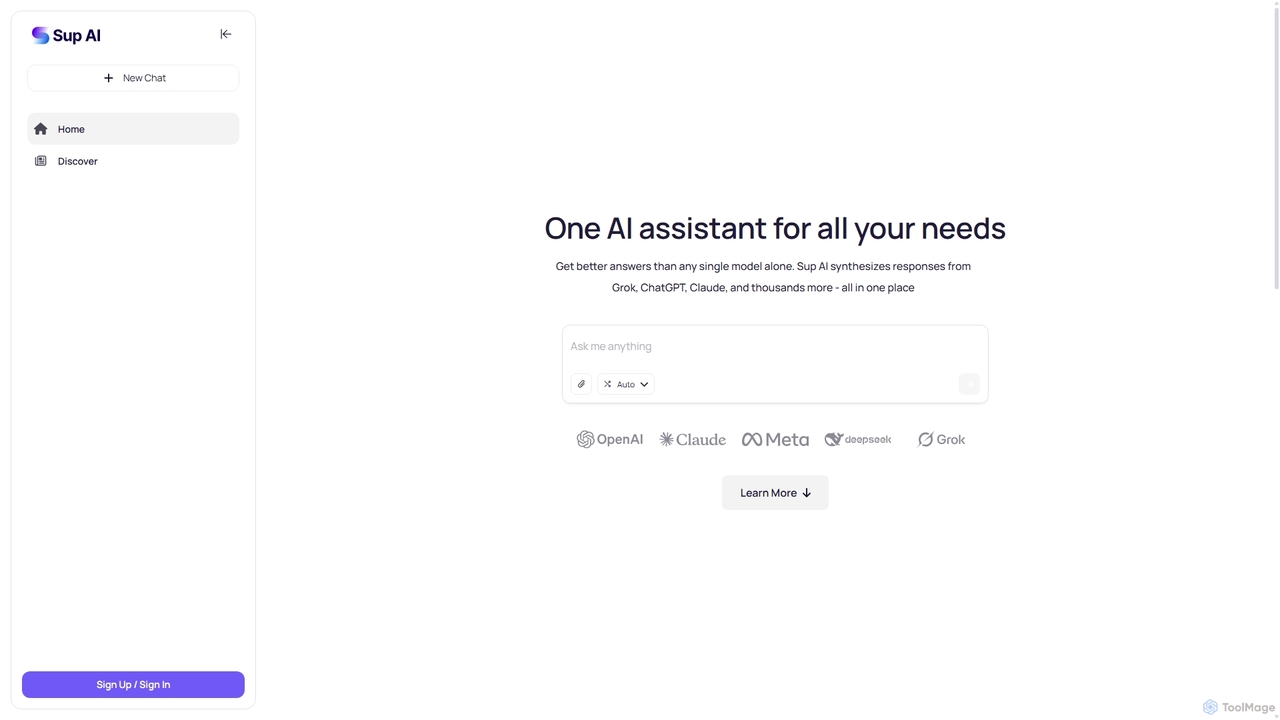
Sup AI is an advanced AI assistant that aggregates and synthesizes responses from multiple leading large language models like Grok, ChatGPT, and Claude. By intelligently routing queries to the best-suited models and combining their outputs, it delivers more accurate, comprehensive, and reliable answers than any single model can. It features a user-friendly interface for direct queries and a powerful API for developers, aiming to eliminate hallucinations and provide well-rounded, fact-checked insights for any need.

Api
Visits 21.3KFavorites 123Likes 119
JimmyGPT
Freemium

JimmyGPT

JimmyGPT is a friendly and versatile AI assistant designed to help with a wide range of tasks. From creating professional content like cover letters and essays to summarizing complex topics for learning and providing entertainment through jokes and stories, JimmyGPT acts as your all-in-one conversational AI partner.

Learning Assistant
Visits 6.2KFavorites 100Likes 90

About General Writing

General Writing tools are versatile AI assistants designed to generate, refine, and improve everyday text. They leverage large language models (LLMs) to perform a wide range of tasks, such as drafting emails, summarizing articles, rephrasing sentences, and brainstorming ideas. These tools are invaluable for enhancing clarity, correcting grammar, and accelerating the writing process for numerous personal and professional communication needs. Their adaptability makes them a foundational element in any digital writing toolkit, distinct from highly specialized writing aids.

Core Features

  • Text Generation & Expansion: Creates original text from simple prompts and expands on existing ideas to develop full paragraphs.
  • Paraphrasing & Rewriting: Rephrases sentences or entire passages to improve clarity, alter tone, or avoid repetition.
  • Summarization: Condenses long documents, articles, or conversations into concise summaries, highlighting key points.
  • Grammar & Style Correction: Identifies and fixes errors in spelling, grammar, and punctuation, while offering suggestions to improve writing style.
  • Tone Adjustment: Modifies the tone of the text to be more formal, casual, confident, or empathetic to suit the target audience.

Applicable Scenarios

These tools are widely used across various professions. For instance, office professionals use them to quickly draft internal communications and client emails. Students rely on them for outlining essays and polishing assignments. Content creators and bloggers utilize them to overcome writer's block and generate initial drafts for articles and social media posts.

Selection Criteria

When choosing a General Writing tool, consider its integration capabilities, such as browser extensions or plugins for apps like Google Docs. Evaluate the quality and naturalness of the generated text. Also, check the usage limits of free and paid plans, and ensure the user interface is intuitive and fits seamlessly into your existing workflow.

General Writing use cases

1

Drafting Professional Business Emails

A project manager needs to send a clear and concise weekly update to stakeholders. Instead of spending 20 minutes crafting the perfect message, they input key bullet points into a General Writing tool. The AI generates a well-structured, professional email in seconds. The manager can then quickly review, make minor adjustments to the tone, and send it, ensuring consistent and high-quality communication while saving significant time.

2

Summarizing Long Reports for Quick Insights

A business analyst receives a 30-page market research report. To prepare for a meeting, they need to extract the key findings quickly. They upload or paste the report's text into a General Writing tool's summarization feature. Within a minute, the tool provides a bulleted list of the most critical data points, trends, and conclusions. This allows the analyst to grasp the essence of the report instantly and prepare their presentation efficiently.

3

Overcoming Writer's Block for Content Creation

A blogger is staring at a blank page, unsure how to start their next article on 'sustainable living tips'. They type the topic into a General Writing tool and ask for five blog post ideas. The AI provides several engaging titles and outlines. The blogger chooses one, then asks the AI to write an introductory paragraph. This initial momentum helps break the writer's block, allowing them to continue writing the rest of the article with their own unique voice and expertise.

4

Refining Language for Non-Native Speakers

An international student is writing an application essay for a university. While their ideas are strong, they are not confident in their English grammar and phrasing. They write a draft and then use a General Writing tool to paraphrase awkward sentences, correct grammatical errors, and suggest more natural-sounding vocabulary. The tool acts as a personal language tutor, helping them polish their essay to ensure their message is communicated clearly and professionally.

5

Creating Meeting Agendas and Minutes

An administrative assistant is tasked with preparing for a weekly team meeting. They input a few key topics into a General Writing tool, which then generates a structured agenda with timings and discussion points. After the meeting, they feed their rough, bullet-pointed notes into the same tool. The AI organizes these notes into coherent, professionally formatted meeting minutes, clearly outlining decisions made and action items assigned, saving hours of manual formatting and writing.

6

Adapting Content for Different Social Media Platforms

A social media manager needs to announce a new product launch on LinkedIn, Twitter, and Instagram. Each platform requires a different tone and length. They write a core announcement message and use a General Writing tool to adapt it. They ask for a professional, detailed version for LinkedIn, a short, punchy version under 280 characters for Twitter, and an engaging, emoji-filled caption for Instagram. This process ensures brand consistency while optimizing the message for each audience, all in a fraction of the time.

General Writing FAQ

What are AI General Writing tools?

AI General Writing tools are versatile software assistants that use artificial intelligence to help with a wide range of everyday writing tasks. Unlike specialized tools for copywriting or academic papers, they are designed for broad applicability. Their core functions include generating text from prompts, rephrasing sentences for better clarity, summarizing long documents, and correcting grammar and spelling. They are essentially a multi-purpose utility for anyone who needs to write clearly and efficiently.

How to choose the right General Writing tool?

Choosing the right tool depends on your specific needs. Consider these factors:

  • Integration: Does it work where you write? Look for browser extensions, desktop apps, or plugins for software like Microsoft Word or Google Docs.
  • Core Features: Assess the quality of its core functions. Does it paraphrase text naturally? Is its grammar correction accurate?
  • User Interface (UI): A clean, intuitive interface will make the tool more pleasant and efficient to use daily.
  • Pricing and Limits: Compare the free and paid plans. Check for limitations on word count or the number of queries per day to ensure it fits your usage volume.
What's the difference between General Writing and AI Copywriting tools?

The main difference is their purpose and scope. General Writing tools are versatile and designed for a wide array of everyday tasks like emails, summaries, and drafts. They focus on clarity, correctness, and efficiency. In contrast, AI Copywriting tools are highly specialized for marketing and sales. They are trained on persuasive language and use specific frameworks (like AIDA or PAS) to generate content like ads, product descriptions, and landing pages that are designed to convert readers into customers.

Who can benefit from using General Writing tools?

Virtually anyone who writes on a computer can benefit. This includes:

  • Professionals: For drafting emails, reports, and presentations quickly and accurately.
  • Students: For outlining essays, checking grammar, and improving the clarity of their assignments.
  • Content Creators: For brainstorming ideas, creating first drafts, and rephrasing content for different platforms.
  • Non-Native Speakers: For improving fluency, correcting grammatical mistakes, and ensuring their writing sounds natural.
  • Job Seekers: For polishing resumes and writing compelling cover letters.
Can these tools replace human writers?

No, these tools are best viewed as powerful assistants, not replacements. They excel at automating repetitive tasks, overcoming writer's block, and refining existing text. However, they lack genuine creativity, critical thinking, emotional intelligence, and domain-specific expertise. Human writers are essential for providing original insights, ensuring factual accuracy, and infusing content with a unique voice and perspective. The most effective workflow combines human creativity with AI efficiency.