ToolMage
Sign in

Best 3 Reading AI tools for Writing

Popular Reading AI tools in Writing include tldrthis, tldrai, and AI Book Summarizer, helping you work more efficiently.

tldrthis
Freemium

tldrthis

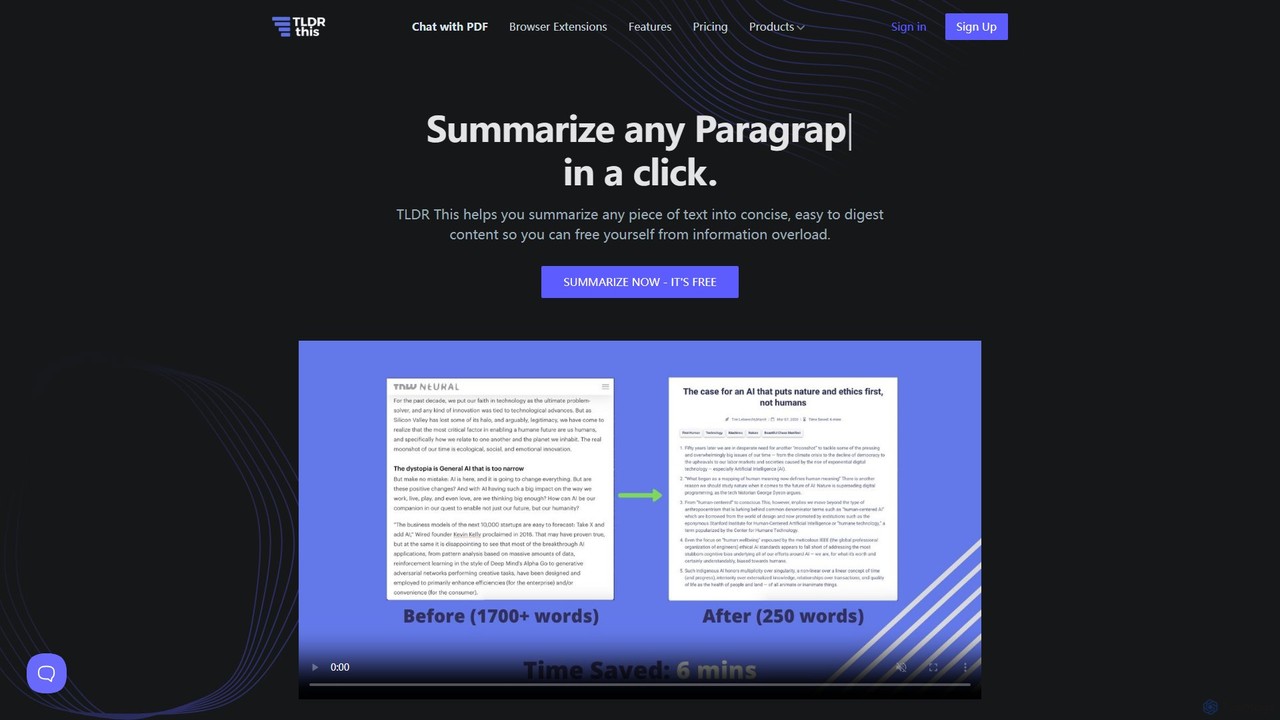
tldrthis is an AI-powered online tool designed to summarize any piece of text, article, or document into a concise and digestible format. It helps users overcome information overload by extracting key points and metadata, providing a clean, ad-free reading experience. With browser extensions and support for various file formats, it's an essential tool for students, professionals, and anyone looking to save time while staying informed.

Research
Visits 147.8KFavorites 152Likes 147
tldrai
Freemium

tldrai

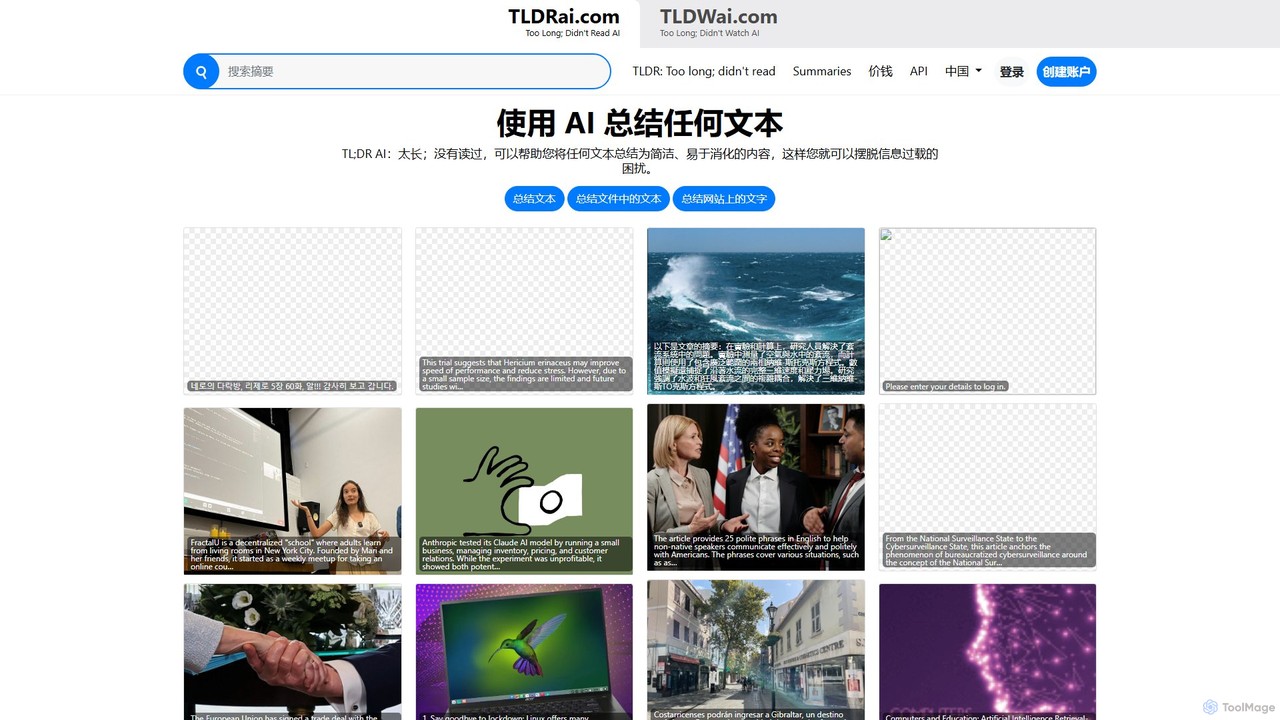
tldrai is an AI-powered summarization tool that condenses long texts, documents (PDF, DOCX, TXT), and web pages into concise summaries. It helps users quickly grasp the main points of articles, reports, and research papers, saving significant reading time. It supports multiple languages and offers both free and premium plans for enhanced features.

Research
Visits 10.4KFavorites 139Likes 168
AI Book Summarizer
Freemium

AI Book Summarizer

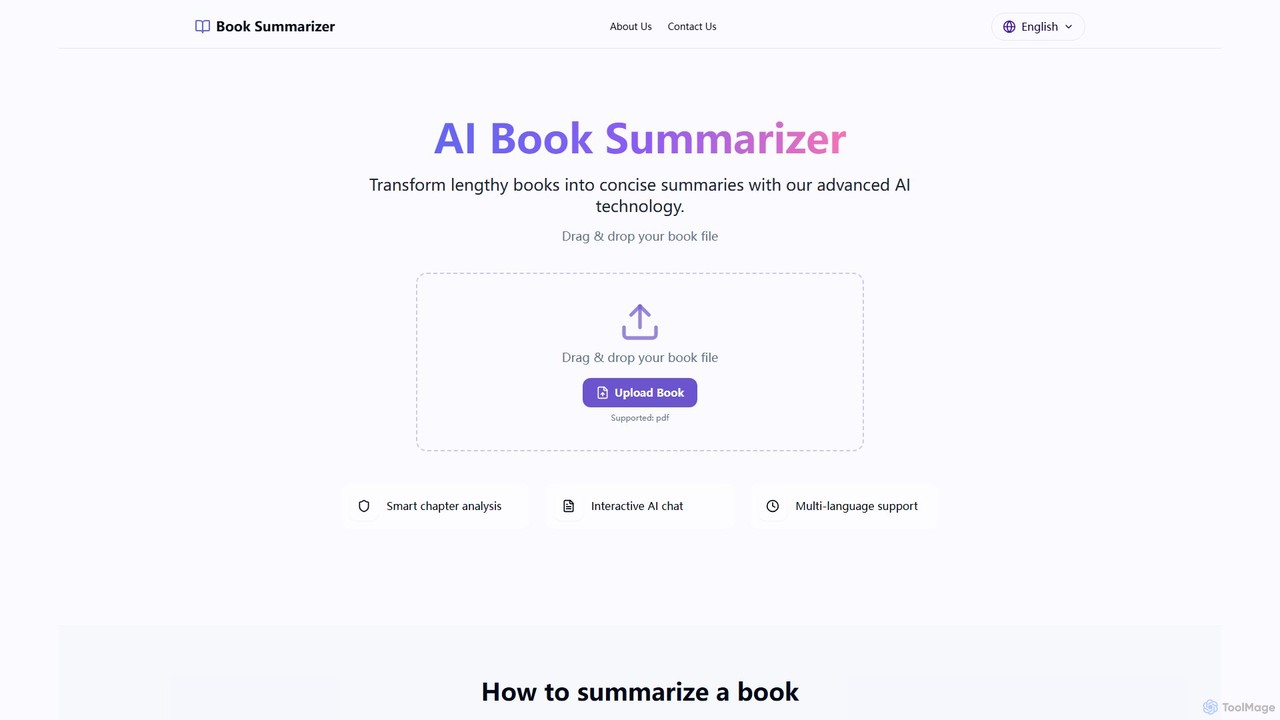
An AI-powered tool that transforms lengthy books into concise summaries. Upload PDF, EPUB, or TXT files and interact with an AI chat to explore chapters and key concepts. Ideal for students, professionals, and book lovers seeking to save time and learn efficiently.

Learning
Visits 10.1KFavorites 165Likes 172

About Reading

AI Reading tools are a class of software that uses artificial intelligence to help users comprehend, summarize, and analyze written content more efficiently. Leveraging Natural Language Processing (NLP), these tools extract key information, identify main themes, and simplify complex texts. They are designed for students, researchers, and professionals who need to process large volumes of information quickly and accurately, transforming dense material into digestible insights. This capability significantly accelerates research and learning workflows.

Core Features

  • AI Summarization: Condenses long articles, reports, or books into concise, easy-to-read summaries.
  • Key Insight Extraction: Automatically identifies and highlights main arguments, data points, and critical conclusions from a text.
  • Interactive Q&A: Allows users to ask specific questions about a document and receive direct, context-based answers.
  • Text Simplification: Rewrites complex jargon, academic language, or convoluted sentences into simpler terms for better understanding.
  • Document Analysis: Scans documents to identify entities, sentiment, and recurring themes, providing a high-level overview.

Use Cases

These tools are widely used in academic research for literature reviews, in the legal field for contract analysis, and in business for digesting market research reports. Professionals can quickly grasp the essence of lengthy internal documents or competitor analyses, while students can accelerate their study and revision process by focusing on core concepts.

How to Choose

When selecting an AI Reading tool, consider the types of documents it supports (PDF, URL, text). Evaluate the quality and depth of its summarization capabilities. Check for essential features like interactive Q&A and language support. Also, consider its integration options with other applications, such as note-taking software or reference managers, to ensure it fits your workflow.

Reading use cases

1

Accelerating Academic Literature Reviews

A postgraduate researcher is tasked with reviewing over 50 academic papers for their thesis. Instead of spending weeks reading each one, they upload the PDFs to an AI Reading tool. The tool generates concise summaries for each paper, extracts key findings, methodologies, and citations. Using the interactive Q&A feature, the researcher can quickly ask specific questions like 'What was the sample size?' or 'What were the study's limitations?' This process reduces the initial review time by over 70%, allowing the researcher to focus on synthesizing information and developing their own arguments rather than getting bogged down in dense text.

2

Efficient Legal Contract Analysis

A corporate lawyer needs to review a 150-page service agreement from a new vendor. Time is critical. They use an AI Reading tool to get an instant summary of the entire document. The tool automatically highlights key clauses related to liability, termination, and payment terms. The lawyer then uses the Q&A feature to ask, 'Are there any non-compete clauses?' and receives an immediate answer with the exact text snippet. This allows for a rapid initial risk assessment, flagging critical areas for deeper manual review and saving hours of painstaking reading.

3

Synthesizing Market Research Reports

A business analyst is preparing a competitive landscape report. They have gathered a dozen lengthy market research reports from various sources. Using an AI Reading tool, they process all documents simultaneously. The tool extracts key statistics, market trends, and mentions of key competitors from each report. It presents the synthesized information in a structured format, allowing the analyst to quickly compare data points across different reports. This enables them to identify conflicting data and emerging trends much faster than manual cross-referencing, leading to a more accurate and insightful final report.

4

Daily News Consumption for Professionals

A busy executive needs to stay informed about industry news but lacks the time to read multiple news outlets daily. They use an AI Reading tool connected to their preferred news sources. Each morning, the tool automatically scans dozens of articles and generates a personalized 5-minute news briefing, summarizing the most relevant developments in their industry, competitor news, and macroeconomic trends. This allows the executive to start their day fully informed in a fraction of the time, enabling better strategic decision-making without the information overload.

5

Understanding Complex Technical Documentation

A software developer is integrating a new, complex API into their application. The official documentation is over 200 pages long. Instead of searching manually, they upload the documentation to an AI Reading tool. They can then ask direct questions like 'What are the authentication methods?' or 'Show me an example of the 'create user' endpoint.' The tool provides precise answers and code snippets directly from the documentation, saving the developer hours of searching and trial-and-error. This accelerates the development cycle and reduces implementation errors.

6

Enhancing Student Learning and Revision

A university student is preparing for final exams and has multiple lengthy textbooks and lecture notes to review. They use an AI Reading tool to create summaries of each chapter, highlighting key definitions and theories. They also upload their lecture notes and ask the tool to generate potential exam questions based on the content. This transforms passive reading into an active learning process. The student can quickly test their knowledge and identify areas where they need more study, making their revision sessions more focused and effective.

Reading FAQ

What are AI Reading tools?

AI Reading tools are applications designed to help users process and understand written text more efficiently. They use artificial intelligence, particularly Natural Language Processing (NLP), to perform tasks like summarizing long documents, extracting key points, answering questions about the text, and simplifying complex language. Unlike simple text readers, they actively analyze and interpret content to provide actionable insights, making them powerful assistants for research, learning, and professional analysis.

How do AI Reading tools differ from AI Writing assistants?

The primary difference lies in their core function. AI Reading tools focus on consumption and comprehension of existing text. Their goal is to analyze, summarize, and extract information to help you understand content faster. In contrast, AI Writing assistants focus on the creation of new text. Their goal is to help you generate, edit, paraphrase, and improve your own writing. While some tools may have overlapping features, a Reading tool's strength is in deconstructing information, whereas a Writing tool's strength is in constructing it.

How to choose the right AI Reading tool?

To choose the right tool, consider your primary use case. Follow these steps:

  • Define Your Content: Identify the format of the documents you read most (PDFs, web articles, e-books). Ensure the tool supports them.
  • Assess Key Features: Do you need deep summarization, interactive Q&A, or multi-language support? Prioritize tools that excel in the features you need most.
  • Check Integrations: Look for integrations with your existing workflow, such as connections to Zotero, Notion, or cloud storage like Google Drive.
  • Evaluate User Interface: A clean, intuitive interface will make the reading and analysis process much smoother. Try a free trial if available to test the user experience.
Can AI Reading tools understand complex technical or legal documents?

Yes, many advanced AI Reading tools are specifically trained on large datasets of technical, academic, and legal texts. This allows them to understand specialized terminology and complex sentence structures. They can effectively summarize research papers, analyze contracts for specific clauses, and extract data from financial reports. However, the accuracy can vary. For critical applications, especially in legal or medical fields, these tools should be used as an assistant to augment human expertise, not as a complete replacement for it.

Who benefits most from using AI Reading tools?

A wide range of users can benefit, but they are particularly valuable for:

  • Students and Academics: To quickly review vast amounts of literature, accelerate research, and improve study efficiency.
  • Legal Professionals: For rapid contract review, case law analysis, and discovery processes, saving significant billable hours.
  • Business Analysts and Consultants: To synthesize market research, competitor reports, and financial documents to derive insights quickly.
  • Lifelong Learners: Anyone who wants to consume knowledge from books, articles, and reports more efficiently without spending hours reading.