
Bing Image Creator Overview
Bing Image Creator, available at bingimagecreator.net, is a versatile and powerful AI-driven platform designed to serve as an all-in-one solution for digital image creation and enhancement. It empowers users to effortlessly turn their imagination into high-quality, unique visuals. The platform is more than just a text-to-image generator; it integrates a full suite of editing and transformation tools, making it an indispensable asset for creative professionals and hobbyists alike. By combining cutting-edge AI technology with a user-friendly interface, it bridges the gap between abstract ideas and concrete visual realities, significantly boosting productivity and creative possibilities.
How to use Bing Image Creator
The platform is designed for simplicity and efficiency, allowing users to achieve professional results in just a few steps. The core workflow is intuitive:
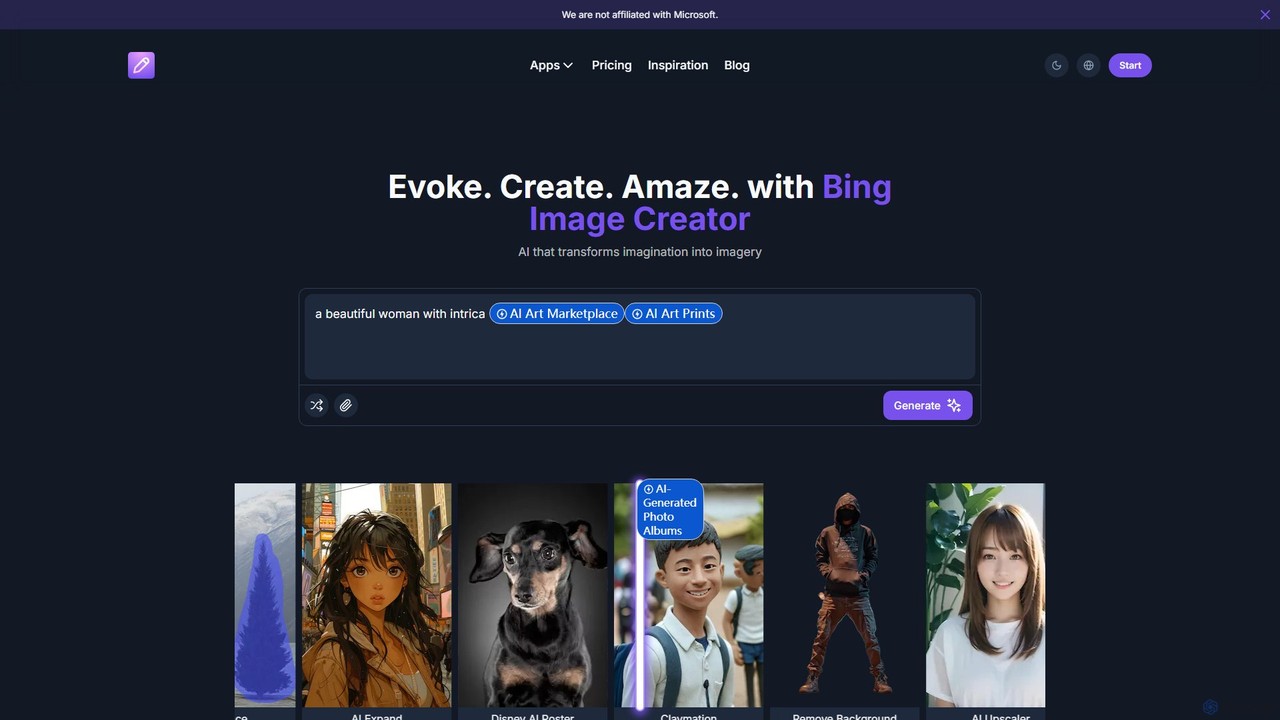
- Provide Input: Start by entering a descriptive text prompt detailing the image you want to create. You can specify subjects, styles, colors, and composition. Alternatively, for editing tasks, you can upload your own existing photo.
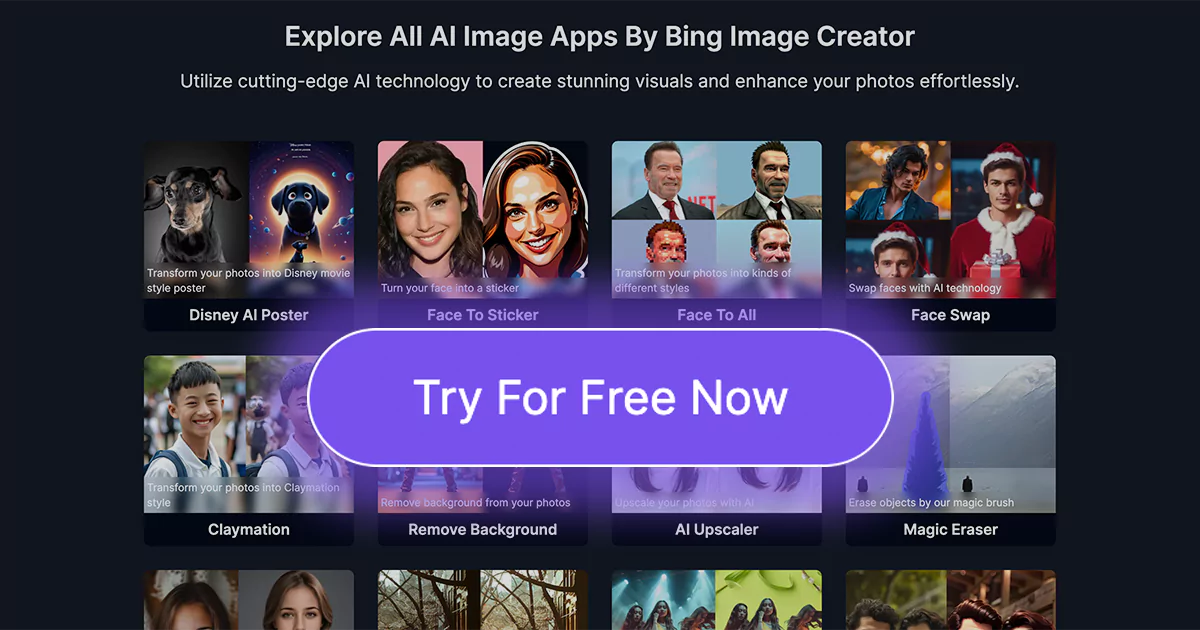
- Select Tools and Generate: Choose from a vast array of features. If generating from text, you can select specific styles like 'Disney AI Poster' or 'Claymation'. If editing, you can apply tools such as 'Remove Background', 'AI Upscaler', or 'Magic Eraser'. Once your settings are configured, click the 'Generate' button to let the AI work its magic.
- Refine and Download: The AI will process your request and present the resulting image. You can then download the image or further refine it using other tools on the platform until you are satisfied with the final masterpiece.
Core Features of Bing Image Creator
- AI Image Generation: Powerful text-to-image engine that creates visuals from simple text descriptions. It supports various artistic styles, including Claymation, Disney-style posters, and Barbie-themed art.
- Advanced Photo Editing Suite: A comprehensive set of tools to enhance and modify images. This includes a precise Background Remover, AI Upscaler to increase image resolution without losing quality, and a Magic Eraser to seamlessly remove unwanted objects.
- Creative Transformation Tools: Go beyond standard editing with features like the Cartoonizer to turn photos into cartoons, Background Changer, Background Blur for portrait effects, and AI Expand to intelligently extend the borders of an image.
- Specialized AI Generators: The platform offers unique, fun tools such as an AI Headshot Generator for professional profiles, a Face Swap tool, a Face To Sticker creator, and even an AI Baby generator.
- Asset Management and Monetization: Users can create AI-Generated Photo Albums to organize their work. The platform also features an AI Art Marketplace and the ability to order AI Art Prints, providing a path from creation to monetization.
- Commercial Use and Professional Features: Paid plans include a commercial license, ad-free experience, no watermarks, priority processing queues, and 'Stealth Image Generation' for privacy.
Use Cases for Bing Image Creator
The tool's versatility makes it suitable for a wide range of applications:
- Marketing and Advertising: Marketing teams can rapidly prototype and generate unique visuals for social media campaigns, website banners, and ad concepts in real-time.
- Graphic Design and Art: Designers and art directors can quickly visualize concepts, create mood boards, and produce high-quality assets, saving hours of manual work.
- Game Development: Indie game developers can create character portraits, environment concepts, and other game assets that would otherwise require a dedicated art team.
- Content Creation: Bloggers, YouTubers, and social media influencers can create eye-catching thumbnails, illustrations, and custom graphics to enhance their content.
- Product Development: Product managers can visualize complex ideas and product concepts that are difficult to describe with words alone.
- Personal Projects: Individuals can create personalized art, fun profile pictures, custom posters, and unique gifts for friends and family.
Advantages of Bing Image Creator
Users benefit from a number of key advantages:
- All-in-One Solution: It combines image generation, editing, and enhancement in a single platform, eliminating the need for multiple software subscriptions.
- User-Friendly Interface: Despite its powerful features, the tool is designed to be intuitive and accessible to users of all skill levels.
- High-Quality Results: The AI models are trained to produce stunning, detailed, and contextually accurate images.
- Increased Efficiency: The platform dramatically accelerates the creative process, from initial idea to finished product.
- Flexibility and Control: A wide array of specialized tools gives users fine-grained control over their creative output.
Pricing and Plans
Bing Image Creator offers a freemium model to suit different user needs:
- Free Plan: $0/month. Includes 1 free credit for the first week to test the platform.
- Starter Plan: $18/month (billed yearly, a 40% discount from the $29.99/month rate). Includes 300 credits per month, fast image generation, no ads, no watermark, a commercial license, priority processing, and stealth image generation.
- Pro Plan: $36/month (billed yearly, a 40% discount from the $59/month rate). Includes 1000 credits per month and all the features of the Starter plan.
Bing Image Creator Alternatives
Kira
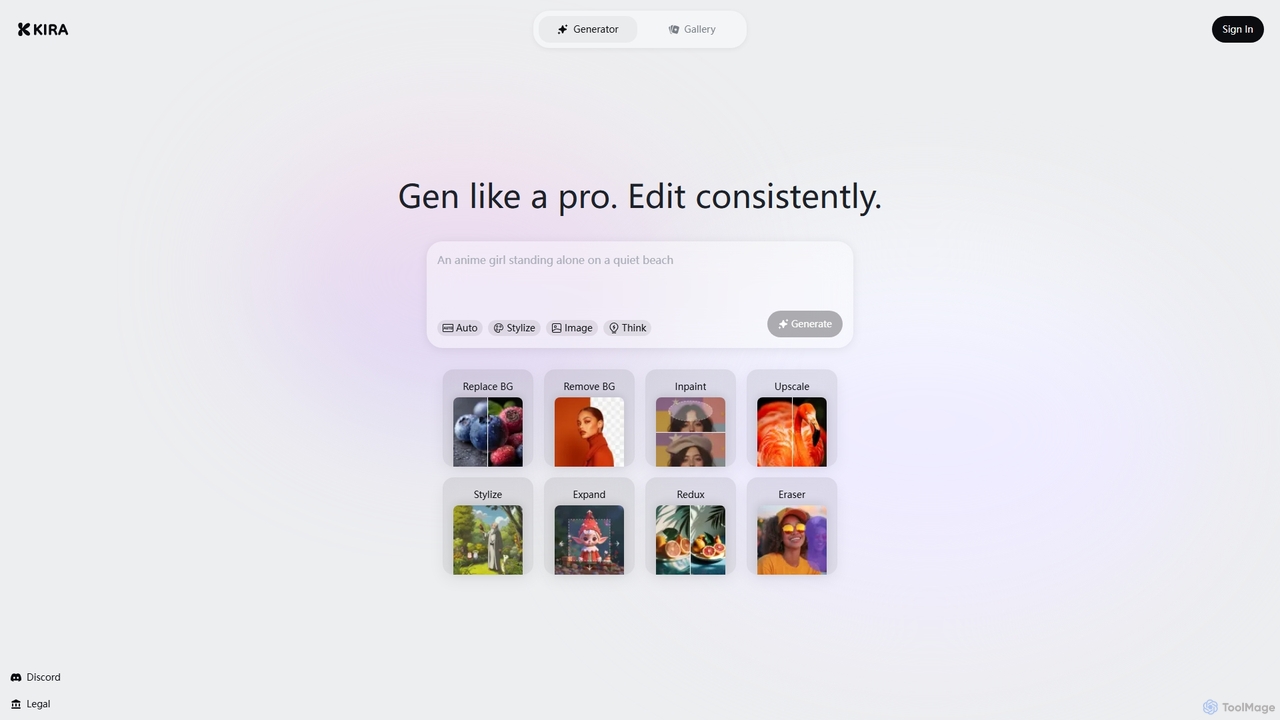
Kira is a powerful AI-powered platform for professional-grade image generation and editing. It combines a versatile text-to-image generator with a comprehensive suite of editing tools, including background removal, inpainting, upscaling, and stylization. Its key feature is the ability to maintain consistent styles and characters across multiple edits and generations, making it ideal for branding, marketing, and creative projects that require a cohesive visual identity.
Graphic Design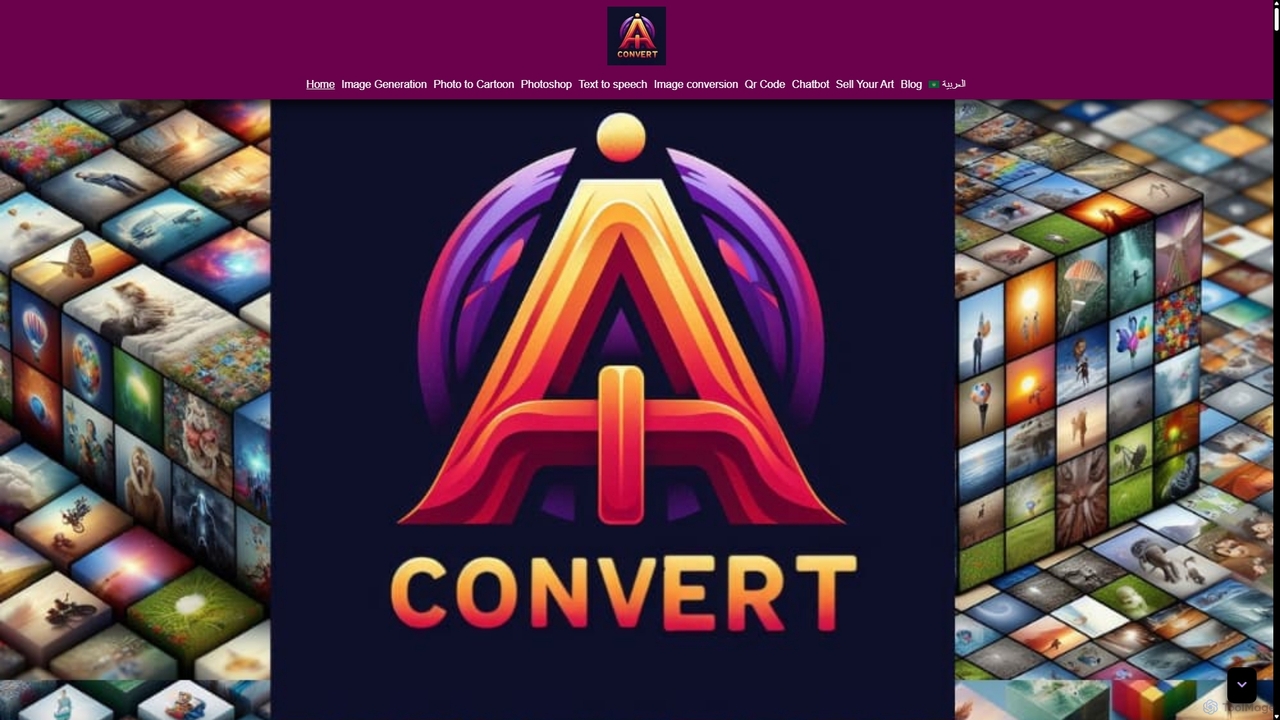
Aiconvert
Aiconvert is a comprehensive online suite of free AI tools. It offers a wide range of functionalities, including advanced image generation, photo editing and restoration, text-to-speech, AI chatbots, and OCR. No registration or payment is required, making powerful AI technology accessible to everyone for creative and productive tasks.
Text To Speech
picsify
Picsify is an all-in-one AI-powered platform for visual content creation. Effortlessly generate stunning images from text, edit photos with professional tools like background removal and object erasing, and enhance image quality with a single click. Ideal for marketers, designers, and content creators.
Graphics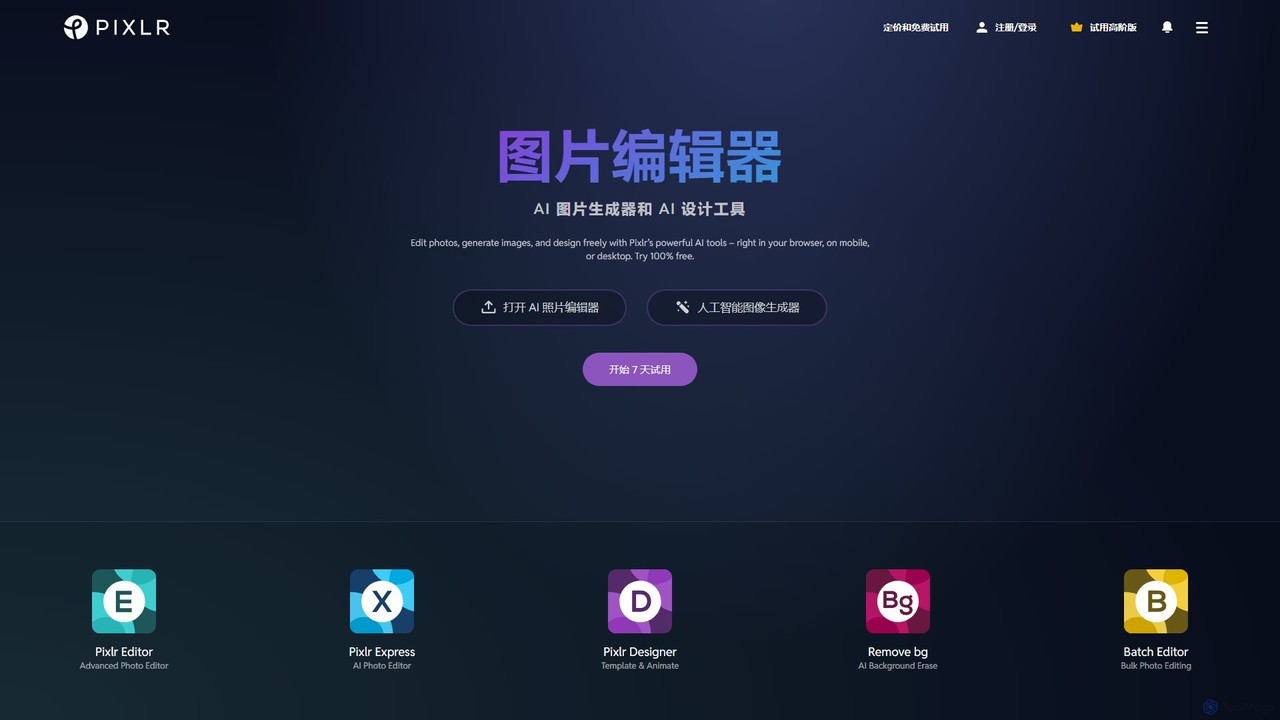
Pixlr
Pixlr is a comprehensive suite of online AI-powered tools for photo editing, image generation, and graphic design. Accessible on web, mobile, and desktop, it caters to both beginners and professionals with its intuitive interface, offering everything from quick edits and AI enhancements to advanced layer-based editing and text-to-image creation.
Graphic Design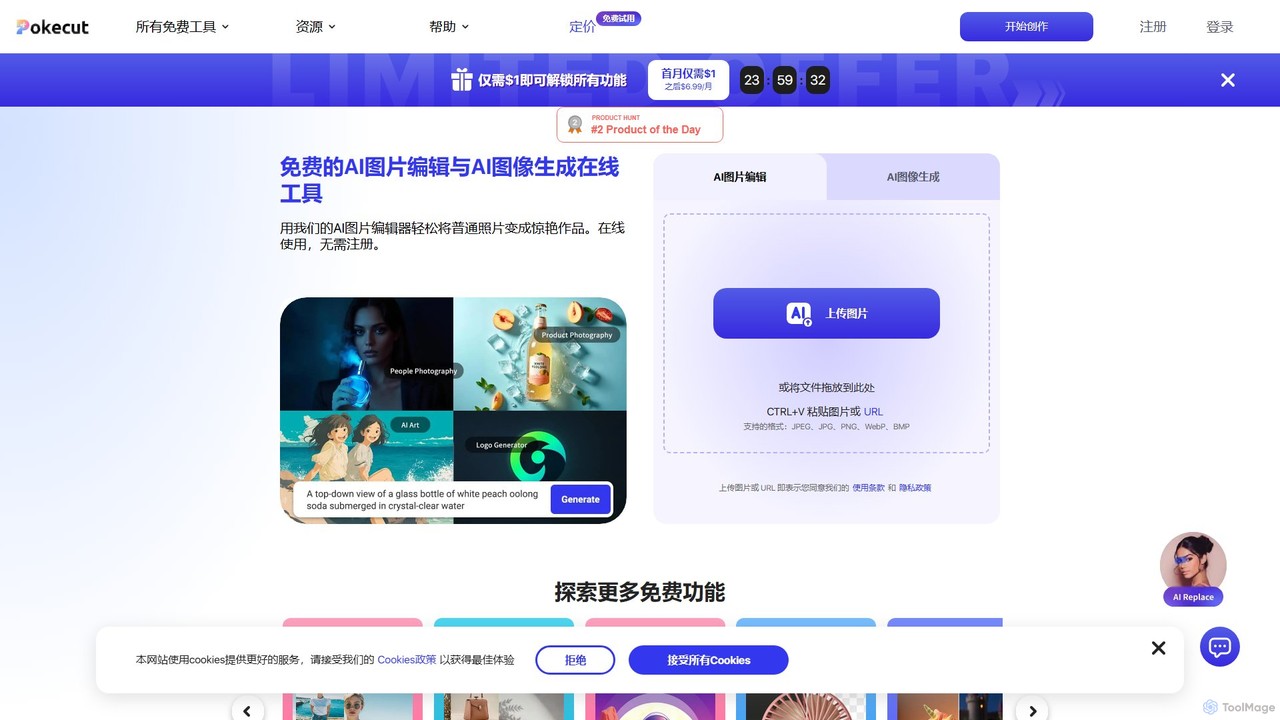
Pokecut
A powerful, free AI photo editor and image generator. Pokecut offers a suite of tools including background removal, photo enhancement, magic eraser, and AI image generation powered by advanced models like Stable Diffusion. It's designed for everyone from casual users to e-commerce sellers and professional designers, available on web, iOS, and Android.
Image EditingBing Image Creator Categories
Bing Image Creator Embed Widget
Copy this embed code to place the badge on your blog, article, or product site and send readers directly to this ToolMage detail page.

Related AI tools
Kira
Kira is a powerful AI-powered platform for professional-grade image generation and editing. It combines a versatile text-to-image generator with a comprehensive suite of editing tools, including background removal, inpainting, upscaling, and stylization. Its key feature is the ability to maintain consistent styles and characters across multiple edits and generations, making it ideal for branding, marketing, and creative projects that require a cohesive visual identity.
Graphic Design
Jyek
Jyek is an AI agent platform that understands objectives, creates execution plans, uses tools, and delivers verifiable results for complex, multi-step tasks.
Automation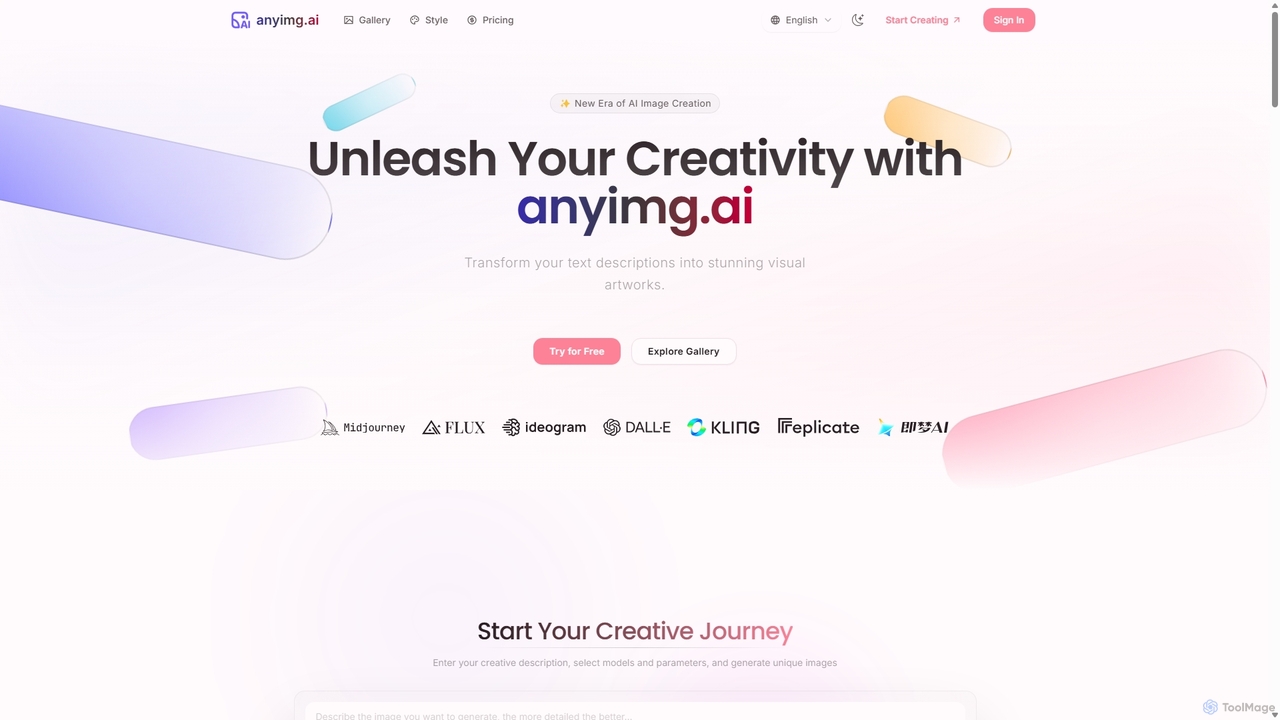
Anyimg
Anyimg is a powerful AI image generation platform that transforms text descriptions into stunning visual artworks. It supports over 12 advanced AI models like Midjourney, DALL-E 3, and Stable Diffusion XL, offering a wide range of art styles, high-resolution outputs up to 4K, and commercial usage rights for professional projects.
Generative Art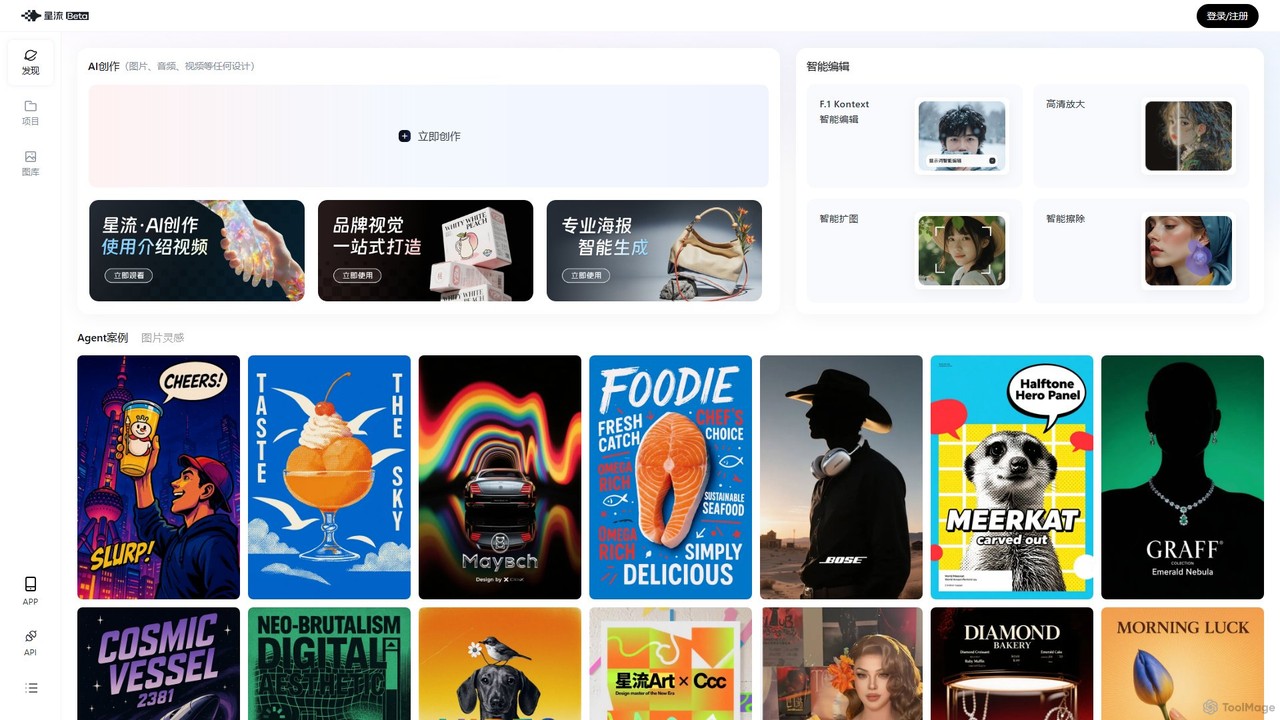
Xingliu
Xingliu is a next-generation AI creation suite that seamlessly integrates content generation and smart editing. Create stunning images, posters, and designs from text prompts, and refine them with powerful tools like HD upscaling, smart outpainting, object removal, and background cutout. It's an all-in-one platform for designers, marketers, and creators to bring their ideas to life effortlessly.
Image Generation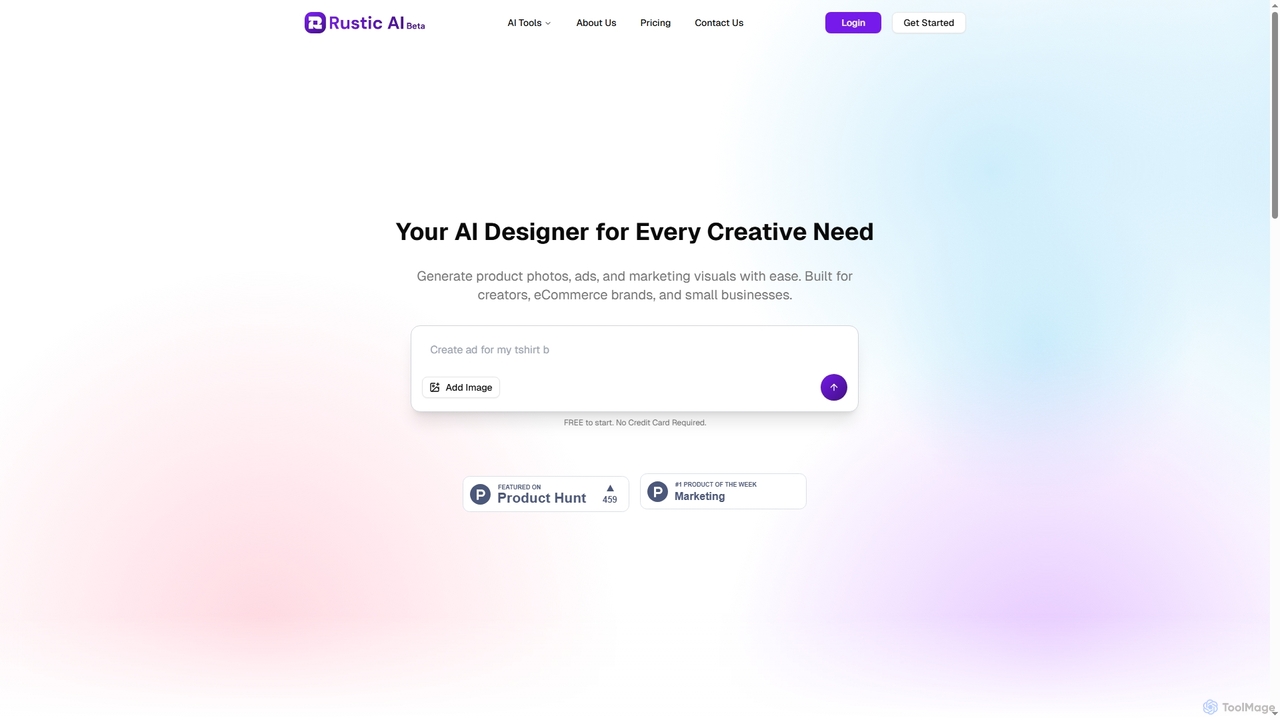
Rustic AI
Rustic AI is an intuitive AI design editor built for creators, e-commerce brands, and small businesses. It simplifies the generation of high-quality product photos, ad creatives, and marketing visuals, transforming ideas into stunning imagery with ease. The platform offers a suite of AI-powered tools to streamline visual content creation.
Graphic Design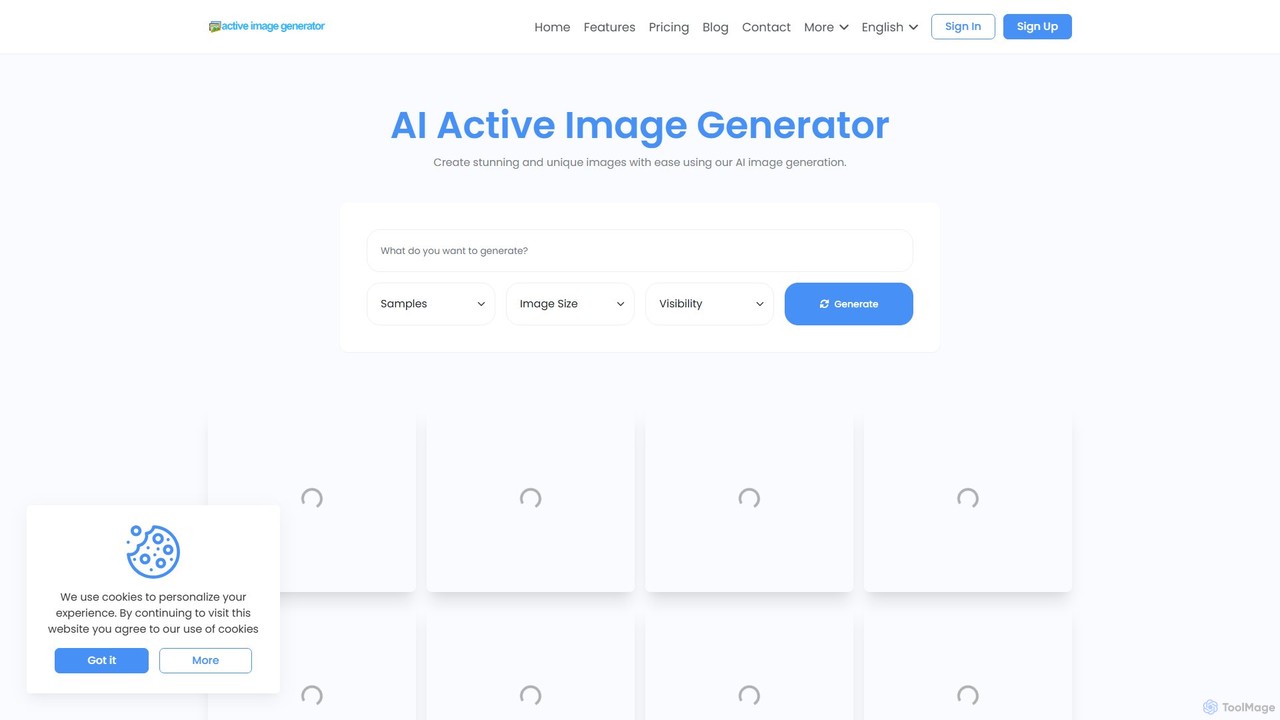
Active Image Generator
Active Image Generator (ActiveIG) is an AI-powered platform designed for creating high-quality, unique, and custom images. It leverages advanced AI algorithms to transform text descriptions into stunning visuals. Ideal for designers, marketers, and content creators, it offers a user-friendly interface, multiple image sizes, and flexible pricing plans, including a free tier to get started. Unleash your creativity and generate professional-grade visuals effortlessly for any project.
GraphicsAiconvert
Aiconvert is a comprehensive online suite of free AI tools. It offers a wide range of functionalities, including advanced image generation, photo editing and restoration, text-to-speech, AI chatbots, and OCR. No registration or payment is required, making powerful AI technology accessible to everyone for creative and productive tasks.
Text To Speechpicsify
Picsify is an all-in-one AI-powered platform for visual content creation. Effortlessly generate stunning images from text, edit photos with professional tools like background removal and object erasing, and enhance image quality with a single click. Ideal for marketers, designers, and content creators.
Graphics
Adobe Firefly
Adobe Firefly is a family of creative generative AI models from Adobe. It enables users to generate high-quality images, text effects, and color palettes from simple text prompts. Designed to be commercially safe, it's integrated into Adobe's Creative Cloud apps like Photoshop and Illustrator, and also available as a standalone web application, empowering creators with new ways to ideate, create, and communicate.
Generative Art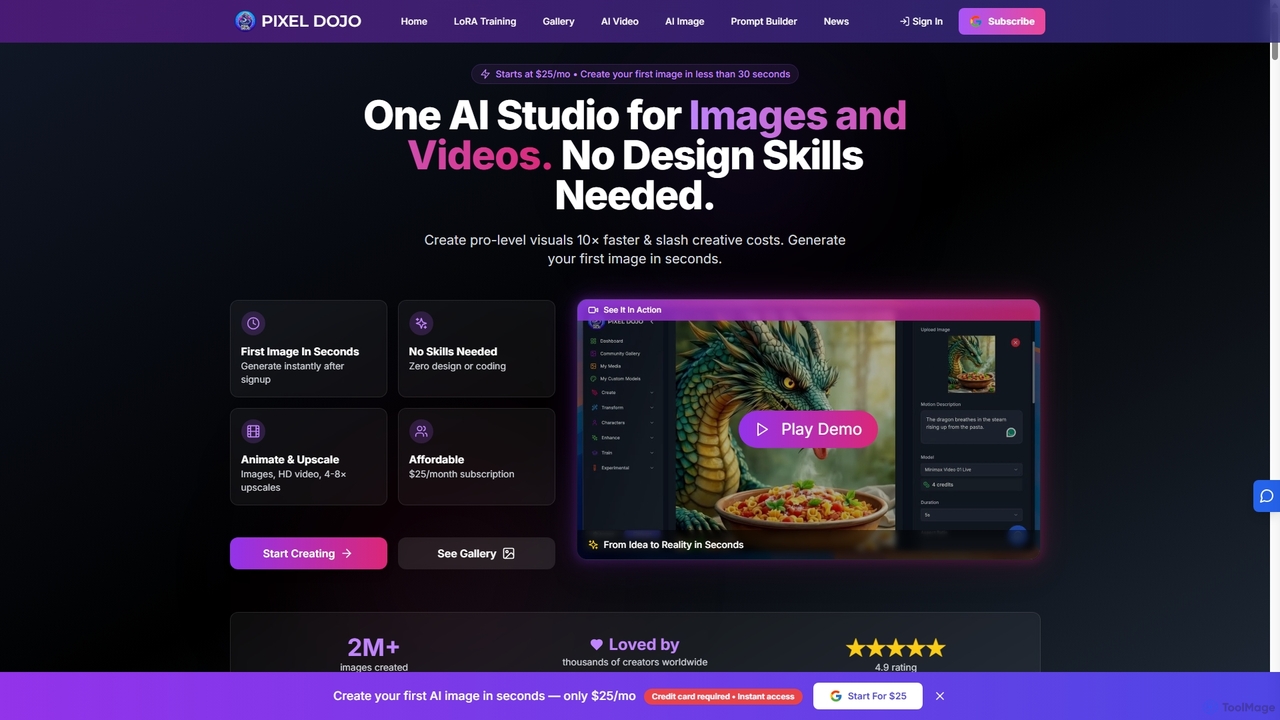
Pixeldojo
Pixel Dojo is an all-in-one AI creative studio for generating professional-quality images and videos. It offers over 67 tools, including text-to-image, text-to-video, image upscaling, and custom LoRA model training. Designed for creators and businesses of all skill levels, it streamlines content creation, reduces costs, and accelerates visual production tenfold without requiring any design skills.
Art Generation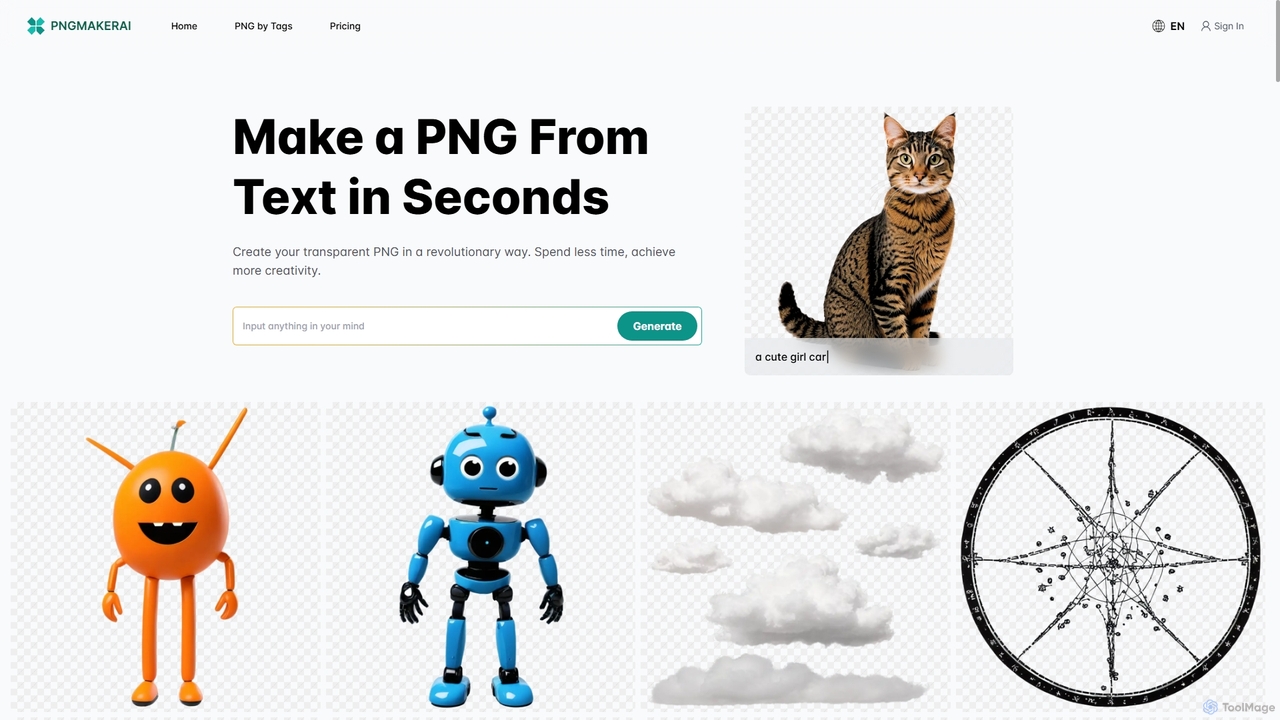
Pngmaker.ai
Pngmaker.ai is an AI-powered tool that generates high-quality, transparent PNG images from simple text descriptions in seconds. It's designed to streamline workflows for graphic designers, content creators, and marketers by eliminating the need for manual background removal. Users can instantly create logos, icons, marketing visuals, and more, unleashing their creativity without limits. A free plan is available to get started.
Graphics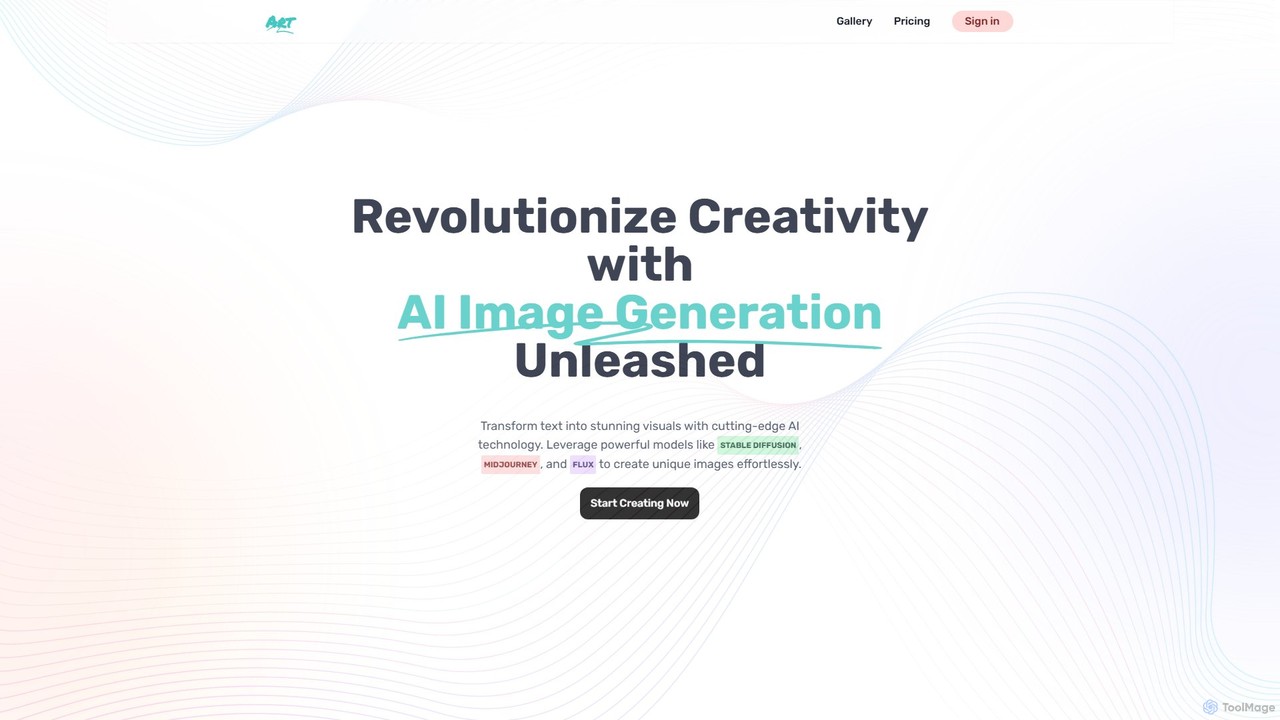
Text2Img.VIP
Text2Img.VIP is an AI-powered platform that transforms text descriptions into stunning, high-quality images. Leveraging advanced models like Stable Diffusion, Midjourney, and DALL-E, it serves designers, marketers, and educators. The tool offers a freemium model, providing both free access with basic features and paid plans for faster generation and priority support.
Graphic Design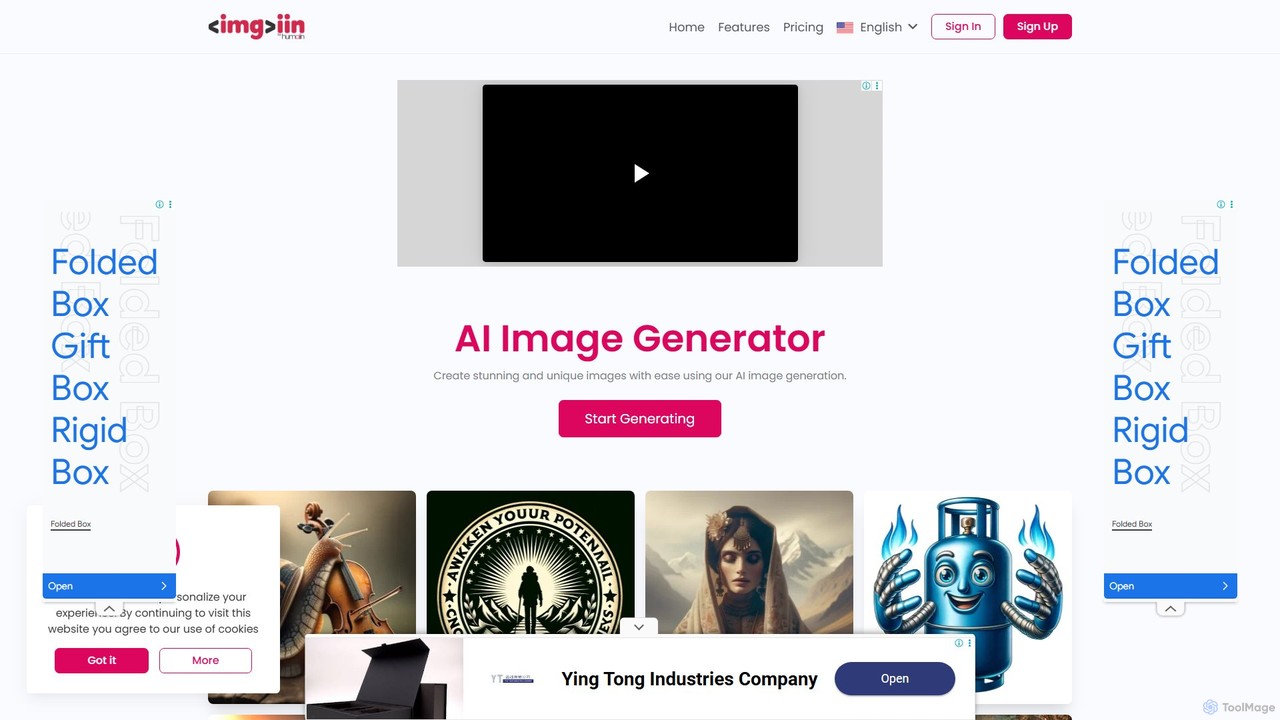
imgi.in
imgi.in is a premium AI image generator that empowers users to create stunning, unique, and customizable images in seconds. Leveraging advanced AI technology like DALLE 3, it offers a wide variety of art styles, from realistic to abstract. With a user-friendly interface, affordable pricing, and a free plan to start, imgi.in is perfect for artists, designers, marketers, and anyone needing high-quality visual content without prior design experience.
Image Generation
picassopix
PicassoPix is an advanced AI image generator that transforms your text prompts into stunning, high-quality visual art and images. Ideal for artists, marketers, and creators, it offers a versatile toolkit to produce unique illustrations, posters, and social media content effortlessly, unlocking creative possibilities in seconds.
Digital Art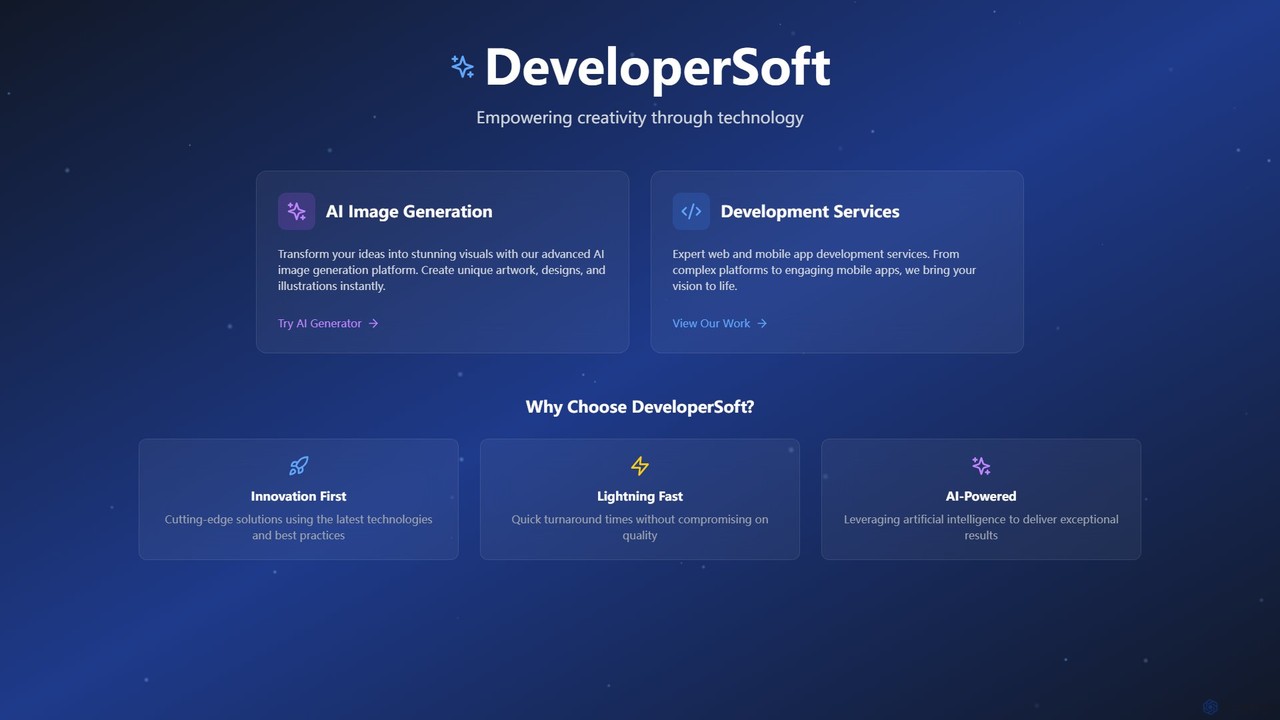
DeveloperSoft
DeveloperSoft offers a powerful AI Image Generation platform that transforms your text prompts into stunning, unique visuals. Ideal for artists, marketers, and developers, it combines a user-friendly image creator with expert web and mobile app development services, empowering creativity through technology.
Generative Art
Bing Image Creator Comments (0)
Sign in to comment.
Sign inNo comments yet.