

Brickit Overview
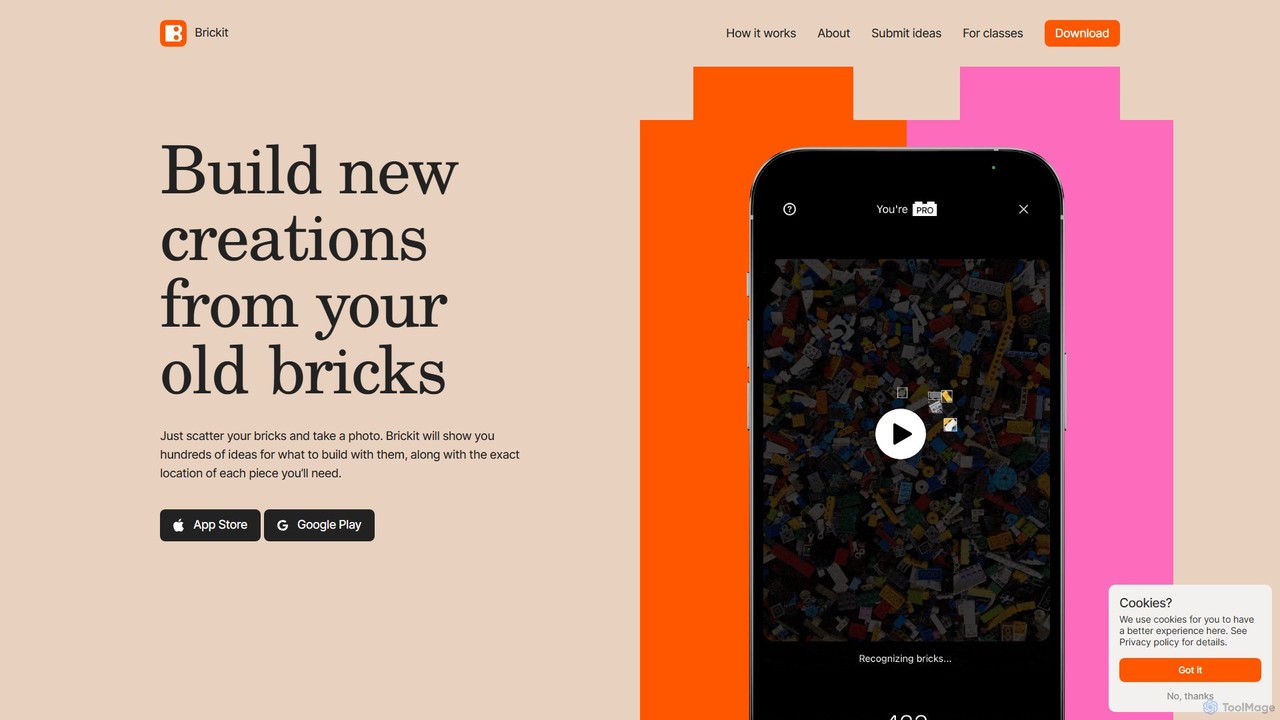
Brickit is a revolutionary application designed to breathe new life into your old collection of building bricks. Developed by a team passionate about both technology and creative play, the app utilizes advanced AI and machine learning to solve a common problem for builders: what to make with the jumble of bricks you already own. By simply taking a photo of your scattered bricks, Brickit's powerful computer vision algorithm, trained on millions of 3D models and real-world photos, can identify over 1600 of the most common types of bricks within seconds. It then cross-references your available pieces with a vast library of creative models—from animals and vehicles to fantastical creatures—and presents you with a personalized catalog of things you can build right away. Brickit is designed for everyone, from children aged 3-7 and their parents looking for a fun family activity, to adult hobbyists seeking fresh inspiration for their extensive collections.
How to use Brickit
Using Brickit is a simple and intuitive process designed to get you building as quickly as possible:
- Scatter and Scan: Spread your bricks out on a flat, well-lit surface. A contrasting background color helps the AI work most effectively.
- Take a Photo: Open the Brickit app and use its built-in camera to take a clear photo of the entire pile of bricks.
- Get Ideas: The app's AI will instantly analyze the photo, identify the recognizable bricks, and show you a list of building ideas that are possible with your specific set of pieces.
- Build with Guidance: Choose a creation you like. Brickit will provide clear, step-by-step 3D instructions. Most impressively, it will highlight the exact location of each required piece in your original photo, eliminating frustrating searches.
- Improvise and Share: The instructions are a guide, not a rulebook. Feel free to experiment with different colors or substitute parts. Once your masterpiece is complete, you can share it with the vibrant Brickit community.
Core Features of Brickit
- AI-Powered Brick Recognition: A sophisticated machine learning algorithm that quickly and accurately scans and identifies thousands of different bricks from a single photo.
- Personalized Building Ideas: Generates a custom catalog of models you can build right now with the bricks you own, tailored to your unique collection.
- Interactive 3D Instructions: Provides clear, easy-to-follow, step-by-step guidance that makes building complex models simple and enjoyable.
- Smart Piece Locator: An innovative feature that shows you exactly where to find each needed brick in your pile, saving time and reducing frustration.
- Community Creation Platform: Allows users to submit their own designs (as Studio .io files) to be featured in the app, inspiring a global community of builders.
- Pile[o]meter (Pro Feature): A powerful tool for serious collectors to catalog their entire brick inventory, find specific parts in seconds, and unlock more complex building plans.
- Brickit for Classes: A dedicated version for educational settings like schools and camps, featuring a one-time purchase model and no social features, making it perfect for K-8 group activities.
Use Cases for Brickit
Brickit is a versatile tool with applications for various users. For families, it transforms playtime into a collaborative and creative bonding experience, turning passive screen time into active, hands-on learning. In educational settings, teachers can use 'Brickit for Classes' to facilitate engaging STEM/STEAM lessons, promoting spatial reasoning, problem-solving, and fine motor skills. For adult fans and hobbyists, Brickit is an invaluable assistant for rediscovering old collections, finding inspiration for new custom models (MOCs), and using the Pro features to meticulously manage and organize large inventories.
Advantages of Brickit
The primary advantage of Brickit is its ability to unlock the hidden potential in every box of bricks. It saves countless hours of frustrating searching, allowing users to focus on the joy of creation. By providing tailored inspiration, it combats 'builder's block' and encourages continuous engagement. The app is highly educational, accessible to all ages, and fosters a positive and creative global community. It successfully merges the physical and digital worlds to enhance a classic, beloved toy.
Pricing and Plans
Brickit operates on a freemium model, making its core functionality accessible to everyone.
- Free Version: Allows users to scan their bricks, receive building ideas, and use the guided instructions.
- Brickit Pro (Subscription): An in-app subscription that unlocks premium features. This includes the Pile[o]meter for full collection cataloging, access to a wider range of more complex and larger builds, and an ad-free experience. Specific pricing can be found on the App Store or Google Play.
- Brickit for Classes (One-Time Purchase): A special version designed for schools and educational groups, available for a single payment. This version removes social features for a focused learning environment.
Traffic
Latest traffic
Status
Monthly traffic trend
- 2025-9: 43.7K
- 2026-1: 58.7K
- 2026-2: 49.8K
- 2026-3: 48.6K
- 2026-4: 41.3K
- 2026-5: 42.9K
Geography
Top 5 countries / regions
- 🇺🇸United States48.0%
- 🇫🇷France18.0%
- 🇧🇷Brazil12.5%
- 🇮🇳India11.3%
- 🇻🇳Vietnam10.2%
Traffic sources
| Source type | Percentage |
|---|---|
Direct | 92.8% |
Referral | 7.2% |
Top keywords
| Keyword | Cost per click |
|---|---|
| app to arrange lego to cabinet | $0.00 |
| brick it | $1.95 |
| brickit | $2.26 |
| is brickit free | $0.00 |
| what can i build with these lego pieces | $0.00 |
Brickit Videos on YouTube

InspirationTuts
Brickit Alternatives
Colorway AI
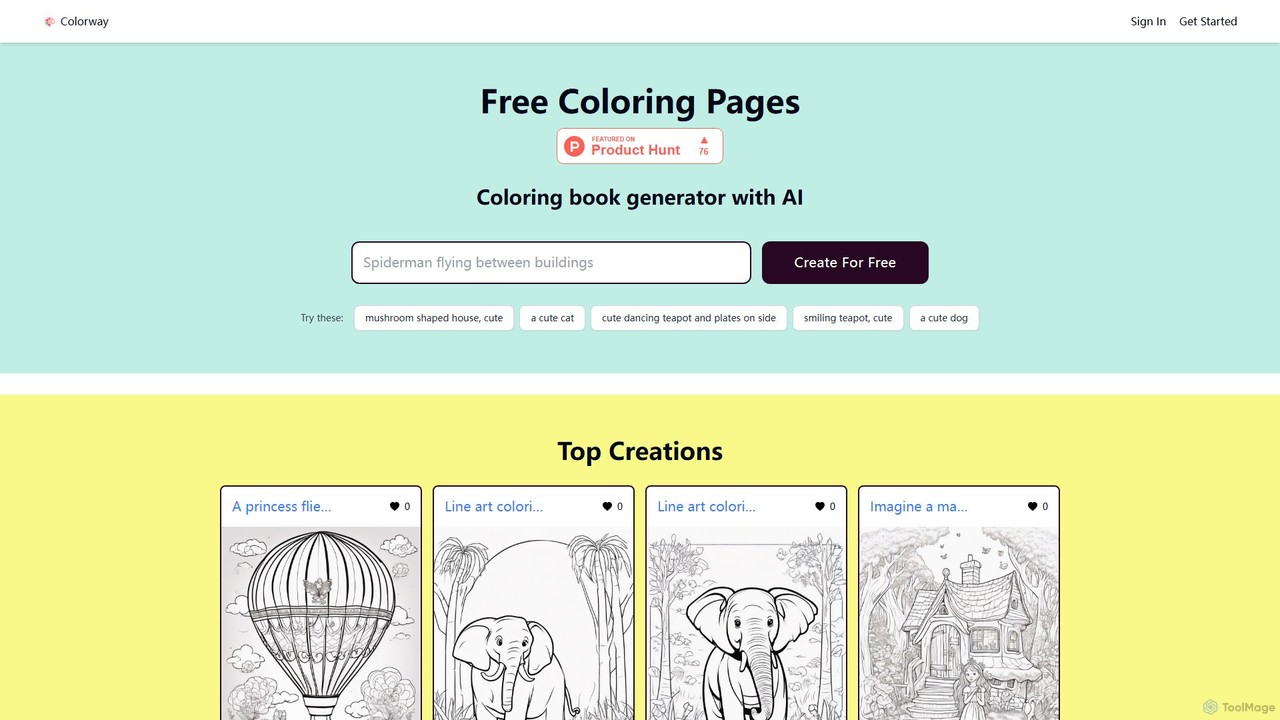
Colorway AI is a free AI-powered coloring book generator. Instantly create unique, printable coloring pages for kids and adults using simple text prompts. Explore a vast library of pre-made designs, from cute animals and cars to intricate mandalas. It's a perfect tool for parents, educators, and anyone seeking a creative and relaxing activity. Unleash your imagination and generate limitless line art for free.
Image Generation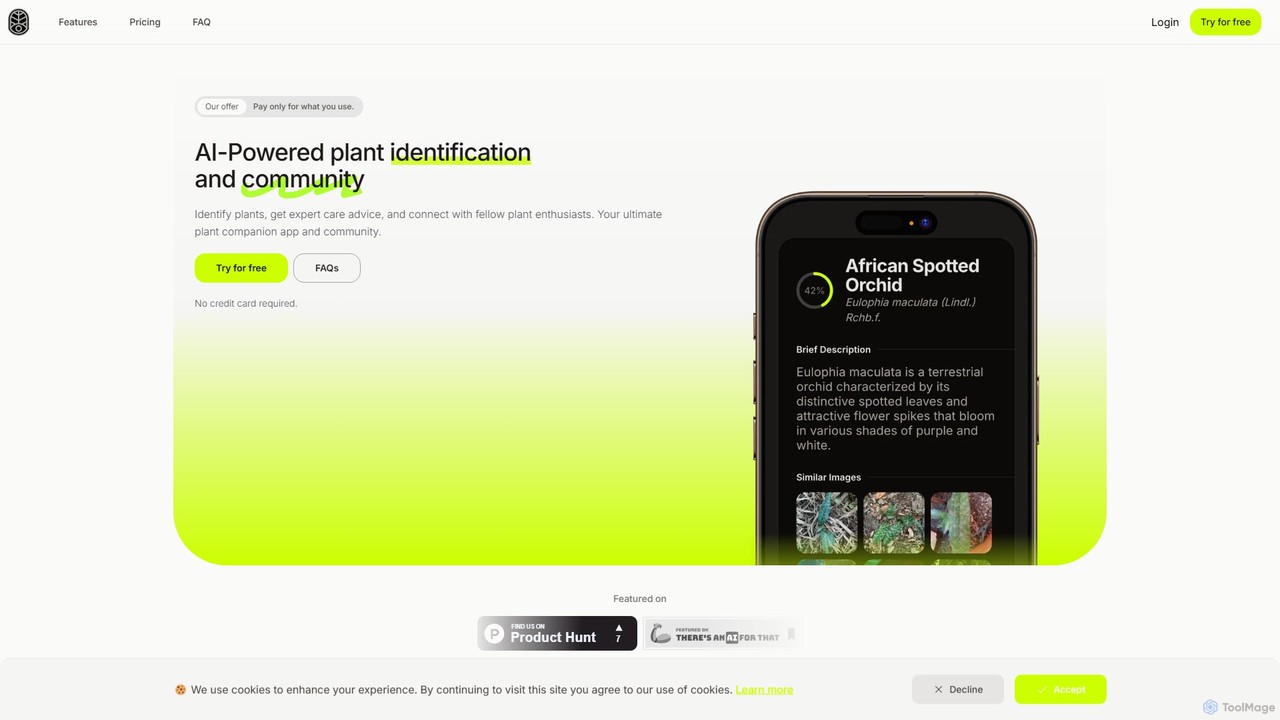
Frondly
Frondly is an AI-powered plant identification tool. Snap a photo to instantly identify plants, receive detailed care guides, and chat with an AI botanist for expert advice. Perfect for gardeners and plant enthusiasts, it uses a flexible pay-as-you-go system, making plant care accessible and straightforward.
Learning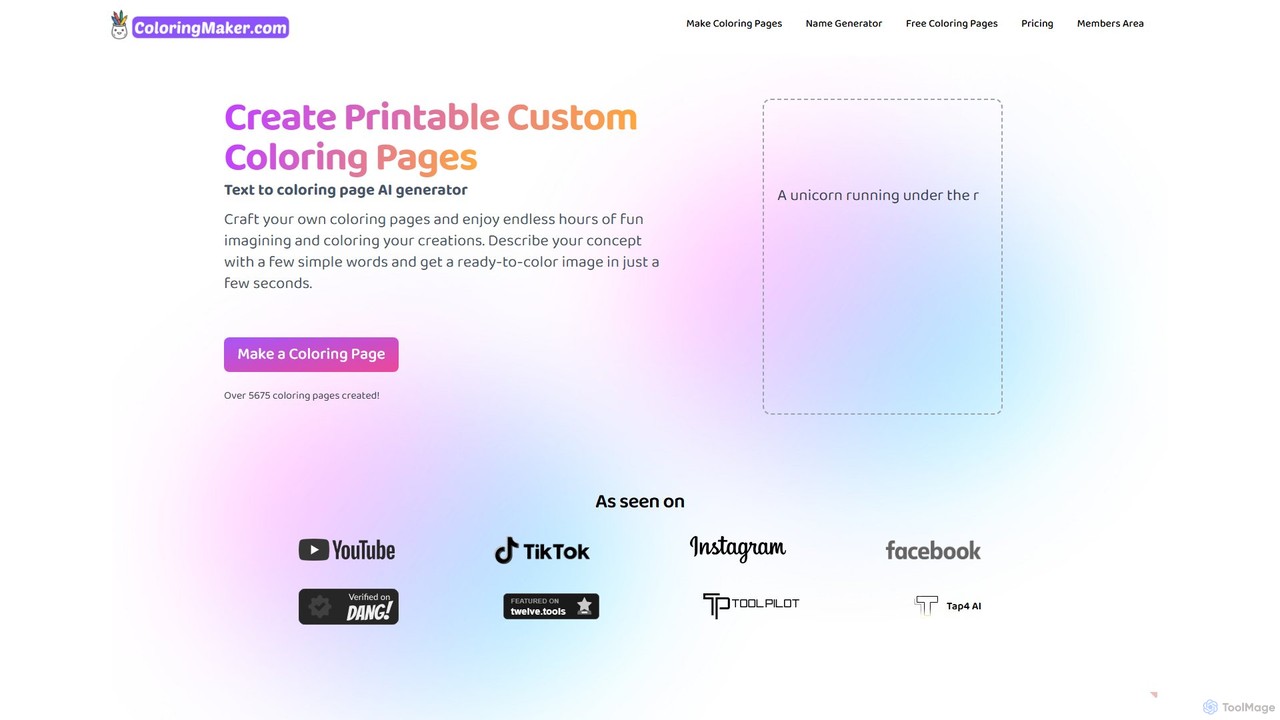
ColoringMaker
An AI-powered tool that generates unique, printable coloring pages from simple text descriptions and names. Perfect for kids, parents, teachers, and coloring enthusiasts to create personalized artistic activities in seconds.
Image Generation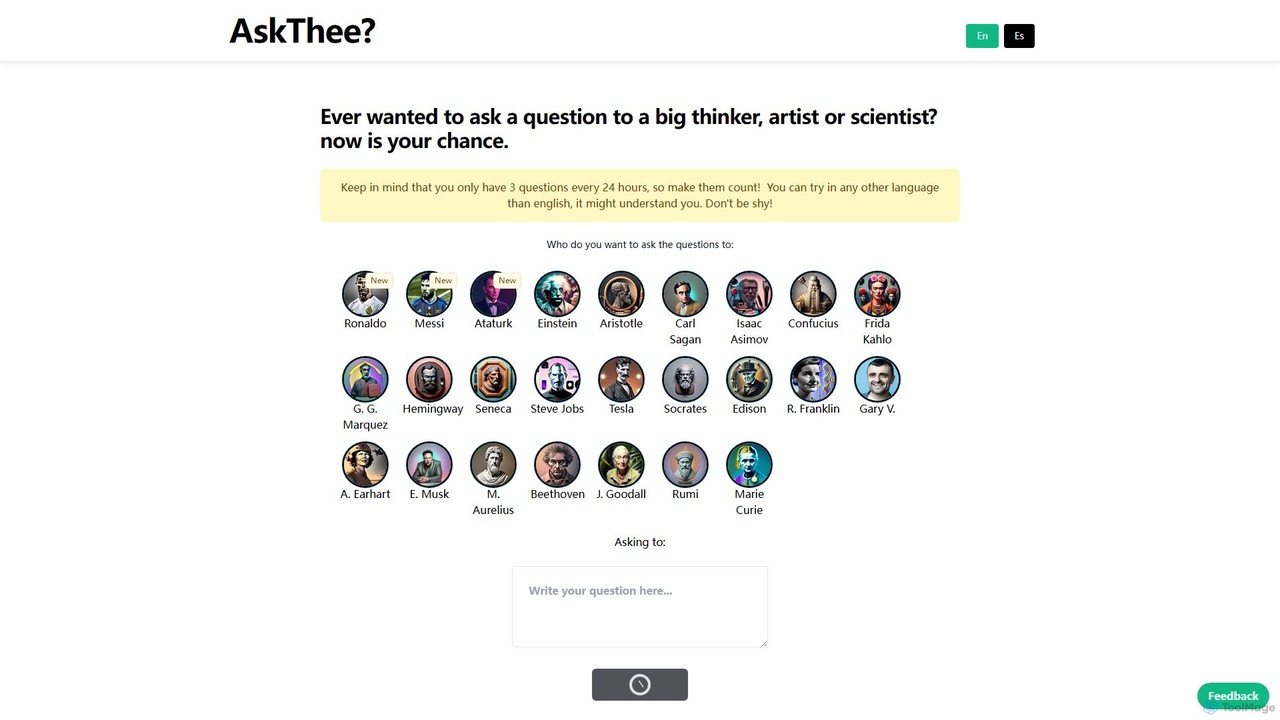

Presenti
Presenti is an AI-powered presentation maker that instantly transforms your text, documents (Word, PDF, Markdown), or ideas into stunning, professional slides. It features automated design optimization, a vast template library, and online collaboration tools to streamline your workflow and create impactful presentations in minutes.
CorporateBrickit Categories
Brickit Embed Widget
Copy this embed code to place the badge on your blog, article, or product site and send readers directly to this ToolMage detail page.

Related AI tools
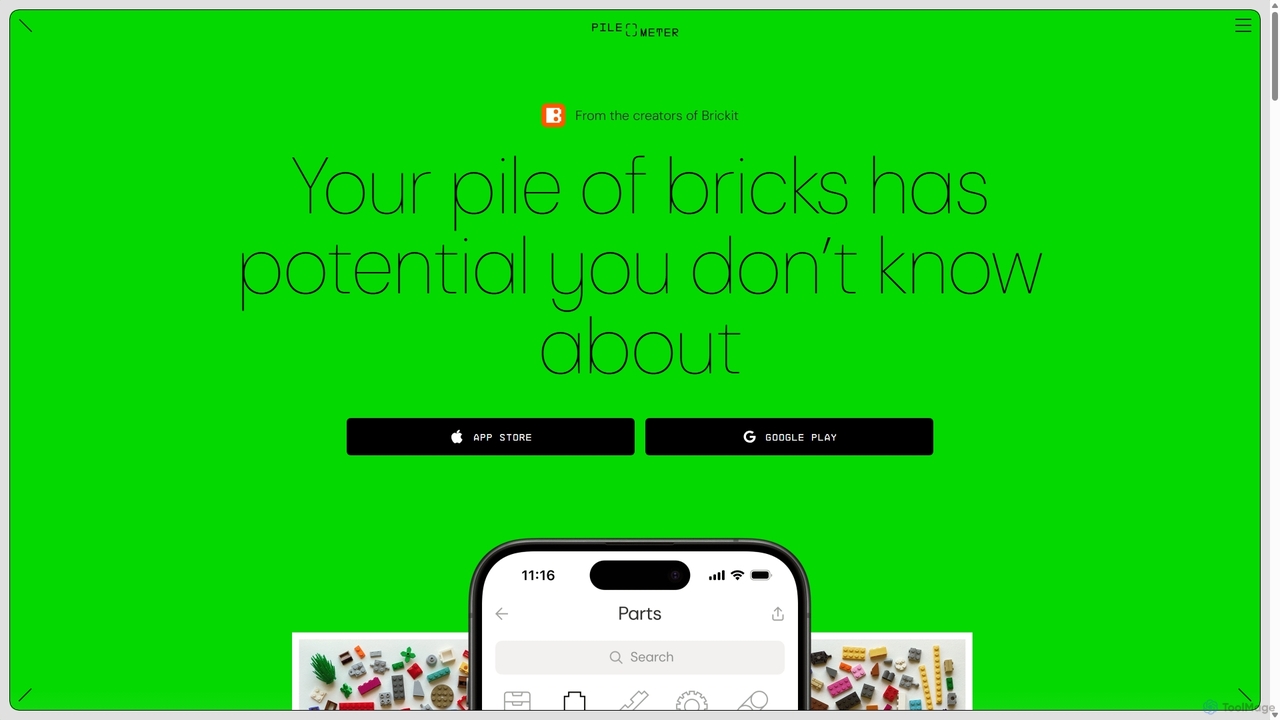
Pileometer
Pileometer is an AI-powered app that revolutionizes brick management for LEGO enthusiasts. By scanning your bricks, it creates a complete digital inventory, eliminating tedious manual sorting. The app helps you find specific parts, discover what you can build with your collection, and manage your inventory effortlessly.
Computer VisionColorway AI
Colorway AI is a free AI-powered coloring book generator. Instantly create unique, printable coloring pages for kids and adults using simple text prompts. Explore a vast library of pre-made designs, from cute animals and cars to intricate mandalas. It's a perfect tool for parents, educators, and anyone seeking a creative and relaxing activity. Unleash your imagination and generate limitless line art for free.
Image GenerationColoringMaker
An AI-powered tool that generates unique, printable coloring pages from simple text descriptions and names. Perfect for kids, parents, teachers, and coloring enthusiasts to create personalized artistic activities in seconds.
Image Generation
Fast.ai
Fast.ai is a research institute dedicated to making deep learning accessible to everyone. It offers free courses, an open-source software library (fastai), cutting-edge research, and a vibrant community, empowering coders of all backgrounds to become deep learning practitioners.
Machine Learning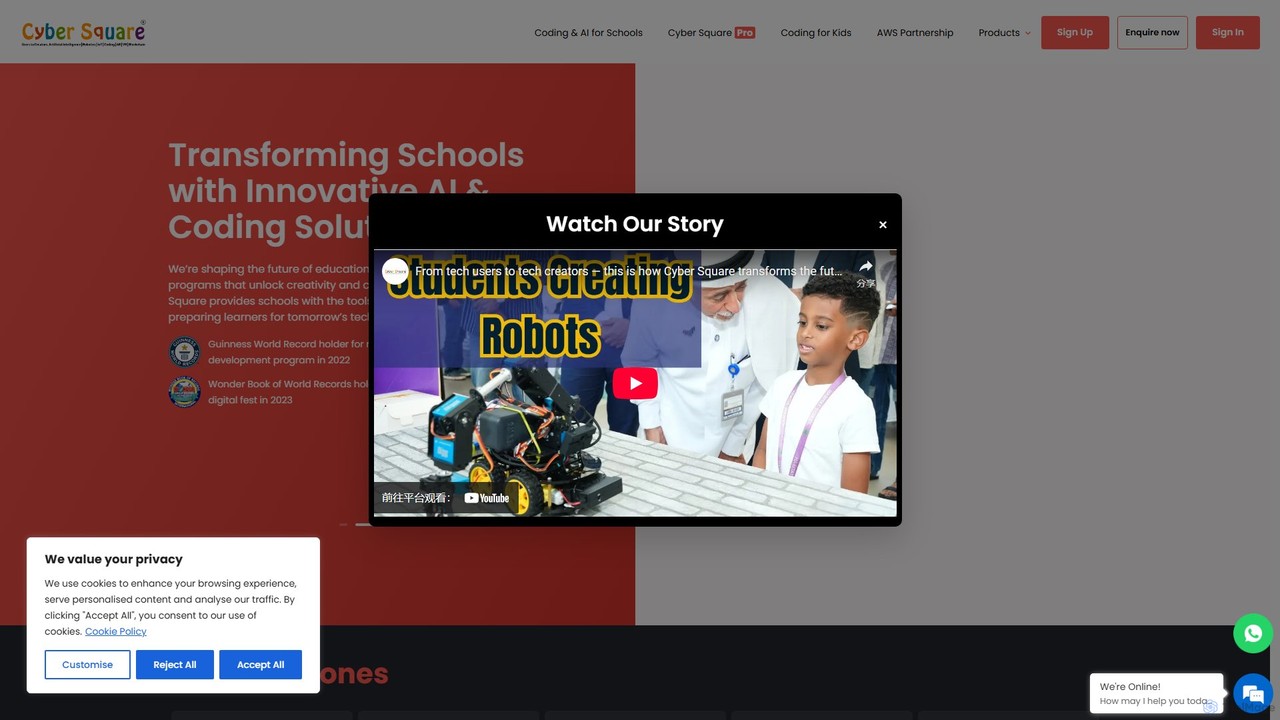
CyberSquare
CyberSquare is a leading global EdTech platform offering comprehensive AI, coding, and robotics education for schools and children from K-12. It provides an AI-powered learning management system, project-based curriculum, teacher training, and hands-on kits to transform students from tech consumers into creators.
Coding
LearnFast
LearnFast is an AI-powered problem solver for mathematics and physics. Powered by GPT-4o, it provides instant, accurate, and step-by-step solutions to a wide range of problems. Users can submit questions via text, images, or files, making it an ideal learning companion for students, educators, and lifelong learners.
Homework Helper
ScienceFair.io
ScienceFair.io is an all-in-one educational platform designed to guide ambitious students through their research journey. It offers a suite of AI-powered tools, free resources, and expert coaching to help students develop award-winning science fair projects, find opportunities, and succeed in top STEM competitions like ISEF.
Coaching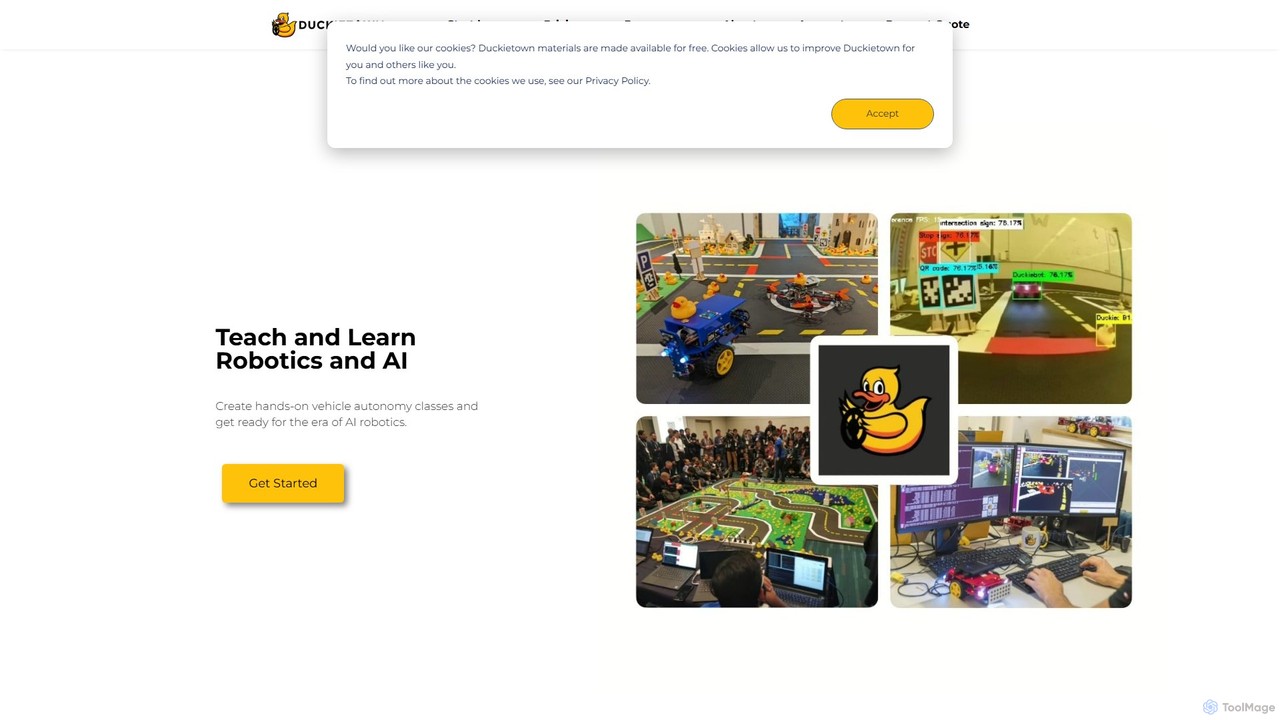
Duckietown
Duckietown is a hands-on educational platform for learning and teaching robotics and AI, originating from MIT. It provides a complete ecosystem with physical robots (Duckiebots), simulators, online courses, and a global community, making advanced concepts like autonomous driving accessible to students, instructors, and researchers.
Simulation
Tynker AI
Tynker AI is an educational platform designed to teach kids and beginners about artificial intelligence and machine learning. Using a visual, block-based coding interface, it makes complex AI concepts accessible, fun, and engaging through interactive lessons and creative project-building.
Low Code No Code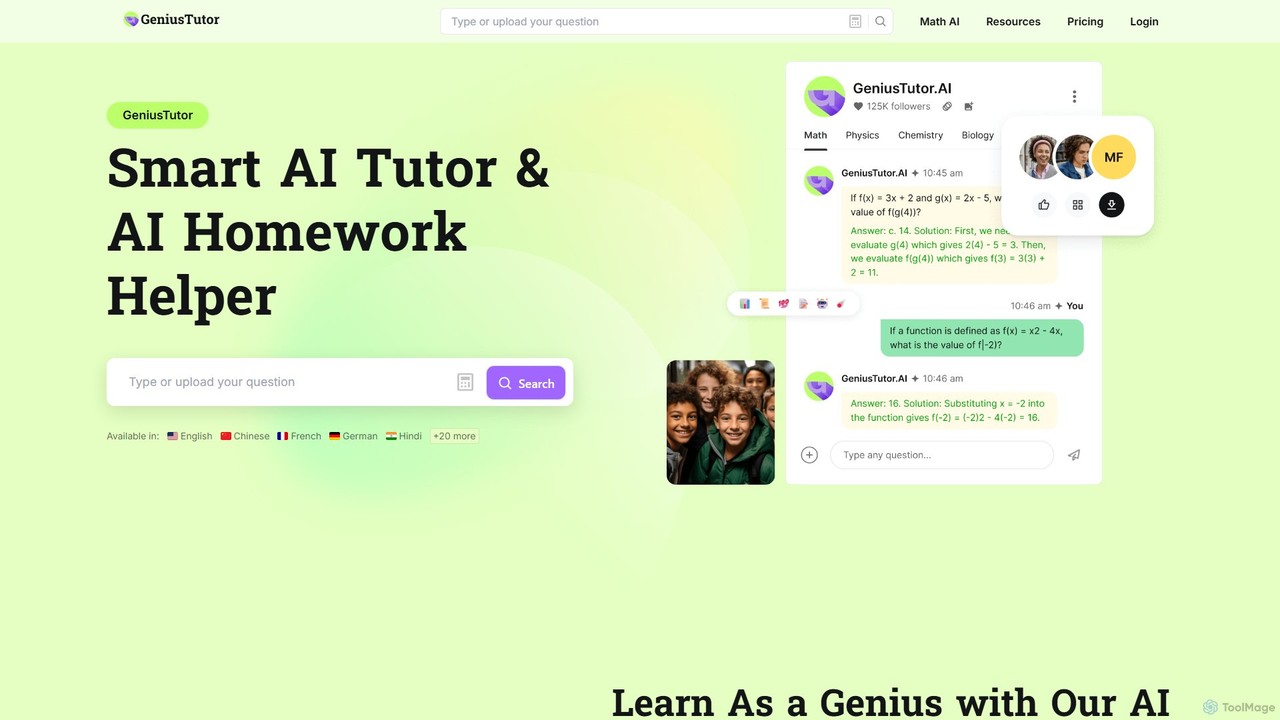
Geniustutor
Geniustutor is an AI-powered tutor and homework helper designed to assist students from high school to college and lifelong learners. It provides instant, step-by-step solutions and detailed explanations across a wide range of subjects, including Math, Physics, Chemistry, and Literature. By simply typing or uploading a photo of a problem, users can receive clear guidance, understand key concepts, and improve their academic performance.
Homework Helper
coolcoloringpages
An AI-powered coloring page generator that transforms any text idea or photo into unique, printable coloring sheets in seconds. Perfect for kids, parents, and teachers, it offers endless creativity with features like name embedding, adjustable difficulty levels, and a vast library of themes.
Coloring Page Generation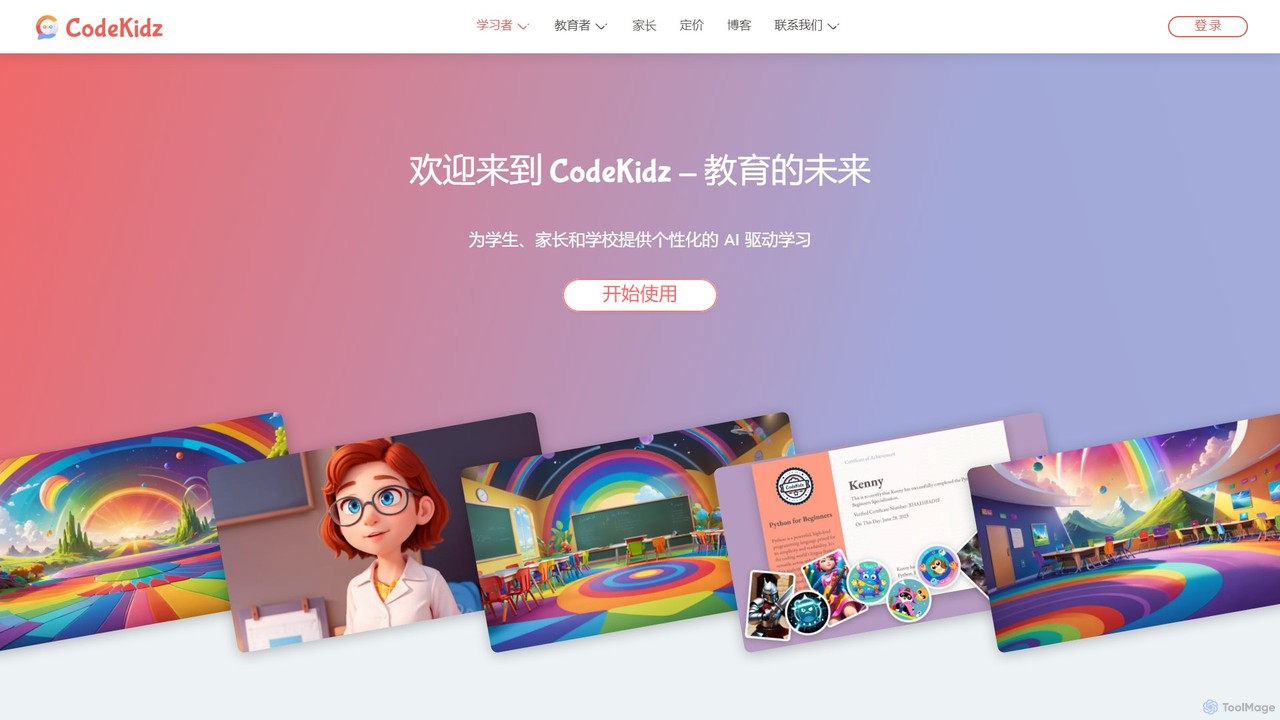
CodeKidz
CodeKidz is an AI-powered personalized learning platform for students, educators, and parents. It offers a wide range of courses from coding to arts, featuring customizable AI tutors, gamified rewards, and powerful tools for educators to create and manage digital lessons.
Virtual Assistant
Py
Py is a curated online directory serving as a comprehensive gateway to the best Python libraries, AI frameworks, and developer resources. It helps users explore, discover, and find tools to enhance their machine learning and AI projects.
Tool Discovery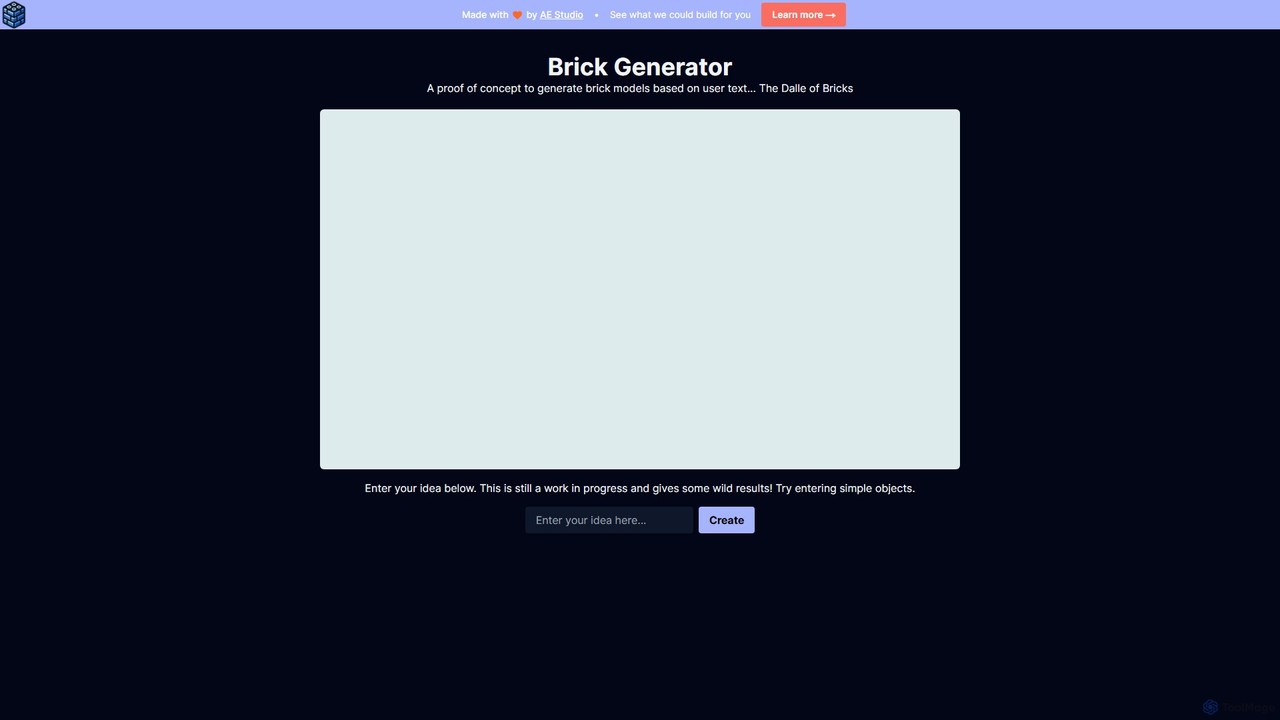
Brick Generator
An AI-powered tool that transforms your text descriptions into 3D models made of digital building bricks. Simply type your idea, and watch as the AI constructs a unique brick creation, perfect for hobbyists, designers, and educators.
Generative Art
Brickit Comments (0)
Sign in to comment.
Sign inNo comments yet.