Creativity Best in category 1 results Design AI Tool

Popular AI tools in the Design field of Creativity include Brickit, etc., helping you quickly improve efficiency.

Brickit

Brickit

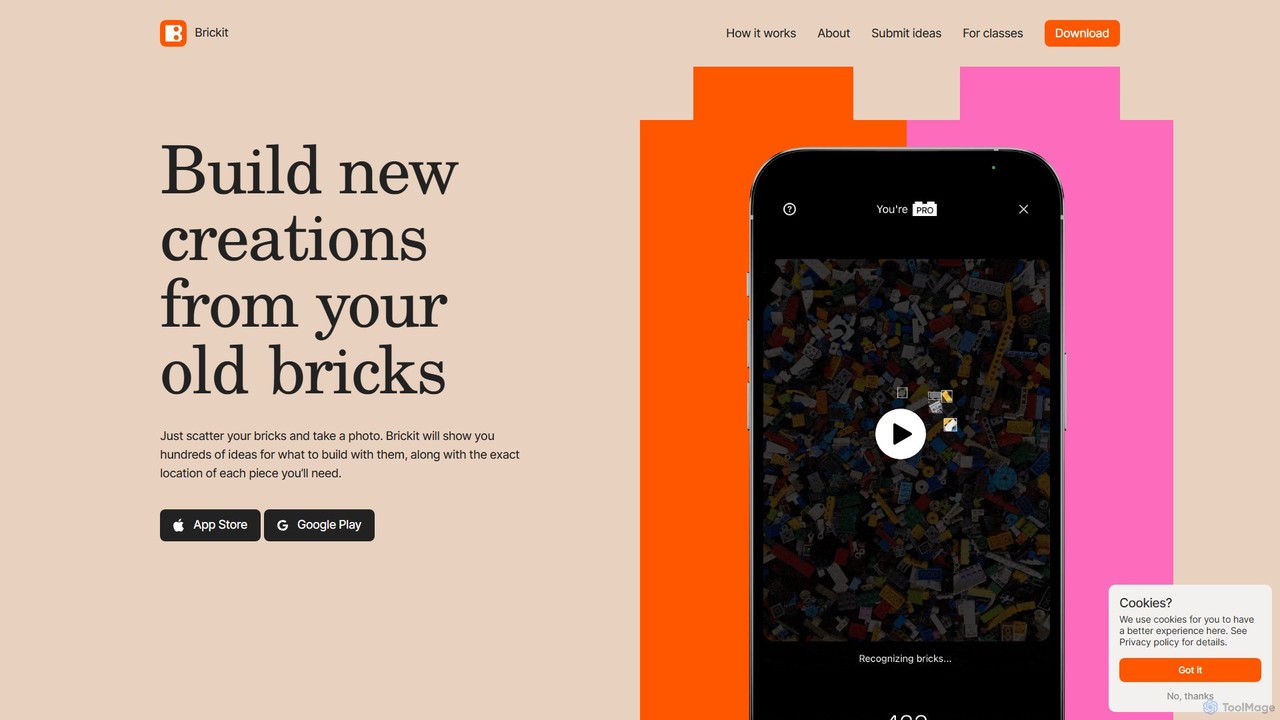
Brickit is an AI-powered app that scans your pile of bricks, identifies them, and suggests creative building ideas. …

43.6K

About Design

AI Design tools are a class of software that leverage artificial intelligence to automate and assist in the creation of visual assets. These tools utilize generative models and machine learning algorithms to interpret user inputs, such as text prompts or basic layouts, and produce polished designs like logos, websites, presentations, and social media graphics. Their primary value lies in accelerating the design process, enabling non-designers to create professional-quality visuals, and providing designers with new avenues for inspiration and rapid prototyping. They streamline workflows by handling repetitive tasks and generating multiple variations in seconds.

Core Features

  • Generative Design from Text: Creates design assets like logos, icons, and UI mockups directly from textual descriptions.
  • Automated Layout and Composition: Intelligently arranges text, images, and other elements into aesthetically pleasing and functional layouts.
  • Brand Consistency Automation: Automatically applies a brand's specific colors, fonts, and logos across various design templates.
  • Smart Template Customization: Suggests improvements and variations for existing templates based on content and design principles.
  • AI-Powered Asset Editing: Includes features like one-click background removal, smart object resizing, and color palette generation.

Use Cases

AI Design tools are widely used by marketing teams for creating ad banners and social media content, by startups for rapid brand identity development, and by product managers for generating UI/UX wireframes and mockups. They are also valuable for consultants and educators who need to produce professional presentations and reports without extensive design skills.

How to Choose

When selecting an AI Design tool, consider its primary function—whether it specializes in UI/UX, branding, or marketing materials. Evaluate the balance between ease of use for beginners and the level of creative control for professionals. Check for integration capabilities with your existing workflow (e.g., Figma, Adobe Creative Suite) and review the available output formats (e.g., SVG, PDF, PNG). Finally, assess the pricing model to ensure it aligns with your usage frequency and budget.

DesignUse Cases

1

Rapid Creation of Marketing Materials

A marketing manager at a small e-commerce business needs to create daily social media posts and weekly ad banners for multiple platforms. Using an AI Design tool, they can input a product name and a promotional message. The AI generates dozens of on-brand visual options in various sizes (for Instagram stories, Facebook posts, Google Ads) within minutes. This process eliminates the need for manual resizing and layout adjustments, reducing the time spent on graphic creation by over 80% and allowing the manager to focus on campaign strategy and performance analysis.

2

Accelerated UI/UX Prototyping

A UX designer is tasked with creating several different layout concepts for a new mobile app feature. Instead of manually building each wireframe in a traditional tool, they use an AI Design tool to generate multiple high-fidelity mockups from a single text description like "a user profile screen with a profile picture, username, bio, and a grid of photos." The AI produces varied layouts, color schemes, and component styles, allowing the designer to quickly present a range of options to stakeholders and move to user testing much faster than with a manual process.

3

Generating Logo and Brand Identity Concepts

A startup founder with a limited budget needs a professional logo and basic brand guidelines. They use an AI Design tool, entering their company name, industry, and keywords like "modern, tech, friendly." The tool generates hundreds of unique logo variations, including different icons, fonts, and color combinations. The founder can then select a few favorites, make minor tweaks, and the tool automatically generates a simple brand kit with the logo, color palette, and font recommendations. This provides a solid visual foundation in hours, not weeks, and at a fraction of the cost of hiring a design agency.

4

Automated Presentation Design

A business consultant needs to create a compelling presentation for a client meeting on short notice. They paste their raw text content—bullet points, data, and headlines—into an AI Design tool. The AI analyzes the content structure and automatically designs a complete, professional-looking slide deck. It selects appropriate layouts for different types of content (e.g., title slides, data charts, image slides), applies a consistent theme, and even suggests relevant icons or stock photos. This transforms a plain document into a visually engaging presentation in minutes, saving hours of manual formatting in PowerPoint or Google Slides.

5

E-commerce Product Visualization

An online store owner wants to showcase their products in various lifestyle settings without expensive photoshoots. Using an AI Design tool with image editing capabilities, they upload a clean product photo. The tool's AI can place the product into various AI-generated scenes, such as a living room, a kitchen counter, or an outdoor setting. It can also generate different color variations of the product or create promotional graphics featuring the item with automatically generated backgrounds and text overlays. This allows for creating a rich and diverse set of product images quickly and cost-effectively.

6

Personalized Content Creation for Creators

A content creator running a blog and a YouTube channel needs unique visuals for each piece of content. They use an AI Design tool to generate custom blog post headers and video thumbnails. By providing the title of their article or video, the AI suggests several design concepts that match the topic's tone and keywords. The creator can then quickly select and customize a design, ensuring a unique and professional look for every publication without having to design from scratch or use repetitive templates. This helps maintain a high-quality visual identity across all their content channels efficiently.

DesignFrequently Asked Questions