
brightbook Overview
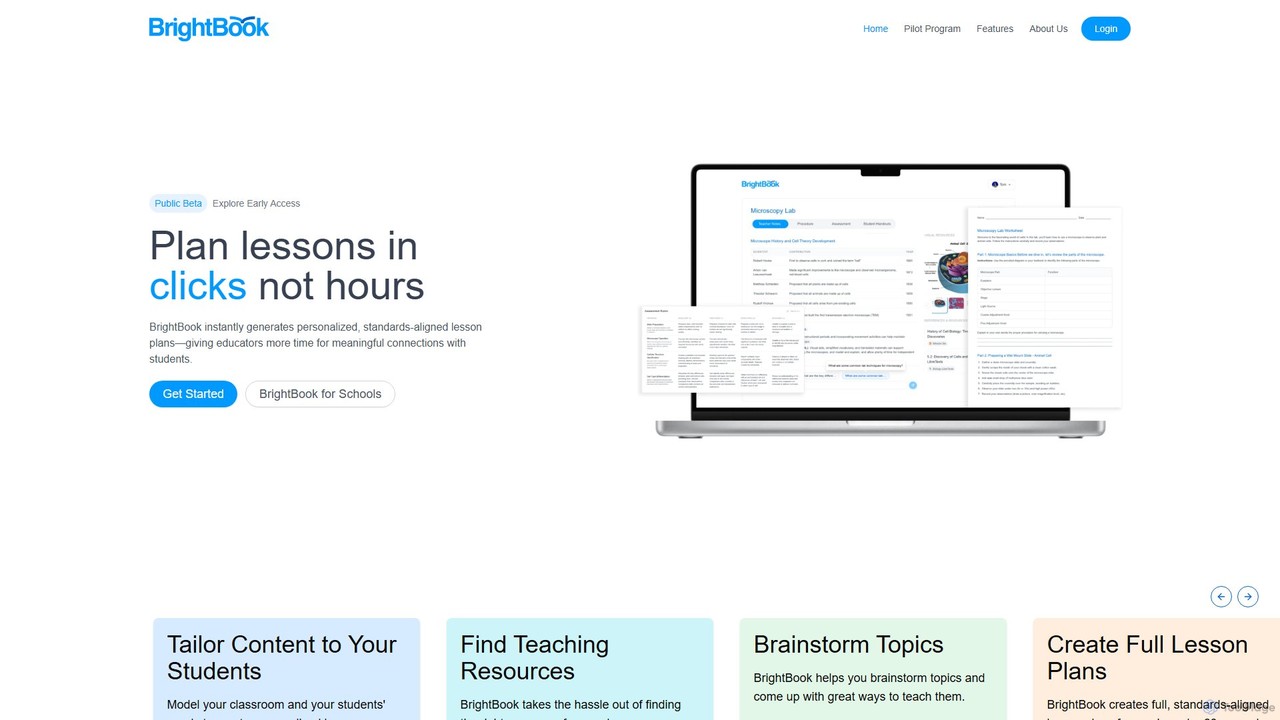
BrightBook is a revolutionary AI-powered platform built with a clear mission: to empower educators by transforming the time-consuming task of lesson planning into a quick and efficient process. Recognizing the immense pressure and workload on teachers, BrightBook aims to reduce burnout and give them back valuable time to focus on what truly matters—meaningful connections with students. The platform turns hours of planning into just a few clicks, making world-class, personalized lesson planning accessible to every classroom.
At its core, BrightBook is a teacher's co-pilot. It is not designed to replace the invaluable human element in the classroom but to augment it. It provides a space for teachers to express their ideas and professional voice, using AI to handle the heavy lifting of structuring lessons, aligning them with educational standards, and finding appropriate resources. This allows educators to infuse their personal touch and pedagogical expertise into high-quality, AI-generated frameworks.
How to use brightbook
Using BrightBook is an intuitive, multi-step process designed for maximum efficiency and customization:
- Model Your Classroom: Begin by defining the context of your classroom. Input key details such as grade level (from elementary to higher education), subject, and the specific needs and learning styles of your students. This initial step ensures the generated content is highly relevant.
- Brainstorm & Select Topics: If you're looking for inspiration, use BrightBook's brainstorming feature to generate creative topic ideas and teaching approaches. Alternatively, you can input your own specific topics for the lesson.
- Generate Lesson Plans: With a single click, BrightBook's AI engine generates a complete, detailed, and standards-aligned lesson plan in under 60 seconds. This includes learning objectives, activities, assessment methods, and materials.
- Customize and Refine: Review the AI-generated plan. You have full control to edit, add, or remove elements to perfectly match your teaching style and your students' needs. This is where you add your personal touch to make the lesson truly your own.
- Find Teaching Resources: The platform automatically suggests and helps you find relevant resources, such as articles, videos, and interactive exercises, taking the hassle out of searching for supplementary materials.
Core Features of brightbook
- Instant Lesson Plan Generation: Creates comprehensive, standards-aligned lesson plans in seconds.
- Advanced Personalization: Tailors lesson content to diverse student needs, including accommodations for special education.
- Standards Alignment: Automatically aligns all lesson plans with relevant educational standards (e.g., Common Core), ensuring curriculum compliance.
- Resource Curation: Intelligently finds and suggests high-quality teaching resources to complement your lessons.
- Creative Brainstorming: Acts as a creative partner to help teachers brainstorm engaging topics and innovative teaching strategies.
- Full Customization: Provides a flexible editor for teachers to modify and personalize every aspect of the generated lesson plans.
- Performance Analytics: Offers insights into classroom performance and student engagement to inform future instruction (a key feature in the pilot program).
- LMS Integration: Designed to be compatible with existing Learning Management Systems (LMS), streamlining workflow for schools.
Use Cases for brightbook
BrightBook is a versatile tool for various educational professionals:
- K-12 Teachers: Elementary, middle, and high school teachers can save 5-10 hours per week on administrative planning, allowing more time for direct student interaction and professional development.
- Higher Education Instructors: University and college professors can use it to structure course syllabi, plan lectures, and discover academic resources.
- Curriculum Developers: Can rapidly prototype, develop, and standardize curriculum materials across a school or district.
- Special Education Teachers: Can efficiently create highly differentiated and individualized lesson plans that cater to specific learning accommodations.
- School Administrators: Can implement BrightBook to support their teaching staff, reduce school-wide burnout, and ensure consistent, high-quality instruction.
Advantages of brightbook
BrightBook stands out by focusing on the educator's needs. Its primary advantages include a massive reduction in planning time, which directly combats teacher burnout. By automating the tedious aspects of planning, it frees educators to focus on creative teaching and building relationships with students. The platform enhances the quality of instruction by providing a foundation of well-structured, standards-aligned content that teachers can then elevate with their unique expertise. It champions personalized learning, making it easier than ever to cater to a diverse classroom. Above all, it empowers teachers, serving as a powerful assistant that respects and amplifies their professional voice.
Pricing and Plans
BrightBook is currently inviting US schools to participate in a **Free 3-Month Pilot Program**. This program offers full, enterprise-level access for up to 25 teachers per school with no cost or obligation. The pilot includes dedicated onboarding, support, and teacher training workshops. While specific pricing for post-pilot or individual use is not detailed, the model suggests future paid subscription plans for schools and districts. The presence of a "Get Started Free" call-to-action may also indicate a free trial or a limited free tier for individual teachers in the future. Interested parties are encouraged to apply for the pilot program to experience the full platform.
brightbook Alternatives
Alayna AI
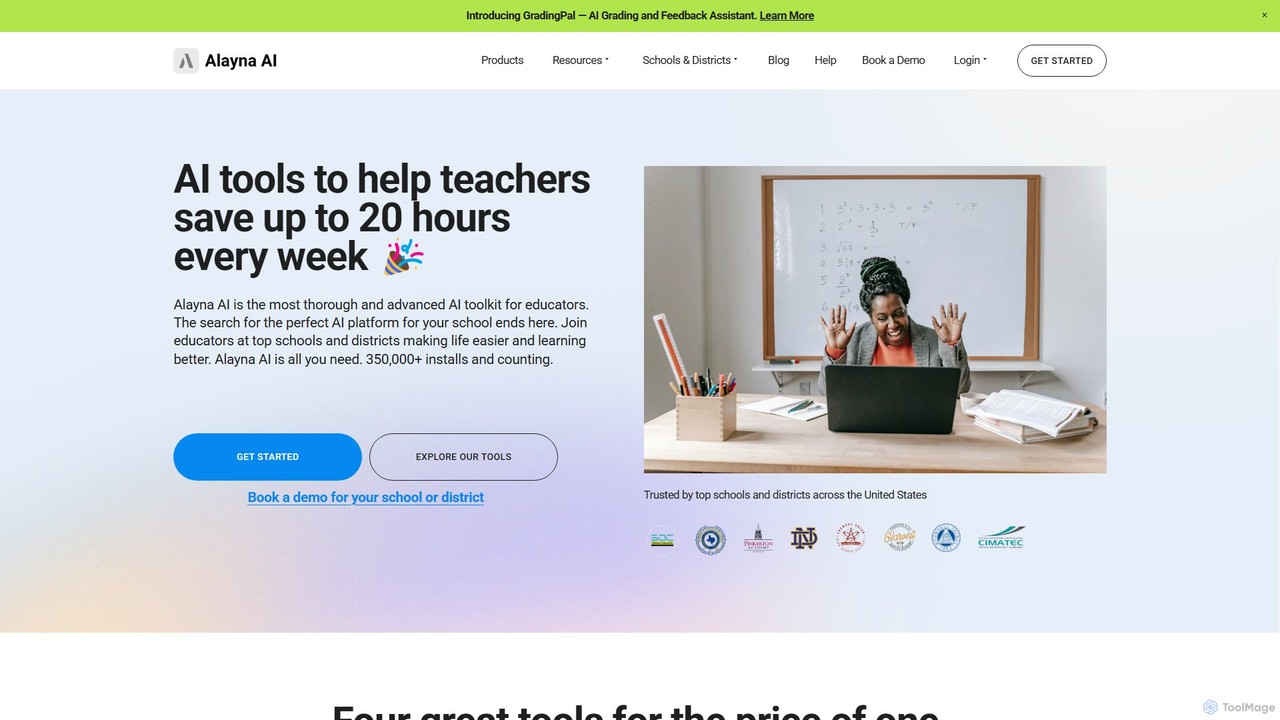
Alayna AI is a comprehensive AI toolkit designed for K-12 educators, schools, and districts. It aims to save teachers up to 20 hours per week by automating tasks like curriculum development, presentation creation, project design, and grading. The platform includes a Curriculum Generator, an AI Slides Generator for Google Slides, a Project Designer for PBL, and an AI Grading Assistant, providing an all-in-one solution to enhance teaching efficiency and student engagement.
Assessment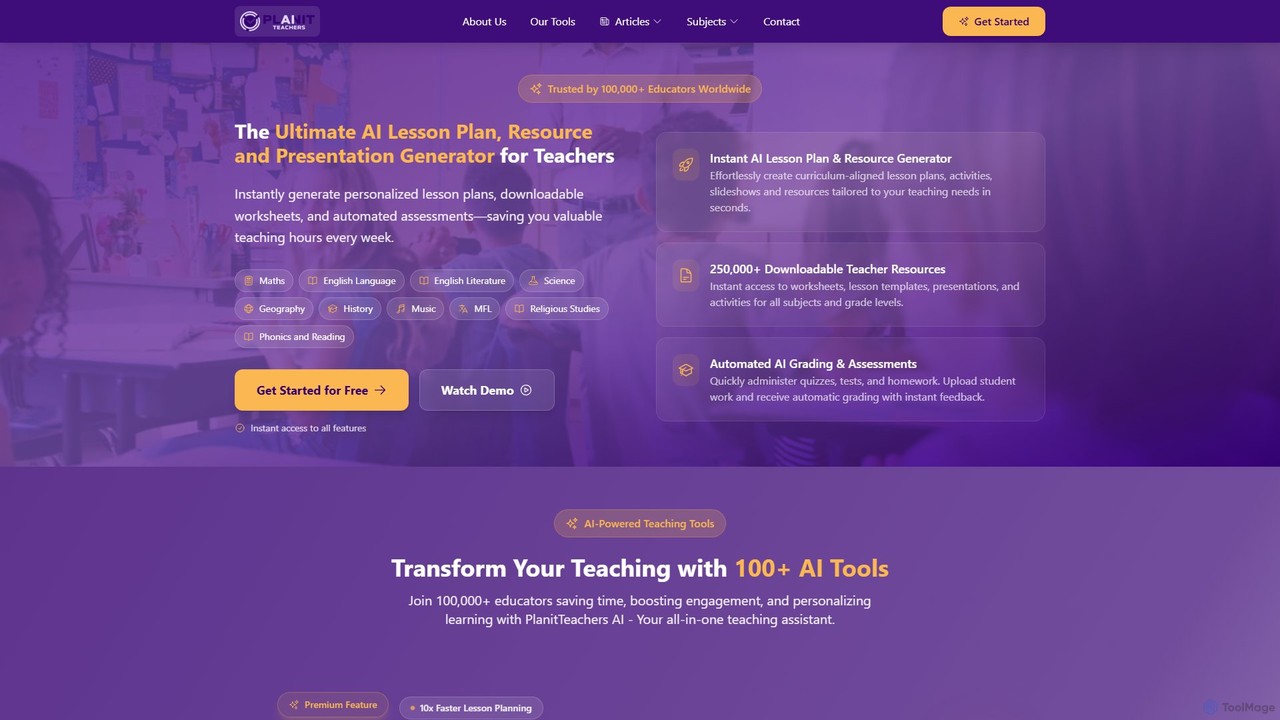
PlanitTeachers
PlanitTeachers is an AI-powered platform for educators, designed to automate lesson planning, resource creation, and assessments. It offers over 100 AI tools to generate curriculum-aligned lesson plans, worksheets, presentations, and reports, saving teachers valuable hours every week and enhancing student engagement.
Assessment
to_teach
to_teach is an AI-powered platform designed for educators to streamline lesson preparation. It enables teachers to instantly generate lesson plans, worksheets, and a variety of exercises across numerous subjects. By supporting content customization from sources like YouTube and personal documents, it helps create engaging, differentiated materials tailored to diverse student needs, saving valuable time.
Lesson Planning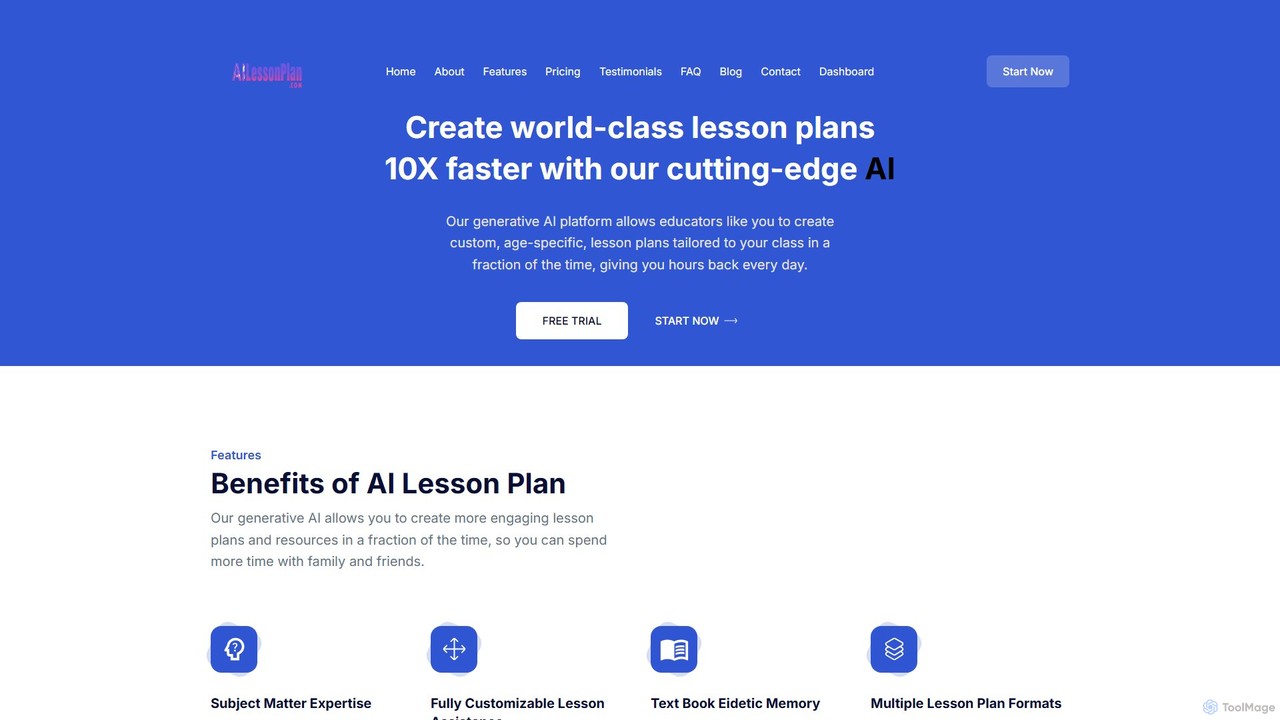
ailessonplan
ailessonplan is an AI-powered platform designed for educators to create high-quality, customized lesson plans and teaching resources 10 times faster. By inputting class details, subjects, and even specific textbook pages, teachers can generate comprehensive plans, worksheets, rubrics, and assessments in seconds. This tool aims to significantly reduce planning time, allowing educators to focus more on teaching and personal life, while enhancing the quality and engagement of their lessons.
Lesson Planning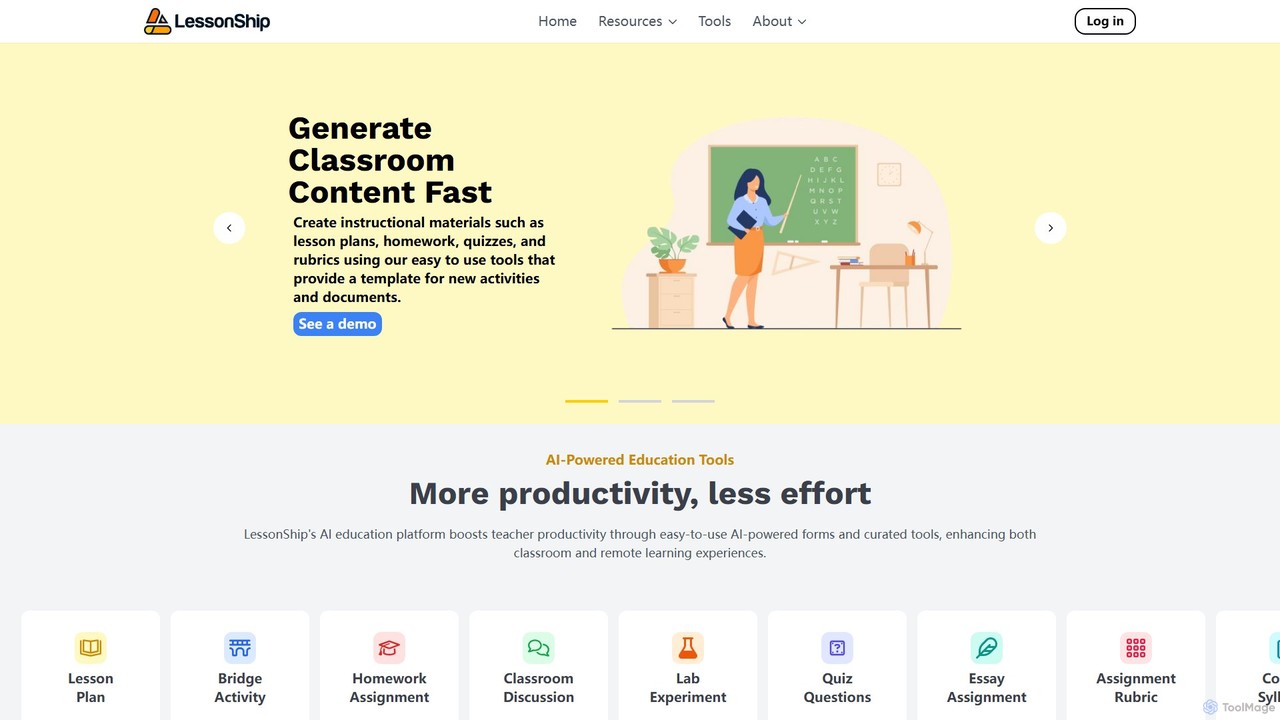
LessonShip
LessonShip is an AI-powered platform designed for educators to rapidly create high-quality instructional materials. It helps teachers save hours on prep work by generating lesson plans, quizzes, homework, and more, allowing them to focus on student engagement and personalized learning.
Lesson Planningbrightbook Categories
brightbook Embed Widget
Copy this embed code to place the badge on your blog, article, or product site and send readers directly to this ToolMage detail page.

Related AI tools
Alayna AI
Alayna AI is a comprehensive AI toolkit designed for K-12 educators, schools, and districts. It aims to save teachers up to 20 hours per week by automating tasks like curriculum development, presentation creation, project design, and grading. The platform includes a Curriculum Generator, an AI Slides Generator for Google Slides, a Project Designer for PBL, and an AI Grading Assistant, providing an all-in-one solution to enhance teaching efficiency and student engagement.
Assessment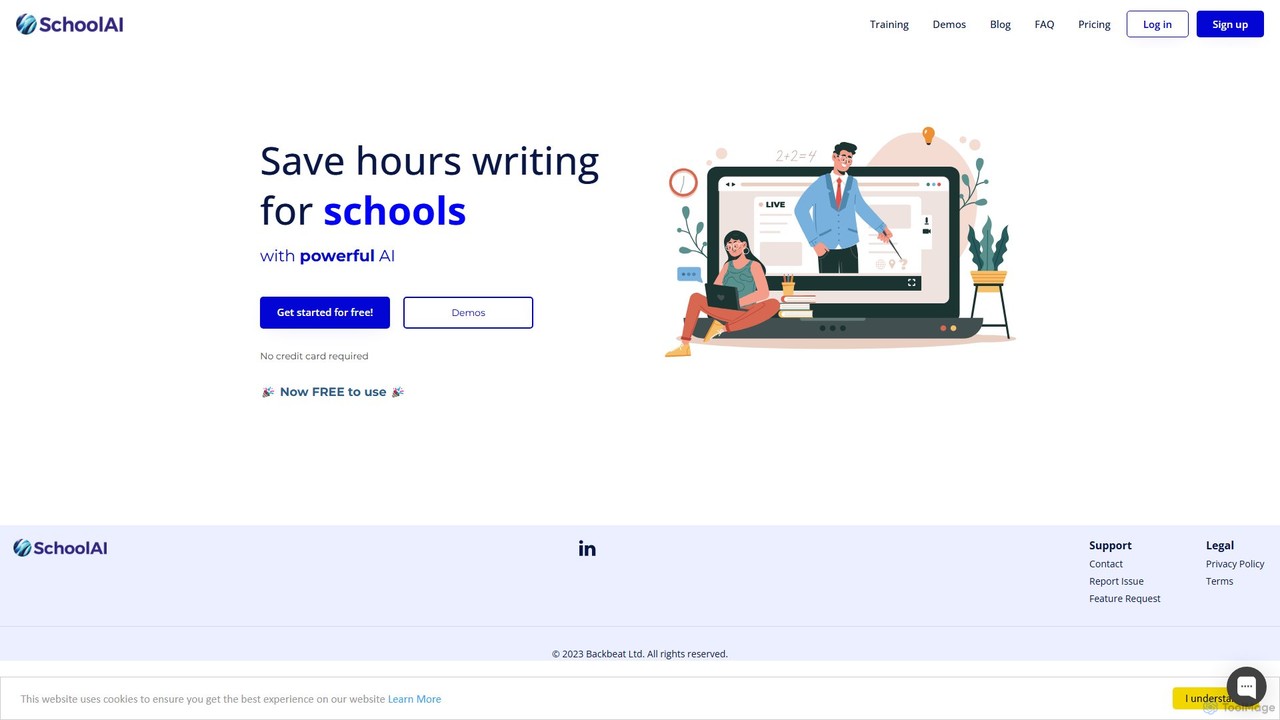
SchoolAI
SchoolAI is a trusted AI platform designed for education, empowering teachers and supporting every learner. It offers tools for personalized learning, lesson planning, real-time student monitoring, and content creation, saving educators over 10 hours per week. With a strong focus on safety and data privacy (FERPA & COPPA compliant), SchoolAI provides an interactive AI assistant for students and a comprehensive productivity suite for teachers, all within a secure, teacher-controlled environment.
Personalized Learning
Aidemia
Aidemia is an AI-powered platform for teachers, generating unique lesson plans, activities, and teaching materials. It leverages over 30 AI engines through simple forms, eliminating the need for complex prompts. It personalizes content to local standards and teaching styles, saving educators time and boosting creativity.
Lesson Planning
SchoolAI
SchoolAI is a powerful AI writing assistant designed for educators. It helps teachers save hours of administrative work by automating the creation of lesson plans, report card comments, parent emails, and educational materials. Streamline workflows and focus more on teaching.
Lesson Planning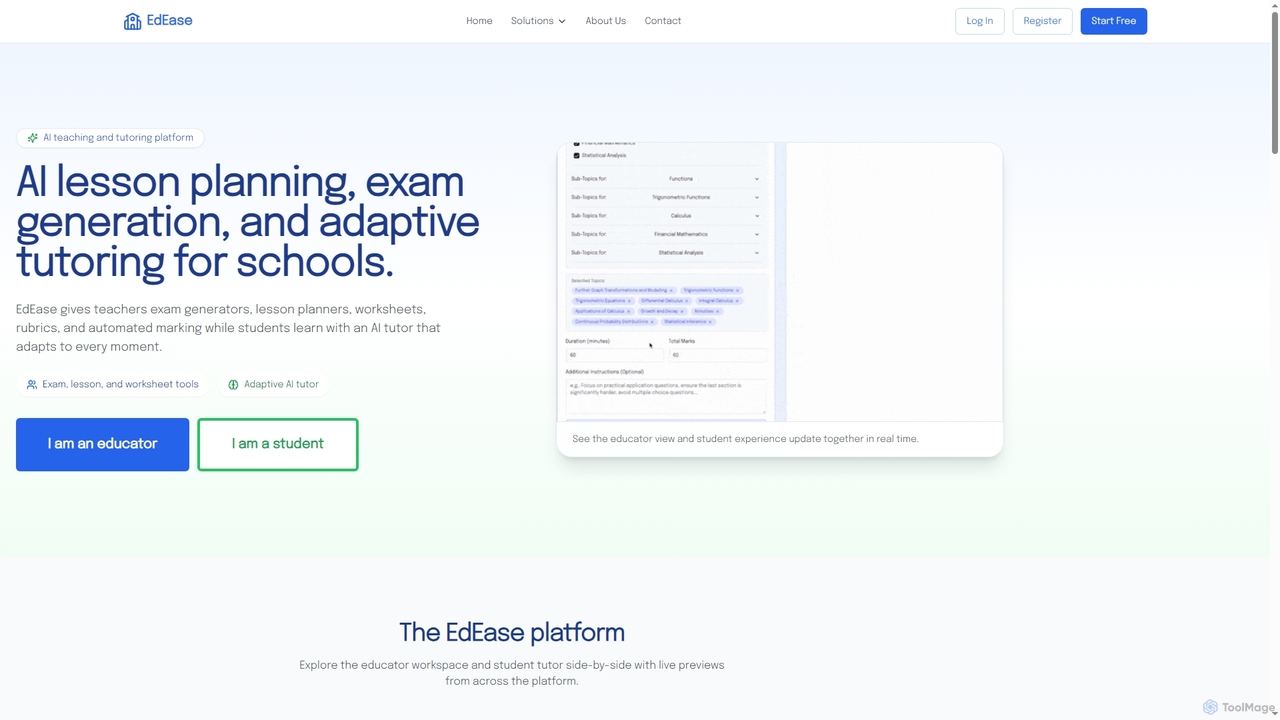
EdEase
EdEase is an AI-powered teaching and tutoring platform designed for educators and students. It streamlines lesson planning, exam generation, worksheet creation, and automated marking for teachers, while providing students with an adaptive AI tutor for personalized learning and practice. Built to reduce teacher workload and enhance student outcomes.
Assessment
Teachally
Teachally is an AI-powered productivity platform for educators, designed to generate high-quality, standards-aligned lesson plans, assessments, and teaching materials. It streamlines the planning process with a no-prompt interface, offering tools for differentiation, enrichment, and multilingual support to help teachers save time and enhance instruction for all students.
Curriculum Development
Educator Lab
Educator Lab is an AI-powered SaaS platform designed for educators to effortlessly generate compliant lesson plans, worksheets, activities, and assessments. It streamlines the content creation process, saving valuable time and reducing stress for teachers, administrators, and instructional designers across all grade levels and subjects.
Lesson Planningto_teach
to_teach is an AI-powered platform designed for educators to streamline lesson preparation. It enables teachers to instantly generate lesson plans, worksheets, and a variety of exercises across numerous subjects. By supporting content customization from sources like YouTube and personal documents, it helps create engaging, differentiated materials tailored to diverse student needs, saving valuable time.
Lesson Planningailessonplan
ailessonplan is an AI-powered platform designed for educators to create high-quality, customized lesson plans and teaching resources 10 times faster. By inputting class details, subjects, and even specific textbook pages, teachers can generate comprehensive plans, worksheets, rubrics, and assessments in seconds. This tool aims to significantly reduce planning time, allowing educators to focus more on teaching and personal life, while enhancing the quality and engagement of their lessons.
Lesson PlanningLessonShip
LessonShip is an AI-powered platform designed for educators to rapidly create high-quality instructional materials. It helps teachers save hours on prep work by generating lesson plans, quizzes, homework, and more, allowing them to focus on student engagement and personalized learning.
Lesson Planning
MagicSchool
MagicSchool is an AI platform designed for educators, offering over 80 tools to streamline tasks like lesson planning, assessment creation, IEP development, and communication. It aims to reduce teacher workload, combat burnout, and enhance student learning outcomes by providing a secure, integrated, and responsible AI assistant for the classroom.
Lesson Planning
TopWorksheets
TopWorksheets is an AI-powered platform for educators to create interactive, auto-graded worksheets. Transform traditional PDFs or build new exercises from scratch with AI-generated questions, saving valuable time on preparation and grading while boosting student engagement and tracking progress effortlessly.
Question Generation
Quizbot
Quizbot is a powerful AI-driven platform designed for educators, students, and professionals. It automatically generates a wide variety of questions and learning materials, such as quizzes, flashcards, and lesson plans, from any text, link, video, or document. It supports advanced educational frameworks like Bloom's Taxonomy to create differentiated assessments, saving hours of preparation time.
Assessment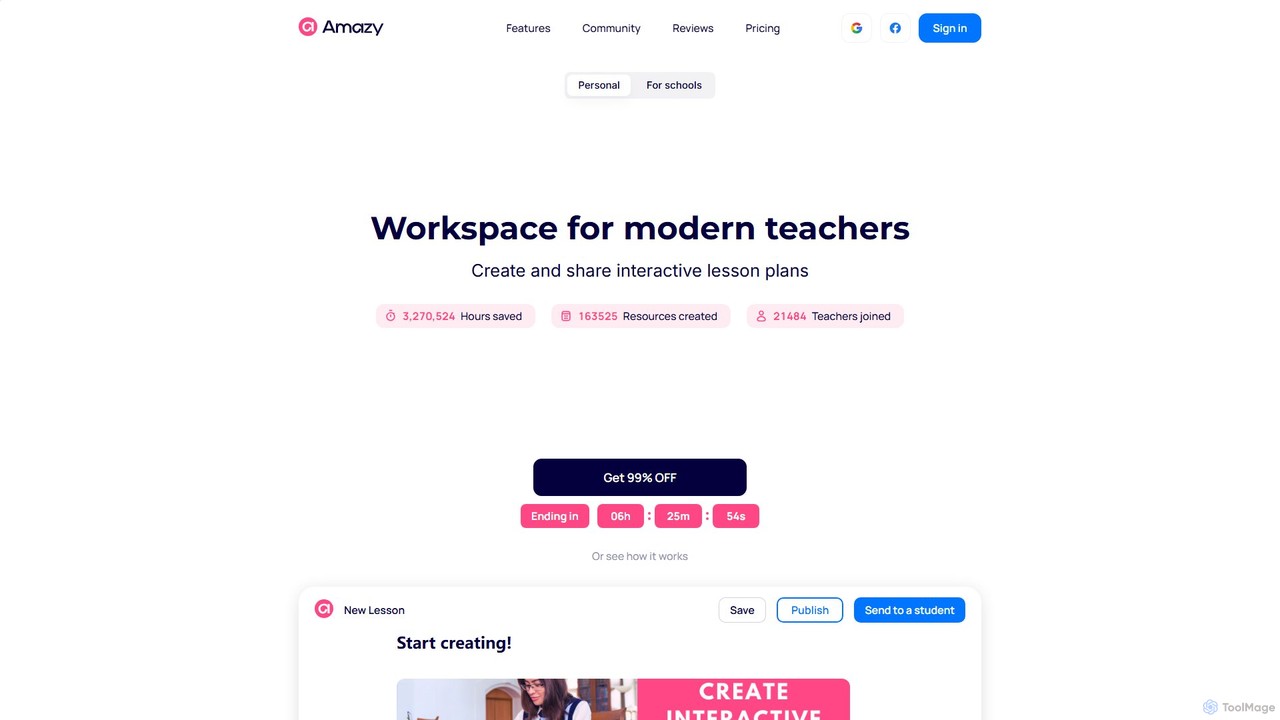
amazy
amazy is an AI-powered workspace for modern educators to create and share interactive lesson plans. It streamlines course creation, automates grading, tracks student progress, and provides access to a vast community library of ready-to-use materials, saving teachers valuable time while enhancing student engagement.
Course Creation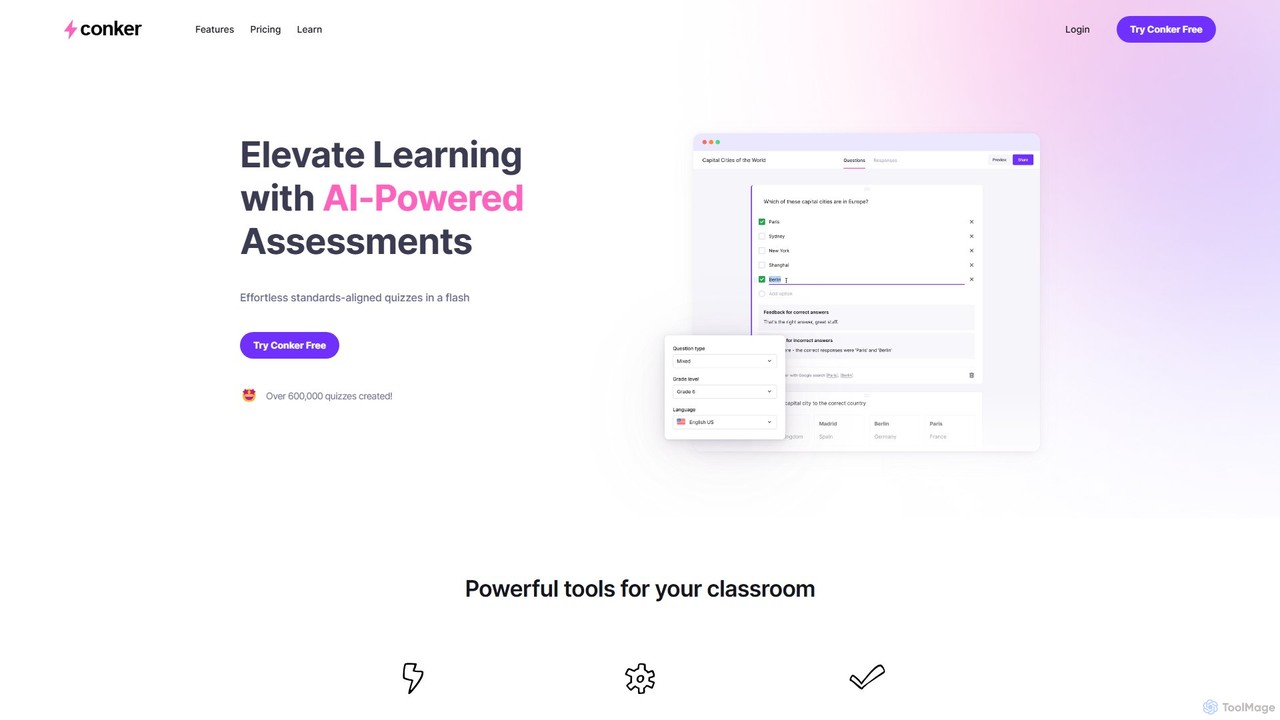
Conker
Conker is an AI-powered quiz generator designed for educators. It instantly creates customizable, standards-aligned assessments and quizzes with various question types. This tool helps teachers save time, differentiate instruction, and increase student engagement by integrating seamlessly with platforms like Google Forms and Canvas.
Assessment Generation
brightbook Comments (0)
Sign in to comment.
Sign inNo comments yet.