

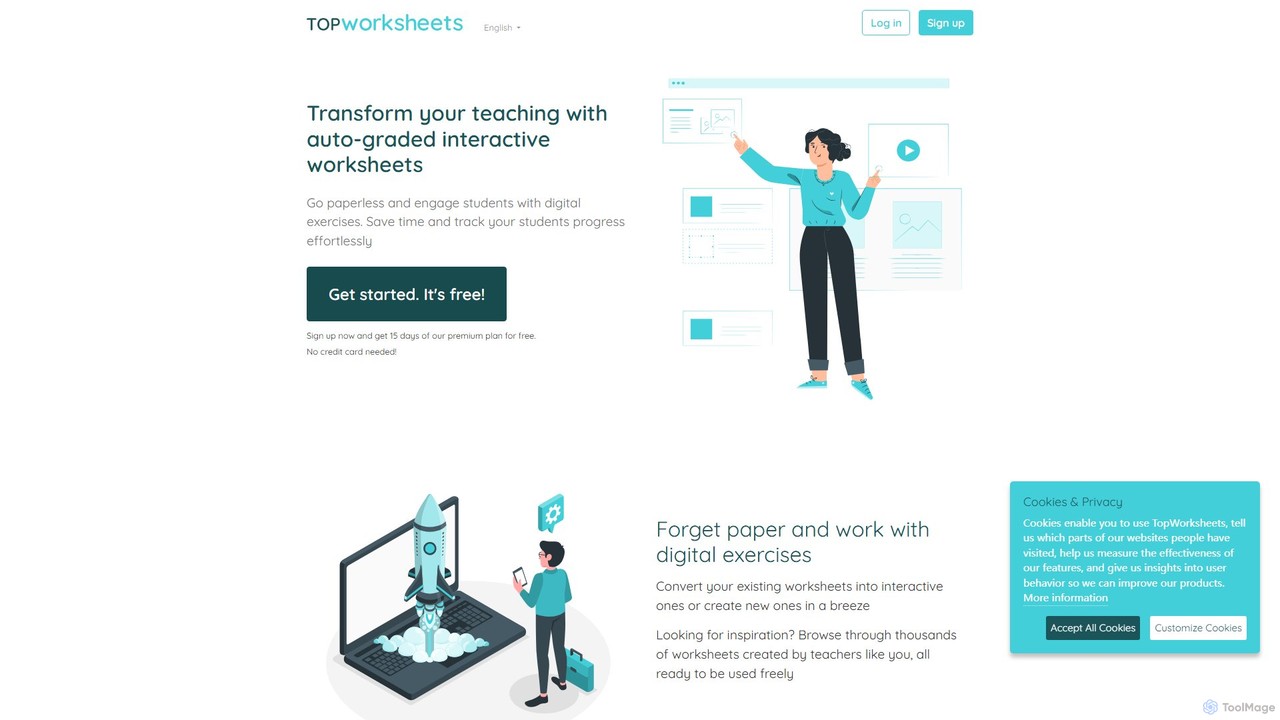
TopWorksheets Overview
TopWorksheets is a revolutionary online platform designed to empower teachers by transforming the way they create and manage educational materials. It enables educators to move beyond static, paper-based exercises and embrace dynamic, interactive learning. With TopWorksheets, you can convert your existing documents (like PDFs and images) into engaging digital worksheets or build entirely new ones from the ground up. The platform's standout feature is its AI-powered worksheet generator, which can instantly create relevant questions on any given topic, significantly reducing preparation time.
The core mission of TopWorksheets is to streamline the teaching workflow. It automates the tedious process of grading, providing instant feedback to both students and teachers. This allows educators to focus more on teaching and less on administrative tasks. The platform supports a wide variety of question types, including multiple-choice, drag-and-drop, and even open-ended questions with voice, image, or video answers, catering to diverse learning styles and subjects. With seamless integrations with major learning management systems like Google Classroom, Microsoft Teams, and Moodle, TopWorksheets fits perfectly into the modern digital classroom.
How to use TopWorksheets
Getting started with TopWorksheets is simple and intuitive. Here’s a typical workflow for an educator:
- Sign Up: Create a free teacher account to get started. New users often receive a free trial of the premium plan.
- Create or Convert: Choose your path. You can upload an existing worksheet (PDF, doc, jpg, png) to make it interactive, or you can use the worksheet builder to create a new one from scratch.
- Leverage AI: For new worksheets, simply enter a topic, and the TopWorksheets AI will generate a set of questions and answers for you, which you can then edit and customize.
- Add Interactive Elements: Use the visual editor to add various interactive fields to your worksheet. This includes text boxes for answers, multiple-choice options, join-with-arrows, drag-and-drop elements, and fields for students to record audio or upload images.
- Assign to Students: Organize your students into groups and assign the worksheet as a task. You can share it via a direct link or integrate it directly into your Google Classroom, Microsoft Teams, or Moodle as an assignment.
- Track and Grade: As students complete the worksheet, their submissions are automatically graded and sent to your account. You can review their scores, provide personalized video or audio feedback, and track the progress of individual students and the entire class through detailed stats.
Core Features of TopWorksheets
- AI Worksheet Generator: Instantly generate questions and answers for any subject by simply providing a topic.
- Interactive Worksheet Creator: Convert static documents into interactive exercises or build new ones with a user-friendly visual editor.
- Auto-Grading: Save hours of manual work with automatic correction of student submissions.
- Diverse Question Types: Supports text, multiple-choice, drag-and-drop, matching, audio, video, and image-based answers.
- LMS Integration: Seamlessly connect with Google Classroom, Microsoft Teams, and Moodle for easy assignment and grade synchronization.
- Student Progress Tracking: Monitor individual and group performance with detailed statistics and analytics, which can be exported to Excel.
- Worksheet Library: Access thousands of ready-to-use worksheets created and shared by a global community of teachers.
- Customization: Add custom backgrounds, audio/video feedback, and organize worksheets into workbooks for structured learning paths.
Use Cases for TopWorksheets
TopWorksheets is versatile and can be used across various subjects and grade levels:
- Language Arts: Create vocabulary quizzes with audio pronunciation, reading comprehension exercises, or grammar drills with drag-and-drop sentence building.
- Mathematics: Design practice sheets with auto-calculated answers, geometry exercises with interactive diagrams, or word problems.
- Science: Build worksheets with label-the-diagram activities using drag-and-drop, or create quizzes with embedded instructional videos.
- Social Studies: Develop interactive maps, timelines, or matching exercises for historical events and figures.
- Homework and Assessments: Assign digital homework that is engaging and provides immediate feedback, or create formative and summative assessments to gauge student understanding.
Advantages of TopWorksheets
The platform offers significant benefits for modern educators. It dramatically saves time by automating worksheet creation and grading. The interactive nature of the exercises increases student engagement and motivation. Going paperless is not only eco-friendly but also simplifies distribution and collection of assignments. The platform provides valuable data-driven insights into student performance, helping teachers identify learning gaps and tailor their instruction accordingly. Its ease of use makes it accessible even for teachers with limited technical expertise.
Pricing and Plans
TopWorksheets operates on a freemium model, offering plans for both individual teachers and entire schools.
- Free Plan: A generous free-forever plan that includes core features but with limitations, such as 1 student group, 10 students per group, 10 tasks per month, and 10 uses of the TopWorksheets AI per month.
- Gold Plan: Priced at approximately $5.40/month (billed annually). This plan removes ads, offers LMS integrations, allows for more students, groups, and private worksheets, and includes features like voice/video feedback and anti-cheating measures.
- Platinum Plan: Priced at approximately $9.60/month (billed annually). This plan offers unlimited private worksheets, groups, and students, a higher usage limit for the AI generator (200 uses/month), and longer data retention for student submissions.
- School Plans: Custom plans are available for schools and districts, offering multiple licenses at a discounted rate and centralized management.
Traffic
Latest traffic
Status
Monthly traffic trend
- 2026-1: 246.1K
- 2026-2: 286.1K
- 2026-3: 289.2K
- 2026-4: 249.5K
- 2026-5: 290.7K
Geography
Top 5 countries / regions
- 🇹🇭Thailand36.1%
- 🇵🇪Peru24.6%
- 🇪🇸Spain19.3%
- 🇪🇨Ecuador10.5%
- 🇲🇽Mexico9.6%
Traffic sources
| Source type | Percentage |
|---|---|
Direct | 81.5% |
Referral | 15.2% |
Email | 3.3% |
Top keywords
| Keyword | Cost per click |
|---|---|
| ficha virtual de paco yunque | $0.00 |
| top worksheets | $0.49 |
| topworksheets | $0.32 |
| wh-questions topworksheets | $0.00 |
| ใบงาน countable and uncountable nouns | $0.00 |
TopWorksheets Alternatives
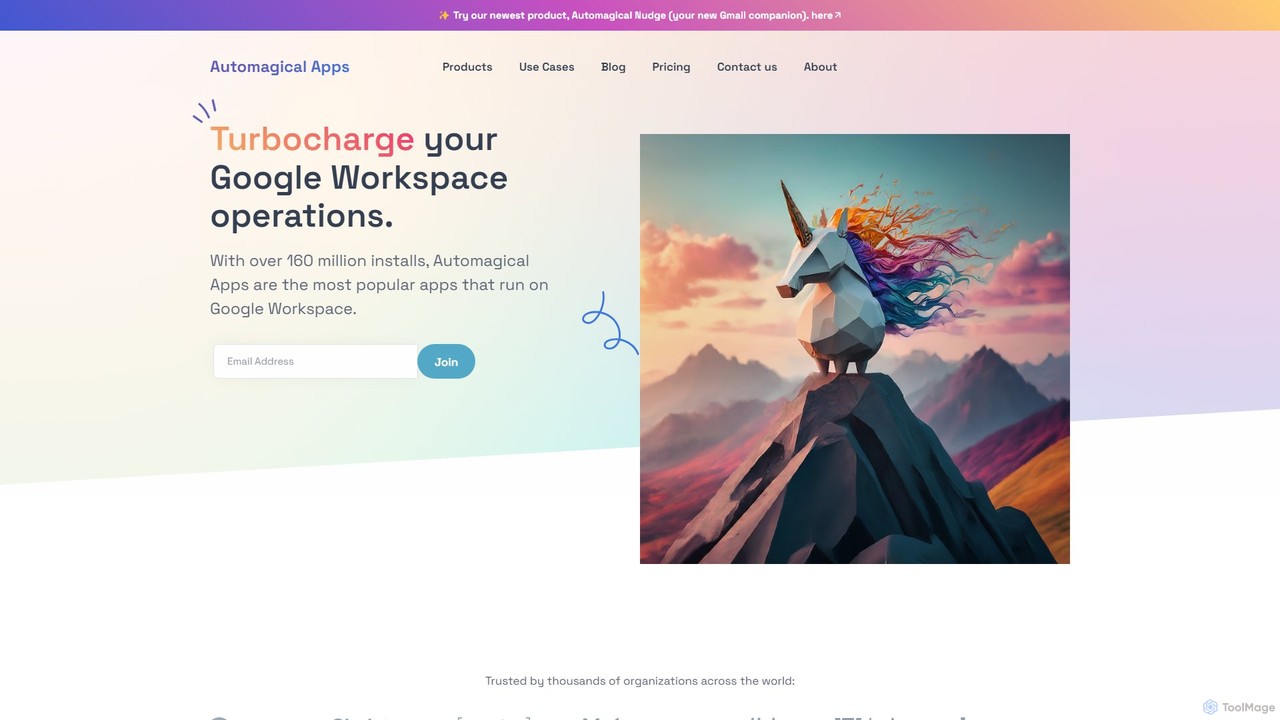
Automagical Apps
A suite of AI-powered productivity and automation tools designed to enhance Google Workspace. Automate email workflows, translate documents and slides into over 100 languages, and instantly convert PDFs or docs into Google Forms. Trusted by over 160 million users worldwide.
Teaching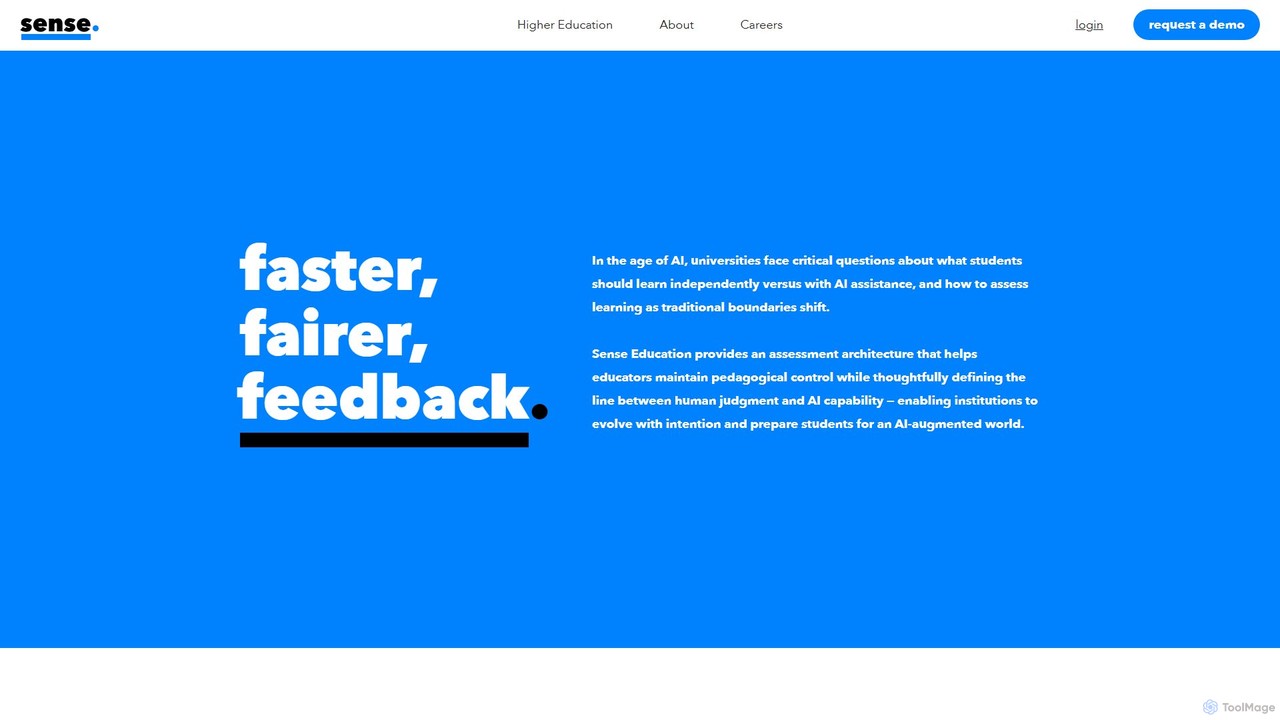
Sense
Sense is an AI-driven assessment and feedback platform designed for higher education. It empowers educators to provide personalized, high-quality feedback at scale, overcoming the challenges of large class sizes. By amplifying human expertise, Sense helps improve student outcomes and makes quality education more accessible.
Assessment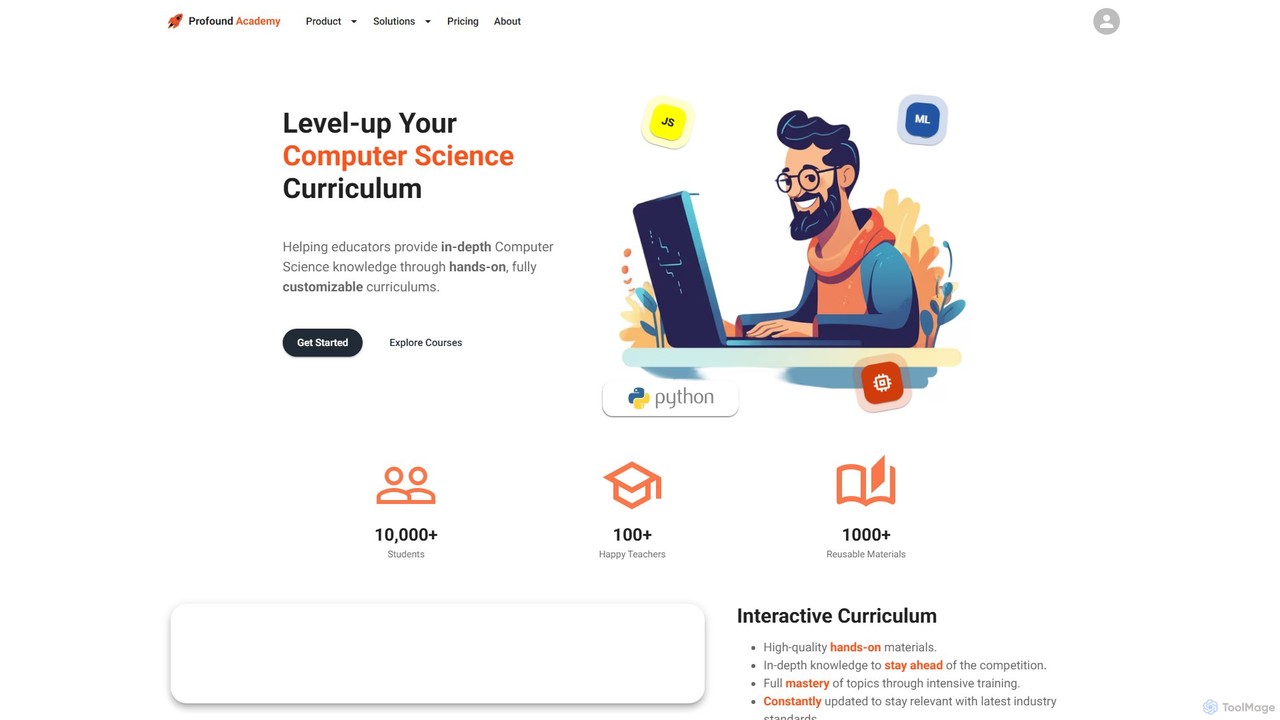
Profound Academy
Profound Academy is an AI-powered educational platform designed for schools and universities to enhance computer science education. It provides a hands-on, customizable curriculum, automates grading and feedback with an AI assistant, and increases student engagement through gamification and real-time monitoring.
Code Learning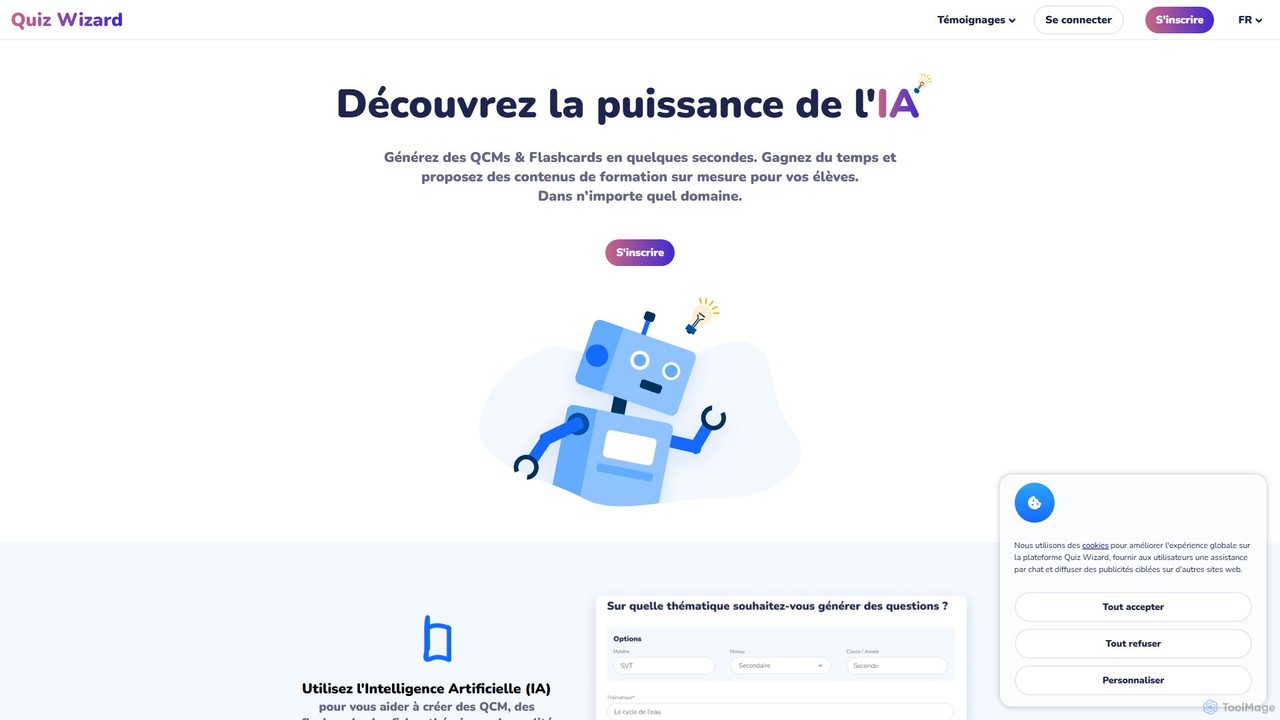
Quiz Wizard
Quiz Wizard is an AI-powered platform designed for educators and trainers to instantly generate multiple-choice questions (MCQs), flashcards, and theory sheets on any topic. Save hours of preparation time and create customized learning materials in seconds.
Assessment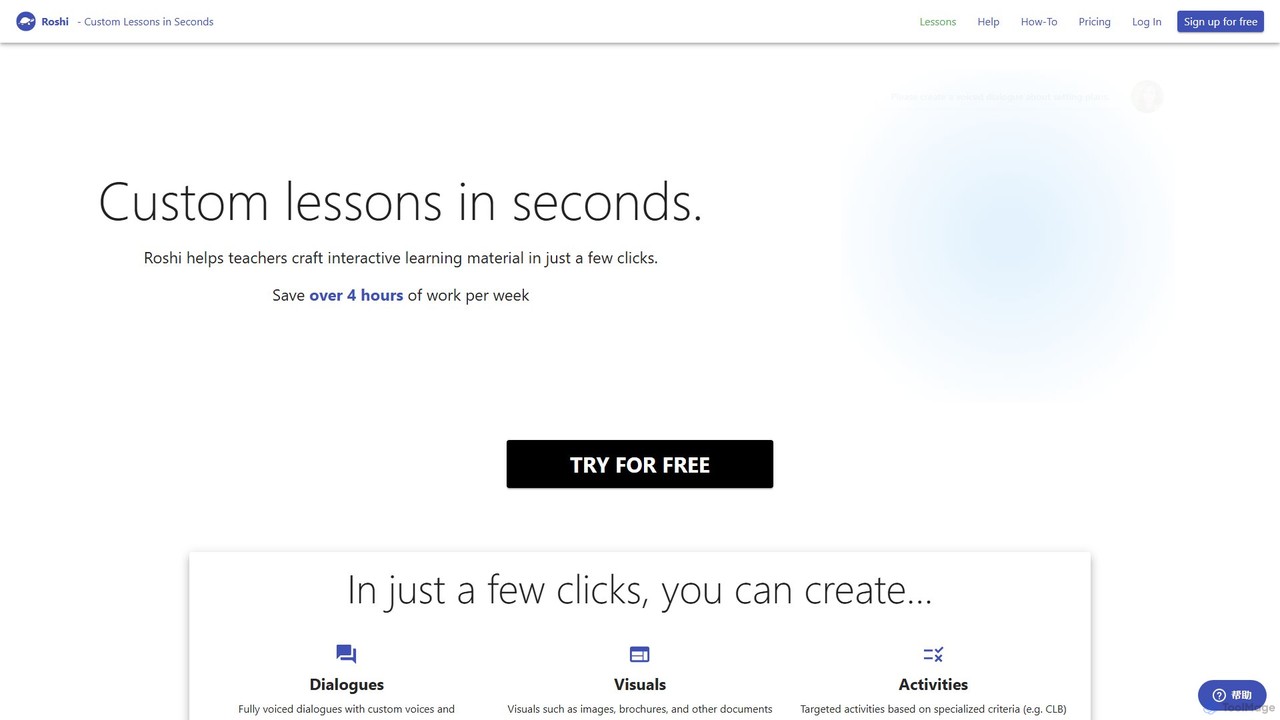
Roshi
Roshi is an AI-powered platform designed for educators to create custom, interactive learning materials in seconds. It helps teachers generate dialogues, visuals, and targeted activities, saving significant preparation time and integrating seamlessly with learning management systems like Moodle and Google Classroom.
Lesson PlanningTopWorksheets Categories
TopWorksheets Embed Widget
Copy this embed code to place the badge on your blog, article, or product site and send readers directly to this ToolMage detail page.

Related AI tools

TeachCatalystAI
TeachCatalystAI is a comprehensive AI-powered teaching assistant designed to help educators save time, reduce burnout, and create engaging learning materials. With over 40 specialized tools for lesson planning, content creation, classroom management, and communication, it streamlines administrative tasks, allowing teachers to focus on what they do best: teaching. It's an all-in-one platform created by teachers, for teachers.
Teaching AssistantProfound Academy
Profound Academy is an AI-powered educational platform designed for schools and universities to enhance computer science education. It provides a hands-on, customizable curriculum, automates grading and feedback with an AI assistant, and increases student engagement through gamification and real-time monitoring.
Code LearningQuiz Wizard
Quiz Wizard is an AI-powered platform designed for educators and trainers to instantly generate multiple-choice questions (MCQs), flashcards, and theory sheets on any topic. Save hours of preparation time and create customized learning materials in seconds.
AssessmentRoshi
Roshi is an AI-powered platform designed for educators to create custom, interactive learning materials in seconds. It helps teachers generate dialogues, visuals, and targeted activities, saving significant preparation time and integrating seamlessly with learning management systems like Moodle and Google Classroom.
Lesson Planning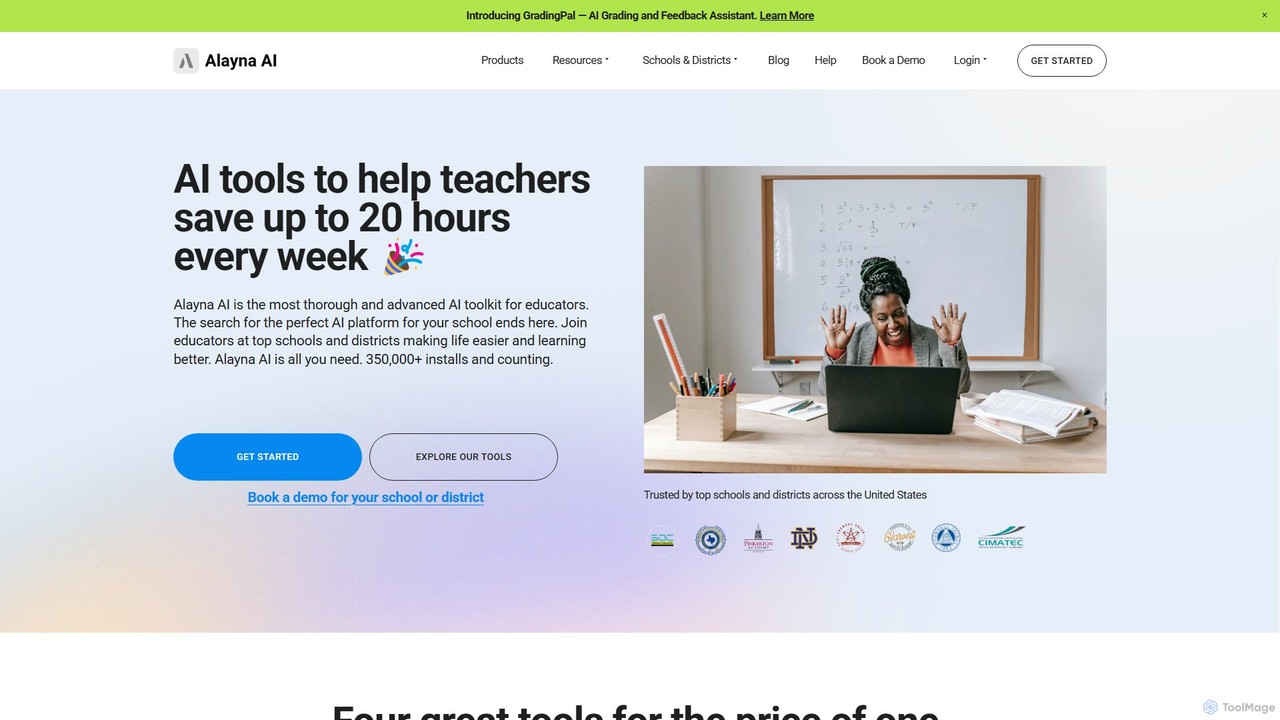
Alayna AI
Alayna AI is a comprehensive AI toolkit designed for K-12 educators, schools, and districts. It aims to save teachers up to 20 hours per week by automating tasks like curriculum development, presentation creation, project design, and grading. The platform includes a Curriculum Generator, an AI Slides Generator for Google Slides, a Project Designer for PBL, and an AI Grading Assistant, providing an all-in-one solution to enhance teaching efficiency and student engagement.
Assessment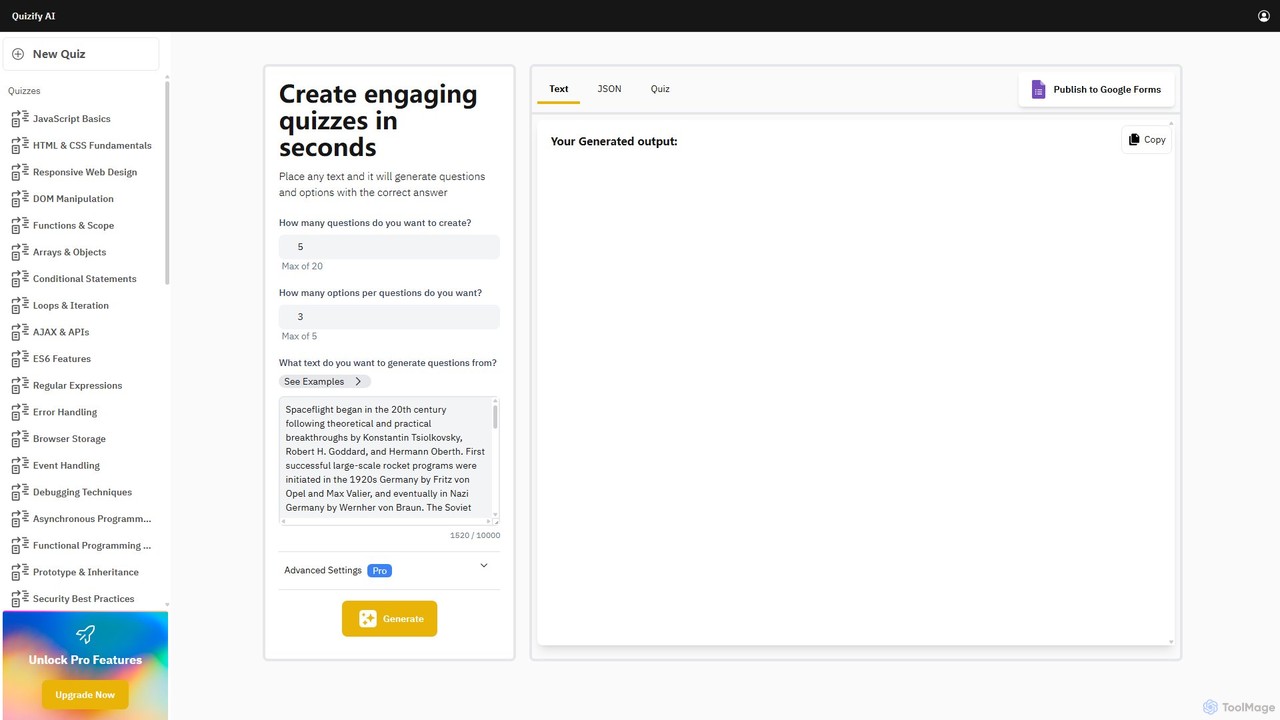
Quizify
Quizify is an AI-powered tool that instantly transforms any text into engaging quizzes. Simply paste your content, customize the number of questions and options, and generate multiple-choice questions in seconds. Ideal for educators, students, and trainers, it streamlines the creation of learning materials and assessments, with advanced options to export as JSON or publish directly to Google Forms.
Api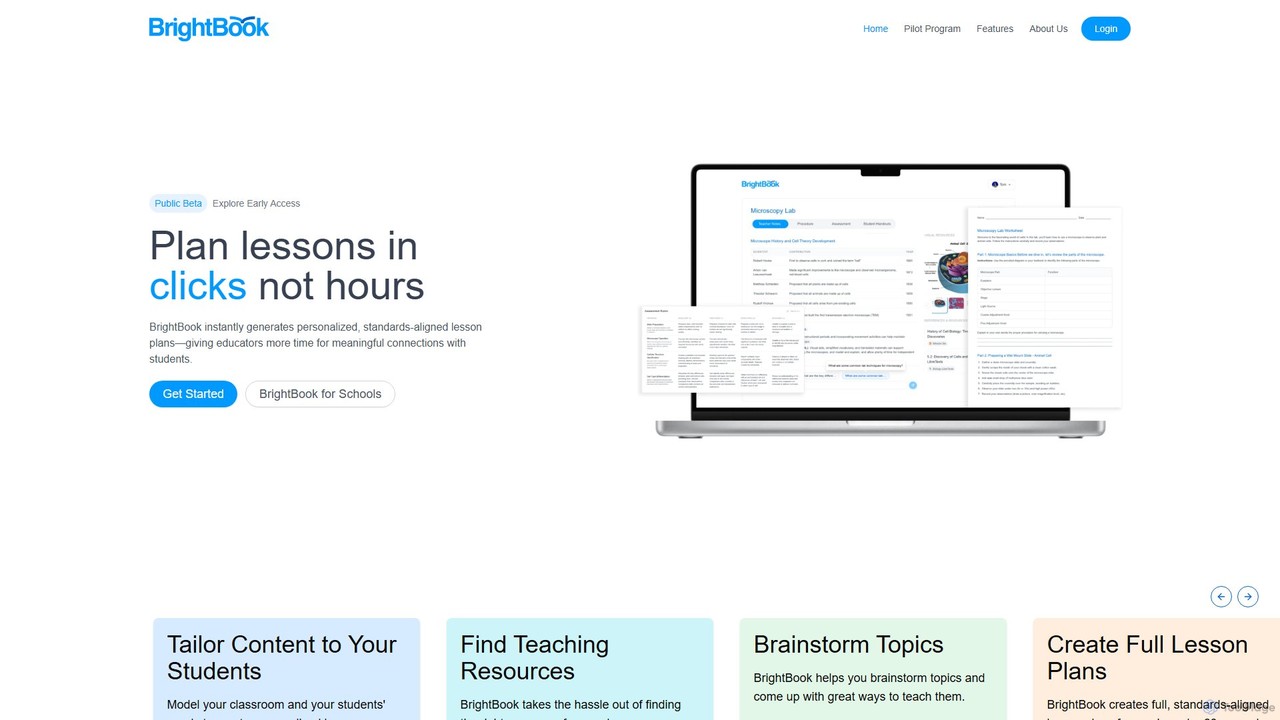
brightbook
BrightBook is an AI-powered platform designed for educators to instantly create personalized, standards-aligned lesson plans. It streamlines the planning process, saving teachers hours of work, reducing burnout, and fostering more engaging and human-centered learning experiences.
Lesson Planning
Jyek
Jyek is an AI agent platform that understands objectives, creates execution plans, uses tools, and delivers verifiable results for complex, multi-step tasks.
Automation
video2quiz
video2quiz is an AI-powered tool that automatically generates quizzes from any video in seconds. Simply upload a video, and the tool creates a comprehensive quiz to validate learning and knowledge retention, delivering it directly to your email as a PDF, Word, or CSV file.
Assessment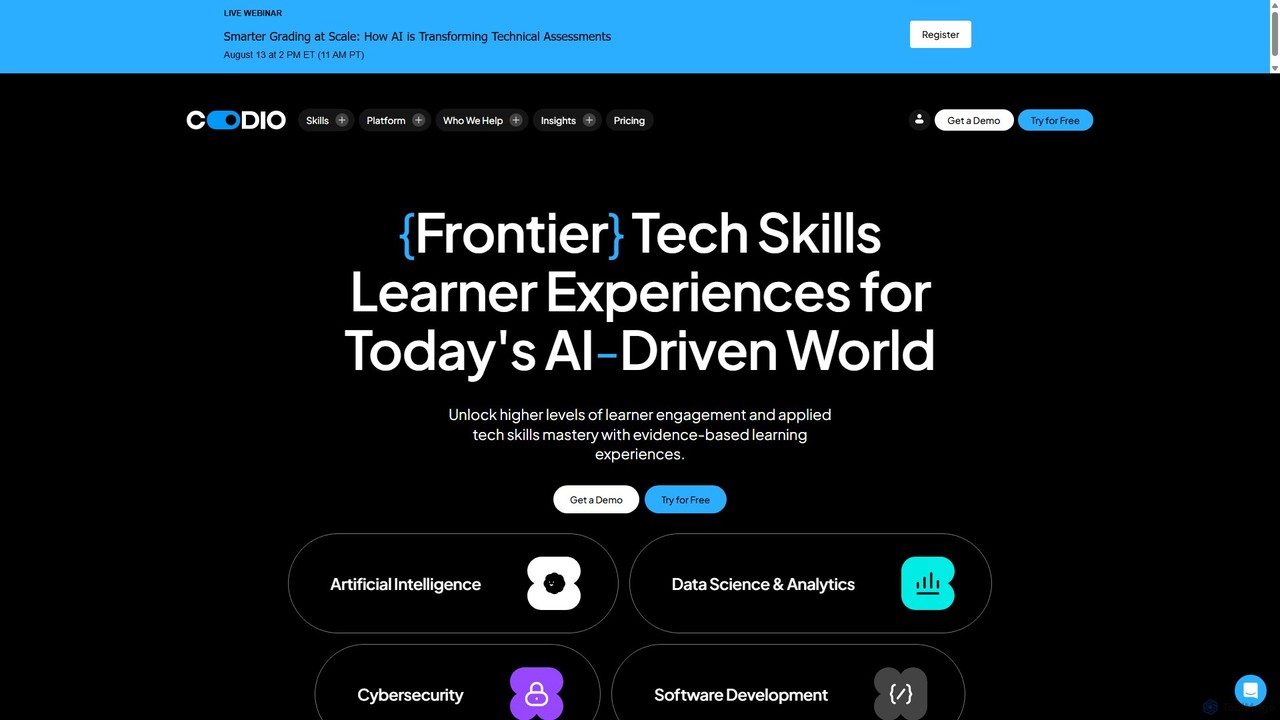
Codio
Codio is a hands-on learning experience platform for technical skills. It provides an AI-powered, browser-based environment for teaching and learning data science, AI, cybersecurity, and software development, designed to boost learner engagement and skills mastery.
Integrated Development Environment
to_teach
to_teach is an AI-powered platform designed for educators to streamline lesson preparation. It enables teachers to instantly generate lesson plans, worksheets, and a variety of exercises across numerous subjects. By supporting content customization from sources like YouTube and personal documents, it helps create engaging, differentiated materials tailored to diverse student needs, saving valuable time.
Lesson Planning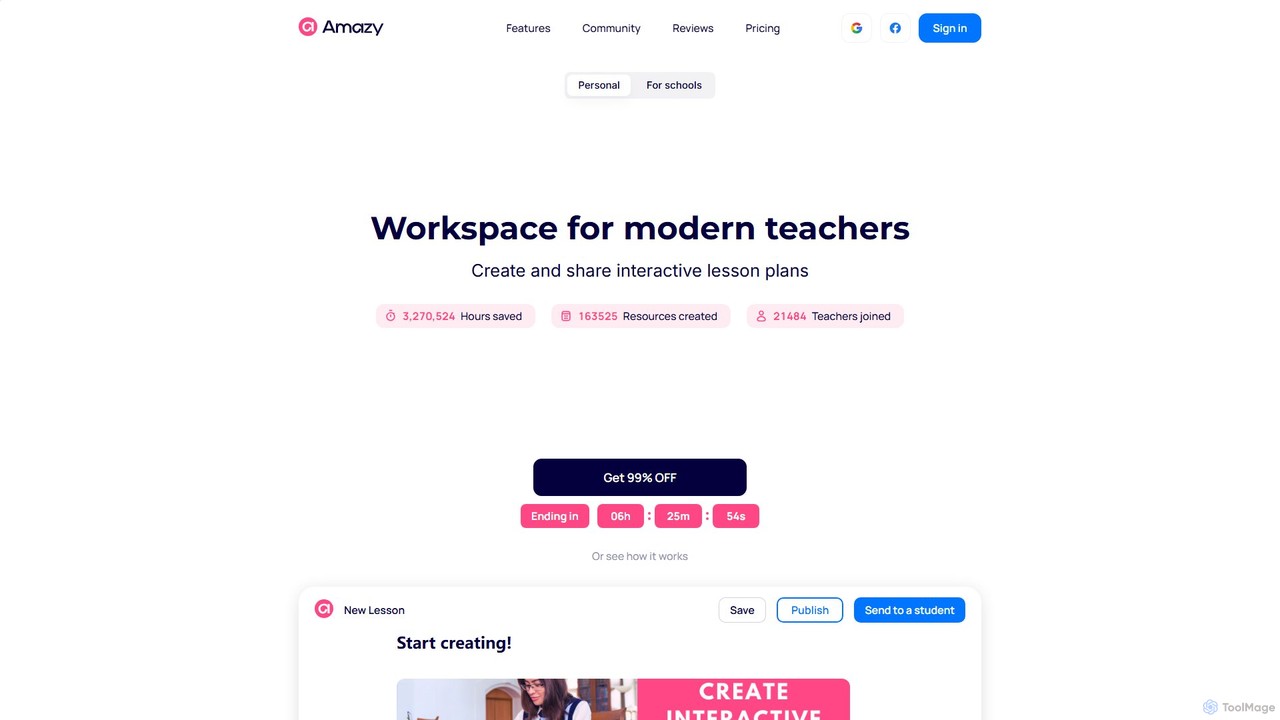
amazy
amazy is an AI-powered workspace for modern educators to create and share interactive lesson plans. It streamlines course creation, automates grading, tracks student progress, and provides access to a vast community library of ready-to-use materials, saving teachers valuable time while enhancing student engagement.
Course Creation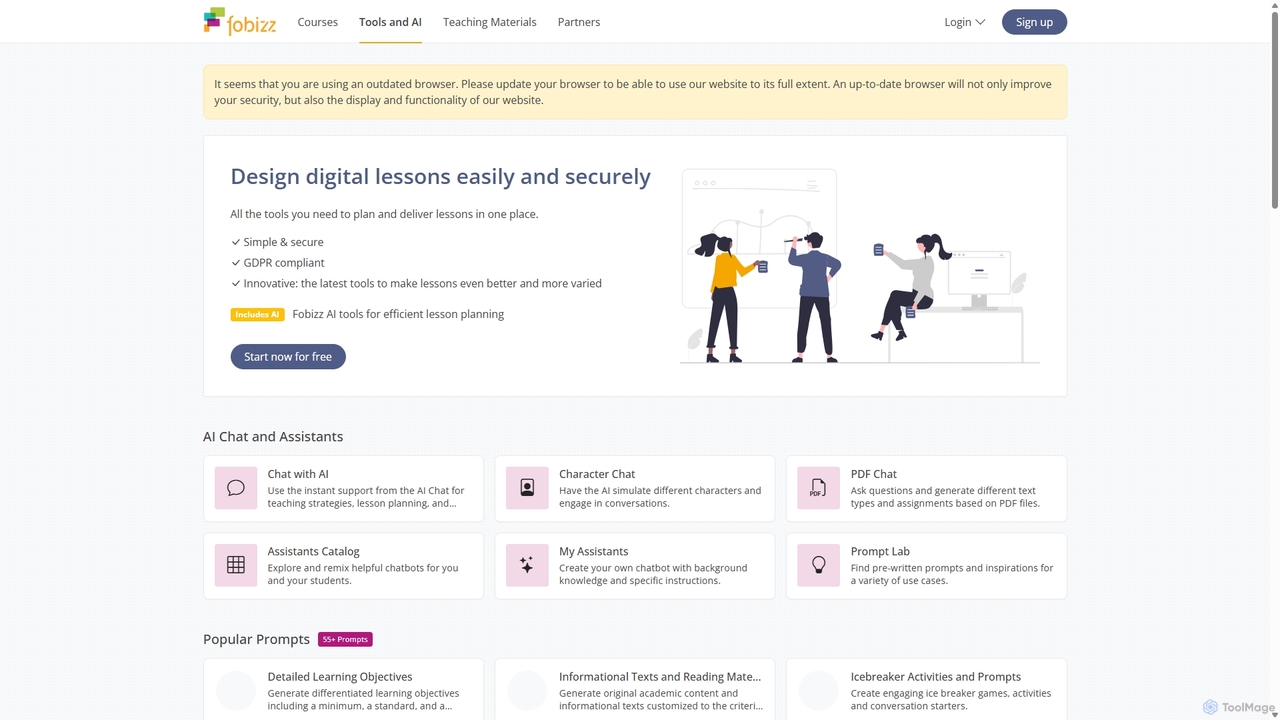
fobizz
fobizz is an all-in-one digital platform for educators, offering a comprehensive suite of AI-powered tools, professional development courses, and ready-to-use teaching materials. It's designed to simplify lesson planning, create engaging content, and foster a secure, innovative learning environment compliant with GDPR.
Text To Speech
Teacherbot
Teacherbot is an AI-powered platform designed for educators to instantly create high-quality teaching resources. It helps teachers generate lesson plans, worksheets, quizzes, and parent communications in seconds, significantly reducing workload and freeing up time to focus on students.
Lesson Planning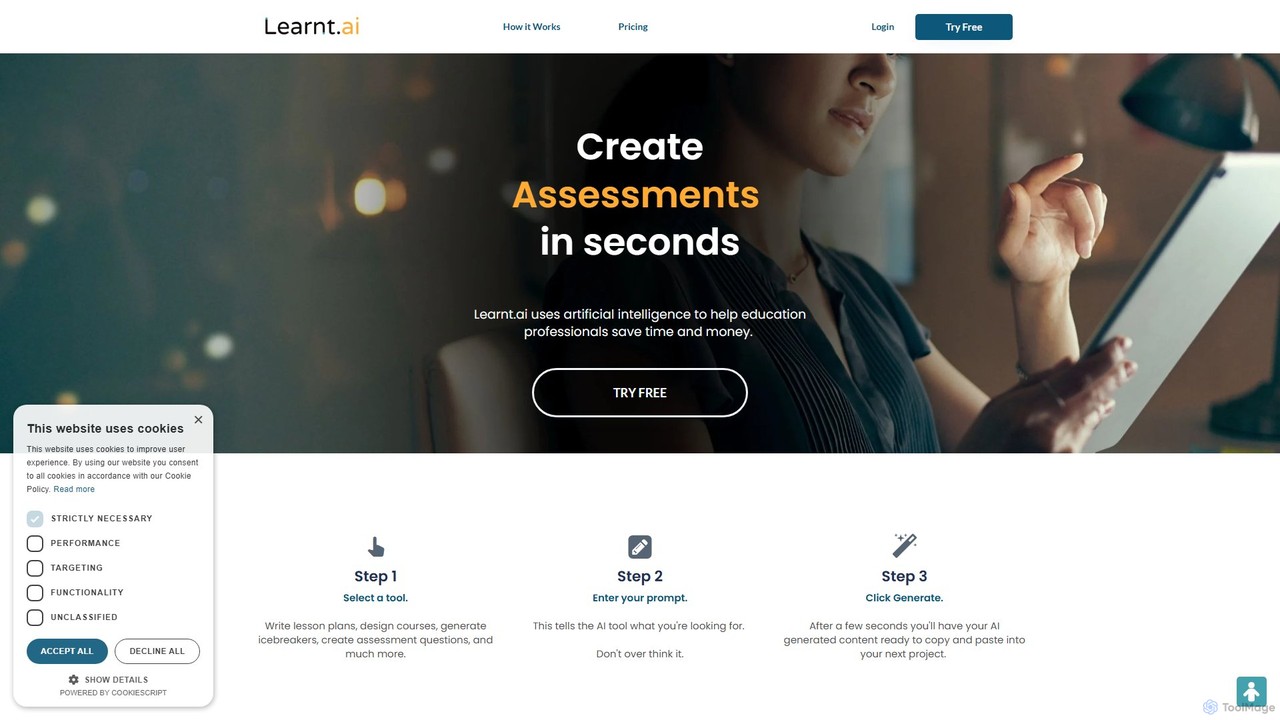
Learnt.ai
Learnt.ai is an AI-powered platform designed for education professionals. It offers over 110 specialized tools and AI sidekicks to automate and enhance the creation of lesson plans, course materials, assessments, and engaging activities, saving educators valuable time and inspiring creativity.
Teaching Assistant
TopWorksheets Comments (0)
Sign in to comment.
Sign inNo comments yet.