
MagicSchool Overview
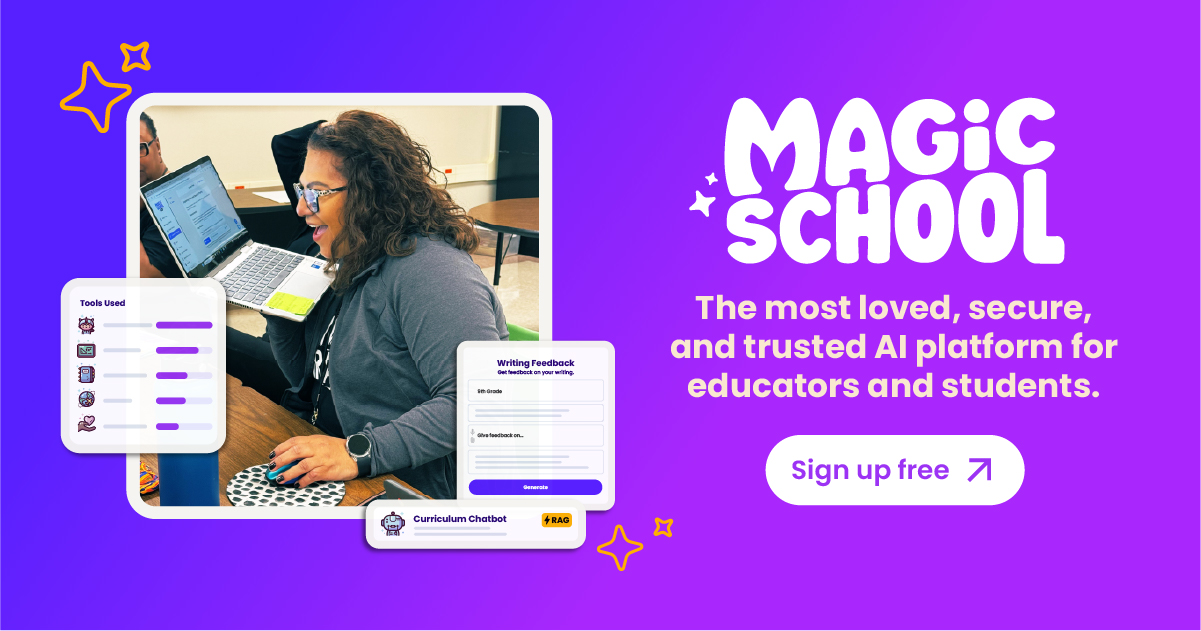
MagicSchool is a comprehensive AI operating system built specifically for the education sector. It serves as a powerful assistant for teachers, school leaders, and students, aiming to significantly reduce workload, prevent teacher burnout, and foster a more dynamic and effective learning environment. With a suite of over 80 specialized tools for educators and more than 50 for students, MagicSchool addresses nearly every aspect of the educational workflow, from planning and content creation to assessment and communication.
The platform is trusted by millions of educators who report saving 7-10 hours per week. It is built on a foundation of responsible AI, prioritizing user safety, data privacy, and ethical use. MagicSchool is compliant with major educational privacy laws, including FERPA, COPPA, GDPR, and Ed-Law 2D, and has earned the Common Sense Privacy Seal, reinforcing its commitment to being a secure tool for schools.
How to use MagicSchool
Using MagicSchool is designed to be intuitive and seamless, integrating directly into a teacher's existing workflow.
- Sign Up: Educators can start immediately with a free account or explore advanced features with a Plus or Enterprise plan.
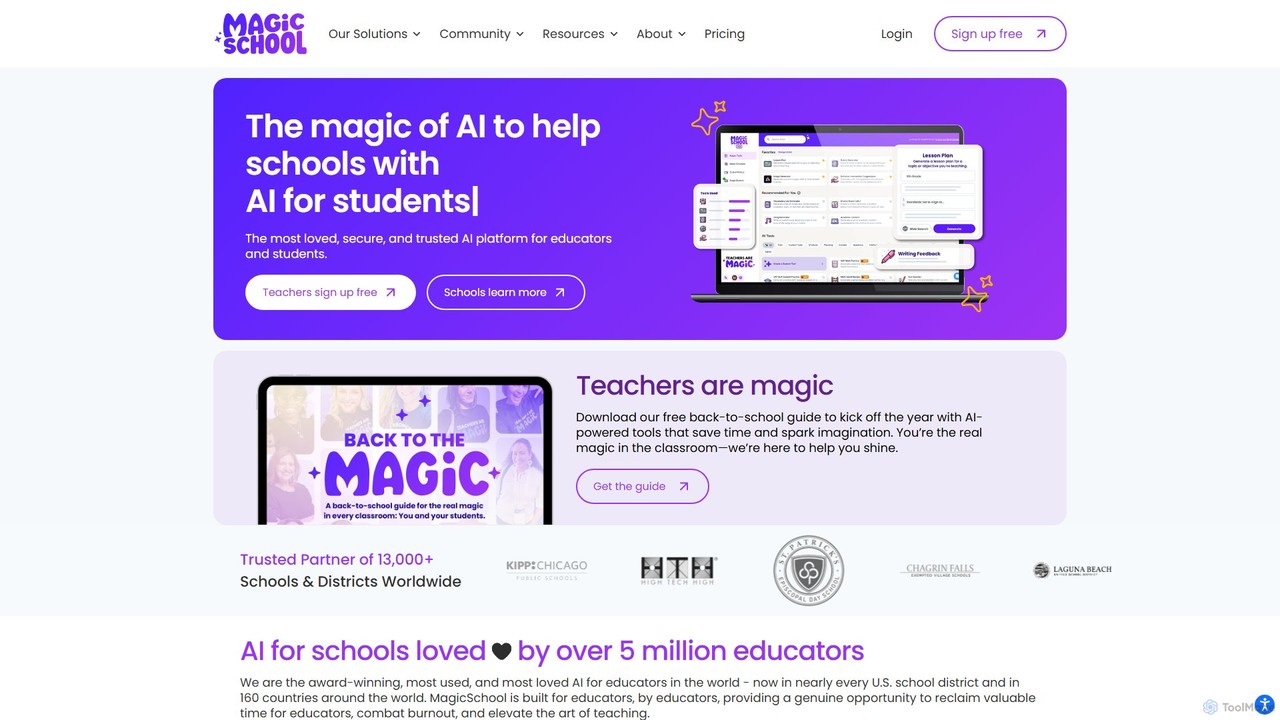
- Explore the Dashboard: Upon logging in, users are greeted with a dashboard featuring over 80 distinct tools, categorized for easy navigation (e.g., Planning, Content, Assessment, Communication).
- Select a Tool: Choose a specific tool for the task at hand, such as the 'Lesson Plan Generator', 'Rubric Generator', or 'YouTube Video Question Generator'.
- Provide Context: Input key details like grade level, subject, learning objectives, and any specific standards to guide the AI.
- Generate and Refine: The tool generates a high-quality draft in seconds. Users can then review, edit, and refine the output to perfectly match their needs.
- Export and Integrate: With one click, export the generated content to Google Docs, Microsoft Word, or directly into Learning Management Systems (LMS) like Google Classroom, Canvas, and Schoology.
- Leverage the Ecosystem: Utilize the Raina AI chatbot for on-the-fly questions, the Chrome Extension for assistance on any webpage, and MagicSchool for Students to promote AI literacy in the classroom.
Core Features of MagicSchool
- 80+ AI Tools for Educators: A vast library of tools for lesson planning, creating academic content, building assessments, writing rubrics, generating IEPs, and drafting parent/student communications.
- MagicSchool for Students: A suite of over 50 student-facing tools designed to build AI literacy, support research, and assist with assignments in a safe, moderated environment.
- Raina AI Chatbot: An AI assistant specifically trained for education, capable of answering pedagogical questions and providing suggestions.
- AI Presentation & Image Generation: Create engaging slide presentations and generate custom images powered by Adobe to enhance learning materials.
- Real-Time Web Search: The AI can access current information from the web, ensuring generated content is up-to-date with recent events and research.
- Enterprise Customization: School districts can create custom tools using their own documents (curriculum guides, handbooks) with RAG technology, manage tool access, and ensure consistency across the organization.
- Robust Integrations: Seamlessly connects with essential school systems, including LMS (Canvas, Schoology, Google Classroom) and SSO (Classlink, Clever, Google, Microsoft).
- Comprehensive Training: Offers extensive professional development resources, including certification courses, webinars, video tutorials, and dedicated support.
- Top-Tier Security & Privacy: Independently verified for security and compliant with FERPA, COPPA, GDPR, SOC 2, and other data privacy regulations.
Use Cases for MagicSchool
MagicSchool is versatile and can be applied in numerous educational scenarios:
- Efficient Lesson Planning: Generate a complete, standards-aligned lesson plan for a new unit in under five minutes.
- Differentiated Instruction: Adapt a single text for multiple reading levels or create varied practice activities for students with different learning needs.
- Assessment Design: Create a comprehensive quiz with multiple-choice, short-answer, and essay questions, complete with an answer key.
- IEP & Support Services: Draft goals, objectives, and accommodation suggestions for Individualized Education Programs (IEPs).
- Clear Communication: Write professional and empathetic emails to parents about student progress or compose a class newsletter.
- Student Skill Building: Guide students to use AI tools to brainstorm ideas, get feedback on their writing, or learn complex topics.
Advantages of MagicSchool
The primary advantage of MagicSchool is its ability to give educators back their most valuable resource: time. By automating routine and time-consuming tasks, it allows teachers to focus on high-impact activities like direct student interaction and creative instruction. Its strict adherence to educational privacy standards provides peace of mind for administrators. Furthermore, the platform's focus on professional development ensures that educators are not just using a tool, but are also growing their skills in leveraging AI effectively and responsibly in the classroom.
Pricing and Plans
MagicSchool offers a flexible, multi-tiered pricing structure to meet the needs of individual educators and entire school districts.
- Free Plan: Provides access to all 80+ teacher tools and 50+ student tools with some usage limits. It includes the Raina chatbot, AI slide and image generation, and real-time web search. This plan is ideal for individual teachers wanting to explore the platform.
- Plus Plan ($99.96/year): Designed for power users, this plan includes everything in Free, plus unlimited AI generations, unlimited chatbot conversations, unlimited slide generation, unlimited student rooms, extended output history, the ability to create custom tools, and early access to new features.
- Enterprise Plan (Custom Quote): The ultimate solution for schools and districts. It includes all Plus features, plus district-wide customizations, the ability to create custom tools from district documents (RAG), centralized tool management, advanced data analytics dashboards, dedicated professional development, a dedicated Customer Success Manager, and SSO integrations.
Traffic
Latest traffic
Status
Monthly traffic trend
- 2025-9: 4.5M
- 2026-1: 3.2M
- 2026-2: 3.1M
- 2026-3: 3.2M
- 2026-4: 2.8M
- 2026-5: 2.2M
Geography
Top 5 countries / regions
- 🇺🇸United States94.3%
- 🇨🇦Canada2.1%
- 🇭🇰Hong Kong SAR China1.4%
- 🇦🇪United Arab Emirates1.1%
- 🇨🇴Colombia1.1%
Traffic sources
| Source type | Percentage |
|---|---|
Direct | 80.0% |
Referral | 13.8% |
Email | 6.2% |
Top keywords
| Keyword | Cost per click |
|---|---|
| magic ai | $0.27 |
| magic school | $0.00 |
| magicschool | $0.24 |
| magic school ai | $0.00 |
| magicschool ai | $0.24 |
MagicSchool Videos on YouTube

MagicSchool AI

MagicSchool AI

MagicSchool AI


AI with Manpreet Kaur
MagicSchool Alternatives
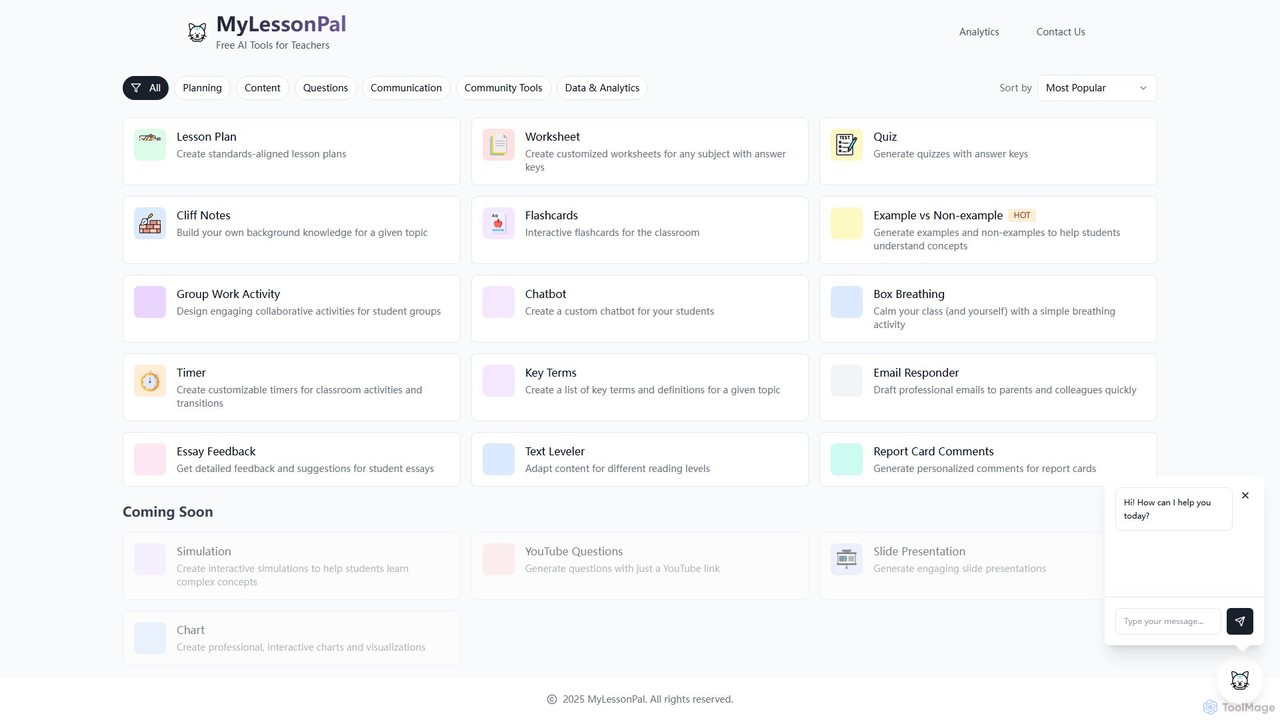
MyLessonPal
MyLessonPal is an AI-powered assistant for educators, designed to streamline lesson planning, content creation, and administrative tasks. It helps teachers save hours of work by generating lesson plans, worksheets, quizzes, report card comments, and more, allowing them to focus on teaching.
Lesson Planning
Fetchy
Fetchy is an AI-powered virtual assistant designed specifically for educators. It offers over 50 specialized tools to help teachers with lesson planning, content creation, classroom management, and communication, saving them hours of work daily. It caters to K-12 classroom teachers, homeschool educators, and administrators.
Lesson Planning
Teachally
Teachally is an AI-powered productivity platform for educators, designed to generate high-quality, standards-aligned lesson plans, assessments, and teaching materials. It streamlines the planning process with a no-prompt interface, offering tools for differentiation, enrichment, and multilingual support to help teachers save time and enhance instruction for all students.
Curriculum Development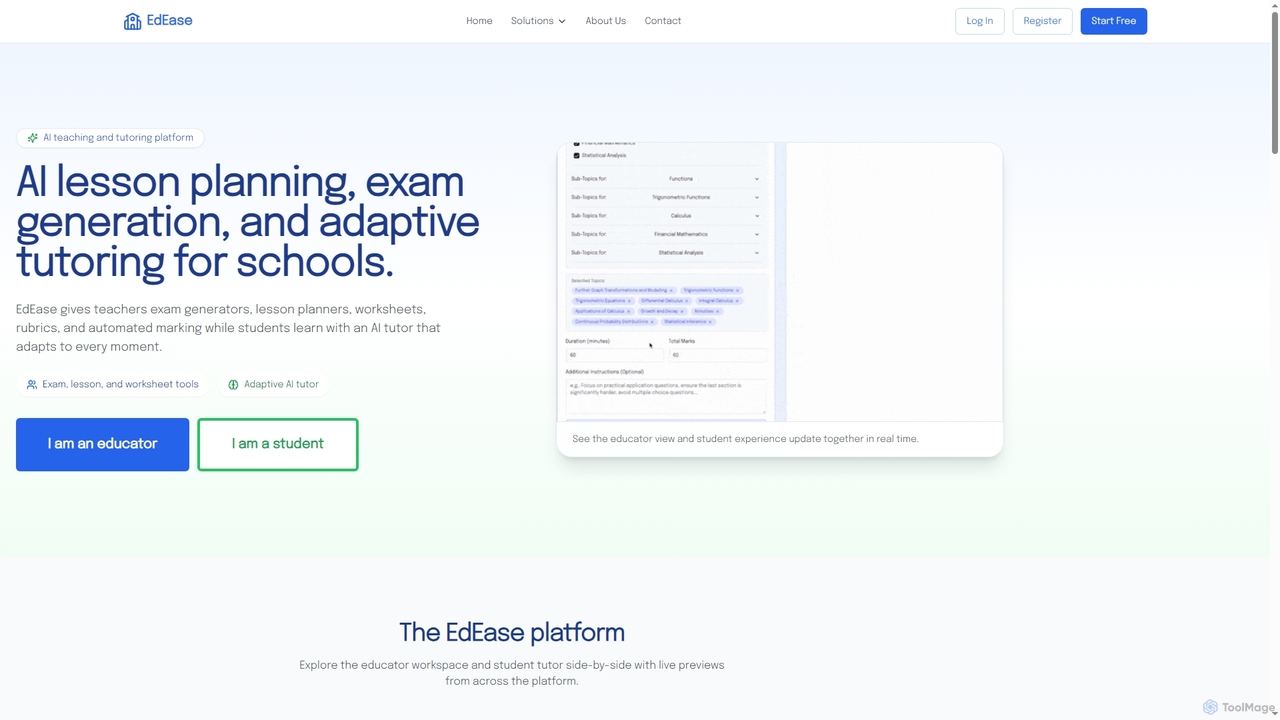
EdEase
EdEase is an AI-powered teaching and tutoring platform designed for educators and students. It streamlines lesson planning, exam generation, worksheet creation, and automated marking for teachers, while providing students with an adaptive AI tutor for personalized learning and practice. Built to reduce teacher workload and enhance student outcomes.
Assessment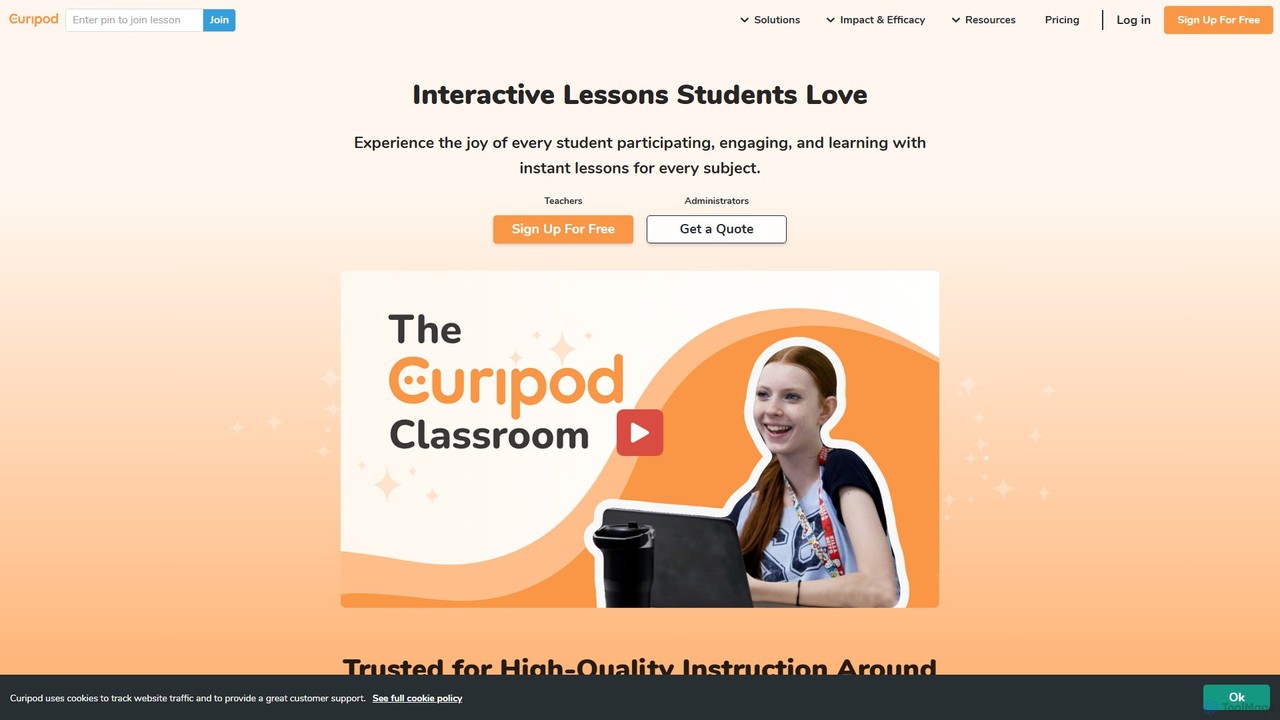
Curipod
Curipod is an AI-powered platform that helps educators create interactive lessons to boost student engagement, participation, and learning. It generates complete, standards-aligned lessons with activities like polls, drawings, and open-ended questions, providing real-time AI feedback to students to foster critical thinking and writing skills.
Lesson PlanningMagicSchool Categories
MagicSchool Embed Widget
Copy this embed code to place the badge on your blog, article, or product site and send readers directly to this ToolMage detail page.

Related AI tools
EdEase
EdEase is an AI-powered teaching and tutoring platform designed for educators and students. It streamlines lesson planning, exam generation, worksheet creation, and automated marking for teachers, while providing students with an adaptive AI tutor for personalized learning and practice. Built to reduce teacher workload and enhance student outcomes.
AssessmentMyLessonPal
MyLessonPal is an AI-powered assistant for educators, designed to streamline lesson planning, content creation, and administrative tasks. It helps teachers save hours of work by generating lesson plans, worksheets, quizzes, report card comments, and more, allowing them to focus on teaching.
Lesson Planning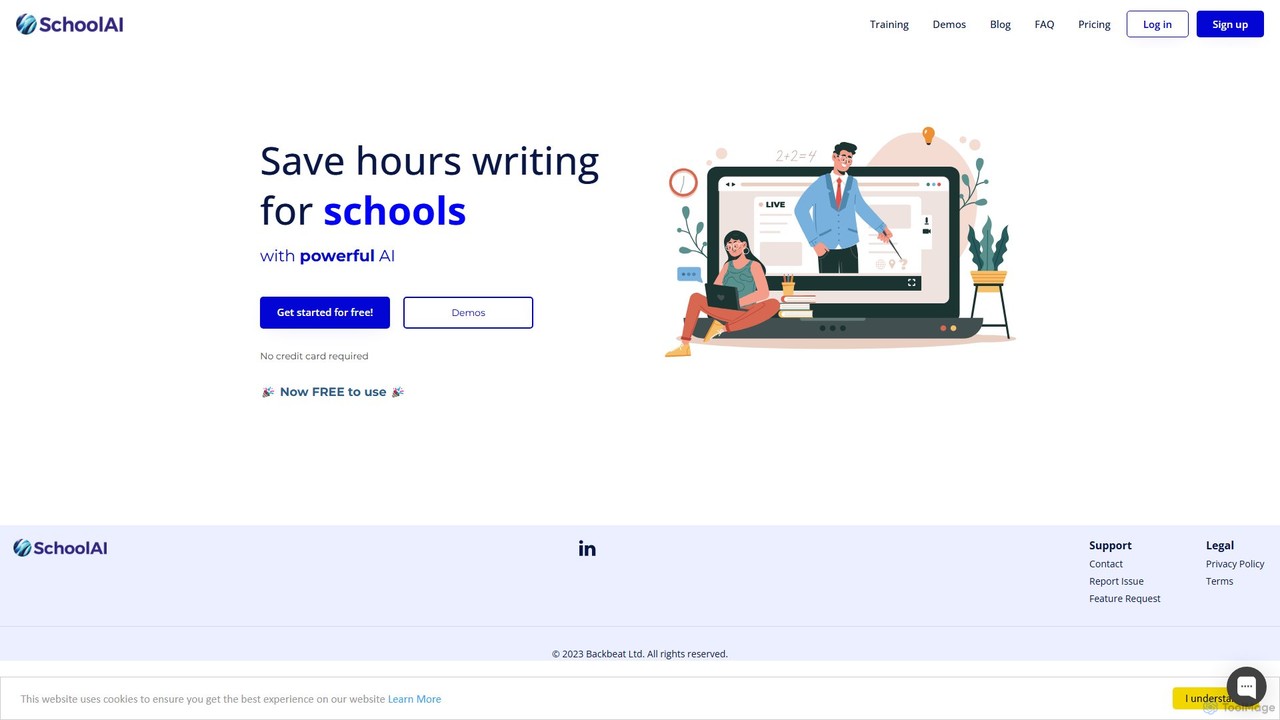
SchoolAI
SchoolAI is a trusted AI platform designed for education, empowering teachers and supporting every learner. It offers tools for personalized learning, lesson planning, real-time student monitoring, and content creation, saving educators over 10 hours per week. With a strong focus on safety and data privacy (FERPA & COPPA compliant), SchoolAI provides an interactive AI assistant for students and a comprehensive productivity suite for teachers, all within a secure, teacher-controlled environment.
Personalized Learning
Stretch
Stretch is an AI-powered educational platform designed for teachers and students. It helps create personalized 'stretch and challenge' learning materials, generating differentiated instruction content, advanced quizzes, and in-depth concept explanations to push students beyond the core curriculum and foster deeper understanding.
Teaching AssistantCuripod
Curipod is an AI-powered platform that helps educators create interactive lessons to boost student engagement, participation, and learning. It generates complete, standards-aligned lessons with activities like polls, drawings, and open-ended questions, providing real-time AI feedback to students to foster critical thinking and writing skills.
Lesson Planning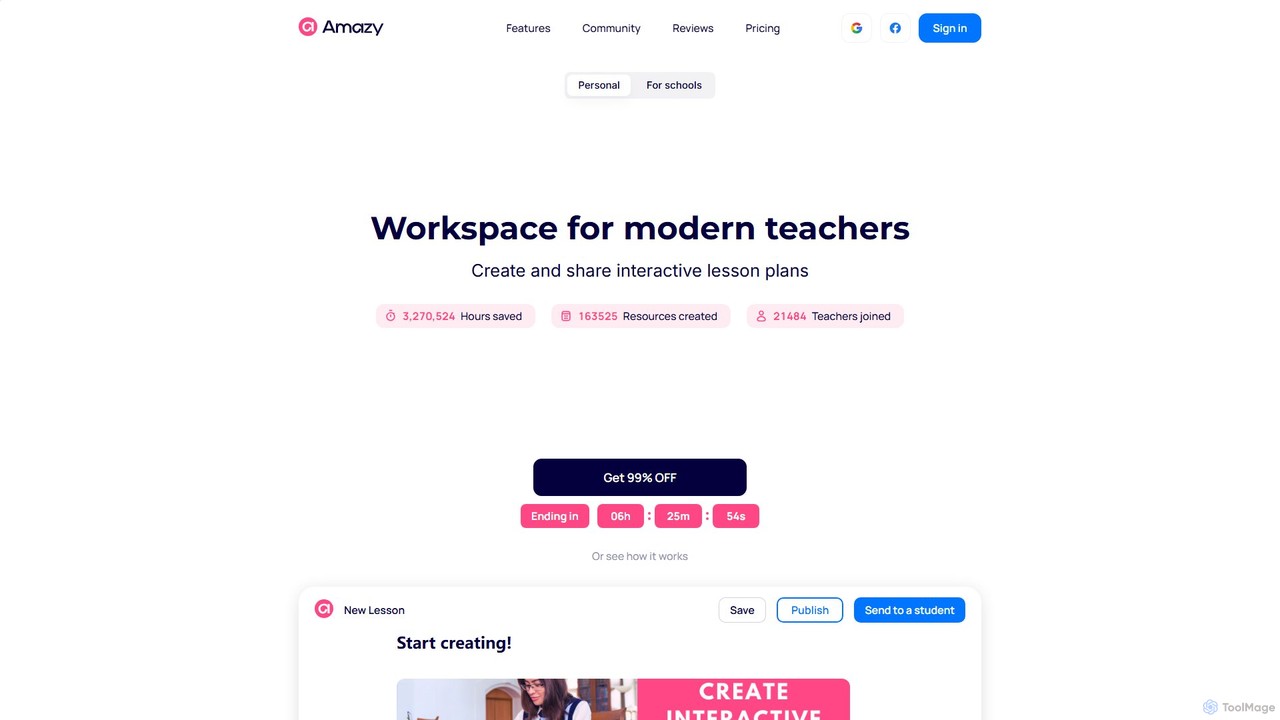
amazy
amazy is an AI-powered workspace for modern educators to create and share interactive lesson plans. It streamlines course creation, automates grading, tracks student progress, and provides access to a vast community library of ready-to-use materials, saving teachers valuable time while enhancing student engagement.
Course Creation
Jyek
Jyek is an AI agent platform that understands objectives, creates execution plans, uses tools, and delivers verifiable results for complex, multi-step tasks.
Automation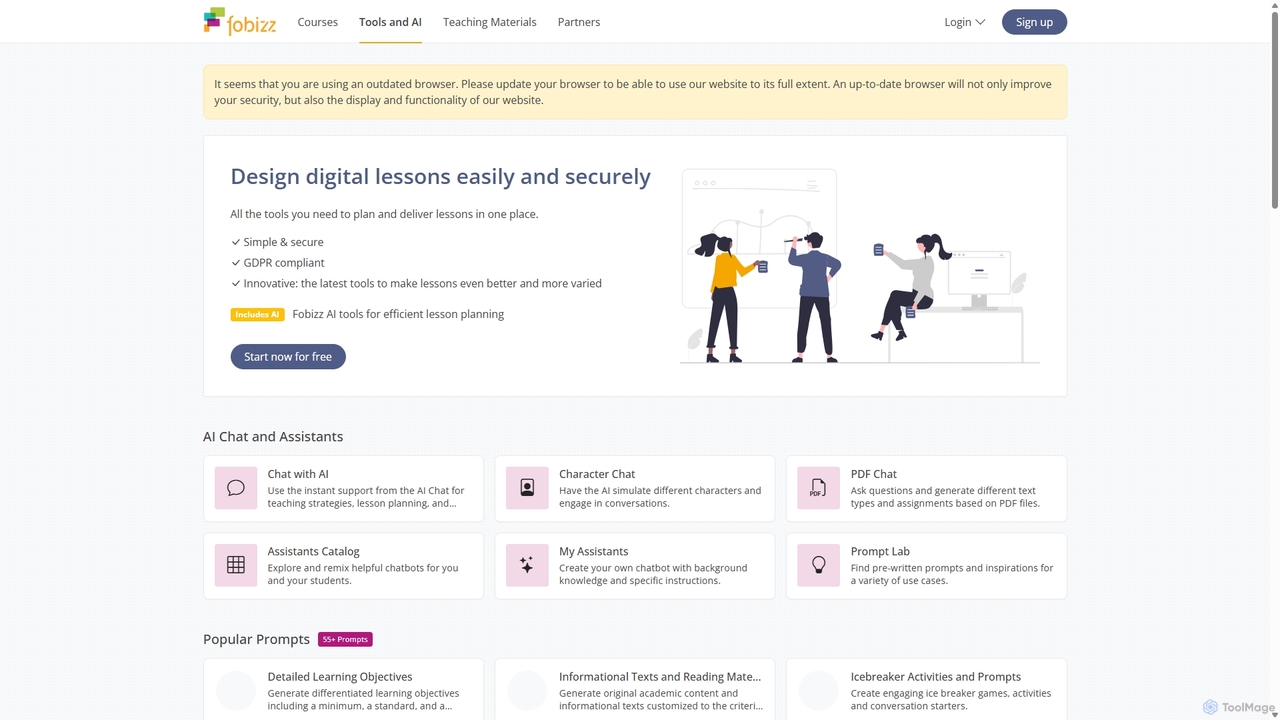
fobizz
fobizz is an all-in-one digital platform for educators, offering a comprehensive suite of AI-powered tools, professional development courses, and ready-to-use teaching materials. It's designed to simplify lesson planning, create engaging content, and foster a secure, innovative learning environment compliant with GDPR.
Text To Speech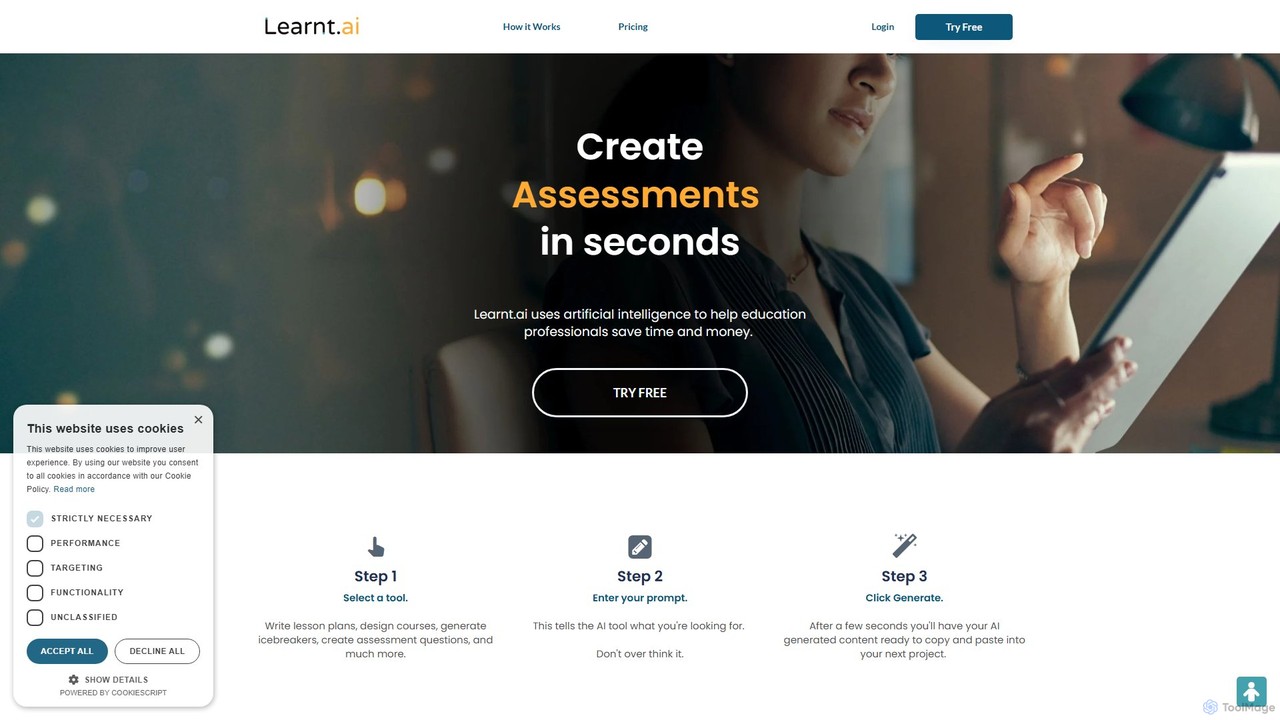
Learnt.ai
Learnt.ai is an AI-powered platform designed for education professionals. It offers over 110 specialized tools and AI sidekicks to automate and enhance the creation of lesson plans, course materials, assessments, and engaging activities, saving educators valuable time and inspiring creativity.
Teaching Assistant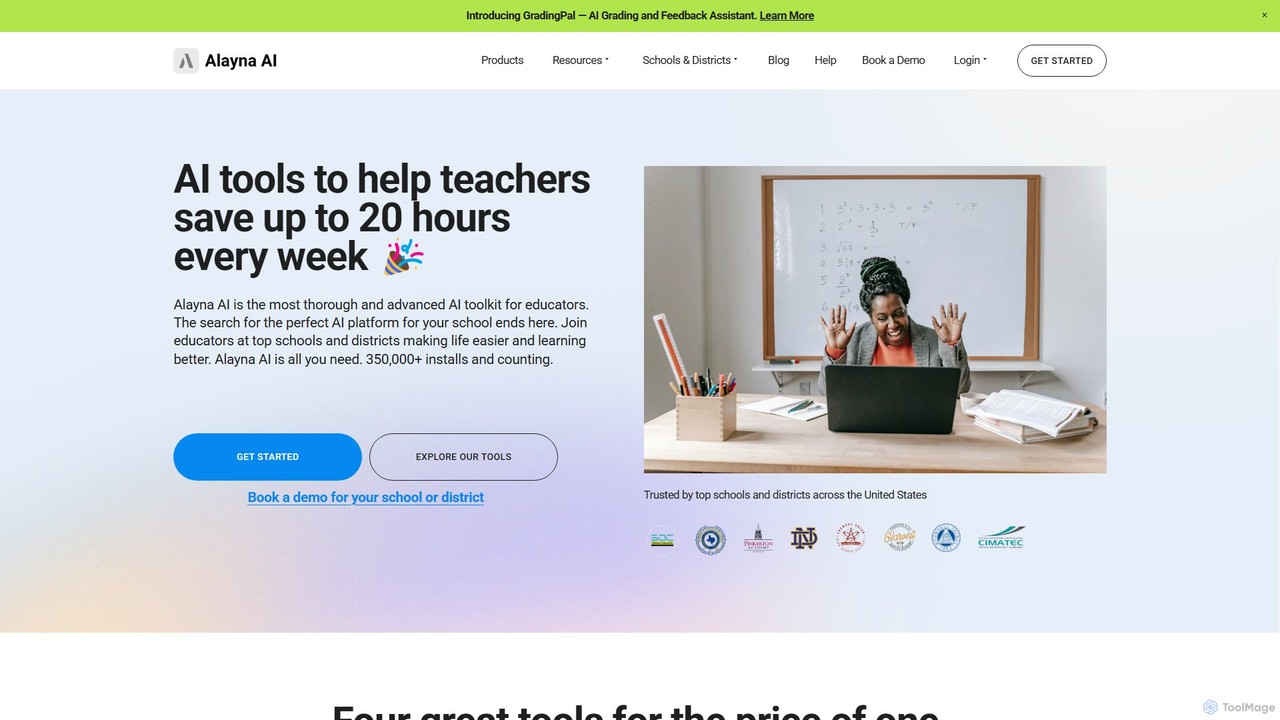
Alayna AI
Alayna AI is a comprehensive AI toolkit designed for K-12 educators, schools, and districts. It aims to save teachers up to 20 hours per week by automating tasks like curriculum development, presentation creation, project design, and grading. The platform includes a Curriculum Generator, an AI Slides Generator for Google Slides, a Project Designer for PBL, and an AI Grading Assistant, providing an all-in-one solution to enhance teaching efficiency and student engagement.
Assessment
Gibbly
Gibbly is an AI-powered platform for teachers, designed to save hours of prep time. It generates ready-to-use lessons, gamified quizzes, assessments, and review assignments in minutes. Create engaging, curriculum-aligned content from any topic, YouTube video, or document to enhance student learning and collaboration.
Quiz Maker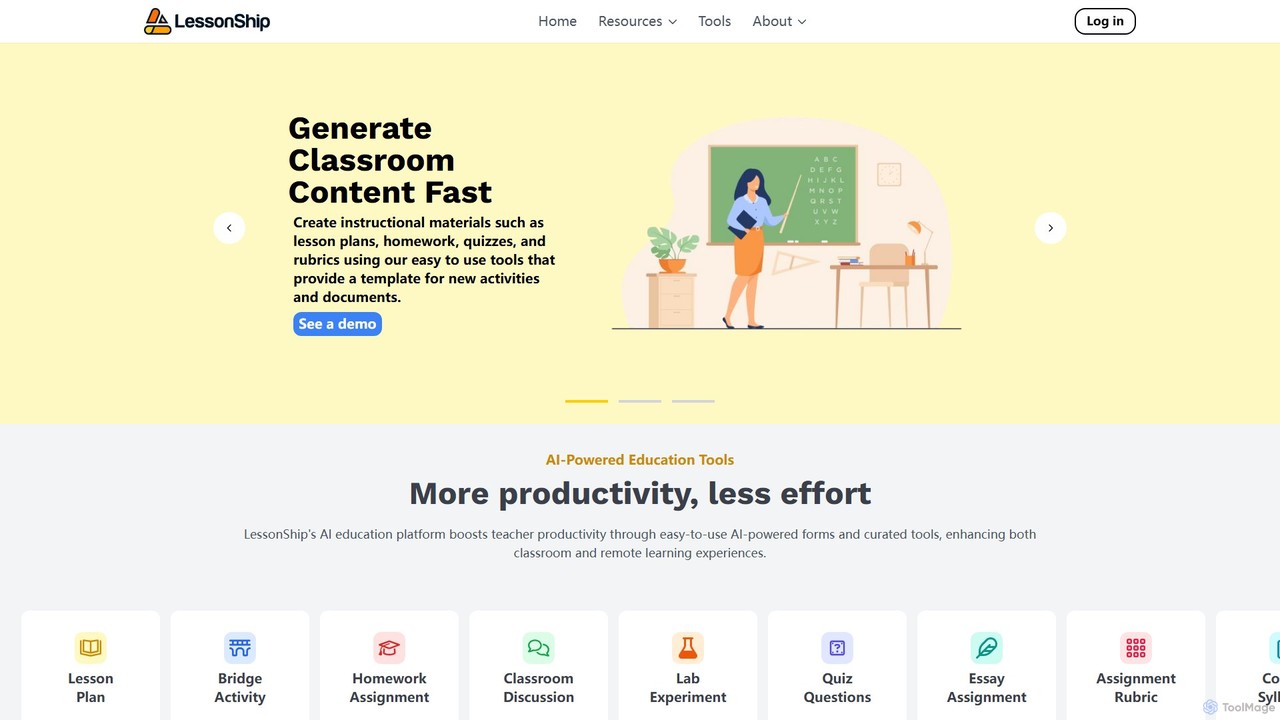
LessonShip
LessonShip is an AI-powered platform designed for educators to rapidly create high-quality instructional materials. It helps teachers save hours on prep work by generating lesson plans, quizzes, homework, and more, allowing them to focus on student engagement and personalized learning.
Lesson Planning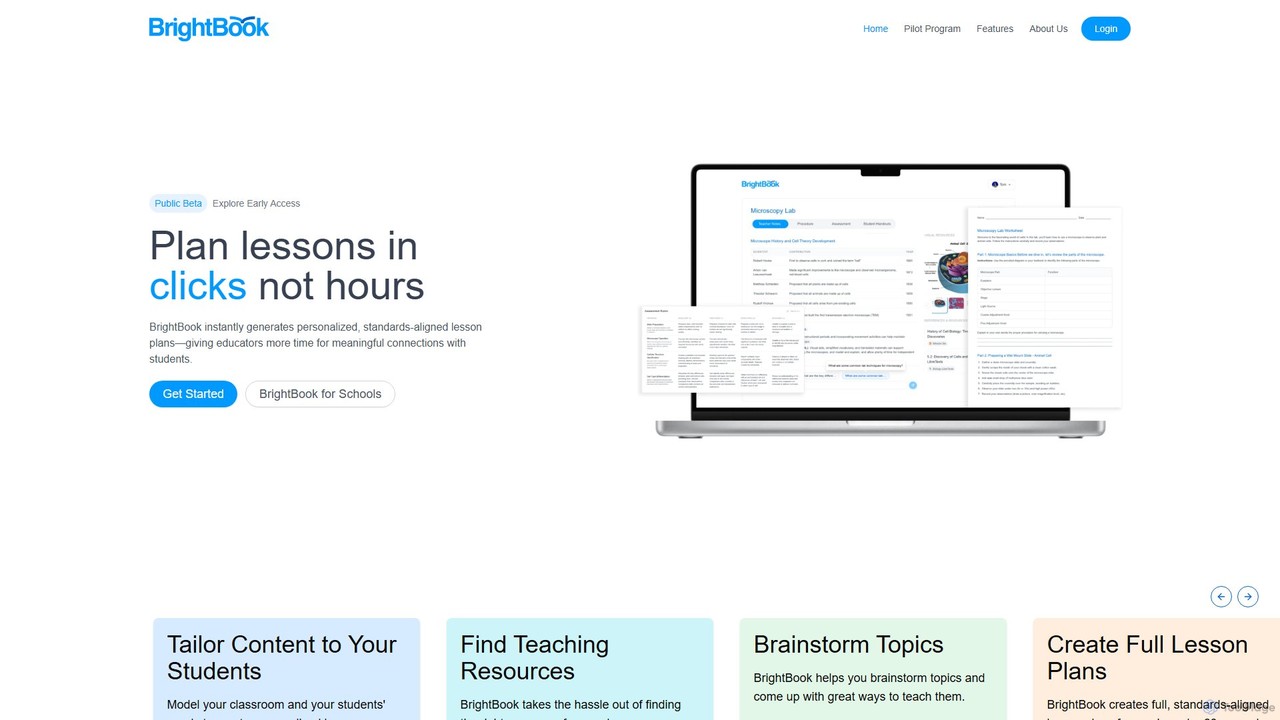
brightbook
BrightBook is an AI-powered platform designed for educators to instantly create personalized, standards-aligned lesson plans. It streamlines the planning process, saving teachers hours of work, reducing burnout, and fostering more engaging and human-centered learning experiences.
Lesson Planning
Teachify.online
Teachify.online is an AI-powered platform designed for educators to streamline content creation. It instantly generates high-quality lesson plans, quizzes, worksheets, and course outlines, saving teachers valuable time and effort. Ideal for K-12 teachers, university professors, and online course creators looking to enhance their teaching materials and engage students more effectively.
Lesson Planning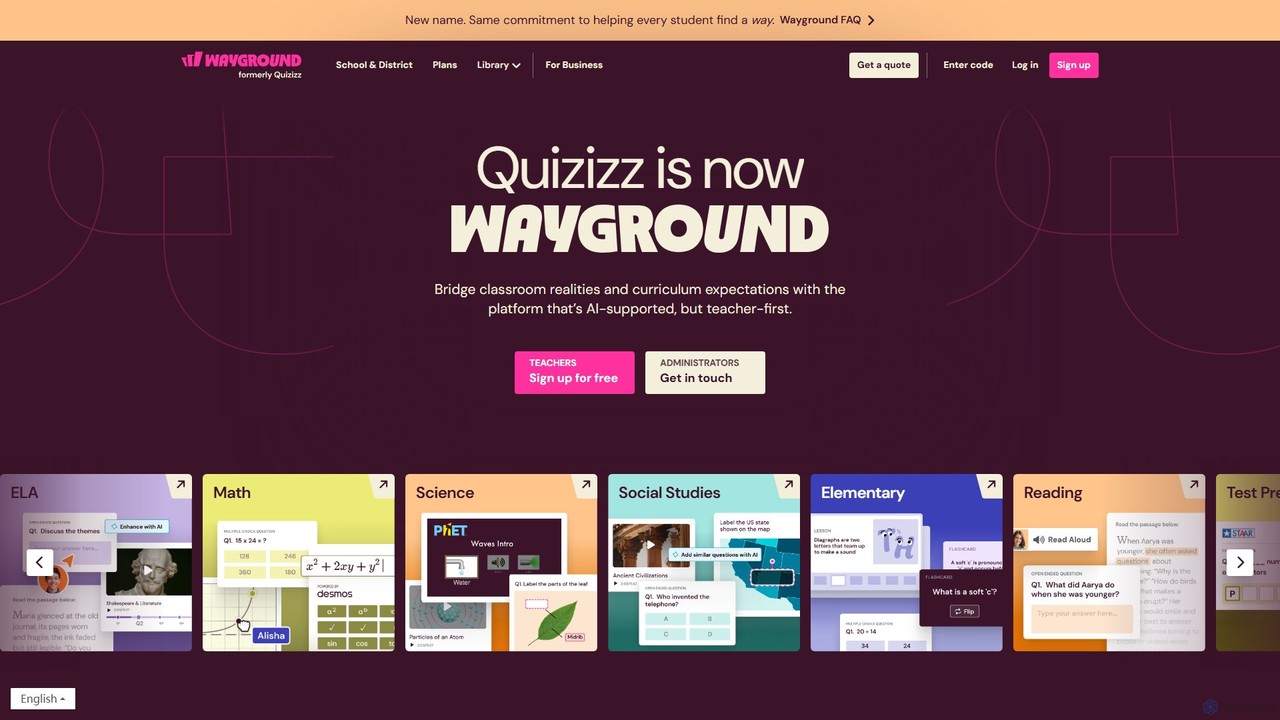
Wayground (Quizizz)
Wayground (formerly Quizizz) is an AI-powered K-12 learning platform that helps teachers create engaging quizzes, interactive lessons, and differentiated materials. It combines gamification with powerful assessment tools to motivate every student, provide data-driven insights, and seamlessly integrate with existing school curricula and technology ecosystems.
Assessment
MagicSchool Comments (0)
Sign in to comment.
Sign inNo comments yet.